


Artificial Intelligence and Machine Learning Articles
Finance Manager to Data Analytics: Career Growth, Salary and Seniority
How to Evaluate LLM Outputs in Production Deployments
AI/ML Skills Gap 2026: Why Companies Can't Find Job-Ready Talent
20 AI/ML Interview Questions Recruiters Can Use Without a Tech Background - Best Guide


Get In Touch For Details! Request More Information
Best AI Presentation Tools in 2026: 11 Tools to Transform Your Slides – Best Guide
Sep 22, 2026 10 Min Read 8396 Views
(Last Updated)
AI Presentation Tools help you move from an idea to a usable deck without building every slide manually. They can create an outline, draft slide content, suggest layouts, generate visuals, and help you edit the final presentation.
The best AI Presentation Tools in 2026 are no longer limited to one-click slide generation. Many now work with documents, existing presentations, brand assets, PowerPoint, Google Slides, and collaborative workflows.
This updated guide compares current tools, removes discontinued options, and explains which platform fits students, professionals, educators, sales teams, and business users.
If you want to explore more tools beyond presentations, see this list of free AI tools in 2026.
Table of contents
- TL;DR; Summary
- What Are AI Presentation Tools?
- Key Capabilities of AI Presentation Tools
- Best AI Presentation Tools in 2026: Quick Comparison
- Beautiful.ai
- Plus AI – Best for PowerPoint and Google Slides Users
- Canva Magic Design
- Gamma
- SlidesAI
- Pitch
- Microsoft Copilot for PowerPoint
- Decktopus AI
- Presentations.ai
- MagicSlides
- Sendsteps.ai
- How to Choose the Right AI Presentation Tool
- Real-World Example: Choosing a Tool for a Client Presentation
- Common Mistakes When Using AI Presentation Tools
- Go Beyond Using AI Tools with HCL GUVI
- Conclusion
- FAQs
- What are AI Presentation Tools?
- Which AI presentation tool is best in 2026?
- Can AI Presentation Tools create PowerPoint files?
- Which AI presentation tool works with Google Slides?
- Are AI Presentation Tools free?
- Can students use AI Presentation Tools?
- Can AI presentation software replace PowerPoint?
- What should I check before using an AI-generated presentation?
TL;DR; Summary
AI Presentation Tools can turn a prompt, document, outline, or existing content into a structured slide deck. They can also help with design, rewriting, visuals, branding, and export.
In 2026, strong options include Gamma, Beautiful.ai, Canva, Plus AI, Pitch, SlidesAI, Microsoft Copilot for PowerPoint, Decktopus, Presentations.ai, MagicSlides, and Sendsteps. The best AI Presentation Tools depend on your workflow, so always check editing options, export quality, collaboration, and review AI-generated content before presenting.
What Are AI Presentation Tools?
AI Presentation Tools are software platforms that use generative AI and design automation to help create, edit, and format presentations. You can usually start with a prompt, outline, document, webpage, or existing deck and let the tool create a first version.
Modern AI Presentation Tools can help with:
- Presentation outlines
- Slide titles and summaries
- Layout and visual suggestions
- Image generation or image search
- Brand styles and themes
- Rewriting and shortening content
- Charts and data presentation
- Speaker notes in supported tools
- PowerPoint, PDF, or Google Slides workflows depending on the platform
The output should still be reviewed by a person. AI Presentation Tools can speed up drafting and design, but they can also produce weak wording, incorrect facts, unsuitable images, or slides that do not match your audience.
To get better first drafts, learn the basics of prompt engineering and give the tool clear context about the audience, goal, slide count, tone, and presentation format.
Key Capabilities of AI Presentation Tools
- Automatic slide design – AI arranges content into clean, structured layouts
- Content generation – AI writes slide titles, summaries, and bullet points based on your input
- Image and visual creation – Some tools generate or suggest images, icons, and graphics
- Layout suggestions – AI recommends the best layout for each type of content
- Data visualization – Charts and graphs are generated automatically from your data
Also Explore: The Ultimate List of Free AI Tools You Shouldn’t Miss in 2026
Best AI Presentation Tools in 2026: Quick Comparison
| Tool | Best For | Works Best With | Main Strength |
| Gamma | Fast AI-first deck creation | Web | Prompt/document to polished deck |
| Beautiful.ai | Business design and brand consistency | Web | Smart Slides and auto-layout |
| Canva | Visual and creative presentations | Canva ecosystem | Templates, design and AI creation |
| Plus AI | Native slide editing | PowerPoint + Google Slides | Creates and edits slides inside existing apps |
| Pitch | Sales, startup and team decks | Web/team workflows | Collaboration, branding and AI assistance |
| SlidesAI | Students and Google Slides users | Google Slides | Text-to-presentation workflow |
| Microsoft Copilot for PowerPoint | Microsoft 365 users | PowerPoint | Creates and edits presentations inside PowerPoint |
| Decktopus | Guided quick deck creation | Web | Prompt-led presentation workflow |
| Presentations.ai | Brand-controlled business decks | Web | AI-assisted presentation creation |
| MagicSlides | Source-to-slides workflows | Google Slides/web | Turns text, URLs and other source material into slides |
| Sendsteps | Live teaching and audience interaction | Web/PowerPoint workflows | Interactive presentation features |
These AI Presentation Tools solve different problems, so do not choose only by the number of AI features. Check where the deck must be edited, how it needs to be exported, whether your brand must stay consistent, and whether you need collaboration or audience interaction.
1. Beautiful.ai
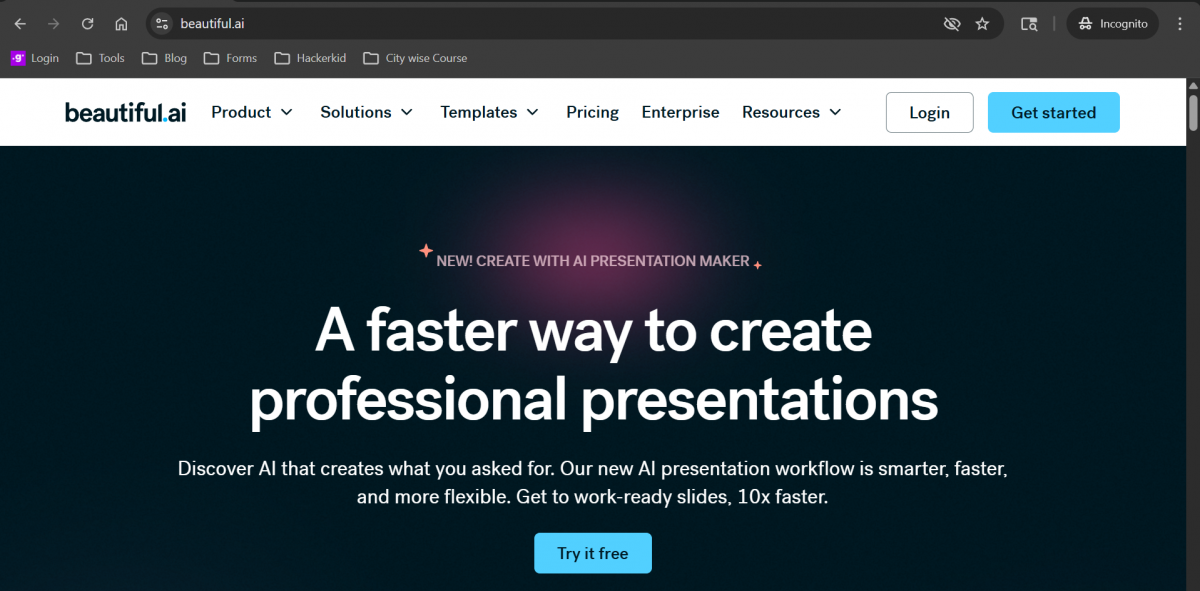
Overview: Beautiful.ai is one of the most well-known AI presentation tools. It focuses on smart slide design that automatically adjusts as you add content.
Beautiful.ai now combines its Smart Slides with a guided AI creation workflow. Users can start with a prompt, outline, or document, review the structure, generate slides, and continue refining individual slides without rebuilding the full deck.
Beautiful.ai remains a strong option for users who care about consistent layouts and business-ready design.
Key Features:
- Smart slide templates that resize and reformat automatically
- 300+ Smart Slide layouts for data, comparisons, timelines, diagrams, images, and other presentation needs.
- Brand kit to keep your slides consistent with company colours and fonts
- Real-time collaboration for teams
Best Use Cases: Business presentations, company decks, and team reports
Who Is This Tool Best For? Design-conscious professionals, agencies, brand managers
Standout Feature: Smart Slides technology auto-adjusts layout and alignment as you add content, no design skills needed
Pricing: Starts at around $12 per month for individuals. Team plans are available.
Pros
- DesignerBot generates complete decks from a text prompt
- Smart templates auto-adjust to content changes
- Real-time brand kit enforcement across all slides
- Team collaboration with full version history
- PowerPoint and PDF export available
Cons
- The free plan is very limited (1 presentation only)
- Less flexible for highly custom layouts
- Pricing jumps significantly for team plans
- Fewer integrations vs. Canva or Gamma
Official Link:
https://www.beautiful.ai/
2. Plus AI – Best for PowerPoint and Google Slides Users
Plus AI works directly inside PowerPoint and Google Slides. It can create a new presentation from a prompt or uploaded file and can also help rewrite, reformat, and improve slides without forcing you to move the deck into a separate presentation platform.
Key Features
- Create presentations from prompts
- Upload PDF, Word, PowerPoint, or text files as source material
- Rewrite and reformat existing slides
- Add images, icons, and charts
- Work directly inside PowerPoint and Google Slides
Best Use Case: Professionals and teams that want AI assistance while keeping presentations in familiar slide software.
Who Is It Best For? PowerPoint and Google Slides users who want editable native presentations.
Official Link:
https://plusai.com/
Plus AI deserves a place among the AI Presentation Tools in 2026 because it focuses on working inside the slide apps many teams already use.
3. Canva Magic Design
Overview: Canva is already one of the most popular design platforms in the world. Its Magic Design feature uses AI to generate presentation slides based on your inputs.
Key Features:
- Thousands of customisable presentation templates
- AI-powered design suggestions with Magic Design
- Drag-and-drop editor for easy customisation
- Access to a huge library of stock images, icons, and fonts
Standout Feature: visual-first AI with strong template library
Best Use Cases: Social media-style presentations, marketing decks, and educational content
Who Is This Tool Best For? Social media marketers, educators, small business owners
Pricing: Free plan available. Canva Pro starts at ₹4,000 around per month.
Pros
- 250,000+ templates for every use case
- Magic Write for AI slide content generation
- Built-in background remover and AI image generator
- Familiar interface, very low learning curve
- Exports to PowerPoint, PDF, and social formats
Cons
- AI content quality is less powerful than GPT-4 native tools
- Brand consistency tools require a paid plan
- Can feel generic without manual customization
- A large template library can be overwhelming
Link: https://www.canva.com/magic-design/
4. Gamma
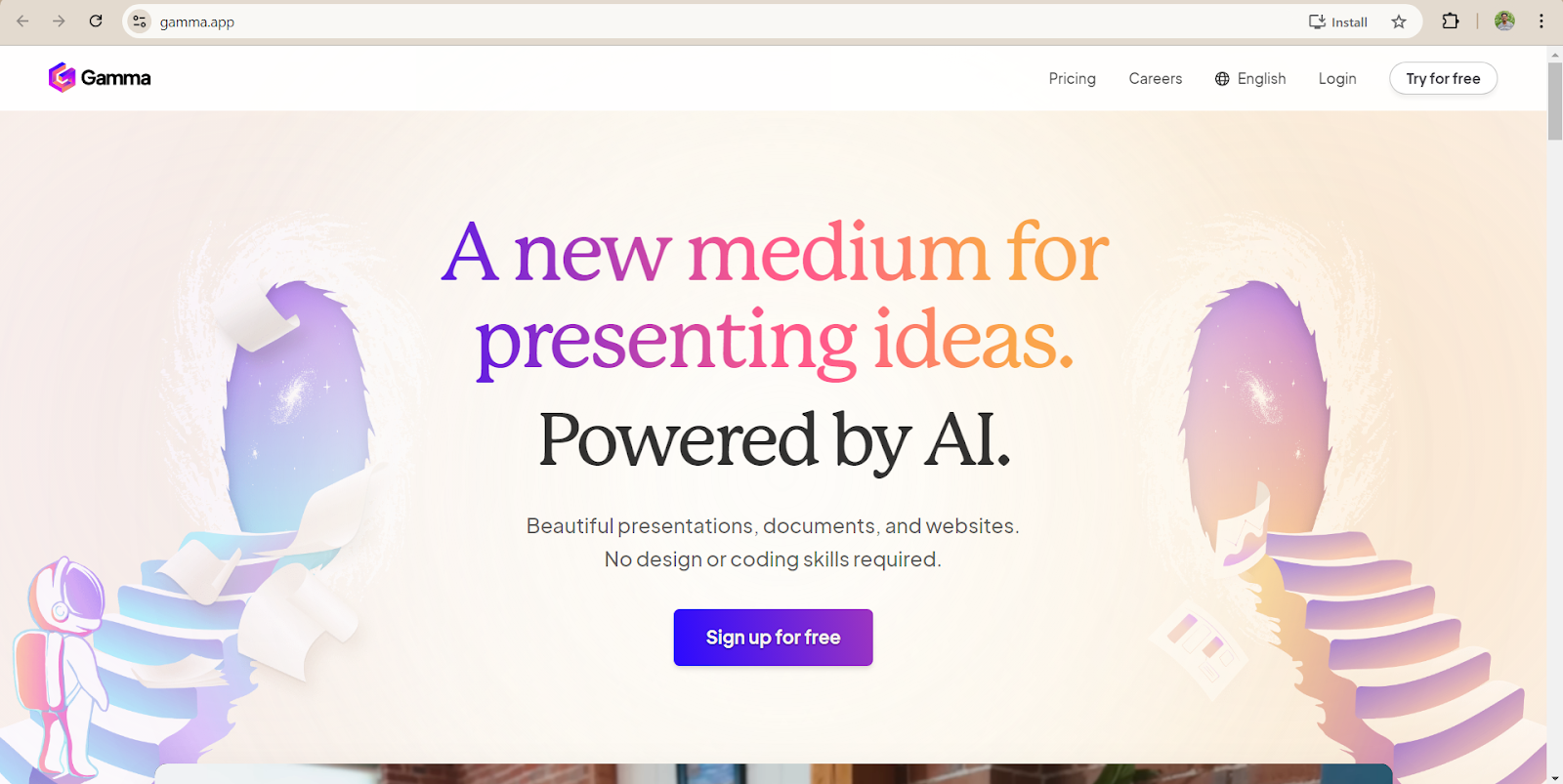
Overview: Gamma is a newer tool that has gained a lot of attention for how quickly it generates full presentations from a prompt. It focuses on clean design and easy editing.
Key Features:
- Gamma can create presentations from an idea, outline, or imported content and lets users edit layouts, visuals, and text with AI. It currently supports presentation export to PowerPoint, PDF, and PNG, with Google Slides workflows also supported through its export options.
- Gamma remains a flexible option for users who want fast generation and a modern web-based editing experience.
- AI can rewrite, shorten, or expand slide content on request
- Built-in collaboration and sharing
- Supports export to PowerPoint and PDF
Best Use Cases: Quick presentations, internal briefings, and content-heavy decks
Who Is This Tool Best For? Marketers, founders, educators, and content creators
Pricing: Free plan available with limited credits. The Pro plan starts at around ₹950 a month.
Standard Feature: Generates a complete, professional deck from a single text prompt in under 60 seconds
Pros
- Unlimited AI generations on the free plan
- One-click theme redesign without losing content
- Direct export to PowerPoint (.pptx)
- Embedded media (images, GIFs, charts) auto-generated
- Smart card-based layout adapts to any screen size
Cons
- Limited offline functionality
- Advanced animations require manual configuration
- Export formatting occasionally differs from the web view
User Reviews and Ratings: 4.8 / 5 (Source: Product Hunt).
Expert View: “Gamma revolutionizes content creation with its user-friendliness and adaptability, making it an indispensable asset across various industries.” - Futurepedia
Try Now: Gamma
5. SlidesAI
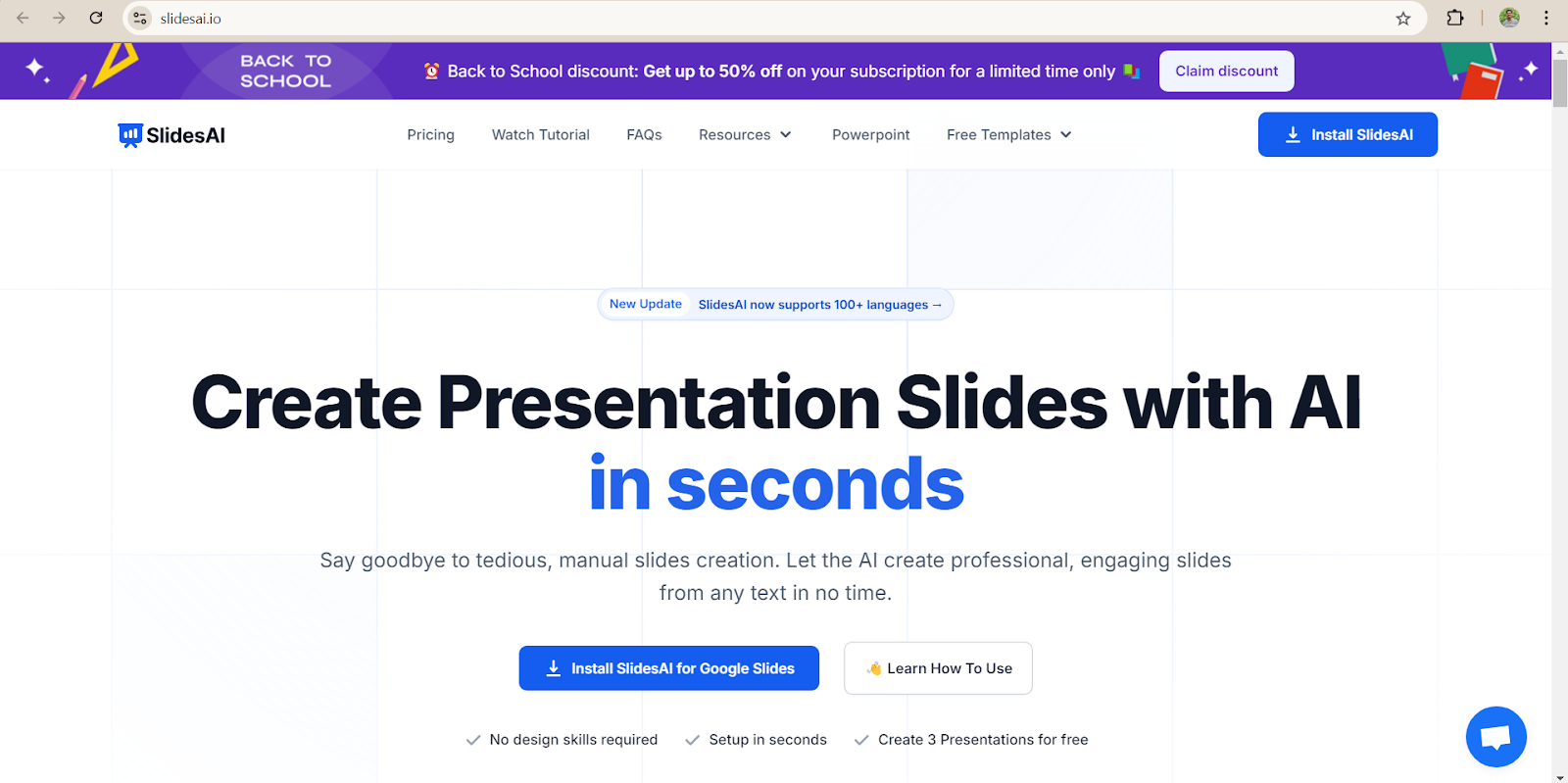
Overview: SlidesAI is a Google Slides add-on that converts your written text into a complete slide presentation. It is a good option for anyone already working in the Google Workspace ecosystem.
Key Features:
- Paste any text and AI generates slides automatically
- Integrates directly with Google Slides
- Supports multiple slide themes and colour palettes
- Works in over 100 languages
Standout Feature: text-to-slides conversion is accurate and reliable
Best Use Cases: Quick presentations, internal briefings, and content-heavy decks
Google Workspace users, educators, and students
Who Is This Tool Best For? Teachers, students, and anyone working within Google Workspace
Pricing: Free plan with limited slide generations. Paid plans start at around ₹769 per month.
Pros
- Works inside Google Slides, no new app to learn
- Paste any article, essay, or report and create slides
- Supports 100+ languages
- Automatic color theme and font pairing
- Best free option for Google Workspace users
Cons
- Free plan limited to 3 presentations/month
- Design quality is lower compared to other tools
- Limited customization options for advanced users
User Reviews and Ratings: 4.2 / 5 (Source: Google Workspace).
Expert View: “SlidesAI is an innovative AI-powered platform that takes the hassle out of creating captivating and professional presentations”. – Sprout24
Try Now: SlidesAI
6. Pitch

Overview: Pitch is a modern presentation tool that blends AI assistance with strong team collaboration features. It is built for teams that create and share presentations regularly.
Pitch introduced Pitch Agent in 2026 to help users move from prompts and content to on-brand presentations while keeping team collaboration at the center of the workflow.
Pitch is especially useful for startup, sales, marketing, and team presentations where collaboration and brand consistency matter.
Key Features:
- AI helps with slide content and layout suggestions
- Real-time collaboration with comments and version history
- Analytics to track how viewers engage with your presentation
- Clean, professional templates
Standout Feature: GPT-4 based with strong narrative structure
Best Use Cases: Best for Sales & Investor Decks
Who Is This Tool Best For? Startups, sales teams, and investor relations professionals
Best For: Sales teams, marketing teams, and agencies
Pricing: Free plan available. Pro plans start at around ₹172 per month.
Pros
- AI suggests slide structures based on deck type
- Real-time team collaboration with version control
- Analytics: track who viewed your deck and for how long
- 1,000+ professionally designed templates
- Excellent for investor and sales use cases
Cons
- Higher price point vs. competitors ($22/mo for Pro)
- Free plan limited to 5 projects only
- Design flexibility lower than Canva
- Learning curve for full feature adoption
User Reviews and Ratings: 4.2 / 5 (Source: G2).
Expert View: “So much easier to make customized, attractive decks than Google Slides or ppt” – G2.
Correct official link:
https://pitch.com/
7. Microsoft Copilot for PowerPoint
Overview: Microsoft Copilot for PowerPoint is a native AI assistant built directly into the PowerPoint application. It is designed for enterprise teams and corporate professionals who are already working within the Microsoft 365 ecosystem.
Copilot can help create a presentation from a prompt or source material and lets users continue refining the deck within PowerPoint. It is especially practical for people who already work mainly in Microsoft 365.
Key Features:
- Converts Word documents and PDFs directly into fully formatted PowerPoint presentations
- Slide rewriting using natural language commands
- Speaker coach provides AI delivery feedback
- Seamless integration with Microsoft Teams and SharePoint
Standout Feature: Converts Word documents and PDFs directly into fully formatted PowerPoint presentations without leaving the PowerPoint app.
Best Use Cases: Best for Office 365 Users
Who Is This Tool Best For? Enterprise teams, Office power users, and corporate professionals
Pricing: No free tier. Included in Microsoft 365.
Pros
- Native inside PowerPoint, no new app or learning curve needed
- Creates presentations directly from existing Word or PDF documents
- Natural language commands let you rewrite or restructure slides instantly
- Speaker coach gives AI-powered delivery and pacing feedback
- Deep integration with Teams and SharePoint for enterprise workflows
Cons
- Pricing/Access: Availability depends on your Microsoft 365 subscription, Copilot license, and organisation settings. Check Microsoft’s current plan details before publishing a fixed price.
- Only useful if your team is already inside the Microsoft ecosystem
- Design creativity is more limited compared to dedicated AI design tools
- Slide layouts can feel generic without manual customisation
Official guidance:
https://support.microsoft.com/en-us/powerpoint/copilot/create-a-new-presentation-with-copilot-in-powerpoint
Link: https://m365.cloud.microsoft/
8. Decktopus AI
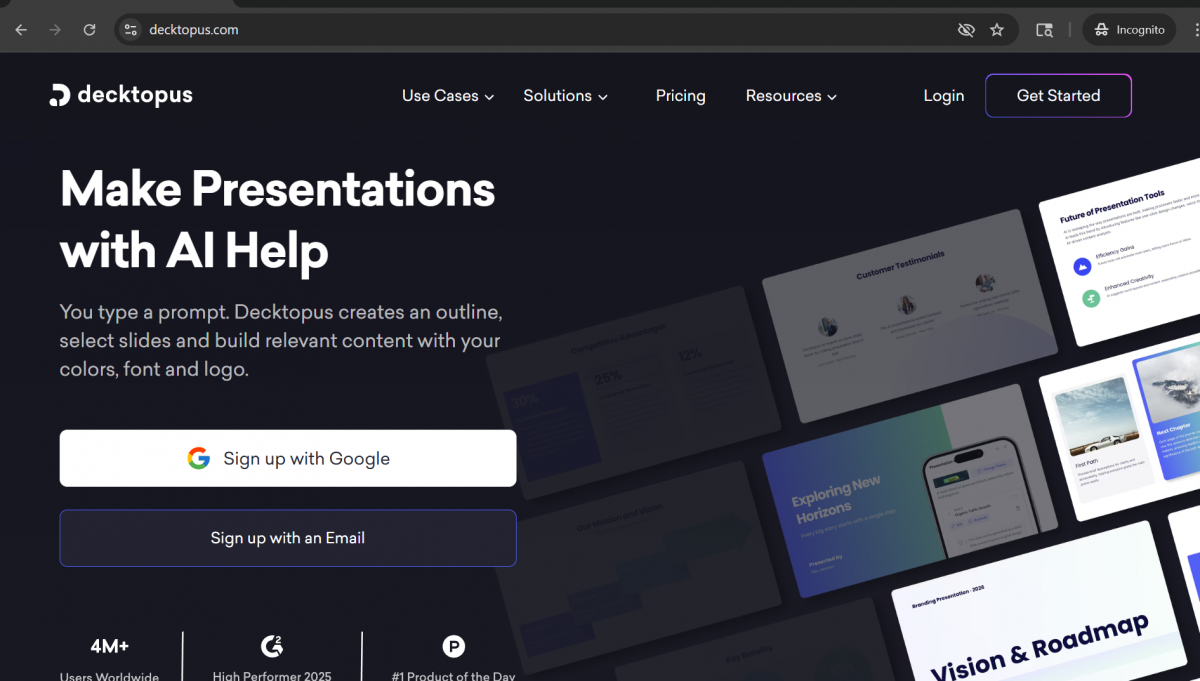
Overview: Decktopus AI is a fast, automated presentation builder that guides users through a short setup process before generating a complete deck. It is built for solopreneurs and consultants who need a ready-to-use presentation with minimal effort.
Key Features:
- Guided 4-question setup to tailor content and design to your audience and purpose
- Full deck generated, including content, images, and design in a single step
- Export to PowerPoint is available
- Free plan includes up to 5 decks
Standout Feature: Answer just 4 questions about your audience and purpose, and Decktopus generates a complete deck including content, images, and design in under 2 minutes

Best Use Case: Best for Quick, Automated Decks
Who Is This Tool Best For? : Solopreneurs, consultants, and anyone who needs fast, automated decks
Pricing: Free plan available for up to 5 decks. Pro plan at $14.99 [₹1,383.58] Approx per month. Business plan at $34.99 per month. (Approx) Enterprise pricing is custom.
Pros
- Fastest deck generation available, complete in under 2 minutes
- Guided setup questions improve the relevance and quality of AI output
- Best value pricing for solo users and freelancers
- Generates content, images, and design together in one automated step
- PowerPoint export makes it easy to continue editing outside the platform
Cons
- Content quality is lower than premium tools like Gamma or Copilot
- Limited design customisation options after the deck is generated
- Not well suited to complex or enterprise-level presentations
- Fewer collaboration features than team-focused tools like Pitch or Beautiful.ai
Link: https://www.decktopus.com/
9. Presentations.ai
Overview: Presentations.ai is an enterprise-grade AI presentation platform built for large organisations that need consistent brand compliance across hundreds or thousands of slide decks. It is designed for consulting firms, Fortune 500 teams, and large enterprise departments.
Key Features:
- Auto-enforces brand guidelines across every presentation created by the team
- Integrates with CRM and database sources to generate data-driven slide content
- AI generates slides from live business data in real time
- SOC 2 and GDPR compliant for enterprise security requirements
Standout Feature: Automatically enforces brand guidelines across thousands of presentations while integrating with CRM and database sources to produce data-driven decks at scale.
Best Use Case: For Enterprise Scale
Who Is This Tool Best For? Large enterprises, consulting firms, and Fortune 500 teams
Pricing: Limited free access available. Enterprise pricing is custom and requires direct contact with the sales team.
Pros
- Enterprise-grade brand compliance built into every slide automatically
- Integrates with CRM and external databases for live, data-driven presentations
- AI generates slides directly from real business data
- SOC 2 and GDPR compliant, meeting strict enterprise security standards
- Built to support teams of 50 or more users at scale
Cons
- No transparent pricing, an enterprise sales process is required to get a quote
- Too advanced and complex for small teams or individual users
- Longer implementation and onboarding time compared to self-serve tools
- Limited public reviews and community resources make it harder to evaluate independently
Link: https://www.presentations.ai/
10. MagicSlides
Overview: MagicSlides is an AI presentation tool built around converting existing content into structured slide decks. It works particularly well for academic and research use cases, turning YouTube videos, research papers, and web pages into ready-to-use presentations.
Key Features:
- Converts YouTube videos directly into structured slide decks
- Summarises academic papers and research articles into slide-ready content
- URL-to-slides: paste any webpage and generate a full deck
- Google Slides integration for seamless workflow
Standout Feature: Converts YouTube videos, research papers, and URLs into structured presentation decks, making it uniquely suited to academic and research source material.
Best Use Case: Best for Academic & Research Presentations
Who Is This Tool Best For? Students, researchers, academics, and educators
Pricing: Free plan available with 3 presentations per month.
Pros
- Converts YouTube videos directly into slide decks, a feature no major competitor offers
- Summarises academic papers and research articles into concise, structured slides
- URL-to-slides lets you turn any webpage into a presentation instantly
- Most affordable paid plan available at $6.99 per month
- Google Slides integration fits naturally into academic workflows
Cons
- Design quality is noticeably lower than premium tools like Beautiful.ai or Gamma
- Free plan is capped at just 3 presentations per month
- Best suited to academic content and not well optimised for business or marketing decks
- Limited customisation and branding options for professional use
Link: https://www.magicslides.app/
11. Sendsteps.ai
Overview: Sendsteps.ai is an AI presentation tool that goes beyond static slides by generating interactive live elements alongside your content. It is built for trainers, educators, and event speakers who need to engage a live audience during their presentation.
Key Features:
- Generates live polls, quizzes, Q&A sessions, and word clouds alongside slide content
- AI builds the full presentation structure and interactive elements together
- Export to PowerPoint available for offline use
- Free plan available with core features included
Standout Feature: The only AI PPT tool that generates interactive live audience engagement elements, including polls, Q&A sessions, word clouds, and quizzes as part of the presentation itself.
Who Is This Tool Best For? Trainers, educators, event speakers, and workshop facilitators
Best Use Case: Best for Interactive Presentations
Pricing: Free plan available. Pro plan at ₹234 per month. Business plan at ₹ 484 per month. Enterprise pricing is custom.
Pros
- Only AI presentation tool that generates live polls, quizzes, and Q&A alongside slides
- Built-in audience engagement tools set it apart from every other tool on this list
- Ideal for training sessions, live workshops, and public-speaking events
- PowerPoint export available for use in offline or hybrid settings
- Free plan gives new users access to core interactive features
Cons
- Slide design quality is lower than that of design-focused tools like Canva or Beautiful.ai
- Interactive engagement features are only relevant during live presentations
- Limited value for static or shareable decks that are not presented live
- Smaller user community compared to established tools like Gamma or Canva
Link: https://www.sendsteps.com/en/
These AI presentation tools offer a variety of features to help you create stunning presentations with ease. Choose the one that best fits your workflow!
Tome, once widely listed among AI Presentation Tools, officially sunset Tome Slides on April 30, 2025. Users were told to export important presentation content before the shutdown, so Tome should be removed from 2026 recommendation lists.
How to Choose the Right AI Presentation Tool
The best AI Presentation Tools depend on how you actually create and deliver presentations.
Choose based on these five points:
- Where you edit: Choose Plus AI or Copilot if you want to stay in PowerPoint or Google Slides workflows.
- Design control: Consider Canva or Beautiful.ai when visual quality and brand consistency are important.
- Speed: Gamma and guided AI deck builders are useful when you need a strong first draft quickly.
- Collaboration: Pitch is useful when several people need to work on the same deck.
- Presentation type: Sendsteps fits interactive sessions, while MagicSlides and SlidesAI can suit education and source-to-slide tasks.
Before paying for any of the AI Presentation Tools, test whether its exported slides remain easy to edit. Also check brand controls, collaboration, data privacy, and whether the free or trial plan actually supports your normal workflow.
For other work-focused options, see these AI tools for productivity.
Real-World Example: Choosing a Tool for a Client Presentation
Suppose a marketing team needs a 12-slide client proposal. The team already has a Word brief, brand colours, previous slides, and several people who need to review the deck.
Instead of selecting a platform only for fast generation, the team should first check whether the tool can import the brief, follow brand rules, support team editing, and export into the format the client expects.
A PowerPoint-based team may prefer Plus AI or Copilot. A design-heavy team may prefer Canva or Beautiful.ai, while a team that works mainly through web-based decks may choose Gamma or Pitch.
The right choice is the tool that fits the final workflow, not simply the tool that produces the fastest first draft.
Common Mistakes When Using AI Presentation Tools
1. Presenting the first AI draft: AI-generated slides often need editing. Check the story, wording, slide order, and visuals before presenting.
2. Trusting generated facts: AI Presentation Tools can produce inaccurate or unsupported information. Verify important numbers, claims, quotations, and sources yourself.
3. Adding too much text: A tool can generate more content than a slide needs. Keep one main message per slide and move extra detail to speaker notes where appropriate.
4. Ignoring export quality: A deck that looks good inside one platform may change when exported. Test PowerPoint, PDF, or Google Slides output before sharing it with a client or audience.
5. Using vague prompts: Give the AI audience, goal, tone, length, structure, and visual direction. Better prompts usually produce better first drafts.
Go Beyond Using AI Tools with HCL GUVI
AI Presentation Tools are useful for creating faster first drafts, but getting consistently good results also depends on understanding prompts, generative AI, and how AI systems create content.
If you want to move beyond using AI tools and understand the technology behind them, explore the HCL GUVI’s AI and Machine Learning Programme. It can help you build a stronger foundation in AI concepts and practical applications.
Conclusion
AI Presentation Tools can reduce the manual work involved in outlining, designing, rewriting, and formatting presentations, but the best platform depends on your workflow. Gamma, Beautiful.ai, Canva, Plus AI, Pitch, SlidesAI, Copilot, Decktopus, Presentations.ai, MagicSlides, and Sendsteps each solve different presentation needs.
When comparing AI Presentation Tools in 2026, look beyond one-click generation. Check editing control, export quality, branding, collaboration, privacy, and how well the tool fits PowerPoint, Google Slides, or your existing workflow. Use AI to build the first version faster, then review the message and design before presenting it.
FAQs
1. What are AI Presentation Tools?
AI Presentation Tools use artificial intelligence to help create, structure, design, or edit presentations from prompts, documents, text, or existing slides. Features vary by platform.
2. Which AI presentation tool is best in 2026?
There is no single best option for everyone. Gamma suits fast AI-first creation, Beautiful.ai focuses on structured design, Canva is strong for visual work, and Plus AI or Copilot fit users who want to work inside familiar slide software.
3. Can AI Presentation Tools create PowerPoint files?
Many AI Presentation Tools support PowerPoint workflows or PPTX export, but export quality and editability vary. Check the exact export options before choosing a platform for professional work.
4. Which AI presentation tool works with Google Slides?
Plus AI and SlidesAI work closely with Google Slides. Other tools may provide export or import workflows rather than editing directly inside Google Slides.
5. Are AI Presentation Tools free?
Many platforms provide a free plan, limited free usage, or a trial, but limits change frequently. Check each provider’s current pricing page before deciding.
6. Can students use AI Presentation Tools?
Yes. Students can use AI Presentation Tools for class presentations, project summaries, research decks, and visual explanations, but they should verify facts and follow their school or university’s AI-use rules.
For broader study use cases, see these AI tools for students.
7. Can AI presentation software replace PowerPoint?
Not always. Some tools replace much of the deck-building workflow, while others work directly inside PowerPoint or export into it. The better choice depends on how much native PowerPoint editing you need.
8. What should I check before using an AI-generated presentation?
Review every important fact, remove unnecessary text, check image relevance, confirm branding, test exports, and make sure the story suits your audience. AI Presentation Tools should support your judgment, not replace it.
Success Stories

About the Author
Reemsha Khan
Always been a storyteller at heart. Now, I turn complex topics into simple, easy-to-understand stories through content. Hope you find it helpful.
View all posts by Reemsha Khan
Connect with me @













Did you enjoy this article?