


Project Articles
Automated Resume Screener: NLP-Based Python Project with Source Code
Business Analysis in Digital Transformation Projects - Best Guide
Build No-Code AI Agents with Flowise AI: Step-by-Step Beginner Guide


Get In Touch For Details! Request More Information
Top 10 Coding Project Ideas for Beginners [With Source Code]
Sep 08, 2026 7 Min Read 13452 Views
(Last Updated)
Table of contents
- TL;DR
- What are Coding Projects?
- Why Should Beginners Build Coding Projects?
- Coding Project Ideas for Beginners: Quick Comparison
- Top 10 Coding Projects for Beginners
- Personal Portfolio Website
- To-Do List Application
- Weather App
- Simple Calculator
- Blogging Platform
- Recipe App
- Quiz App
- Expense Tracker
- Chat Application
- Portfolio CMS (Content Management System)
- How to Choose the Right Coding Project as a Beginner?
- If you know only HTML and CSS
- If you know JavaScript basics
- If you understand APIs
- If you know backend fundamentals
- How to Build Your First Coding Project?
- Step 1: Define the project
- Step 2: Choose your technology
- Step 3: Build the simplest version
- Step 4: Test and debug
- Step 5: Add improvements
- How to Make Beginner Coding Projects Portfolio-Ready?
- A clear project description
- Technologies used
- Key features
- Live demo
- Source code
- What you learned
- Future improvements
- Common Mistakes Beginners Make While Building Coding Projects
- How Many Coding Projects Should a Beginner Build?
- Conclusion
- FAQs
- What are some good coding projects for beginners?
- What coding project should I build first as a beginner?
- How do I choose a coding project?
- Can beginner coding projects help me get a job?
- Do I need to know a lot of programming before starting a project?
TL;DR
The best coding project depends on your current skill level and the programming concepts you want to practise. Here are 10 beginner-friendly options:
- Personal Portfolio Website: HTML, CSS, JavaScript, responsive design
- To-Do List Application: JavaScript, DOM manipulation, local storage
- Weather App: APIs, asynchronous JavaScript, JSON
- Simple Calculator: JavaScript logic and event handling
- Blogging Platform: CRUD operations and database integration
- Recipe App: APIs, search, and dynamic content
- Quiz App: JavaScript logic, timers, and scoring
- Expense Tracker: local storage, data handling, and charts
- Chat Application: Node.js, WebSockets, and real-time communication
- Portfolio CMS: authentication, databases, CRUD operations, and backend development
The projects progress from easy to intermediate and advanced, so you can choose one based on your current skills instead of trying to build something overly complicated from day one.
It is very normal to feel overwhelmed, or sometimes even confused, once you start your coding learning journey. You go through the fundamentals and try to implement those learnings in your practical life. One of the best ways to strengthen your coding skills is by building some hands-on projects.
In this blog, we’ll be talking about the top 10 coding project ideas for beginners. These project ideas will enhance your theoretical knowledge of coding and will set you up for a bright development career.
These tiny steps in building some great coding projects will help you enhance your practical skills and will make you ready for a smooth coding journey. Let’s dive in-depth:
What are Coding Projects?
Coding project ideas for beginners are small, practical applications that help new programmers apply programming concepts through real-world development tasks. Good beginner projects start with simple features such as forms, calculations, user input, and local storage, and gradually introduce APIs, databases, authentication, and backend development.
Why Should Beginners Build Coding Projects?
Reading tutorials can teach you syntax and concepts, but building a project forces you to use those concepts together.
For example, you may learn JavaScript variables, functions, conditions, arrays, and DOM manipulation separately. A simple to-do application makes you combine those concepts into one working application.
Coding projects can help you:
- Apply programming concepts to real problems
- Improve logical thinking and problem-solving
- Learn how different technologies work together
- Understand debugging and error handling
- Gain confidence writing code independently
- Create projects for your GitHub profile
- Build a portfolio for internships and entry-level jobs
- Identify which areas of development you enjoy most
If you’re still strengthening your web development fundamentals, our guide on the Complete Guide to HTML and CSS for Beginners can help you understand the technologies used in several of these projects.
The important thing is not to build the biggest project possible. Build something small, understand how it works, and then improve it.
Coding Project Ideas for Beginners: Quick Comparison
Use this table to choose a project based on your current experience, expected difficulty, skills, and approximate development time.
| Coding Project | Difficulty | Approx. Time | Main Skills | Best For |
| Personal Portfolio Website | Easy | 3-5 days | HTML, CSS, JavaScript | First web project |
| To-Do List Application | Easy | 3-4 days | JavaScript, DOM, Local Storage | Practising JavaScript |
| Weather App | Intermediate | 4-6 days | APIs, Fetch, JSON, JavaScript | Learning APIs |
| Simple Calculator | Easy | 2-3 days | JavaScript, logic, events | Absolute beginners |
| Blogging Platform | Intermediate | 7-10 days | CRUD, database, JavaScript | Backend fundamentals |
| Recipe App | Intermediate | 5-7 days | APIs, Fetch, DOM | API-based projects |
| Quiz App | Easy–Intermediate | 3-5 days | JavaScript, timers, conditions | Logic and interaction |
| Expense Tracker | Intermediate | 5-7 days | Local Storage, JavaScript, data handling | Data-based applications |
| Chat Application | Advanced | 10-14 days | Node.js, WebSockets, Socket.io | Real-time applications |
| Portfolio CMS | Intermediate–Advanced | 10-14 days | Backend, authentication, database | Full-stack development |
Tip: Don’t choose a project only because it looks impressive. Choose one that is slightly more challenging than what you already know. That gives you enough room to learn without becoming overwhelmed.
Top 10 Coding Projects for Beginners
![Top 10 Coding Projects for Beginners [With Source Code]](https://www.guvi.in/blog/wp-content/uploads/2025/04/Top-10-Coding-Projects-for-Beginners-With-Source-Code-1200x630.webp "Top 10 Coding Project Ideas for Beginners [With Source Code] 1")
If you’re just starting in the world of programming, there’s no better way to learn than by building real projects.
These coding projects for beginners are designed to sharpen your skills, boost your confidence, and help you understand core development concepts, all while creating something you can use or showcase. Plus, we’ve included source code links to make your learning smoother and faster!
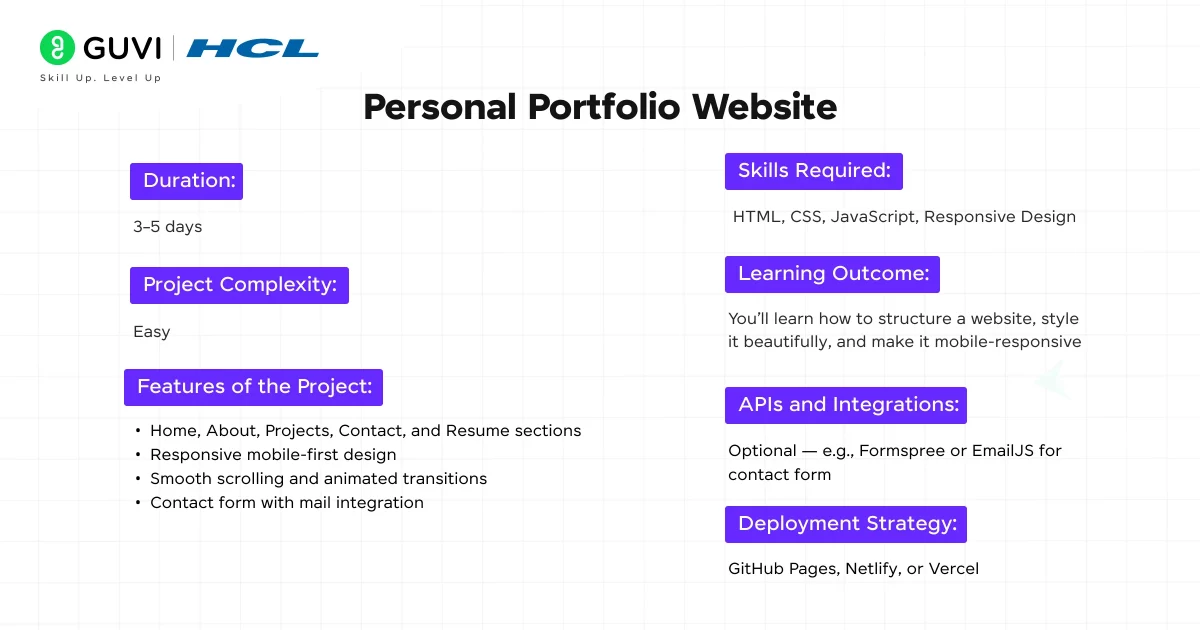
1. Personal Portfolio Website
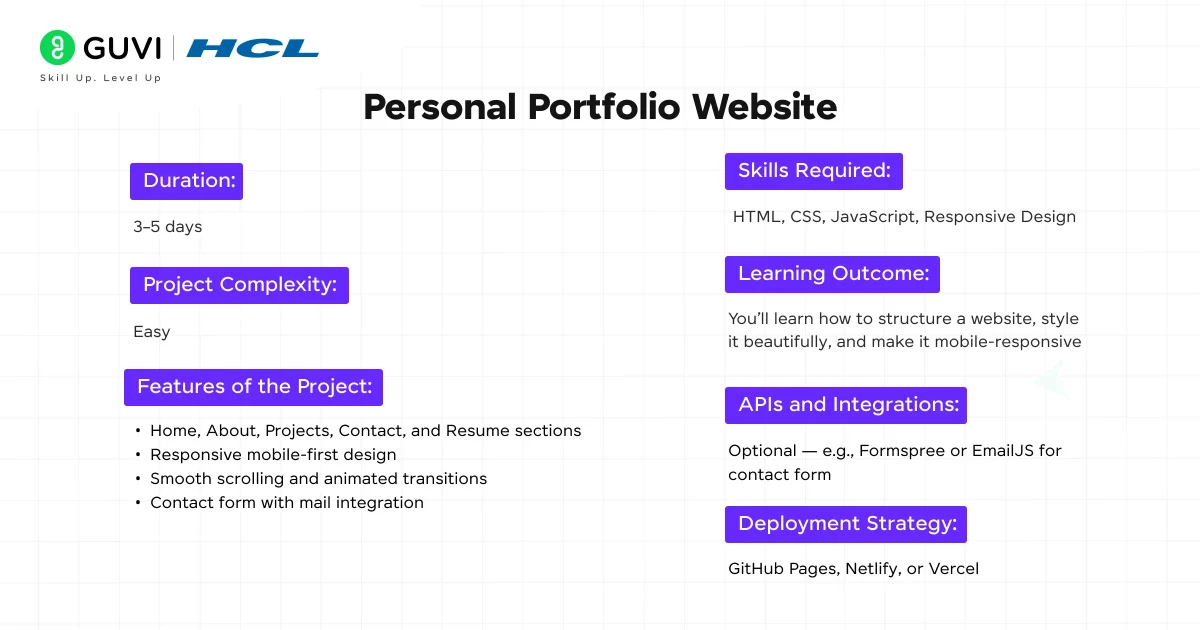
Creating a personal portfolio is the best way to show off your skills, projects, achievements, and personality. It acts as your digital resume, and it’s often the first impression recruiters and clients will have of you. This project will help you practice layout design, responsiveness, and navigation using fundamental frontend technologies.
Duration: 3–5 days
Project Complexity: Easy
Features of the Project:
- Home, About, Projects, Contact, and Resume sections
- Responsive mobile-first design
- Smooth scrolling and animated transitions
- Contact form with mail integration
Skills Required: HTML, CSS, JavaScript, Responsive Design
Learning Outcome: You’ll learn how to structure a website, style it beautifully, and make it mobile-responsive
APIs and Integrations: Optional – e.g., Formspree or EmailJS for contact form
Deployment Strategy: GitHub Pages, Netlify, or Vercel
Source Code: Personal Portfolio Website
2. To-Do List Application
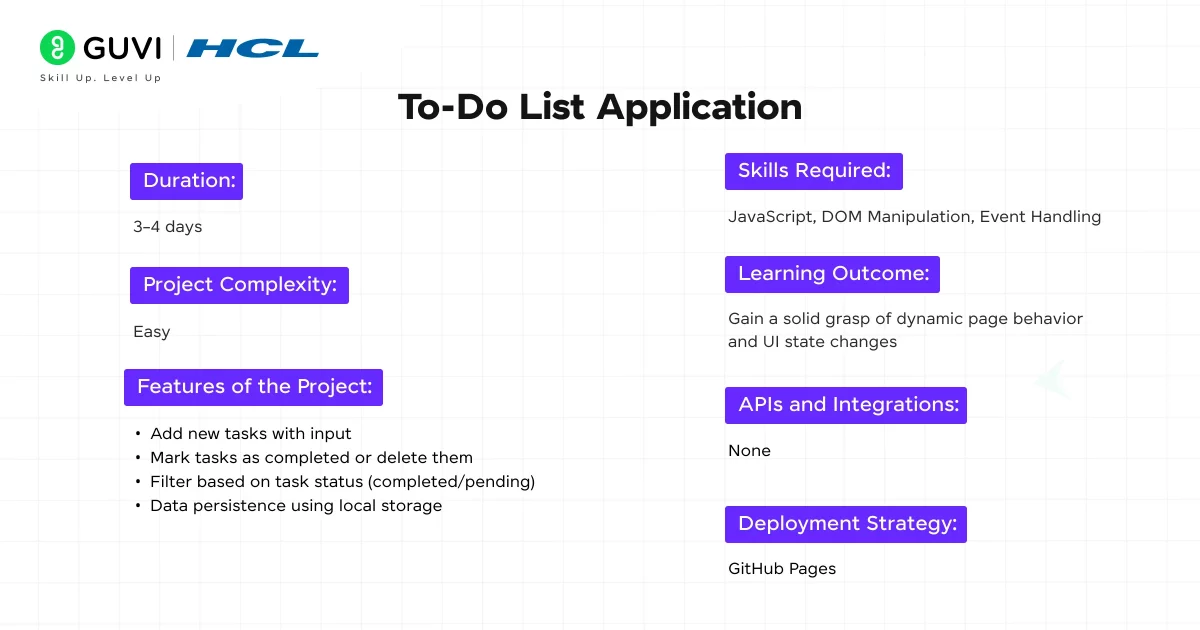
A to-do app may look simple, but it teaches you core front-end principles like DOM manipulation and event handling. Users can add tasks, delete them, or mark them as completed. You can even extend it later with categories, reminders, or deadlines.
Duration: 3–4 days
Project Complexity: Easy
Features of the Project:
- Add new tasks with input
- Mark tasks as completed or delete them
- Filter based on task status (completed/pending)
- Data persistence using local storage
Skills Required: JavaScript, DOM Manipulation, Event Handling
Learning Outcome: Gain a solid grasp of dynamic page behavior and UI state changes
APIs and Integrations: None
Deployment Strategy: GitHub Pages
Source Code: To-Do List Application
3. Weather App
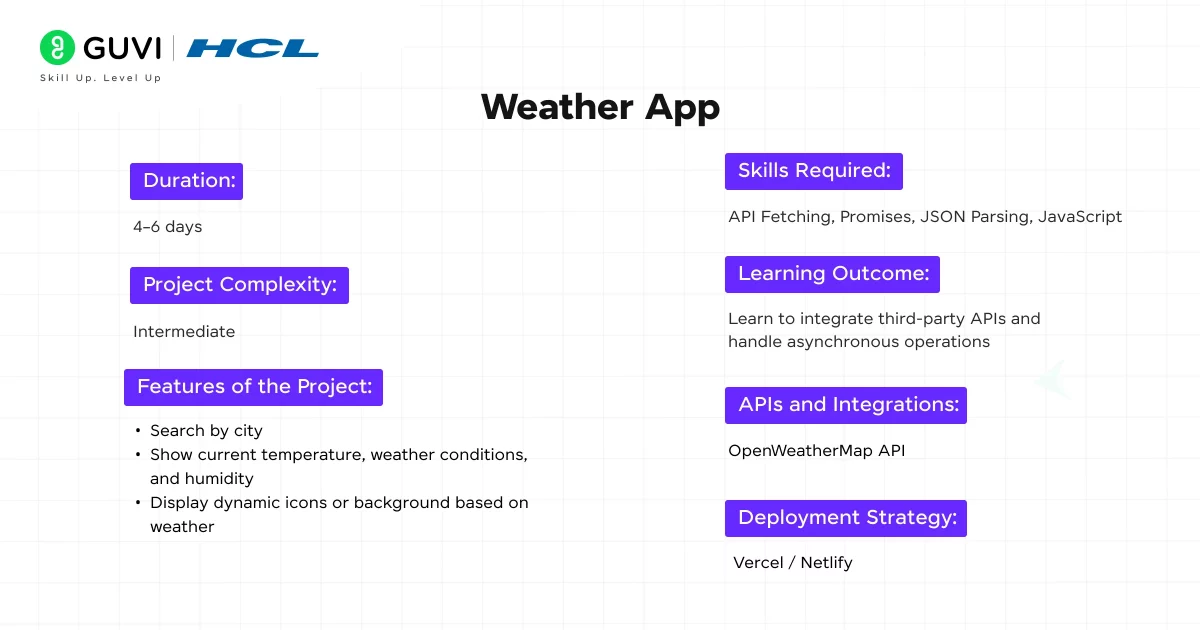
This project introduces you to working with real-world APIs and asynchronous data fetching. You’ll allow users to search for weather in any city and show dynamic weather data like temperature, conditions, and humidity.
Duration: 4–6 days
Project Complexity: Intermediate
Features of the Project:
- Search by city
- Show current temperature, weather conditions, and humidity
- Display dynamic icons or a background based on the weather
Skills Required: API Fetching, Promises, JSON Parsing, JavaScript
Learning Outcome: Learn to integrate third-party APIs and handle asynchronous operations
APIs and Integrations: OpenWeatherMap API
Deployment Strategy: Vercel / Netlify
Source Code: Weather App
4. Simple Calculator
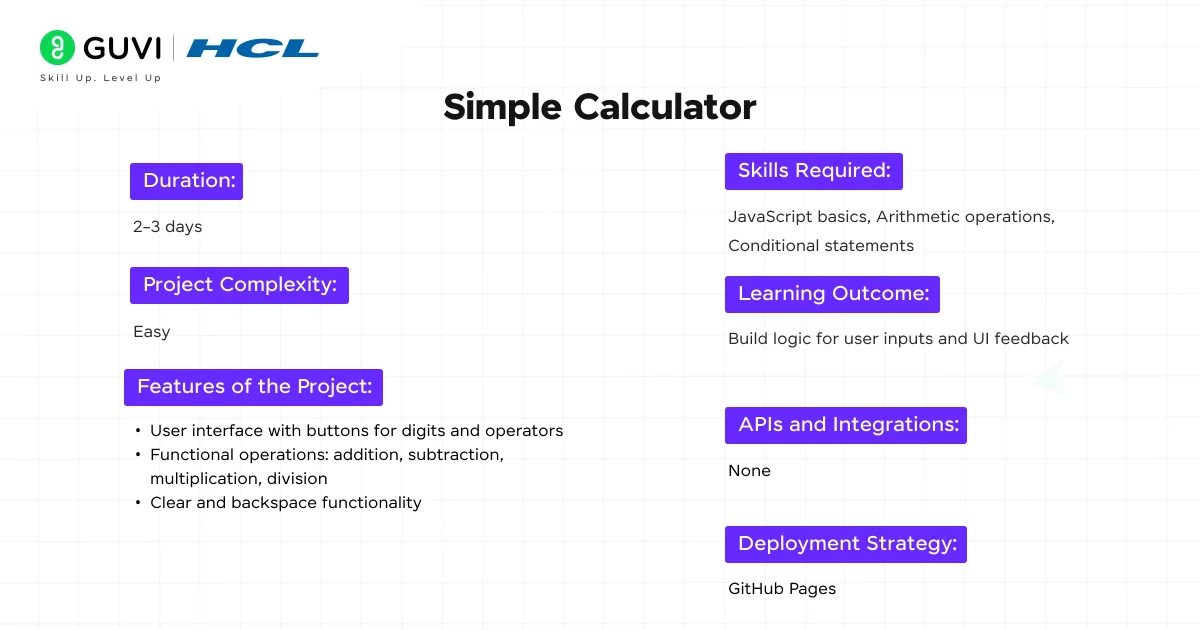
This beginner-friendly project is great for practicing JavaScript logic and UI layout. You’ll create a basic calculator that performs arithmetic operations and provides immediate results.
Duration: 2–3 days
Project Complexity: Easy
Features of the Project:
- User interface with buttons for digits and operators
- Functional operations: addition, subtraction, multiplication, division
- Clear and backspace functionality
Skills Required: JavaScript basics, Arithmetic operations, and Conditional statements
Learning Outcome: Build logic for user inputs and UI feedback
APIs and Integrations: None
Deployment Strategy: GitHub Pages
Source Code: Simple Calculator
5. Blogging Platform
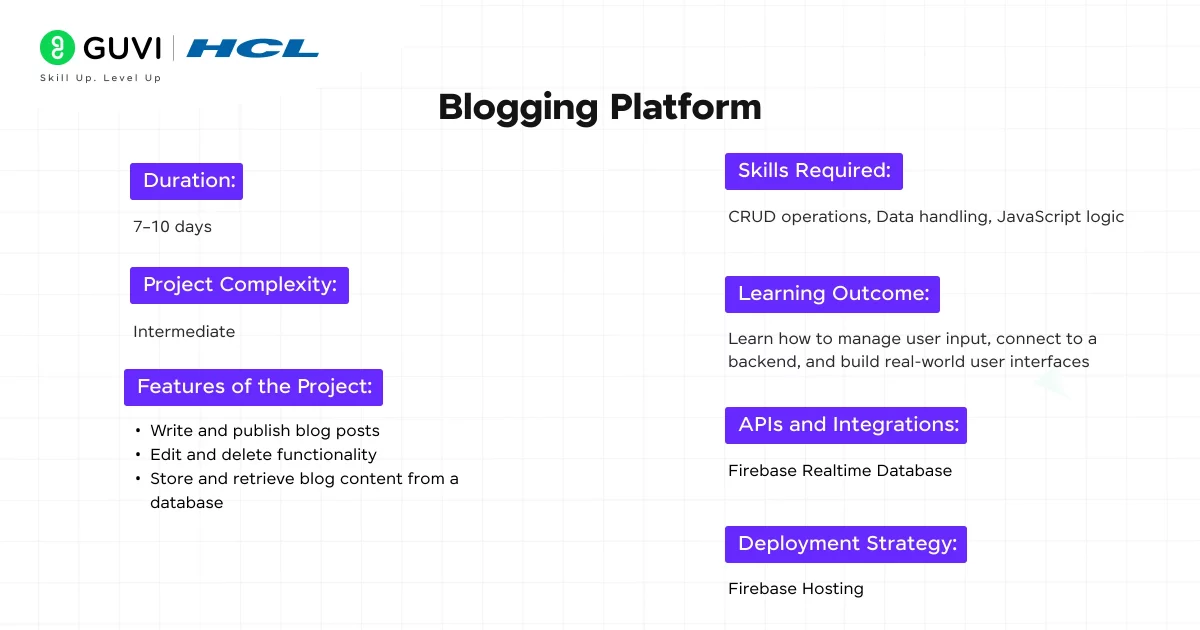
This is a slightly more advanced project where you’ll build a mini content management system that lets users create, edit, and delete blog posts. It also introduces basic backend integration using services like Firebase.
Duration: 7–10 days
Project Complexity: Intermediate
Features of the Project:
- Write and publish blog posts
- Edit and delete functionality
- Store and retrieve blog content from a database
Skills Required: CRUD operations, Data handling, JavaScript logic
Learning Outcome: Learn how to manage user input, connect to a backend, and build real-world user interfaces
APIs and Integrations: Firebase Realtime Database
Deployment Strategy: Firebase Hosting
Source Code: Blogging Platform
6. Recipe App
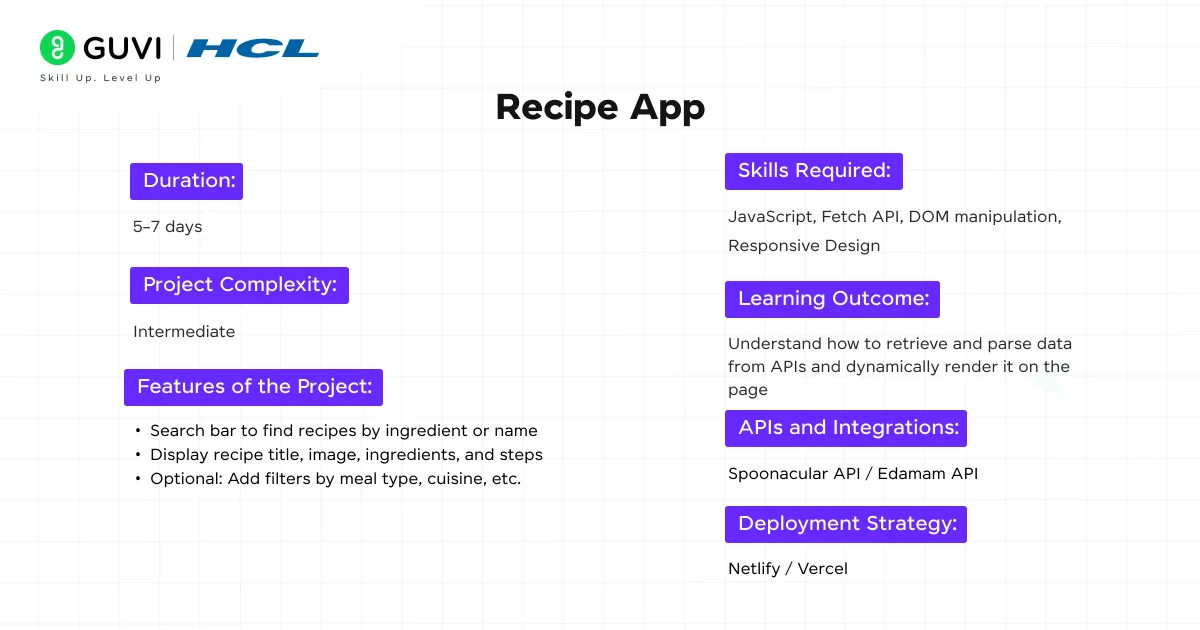
A fun and functional project that allows users to search for recipes and view their ingredients and instructions. It helps you learn how to work with external APIs and display structured data cleanly.
Duration: 5–7 days
Project Complexity: Intermediate
Features of the Project:
- Search bar to find recipes by ingredient or name
- Display recipe title, image, ingredients, and steps
- Optional: Add filters by meal type, cuisine, etc.
Skills Required: JavaScript, Fetch API, DOM manipulation, Responsive Design
Learning Outcome: Understand how to retrieve and parse data from APIs and dynamically render it on the page
APIs and Integrations: Spoonacular API / Edamam API
Deployment Strategy: Netlify / Vercel
Source Code: Recipe App
7. Quiz App
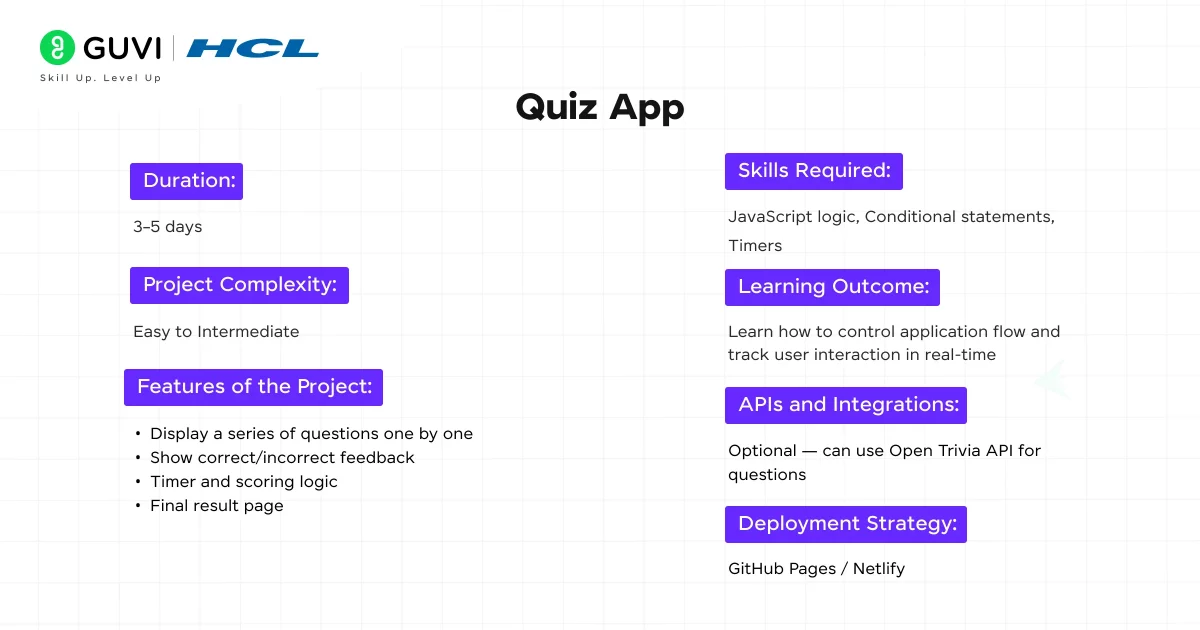
This interactive quiz application helps users test their knowledge with multiple-choice questions. It teaches you how to handle input, timers, and scoring logic.
Duration: 3–5 days
Project Complexity: Easy to Intermediate
Features of the Project:
- Display a series of questions one by one
- Show correct/incorrect feedback
- Timer and scoring logic
- Final result page
Skills Required: JavaScript logic, Conditional statements, Timers
Learning Outcome: Learn how to control application flow and track user interaction in real-time
APIs and Integrations: Optional — can use Open Trivia API for questions
Deployment Strategy: GitHub Pages / Netlify
Source Code: Quiz App
8. Expense Tracker
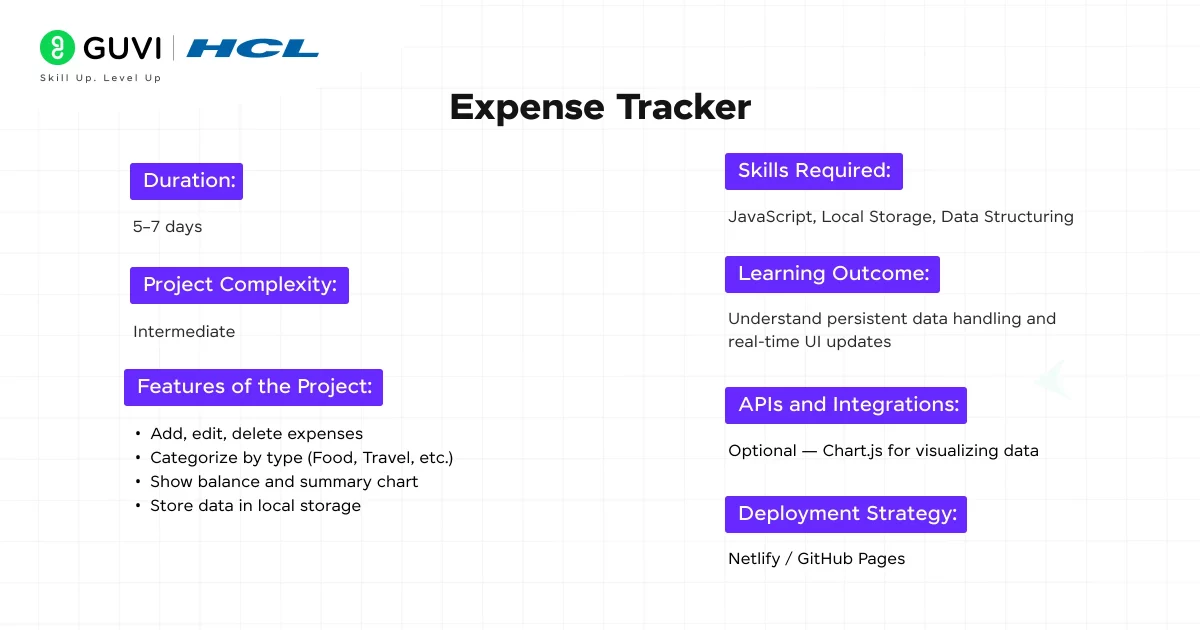
An essential personal finance tool where users can manage and categorize their spending. You’ll learn how to handle user data, update UI dynamically, and use browser storage.
Duration: 5–7 days
Project Complexity: Intermediate
Features of the Project:
- Add, edit, and delete expenses
- Categorize by type (Food, Travel, etc.)
- Show balance and summary chart
- Store data in local storage
Skills Required: JavaScript, Local Storage, Data Structuring
Learning Outcome: Understand persistent data handling and real-time UI updates
APIs and Integrations: Optional — Chart.js for visualizing data
Deployment Strategy: Netlify / GitHub Pages
Source Code: Expense Tracker
9. Chat Application
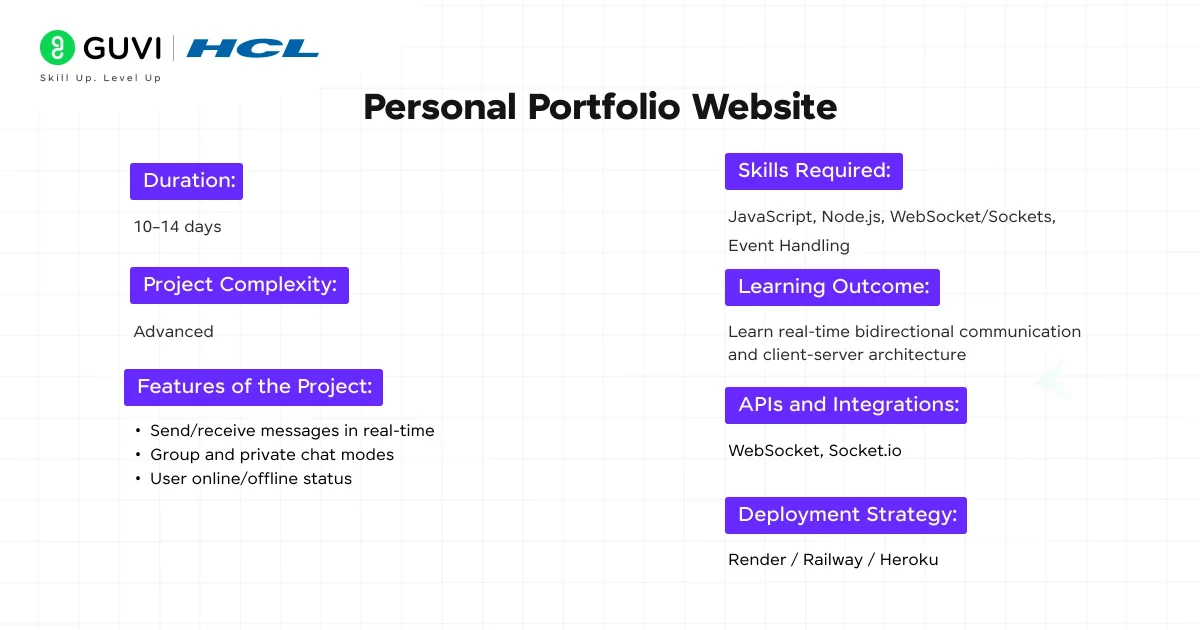
Build a real-time chat system where users can communicate instantly. It’s an advanced project that teaches you about sockets, backend communication, and event-based programming.
Duration: 10–14 days
Project Complexity: Advanced
Features of the Project:
- Send/receive messages in real-time
- Group and private chat modes
- User online/offline status
Skills Required: JavaScript, Node.js, WebSocket/Sockets, Event Handling
Learning Outcome: Learn real-time bidirectional communication and client-server architecture

APIs and Integrations: WebSocket, Socket.io
Deployment Strategy: Render / Railway / Heroku
Source Code: Chat Application
10. Portfolio CMS (Content Management System)
Take your portfolio to the next level by creating a system where you can update content dynamically without changing the code. This project gives a taste of full-stack development.
Duration: 10–14 days
Project Complexity: Intermediate to Advanced
Features of the Project:
- Login-based dashboard
- Add/edit/delete projects from the backend
- Update content sections like About, Skills, etc.
Skills Required: Backend programming, CRUD operations, Authentication, Database integration
Learning Outcome: Understand how dynamic websites work, manage content with backend integration
APIs and Integrations: Firebase / MongoDB Atlas
Deployment Strategy: Firebase Hosting / Render / Vercel
Source Code: Portfolio CMS
By exploring these coding projects for beginners, you’ll gain practical experience with web technologies and be ready to tackle more advanced concepts.
How to Choose the Right Coding Project as a Beginner?
Choosing your first project can be harder than actually starting it. A good rule is to match the project to the concepts you already understand.
If you know only HTML and CSS
Start with:
- Personal portfolio website
- Landing page
- Static recipe page
Your goal should be to practise page structure, styling, responsive layouts, forms, navigation, and basic UI design.
If you know JavaScript basics
Try:
- To-do list
- Calculator
- Quiz app
- Expense tracker
These projects help you practise variables, functions, conditions, loops, event handling, arrays, DOM manipulation, and browser storage.
If you understand APIs
Move to:
- Weather app
- Recipe app
These projects introduce you to fetching external data, working with JSON, handling asynchronous operations, and displaying dynamic information.
If you know backend fundamentals
Try:
- Blogging platform
- Chat application
- Portfolio CMS
These projects introduce more complex concepts such as databases, authentication, CRUD operations, APIs, and real-time communication.
This progression also aligns with the broader web development learning path: build your foundation first, then move toward frontend, backend, databases, APIs, and deployment.
How to Build Your First Coding Project?
Once you’ve selected a project, avoid trying to build everything at once. Break the project into small, manageable stages.
Step 1: Define the project
Write down what the application should do.
For example, a basic to-do app might need to:
- Add a task
- Display a task
- Mark a task as complete
- Delete a task
- Save tasks
Step 2: Choose your technology
Select technologies based on your current skill level.
For a first web project, HTML, CSS, and JavaScript are enough. You can introduce APIs, databases, frameworks, or backend technologies as your projects become more advanced.
Step 3: Build the simplest version
Start with the minimum features.
Don’t worry about animations, authentication, advanced UI, or complex architecture during the first version.
Step 4: Test and debug
Try different inputs and deliberately test what happens when users do something unexpected.
Debugging is an important part of learning to code because real-world applications rarely work perfectly on the first attempt.
Step 5: Add improvements
Once the basic version works, add one feature at a time.
For example, you could turn a basic to-do app into a more complete project by adding:
- Categories
- Deadlines
- Search
- Filters
- Dark mode
- Local storage
This approach helps you learn naturally instead of copying an entire project without understanding it.
How to Make Beginner Coding Projects Portfolio-Ready?
Simply completing a project is a great start, but presenting it properly can make it more valuable when you’re applying for internships or entry-level jobs.
For every project, try to include:
1. A clear project description
Explain the problem your project solves and what users can do with it.
2. Technologies used
Mention the programming languages, frameworks, APIs, databases, or tools used.
3. Key features
Highlight the most important functionality instead of listing every small change.
4. Live demo
Deploy the project so someone can actually interact with it.
5. Source code
Keep the code organised and available on GitHub.
6. What you learned
Briefly explain the programming concepts you learned while building the project.
7. Future improvements
Mention features you would add if you continued developing the project.
A strong project portfolio doesn’t need dozens of applications. A few projects that you can explain, demonstrate, debug, and improve independently can be more useful than a long list of copied projects.
Common Mistakes Beginners Make While Building Coding Projects
Building projects is valuable, but beginners often make the process harder than it needs to be.
Avoid these mistakes:
- Starting with a project that is far beyond your current skill level
- Copying code without understanding what it does
- Trying to add too many features at once
- Ignoring errors instead of debugging them
- Not testing the application with different inputs
- Building projects without documenting them
- Never deploying completed projects
- Moving to advanced frameworks before understanding the basics
If you’re still deciding which programming language to learn, choosing a beginner-friendly language can make your first few projects easier. Our guide to the Easiest Programming Languages to Learn compares beginner-friendly options including HTML/CSS, Python, JavaScript, SQL, Java, and C.
How Many Coding Projects Should a Beginner Build?
There is no fixed number of projects you need to complete before you can call yourself a developer.
Instead of focusing on quantity, focus on progression.
A simple progression could look like this:
Project 1 → Learn the basics
Build a calculator or static portfolio.
Project 2 → Add interactivity
Build a to-do list or quiz application.
Project 3 → Work with external data
Build a weather or recipe application.
Project 4 → Work with persistent data
Build an expense tracker or blogging platform.
Project 5 → Explore full-stack development
Build a chat application or portfolio CMS.
This approach lets every project introduce a new concept while reinforcing what you learned previously.
In case you want to learn more about full-stack development and how it impacts our lives, consider enrolling in HCL GUVI’s IIT-M Pravartak-certified Full Stack Development Course that teaches you everything from scratch and equips you with all the necessary knowledge along with an industry-grade certificate!
Conclusion
In conclusion, learning to code isn’t just about understanding syntax; it’s about building things that work. These top 10 coding projects for beginners offer the perfect mix of creativity, challenge, and hands-on experience to strengthen your foundations.
As you complete each project, you’ll not only grow your technical skills but also build a portfolio that truly reflects your abilities.
Remember that the key to mastering coding is through consistent practice and continuous learning. So, pick a project, start coding, and turn your ideas into reality – one line at a time.
FAQs
1. What are some good coding projects for beginners?
Some of the best coding projects for beginners include a personal portfolio website, to-do list application, calculator, quiz app, weather app, recipe app, and expense tracker.
2. What coding project should I build first as a beginner?
A personal portfolio website, simple calculator, or to-do list is a good starting point. These projects are relatively small and allow you to practise fundamental concepts without requiring complex backend systems or databases.
3. How do I choose a coding project?
Choose a project that is slightly above your current skill level.
First, identify the programming concepts you already understand. Then select a project that requires you to learn one or two new concepts.
For example:
Know HTML/CSS → Build a portfolio
Know JavaScript basics → Build a to-do list
Know APIs → Build a weather app
Know databases → Build a blogging platform
Know backend development → Build a chat application
This approach keeps the project challenging without making it unnecessarily overwhelming.
4. Can beginner coding projects help me get a job?
Yes. Beginner projects can help demonstrate that you can apply programming concepts to practical problems.
However, simply having a project on your resume is not enough. You should be able to explain:
Why you built it
Which technologies you used
How the application works
What challenges you faced
How you solved bugs
What you would improve
Projects become more valuable when they demonstrate genuine understanding rather than simply copied source code.
5. Do I need to know a lot of programming before starting a project?
No. You can start with basic programming knowledge.
In fact, building small projects is one of the best ways to strengthen your understanding of programming. Start with a simple application and gradually introduce new features as your skills improve.
Success Stories

About the Author
Hashmithaa
Hi, I’m Hashmithaa — a content writer with a love for words. Writing isn’t just what I do; it’s how I connect, communicate, and create meaning in a noisy digital world. And if my words help someone make a better decision, learn something new, or feel more confident, then I’ve done my job well.
View all posts by Hashmithaa
Connect with me @









Did you enjoy this article?