


UI/UX Designing Articles
What is a Design System? The Ultimate Guide to Building Consistent UIs
What is UX Writing? A Complete Guide to Mastering Microcopy and Content Design
What is a UX Audit? A Complete & Best Guide to User Experience Evaluation
How HCL GUVI Zen Class Helps You Build a Job-Ready UI/UX Portfolio


Get In Touch For Details! Request More Information

Top 7 Websites to Learn UI/UX Design in 2026
Sep 07, 2026 6 Min Read 22323 Views
(Last Updated)
The decision to learn UI/UX often starts with something simple, noticing how some apps feel effortless while others make even basic tasks frustrating. Behind those smooth experiences is a skill set that shapes how millions interact with digital products every day.
Finding where to learn UI/UX, however, is rarely as simple. With countless platforms, courses, and learning paths available, choosing the right place to start can quickly become overwhelming.
Quick Answer: The best websites to learn UI/UX design in 2026 include HCL GUVI, Interaction Design Foundation, Coursera, Udemy, Figma Learn, Uxcel and LinkedIn Learning. Beginners should prioritise platforms that teach UX research, Figma, prototyping, usability testing and portfolio-building through practical projects.
💡 Did You Know?
- The term “User Experience (UX)” was popularized by Don Norman in the 1990s, and today UX plays a major role in digital products. Research from Forrester suggests that every $1 invested in UX can generate up to $100 in return, showing why businesses invest heavily in user-focused design.
Table of contents
- TL;DR Summary
- Introduction
- Decoding Design System Meaning: What Exactly Is It?
- Understanding Design System Meaning in Depth
- Core Components of a Design System
- Design Tokens
- Component Library
- Design Framework
- Benefits of Implementing a Design System
- Enhanced UI Consistency
- Accelerated Development Speed
- Improved Collaboration
- Real-World Examples of Successful Design Systems
- IBM Carbon Design System
- Airbnb Design Language System
- Microsoft Fluent Design System
- Creating Your First Design System
- Getting Started with Figma Design Systems
- Common Mistakes to Avoid
- Overcomplicating from Day One
- Ignoring Developer Needs
- Treating It as a Static Document
- Neglecting Accessibility Standards
- Ready to master design systems and launch your career in UI/UX design?
- Conclusion
- Frequently Asked Questions
- What is the difference between a design system and a style guide?
- How long does it take to build a design system?
- Can small teams benefit from design systems?
- Which tools are best for creating design systems?
- How do you convince stakeholders to invest in a design system?
- Should design systems include code implementations?
Best Websites to Learn UI/UX Design: Quick Comparison Table
| Platform | Best For | Learning Format | Projects/Practice | Certificate | 2026 Access/Cost |
|---|---|---|---|---|---|
| HCL GUVI | Indian students and career switchers | Mentor-led learning | Real-world projects | Yes | Paid; pricing varies by programme |
| Interaction Design Foundation | UX fundamentals and research | Self-paced courses | Portfolio guides and exercises | Yes | $22/month, billed annually |
| Coursera – Google UX Design Certificate | Complete beginners | Structured self-paced programme | Portfolio projects | Yes | Regional pricing; $49/month in the U.S. and Canada |
| Udemy | Budget learners and specific UI/UX skills | Self-paced video courses | Depends on course | Completion certificate | Course prices vary by region and sale |
| Figma Learn | Learning Figma and prototyping | Free official courses and tutorials | Hands-on projects | No | Free |
| Uxcel | Interactive UI/UX skill development | Interactive self-paced learning | Projects, assessments and feedback | Available with paid learning options | Free Starter plan; paid Pro plan |
| LinkedIn Learning | Working professionals | Self-paced video courses | Course-based exercises | Yes | Available through eligible LinkedIn Premium plans |
Why Learn UI/UX Design Online?
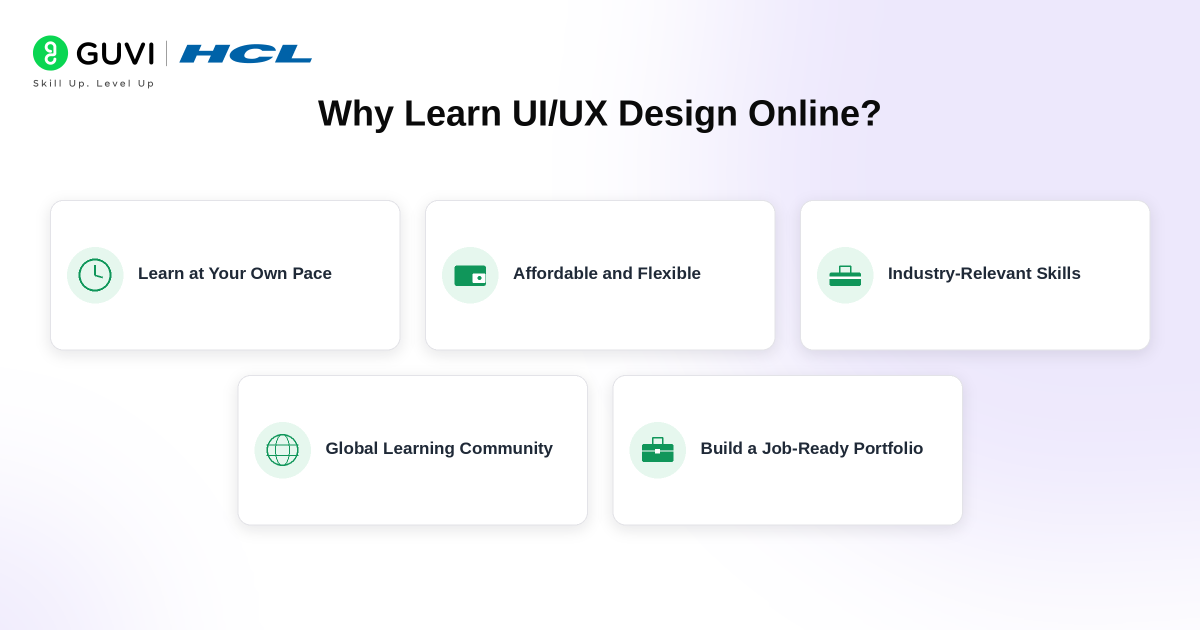
Online learning has made UI/UX design more accessible than ever before, and for good reason.
Here’s why most learners today choose online platforms over traditional degrees:
- Flexible pace: Learn around your existing schedule, whether you’re a student or working professional
- Industry-relevant tools: Courses teach Figma, Adobe XD, and Maze, the same tools used in real jobs
- Certifications: Reputed platforms offer certificates recognised by hiring managers
- Hands-on projects: Most good platforms include real-world projects that build your portfolio
- Cost-effective: Many platforms offer free content, and paid plans are a fraction of the cost
Join HCL GUVI’s UI/UX Email Course and master UI/UX essentials in just 5 days with practical lessons designed to help you create seamless user experiences with real-world impact.
Best Websites to Learn UI/UX Design
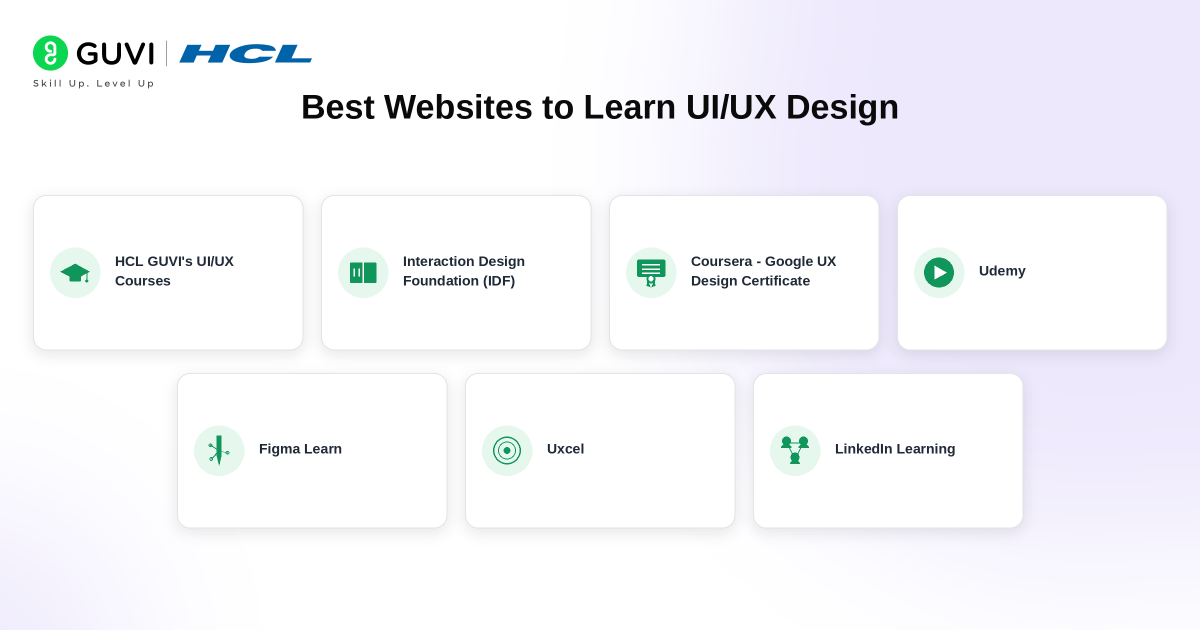
There’s no single perfect platform for everyone. The right choice depends on your current level, budget, and goals. Here are the top platforms worth your time..
1. HCL GUVI’s UI/UX Courses
HCL GUVI is an IIT-Madras incubated ed-tech platform that offers mentor-led UI/UX courses with placement assistance, available in both English and Tamil.
What sets HCL GUVI apart is its focus on job readiness. You’ll work on real-time projects, get dedicated career guidance, and have access to a hiring network of 600+ partners.
Best for: Students and graduates in India looking for structured learning with placement support
Cost: Paid (contact for pricing)
Certificate: Yes
Pros:
- Mentor-led live classes with flexible scheduling
- Covers Figma, Adobe XD, Illustrator, Photoshop, and Miro
- Placement assistance and career mentoring
- Available in regional languages
Verdict: A strong choice if you want guided learning and a direct path to employment in India.
2. Interaction Design Foundation (IDF)
Interaction Design Foundation is one of the most comprehensive and research-backed platforms for learning UX design.
It covers everything from design thinking and user research to information architecture and usability testing. The content is written and reviewed by industry experts, which gives it a level of depth most platforms don’t match.
Best for: Beginners to intermediate learners who want strong theoretical foundations
Cost: ~$16/month (billed annually)
Certificate: Yes
Pros:
- Extensive library of courses and articles
- Global community of designers
- Covers both UX theory and practical skills
Cons:
- Interface feels dated compared to newer platforms
- Less focus on UI tools like Figma
Verdict: If you want to deeply understand the why behind design decisions, IDF is hard to beat.
3. Coursera — Google UX Design Certificate
The Google UX Design Certificate on Coursera is currently the most recommended beginner resource globally, and for good reason.
It’s a structured 7-course program that covers user research, wireframing, prototyping, and usability testing. You’ll work on real projects and build a portfolio by the time you’re done.
Best for: Complete beginners looking for a structured, recognised certification
Cost: ~$49/month (free to audit)
Certificate: Yes, issued by Google
Pros:
- Globally recognised certificate
- Highly structured with hands-on projects
- Covers Figma and accessibility standards
Cons:
- Certificate requires a paid plan
- Less mentorship compared to bootcamps
Verdict: The best starting point if you’re new to UI/UX and want a credential that carries weight.
4. Udemy
Udemy is a marketplace for individual courses covering everything from beginner UI/UX basics to advanced specialisations.
The platform’s biggest advantage is variety, you can find courses tailored to specific tools, roles, or skill levels. Courses are self-paced and frequently go on sale for as low as ₹499.
Best for: Learners who want affordable, self-paced courses on specific tools or topics
Cost: Varies, typically ₹499–₹3,000 per course on sale
Certificate: Yes, completion certificates (not universally recognised)
Pros:
- Massive variety of courses
- Affordable, especially during sales
- Lifetime access to purchased courses
Cons:
- Quality varies across instructors
- No structured learning path
- Certificates carry limited weight with employers
Verdict: Great for supplementing your learning or picking up a specific tool quickly.
5. Figma Learn
Figma Learn is the official free learning resource from Figma, the industry-standard design tool used by most UI/UX professionals today.
If you’re planning to work as a UI/UX designer, you will use Figma. Learning it from the source is both free and thorough.
Best for: Anyone who wants to master Figma specifically
Cost: Free
Certificate: No
Pros:
- Official, always up-to-date content
- Covers components, auto-layout, prototyping, and collaboration
- Free with your Figma account
Cons:
- Tool-focused only, doesn’t cover broader UX theory
Verdict: Non-negotiable addition to your learning stack, regardless of which other platform you choose.
6. Uxcel
Uxcel is a newer platform designed specifically for UI/UX skill-building through interactive lessons, design challenges, and assessments.
It’s particularly useful for tracking your skill level and identifying gaps — you can take assessments and get a score that reflects your current ability.
Best for: Intermediate learners who want to sharpen specific skills and measure progress
Cost: Free tier available; Pro plan ~$12/month
Certificate: Yes (Pro plan)
Pros:
- Interactive, gamified learning experience
- Skill assessments and progress tracking
- Strong focus on practical UI design skills
Cons:
- Smaller content library compared to IDF or Coursera
- Less focus on UX research
Verdict: A great platform to add once you have the basics down and want to level up.
7. LinkedIn Learning
LinkedIn Learning offers video-based UI/UX courses taught by industry professionals, with the added benefit of connecting your learning directly to your LinkedIn profile.
Best for: Working professionals who want to upskill while building their professional network
Cost: ~$39.99/month (one month free trial)
Certificate: Yes, appears on your LinkedIn profile
Pros:
- High production quality
- Certificate visible directly on LinkedIn
- Career tips integrated into courses
Cons:

- Subscription required after trial
- Less hands-on compared to project-based platforms
Verdict: Worth it if you’re already active on LinkedIn and want learning to feed directly into your professional visibility.
Best Websites to Learn UI/UX Design in India in 2026
For learners in India, the best UI/UX website depends on whether the goal is structured career preparation, certification, tool mastery or flexible self-learning.
HCL GUVI is suitable for students and career switchers who prefer mentor-led training, practical projects and career support. Coursera’s Google UX Design Certificate is a strong option for beginners who want a structured international certification.
Learners who want to strengthen UX principles and research can consider the Interaction Design Foundation, while Figma Learn is one of the best free resources for building practical Figma, prototyping and design-system skills.
For additional practice, Uxcel provides interactive lessons and assessments, while Udemy and LinkedIn Learning are useful for targeted skill development and self-paced learning.
What Tools Will You Learn in 2026?
Across these platforms, learners will encounter several tools commonly used in modern UI/UX workflows:
- Figma: UI design, wireframing, interactive prototyping, components and design systems
- FigJam: Collaborative brainstorming, user flows, workshops and journey mapping
- Miro: Research planning, workshops and collaborative whiteboarding
- Maze: Prototype testing, usability testing and user research
- Adobe Illustrator and Photoshop: Visual assets, illustrations and image editing
Note- Adobe XD should no longer be treated as a primary tool for new UI/UX learners. Adobe confirms that XD remains in maintenance mode, which means the company is no longer investing in ongoing development or releasing new features. For learners starting in 2026, Figma should remain the first tool to learn, followed by research, testing and collaboration tools based on the type of UI/UX work they want to pursue.
How Long Does It Take to Learn UI/UX Design?
The honest answer depends on how much time you can commit and what “learn” means to you.
| Goal | Timeframe | Hours/Week |
| Basic understanding | 4–6 weeks | 5–8 hours |
| Portfolio-ready | 3–4 months | 8–10 hours |
| Job-ready | 6–9 months | 10–15 hours |
People often start learning UI/UX expecting quick results, but in reality, progress depends more on consistency than speed. Spending a few hours every week and practising regularly usually works better than trying to learn everything at once.
If your goal is to learn UI/UX for a career change, focus on building projects, case studies, and practical skills rather than only completing courses. Understanding tools is important, but applying them matters more.
The timeline to learn UI/UX also looks different for everyone. Some people move faster, some slower, but staying patient and consistent often makes a bigger difference than trying to rush the process.
UI/UX Designer Salary in India in 2026
UI/UX salaries in India vary considerably based on experience, portfolio quality, company type, location and whether the role focuses on UI design, UX research or broader product design.
| Role | 2026 Salary Data in India |
|---|---|
| UI/UX Designer | ₹4–7 LPA typical base-pay range |
| UI/UX Designer Average Base Pay | Around ₹5–6 LPA |
| UX Designer | ₹5–12 LPA total-pay trajectory |
| Senior UX Designer | ₹10–23 LPA total-pay trajectory |
According to current Glassdoor India data, UI/UX designers earn average base pay of approximately ₹5–6 lakh per year, with typical reported base salaries around ₹4–7 lakh per year. UX Designer and Senior UX Designer compensation can rise considerably with experience and responsibility.
Source: Glassdoor India, 2026
Master UX research, Figma, AI-powered prototyping, and real-world product design with HCL GUVI’s AI-Powered UI/UX & Product Design Fellowship Programme. Learn through live classes, build real projects, create a portfolio that stands out, and turn your creativity into a career that gets you hired.
Future of UI/UX Design
The next phase of UI/UX design is moving beyond static mockups towards AI-assisted, production-connected design workflows. Figma is already testing AI agents that can generate and remix designs, automate repetitive tasks and provide design feedback. Tools such as Figma Make can turn prompts or existing designs into code-backed prototypes and web apps, connect interfaces to real backend data and allow designers to move between visual editing and code.
Figma is also developing workflows that connect directly with local codebases, which could further reduce the traditional gap between design and development. As these capabilities mature, UI/UX designers will need stronger skills in design systems, AI prompting, interaction logic, accessibility, user research and product thinking, rather than relying only on creating screens and prototypes.
Conclusion
Choosing where to learn UI/UX can feel difficult at first, but the right platform is ultimately the one that helps you stay consistent and keep building. As you continue to learn UI/UX, focus less on finding the perfect starting point and more on developing skills, creating projects, and improving with every step. Over time, those small efforts are what turn learning into real design experience.
FAQs
Which website is best for learning UI/UX design?
The best website depends on the learner’s goal. HCL GUVI is suitable for structured mentor-led learning, Coursera offers the Google UX Design Certificate, Interaction Design Foundation provides deeper UX theory and Figma Learn is useful for free practical Figma training.
Can I learn UI/UX design for free?
Yes. Beginners can start learning UI/UX through free resources such as Figma Learn and the free learning options available on platforms such as Uxcel. Free resources can teach fundamentals, but learners should also build practical projects and case studies.
How long does it take to learn UI/UX design?
Basic UI/UX concepts can be learned within a few weeks, but becoming portfolio-ready usually requires several months of regular practice. Job readiness depends on the quality of projects, case studies and practical problem-solving skills rather than course completion alone.
Do I need coding to learn UI/UX design?
No. Coding is not required to start learning UI/UX design. However, understanding basic HTML, CSS and how developers build digital interfaces can help designers create realistic designs and collaborate more effectively with development teams.
Is UI/UX design a good career in India in 2026?
Yes. UI/UX remains a viable digital career in India in 2026, particularly for designers who combine Figma skills with user research, usability testing, product thinking and a strong portfolio. Entry-level competition makes practical case studies increasingly important.
Success Stories

About the Author
Vaishali
I'm a seasoned writer with four years of experience across technical, non-technical, and just about every genre or niche you can imagine. Adaptable and curious, I enjoy exploring new topics and making information engaging and easy to understand. Fueled by a steady stream of tea, I approach each project with creativity, reliability, and genuine enthusiasm for storytelling.
View all posts by Vaishali
Connect with me @













Did you enjoy this article?