


Artificial Intelligence and Machine Learning Articles
AI/ML Skills Gap 2026: Why Companies Can't Find Job-Ready Talent
20 AI/ML Interview Questions Recruiters Can Use Without a Tech Background - Best Guide
How Industry-Backed AI/ML Bootcamps Are Changing the AI/ML Hiring Pipeline - Best Guide 2026
From IT Support to AI Engineer: A Realistic Career Switch Guide 2026


Get In Touch For Details! Request More Information
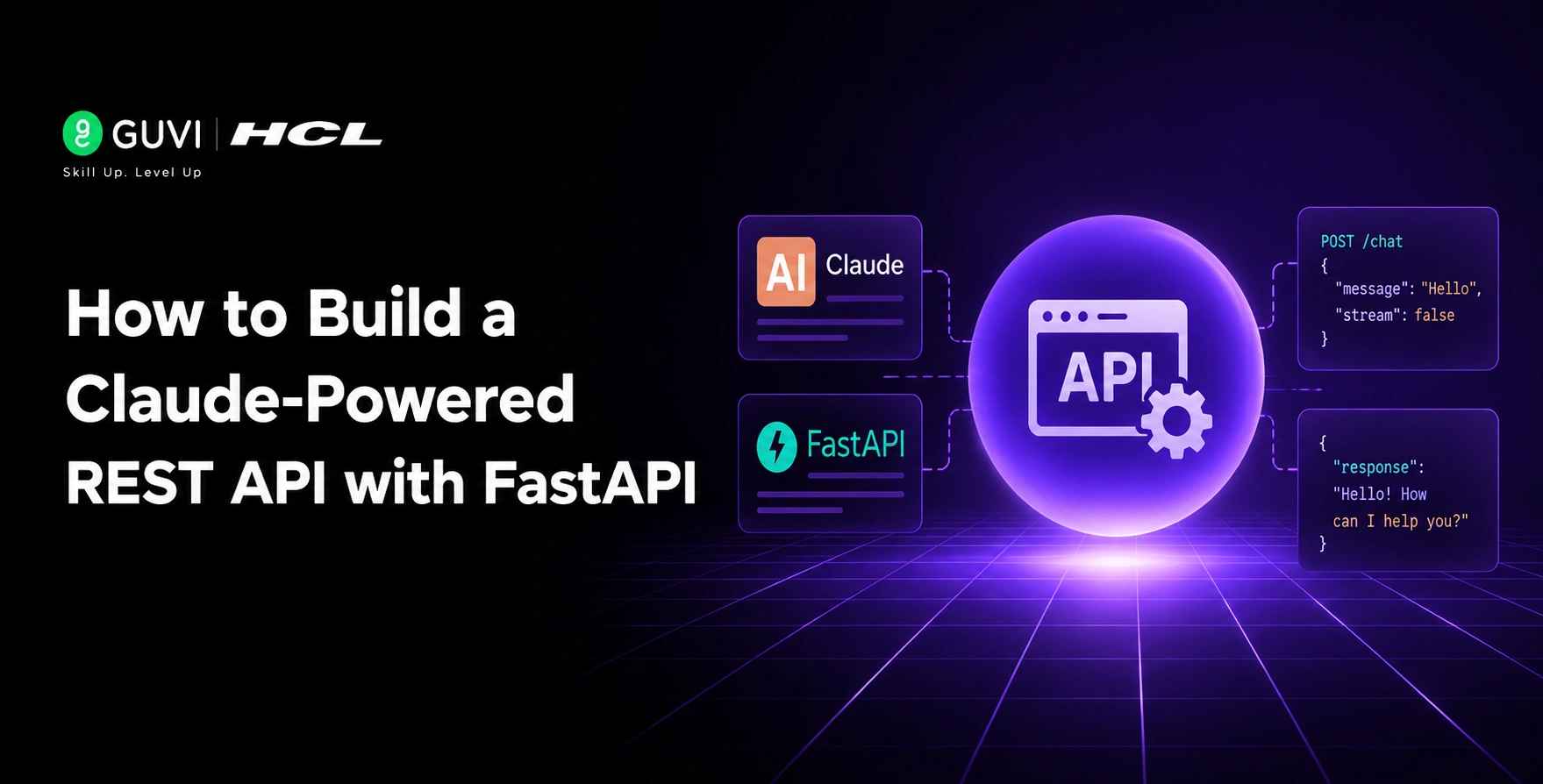
How to Build a Claude-Powered REST API with FastAPI
Aug 04, 2026 3 Min Read 275 Views
(Last Updated)
Building a Claude-powered REST API with FastAPI lets you wrap Claude’s AI capabilities behind a production-grade endpoint that your apps can call. FastAPI handles async requests, validation, and authentication, while Claude generates intelligent responses, creating a scalable AI service for your applications.
Table of contents
- TL;DR Summary
- Why Use FastAPI with Claude
- The Challenge With AI Integration
- How FastAPI Helps
- Getting Started With FastAPI and Claude
- Step 1: Set Up Your Project
- Step 2: Configure Your Environment
- Step 3: Create Your FastAPI Application
- Best Practices for Production APIs
- Use Async Calls
- Validate With Pydantic
- Add API Key Authentication
- Implement Rate Limiting
- Pro Tips for Better Performance
- Add Request Timeout Middleware
- Use Connection Pooling
- Add Structured Logging
- Cache Common Queries
- Building Your API Structure
- Define Your Endpoints
- Handle Errors Gracefully
- Stream Responses When Possible
- Common Mistakes to Avoid
- Don't Skip Authentication
- Avoid Blocking Calls
- Don't Forget Logging
- Don't Ignore Rate Limits
- Real-World Workflow
- The Development Setup
- The Production Deployment
- The Scaling Strategy
- Conclusion
- FAQs
- How long does it take to build a Claude-powered FastAPI
- Can FastAPI handle async Claude calls
- How do I add authentication to my API
- What validation does FastAPI provide
- Do I need to add rate limiting
TL;DR Summary
- How to Build a Claude-Powered REST API with FastAPI teaches you how to create production-ready AI endpoints using FastAPI, Claude, async processing, and Pydantic validation.
- Learn to secure your API with authentication, rate limiting, structured logging, and error handling for reliable and scalable deployments.
- Follow best practices like async requests, connection pooling, caching, and monitoring to build high-performance Claude-powered REST APIs.
Why Use FastAPI with Claude
1. The Challenge With AI Integration
Direct Claude API access works for prototypes but lacks production features like authentication, rate limiting, and centralized logging. Teams need a service layer that manages these concerns while keeping AI capabilities accessible.
2. How FastAPI Helps
FastAPI provides async support, Pydantic validation, API key authentication, and structured logging in one package. Wrapping Claude in a FastAPI service gives you a production-grade REST API for AI features that customer-facing apps, internal dashboards, and mobile apps can all call.
Build a Claude-powered REST API with FastAPI for production-ready, intelligent endpoints fast. Master full-stack development with HCL GUVI’s Full Stack Development Course.
Getting Started With FastAPI and Claude
Step 1: Set Up Your Project
Create a project folder and set up a Python virtual environment to isolate dependencies. Install FastAPI, uvicorn for serving, requests for HTTP calls, and python-dotenv for managing environment variables.
Step 2: Configure Your Environment
Create a .env file and add your Claude API key and model information. This keeps sensitive credentials separate from your code and makes deployment easier across different environments.
Step 3: Create Your FastAPI Application
Build your main application file with FastAPI, define request bodies using Pydantic models, and include endpoints for handling chat requests. This sets up the structure for your AI-powered API.
Best Practices for Production APIs
1. Use Async Calls
FastAPI’s async support pairs naturally with the Anthropic async client. Requests hit the endpoint, the async Claude call runs without blocking other requests, and the response streams back efficiently.
2. Validate With Pydantic
Pydantic models validate both request payloads and response shapes. This ensures data integrity and provides clear error messages when requests don’t match expected formats.
3. Add API Key Authentication
Protect your endpoint from unauthorized use by adding API key authentication via a header dependency. This prevents external parties from accessing your AI service without permission.
4. Implement Rate Limiting
Add rate limiting to prevent abuse and manage costs. This ensures fair usage across all clients calling your API and protects against unexpected spikes in traffic.
Pro Tips for Better Performance
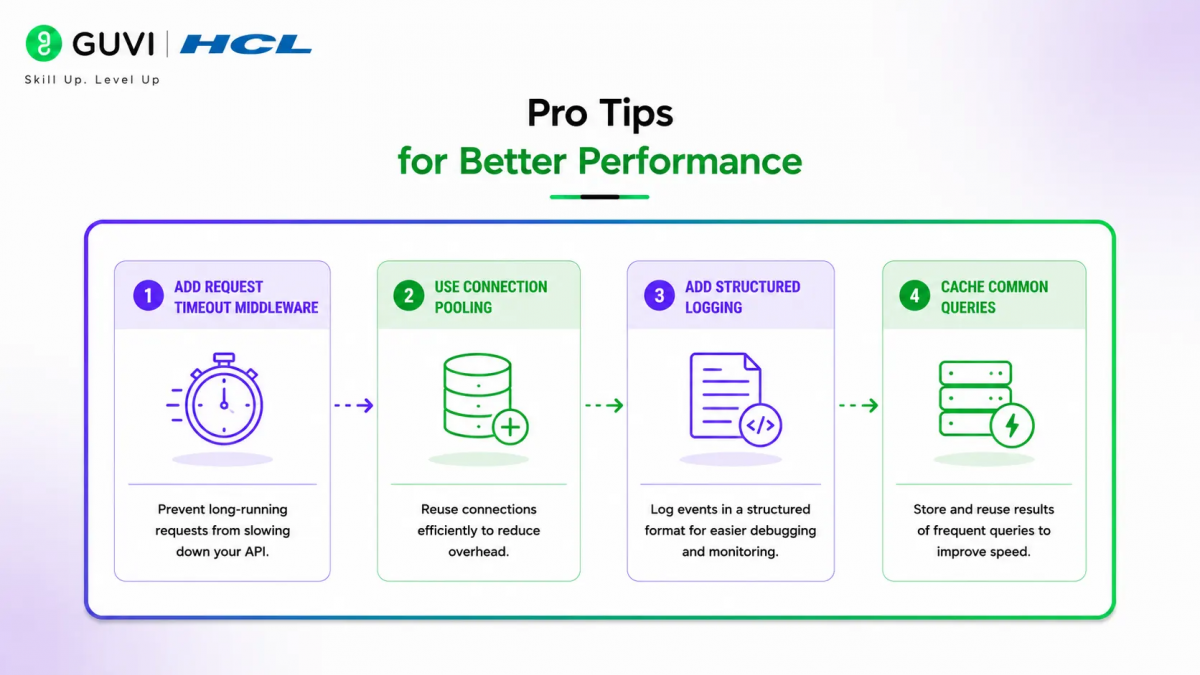
1. Add Request Timeout Middleware
Set request timeout middleware, typically 30 seconds for Claude calls, to prevent hung connections. This ensures your API remains responsive even when individual requests take longer than expected.
2. Use Connection Pooling
Use a connection pool via AsyncAnthropic with httpx limits set to match your expected concurrency. This optimizes resource usage and improves performance under load.
3. Add Structured Logging
Implement structured logging with correlation IDs so you can trace specific customer requests across logs. This makes debugging and monitoring much easier in production.
4. Cache Common Queries
For high-traffic periods, cache common product queries in Redis with a short TTL. This avoids redundant Claude calls for the same popular questions and reduces costs.
Building Your API Structure
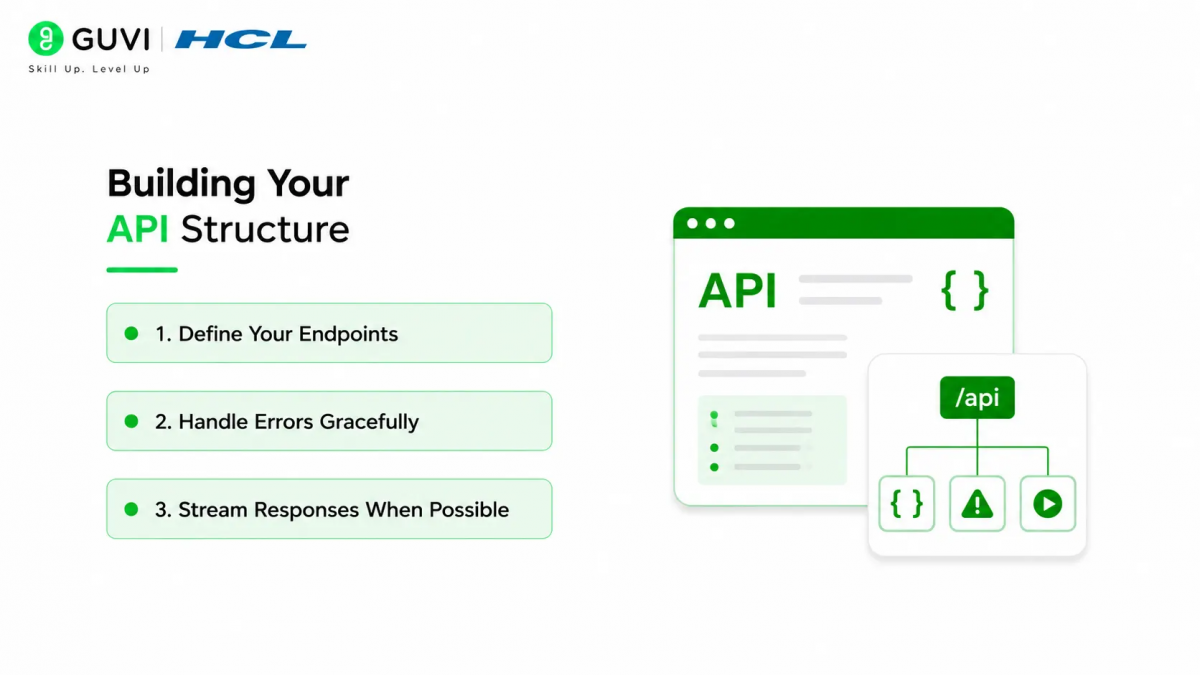
1. Define Your Endpoints
Create REST endpoints for different AI functions like chat, analysis, or content generation. Each endpoint should have clear input validation and output formatting.

2. Handle Errors Gracefully
Implement proper error handling for API failures, timeout issues, and invalid requests. Return clear error messages that help clients understand what went wrong.
3. Stream Responses When Possible
For longer responses, consider streaming the output back to clients instead of waiting for the complete response. This improves user experience and reduces timeout risks.
Common Mistakes to Avoid
1. Don’t Skip Authentication
Always add API key authentication to protect your endpoint. Without it, anyone who discovers your API URL can use your AI service and incur costs.
2. Avoid Blocking Calls
Use async calls instead of blocking synchronous calls. Blocking calls can cause your API to become unresponsive under load.
3. Don’t Forget Logging
Implement structured logging from the start. Without proper logging, debugging production issues becomes extremely difficult.
4. Don’t Ignore Rate Limits
Set appropriate rate limits to prevent abuse and manage costs. Without limits, a single client could consume your entire API quota.
Build a Claude-powered REST API with FastAPI for production-ready, intelligent endpoints fast. Master full-stack development with HCL GUVI’s Full Stack Development Course.
FastAPI automatically generates interactive API documentation at /docs endpoint, letting you test your Claude-powered API directly in the browser. It also validates request and response data automatically using Pydantic models, reducing bugs and improving reliability.
Real-World Workflow
1. The Development Setup
Set up your project with FastAPI, configure your Claude API key, and create your first endpoint. Test locally using the interactive docs before deploying to production.
2. The Production Deployment
Deploy your FastAPI app with uvicorn, add monitoring and logging, and configure rate limiting. Your AI service is now ready for production traffic.
3. The Scaling Strategy
For high traffic, add Redis caching, increase connection pool limits, and consider horizontal scaling. Your API can handle thousands of requests while maintaining performance.
Conclusion
Building a Claude-powered REST API with FastAPI gives you a production-grade service for AI features that scales with your needs. The key is leveraging FastAPI’s async support, validation, and authentication while implementing proper monitoring, logging, and rate limiting for production use.
FAQs
1. How long does it take to build a Claude-powered FastAPI
Most developers can build a basic Claude-powered FastAPI in a few hours. The setup involves configuring dependencies, environment variables, and creating your first endpoint.
2. Can FastAPI handle async Claude calls
Yes, FastAPI’s async support works perfectly with the Anthropic async client, allowing non-blocking requests that scale efficiently.
3. How do I add authentication to my API
Add API key authentication via a header dependency in FastAPI. This protects your endpoint from unauthorized access and usage.
4. What validation does FastAPI provide
FastAPI uses Pydantic models to validate both request payloads and response shapes, ensuring data integrity and clear error messages.
5. Do I need to add rate limiting
Yes, always add rate limiting to prevent abuse and manage costs. Without limits, a single client could consume your entire API quota.
Success Stories

About the Author
HCL GUVI
This article was selected and published as part of the HCL GUVI AI Blogathon 2026, an initiative designed to encourage students, AI enthusiasts, and aspiring tech writers to simplify complex AI concepts through impactful technical content. The contest recognized high-quality, original, and insightful AI-focused blogs, with selected authors receiving publication opportunities on the HCL GUVI blog platform along with official author credits and recognition.
View all posts by HCL GUVI
Connect with me @











Did you enjoy this article?