


Artificial Intelligence and Machine Learning Articles
AI/ML Skills Gap 2026: Why Companies Can't Find Job-Ready Talent
20 AI/ML Interview Questions Recruiters Can Use Without a Tech Background - Best Guide
How Industry-Backed AI/ML Bootcamps Are Changing the AI/ML Hiring Pipeline - Best Guide 2026
From IT Support to AI Engineer: A Realistic Career Switch Guide 2026


Get In Touch For Details! Request More Information
Building a Chatbot with Claude API in Python: Step-by-Step Guide
Aug 05, 2026 4 Min Read 350 Views
(Last Updated)
Building a Claude API Python chatbot is an excellent way to add conversational AI to your applications. With Anthropic’s Python SDK, you can create chatbots capable of answering questions, generating content, and assisting users using only a few lines of code. Whether you’re creating a customer support bot or an AI assistant, Claude’s Messages API simplifies the development process.
Table of contents
- TL;DR
- What You'll Build
- Prerequisites
- Installing the Anthropic Python SDK
- Step 1: Install the SDK
- Step 2: Verify the Installation
- Creating Your Claude Client
- Sending Your First Message
- Step 1: Create Your First API Request
- Building a Continuous Chatbot
- Step 2: Create a Chat Loop
- Adding Conversation Memory
- Step 3: Maintain Conversation History
- Best Practices for Building a Claude API Python Chatbot
- Conclusion
- FAQs
- What is a Claude API Python chatbot?
- Which Python package is required?
- How do I get an Anthropic API key?
- Can Claude remember previous messages?
- Which Claude model should I use?
- How can I secure my API key?
- Can I integrate a Claude API chatbot into my website?
TL;DR
- Build a Claude chatbot in Python using Anthropic’s official SDK.
- Authenticate with your Anthropic API key to access Claude models.
- Send prompts through the Messages API to generate responses.
- Store conversation history to create context-aware chatbots.
- Follow best practices for security, prompt design, and error handling.
📊 Data Point Anthropic’s Python SDK provides a simple interface for interacting with Claude through the Messages API. Developers can send structured prompts, receive AI-generated responses, and build conversational applications without handling low-level HTTP requests.
Source: Anthropic Python SDK Documentation
https://docs.anthropic.com/en/docs/agents-and-tools/client-sdks
What You’ll Build
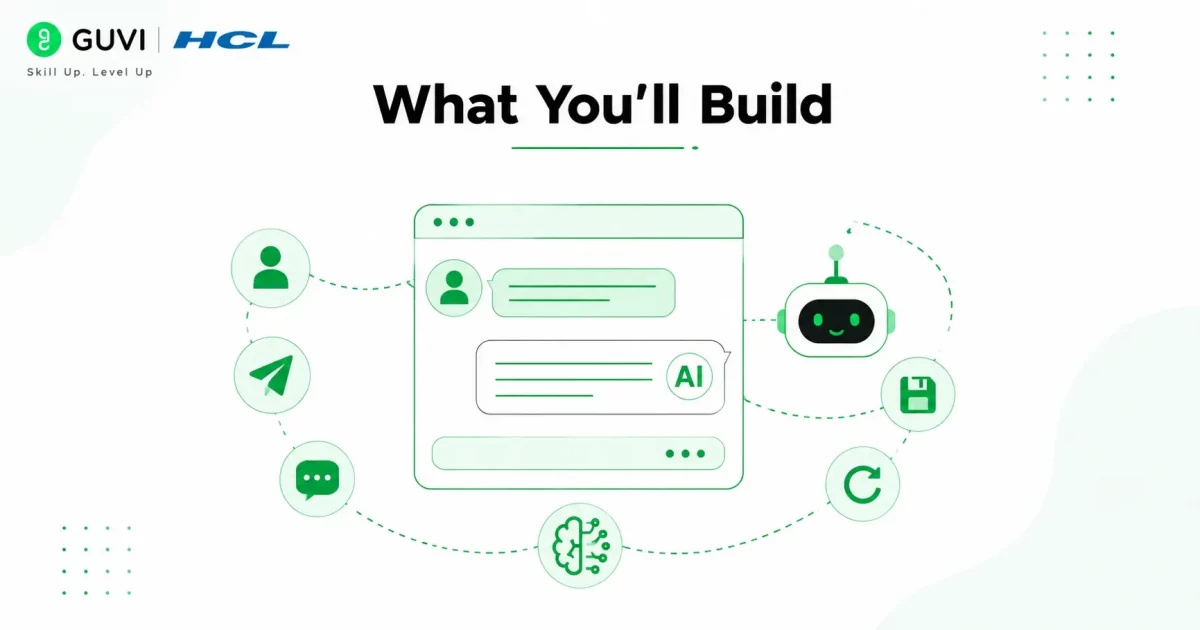
In this tutorial, you’ll build a Python chatbot that can:
- Accept user input
- Send prompts to Claude
- Display AI-generated responses
- Remember previous conversations
- Continue chatting until the user exits
By the end, you’ll have a working chatbot that can serve as the foundation for customer support bots, virtual assistants, and AI-powered productivity tools.
Prerequisites
Before getting started, make sure you have:
- Python 3.9 or later
- An Anthropic API key
- The Anthropic Python SDK
- A code editor such as Visual Studio Code
- Basic knowledge of Python programming
Building a Claude API Python Chatbot
Installing the Anthropic Python SDK
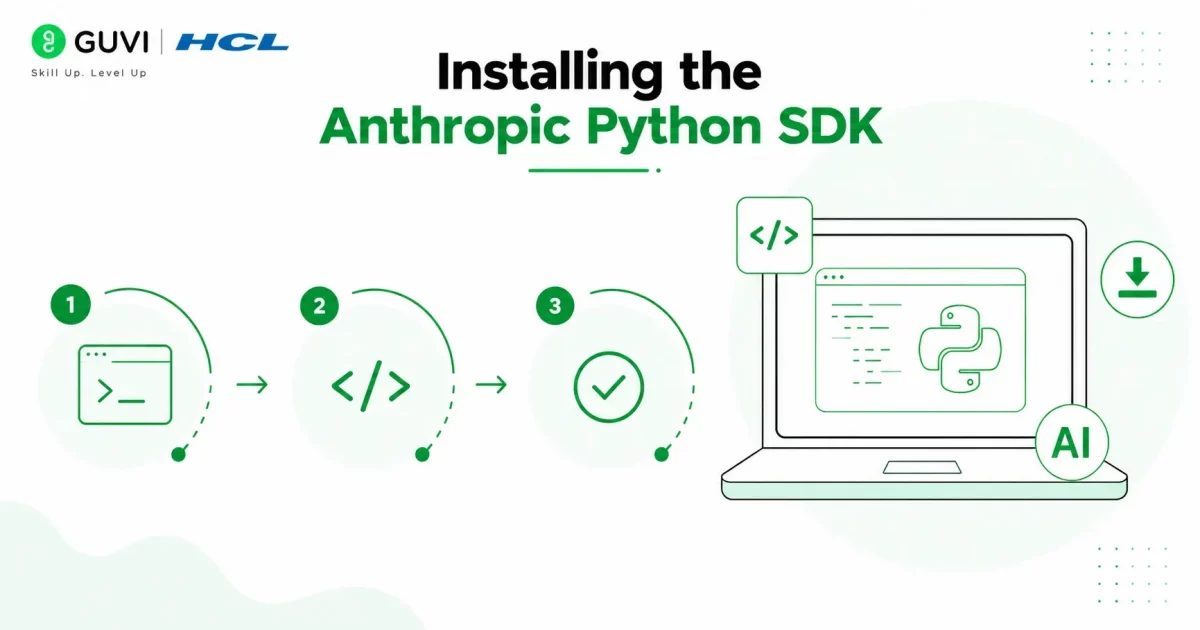
The easiest way to connect Python with Claude is by installing Anthropic’s official SDK.
Step 1: Install the SDK
Run the following command:
pip install anthropic
This installs the official Python package used to communicate with Claude.
Step 2: Verify the Installation
After installation, you can verify the SDK by importing it into your Python project.
from anthropic import Anthropic
If no errors appear, your environment is ready.
Creating Your Claude Client
Before sending prompts, initialize the Anthropic client using your API key.
from anthropic import Anthropic
client = Anthropic(
api_key=”YOUR_API_KEY”
)
For production applications, avoid hardcoding your API key. Instead, store it securely using environment variables or a secrets manager.
Source: Anthropic Messages API Documentation
https://docs.anthropic.com/en/api/messages
Sending Your First Message
Now that the Anthropic client is configured, you’re ready to send your first prompt to Claude using the Messages API.
Step 1: Create Your First API Request
Use the messages.create() method to send a prompt and receive Claude’s response.
from anthropic import Anthropic

client = Anthropic(api_key="YOUR_API_KEY")

message = client.messages.create(

    model="claude-sonnet-4-0",

    max_tokens=300,

    messages=[

        {

            "role": "user",

            "content": "Hello! Introduce yourself."

        }

    ]

)

print(message.content[0].text)
This request specifies the Claude model, maximum output tokens, and the user’s message. Claude processes the prompt and returns a response that your application can display.
Source: Anthropic Messages API Documentation
https://docs.anthropic.com/en/api/messages
Building a Continuous Chatbot
A chatbot becomes useful when it can handle multiple user messages instead of a single request.
Step 2: Create a Chat Loop
The following example continuously accepts user input until the user types exit.
from anthropic import Anthropic

client = Anthropic(api_key="YOUR_API_KEY")

while True:

    user_input = input("You: ")

    if user_input.lower() == "exit":

        break

    message = client.messages.create(

        model="claude-sonnet-4-0",

        max_tokens=300,

        messages=[

            {

                "role": "user",

                "content": user_input

            }

        ]

    )

    print("Claude:", message.content[0].text)
Each time the user enters a prompt, the chatbot sends it to Claude and displays the generated response. Typing exit ends the conversation.

Adding Conversation Memory
Without conversation history, Claude treats every message as a completely new request. To create a more natural chatbot, store previous messages and send them with each API call.
Step 3: Maintain Conversation History
conversation = []

while True:

    user_input = input("You: ")

    if user_input.lower() == "exit":

        break

    conversation.append({

        "role": "user",

        "content": user_input

    })

    message = client.messages.create(

        model="claude-sonnet-4-0",

        max_tokens=300,

        messages=conversation

    )

    reply = message.content[0].text

    conversation.append({

        "role": "assistant",

        "content": reply

    })

    print("Claude:", reply)
With conversation history enabled, Claude remembers previous messages, making interactions more contextual and engaging.
Ready to build your first AI chatbot?
Get our free HCL GUVI’s Python eBook and learn how to integrate the Claude API with Python through practical examples and a complete chatbot project.
Best Practices for Building a Claude API Python Chatbot
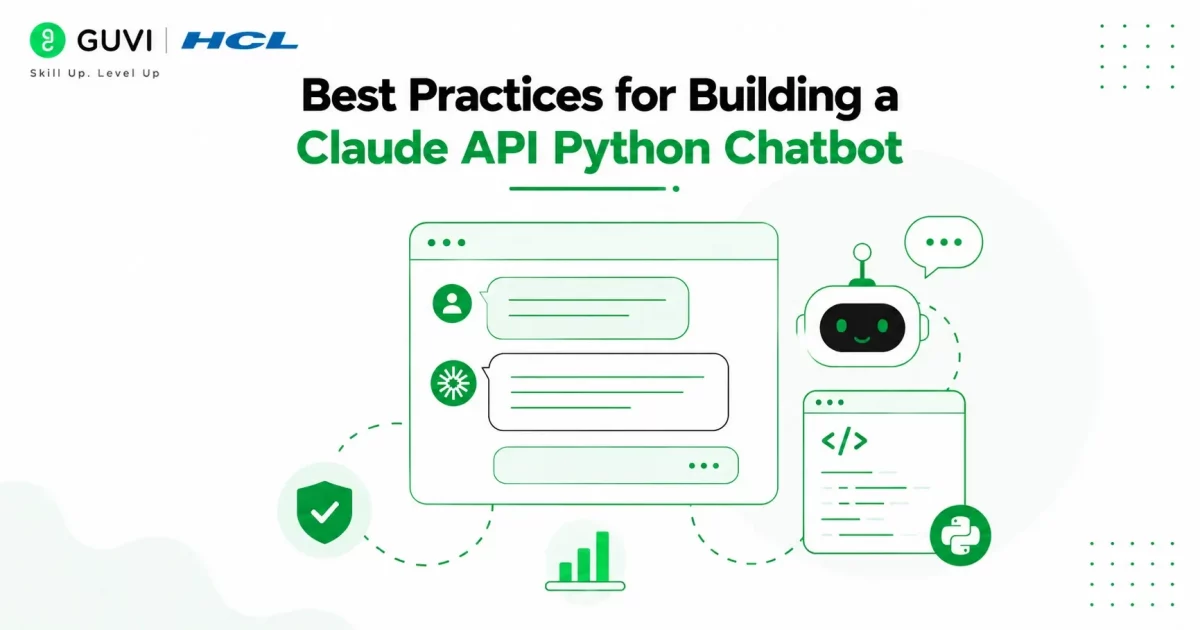
To build a reliable chatbot, follow these best practices:
- Store API keys securely using environment variables.
- Keep conversation history concise to reduce token usage.
- Handle API exceptions gracefully.
- Validate user input before sending requests.
- Choose the Claude model that best fits your application’s needs.
If you’re interested in building AI-powered applications beyond simple chatbots, HCL GUVI’s AI & Machine Learning Course provides hands-on training in Python, machine learning, prompt engineering, AI APIs, and large language models through real-world projects.
Claude can maintain context across multiple interactions when you send previous messages with each API request. This enables your chatbot to generate more coherent, personalized, and natural conversations, making it ideal for AI assistants and customer support applications.
Conclusion
Building a Claude API Python chatbot is straightforward using Anthropic’s Python SDK and the Messages API. By installing the SDK, configuring your API key, sending prompts, and maintaining conversation history, you can create intelligent conversational applications with minimal code. As your chatbot evolves, implementing best practices such as secure authentication, efficient prompt design, and error handling will improve both performance and user experience.
FAQs
1. What is a Claude API Python chatbot?
A Claude API Python chatbot is a conversational application that uses Anthropic’s Claude API to generate AI-powered responses in Python.
2. Which Python package is required?
Install the official Anthropic SDK using:
pip install anthropic
3. How do I get an Anthropic API key?
Generate an API key from your Anthropic developer account and use it to authenticate API requests.
4. Can Claude remember previous messages?
Yes. By storing and sending conversation history with each request, Claude can maintain conversational context.
5. Which Claude model should I use?
Claude Sonnet is a good choice for most chatbot applications because it balances performance, speed, and cost.
6. How can I secure my API key?
Store it in environment variables or a secure secrets manager instead of hardcoding it into your application.
7. Can I integrate a Claude API chatbot into my website?
Yes. After building your chatbot in Python, you can integrate it with websites, web applications, customer support portals, or messaging platforms using backend APIs and web frameworks such as Flask or FastAPI.
Success Stories

About the Author
Vishalini Devarajan
An Aerospace Engineer turned content writer, I focus on making complex concepts easy to understand through well-structured, reader-friendly blogs. Whether it’s a technical topic or a non-technical one, I love creating content that is clear, engaging, and impactful.
View all posts by Vishalini Devarajan
Connect with me @







Did you enjoy this article?