


DevOps Articles
Claude for IT Help Desks: Reducing Ticket Volume
From Beginner to DevOps Engineer: How HCL GUVI Zen Class Helps You Get There


Get In Touch For Details! Request More Information
OPA (Open Policy Agent) Tutorial: Policy as Code Made Simple
Aug 14, 2026 3 Min Read 1189 Views
(Last Updated)
Every app needs rules. Who can delete a record? Which containers are allowed to run? Can this Terraform plan deploy a public S3 bucket? Without OPA, those rules live scattered across application code and config files with no central audit trail. This OPA (Open Policy Agent) tutorial shows you how to centralise all of that into one place using policy as code. By the end, you will have OPA installed, a Rego policy written, and a clear picture of where it fits in a real system.
Table of contents
- TL;DR Summary
- What is OPA?
- OPA (Open Policy Agent) Tutorial: Installation
- Understanding Rego in 2 Minutes
- Writing Your First Policy
- Evaluating a Policy with the CLI
- Running OPA as a Server
- Where OPA Fits in Your Stack
- 💡 Did You Know?
- Common Mistakes to Avoid
- Conclusion
- FAQs
- Is OPA free to use?
- What language are OPA policies written in?
- Is OPA only for Kubernetes?
- What happens when OPA cannot evaluate a rule?
- Can I run OPA in GitHub Actions?
TL;DR Summary
- This OPA (Open Policy Agent) tutorial shows you how to install OPA, write your first Rego policy, and evaluate it against real input.
- OPA decouples policy decisions from your application code so you never hardcode authorization logic again.
- Policies are written in Rego, a declarative language that reads almost like plain English once you know the basics.
- OPA is free, open-source, and a CNCF graduated project used by Netflix, Pinterest, and Atlassian.
- You can run OPA as a CLI tool locally or as a REST API server that your apps query for decisions.
What is OPA?

OPA (Open Policy Agent) is a free, open-source policy engine that separates the question “is this allowed?” from the application code that enforces the answer.
Your application sends a JSON input to OPA, such as the user’s role and the action they want to perform. OPA evaluates that input against your Rego policies and returns a decision, typically allow: true or allow: false. Your application enforces it. OPA only decides, never enforces. This means you update policies without touching application code, test them independently, and audit every decision from one place.
Policy as code sits at the intersection of DevOps, security, and platform engineering, one of the highest-growth skill clusters in 2026. HCL GUVI’s DevOps Course covers CI/CD, infrastructure automation, and security integration with real-world projects and NSDC certification.
OPA (Open Policy Agent) Tutorial: Installation
OPA ships as a single binary with no runtime dependencies.
- macOS: brew install opa
- Linux: curl -L -o opa https://openpolicyagent.org/downloads/latest/opa_linux_amd64_static && chmod +x opa && sudo mv opa /usr/local/bin/
- Windows: Download the binary from the official OPA releases page on GitHub and add it to your PATH.
- Docker: docker pull openpolicyagent/opa
Confirm it worked by running opa version, which prints the current version number.
Understanding Rego in 2 Minutes
Rego (pronounced “ray-go”) is OPA’s policy language. It is declarative, meaning you describe what should be true, not how to compute it.
Three things to know before writing your first policy:
- Everything is data. Both your input and your policy logic work with JSON objects.
- Rules evaluate to true or false. A rule like allow is true only when all its conditions are met.
- Undefined means denied by default. If OPA cannot prove a rule is true, it treats it as false.
That last point is important. OPA follows a closed-world assumption: if you have not explicitly allowed something, it is denied. You opt into permission, never out of it.
Writing Your First Policy
Create a file called policy.rego with the following content:
package authz

import rego.v1

default allow := false

allow if {
    input.user.role == "admin"
}
This policy does one thing. It denies everything by default, then allows the request only if the user’s role is “admin.” Simple, readable, and completely separate from any application code.

Now create an input file called input.json:
{
  "user": {
    "name": "alice",
    "role": "admin"
  },
  "action": "delete"
}
Evaluating a Policy with the CLI
This is the core of any OPA (Open Policy Agent) tutorial: actually running a policy evaluation.
Run this command in your terminal:
opa eval -d policy.rego -i input.json “data.authz.allow”
OPA returns:
{
  "result": [
    {
      "expressions": [
        {
          "value": true,
          "text": "data.authz.allow"
        }
      ]
    }
  ]
}
The value is true because the input user has the role “admin.” Change the role to “viewer” and run it again. The result becomes false immediately, with no code change needed anywhere else in your system.
Running OPA as a Server
For real applications, OPA runs as a REST API server your services query over HTTP.
Start it with: opa run –server policy.rego
OPA listens on port 8181. Query it with:
curl -X POST http://localhost:8181/v1/data/authz/allow –data ‘{“input”: {“user”: {“role”: “admin”}, “action”: “delete”}}’
OPA responds with {“result”: true}. Your application reads the result and enforces it. Policy logic lives entirely in Rego. Application code stays clean.
Where OPA Fits in Your Stack
| Use Case | What OPA Checks |
| API authorization | Can this user call this endpoint? |
| Kubernetes admission | Does this pod spec meet security policies? |
| Terraform validation | Does this plan violate compliance rules? |
| CI/CD pipelines | Does this container image come from an approved registry? |
💡 Did You Know?
- OPA is a CNCF graduate project.
- Netflix was one of the earliest adopters, using OPA to enforce authorization across thousands of microservices.
Common Mistakes to Avoid
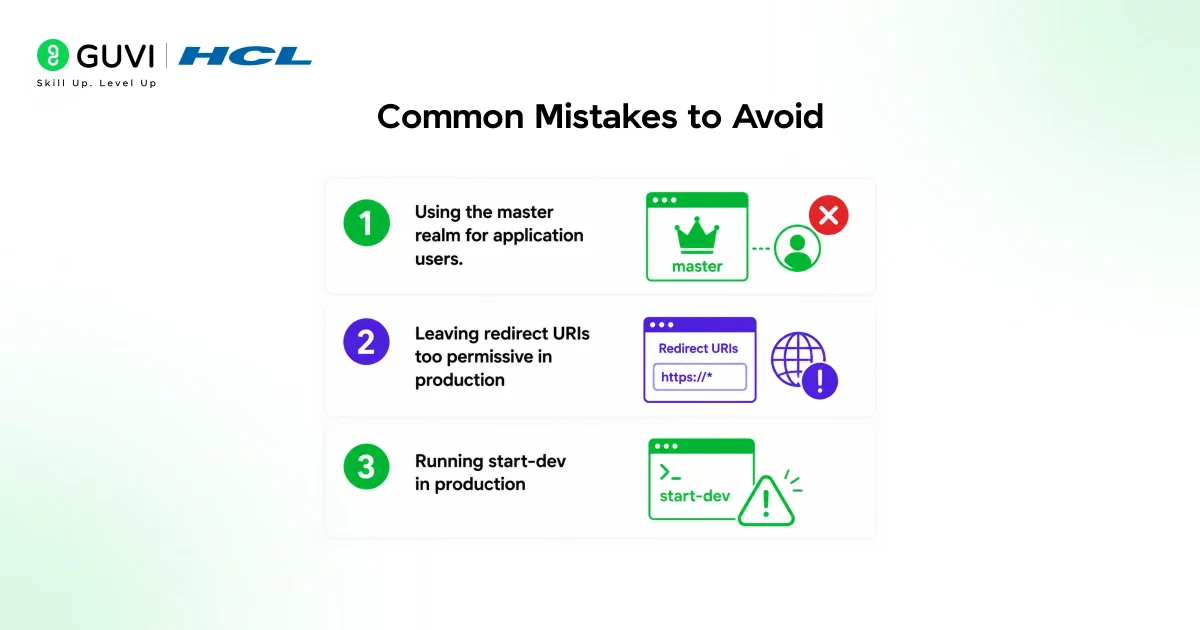
- Forgetting that undefined means denied. Always set default allow := false explicitly, then build the conditions that make it true. Without this, valid requests get silently blocked and beginners cannot tell why.
- Not writing tests for your policies. OPA has a built-in test framework. Run opa test policy_test.rego before deploying. Untested policy changes can silently break access for real users.
Conclusion
This OPA (Open Policy Agent) tutorial walks you through the full beginner workflow: installing OPA, understanding how Rego works, writing a real policy, evaluating it against input, and running OPA as a server your applications can query. The core shift OPA enables is simple but powerful: policy logic moves out of scattered application code and into one testable, auditable, version-controlled place.
FAQs
1. Is OPA free to use?
Yes. OPA is fully open-source under Apache 2.0. Everything in this OPA (Open Policy Agent) tutorial requires no paid account.
2. What language are OPA policies written in?
Rego (pronounced “ray-go”), a declarative language built specifically for expressing policy logic over JSON data.
3. Is OPA only for Kubernetes?
No. OPA works with any system that sends JSON over HTTP, including API authorization, Terraform validation, and CI/CD pipeline checks.
4. What happens when OPA cannot evaluate a rule?
It is treated as undefined, which defaults to denied. Always set default allow := false explicitly and build conditions that make it true.
5. Can I run OPA in GitHub Actions?
Yes. Use open-policy-agent/setup-opa and run opa test on every pull request to catch policy regressions automatically.
Success Stories

About the Author
Jebasta
I translate the language of data into stories that anyone can understand. As a writer with a data science background, I simplify analytics, AI, and decision-making so beginners and enthusiasts can confidently explore the world of data.
View all posts by Jebasta
Connect with me @
























Did you enjoy this article?