


Mechanical CAD Articles
How to Prepare for Mechanical Engineering Technical Interview Questions: A Practical Guide
CAD Designer Resume Examples & Tips to Land Your Dream Job
CAD Designer Career in India: Salary, Job Roles & Growth Path
CAD vs CAM: Key Differences & Why It Matters in Design and Manufacturing


Get In Touch For Details! Request More Information
Who Is a Mechanical CAD Designer? A Complete Beginner’s Guide
Aug 19, 2026 6 Min Read 1438 Views
(Last Updated)
Every machine you use, cars, fans, and phones, starts as a deliberate design where each part, curve, and connection is specified. Today, that work is done on computers by mechanical CAD designers who create precise models and drawings that guide manufacturing and assembly.
CAD (Computer‑Aided Design) replaces hand drafting with tools for accurate 2D drawings and 3D models, making design faster, easier to iterate, and less error‑prone. As industries like automotive, aerospace, and consumer products grow more complex, demand for skilled mechanical CAD designers continues to rise.
In this article, you will learn exactly who a mechanical CAD designer is, what they do daily, what skills and tools they need, which industries hire them, how much they earn, and what steps you can take to become one.
Table of contents
- TL;DR
- What Does a Mechanical CAD Designer Actually Do?
- The Key Skills a Mechanical CAD Designer Needs
- Tools and Software Used in Mechanical CAD Design
- Industries That Hire Mechanical CAD Designers
- Mechanical CAD Designer vs. Mechanical Engineer: What Is the Difference?
- Salary and Career Outlook for Mechanical CAD Designers
- How to Become a Mechanical CAD Designer
- Step 1: Get the right educational foundation
- Step 2: Learn the core software tools
- Step 3: Practice consistently to build proficiency
- Step 4: Earn recognized certifications
- Step 5: Build a portfolio of projects
- Step 6: Seek practical experience and feedback
- What Makes a Great Mechanical CAD Designer
- Final Thoughts
- FAQ
- Q: Do I need an engineering degree to become a CAD designer?
- Q: Which CAD software should I learn first?
- Q: What is GD&T, and why is it important?
- Q: How do I build a portfolio as a beginner?
- Q: How can I make myself more employable in this field?
TL;DR
- A mechanical CAD designer creates precise 2D drawings and 3D parametric models that turn engineering concepts into manufacturable parts and assemblies.
- Core skills: proficiency in CAD tools (SolidWorks, AutoCAD, CATIA, Fusion 360), GD&T and drawing standards, manufacturing process knowledge, and strong attention to detail.
- Daily work includes modeling parts, creating assembly drawings, preparing BOMs, iterating designs with engineers, and ensuring manufacturability.
- Industries hiring CAD designers: automotive, aerospace, consumer products, medical devices, industrial machinery, and energy specialized tools (CATIA, ANSYS) command a premium.
- Career path: junior CAD designer → senior designer → CAD manager/consultant or transition to design engineering, simulation, or project management; certifications and a strong portfolio accelerate hiring.
What Is a Mechanical CAD Designer?
A Mechanical CAD Designer is a professional who uses Computer-Aided Design (CAD) software to create detailed 2D technical drawings and 3D models of mechanical components, assemblies, and systems. They transform engineering concepts, specifications, and ideas into precise, manufacturable designs that can be used for production, testing, and documentation. Mechanical CAD designers work closely with engineers and manufacturing teams to ensure designs meet functional, safety, and production requirements while maintaining accuracy and efficiency throughout the product development process.
What Does a Mechanical CAD Designer Actually Do?
- Role summary
- A mechanical CAD designer translates an engineer’s concept requirements for strength, fit, and material into detailed, manufacturable digital models and drawings.
- They bridge design intent and production reality, ensuring parts can be built accurately and reliably.
- Daily work
- Create part drawings and assembly models from briefs, sketches, specs, or verbal requirements using CAD software.
- Every dimension, tolerance, and material call-out must be precise to avoid costly manufacturing errors.
- Revisions and BOMs
- Update and iterate existing designs when products, materials, or processes change, and implement client or engineering modifications.
- Prepare Bills of Materials that list every component and material used in an assembly for procurement and manufacturing.
- Technical communication
- Present drawings to engineers, project managers, and manufacturing teams, explain design choices, and incorporate feedback.
- Maintain up‑to‑date documentation so all stakeholders work from the same accurate designs.
The Key Skills a Mechanical CAD Designer Needs
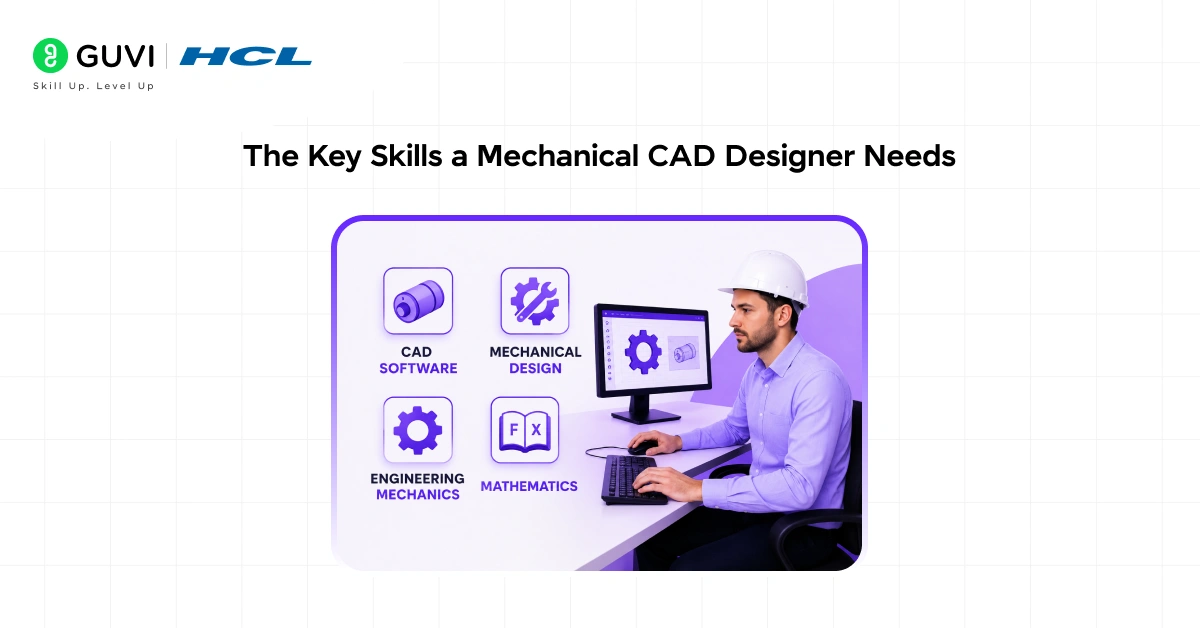
The skill set of a mechanical CAD designer spans both technical knowledge and practical thinking. Here is what matters most.
- CAD Software Proficiency :
- It’s the foundation of everything. The most widely used tools in mechanical design include AutoCAD, which is the industry standard for 2D drafting.
- SolidWorks, which is extensively used for 3D parametric modeling and is especially popular in product design and manufacturing; CATIA, which is the go-to tool in aerospace and automotive industries; and Creo, commonly found in industrial and defense manufacturing environments.
- Being proficient in at least one of these tools is a baseline requirement for entering the field, and knowing more than one significantly increases your value as a designer.
- Understanding of Engineering Drawing Standards:
- It is equally important. CAD software is just a tool; what makes a drawing useful is whether it follows the right standards and communicates the right information.
- Mechanical CAD designers need to understand concepts like geometric dimensioning and tolerancing (GD&T), which is a standardized language for defining the shape and size of parts; drawing views and projections; surface finish symbols; and assembly constraints.
- These are the conventions that allow a manufacturer anywhere in the world to read a drawing and understand exactly what needs to be built.
- Knowledge of Manufacturing Processes :
- This makes a mechanical CAD designer genuinely effective rather than just technically competent.
- A designer who understands how parts are machined, cast, welded, or injection-molded can create designs that are not just geometrically correct but actually manufacturable at a reasonable cost.
- Designing a part that looks perfect on screen but is impossible or impractical to produce is one of the most common mistakes early-career designers make, and understanding manufacturing constraints helps avoid it entirely.
- Attention to detail:
- This is non-negotiable in this role. A missing dimension, an incorrect tolerance, or a poorly constrained 3D model can cascade into expensive errors during production.
- Mechanical CAD designers are expected to check their own work carefully, maintain version control on drawing files, and ensure that nothing leaves the design stage with unresolved issues.
- Problem-Solving and Spatial Thinking:
- They are skills that experienced CAD designers use constantly.
- Visualizing how a three-dimensional object will look from multiple angles, figuring out how assembly components fit and move together, and identifying potential interference or clearance issues.
- Before they reach the manufacturing stage, all require strong spatial reasoning and a habit of thinking critically about designs rather than just drafting them.
Tools and Software Used in Mechanical CAD Design
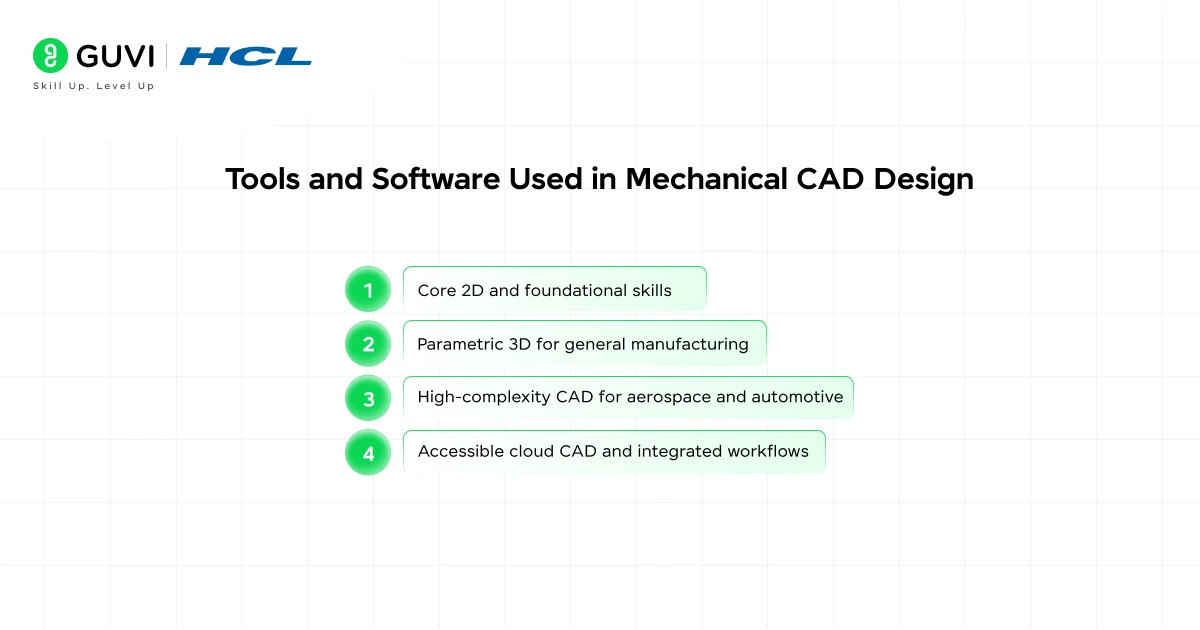
- Core 2D and foundational skills
AutoCAD remains the industry standard for 2D technical drawing; most mechanical designers are expected to be proficient in its drafting, dimensioning, and documentation tools.
- Parametric 3D for general manufacturing
SolidWorks is the most widely taught 3D parametric CAD for product development and manufacturing, enabling fast iteration by updating linked dimensions across models.
- High-complexity CAD for aerospace and automotive
CATIA handles large, complex assemblies and is the tool of choice in aerospace and automotive engineering, though it has a steeper learning curve than SolidWorks.
- Accessible cloud CAD and integrated workflows
Fusion 360 offers a cloud-based, integrated CAD + simulation + CAM workflow popular with startups, small manufacturers, and students for its accessibility and end-to-end toolset.
Industries That Hire Mechanical CAD Designers
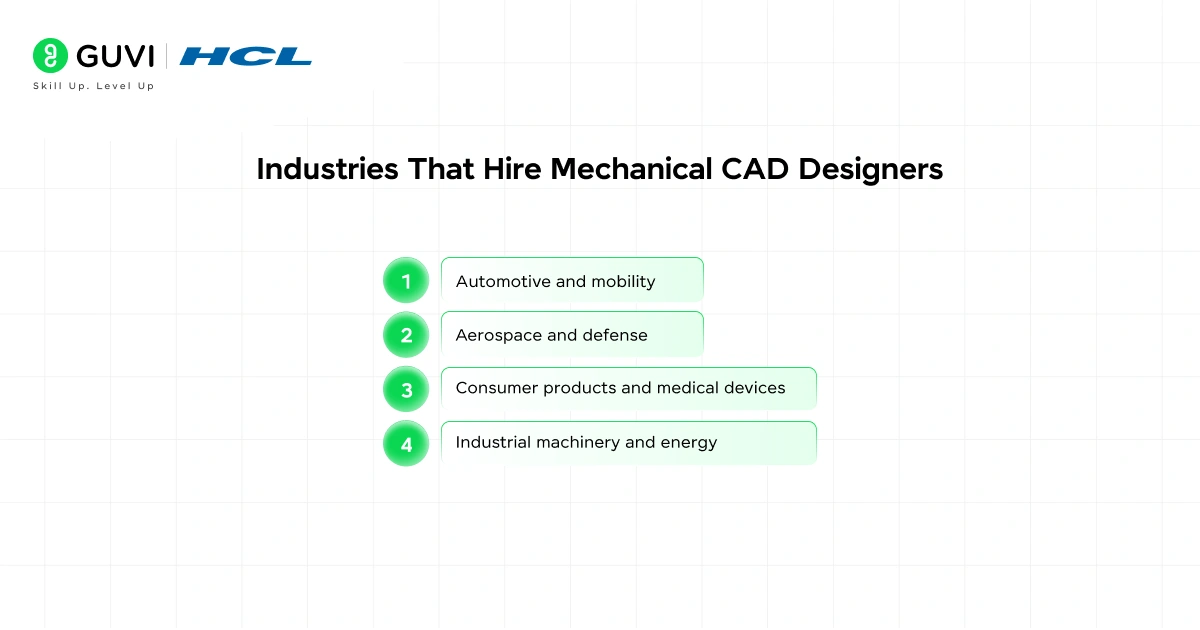
- Automotive and mobility
CAD designers in the automotive sector create parts and complex assemblies from brackets and housings to full drivetrains and body systems, where fit, tolerance, and manufacturability drive every design decision.
- Aerospace and defense
The aerospace and defense industries demand extremely precise CAD work for components and assemblies with tight tolerances and rigorous safety standards, making tools like CATIA and simulation essential.
- Consumer products and medical devices
Consumer electronics, appliances, tools, and medical devices rely on CAD designers to turn concepts into manufacturable products, balancing aesthetics, ergonomics, and production constraints.
- Industrial machinery and energy
Industrial equipment, construction machinery, and energy-sector projects (pumps, turbines, pipelines) require robust mechanical designs focused on durability, serviceability, and large-assembly integration areas that increasingly hire CAD specialists, especially in India’s growing manufacturing ecosystem.
Mechanical CAD Designer vs. Mechanical Engineer: What Is the Difference?
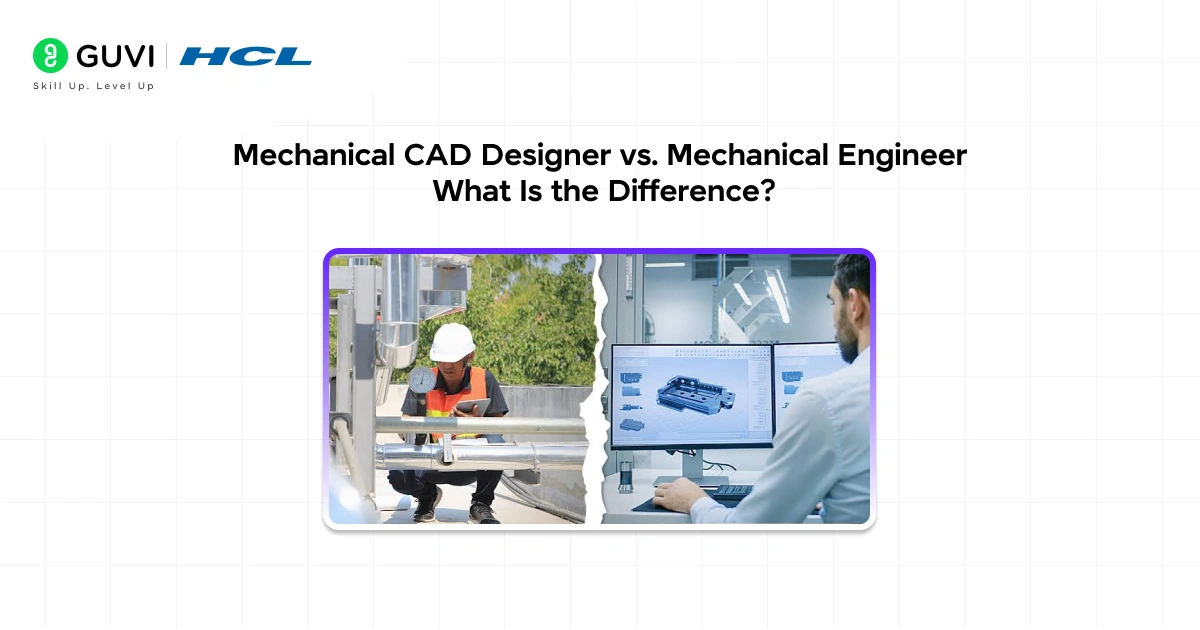
| Aspect | Mechanical CAD Designer | Mechanical Engineer |
| Primary Focus | Translating designs into precise 2D drawings and 3D parametric models. | Conceptual design, analysis, and defining requirements and performance criteria. |
| Core Responsibilities | Create detailed part models, assemblies, engineering drawings, tolerancing schemes, and manufacturing-ready documentation. | Define product function, loads, material selection, safety factors, and validate designs through calculations and simulations. |
| Typical Skills | Expertise in CAD software (SolidWorks, AutoCAD, CATIA, Creo), drawing standards, GD&T, CAD best practices, and file management. | Strong engineering fundamentals (mechanics, materials, thermodynamics), FEA, simulation tools, and system-level design thinking. |
| Deliverables | CAD models, technical drawings, Bills of Materials (BOMs), and files for CAM/manufacturing. | Design specifications, engineering calculations, simulation reports, design rationale, and product requirements documents. |
| Interaction with Manufacturing | Produces manufacturable geometry and detailed drawings; works closely with production teams to resolve drawing and modeling issues. | Defines manufacturability requirements, selects manufacturing processes and materials, and approves designs from an engineering perspective. |
| Typical Seniority / Career Path | Junior CAD Designer → CAD Designer → Senior CAD Designer → CAD Manager / Technical Specialist / Consultant. | Junior Engineer → Design Engineer → Senior/Lead Engineer → Engineering Manager / Principal Engineer / Specialist. |
| Decision-Making Authority | Focuses on implementing and documenting designs accurately. | Responsible for engineering decisions affecting performance, safety, reliability, and compliance. |
| Engineering Analysis | Limited to basic design checks and CAD-integrated tools. | Performs detailed calculations, FEA, CFD, fatigue analysis, and performance validation. |
| Overlap | Many CAD designers develop strong engineering judgment and contribute to design improvements. | Many engineers are proficient in CAD and create models and drawings themselves. |
| Role Separation | More common in large organizations where modeling/documentation is a dedicated function. | More common in organizations requiring product development, validation, and compliance activities. |
| When Each Is Required | When precise, producible geometry, drawings, and manufacturing documentation are needed. | When defining product functionality, ensuring safety, performance, reliability, and regulatory compliance. |

Salary and Career Outlook for Mechanical CAD Designers
The pay for mechanical CAD designers is competitive and increases with experience, specialization, and industry.
In the U.S., early‑2026 Glassdoor figures show an average around $75,720/year, with experienced professionals reaching roughly $111,000. In India, entry-level salaries typically range from ₹2.5–4 LPA, mid-level ₹5–8 LPA, and senior roles at established firms often exceed ₹10 LPA, with variations based on domain and software expertise.
- Typical salary progression
- Entry: learn core tools and produce supervised work; modest starting pay.
- Mid: own parts and subassemblies, optimize workflows; noticeable pay increase.
- Senior: lead complex projects, mentor juniors, influence design standards; highest base pay before management/consulting transitions.
- Career paths and branching opportunities
- Design engineering: deeper involvement in product function and manufacturability.
- Product development: cross-functional work from concept to production.
- Project management: coordinate teams, schedules, and delivery.
- Technical consulting: advisory roles for firms needing specialized CAD expertise.
- Specialization premium
- Aerospace (CATIA), advanced product development (SolidWorks), and simulation-driven roles (ANSYS) command higher demand and salaries.
- Niche skills, such as large assembly management, DFMA, and CAD automation/scripting also boost employability and compensation.
Explore job opportunities, required tools, and a clear roadmap to build your CAD career.
Generative design and additive manufacturing (3D printing) are reshaping the world of CAD by enabling software to automatically generate design options based on engineering constraints such as weight, strength, material usage, and manufacturing requirements. Instead of manually creating every geometry from scratch, designers can evaluate AI-assisted alternatives and refine them for performance, cost, and manufacturability. As these technologies become more widely adopted, CAD professionals who combine traditional design expertise with an interest in emerging tools gain a valuable advantage. Additionally, industry-recognized certifications such as CSWA and CSWP for SolidWorks, along with Autodesk certifications, can strengthen early-career job prospects by demonstrating practical proficiency with leading design platforms and engineering workflows.
How to Become a Mechanical CAD Designer
Here’s a clear, stepwise guide to becoming a mechanical CAD designer.
Step 1: Get the right educational foundation
A diploma or degree in mechanical engineering, production engineering, or industrial design gives you the theory of materials, forces, manufacturing processes, and drawing standards that make CAD work meaningful. Diploma programs in mechanical drafting or CAD technology can also be acceptable when paired with strong practical skills.
Step 2: Learn the core software tools
Start with AutoCAD for 2D drafting and then move to SolidWorks for parametric 3D modeling. Follow structured tutorials, official learning paths, and hands-on exercises to move beyond button familiarity to real modeling capability.
Step 3: Practice consistently to build proficiency
Design complete parts and assemblies from scratch, practice creating technical drawings and constraints, and iterate on projects over months. Regular, focused practice is what turns basic knowledge into an employable skill.
Step 4: Earn recognized certifications
Pursue certifications like Autodesk’s AutoCAD credentials and SolidWorks’ CSWA/CSWP to validate your skills. Certifications add credibility, especially when applying for your first professional role.
Step 5: Build a portfolio of projects
Assemble two to three well-documented projects: original part designs, modeled existing products, and assemblies with proper drawings. A portfolio demonstrates real ability far more convincingly than a skills list alone.
Step 6: Seek practical experience and feedback
Look for internships, freelance gigs, college projects, or contributions to small manufacturers. Real-world constraints and feedback accelerate learning and expose you to common production issues and collaboration workflows.
What Makes a Great Mechanical CAD Designer
- Beyond technical skills and software knowledge, what separates a good mechanical CAD designer from a great one comes down to mindset. Great CAD designers stay genuinely curious about how things are made.
- They care about whether their designs are not just geometrically correct but truly practical for the people who will manufacture and use the product.
- They communicate clearly with engineers and manufacturing teams, ask the right questions when something is unclear, and treat feedback as information rather than criticism.
- The field is also evolving rapidly. Technologies like generative design, where software automatically generates optimized geometries based on engineering constraints and additive manufacturing (3D printing) are changing what is possible in mechanical design.
- CAD designers who stay current with these developments and learn to incorporate them into their workflow will find themselves at a genuine advantage in the coming years.
Final Thoughts
A mechanical CAD designer is someone who turns engineering ideas into the precise, detailed blueprints that make manufacturing possible. They sit at the intersection of creativity, technical precision, and practical engineering knowledge, and they play a genuinely important role in bringing every physical product around us to life.
If you enjoy working with technical detail, thinking in three dimensions, and seeing your work turn into something real, mechanical CAD design is a career path well worth exploring seriously.
FAQ
Q: Do I need an engineering degree to become a CAD designer?
A: Not strictly. A diploma or degree in mechanical engineering, production engineering, or industrial design helps, but strong practical CAD skills, a portfolio, and certifications can qualify you especially for junior roles.
Q: Which CAD software should I learn first?
A: Start with AutoCAD for 2D drafting basics and SolidWorks for parametric 3D modeling. If you target aerospace/automotive, add CATIA; for startups and maker projects, Fusion 360 is a great, accessible choice.
Q: What is GD&T, and why is it important?
A: GD&T (Geometric Dimensioning & Tolerancing) is a standardized language that precisely defines allowable variation in part geometry and ensures parts fit and function in assemblies. It’s essential for communicating manufacturable tolerances to production.
Q: How do I build a portfolio as a beginner?
A: Model several complete projects: a single part with detailed drawings, an assembly with a BOM, and a product teardown or redesign. Document the problem, your design choices, manufacturing considerations, and include exported drawings or PDFs and STEP files.
Q: How can I make myself more employable in this field?
A: Gain hands-on experience (internships, freelance, college projects), earn vendor certifications (SolidWorks, Autodesk), learn manufacturing methods (injection molding, CNC, sheet metal), and show a portfolio that demonstrates accuracy, manufacturability thinking, and iteration.
Success Stories

About the Author
Vishalini Devarajan
An Aerospace Engineer turned content writer, I focus on making complex concepts easy to understand through well-structured, reader-friendly blogs. Whether it’s a technical topic or a non-technical one, I love creating content that is clear, engaging, and impactful.
View all posts by Vishalini Devarajan
Connect with me @










Did you enjoy this article?