


Product Management Articles
Enterprise Product Management: Unique Challenges, Skills & Strategy
B2B vs B2C Product Management: Key Differences, Skills, Strategy & Career Scope
Working with Engineers as a Product Manager: A Practical Guide


Get In Touch For Details! Request More Information
Essential Product Manager Tools to Drive Project Success
Jul 20, 2026 5 Min Read 603 Views
(Last Updated)
Imagine trying to build a house without measuring tapes, blueprints, or safety equipment. You would waste time, make mistakes, and potentially create unsafe structures. Product managers face the same challenge without the right tools. They need to track features, analyze user behavior, communicate with teams, and make data-driven decisions.
Product manager tools are software and applications that help manage products effectively. These tools help organize information, track progress, measure success, and collaborate with teams. The right product manager tools can dramatically improve productivity and product quality.
If you are a product manager, aspiring to become one, or managing teams that need better organization, understanding essential product manager tools is crucial. The right tools save time and help you make better decisions.
This guide explains the different categories of product manager tools, specific tools in each category, and how to choose the right ones for your needs.
Table of contents
- Quick TL;DR Summary
- Why Product Manager Tools Matter
- Project Management Tools
- Roadmap and Planning Tools
- Analytics and User Behavior Tools
- Communication Tools
- User Research Tools
- Design Collaboration Tools
- Choosing Product Manager Tools
- Conclusion
- FAQs
- What is the most important product manager tool?
- Do I need to pay for product manager tools?
- How many product manager tools should I use?
- Can product manager tools replace project managers?
- How long does it take to implement new product manager tools?
Quick TL;DR Summary
- This guide explains essential product manager tools across multiple categories including project management, analytics, communication, user research, and design collaboration.
- You will learn about popular product manager tools like Jira, Asana, Notion, Mixpanel, and UserTesting that help manage products and drive success.
- The guide covers different types of product manager tools including roadmap tools, analytics platforms, communication apps, and user research software with specific use cases.
- Step-by-step explanations show how product manager tools integrate into your workflow and why each category of tools matters for product success.
- You will understand how to choose product manager tools based on team size, budget, and specific needs, plus best practices for using them effectively.
What Are Essential Product Manager Tools?
Essential product manager tools are software applications and platforms that help product managers plan, build, launch, and improve products more effectively. These tools support key activities such as roadmap planning, project tracking, user research, analytics, documentation, collaboration, and stakeholder communication. By centralizing information and streamlining workflows, product management tools enable teams to make data-driven decisions, align on priorities, monitor product performance, and deliver value to customers more efficiently.
You know the tools now learn how to use them like a Product Manager. Enrol in IIM Indore’s 8-month Certificate Programme in Product Management (CP PM) and gain the skills to build products that drive growth and innovation.
Why Product Manager Tools Matter
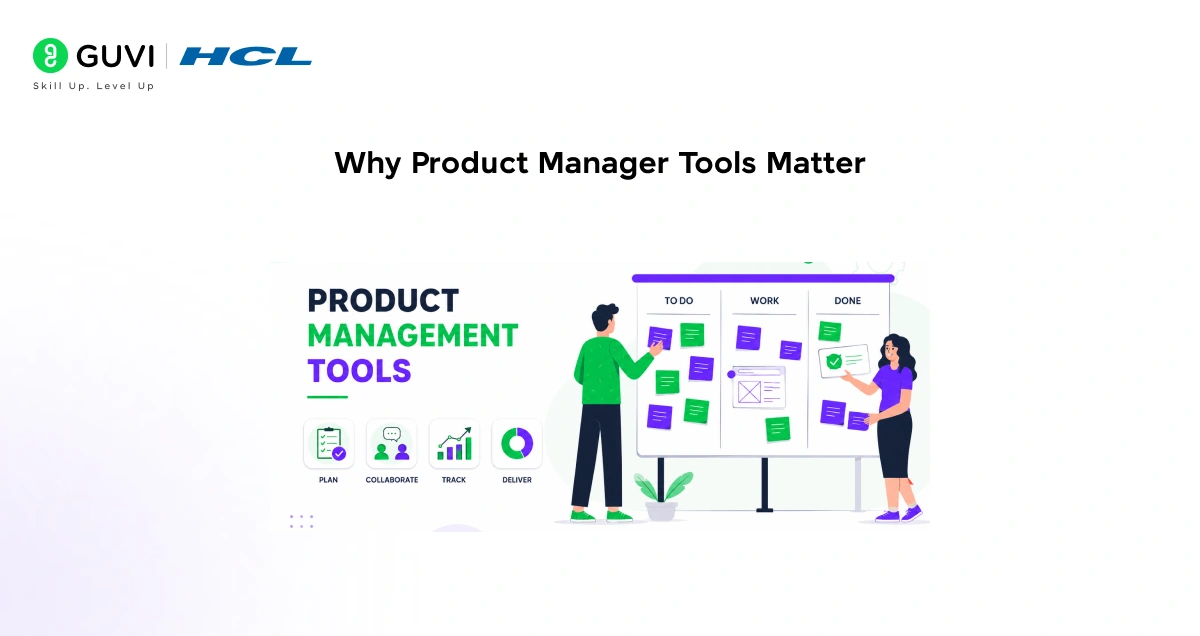
- Organizing complex information
Products involve hundreds of features, requirements, and decisions. Product manager tools help organize this information so nothing falls through the cracks.
- Making data-driven decisions
Without analytics tools, product managers rely on gut feeling. Product manager tools provide data showing what users actually do versus what we think they do.
- Communicating across teams
Engineers, designers, marketing, and customers all need information. Product manager tools create a central place where everyone finds what they need.
- Tracking progress and priorities
With dozens of priorities competing for attention, product manager tools help track what is being worked on, what is done, and what is next.
- Collaborating effectively
Product manager tools enable teams to work together asynchronously. People in different time zones can contribute without constant meetings.
- Measuring success
Product manager tools track metrics that show if the product is meeting goals. Without measurement, you cannot know if decisions are working.
Read More: Product Manager Roadmap 2026: From Beginner to Industry-Ready PM
Project Management Tools
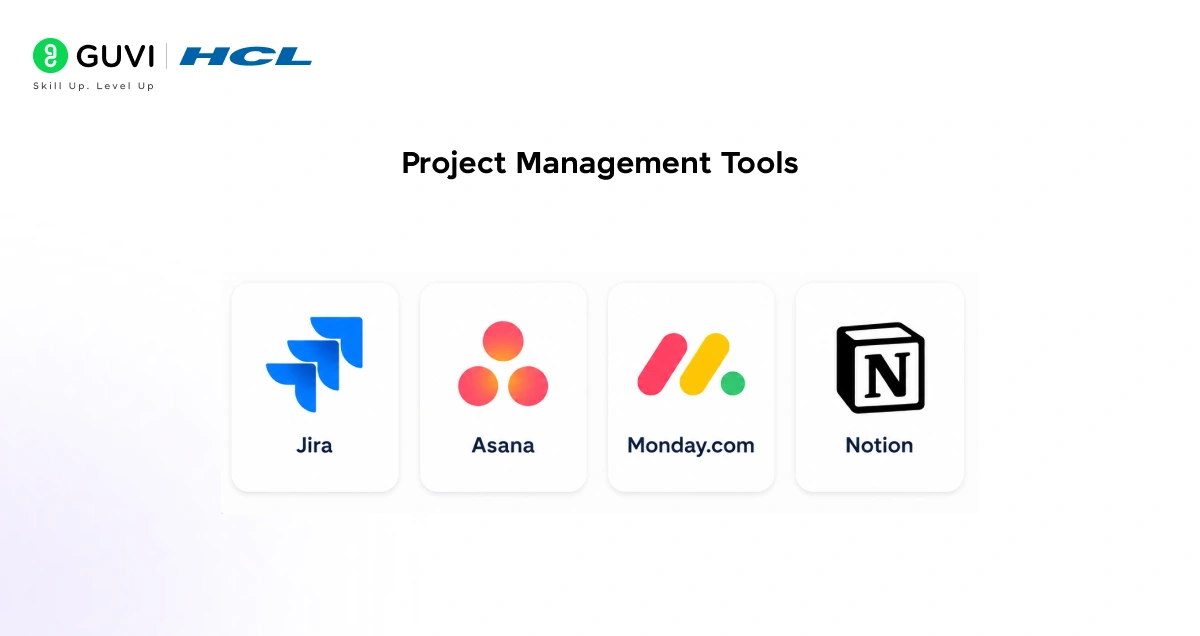
- Jira
Jira is one of the most popular product manager tools for managing engineering work. It tracks issues, tasks, and features through their lifecycle.
Key features:
- Create and track tasks and issues
- Organize work into sprints
- Assign work to team members
- Track progress with dashboards
- Integrate with development tools
Best for: Teams using Agile methodology, software companies
- Asana
Asana is a product manager tool designed for managing projects and workflows visually. It shows dependencies between tasks and overall progress.
Key features:
- Create projects and tasks
- Set dependencies and timelines
- View work as lists, boards, or calendars
- Track progress automatically
- Communicate within tasks
Best for: Product teams, marketing teams, general project management
- Monday.com
Monday.com is a product manager tool that lets you visualize and manage work in flexible ways. It emphasizes visual workflows and automation.
Key features:
- Customizable work management
- Visual status tracking
- Automation for repetitive tasks
- Multiple view options
- Team collaboration
Best for: Teams wanting flexible workflows, non-technical teams
- Notion
Notion is a product manager tool for organizing information, documentation, and databases. It works as a central knowledge repository.
Key features:
- Create databases and documents
- Link information together
- Write documentation
- Manage knowledge base
- Customize pages and layouts
Best for: Documentation, knowledge management, smaller teams
Adopting a new product management tool often comes with a temporary productivity dip as teams learn new workflows, migrate data, and adapt to unfamiliar processes. This adjustment period is a common phenomenon known as the learning curve effect, where short-term efficiency may decrease before long-term benefits become visible. Organizations that successfully navigate this transition often gain advantages such as improved collaboration, better visibility into product development, streamlined prioritization, and more effective decision-making. As a result, evaluating new tools requires looking beyond the initial disruption and considering the potential long-term impact on team performance, alignment, and product outcomes.
Roadmap and Planning Tools
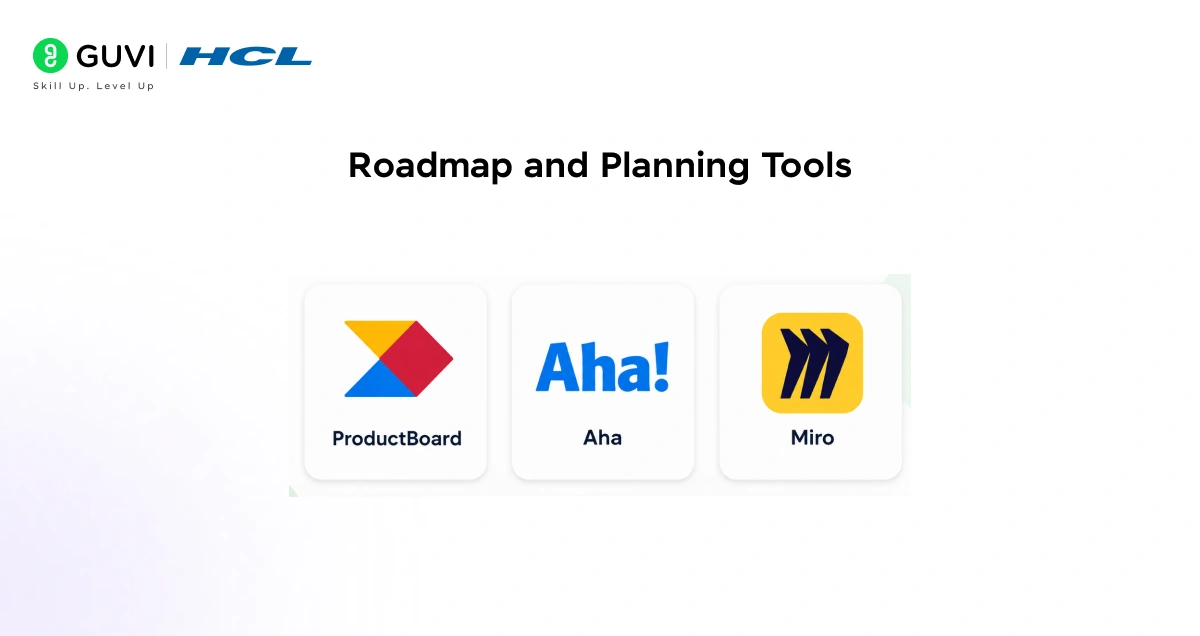
- ProductBoard
ProductBoard is specifically designed as a product manager tool for creating and managing product roadmaps. It helps prioritize features and align teams.
Key features:
- Create visual roadmaps
- Prioritize features using frameworks
- Gather customer input
- Track customer requests
- Share roadmaps with stakeholders
Best for: Dedicated roadmap management, customer-centric planning
- Aha
Aha is a product manager tool for strategic planning and product development. It integrates roadmapping with portfolio management.
Key features:
- Create product roadmaps
- Plan features and releases
- Manage product strategy
- Track goals and metrics
- Collaborate with teams
Best for: Strategic planning, enterprise product management
- Miro
Miro is a product manager tool for visual collaboration and brainstorming. It lets teams work together on digital whiteboards.
Key features:
- Digital whiteboard collaboration
- Create diagrams and flowcharts
- Brainstorm with teams
- Organize sticky notes and ideas
- Share and present work
Best for: Remote teams, brainstorming, visual planning
Analytics and User Behavior Tools
- Mixpanel
Mixpanel is an analytics product manager tool that tracks user behavior in detail. It shows what users do, not just that they visited.

Key features:
- Track user events and behaviors
- Create funnels to see where users drop off
- Analyze user segments
- Create cohorts of similar users
- Build dashboards
Best for: Understanding user behavior, optimization
- Google Analytics
Google Analytics is a free product manager tool that tracks website traffic and user behavior. It shows where visitors come from and what they do.
Key features:
- Track page views and traffic
- Understand user demographics
- Track conversions and goals
- Create custom dashboards
- Analyze user journeys
Best for: Website analytics, understanding traffic sources
- Amplitude
Amplitude is a product manager tool for behavioral analytics. It helps understand how users interact with your product over time.
Key features:
- Track product events
- Understand user journeys
- Create retention cohorts
- Analyze feature usage
- Build custom dashboards
Best for: Understanding product usage patterns
Communication Tools
- Slack
Slack is a product manager tool for team communication. It centralizes conversations and reduces email.
Key features:
- Real-time messaging
- Organize conversations into channels
- Share files and updates
- Integrate with other tools
- Search conversation history
Best for: Team communication, async updates
- Confluence
Confluence is a product manager tool for documenting decisions and sharing information. It stores all product knowledge in one place.
Key features:
- Write and organize documentation
- Create meeting notes
- Share product decisions
- Build wikis and knowledge bases
- Control access and permissions
Best for: Documentation, knowledge sharing
- Loom
Loom is a product manager tool for recording and sharing video messages. It helps communicate complex ideas faster than writing.
Key features:
- Record screen and camera
- Add annotations and highlights
- Share video links
- Get feedback on videos
- Create video libraries
Best for: Async communication, feedback gathering
To learn more about the tools used by Product Managers, enroll in IIM Indore’s 8-month Certificate Programme in Product Management (CP PM). This comprehensive program helps you develop the skills and confidence to build, launch, and scale products that drive growth and innovation in today’s AI-powered economy, equipping you with industry-relevant expertise to excel in strategic product leadership roles.
User Research Tools
- UserTesting
UserTesting is a product manager tool for gathering qualitative feedback from real users. It shows how users interact with your product.
Key features:
- Record user sessions
- Watch users test your product
- Gather feedback and reactions
- Test different designs
- Analyze findings
Best for: User testing, design validation
- Typeform
Typeform is a product manager tool for creating surveys and gathering user feedback. It makes surveys engaging and easy to complete.
Key features:
- Create beautiful surveys
- Ask conditional questions
- Analyze responses
- Export data
- Integrate with other tools
Best for: Quick feedback collection, surveys
- Intercom
Intercom is a product manager tool for communicating directly with users inside your product. It helps gather feedback and support users.
Key features:
- Chat with users in app
- Gather user feedback
- Send targeted messages
- Track user conversations
- Build customer segments
Best for: In-app communication, user feedback
Design Collaboration Tools
- Figma
Figma is a product manager tool for collaborating with designers. It shows design work and allows real-time feedback.
Key features:
- View design mockups
- Leave comments on designs
- Prototype interactions
- Collaborate in real-time
- Share and review designs
Best for: Design collaboration, prototype review
- Mural
Mural is a product manager tool for visual collaboration similar to Miro. It helps teams work together visually.
Key features:
- Digital whiteboard collaboration
- Create design mockups
- Build flowcharts
- Brainstorm visually
- Present to stakeholders
Best for: Visual collaboration, design thinking
Choosing Product Manager Tools
- Assess your needs
- Consider team size and budget
- Evaluate integration capabilities
- Think about learning curve
- Start with essentials
- Get team input
Conclusion
Product manager tools are essential for modern product management. They help organize information, track progress, analyze data, and collaborate with teams effectively.
The right product manager tools depend on your specific needs, team size, and budget. Most successful product teams use tools from multiple categories: project management, analytics, communication, and user research.
Start with essential product manager tools like project management software and analytics. Add specialized tools as your needs grow. The key is choosing tools that integrate well and that your team will actually use.
Investing in the right product manager tools saves time, improves decisions, and leads to better products. The productivity gains from good tools quickly offset their cost.
FAQs
1. What is the most important product manager tool?
Analytics tools are arguably most important because they show actual user behavior. Without data, product managers make decisions based on opinion. However, the most important tool depends on your specific challenges.
2. Do I need to pay for product manager tools?
Many excellent product manager tools have free versions for small teams. You can start free and upgrade as you grow. Some free tools like Google Analytics and Notion are enterprise-grade.
3. How many product manager tools should I use?
Start with 3-5 essential tools covering project management, analytics, and communication. More than 10 tools usually creates complexity and confusion. Quality integration matters more than quantity.
4. Can product manager tools replace project managers?
No, tools are just tools. They help project managers work more effectively but cannot replace human judgment, leadership, and decision-making. Tools support people, not replace them.
5. How long does it take to implement new product manager tools?
Simple tools like Typeform or Slack take days. Complex tools like Jira or ProductBoard take weeks to configure properly. Budget 2-4 weeks for full implementation including training.
Success Stories

About the Author
Vishalini Devarajan
An Aerospace Engineer turned content writer, I focus on making complex concepts easy to understand through well-structured, reader-friendly blogs. Whether it’s a technical topic or a non-technical one, I love creating content that is clear, engaging, and impactful.
View all posts by Vishalini Devarajan
Connect with me @








Did you enjoy this article?