


Python Articles
Excel SQL Python for BPO Professionals Best Guide to Move Into Data Science
Go vs Python for Forward Deployed Engineering Workloads
Python for Forward Deployed Engineers: What You Actually Need to Know
Freelancing as a Python Developer: Getting Your First Client


Get In Touch For Details! Request More Information

Enumerate in Python is a built-in function to retrieve both the index and the value when looping through a list, tuple, string and other iterable objects in Python.
It helps developers to minimise the number of lines of code. This function does not require you to maintain a counter in your loop; it handles that automatically.
Table of contents
- TL;DR Summary
- Enumerate in Python: Syntax & Example
- Syntax:
- Example:
- Enumerate Method Examples with Different Iterable Objects in Python
- List
- Tuple
- String
- Set
- Dictionary (keys only)
- Conclusion
- FAQs
- Why does Enumerate in Python return an object instead of a list?
- Can Enumerate in Python be used without a loop?
- Does Enumerate in Python change the original data?
TL;DR Summary
- This blog explains the Python Enumerate() method, its syntax, examples, and code flow in simple terms.
- It shows how enumerate in Python works with lists, tuples, strings, sets, and dictionaries to build a clear understanding.
- It helps you write cleaner loops without a manual counter, making your code easier and more efficient.
Enumerate in Python: Syntax & Example
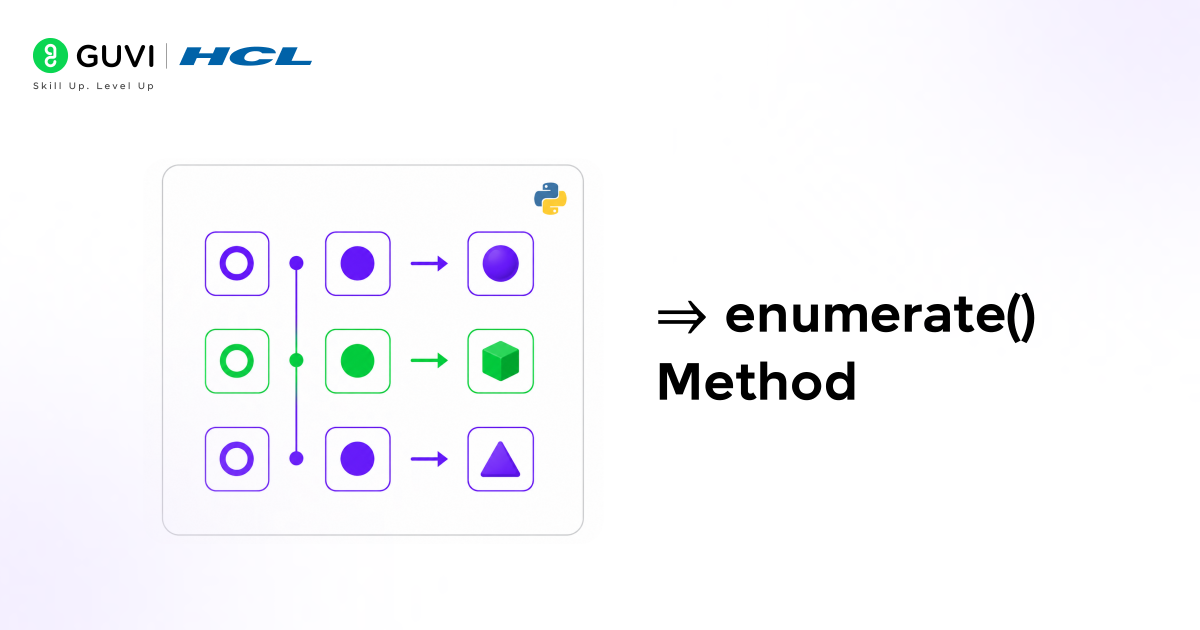
Let’s now better understand Enumerate in Python, including its syntax and an example.
Syntax:
enumerate(iterable, start=0)
a. Parameters
- iterable → The collection you want to loop through, such as a list, tuple, string, or set.
- start=0 → Defines the starting value of the counter. By default, indexing starts from 0. But you can define any number you choose, and the index counting will begin from that number. (if start=3, count begins from 3)
Also Read: How To Iterate Through Two Lists In Parallel?
b. What does it return:
It returns an object of index-value pairs, which you can loop through or convert into a list to see the results directly.
Now let’s look at an example to better understand it.
Example:
1. Looping through the enumerate object
names = [“A”, “B”, “C”]
result = enumerate(names)
for index, value in result:
print(index, value)
Output:
0 A
1 B
2 C
Code Explanation:
- You first create an enumerate object from the list, which stores index-value pairs.
- Then the loop goes through each pair, separating the index and the value each time and printing them.
- So you see the output step by step instead of all at once.
2. Converting to a list
names = [“A”, “B”, “C”]
result = enumerate(names)
print(list(result))
Output:
[(0, ‘A’), (1, ‘B’), (2, ‘C’)]
Code Explanation:
- Here, the enumerate object is converted into a list, which forces Python to show all the stored index-value pairs together.
- Instead of looping one by one, you directly get the full collection of pairs in a single output.
Begin your coding journey with HCL GUVI’s free Python resource and cover all the essential topics from variables and functions, operators, to OOPs techniques with practical insights: Python eBook

Enumerate Method Examples with Different Iterable Objects in Python
These are the following with list, tuple, string, set, and dictionary using enumerate() in Python:
1. List
Code:
fruits = [“Apple”, “Banana”, “Mango”]
for i, item in enumerate(fruits):
print(i, item)
Output:
0 Apple
1 Banana
2 Mango
2. Tuple
Code:
colors = (“Red”, “Green”, “Blue”)
for i, item in enumerate(colors):
print(i, item)
Output:
0 Red
1 Green
2 Blue
3. String
Code:
text = “Hello”
for i, char in enumerate(text):
print(i, char)
Output:
0 H
1 e
2 l
3 l
4 o
4. Set
Code:
numbers = {10, 20, 30}
for i, num in enumerate(numbers):
print(i, num)
Output (order may change):
0 10
1 20
2 30
5. Dictionary (keys only)
Code:
data = {“name”: “A”, “age”: 20, “city”: “Delhi”}
for i, key in enumerate(data):
print(i, key)
Output:
0 name
1 age
2 city
If you’re waiting for a sign to start coding, this is it. HCL GUVI’s Python Zero to Hero Course takes you from beginner to job-ready with Python, step by step, in a simple way. Just start—you’ll figure the rest out along the way!
Conclusion
To wrap up, the Enumerate in Python returns the index and value of each item in a loop over an iterable, such as a list, tuple, string, set, or dictionary. It is mostly used because it helps avoid manual counter creation, making the code cleaner, modular, and less error-prone.
FAQs
Why does Enumerate in Python return an object instead of a list?
It returns an enumerate object to use memory efficiently and generate index-value pairs only when needed.
Can Enumerate in Python be used without a loop?
It creates an object, but it becomes useful only when converted to a list or used inside a loop.
Does Enumerate in Python change the original data?
It only reads the index and values, so the original data remains unchanged.
Success Stories














Did you enjoy this article?