


Full Stack Development Articles
Pact Contract Testing Tutorial: Catch Breaking API Changes Before They Break Production
Testcontainers Tutorial: Test Against Real Services Without the Headache


Get In Touch For Details! Request More Information
Modern Parallax Scrolling: Techniques, Tools, Practical Guide
Apr 27, 2026 6 Min Read 911 Views
(Last Updated)
Scrolling has become more than just a means of navigating through a page. In modern web design, scrolling is used to narrate stories, direct viewers, and enhance interactivity. One technique to achieve this is parallax scrolling.
However, building parallax effects is a different story. Designers are more concerned with performance, fluidity and usability, and tend to use CSS based animations and lightweight tools in order to create seamless effects.
Throughout this article, you will discover the working of modern parallax scrolling, the methods, what tools you can use, and the do‘s and don‘ts for how to achieve professional looking, high performance effects.
TLDR:
- Parallax scrolling creates depth by moving background and foreground elements at different speeds, making pages feel more interactive.
- It is commonly implemented using CSS, JavaScript, and browser optimizations for smooth performance.
- Tools like GSAP, Locomotive Scroll, and ScrollTrigger simplify advanced scroll animations.
- Performance remains critical, so techniques like hardware acceleration, lazy loading, and reducing heavy resources are used.
- Overusing parallax can harm usability, so it should be applied selectively.
- The best results come from combining simple techniques with the right tools to achieve smooth, engaging, and reliable scrolling effects.
Table of contents
- What is Parallax Scrolling?
- How Parallax Scrolling Works
- Modern Techniques Used in Parallax Scrolling
- CSS-Based Parallax
- Scroll-Driven Animations
- Tools and Libraries for Parallax Scrolling
- Popular Libraries
- Lightweight and Performance-Focused Tools
- Step-by-Step: Creating a Parallax Scrolling Effect
- Setting Up the Layout
- Applying the Parallax Effect
- Testing and Optimization
- Best Practices for Smooth and Fast Performance
- Optimize Images and Assets
- Use Hardware Acceleration
- Avoid Overusing Effects
- Common Mistakes to Avoid
- Using Too Many Effects
- Ignoring Performance Optimization
- Poor Mobile Experience
- When to Use Parallax Scrolling
- Ideal Use Cases
- When to Avoid It
- Conclusion
- FAQs
- What is parallax scrolling in web design?
- Is parallax scrolling good for performance?
- Which tools are best for parallax scrolling?
- Can parallax scrolling be used on mobile devices?
- When should you avoid using parallax scrolling?
What is Parallax Scrolling?
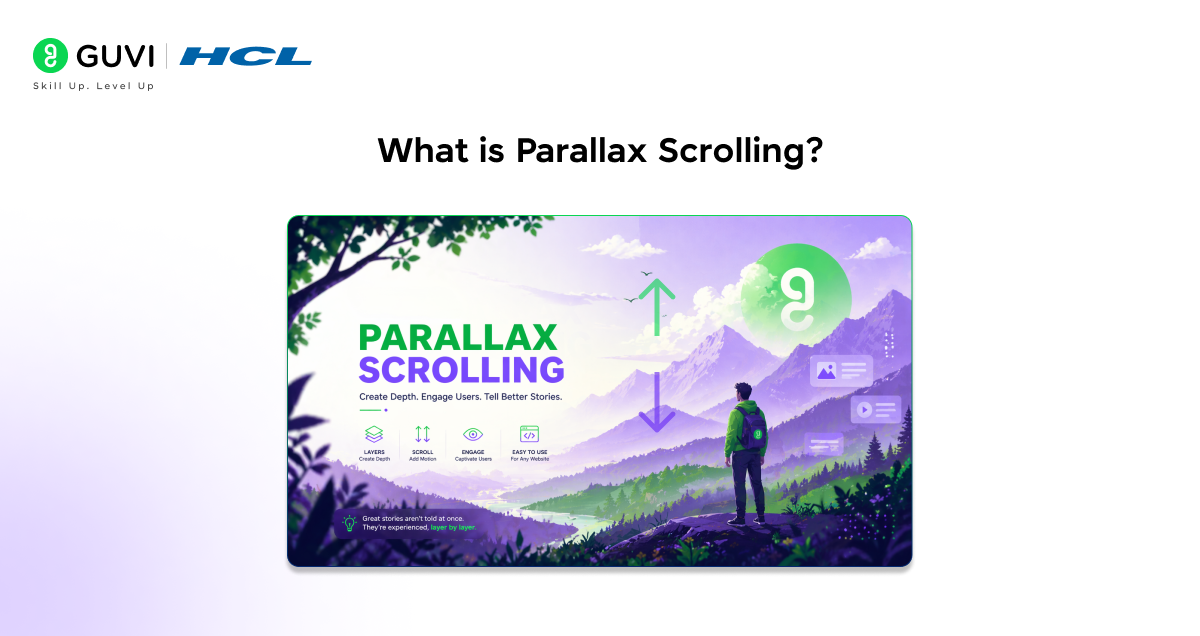
Parallax scrolling is a web design technique where different elements on a page move at different speeds as you scroll. Typically, background elements move more slowly than foreground content, creating a sense of depth and making the page feel more interactive.
At a surface level, it may seem like just a visual effect. But in modern web design, it plays a bigger role. It helps guide user attention, highlight key sections, and create smooth storytelling experiences, especially in landing pages and product-focused websites.
The way it is implemented has also changed. Earlier, parallax relied heavily on JavaScript, which often affected performance. Today, developers prefer lighter approaches using CSS and optimized scroll-based techniques to keep animations smooth and responsive across devices.
How Parallax Scrolling Works
The effect of parallax is achieved by having multiple layers on a web page which all move at different speeds when the web page is scrolled. These layers can consist of a background, midground and foreground. As the position of the scroll bar changes each layer is moved by a different amount.
This is done by manipulating the scroll position values. When the user scrolls the browser calculates the amount of displacement of the page and applies this value to the element positions through CSS3 translation property or JavaScript animation.
In today‘s development, the trend is to smooth out this process. Not so much depending on JavaScript, but now developers use CSS-based scroll-based animations to alleviate the load on the browser.
Many modern websites are moving away from heavy JavaScript-based parallax and using CSS scroll-driven animations instead. This shift improves performance, reduces load time, and helps maintain smoother scrolling across devices.
Modern Techniques Used in Parallax Scrolling
Parallax scrolling has progressed from simple visual effects to performance and efficiency focused techniques. Techniques that used to be dependent on JavaScript now are optimized for smoother performance.
Today, developers choose techniques based on complexity and performance needs. Some methods are very light and CSS based and some others are JavaScript based for more control.
CSS-Based Parallax
One of the most efficient methods to produce scrolling effects today is CSS based parallax. Several CSS properties such as background-attachment, transform are used to achieve this concept.
This method is lightweight and performs relatively well, as it makes use of the browser‘s rendering engine. However, it is only applicable for relatively simple effects, where a fluid performance is more important than complex interactions.
.parallax {

 background-image: url("image.jpg");

 background-attachment: fixed;

 background-size: cover;

}
JavaScript-Based Parallax
JavaScript-based parallax provides more control over animations so that the whole scroll position can be measured and everything updated accordingly.
This method is good for advanced interaction, multi layers effects pages or storytelling pages. But you should use it carefully, because too much scripting can affect performance.
window.addEventListener("scroll", () => {

 const scrollY = window.scrollY;

 document.querySelector(".layer").style.transform =

   `translateY(${scrollY * 0.5}px)`;

});
Scroll-Driven Animations
Scroll driven animations are a newer technique where the animation is directly related to the scroll rather than continually calculated with JavaScript.
This leads to increased performance and exhibits more fluid animations especially on newer browsers.
@keyframes parallaxMove {

 from { transform: translateY(0); }

 to { transform: translateY(100px); }

}
If you want to explore more advanced scroll-based animations and interactive effects, you can also check out this JavaScript ebook and deepen your understanding.
Tools and Libraries for Parallax Scrolling
Picking the appropriate tool for your parallax scrolling task is just as important as deciding which effect you want to use. You should be aware that more complicated parallax interactions will need to be implemented with a library whereas simple effects may be generated by just using CSS.
Today‘s development concentrates on employing lightweight optimized tools so that the animation provided by them will have the least impact on the speed of the page. Here are some of the most common tools:
Popular Libraries
Libraries can also make it easier to implement parallax by taking care of scroll events and animation for you. They are a particularly good choice on complex designs or highly interactive websites.
Some widely used libraries include:
- GSAP: A powerful animation library, which offers smooth and great control of animation.
- ScrollTrigger: A plugin for GSAP that ties animation directly to the scroll position
- Locomotive Scroll: Offers smooth scrolling with native parallax support
They‘re perfect if you need more sophisticated animations, timeline or storytelling effects.
Lightweight and Performance-Focused Tools
For more simple use cases, lighter libraries or even just pure CSS solutions are often a better choice. It will have lower load time and better performance.
Examples include:
- Rellax.js: a small Javascript library to achieve pretty basic parallax effects
- Lenis: A modern smooth scrolling library designed for high performance
- Pure CSS methods are ideal for achieving only a few effects with minimal effort
These options are suitable for projects where speed and responsiveness are more important than complex animations.
Step-by-Step: Creating a Parallax Scrolling Effect
Building a parallax effect does not always require complex tools. You can start with a simple start by mastering the basics of HTML and CSS, you can scale it using libraries.
Let’s break it down step by step.
Setting Up the Layout
First, create a basic structure with sections and a background image. This forms the base for the parallax effect.
<div class="parallax"></div>

<div class="content">

 <h1>Welcome</h1>

 <p>Scroll to see the effect</p>

</div>

body {

 margin: 0;

}

.parallax {

 height: 400px;

 background-image: url("image.jpg");

 background-size: cover;

 background-position: center;

}
Applying the Parallax Effect
Now, apply the parallax effect using CSS. The simplest way is to use the background-attachment: fixed property.
.parallax {

 background-attachment: fixed;

}
This makes the background stay fixed while the content scrolls, creating a basic depth effect.
Testing and Optimization
Test how the effect behaves on different mobile devices once you have applied it. For some mobile browsers, the fixed backgrounds do not work and you might need to provide fallbacks.
You can also improve performance by:
- reducing image size
- avoiding heavy animations
- Avoid layout-based changes and prefer using transform for better performance.
You can combine CSS animations with light weight JavaScript or even GSAP if needed for smoother effects.
Best Practices for Smooth and Fast Performance
Parallax effects can also affect performance if used carelessly. They enhance the visual experience, but they can also affect website speed. If there are too many animations and resources, the page will be very slow. The trick is to keep it smooth without affecting performance.
Current web design approaches are performance-oriented, so these techniques preserve design quality and responsiveness.
Optimize Images and Assets
Large images are one of the main causes of slow parallax effects. Most of the time parallax uses a background which means that the slower an image loads, the slower you have to scroll.
Always compress your images, use modern formats such as WebP. Never set resolutions that are too high.
Use Hardware Acceleration
Using properties like transform and opacity enables GPU acceleration for faster animations. Layout based properties such as top, right, left, bottom and margins are less efficient.
For example:
.layer {

 transform: translateY(50px);

}
This approach keeps animations smooth and reduces strain on the browser.
Avoid Overusing Effects
Too many parallax items on a page can make it feel quite cluttered and distracting. It can also affect your readability and overall user experience.
Use it only in important parts of your website. Most of the time, a soft effect is more effective than several aggressive animations.
Common Mistakes to Avoid
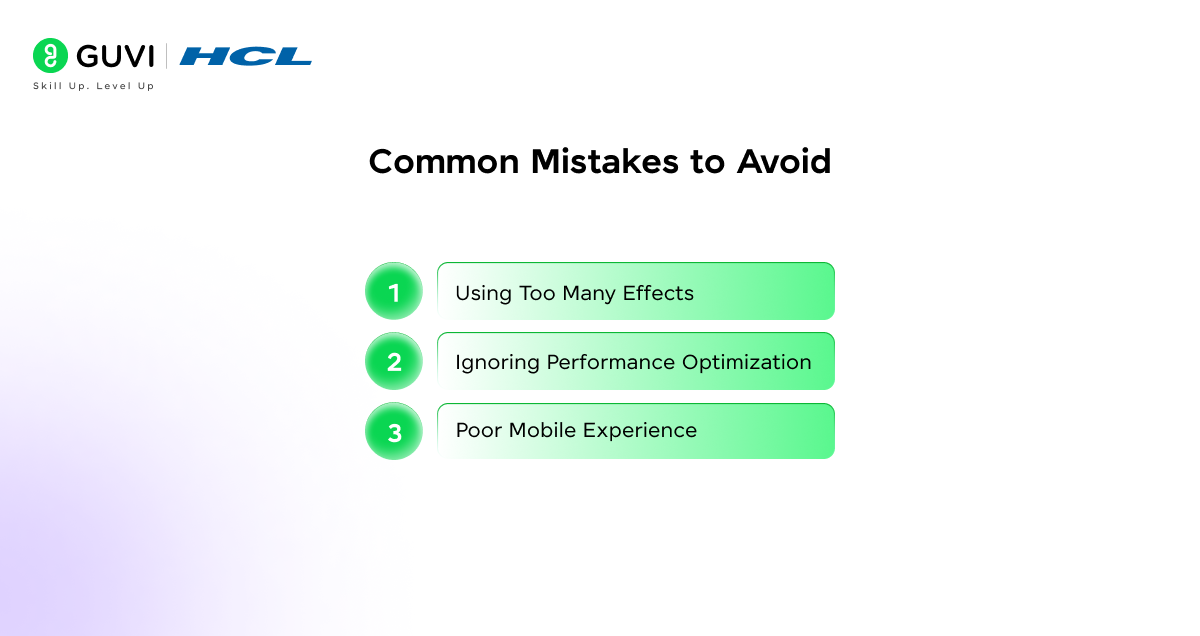
Although supporting parallax scrolling can improve user experience, the poor implementation will lead to very lower performance and usability. Most developers only pay attention to picture effects. While ignoring the actual usability of the site.
If you‘re aware of these common mistakes, you will be able to create smoother parallax.
Using Too Many Effects
One of the most common mistakes is adding a parallax effect on too many items on the page. This may be very beautiful looking at first, but it might quickly become a major distraction.
Use the parallax sparingly. A small touch used where it is needed makes a far greater impression than performing it all over the place.
Ignoring Performance Optimization
Animations, large images and inefficient scripts can also slow down the website and make it feel sluggish when trying to scroll. This can be especially apparent on the lower spec-devices.
To get around this, it‘s best to prioritize optimization of assets, minimizing scripts, and avoiding redundant properties, like transforms, for animation.
Poor Mobile Experience
Some types of parallax effects don‘t translate well to mobile devices. For example, fixed backgrounds can be inconsistent across browsers.
Test your implementation and adapt it for various screen sizes and fallback behaviour. A good mobile experience is just as important as normal performance.
When to Use Parallax Scrolling
Parallax scrolling should improve the experience as a whole and not just distract from the content. This means that it shouldn‘t be used for pure visual entertainment but also to support the content on the page.
Today we are getting back to designing with purpose. Parallax can be a charming treatment if used correctly.
Ideal Use Cases
Parallax scrolling is best used on pages when users will be viewing multiple images or consuming content. It is very effective in immersing and engaging users.
Common use cases include:
- Landing pages aimed at presenting products/services.
- Portfolio websites where the work is showcased
- Storytelling sections, that guide users through each stage of the process;
- Interactive product or feature presentations
When to Avoid It
Parallax isn‘t suitable for use where performance, readability, or simplicity outweigh visual effects. Excessive use in a poor context can hamper usability and slow down your website.
Avoid using parallax:
- On pages with a heavy amount of text/content
- When targeting low-performance devices
- In situations where occurrence of speed and clarity are important.
- If it impacts accessibility or user navigation
If you want to build effects like parallax scrolling and go beyond basic concepts, structured learning can help you move faster. HCL GUVI, in collaboration with IIT Madras Pravartak, offers industry-focused programs and project-based courses like the Full Stack Development Course, where you learn HTML, CSS, JavaScript, and modern frameworks to create visually engaging and performance-driven web experiences with confidence.
Conclusion
Parallax scrolling remains an effective technique when used with the right technique. Today developers tend not to try and impress visually in favor of performance, smoothness and effects that feel engaging rather than excessive that can be achieved in a way that seems engaging rather than gimmicky.
These days, when browsers are getting more powerful, we tend to prefer lighter solutions such as CSS animations and scrolling effects. By learning when, why and how to use parallax, you will be able to implement it without sacrificing performance.
FAQs
1. What is parallax scrolling in web design?
Parallax scrolling is a technique where background and foreground elements move at different speeds while scrolling. This creates a sense of depth and makes the page feel more interactive and visually engaging.
2. Is parallax scrolling good for performance?
Parallax can affect performance if not implemented properly. Using lightweight techniques like CSS-based animations and optimizing assets helps maintain smooth performance.
3. Which tools are best for parallax scrolling?
Popular tools include GSAP, ScrollTrigger, and Locomotive Scroll. For simpler use cases, CSS-based techniques are often enough.
4. Can parallax scrolling be used on mobile devices?
Yes, but it needs to be implemented carefully. Some effects, like fixed backgrounds, may not work consistently on all mobile browsers, so testing and fallback solutions are important.
5. When should you avoid using parallax scrolling?
Parallax should be avoided on content-heavy pages, performance-sensitive applications, or when it affects readability and user experience.
Success Stories

About the Author
Lukesh S
A professional content writer who has experience in freelancing and now working as a Technical Content Writer at HCL GUVI having sound knowledge in Blog Writing and Creative Writing!
View all posts by Lukesh S
Connect with me @
























Did you enjoy this article?