


Artificial Intelligence and Machine Learning Articles
Finance Manager to Data Analytics: Career Growth, Salary and Seniority
How to Evaluate LLM Outputs in Production Deployments
AI/ML Skills Gap 2026: Why Companies Can't Find Job-Ready Talent
20 AI/ML Interview Questions Recruiters Can Use Without a Tech Background - Best Guide


Get In Touch For Details! Request More Information
Build a To-Do List with Generative AI: A Beginner’s Guide
Sep 08, 2026 8 Min Read 2893 Views
(Last Updated)
Ever spent more time organizing your task list than actually doing the tasks on it? Building a to-do list with generative AI flips that around, turning task management from rigid checklists into natural conversation.
A generative AI to-do list is a system that uses a large language model to automatically create, organize, and prioritize your tasks from natural language input, extracting action items from emails, meeting notes, and documents instead of requiring manual entry for every item.
Instead of manually formatting and sorting tasks, you describe what you need to do, and the AI handles the structuring for you.
This guide walks you through building your own AI to-do list, from choosing the right platform to adding advanced features that streamline your daily workflow. Let’s begin!
Table of contents
- TL;DR Summary
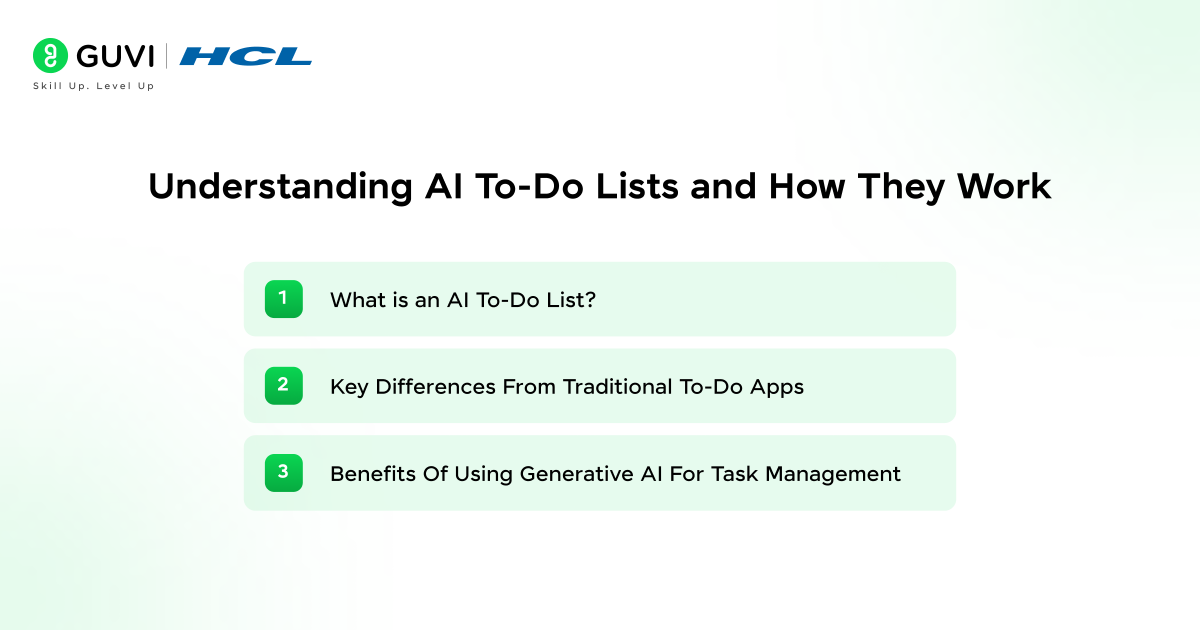
- Understanding AI To-Do Lists and How They Work
- 1) What is an AI To-Do List?
- 2) Key Differences From Traditional To-Do Apps
- 3) Benefits of Using Generative AI for Task Management
- Getting Started: What You Need to Build an AI To-Do List
- ChatGPT vs Claude vs Custom Solutions
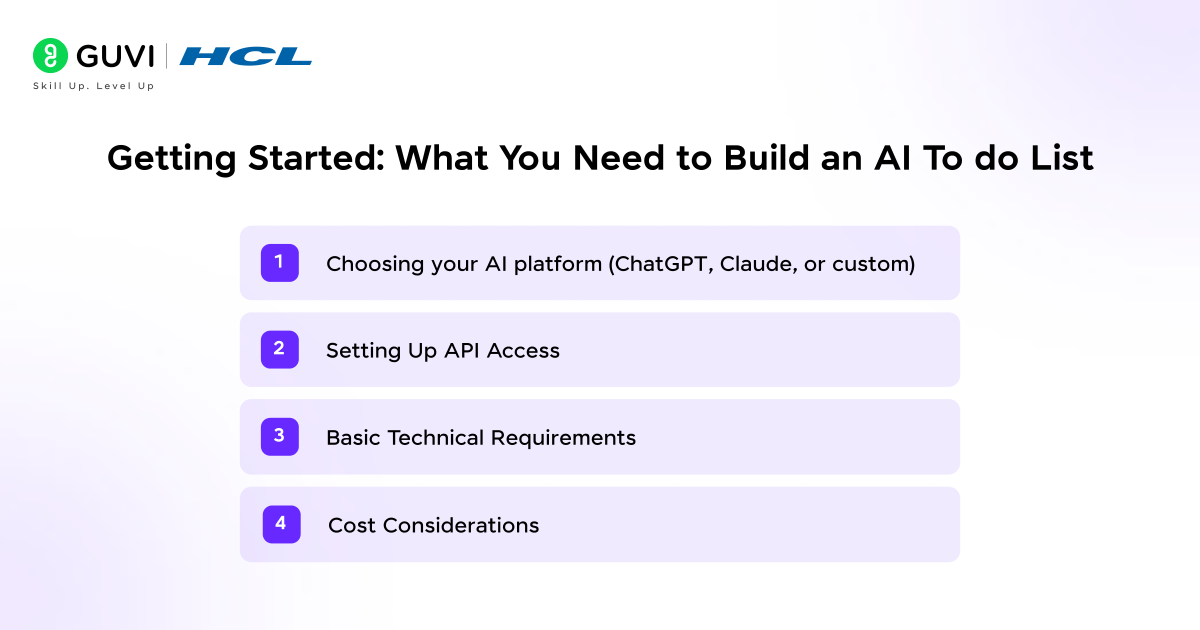
- 1) Choosing your AI platform (ChatGPT, Claude, or custom)
- 2) Setting Up API Access
- 3) Basic Technical Requirements
- 4) Cost Considerations
- Building Your First AI To-Do List System
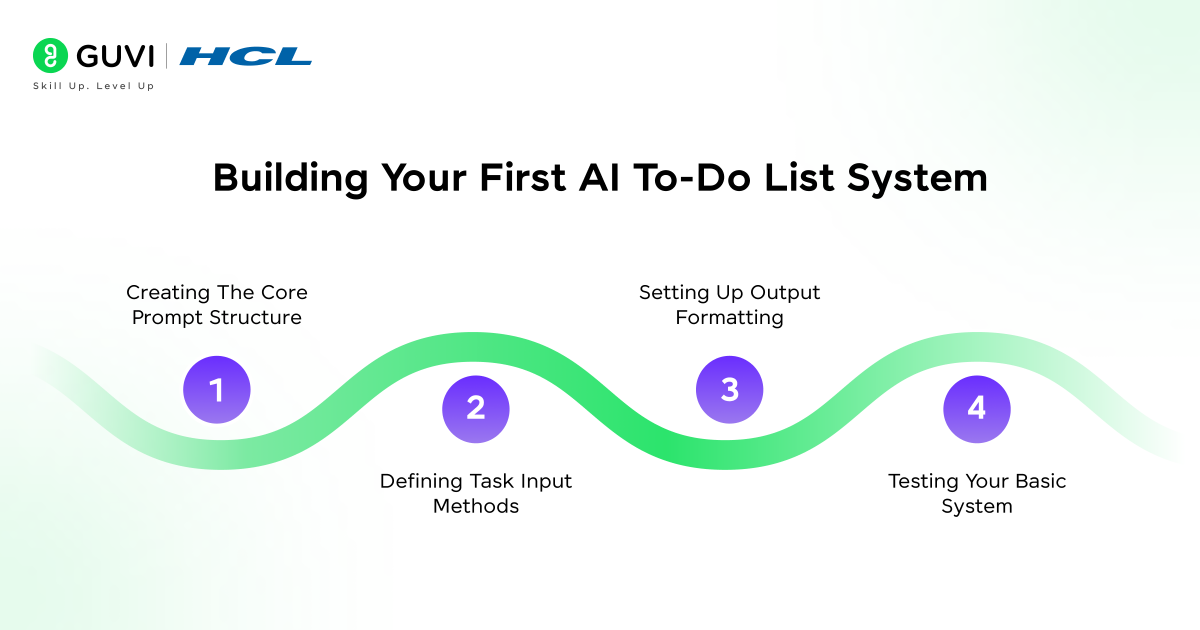
- 1) Creating the Core Prompt Structure
- 2) Defining Task Input Methods
- 3) Setting Up Output Formatting
- 4) Testing Your Basic System
- Adding Advanced Features To Your Generative AI List
- 1) Implementing Recurring Tasks
- 2) Creating Custom Categories and Contexts
- 3) Adding Date Detection and Scheduling
- 4) Building the Daily Briefing Function
- Optimizing Your AI To-Do List For Daily Use
- 1) Integrating With Existing Tools
- 2) Voice Command Setup
- 3) Troubleshooting Common Issues
- 4) Best Practices for Maintenance
- Common Mistakes to Avoid When Building Your AI To-Do List
- Security and Privacy Best Practices
- Concluding Thoughts…
- FAQs
- Q1. How do I get started creating my first AI-powered to-do list?
- Q2. What makes AI to-do lists different from traditional task management apps?
- Q3. Which AI platform should I choose for building my to-do list system?
- Q4. How does generative AI reduce the workload of task management?
- Q5. What are the essential components needed to build a functional AI to-do list?
TL;DR Summary
- What it is: a To-Do List with Generative AI uses a large language model to automatically create, organize, and prioritize tasks from natural language input
- What it solves: eliminates manual formatting and sorting, turning scattered inputs into a structured plan
- Where to start: ChatGPT or Claude are the most accessible platforms for building your first To-Do List with Generative AI
- Core skills needed: basic prompt structure, API access, and a way to format the output consistently
- Where it’s headed: more advanced setups connect calendars, email, and chat tools directly into the To-Do List with Generative AI itself
Understanding AI To-Do Lists and How They Work
1) What is an AI To-Do List?
An AI task manager automatically generates, organizes, and prioritizes tasks using artificial intelligence, instead of requiring manual entry for every action item, it reads your files, meetings, and workflow patterns to understand what needs to be done.
It can extract tasks directly from PDFs, meeting transcripts, customer emails, or research files without you typing a single to-do.
The core difference lies in understanding. Traditional apps store whatever you input, while a To-Do List with Generative AI comprehends the intent behind your work, identifying tasks you haven’t listed yet by analyzing context from your documents, messages, and past behavior.
These systems also continuously learn from your corrections and adjustments, evolving into a personalized generative AI execution engine that adapts to your preferences and work patterns over time.
2) Key Differences From Traditional To-Do Apps
This is one of the clearest ways a To-Do List with Generative AI differs from what came before.
Standard task managers operate as storage systems. They keep lists, track statuses, and send deadline notifications, but they depend entirely on manual input. If you don’t enter a task, it doesn’t exist in the system. If you forget to update progress, the app remains unaware of your actual status.
This is where a To-Do List with Generative AI genuinely inverts the old model:
- They ingest context automatically, generate tasks without prompting, and anticipate shifts in workload
- While traditional tools rank tasks by due date alone, AI examines urgency, interdependencies, and team load, and can highlight the more business-sensitive task when two deadlines collide
- Natural language processing lets you create tasks directly from conversation in email, chat, or voice commands, bridging the gap between discussion and action
3) Benefits of Using Generative AI for Task Management
- Reduced cognitive load: a good To-Do List with Generative AI absorbs the administrative burden of planning, letting you focus on actual execution
- Automatic task extraction: your AI to-do list pulls actionable items from scattered sources across Slack threads, documents, emails, and spreadsheets
- Intelligent prioritization: the system analyzes your work habits, deadlines, and workload to determine what should be handled first, what can run in parallel, and what can be automated entirely
- Predictive planning: it forecasts potential bottlenecks before they cause delays, based on current progress and workload
- Adaptive learning: the AI watches how tasks are finished and which workflows succeed, refining its recommendations with each work cycle
Getting Started: What You Need to Build an AI To-Do List
Selecting the right foundation determines how smoothly your To-Do List with Generative AI functions. Your choice between established platforms and custom solutions shapes both the development process and ongoing maintenance requirements of your To-Do List with Generative AI.
ChatGPT vs Claude vs Custom Solutions
| Factor | ChatGPT (OpenAI) | Claude (Anthropic) | Custom (Open-Source) |
|---|---|---|---|
| Ease of setup | Very accessible, extensive docs | Very accessible, strong at following detailed rules | Requires significant technical expertise |
| Best for | Broad language support, straightforward integration | Nuanced instructions, longer context needs | Full control, no per-token API costs |
| Infrastructure | Fully managed API | Fully managed API | You host, scale, and maintain everything |
| Good fit for beginners | Yes | Yes | Not typically, best once you’ve outgrown managed APIs |
Selecting the right foundation determines how smoothly your ai to do list functions. Your choice between established platforms and custom solutions shapes both the development process and ongoing maintenance requirements.
1) Choosing your AI platform (ChatGPT, Claude, or custom)
OpenAI’s ChatGPT API offers one of the most accessible entry points for building your generative AI list.
The platform provides extensive documentation, multiple programming language support, and a straightforward integration process, handling everything from simple task extraction to advanced scheduling logic.
Claude by Anthropic presents a compelling alternative with a large context window and careful adherence to detailed instructions, which proves valuable when defining specific task formatting rules.
Custom solutions using open-source models demand significantly more technical expertise. You’ll need infrastructure to host models, manage scaling, and handle maintenance. For your first AI to-do list, an established API is almost always the simpler starting point.
2) Setting Up API Access
This is the first real step in setting up your To-Do List with Generative AI:
- Create an account on your chosen platform. For OpenAI, visit platform.openai.com/signup, complete registration, navigate to the API keys section in your dashboard, and generate a new secret key. Store it securely right away.
- For Claude, create an account at the Anthropic Console, add credits to activate API access, and generate your API key from the settings area.
- Export your API key as an environment variable in your terminal so your code can authenticate without hardcoding credentials directly into your files.
3) Basic Technical Requirements
- OpenAI provides official SDKs for Python, JavaScript/TypeScript, C#, Java, and Go.
- Claude supports Python and TypeScript through official SDKs.
- Both platforms also accept standard HTTP requests, so you can integrate with any programming language even without an official SDK; the SDKs simply provide a cleaner interface and handle authentication automatically.
4) Cost Considerations
As of September 2026, both providers price in tiers, cheap and fast at one end, expensive and capable at the other:
| Provider | Cheap Tier | Flagship Tier |
|---|---|---|
| OpenAI | GPT-5.6 Luna: $0.20/$1.20 per 1M tokens | GPT-6 Astra: $10/$50 |
| Anthropic | Claude Haiku 4.5: $1/$5 per 1M tokens | Claude Opus 5: $5/$25 |
For a To-Do List with Generative AI, the cheapest tier is almost always enough, task extraction doesn’t need flagship reasoning.
Pricing shifts often, so verify current rates on OpenAI’s or Anthropic’s pricing pages before committing. Most providers also offer free starting credits, enough to build and test your first system.
Building Your First AI To-Do List System
The prompt serves as the brain of your To-Do List with Generative AI. It contains two essential parts: context and input. Context provides instructions and background information, while input delivers the specific data the AI processes. Think of context as the rulebook and input as the game data.
1) Creating the Core Prompt Structure
This is where you actually start writing your To-Do List with Generative AI. Start with an imperative statement in the context field.
For example: “You are my personal task manager. Organize tasks by priority and deadline. Rewrite each task as a clear action starting with a verb.” This directive tells the AI exactly how to behave.
This is where you make your To-Do List with Generative AI reusable across tasks. Add variables to make your prompts reusable, defining variables for task names, due dates, and categories so you can change values rather than rewriting the entire prompt each time.
Keeping your To-Do List with Generative AI cost-efficient starts here: limit token generation to control costs and relevance. Set minimum and maximum token limits in your parameters to keep responses concise without cutting off important information.
2) Defining Task Input Methods
Your To-Do List with Generative AI can accept multiple input formats:
- Natural language: type or speak tasks conversationally, like “Add meeting with design team tomorrow at 3 PM”
- Calendar integration: sync your calendar so the AI analyzes appointments and generates prioritized lists automatically
- Email rules: set up automation like “If an email contains the word ‘deadline,’ automatically create a task”
- Voice notes: capture tasks when typing isn’t convenient
3) Setting Up Output Formatting
Getting the output right is just as important for a working To-Do List with Generative AI. Specify your desired format clearly. Markdown tables work well for task lists, request structures with columns for Task, Category, Due Date, and Status.
Without clear formatting instructions, the AI provides technically correct but unusable responses. Specify length, presentation style (bulleted list, table), and tone to get exactly what you need.
4) Testing Your Basic System
Testing is what separates a reliable To-Do List with Generative AI from a flaky one. Add training examples to improve precision and relevance. Provide sample input-output pairs showing what you expect; if you want tasks categorized as “work” or “personal,” show examples of each type.
Test using sequential prompting: start with a basic request, review the output, then refine with follow-up prompts. This iterative process ensures your system adapts to real-world changes.
Adding Advanced Features To Your Generative AI List
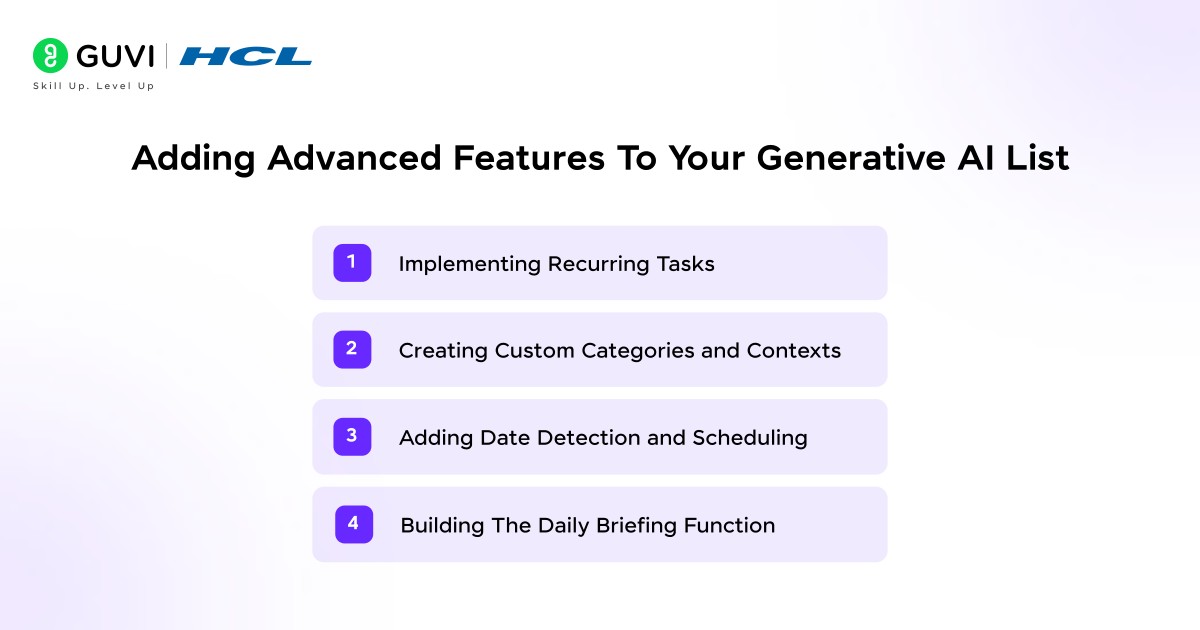
Advanced features transform a basic To-Do List with Generative AI into a sophisticated productivity system. These enhancements automate repetitive workflows and surface insights you’d otherwise miss.

1) Implementing Recurring Tasks
This is one of the most useful advanced features you can add to a To-Do List with Generative AI. Recurring tasks benefit from flexibility settings that determine how they respond to schedule changes, so a fixed morning routine stays fixed while a flexible learning session can shift when urgent meetings appear.
Define frequency using natural language, like “Review reports every Friday at 2 PM” or “Water plants twice weekly,” and your generative AI list schedules them automatically. Mark routine tasks for both work and personal activities so your system learns which ones hold priority when conflicts arise.
2) Creating Custom Categories and Contexts
Categories provide structure that helps a To-Do List with Generative AI prioritize effectively. Organize tasks into channels representing projects, then group channels into contexts that define relationships between projects and sub-projects.
Automatic labeling eliminates manual sorting, tagging tasks as personal, work-related, or administrative without your input.
You can also use a time-mapping approach, marking calendar regions by priority so the system knows how aggressively to pack tasks into a single day versus spreading them across a week.
3) Adding Date Detection and Scheduling
Date detection is a small feature that makes a huge practical difference in a To-Do List with Generative AI.
Natural language processing extracts dates from conversational input. Write “Send outline in 5 minutes, due Friday” and the system recognizes the duration and the deadline, correspondingly handling relative dates like “tomorrow,” “next week,” and “last year.”
Modern date-parsing libraries handle a wide range of languages and formats, both absolute dates and relative expressions, setting anchor dates automatically using the current day, month, and year as defaults when references aren’t specified.
4) Building the Daily Briefing Function
A daily briefing turns your To-Do List with Generative AI into something you actually check every morning.
Structure your prompt with consistent sections that appear daily. This supports pattern recognition, since you quickly spot what changed versus what remained stable. Request specific data points relevant to your schedule.
Personalize based on your day’s focus with conditional logic: “If meeting with clients, emphasize customer-facing priorities. If internal planning day, highlight strategic initiatives.” The briefing adapts its emphasis to match your actual needs rather than delivering generic summaries.
Optimizing Your AI To-Do List For Daily Use
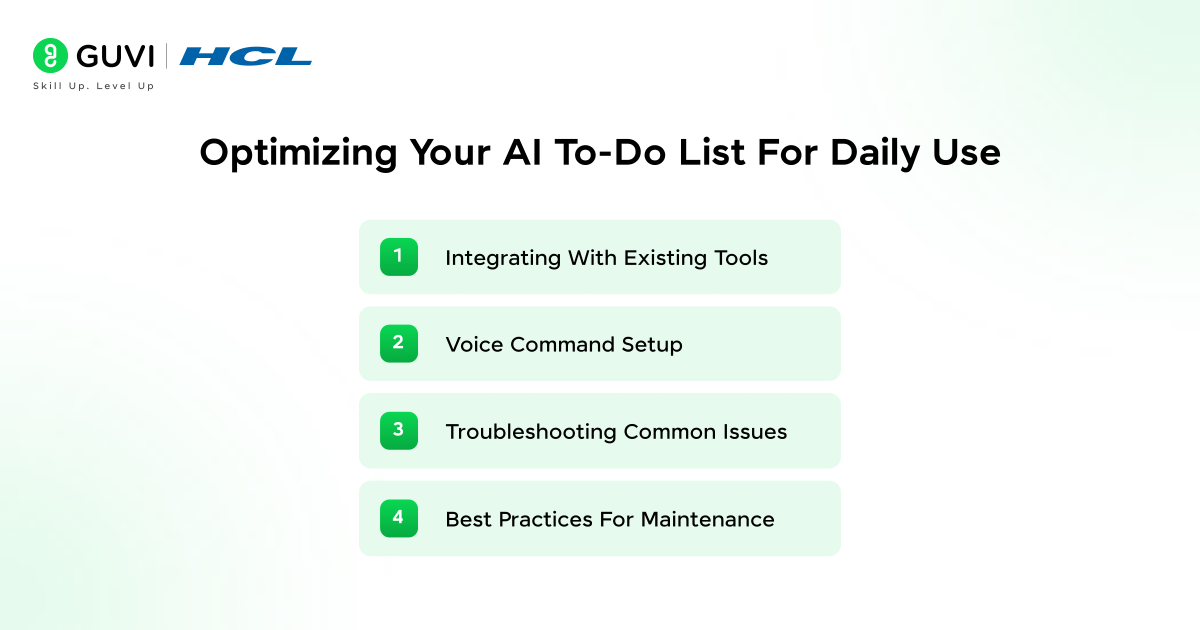
Your To-Do List with Generative AI reaches maximum effectiveness when connected to your existing workflow. Integration eliminates manual data transfer between platforms.
1) Integrating With Existing Tools
Integration is where a To-Do List with Generative AI stops being a standalone tool. Connect it with Gmail and Outlook to drag actionable emails directly onto your task list.
Automation tools like Zapier link different apps together, creating workflows that trigger based on specific conditions, so an important email can automatically create a task, update your CRM, and notify your team.
Beyond email, integrate with Slack and Microsoft Teams to convert chat messages into tasks, and pull tasks from tools like Todoist, Trello, Asana, and ClickUp into a unified view.
2) Voice Command Setup
Voice control is another practical way to speed up a To-Do List with Generative AI when typing isn’t convenient.
A number of AI-powered voice tools built for this purpose now support dozens of languages with strong accuracy, letting you speak commands like “schedule dinner for 7pm lasting 2 hours” or “move the event to 8pm” directly.
If you’re evaluating a specific voice tool, check its current accuracy claims and supported languages directly on the provider’s own site, since these figures update often.
3) Troubleshooting Common Issues
- Check your internet connection first if your To-Do List with Generative AI stops responding
- Refresh the page and clear browser cache to resolve temporary glitches with your To-Do List with Generative AI
- Rephrase unclear requests using simpler language and specific details
- Verify API authentication if tasks in your To-Do List with Generative AI aren’t syncing properly
4) Best Practices for Maintenance
- Monitor your To-Do List with Generative AI regularly using API dashboards to spot high-cost patterns
- Update your software and AI tools to access the latest improvements
- Collect team feedback on which features of your To-Do List with Generative AI actually save the most time
- Test new To-Do List with Generative AI workflows in controlled environments before full deployment
Master the same AI concepts behind this To-Do List with Generative AI project with HCL GUVI’s AI & ML Course, designed to take you from beginner to job-ready through real-world projects and hands-on learning.
With expert mentorship and an industry-aligned curriculum, you’ll build, deploy, and scale AI applications just like this to-do app.
Common Mistakes to Avoid When Building Your AI To-Do List
A few recurring mistakes trip up most first-time builds of a To-Do List with Generative AI.
- Skipping the context field. Sending raw task descriptions without a clear system prompt produces inconsistent formatting from one request to the next.
- Using the flagship model by default. Reaching for the most expensive, capable model for simple task extraction wastes budget without improving results.
- No token limits set. Without minimum and maximum token boundaries, responses can run unpredictably long, and unpredictably expensive.
- Ignoring edge cases in testing. Testing only with clean, simple inputs means messy real-world emails and notes break the system in production.
- Hardcoding API keys. Storing credentials directly in your code instead of environment variables is a common, avoidable security risk.
Security and Privacy Best Practices
Your To-Do List with Generative AI will likely process real emails, meeting notes, and business documents, so a few precautions matter before you connect it to anything sensitive.
- Store API keys as environment variables, never directly in your source code or committed to version control.
- Review what data leaves your system. Sending full email threads or documents to a third-party API means that data is processed externally; check your provider’s data retention and training policies before sending anything confidential.
- Set usage limits and monitor logs, both to control cost and to catch unexpected or unauthorized API activity early.
- Avoid processing highly sensitive data (financial details, health information, legal documents) through general-purpose APIs unless the provider explicitly supports that use case with appropriate safeguards.
Concluding Thoughts…
Building your first to do list with generative ai might seem complex initially, but the process becomes straightforward once you break it down into steps. Start with a simple platform like ChatGPT or Claude, create basic prompts for task extraction, and gradually add features as you grow comfortable with the system.
Your ai todo list will become more intelligent over time, learning from your patterns and preferences. The investment you make in setting up automation today will save hours of manual organization in the future.
As long as you follow the integration steps outlined here, you’ll transform scattered tasks into an organized, adaptive workflow that works the way you naturally think. Good Luck!
FAQs
Q1. How do I get started creating my first AI-powered to-do list?
Simply describe your tasks or project in clear, natural language and let the AI generate a structured list for you. You can then edit, expand, or integrate the output with your preferred productivity tools. The process is intuitive and requires no technical expertise to begin.
Q2. What makes AI to-do lists different from traditional task management apps?
AI to-do lists understand context and intent rather than just storing what you manually enter. They automatically extract tasks from emails, documents, and meetings, intelligently prioritize based on urgency and dependencies, and adapt to your work patterns over time without requiring constant manual updates.
Q3. Which AI platform should I choose for building my to-do list system?
For beginners, ChatGPT API or Claude offer the most accessible starting points with extensive documentation and straightforward integration. ChatGPT provides broad compatibility across programming languages, while Claude excels at following detailed instructions. Custom solutions require significantly more technical expertise and infrastructure management.
Q4. How does generative AI reduce the workload of task management?
Generative AI automatically extracts actionable items from scattered sources like emails, chat threads, and documents, eliminating manual data entry. It handles prioritization by analyzing your habits, deadlines, and workload patterns, and predicts potential bottlenecks before they cause delays, allowing you to focus on execution rather than planning.
Q5. What are the essential components needed to build a functional AI to-do list?
You need an AI platform account (like OpenAI or Anthropic), API access with stored credentials, a programming environment with the appropriate SDK installed (Python, JavaScript, or others), and a clear prompt structure that defines how tasks should be processed and formatted. Budget considerations should also factor in token-based pricing models.
Success Stories

About the Author
Jebasta
I translate the language of data into stories that anyone can understand. As a writer with a data science background, I simplify analytics, AI, and decision-making so beginners and enthusiasts can confidently explore the world of data.
View all posts by Jebasta
Connect with me @













Did you enjoy this article?