


Artificial Intelligence and Machine Learning Articles
Finance Manager to Data Analytics: Career Growth, Salary and Seniority
How to Evaluate LLM Outputs in Production Deployments
AI/ML Skills Gap 2026: Why Companies Can't Find Job-Ready Talent
20 AI/ML Interview Questions Recruiters Can Use Without a Tech Background - Best Guide


Get In Touch For Details! Request More Information
10 Best AI Video Generator Tools in 2026 (Free & Paid) for Creators, Marketers & Businesses
Aug 11, 2026 8 Min Read 20165 Views
(Last Updated)
Table of contents
- TL;DR:
- Best AI Video Generator Tools – Overview
- Best AI Video Generator Tools
- Runway
- Descript
- Pictory
- Best For:
- Wondershare Filmora
- Best For:
- Synthesia
- Best For:
- Lumen5
- Best For:
- Fliki
- Best For:
- Veed.io
- Best For:
- Visla
- Best For:
- InVideo
- Best For:
- Which AI Video Generator Should You Choose?
- Free vs Paid AI Video Generators
- How to Choose the Best AI Video Generator?
- Best AI Video Generator Tools in India (2026)
- Best AI Video Generator Tools at a Glance
- AI Video Generator Market in 2026
- Want to Build AI Applications Instead of Just Using Them?
- Conclusion
- FAQs
- What are some popular AI video generation tools?
- Do I need video editing experience to use these tools?
- Is there a free AI video generator?
- What AI generator do YouTubers use?
- Do AI video generators support multiple languages?
- Which AI video generator is best in 2026?
- Can ChatGPT create videos?
- Are AI-generated videos copyright-safe?
- Which AI video generator has no watermark?
- Is Synthesia better than Runway?
- Which AI video generator supports multiple languages?
TL;DR:
- AI Video Generator Tools are AI-powered platforms that create or edit videos using text prompts, images, scripts, or existing footage.
- In 2026, tools like Runway, Synthesia, Descript, and InVideo help creators, marketers, educators, and businesses produce professional videos faster with minimal editing experience.
In this current world of digital content creation, creating high-quality videos can often feel overwhelming, but AI video generator tools have made it easier and faster to produce professional content.
The Best AI video generator tools on this list can help you streamline the process. These tools are designed to take your content to the next level by using AI to automate complex editing tasks, making video creation more accessible for everyone.
In this article, we’ll explore some of the best AI video generators, helping you choose the one that suits your needs the most. So, without further ado, let us get started!
Best AI Video Generator Tools – Overview
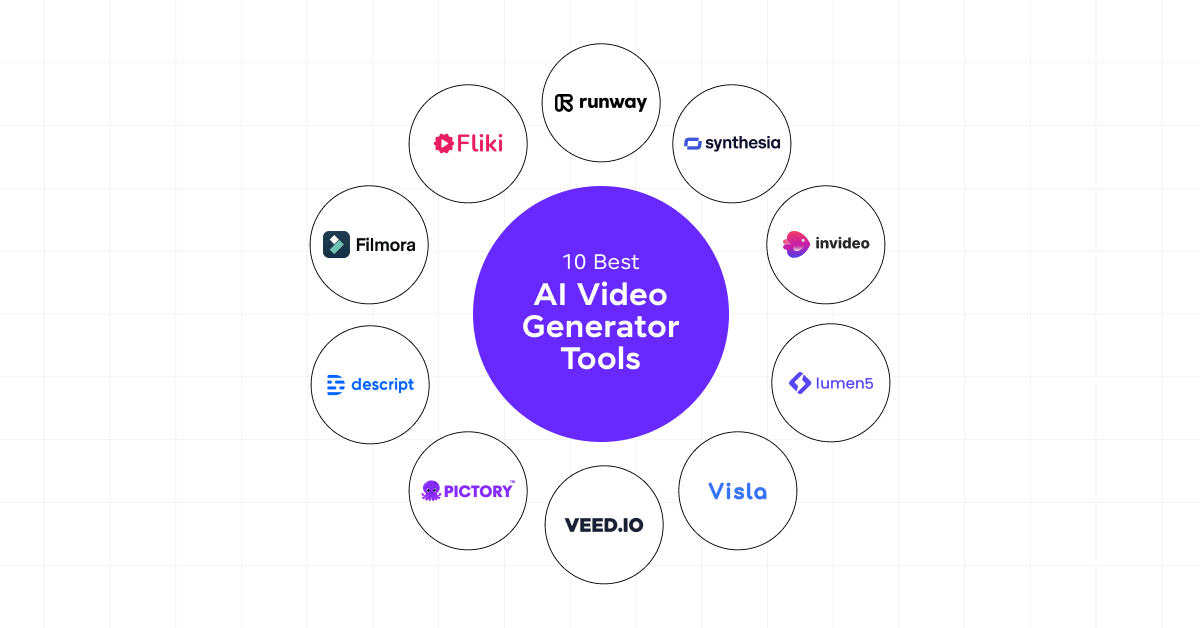
Here’s an overview of the top 10 AI video generator tools:
| S.No | Tool Name | Features | Compatibility | Ease of Integration | Paid/Free Tool | Access Now |
| 1 | Runway | Generative AI, Advanced editing tools | Web, iOS | Easy | Basic Version is free, and Paid version starts from $15/mo the paid | Try Runway |
| 2 | Descript | Edit by editing text, multi-language support | Web, Windows, Mac | Moderate | Basic Version is free, and Paid versions start from ₹1583 | Try Descript |
| 3 | Pictory | AI-powered text-to-video, voiceovers | Web | Easy | Paid version starts from $25 | Try Pictory |
| 4 | Wondershare Filmora | AI-powered video enhancements | Windows, Mac, iOS, Android | Easy | Paid version starts from ₹839.99 | Try Filmora |
| 5 | Synthesia | AI avatars, multi-language support | Web | Easy | Basic Version is free, and the paid version starts from ₹1499 | Try Synthesia |
| 6 | Lumen5 | AI transforms blog posts into videos | Web | Easy | Pricing starts from $19 USD | Try Lumen5 |
| 7 | Fliki | Text-to-video for social media | Web | Easy | Basic Version starts from ₹599 | Try Fliki |
| 8 | Veed.io | Online video editing with AI tools | Web | Moderate | Paid Version starts from ₹520 | Try Veed.io |
| 9 | Visla | AI tools for video variety | Web | Easy | Basic Version is Free and Pro Version starts from $15 | Try Visla |
| 10 | InVideo | Ready-made templates, AI-powered video suggestions | Web | Easy | Basic Version is Free and Plus Version starts from $17 | Try InVideo |
Best AI Video Generator Tools
Now that the overview of the AI video generator tools has been done. It is time to get into detail and learn more about it in this section!
1. Runway
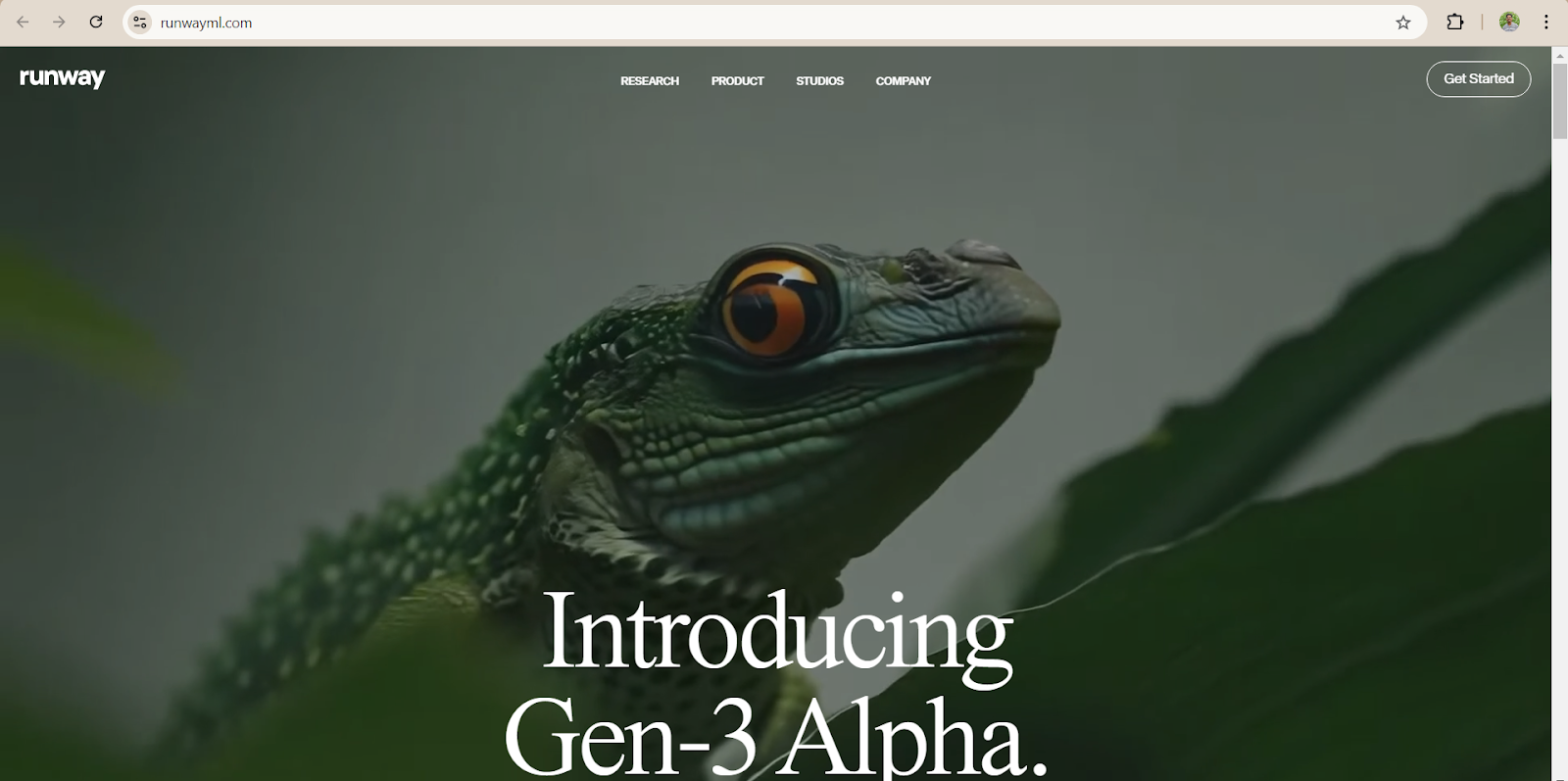
Runway is known for its powerful generative AI features, enabling creators to produce high-quality videos from text or image prompts.
It also includes advanced editing tools such as background removal, motion tracking, and real-time collaboration.
Ease of Use (UI/UX): Runway offers a clean and intuitive user interface, although it may take some time to fully explore its advanced features. The learning curve for generative AI tools is slightly higher.
AI Features and Customization: Runway excels with its AI-powered capabilities, including image-to-video conversion, text-to-video generation, and AI video editing tools.
Video Templates: Runway offers customizable templates to create professional-quality videos quickly, suitable for social media content, advertisements, and more.
Platform Availability: Available on Web and iOS.
Output Quality (Resolution): High-definition video outputs up to 4K are supported, ensuring sharp and professional video results.
AI Editing Tools: Background removal, color grading, and motion effects are some of the advanced AI-powered editing tools Runway provides.
Pros & Cons: Runway offers vast creative possibilities, though the advanced features may be overwhelming for new users.
Pricing: Free plan available with limited credits. Paid plans start at 999 INR/month for additional features and increased credits.
Best For:
- Professional creators
- AI filmmakers
- Agencies
- YouTubers
Pricing: Free plan available with limited credits. Paid plans start at $15/month for additional features and increased credits.
User Reviews and Ratings: 4.2 / 5 (Source: Playstore)
Expert View: According to a review on Product Hunt, “RunwayML is just incredible. I’m surprised to see low engagement here – one of the best text-to-video experiences I’ve ever seen.”
2. Descript
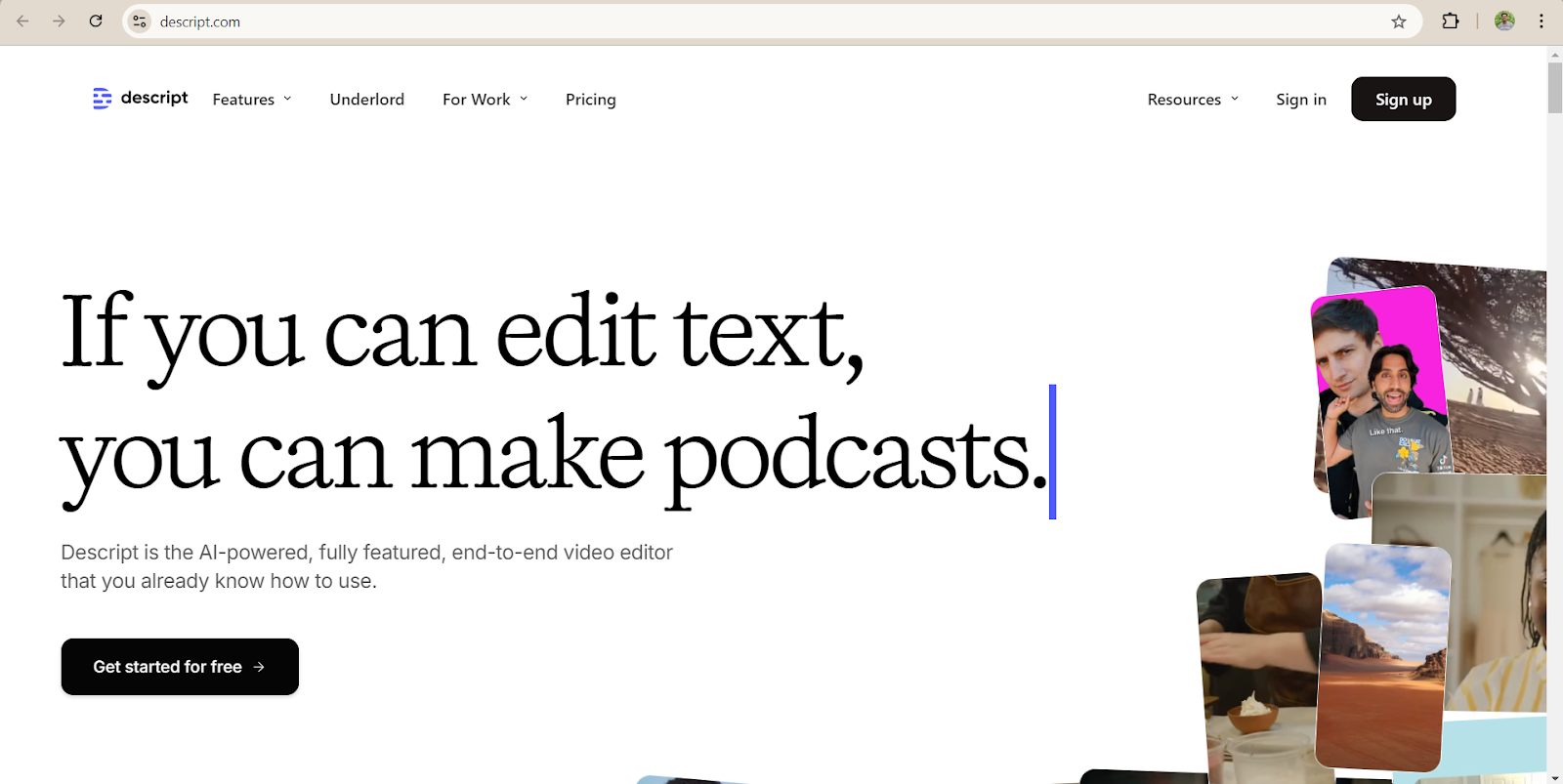
Descript stands out for its unique video editing approach, allowing users to edit videos by editing the transcript. This tool is highly beneficial for content creators who work with podcasts, educational videos, and webinars.
Ease of Use (UI/UX): The drag-and-drop interface makes it extremely user-friendly, even for beginners. Editing videos by manipulating text rather than timelines streamlines the process.
AI Features and Customization: AI-powered transcription and voice-cloning features make Descript a standout tool for speech-driven content creation.
Video Templates: Basic templates are available for specific use cases like tutorials and marketing content.
Platform Availability: Available on Web, Windows, and Mac.
Output Quality (Resolution): Descript provides HD-quality output with a watermark on free plans. Paid plans offer watermark-free exports.
AI Editing Tools: Includes text-to-video conversion, automated transcription, and AI-generated captions.
Pros & Cons: Great for creating transcript-based content, but it lacks advanced visual effects compared to traditional video editors.
Best for:
- Podcasters
- YouTubers
- Online educators
- Interview editing
Pricing: Free plan with watermarked videos. Paid plans start at 1,583 INR/month.
User Reviews and Ratings: 4.6 / 5 (Source: G2)
Expert View: As stated by Early Stage Marketing, “Descript is an incredibly powerful and user-friendly video editing software that can save you time and effort while producing high-quality content.”
3. Pictory
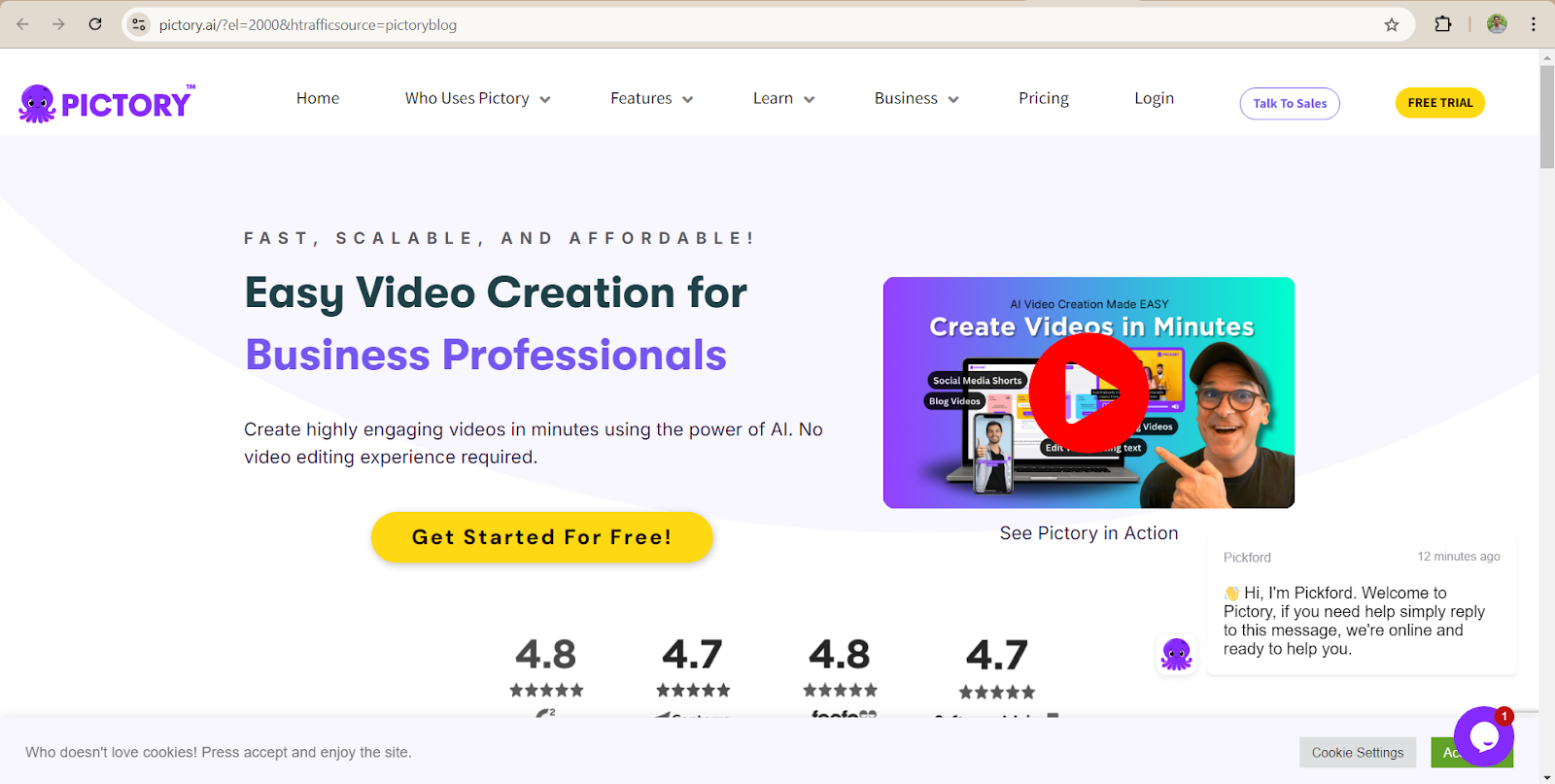
Pictory uses AI to convert long-form text or scripts into videos, making it ideal for creating marketing, tutorial, and social media videos. The tool also offers automatic voiceovers and captions, streamlining the video creation process.
Ease of Use (UI/UX): With its drag-and-drop functionality, Pictory is designed to be extremely easy to use, even for beginners.
AI Features and Customization: AI-powered voiceovers, text-to-video conversion, and automated captions are key features that make Pictory highly efficient.
Video Templates: Offers a wide variety of customizable templates for creating engaging videos quickly.
Platform Availability: Web-based, with no downloads required.
Output Quality (Resolution): High-quality video output is available, including HD and 4K resolutions.
AI Editing Tools: Automates the process of adding captions, generating voiceovers, and converting scripts into videos.
Pros & Cons: Easy to use, but customization options can be limited compared to more advanced video editors.
Best For:
- Bloggers
- Content marketers
- Blog-to-video conversion
- Social media content
- Marketing teams
Pricing: Free trial available; paid plans start at $25/month.
User Reviews and Ratings: 4.6 / 5 (Source: G2).
Expert View: According to a review on Capterra, “I like that it has reduced my work time tremendously as I am able to convert my written content into a video format, and also use high-quality premium human voice. This is a package that covers all my needs for producing my content.”
4. Wondershare Filmora
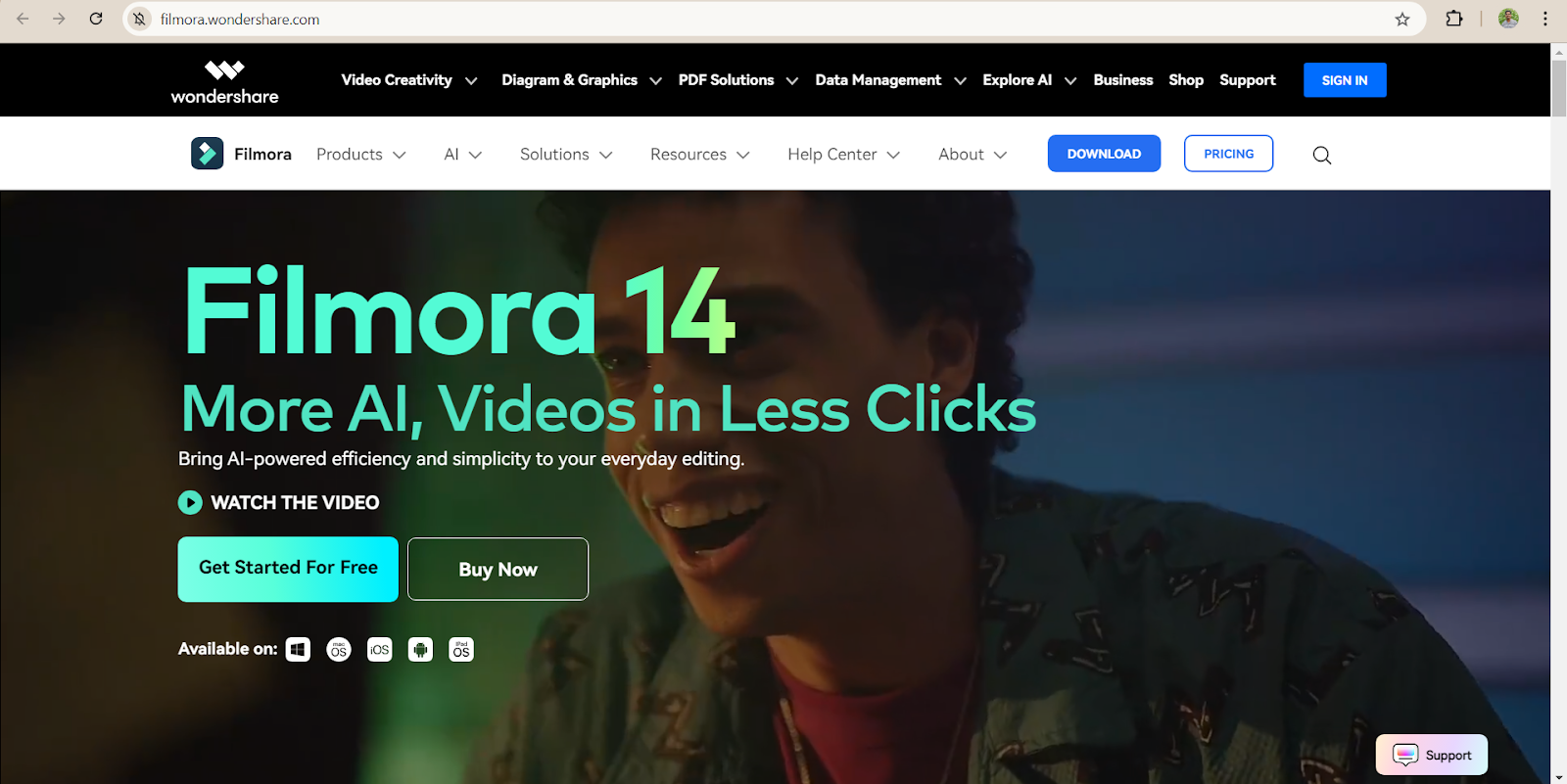
Wondershare Filmora offers a wide range of AI-powered editing tools, including automatic video trimming, scene detection, and audio enhancements. It’s perfect for vloggers, YouTubers, and small business marketers who need polished videos.
Ease of Use (UI/UX): Known for its intuitive and easy-to-navigate interface, Filmora is user-friendly, making it a popular choice for beginners and semi-pros.
AI Features and Customization: AI-driven enhancements like motion tracking, scene detection, and automatic trimming make video editing faster and more efficient.
Video Templates: A broad collection of customizable templates for different use cases, including tutorials, vlogs, and marketing videos.
Platform Availability: Available on Windows, Mac, iOS, and Android.
Output Quality (Resolution): Supports high-definition and 4K resolution outputs.
AI Editing Tools: Includes motion tracking, AI audio enhancement, and automated scene detection.
Pros & Cons: Excellent for beginner to intermediate creators but may feel limited to advanced professionals.
Best For:
- Beginners
- YouTubers
- Small businesses
- Video editing learners
- Content creators on a budget
Pricing: Free version with a watermark; premium plans start at 839.99 INR/month.
User Reviews and Ratings: 4.0 / 5 (Source: PCMag)
Expert View: As mentioned in Software Advice, “Wondershare Filmora is a quality video editing software. We’ve used Filmora AI to generate videos that’s been uploaded to Facebook and YouTube without any copyright infringement. Affordable. Good for content creators, marketers and business promotion. ”
Explore: Video Editing Courses That Actually Get You Certified
5. Synthesia
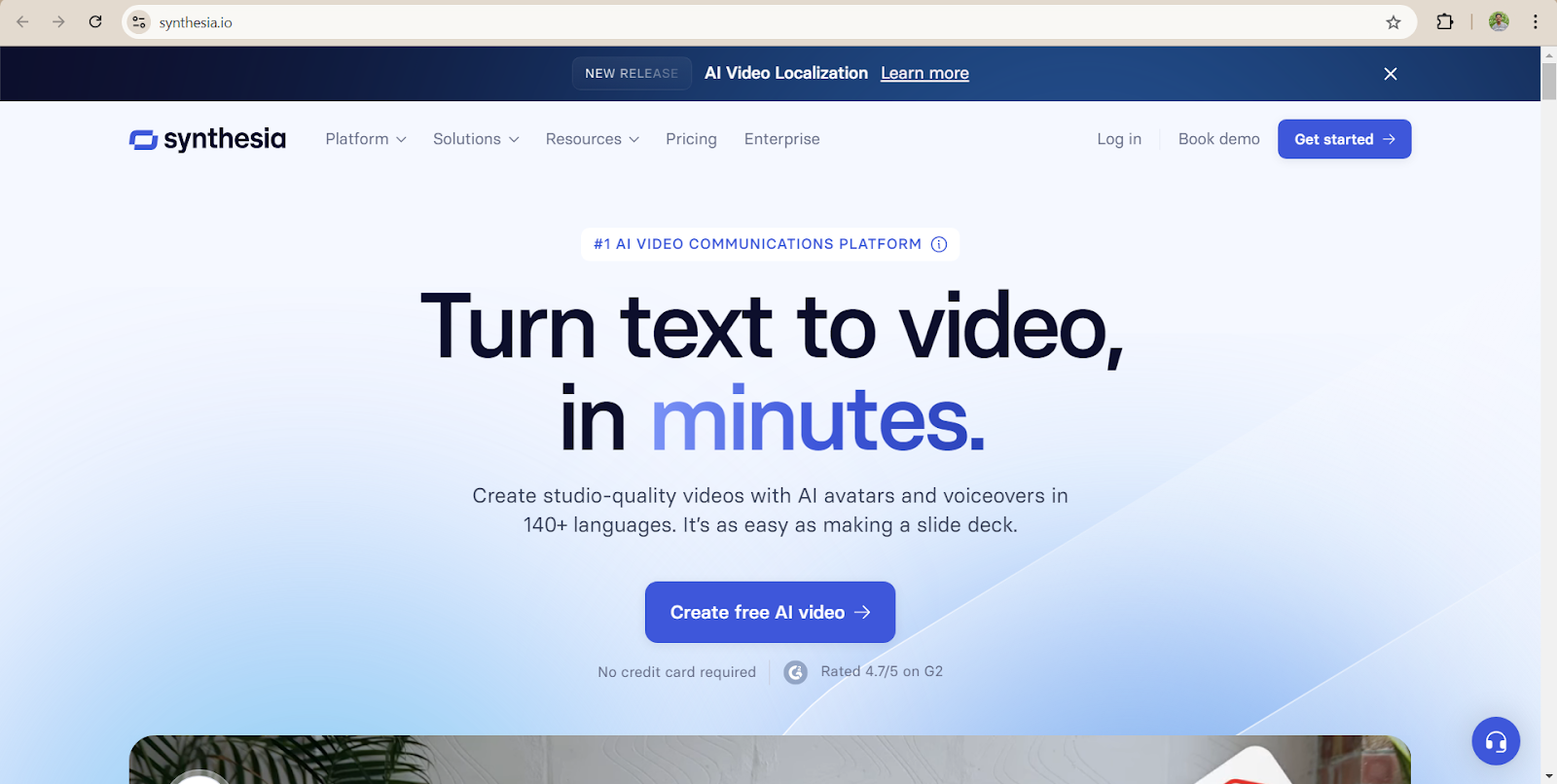
Synthesia uses AI avatars and voiceovers to create engaging video content, making it ideal for corporate training, product demos, and marketing videos.
It can translate videos into multiple languages, making it a versatile tool for global businesses.
Ease of Use (UI/UX): Extremely user-friendly, with pre-designed templates that simplify the video creation process.
AI Features and Customization: AI avatars, multi-language support, and text-to-video conversion make Synthesia a standout tool for businesses.
Video Templates: Offers various templates for corporate videos, explainer videos, and training sessions.
Platform Availability: Web-based, accessible on any device with an internet connection.
Output Quality (Resolution): HD-quality video output with support for multiple aspect ratios.
AI Editing Tools: AI-generated avatars, voiceovers, and scriptwriting tools simplify the video creation process.
Pros & Cons: The AI avatars are highly realistic but can feel limited in customization for certain industries.
Best For:
- Corporate training
- AI avatar videos
- Business presentations
- Product demos
- Multilingual video creation
Pricing: Free plan with limited features; paid plans start at 1499 INR/month.
User Reviews and Ratings: 4.7 / 5 (Source: G2).
Expert View: According to Software Advice, “Synthesia is very user-friendly. I don’t need to take any tutorial or read any document. I can start right away. The quality of the videos is professional.”
6. Lumen5
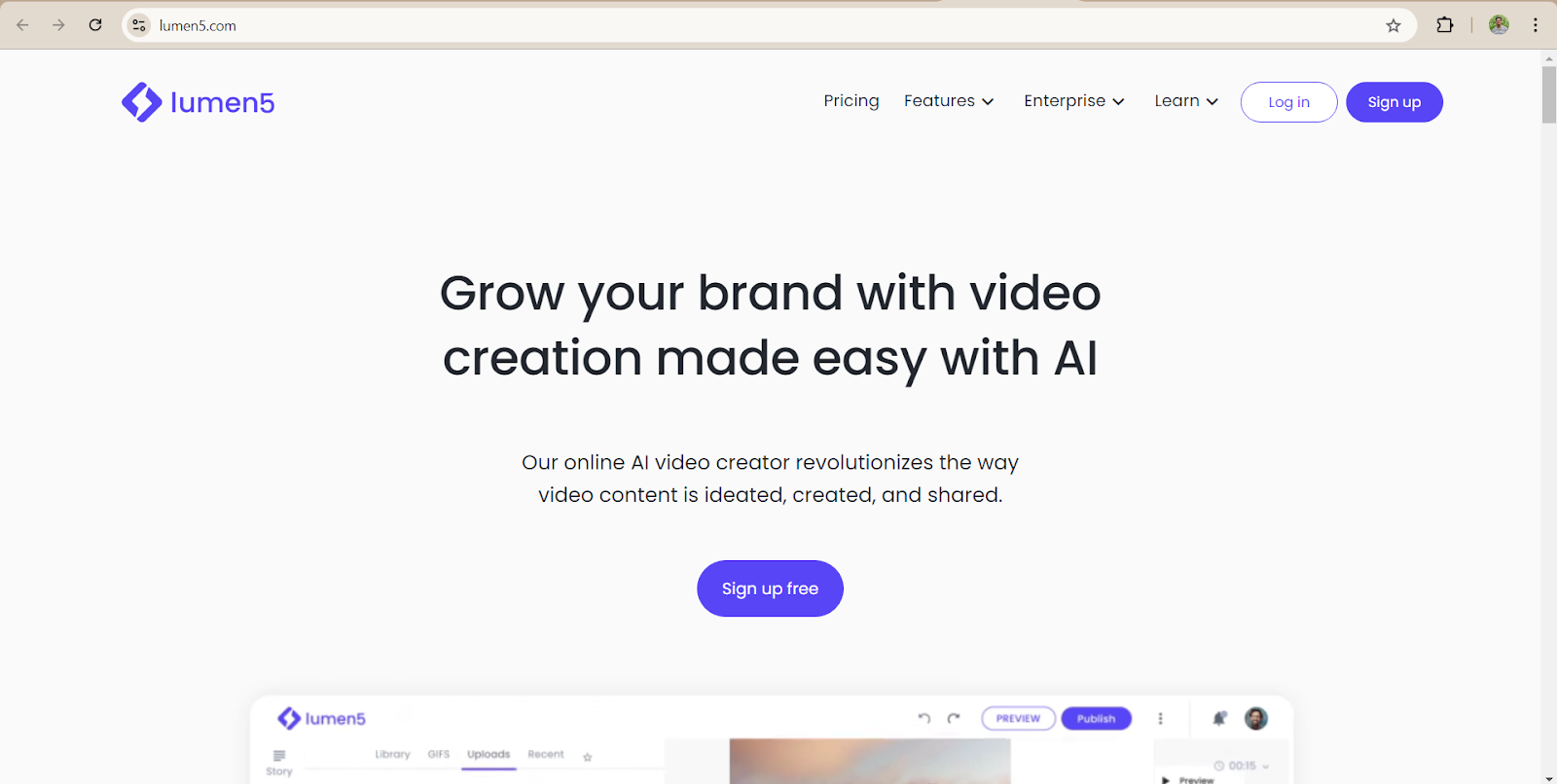
Lumen5 turns your written content, such as blog posts and scripts, into engaging videos. It uses AI to match text with appropriate visuals, making it easy to create videos for social media, blogs, or corporate use.
Ease of Use (UI/UX): Lumen5 has a simple drag-and-drop interface, making it highly accessible to users without video editing experience.
AI Features and Customization: The AI automatically suggests images, videos, and background music to match your content. You can also manually customize visuals and text to suit your needs.
Video Templates: It offers a wide variety of templates, particularly useful for creating explainer videos, social media clips, and corporate presentations.
Platform Availability: Web-based, no downloads required.
Output Quality (Resolution): Supports HD resolution for all videos, with higher resolutions available on premium plans.
AI Editing Tools: Includes text-to-video conversion and AI-powered media recommendations.
Pros & Cons: Very easy to use but lacks some of the more advanced customization features found in other tools.
Best For:
- Digital marketers
- Blog-to-video creation
- Brand storytelling
- Social media managers
- Business presentations
Pricing: Free plan available with watermark. Paid plans start at $19/month.
User Reviews and Ratings: 4.7 / 5 (Source: getapp.com)
Expert View: According to Software Advice, “Best text to video software I’ve seen so far”
7. Fliki
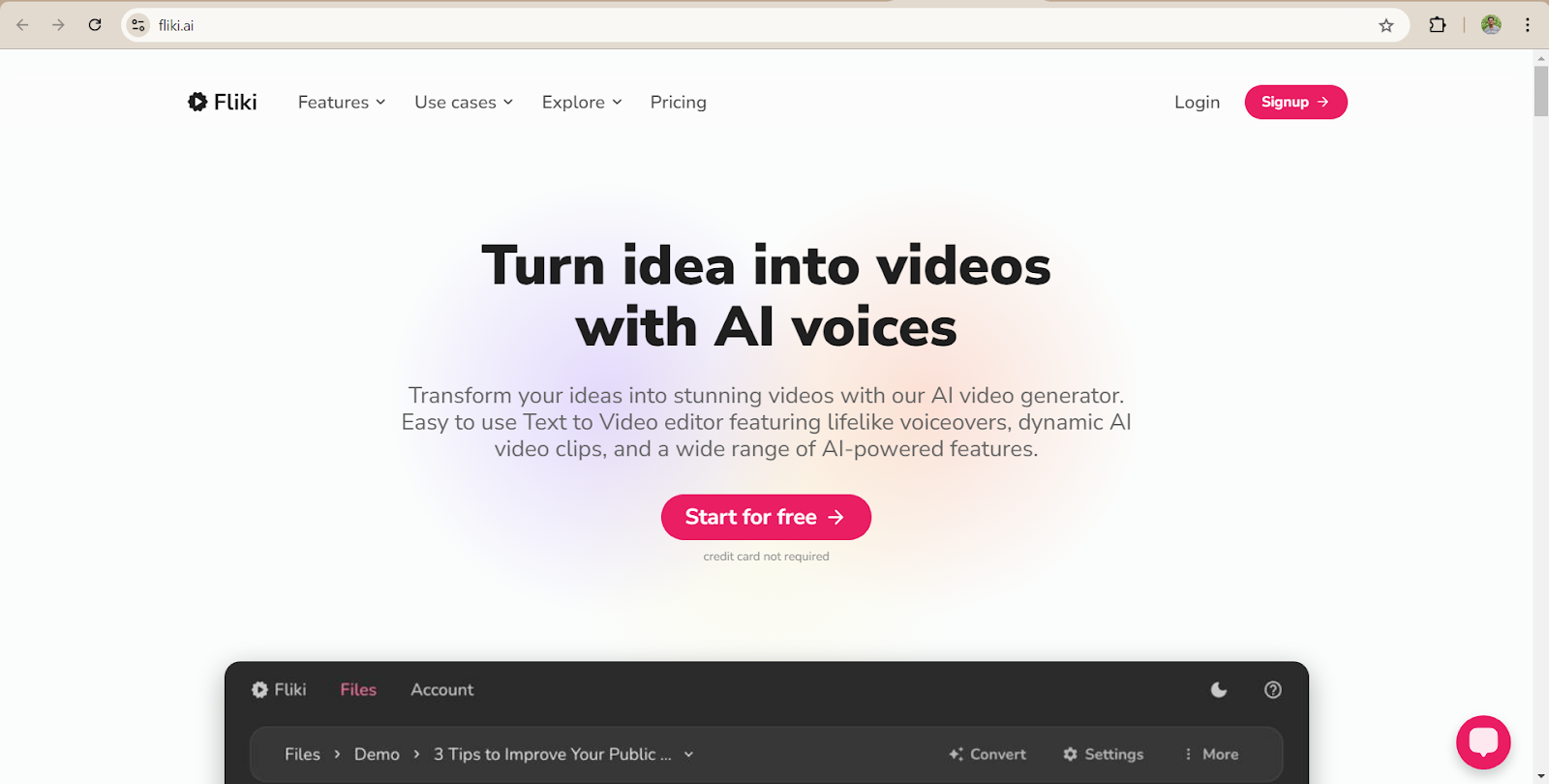
Fliki is designed to create short-form videos from text. It’s particularly useful for social media platforms like Instagram, Facebook, and TikTok. The AI turns scripts into videos, complete with voiceovers, images, and music.

Ease of Use (UI/UX): Fliki is extremely easy to use, and designed for non-technical users looking to quickly generate short videos.
AI Features and Customization: It uses AI to create text-to-video content, with automated voiceovers and captioning.
Video Templates: Fliki provides various templates specifically optimized for social media platforms.
Platform Availability: Web-based, accessible from any device with an internet connection.
Output Quality (Resolution): Supports HD output but is limited to 720p on the free plan.
AI Editing Tools: AI voice generation, automatic captioning, and scene transitions.
Pros & Cons: Great for quick social media videos but lacks more advanced video editing capabilities.
Best For:
- Short-form video creators
- Instagram Reels
- TikTok videos
- YouTube Shorts
- AI voiceover videos
Pricing: Free plan with watermarked videos. Paid plans start at 599 INR/month.
User Reviews and Ratings: 4.7 / 5 (Source: Capterra)
Expert View: As per a review on G2, “Fliki Makes Script-to-Video Creation Fast and Effortless”
8. Veed.io
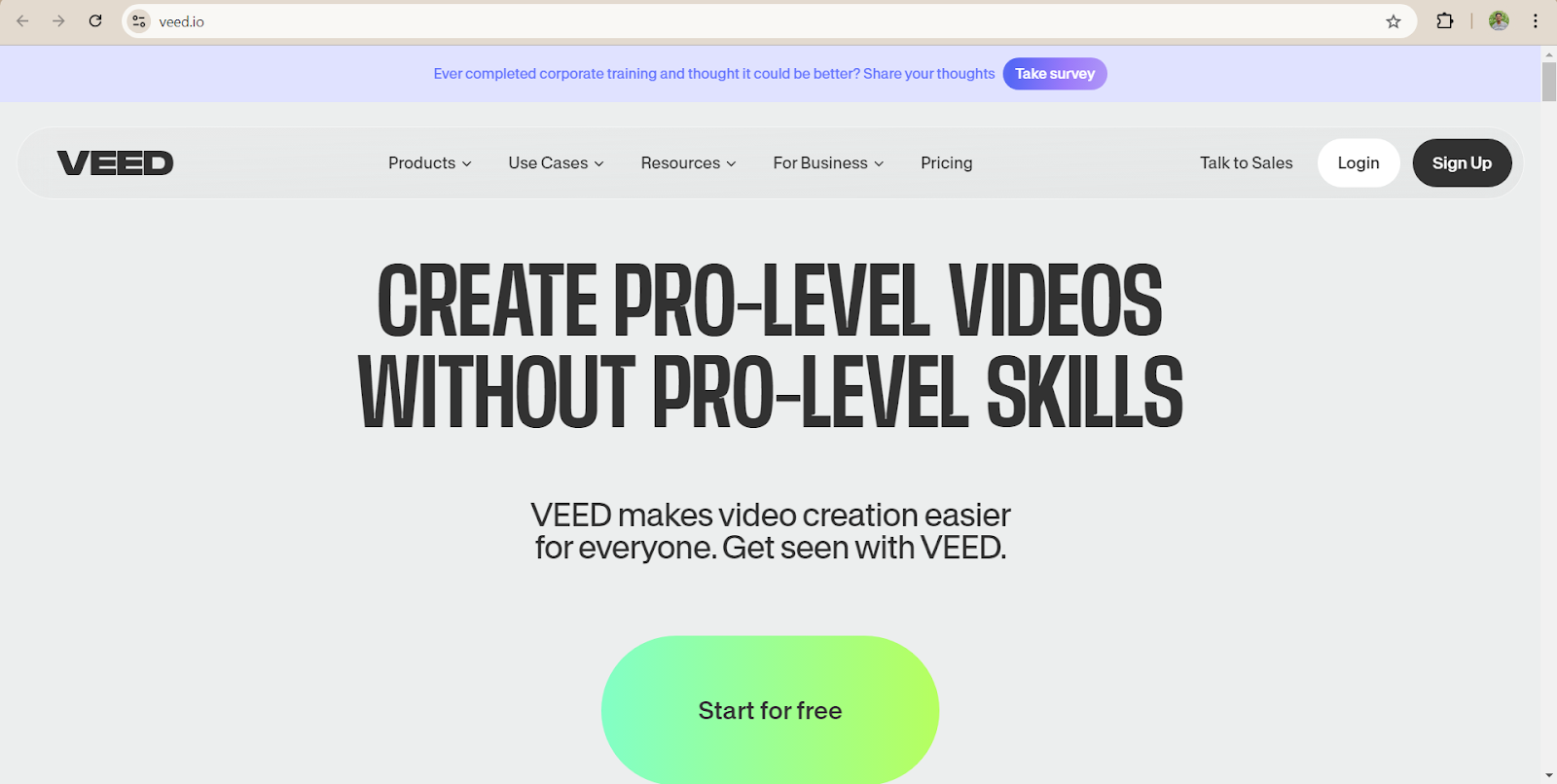
Veed.io is an all-in-one video editing platform with AI features like auto-subtitles, background noise removal, and video enhancement tools. It is ideal for creators producing YouTube videos, tutorials, or business content.
Ease of Use (UI/UX): Veed.io has a simple, user-friendly interface that makes editing straightforward, even for beginners.
AI Features and Customization: Includes AI tools like auto-subtitles, text-to-speech, and automatic video resizing for different platforms.
Video Templates: Customizable templates for various formats, including YouTube, Instagram, and TikTok.
Platform Availability: Web-based, with no need for downloads.
Output Quality (Resolution): Supports up to 4K resolution for high-quality video output.
AI Editing Tools: Auto-subtitles, AI noise removal, and scene transitions.
Pros & Cons: Easy to use, but the free version includes watermarks.
Best For:
- Online video editing
- Social media creators
- Auto subtitles
- Marketing videos
- Teams collaborating remotely
Pricing: Free plan with limited features; paid plans start at 520 INR/month.
User Reviews and Ratings: 4.6 / 5 (Source: G2)
Expert View: As per Trust Radius, “Simple, easy-to-use and cost-effective video production App”
9. Visla
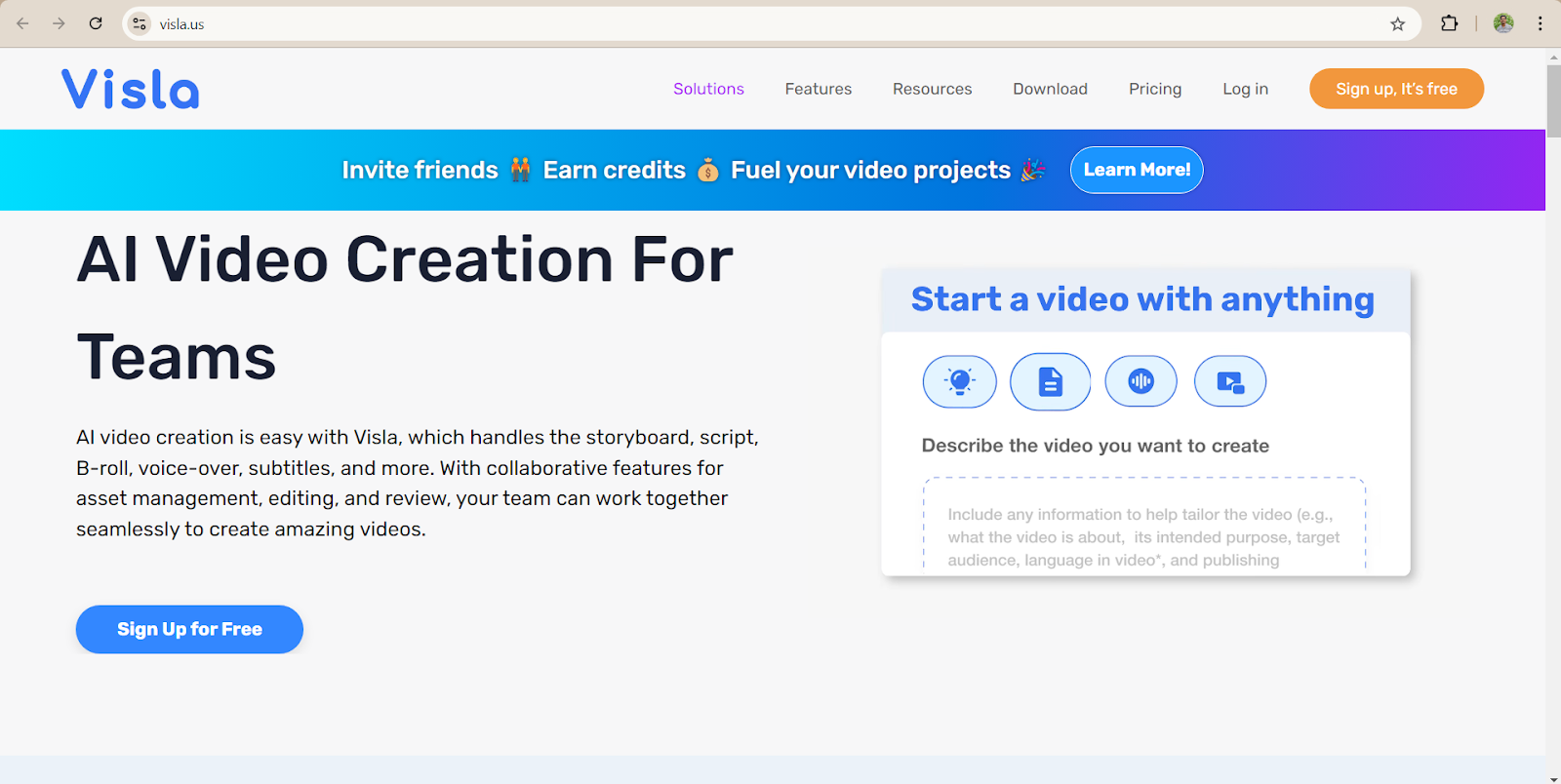
Visla is an AI-powered video editing tool designed to turn scripts into videos automatically. It offers a wide range of AI-enhanced features for business presentations, explainer videos, and educational content.
Ease of Use (UI/UX): The interface is easy to navigate, with drag-and-drop capabilities and quick-to-learn tools.
AI Features and Customization: Visla includes AI-driven editing tools like auto-captioning, background music selection, and scene transitions.
Video Templates: A variety of templates optimized for different types of content, including business presentations and social media.
Platform Availability: Web-based, with no installation needed.
Output Quality (Resolution): Outputs high-quality videos, including HD and 4K resolutions.
AI Editing Tools: Includes automatic scene transitions, voiceover generation, and captioning.
Pros & Cons: User-friendly, but limited in its customization options compared to more advanced editors.
Best For:
- Business presentations
- Training videos
- Educational content
- Team collaboration
- AI-powered business communication
Pricing: Free plan is available with limited features; paid plans start at $15/month.
User Reviews and Ratings: Visla holds a rating of 4.6/5 on G2, where users appreciate its ease of use and speed.
Expert View: According to Product Hunt, “Visla is one of the best solutions for recording your own footage! We used it for our video of Product Hunt and couldn’t be more thrilled with the result. “
10. InVideo
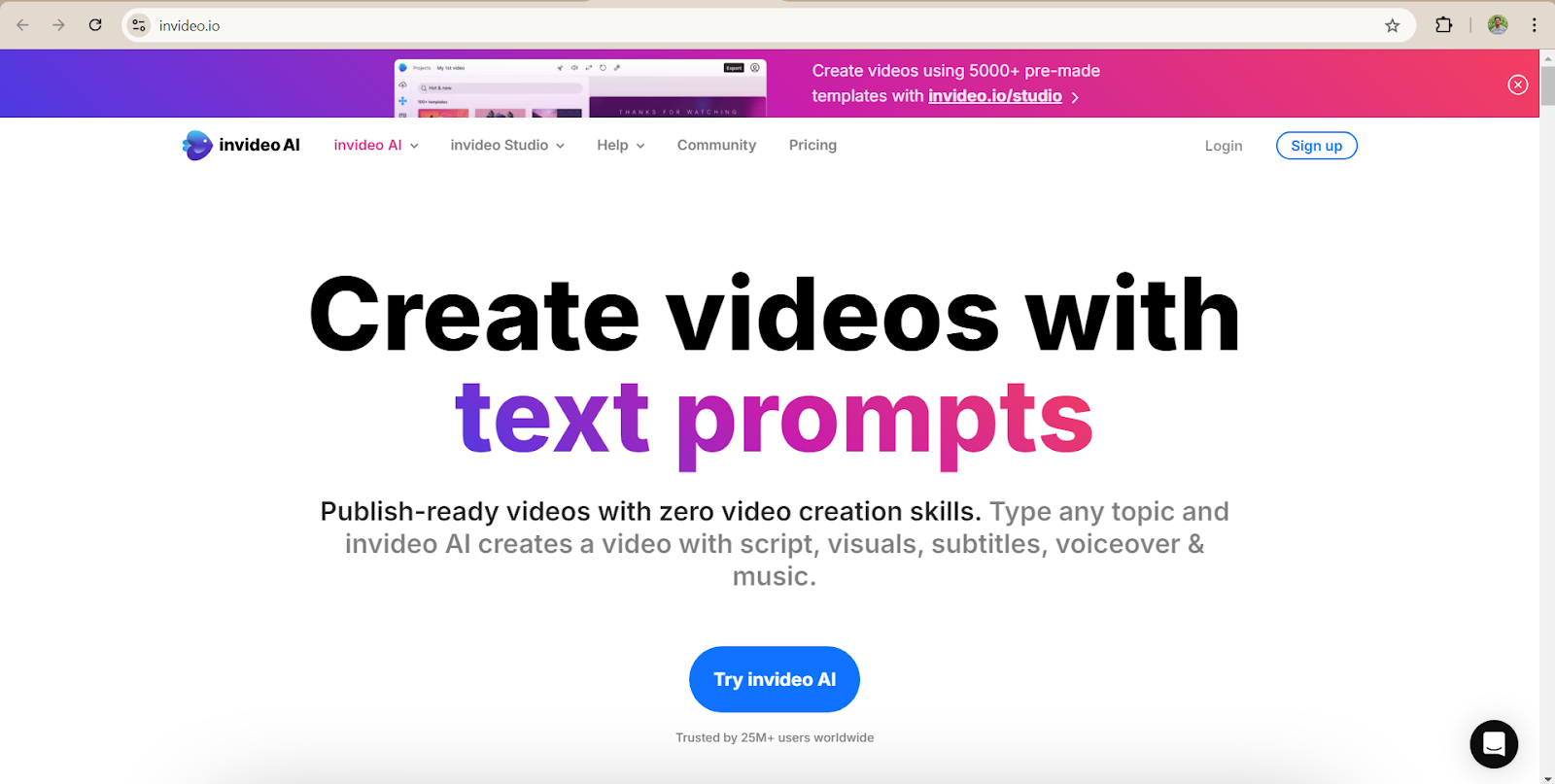
InVideo is a popular video creation tool that helps users create promotional videos, tutorials, and social media content with the help of AI-driven templates and smart editing tools.
Ease of Use (UI/UX): The interface is intuitive and easy to navigate, with drag-and-drop functionality.
AI Features and Customization: InVideo uses AI to suggest media, add automatic captions, and optimize your videos for different platforms.
Video Templates: Over 5,000 ready-made templates for various formats, including social media, business, and explainer videos.
Platform Availability: Web-based, with full functionality across all devices.
Output Quality (Resolution): Supports video outputs up to 4K.
AI Editing Tools: Includes AI-driven media recommendations, auto-captioning, and smart resizing for multiple platforms.
Pros & Cons: A great tool for creating quick and professional-looking videos, though more advanced users might find customization limited.
Best For:
- Marketing videos
- YouTube creators
- Promotional content
- Small businesses
- Fast video production
Pricing: Free plan available with a watermark. Paid plans start at $17/month.
User Reviews and Ratings: 4.3 / 5 (Source: G2)
Expert View: As per GetApp, “The idea of being able to quickly create videos from simple prompts using your own content is exactly what we were looking for as a small nonprofit. “
These descriptions of the 10 happening AI video generator tools will provide insights into each tool’s core features and help you decide which suits your needs best.
Which AI Video Generator Should You Choose?
If you’re still unsure which AI video generator fits your workflow, here’s a quick recommendation:
| Use Case | Recommended Tool |
| Beginners | Filmora |
| Professional AI Videos | Runway |
| AI Avatars | Synthesia |
| YouTube Videos | Descript |
| Blog Content | Lumen5 |
| Instagram Reels | Fliki |
| Business Marketing | InVideo |
| Corporate Training | Synthesia |
Free vs Paid AI Video Generators
Many AI video generators offer free plans, but they usually include limitations such as watermarks, lower export quality, or usage credits.
Choose a free plan if you:
- Want to learn AI video editing
- Create videos occasionally
- Test different tools
Choose a paid plan if you:
- Produce content regularly
- Need commercial licensing
- Want 4K exports
- Require AI avatars or advanced editing
How to Choose the Best AI Video Generator?
Before selecting a tool, consider these factors:
- Video quality (HD vs 4K)
- AI avatar availability
- Text-to-video support
- Voice cloning
- Multi-language support
- Watermark restrictions
- Commercial usage rights
- Export speed
- Collaboration features
- Pricing
Choosing a tool that aligns with your workflow will save both time and money.
Best AI Video Generator Tools in India (2026)
| Best For | Tool |
| Indian YouTubers | Descript |
| Instagram Creators | Fliki |
| Small Businesses | InVideo |
| Corporate Training | Synthesia |
| Marketing Agencies | Runway |
| Students | Filmora |
| Bloggers | Lumen5 |
Best AI Video Generator Tools at a Glance
If you’re short on time, here’s a quick recommendation based on your needs:
| If You Want… | Best Tool |
| Overall Best AI Video Generator | Runway |
| Best for Beginners | Wondershare Filmora |
| Best for YouTube Creators | Descript |
| Best AI Avatar Generator | Synthesia |
| Best Blog-to-Video Tool | Lumen5 |
| Best Social Media Videos | Fliki |
| Best Budget Option | Veed.io |
| Best Marketing Videos | InVideo |
Quick Verdict: If you’re a beginner, start with Filmora. If you need professional AI-generated videos, Runway is one of the strongest choices.
AI Video Generator Market in 2026
- According to Grand View Research, the global AI video market is projected to reach USD 5.5 billion in 2026 and grow at a 33.7% CAGR through 2033.
- Features like text-to-video, AI avatars, voice cloning, and multilingual dubbing are driving widespread adoption among creators and businesses.
Want to Build AI Applications Instead of Just Using Them?
If you want to learn more about how Artificial Intelligence and Machine Learning help in video generation, consider enrolling in HCL GUVI’s Artificial Intelligence and Machine Learning Course which teaches everything you need and will also provide an industry-grade certificate!
Conclusion
In conclusion, with AI video generator tools, the once tedious process of creating engaging videos is now faster and more accessible.
Whether you’re a social media marketer, educator, or content creator, there’s a tool on this list that can fit your workflow. Start experimenting today and see how AI can transform your video production process!
FAQs
1. What are some popular AI video generation tools?
Some popular tools include Runway, Descript, Pictory, and Synthesia.
2. Do I need video editing experience to use these tools?
No, most of these tools are designed for beginners, with intuitive interfaces and templates.
3. Is there a free AI video generator?
Yes, tools like Runway, Descript, and Fliki offer free plans with limited features.
4. What AI generator do YouTubers use?
YouTubers commonly use Wondershare Filmora and Descript for quick editing with AI enhancements.
5. Do AI video generators support multiple languages?
Yes, tools like Synthesia and Descript offer extensive language support for global users.
6. Which AI video generator is best in 2026?
Runway is one of the best AI video generators in 2026 for its advanced text-to-video features and AI editing tools. For AI avatars, Synthesia is a top choice, while Filmora is ideal for beginners.
7. Can ChatGPT create videos?
No. ChatGPT cannot create videos directly, but it can generate scripts, storyboards, captions, and prompts. Pair it with AI video generators like Runway, Synthesia, or InVideo to create complete videos.
8. Are AI-generated videos copyright-safe?
Yes, AI-generated videos can be copyright-safe if you use licensed assets and follow the platform’s terms of use. Always check the tool’s commercial licensing policy before publishing or monetizing content.
9. Which AI video generator has no watermark?
Most AI video generators remove watermarks only on paid plans. Runway, InVideo, Filmora, Veed.io, and Pictory offer watermark-free exports with premium subscriptions.
10. Is Synthesia better than Runway?
It depends on your needs. Synthesia is better for AI avatars and business videos, while Runway is better for creative AI video generation, visual effects, and advanced editing.
11. Which AI video generator supports multiple languages?
Synthesia supports over 140 languages, making it one of the best multilingual AI video generators. Descript, Fliki, and InVideo also offer multilingual voiceovers and subtitles for global audiences.
Success Stories

About the Author
Hashmithaa
Hi, I’m Hashmithaa — a content writer with a love for words. Writing isn’t just what I do; it’s how I connect, communicate, and create meaning in a noisy digital world. And if my words help someone make a better decision, learn something new, or feel more confident, then I’ve done my job well.
View all posts by Hashmithaa
Connect with me @





Did you enjoy this article?