


Career Articles
Mentorship in Tech: Find a Mentor That Works
Tech Interview Prep in 30 Days: A Study Plan
Top Skills for Testing Machine Learning Models in 2026 (Beginner’s Guide)
Remote Work Skills: Mastering Async, Communication & Visibility


Get In Touch For Details! Request More Information
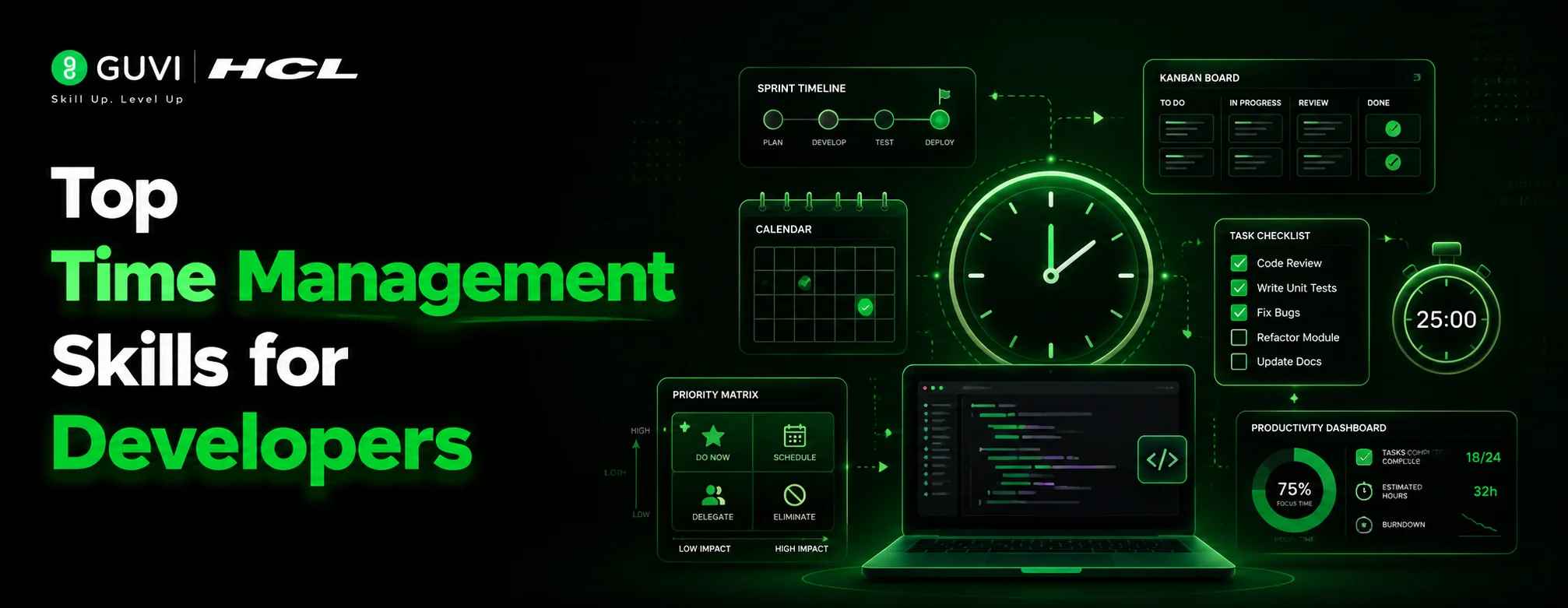
Developers lose time for many reasons, and it is rarely because they are not working hard. A task expands after hidden edge cases appear. A pull request waits for review. A small bug takes hours because logs are unclear. Meetings break deep work into pieces, and constant messages make it harder to focus. Strong time management skills help developers bring structure to this messy workflow.
Read this blog to explore the top time management skills developers need to plan better and finish work with more clarity.
Table of contents
- TL;DR
- What Are Time Management Skills for Developers?
- Top 10 Time Management Skills for Developers
- Prioritizing High-Impact Tasks
- Breaking Work Into Smaller Blocks
- Estimating Work Realistically
- Managing Deep Work Time
- Using Sprint Planning Wisely
- Managing Code Review Time
- Handling Debugging Without Losing Hours
- Reducing Meeting Overload
- Documenting While Working
- Reviewing the Day Before Logging Off
- Tools for Better Time Management for Developers
- Conclusion
- FAQs
- What are time management skills for developers?
- Why is time management important for developers?
- How can developers improve time management?
- What is the best time management skill for developers?
- How do developers manage time during sprints?
TL;DR
- Time management helps developers protect focus and avoid rushed work.
- Clear priorities help developers handle urgent bugs before low-impact tasks.
- Better estimates reduce overpromising during sprints and releases.
- Small task blocks make coding, testing, and reviews easier to track.
- End-of-day reviews help developers start the next day with clarity.
What Are Time Management Skills for Developers?
Time management skills for developers mean knowing how to handle coding work without letting the day become messy. A developer may have bugs, reviews, meetings, testing, and feature work happening together. These skills help them decide what needs attention first, protect focus time, break large tasks into smaller steps, and ask for help before one blocker eats the whole day.
Top 10 Time Management Skills for Developers
1. Prioritizing High-Impact Tasks
Starting With What Matters: Software developers should begin the day by checking which task has the biggest impact on users, delivery, or system stability. For example, fixing a login issue affecting real users should come before changing button spacing on a low-traffic page.
Understanding Business Impact: Time is used better when developers know why a task matters. A payment bug, slow checkout API, or broken signup flow can directly affect revenue and customer trust.
Avoiding Busy Work: Developers should not spend hours polishing low-priority tasks while important blockers wait. A clean task list means nothing if the release is still stuck.
- Adopting time management skills is essential to reduce developer burnout, which affects 73% of software developers, and improve work-life balance.
2. Breaking Work Into Smaller Blocks
Dividing Large Features: A large feature like “build payment integration” should not stay as one big task. It can be split into API setup, payment status handling, failure cases, testing, and documentation.
Reducing Mental Load: Smaller work blocks make the task less overwhelming. A developer can finish one clear part, test it properly, and then move to the next part with better focus.
Making Progress Visible: Clear task blocks also help during standups. Instead of saying “payment work is going on,” the developer can say “API connection is done, error handling is in progress, and testing is pending.”
3. Estimating Work Realistically
Adding Buffer Time: Developers should include time for debugging, code review, testing, and unexpected environment issues. A task that looks like three hours may take a full day if the API response is unclear.
Learning From Past Tasks: Past work should improve future estimates. If a dashboard filter took longer because of edge cases, the next similar task should include time for data checks and QA feedback.
Avoiding Overpromising: Good developers do not prove themselves by accepting every deadline. They explain what can be done properly and where the timeline may become risky.
4. Managing Deep Work Time
Protecting Focus Hours: Complex coding needs uninterrupted time. A developer working on database optimization or authentication logic should block focus time instead of solving it between meetings.
Reducing Context Switching: Switching between Slack, tickets, calls, and code breaks concentration. Even a small interruption can make debugging take much longer.
Handling Messages Smartly: Messages should be checked in planned slots unless the issue is urgent. Production bugs need quick attention, but every normal message does not need an instant reply.

5. Using Sprint Planning Wisely
Clarifying Scope Early: Developers should ask questions before sprint work begins. A vague requirement like “improve search” needs clarity on filters, speed, ranking, and expected user behavior.
Spotting Hidden Work: Many tasks look small until the hidden work appears. A simple profile update may need validation, API changes, UI states, tests, and QA support.
Preventing Last-Minute Pressure: Better planning reduces rushed coding near release time. It also helps the team avoid late surprises like missing designs or unclear acceptance criteria.
Build more than coding skills with HCL GUVI’s AI-Powered Software Development Program. Learn software development, Generative AI, system design, and real-world engineering workflows through structured training designed for graduates and working professionals. Level up your technical expertise, project execution, and career readiness with hands-on projects, expert mentorship, and industry-focused learning.
6. Managing Code Review Time
Reviewing in Small Batches: Large pull requests slow everyone down. A smaller PR for one feature or one fix is easier to review and less likely to create hidden bugs.
Responding Clearly: Developers should reply to review comments with context. For example, saying “I kept this condition because older users may still have empty profile data” helps the reviewer understand the decision.
Keeping Reviews Moving: A blocked pull request can delay testing and release. Developers should treat review fixes as part of the work, not as something to handle at the end of the day.
- The Pomodoro Technique uses 25-minute focused coding sessions followed by 5-minute breaks to help developers maintain energy and avoid mental fatigue.
7. Handling Debugging Without Losing Hours
Setting a Time Limit: Developers should not spend half a day stuck on one bug alone. If there is no progress after a reasonable time, it is better to ask another engineer for a quick check.
Checking the Basics First: Logs, recent commits, test data, environment variables, and API responses should be checked before assuming the issue is complex. Many bugs come from small missed details.
Asking for Help Early: Asking for help is not weakness. A ten-minute discussion can save hours when another developer has already seen a similar issue.
8. Reducing Meeting Overload
Joining With Purpose: Developers should know why they are joining a meeting. A planning call should end with clear scope, owners, and next steps.
Sharing Updates Briefly: A useful update is specific and short. For example, “API is complete, testing is pending, and the auth issue is blocking release” is better than “almost done.”
Protecting Build Time: Every discussion does not need a meeting. Small clarifications can often be handled through ticket comments, docs, or a short message.
9. Documenting While Working
Writing Notes Early: Developers should document setup steps, API behavior, and known limitations while the work is still fresh. Waiting until the end usually leads to missing details.
Saving Future Time: Good documentation reduces repeated questions from QA, DevOps, and new team members. It also saves the developer from explaining the same thing again and again.
Making Handoffs Easier: A clear README or ticket note helps another developer continue the work smoothly. This matters when someone is on leave or the task moves to another sprint.
10. Reviewing the Day Before Logging Off
Checking What Was Completed: Developers should spend a few minutes checking what they finished and what is still open. This keeps the next day from starting with confusion.
Planning Tomorrow Better: A short note like “continue API tests, check edge case for empty cart, then raise PR” makes the next morning easier.
Reducing Carry-Over Stress: Writing down blockers and next steps helps developers stop mentally carrying unfinished work after hours. It gives the day a cleaner ending.
Tools for Better Time Management for Developers
- Jira: Developers can use Jira to track sprint tasks, break large features into smaller tickets, and check blockers before daily standups.
- Trello: Trello works well for simple task boards where developers can move work from “To Do” to “In Progress” and “Done.”
- Notion: Notion helps developers keep project notes, API details, meeting points, and daily plans in one place.
- Google Calendar: Developers can block deep work hours for coding, debugging, or code reviews instead of leaving the day open to random meetings.
- Slack Reminders: Slack reminders help developers follow up on PR reviews, pending approvals, or team replies without keeping everything in memory.
- GitHub Projects: GitHub Projects helps developers connect issues, pull requests, and development progress in one workflow.
- Linear: Linear is useful for fast-moving engineering teams that need clean issue tracking, sprint planning, and priority management.
- Clockify: Clockify helps developers understand where their time goes across coding, meetings, debugging, and review work.
- Todoist: Todoist helps developers manage small daily tasks like “update README,” “reply to review comments,” or “test login edge case.”
- RescueTime: RescueTime shows how much time goes into coding tools, browser tabs, meetings, and distractions, which helps developers improve focus.
Conclusion
Time management skills for developers are not about working longer hours. They are about knowing what deserves attention first, breaking complex work into manageable parts, and protecting focus when the task needs deep thinking. A developer who manages time well can estimate work more honestly, handle code reviews faster, ask for help before a blocker wastes hours, and keep sprint progress clear for the whole team.
These skills also make daily work less stressful. Bugs, meetings, pull requests, documentation, and handoffs all become easier to manage when developers have a clear system. Strong time management helps developers deliver better code, reduce last-minute pressure, and work with more confidence across projects.
FAQs
What are time management skills for developers?
Time management skills for developers are the abilities that help them prioritize tasks, protect focus time, estimate work, manage reviews, and reduce blockers.
Why is time management important for developers?
Time management is important because developers often handle coding, debugging, meetings, reviews, testing, and documentation in the same workday.
How can developers improve time management?
Developers can improve time management by breaking tasks into smaller parts, setting realistic timelines, limiting distractions, and reviewing blockers daily.
What is the best time management skill for developers?
Prioritization is one of the best skills because it helps developers focus on urgent bugs, release blockers, and high-impact product work first.
How do developers manage time during sprints?
Developers manage sprint time by clarifying scope early, estimating hidden work, sharing blockers, reviewing PRs on time, and tracking daily progress.
Success Stories

About the Author
Vaishali
I'm a seasoned writer with four years of experience across technical, non-technical, and just about every genre or niche you can imagine. Adaptable and curious, I enjoy exploring new topics and making information engaging and easy to understand. Fueled by a steady stream of tea, I approach each project with creativity, reliability, and genuine enthusiasm for storytelling.
View all posts by Vaishali
Connect with me @
















Did you enjoy this article?