


Artificial Intelligence and Machine Learning Articles
AI/ML Skills Gap 2026: Why Companies Can't Find Job-Ready Talent
20 AI/ML Interview Questions Recruiters Can Use Without a Tech Background - Best Guide
How Industry-Backed AI/ML Bootcamps Are Changing the AI/ML Hiring Pipeline - Best Guide 2026
From IT Support to AI Engineer: A Realistic Career Switch Guide 2026


Get In Touch For Details! Request More Information
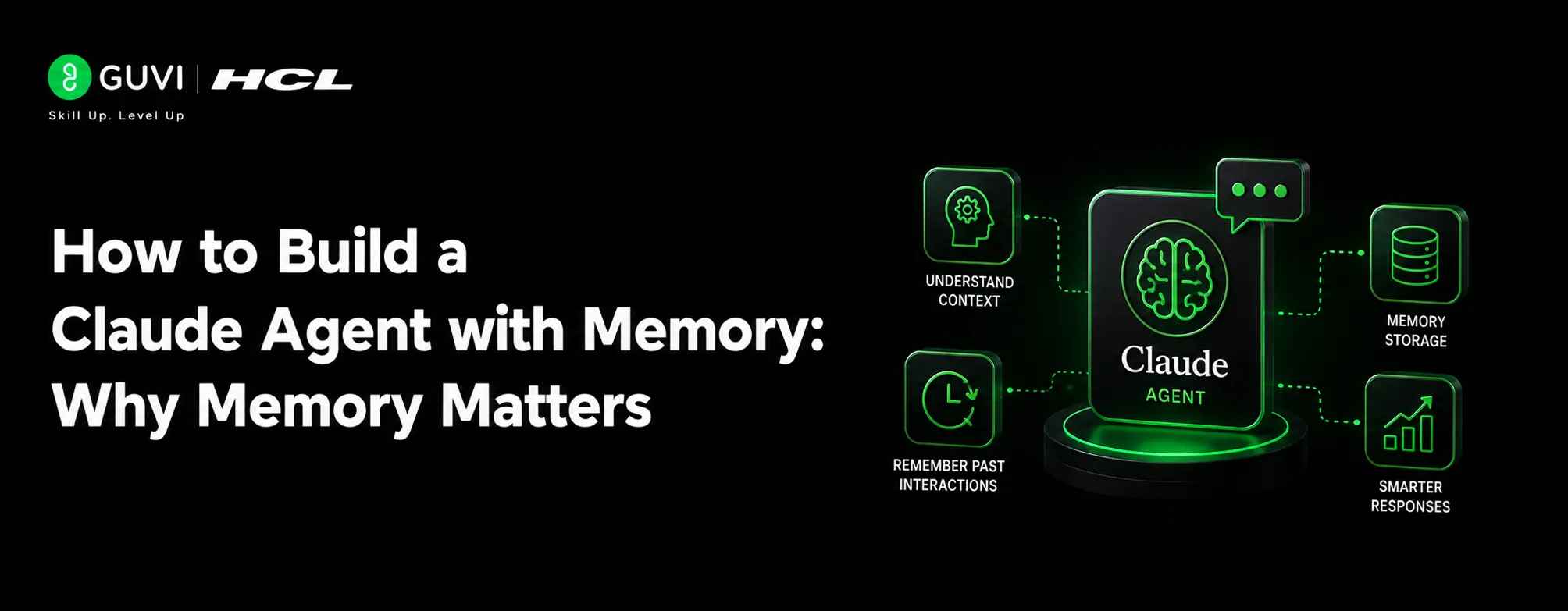
How to Build a Claude Agent with Memory: Why Memory Matters
Aug 05, 2026 4 Min Read 302 Views
(Last Updated)
A Claude agent with memory is useful because it can carry context across sessions instead of repeatedly relearning the same facts. That makes the agent feel more consistent, more personalized, and more efficient.
Without memory, every new conversation starts cold. The user has to restate preferences, project details, and previous decisions. With memory, the agent can remember important facts and use them when relevant.
That does not mean the agent should remember everything. The best systems store only useful, durable information and ignore noisy or temporary details.
Table of contents
- TL;DR Summary
- What Agent Memory Should Do
- Core Memory Layers
- How To Decide What To Save
- Retrieval Is Just As Important
- Building A Simple Memory Flow
- Memory Storage Options
- Memory Policies
- Common Mistakes
- Real-World Example
- What To Test
- What To Do Next
- Conclusion
- FAQs
- What is a Claude agent with memory?
- Why is memory important in an AI agent?
- What should a memory system store?
- Should the agent remember everything?
- What is the biggest risk with agent memory?
TL;DR Summary
- A Claude agent with memory stores useful context across sessions so it does not start from zero every time.
- The best memory systems separate short-term context, long-term facts, and searchable retrieval.
- Persistent memory works best when you decide what to save, when to retrieve it, and when to forget stale data.
- Good memory design improves personalization, continuity, and task quality.
- The safest systems keep user data structured, minimal, and easy to audit.
What Agent Memory Should Do
Good memory is not just storage. It is a system for deciding what matters, how long it should last, and when it should influence a response.
A practical memory system should:
- Save important facts.
- Retrieve relevant context quickly.
- Keep short-term and long-term context separate.
- Avoid flooding the model with irrelevant history.
- Update or discard stale information.
In practice, this means memory should behave more like a filtered notebook than a raw chat log. The agent should remember what helps, not everything it has ever seen.
Build a Claude agent with memory to retain user context, preferences, and past interactions across sessions. Learn AI & ML with HCL GUVI’s Artificial Intelligence and Machine Learning course.
Core Memory Layers
The strongest Claude memory systems usually have more than one layer. A layered design helps the agent stay accurate without becoming bloated.
A simple model looks like this:
- Session memory for the current conversation.
- User memory for stable preferences and identity.
- Task memory for project-specific context.
- Retrieval memory for searchable past notes or events.
Session memory helps in the moment. User memory helps across many conversations. Task memory helps during a project. Retrieval memory helps the agent find older facts when needed.
This layered approach is better than one giant storage bucket because each layer serves a different purpose.
How To Decide What To Save
The hardest part of memory design is deciding what should be stored. If you save too little, the agent forgets useful things. If you save too much, it becomes noisy and unreliable.
A good rule is to save things that are:
- Stable.
- Reusable.
- Important to future tasks.
- Explicitly confirmed by the user.
- Expensive to ask again.
Examples include user preferences, project goals, recurring tools, and long-term plans. Temporary moods, one-off details, and low-value chatter usually do not need to be saved.
Pro Tip: Ask the agent to treat memory like a filter, not an archive. That keeps the stored context high quality.
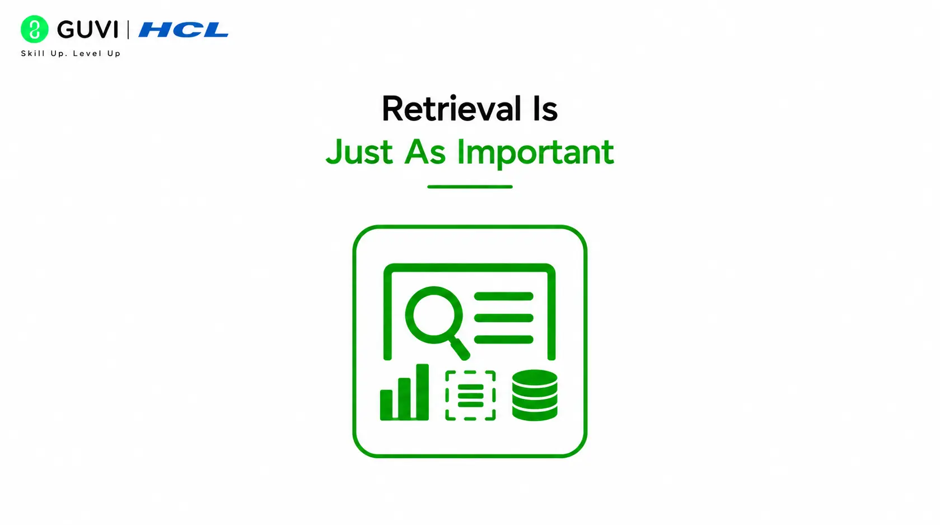
Retrieval Is Just As Important
Memory only helps if the agent can find the right fact at the right time. Retrieval is what turns stored data into useful context.
A strong retrieval system should:
- Search by relevance.
- Prefer recent or confirmed facts.
- Rank higher-confidence memories above weaker ones.
- Limit how much context is injected at once.
- Avoid repeating old or irrelevant data.
If retrieval is weak, memory becomes cluttered. If retrieval is strong, the agent feels smart because it surfaces the right details at the right time.
Building A Simple Memory Flow
A useful Claude memory workflow usually has four steps.
- Capture the message or event.
- Decide whether it should be saved.
- Store it in the right memory layer.
- Retrieve it later when a similar task appears.
This workflow keeps memory from becoming random. It also makes the system easier to debug because each step has a clear role.
For example, if a user says they prefer concise answers, that preference should be stored as stable user memory. If they are working on a one-week project, that should go into task memory. If they mention a temporary deadline, that may not need permanent storage.
Memory Storage Options
The best storage choice depends on the scale of the system. Small systems can use local files or lightweight databases. Larger systems often need structured databases and searchable retrieval.
Common approaches include:
- Plain text notes for simple systems.
- Relational databases for structured facts.
- Vector search for semantic retrieval.
- Hybrid storage for both exact lookup and similarity search.
A hybrid design is usually the most flexible because it handles exact facts and fuzzy context. That matters when the agent needs to remember both “what the user said” and “what that probably means.”

Memory Policies
A Claude agent with memory needs rules. Without rules, the system can save too much, remember the wrong thing, or surface stale context.
Useful memory policies include:
- Only store confirmed facts.
- Mark memory by type or importance.
- Set expiration rules for temporary items.
- Update existing facts instead of duplicating them.
- Keep an audit trail for changes.
These rules help prevent the agent from becoming inconsistent over time. They also make it easier for users to trust what the agent remembers.
⚠️ Warning: Do not store sensitive information unless you have a clear reason, a permission model, and a security policy. Memory systems can create long-term privacy risks if they are built casually.
Common Mistakes
The biggest mistake is treating memory like unlimited chat history. That creates noise, makes retrieval worse, and increases the chance of bad answers.
Other common mistakes include:
- Saving every message.
- Forgetting to separate short-term and long-term memory.
- Not updating old facts.
- Injecting too much memory into prompts.
- Ignoring privacy and audit needs.
- Never testing retrieval quality.
Another mistake is assuming more memory automatically means a better agent. In reality, memory quality matters far more than memory size.
Build a Claude agent with memory to retain user context, preferences, and past interactions across sessions. Learn AI & ML with HCL GUVI’s Artificial Intelligence and Machine Learning course.
Real-World Example
Imagine an internal assistant used by a product team. The user often asks for the same kind of help: concise summaries, code-first responses, and reminders about a specific product stack.
If the agent remembers those preferences, it can respond faster and in the right style every time. If it also remembers the current product goals and recent decisions, it can give more relevant suggestions without being rebriefed.
That is where memory becomes valuable. It turns the agent from a generic responder into a long-term collaborator.
What To Test
A memory system should be tested as carefully as any other part of the agent. You want to know what it remembers, what it ignores, and how it behaves when memory conflicts.
Test for:
- Correct recall of stable preferences.
- Proper handling of temporary facts.
- Updating old memory with new information.
- Retrieval quality under many stored entries.
- Safe behavior when memory is missing or uncertain.
These tests help you catch memory drift early. They also tell you whether the agent is becoming more helpful or just more confident.
What To Do Next
Start with a small memory scope. Pick one category, such as user preferences or project context, and make that work before expanding.
Then define:
- What gets saved.
- Where it gets saved.
- How it is retrieved.
- When it expires.
- How is it updated?
Once that loop works well, you can add richer memory types, better retrieval, and more advanced personalization.
Conclusion
A Claude agent with memory becomes much more useful when memory is structured, selective, and retrievable. The goal is not to remember everything. The goal is to remember the right things in a way that improves future interactions.
If you design memory as a layered system with clear rules, the agent can stay consistent across sessions while still remaining safe and manageable.
FAQs
1. What is a Claude agent with memory?
It is an agent that stores useful context across sessions so it can remember preferences, project details, and other important facts over time.
2. Why is memory important in an AI agent?
Memory reduces repetition, improves personalization, and helps the agent stay consistent across multiple conversations.
3. What should a memory system store?
It should store stable, reusable, and important facts such as user preferences, long-term goals, and project context.
4. Should the agent remember everything?
No. A good memory system stores only useful information and ignores temporary or noisy details.
5. What is the biggest risk with agent memory?
The biggest risk is storing too much sensitive or low-quality data, which can hurt trust, accuracy, and privacy.
Success Stories

About the Author
HCL GUVI
HCL GUVI is an IIT-M & IIM-A incubated Ed-tech company that focuses on providing personalized learning solutions for its learners right from online learning, upskilling & recruitment opportunities in world-class quality. And, bestow tech-skills with the comfort of your native language.
View all posts by HCL GUVI
Connect with me @











Did you enjoy this article?