


HTML Articles
HTMX vs. React: Do You Really Need a Heavy Framework for Your First Project?
HTML Developer Salary and How to Boost It
How to Add Background Image in HTML: A Simple Step-by-Step Guide!

Get In Touch For Details! Request More Information

Learning HTML is the first step toward becoming a web developer. It forms the foundation of every website, defining its structure, layout, and content. Whether you’re planning to create your own website, start a freelance career, or build a strong foundation in front-end development, HTML is where it all begins.
In today’s digital world, you don’t need to invest large sums of money to learn coding. Several trusted online platforms now offer free HTML courses with certificates that make learning easy, flexible, and career-oriented. These certifications not only validate your skills but also enhance your resume, helping you stand out in the competitive tech industry.
This blog lists the best free HTML courses with certificates in 2025, carefully selected based on course quality, instructor expertise, learning experience, and student feedback. Whether you’re a complete beginner or someone looking to refresh your basics, these courses will give you the right start in web development.
Table of contents
- Free HTML Course with Certificate – Overview
- HCL GUVI – Free HTML Course with Certificate
- FreeCodeCamp – Responsive Web Design Certification
- SoloLearn – HTML Course
- Microsoft Learn – Build Web Pages With HTML and CSS
- Khan Academy – Introduction to HTML/CSS
- Alison – Introduction to HTML and CSS
- W3Schools – HTML Tutorial
- GeeksforGeeks – HTML Basics Course
- How to Choose the Right HTML Course for You
- Conclusion
- FAQs
- Can I really get an HTML certificate for free?
- How long does it take to complete an HTML course?
- Do I need any prior coding experience to learn HTML?
- Is HTML still relevant in 2025?
Free HTML Course with Certificate – Overview
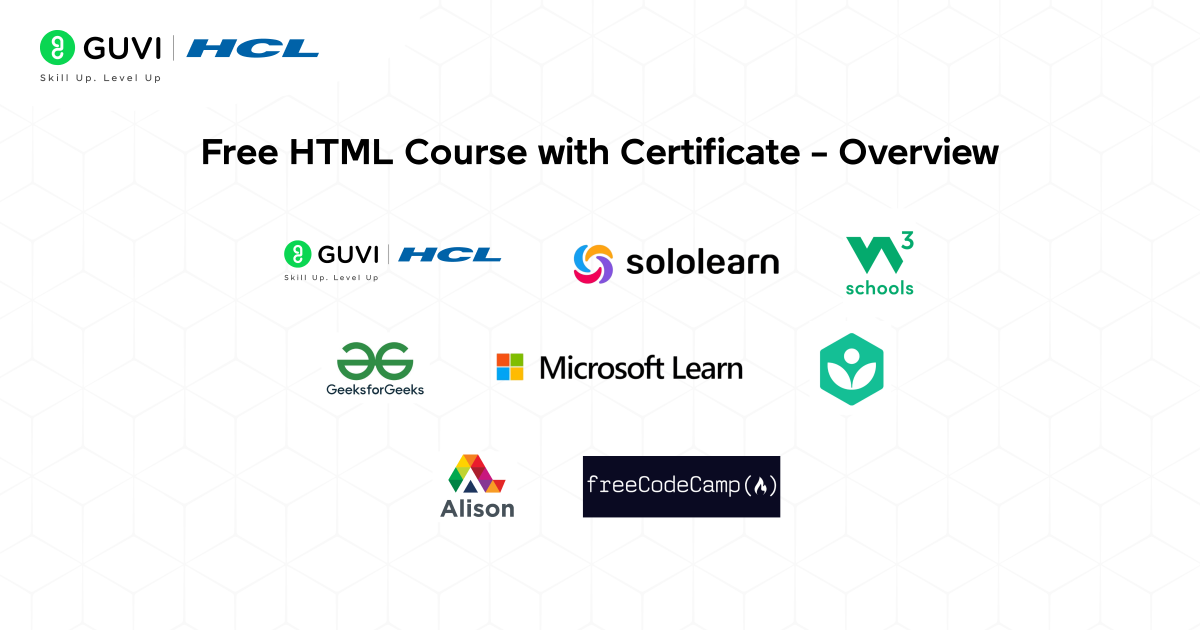
| No. | Course Name | Platform | Certificate | Price | Duration | Link |
| 1 | HCL GUVI – Free HTML Course with Certificate | HCL GUVI | Yes (Free with completion) | Free | 4–6 hours | Visit Course |
| 2 | Responsive Web Design Certification | freeCodeCamp | Yes (Free Certificate) | Free | 40+ hours | Visit Course |
| 3 | HTML Course | SoloLearn | Yes (Free Digital Certificate) | Free | 10–12 hours | Visit Course |
| 4 | Build Web Pages with HTML and CSS for Beginners | Microsoft Learn | Yes (Free Microsoft Badge) | Free | 6–8 hours | Visit Course |
| 5 | Introduction to HTML/CSS | Khan Academy | No Official Certificate(but free progress credit) | Free | 8–10 hours | Visit Course |
| 6 | Introduction to HTML and CSS | Alison | Yes (Free Digital Download) | Free | 6–8 hours | Visit Course |
| 7 | HTML Tutorial | W3Schools | Yes (Free Badge / Optional Paid Cert) | Free | Self-paced | Visit Course |
| 8 | HTML Basics Course | GeeksforGeeks | Yes (Free after quiz) | Free | 3–4 hours | Visit Course |

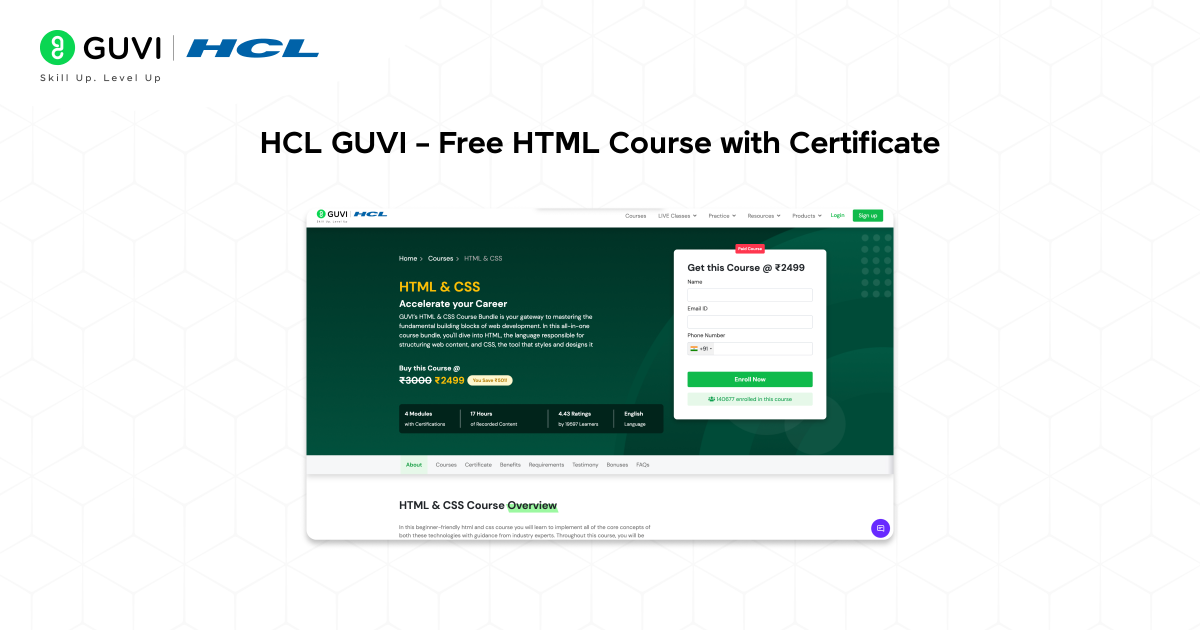
1. HCL GUVI – Free HTML Course with Certificate
Platform: HCL GUVI
Level: Beginner
Certificate: Free (With course completion)
Duration: 4–6 hours
Language: English, Tamil, Hindi
Link: Free HTML Course – HCL GUVI
What You Will Learn:
- Basics of HTML and web page structure
- How to create headings, paragraphs, lists, and links
- Working with images, tables, and forms
- Building your first complete web page
Why It Stands Out:
- Free access with an industry-recognized certificate
- Interactive coding interface for real-time learning
- Lessons taught by industry professionals
- Available in multiple Indian languages for easy understanding
Who This Course Is For:
Beginners, students, and aspiring web developers who want to start learning HTML from scratch and gain practical coding experience with a certificate to showcase their skills.
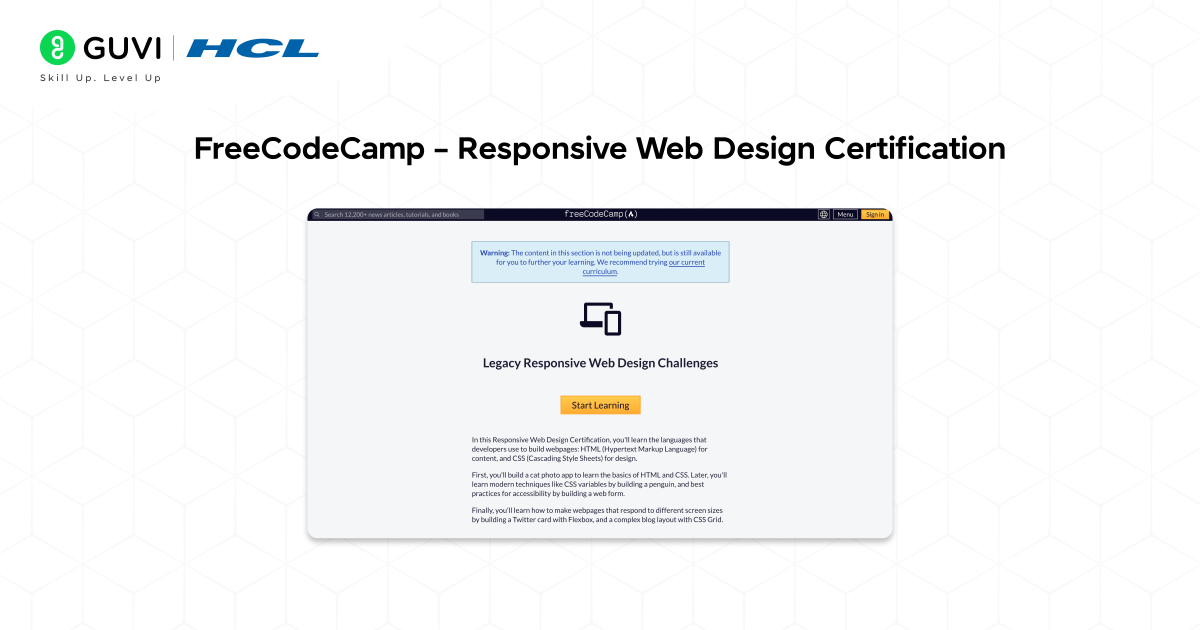
2. FreeCodeCamp – Responsive Web Design Certification
Platform: freeCodeCamp
Level: Beginner
Certificate: Yes (Free Certificate)
Duration: 40+ hours
Language: English
Link: Responsive Web Design Certification
What You Will Learn:
- HTML, CSS, and accessibility principles
- Building responsive layouts and forms
- Real-world projects like landing pages and portfolios
Why It Stands Out:
- 100% free with verified certification
- Hands-on projects for your portfolio
- Recognized globally by developers and recruiters
Who This Course Is For:
Beginners who want to build and design real websites from scratch using HTML and CSS.
3. SoloLearn – HTML Course
Platform: SoloLearn
Level: Beginner
Certificate: Yes (Free Digital Certificate)
Duration: 10–12 hours
Language: English
Link: HTML Course – SoloLearn
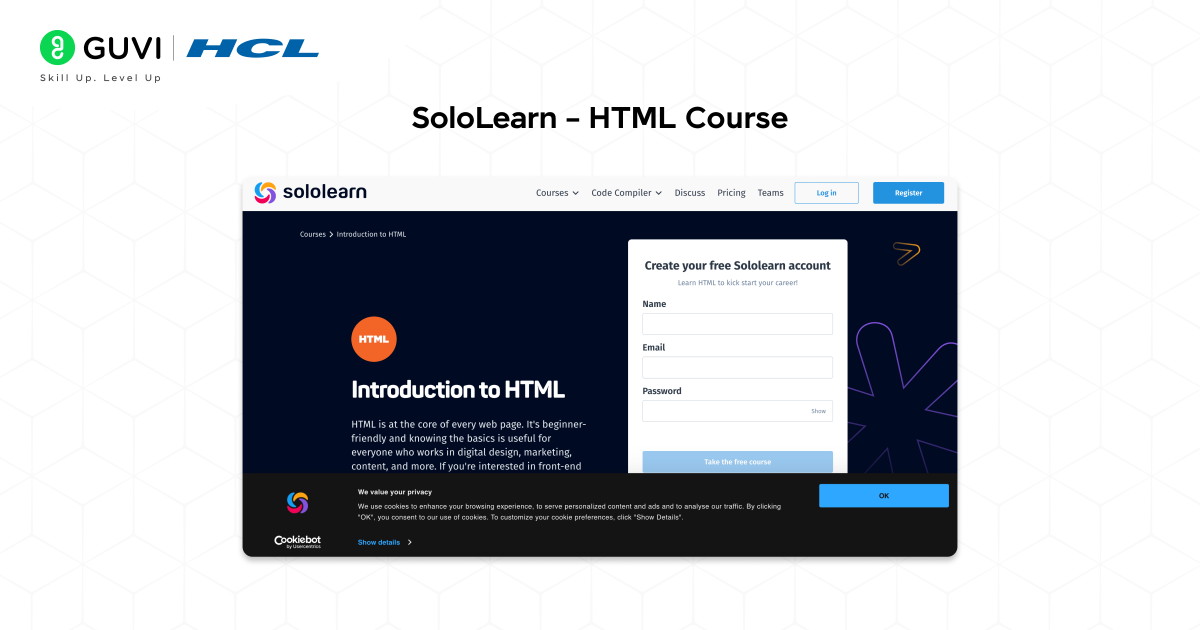
What You Will Learn:
- HTML basics, elements, and attributes
- Formatting, lists, and hyperlinks
- Creating basic web pages with hands-on examples
Why It Stands Out:
- Interactive lessons and quizzes
- Free shareable certificate
- Mobile-friendly learning app
Who This Course Is For:
Students, hobbyists, and beginners who want to learn HTML interactively through bite-sized lessons.
4. Microsoft Learn – Build Web Pages With HTML and CSS
Platform: Microsoft Learn
Level: Beginner
Certificate: Yes (Free Microsoft Badge)
Duration: 6–8 hours
Language: English
Link: Build Web Pages With HTML and CSS for Beginners
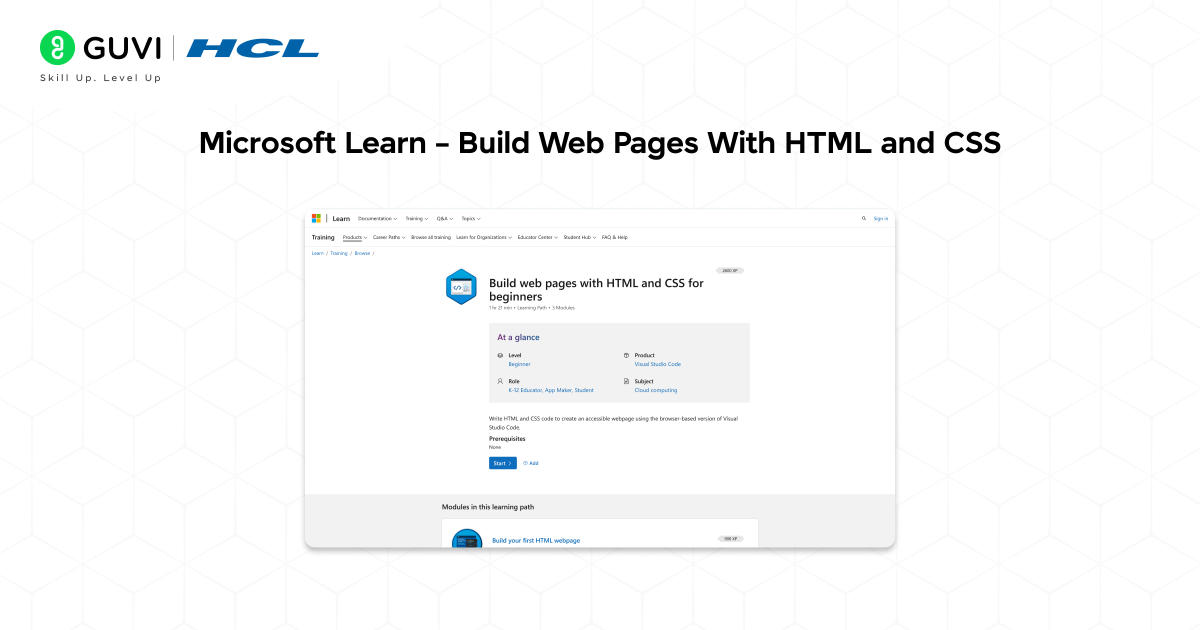
What You Will Learn:
- Structure web pages using HTML tags
- Apply CSS for styling and layout
- Use Visual Studio Code for live web editing
Why It Stands Out:
- Free Microsoft learning path
- Earn a verifiable badge upon completion
- Includes practical exercises
Who This Course Is For:
Learners who want to get hands-on experience in building websites using Microsoft tools and technologies.
5. Khan Academy – Introduction to HTML/CSS
Platform: Khan Academy
Level: Beginner
Certificate: No official certificate (but free progress credit)
Duration: 8–10 hours
Language: English
Link: Intro to HTML/CSS – Khan Academy

What You Will Learn:
- HTML structure and tags
- Styling with CSS
- Real-time coding with interactive feedback
Why It Stands Out:
- 100% free interactive platform
- Fun, visual way to learn coding
- Suitable for school and college students
Who This Course Is For:
Absolute beginners and students who prefer an engaging, visual approach to learning HTML and CSS.
If ChatGPT is part of your daily work, it is time to use it better.
HCL GUVI’s Bharat AI Initiative, powered by OpenAI, helps you build advanced ChatGPT skills with structured prompting and practical guidance. Available in English, Hindi, Marathi, Tamil, and Telugu, this program is absolutely free!
6. Alison – Introduction to HTML and CSS
Platform: Alison
Level: Beginner
Certificate: Free (Digital Download)
Duration: 6–8 hours
Language: English
Link: Introduction to HTML and CSS

What You Will Learn:
- HTML page structure and setup
- Working with links, forms, and tags
- Introduction to CSS styling
Why It Stands Out:
- Free online course with certification
- Suitable for beginners in web design
- Offers a resume-boosting certificate
Who This Course Is For:
Learners who want a quick and structured introduction to web design using HTML and CSS.
7. W3Schools – HTML Tutorial
Platform: W3Schools
Level: Beginner
Certificate: Free (Completion Badge)
Duration: Self-paced
Language: English
Link: HTML Tutorial – W3Schools
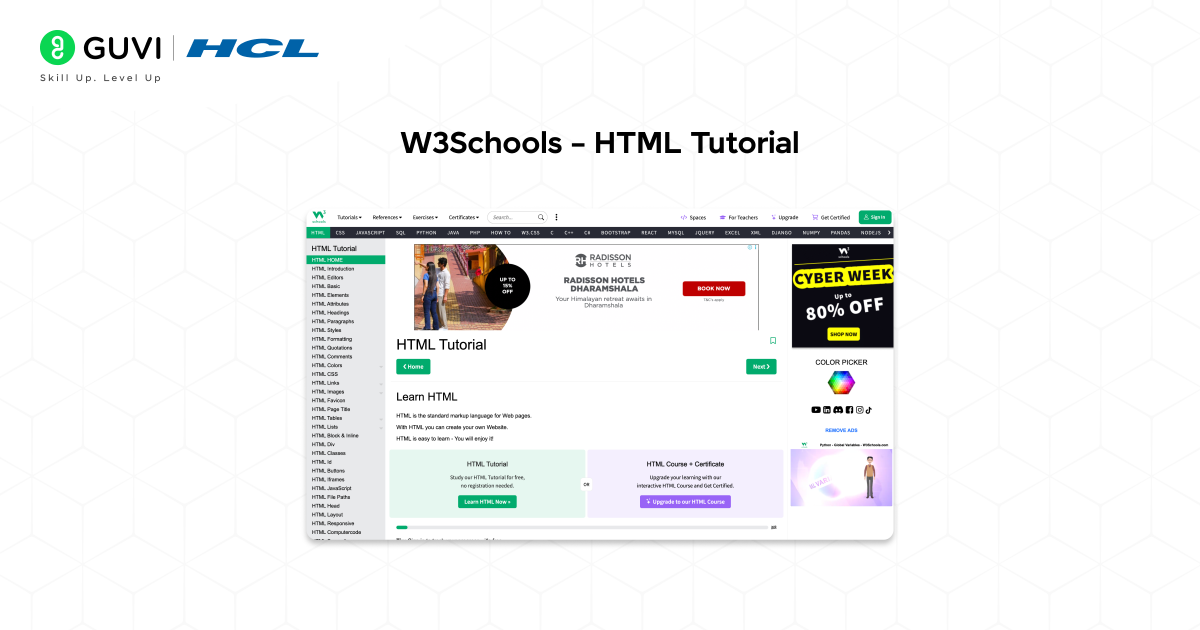
What You Will Learn:
- HTML tags, forms, tables, and multimedia
- Embedding videos, images, and links
- Creating and publishing your first webpage
Why It Stands Out:
- Trusted by millions of learners worldwide
- Live coding environment for instant testing
- Free completion badge with optional paid certificate
Who This Course Is For:
Self-learners and aspiring web developers who prefer practical, step-by-step tutorials.
8. GeeksforGeeks – HTML Basics Course
Platform: GeeksforGeeks
Level: Beginner
Certificate: Free (After quiz completion)
Duration: 3–4 hours
Language: English
Link: HTML Basics Course – GeeksforGeeks
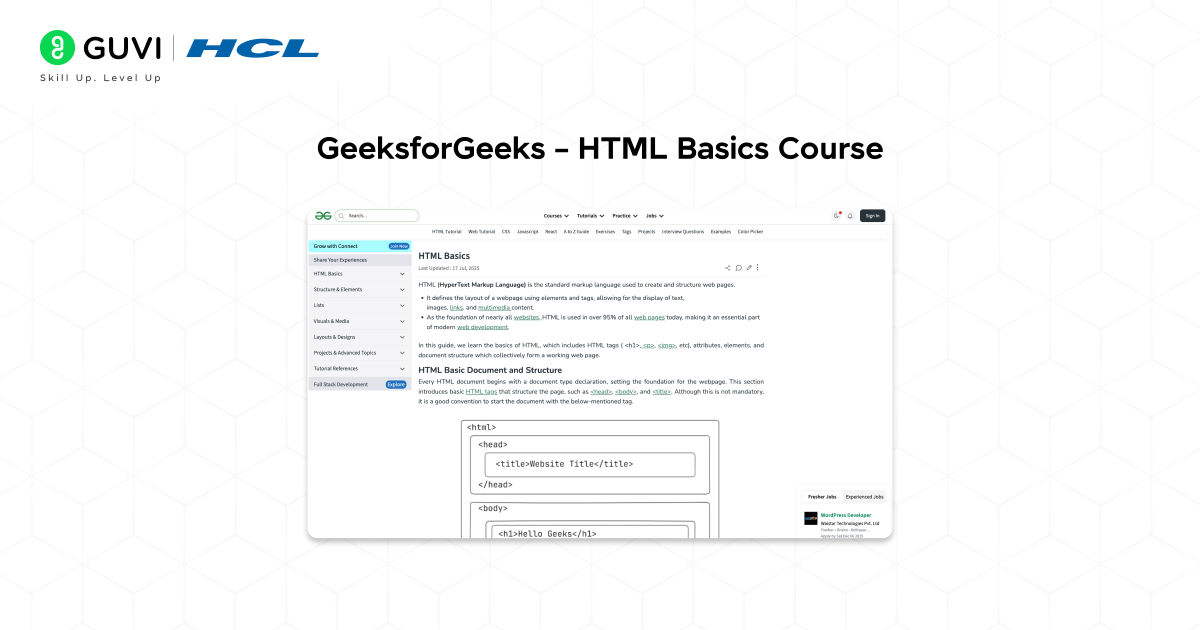
What You Will Learn:
- Core HTML tags and structure
- Creating layouts and forms
- Understanding semantic HTML
Why It Stands Out:
- Short, concise, and practical
- Free quizzes and assignments
- Certificate available after completion
Who This Course Is For:
Beginners preparing for web development or front-end design roles.
If ChatGPT is part of your daily work, it is time to use it better.
HCL GUVI’s Bharat AI Initiative, powered by OpenAI, helps you build advanced ChatGPT skills with structured prompting and practical guidance. Available in English, Hindi, Marathi, Tamil, and Telugu, this program is absolutely free!
How to Choose the Right HTML Course for You
With so many free HTML courses available online, finding the right one can feel confusing. Here’s how you can pick the best course to start your web development journey:
Define your goal: Decide whether you’re learning HTML to build your own website, become a web developer, or strengthen your digital skills.
Check prerequisites: Most HTML courses are beginner-friendly, but some may include a bit of CSS or JavaScript—make sure it matches your comfort level.
Look for practical projects: The best courses let you create real web pages as you learn. Hands-on coding helps you remember and apply concepts better.
Confirm certification: Choose a course that provides a free, verifiable certificate you can showcase on your LinkedIn profile or portfolio.
Focus on learning tools: Select courses that use simple editors like VS Code or in-browser coding environments so you can practice easily without setup issues.
Conclusion
In 2025, free HTML courses with certificates have become one of the best ways to kick-start your journey into the world of web development. These courses not only introduce you to the building blocks of the web but also offer practical, hands-on experience through interactive projects and real-world examples. You can learn to structure web pages, add multimedia elements, and create visually appealing layouts — all while earning a certificate that showcases your skills.
Whether you’re a student exploring new career paths, a professional upgrading your digital skills, or an aspiring front-end developer aiming for your first job, these certified HTML programs provide a strong foundation. They combine the flexibility of online learning with the credibility of recognized certification, helping you stand out in today’s competitive tech landscape. With the right free HTML course, your journey toward becoming a confident web developer can begin today — all you need is curiosity and consistency.
FAQs
1. Can I really get an HTML certificate for free?
Yes, several platforms like freeCodeCamp, SoloLearn, Alison, and Microsoft Learn offer free HTML courses with certificates. You can complete their online lessons and projects to earn a shareable, verifiable certificate at no cost.
2. How long does it take to complete an HTML course?
It depends on the platform and your learning pace. Most free HTML courses take between 6 to 40 hours to complete. Some are self-paced, allowing you to finish faster if you dedicate consistent time each day.
3. Do I need any prior coding experience to learn HTML?
No, HTML is beginner-friendly and doesn’t require any prior programming knowledge. It’s a great starting point for anyone new to web development or digital design.
4. Is HTML still relevant in 2025?
Absolutely. HTML remains the foundation of every website and web application. Even with modern frameworks like React or Angular, understanding HTML is essential for front-end development and web design careers.
Success Stories

About the Author
Jebasta
I translate the language of data into stories that anyone can understand. As a writer with a data science background, I simplify analytics, AI, and decision-making so beginners and enthusiasts can confidently explore the world of data.
View all posts by Jebasta
Connect with me @










Did you enjoy this article?