


Artificial Intelligence and Machine Learning Articles
Finance Manager to Data Analytics: Career Growth, Salary and Seniority
How to Evaluate LLM Outputs in Production Deployments
AI/ML Skills Gap 2026: Why Companies Can't Find Job-Ready Talent
20 AI/ML Interview Questions Recruiters Can Use Without a Tech Background - Best Guide


Get In Touch For Details! Request More Information
Facebook Prophet Tutorial for Time Series Forecasting
Aug 26, 2026 3 Min Read 327 Views
(Last Updated)
Forecasting future values from historical data is an important task in data science. Businesses use time series forecasting to predict sales, demand, website traffic, revenue, and other metrics. Facebook Prophet is a forecasting library designed to make this process easier, especially when working with time series that contain trends, seasonality, and holidays.
Prophet was developed at Facebook, now Meta, to make forecasting accessible without requiring users to build complex statistical models from scratch. It provides a practical framework for creating forecasts while allowing developers to customize important components of the model.
Table of contents
- TL;DR
- What Is Facebook Prophet?
- Why Use Facebook Prophet?
- Installing Prophet
- Preparing Data for Prophet
- Building Your First Forecast
- Understanding Trend and Seasonality
- Adding Seasonality
- Adding Holidays
- Forecasting with Additional Regressors
- Visualizing Forecasts
- How Do You Evaluate Prophet Forecasts?
- Key Takeaways
- Conclusion
- FAQs
- What is Facebook Prophet used for?
- What format does Prophet require?
- Can Facebook Prophet handle seasonality?
- Can Prophet include holidays?
- How should a Prophet model be evaluated?
TL;DR
- Facebook Prophet is a time series forecasting framework developed at Facebook.
- It works particularly well with data containing trends and seasonal patterns.
- Prophet expects a dataframe with ds and y columns.
- You can include holidays and additional regressors in forecasts.
- Forecast quality should be evaluated using historical holdout data rather than visual inspection alone.
What Is Facebook Prophet?
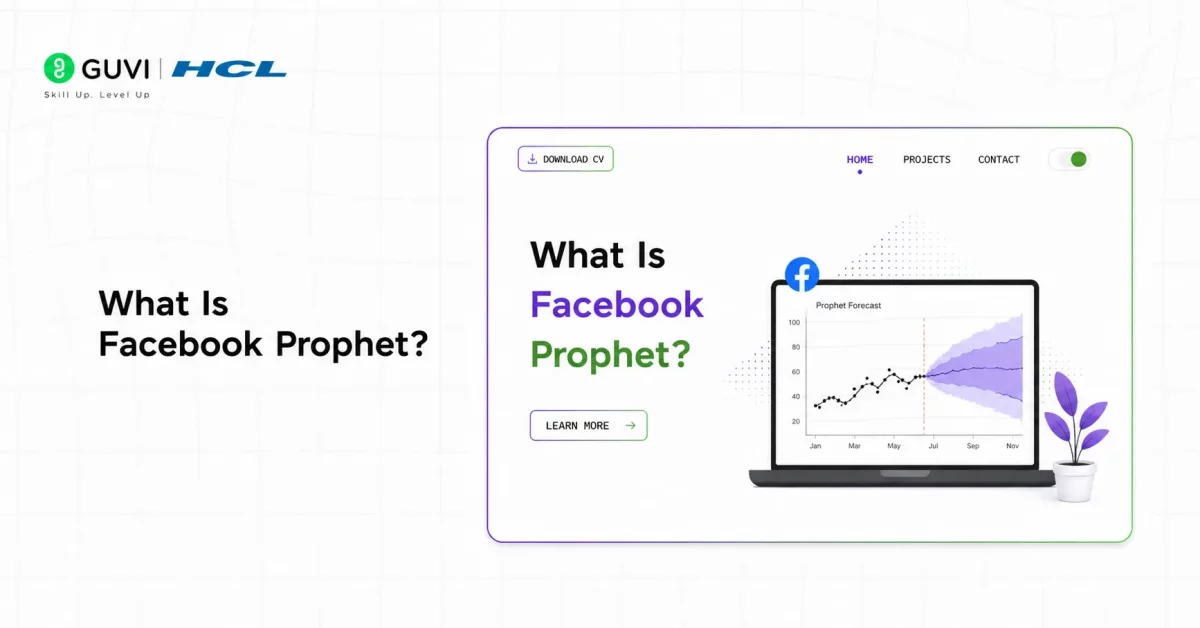
Facebook Prophet is an open-source forecasting framework designed for time series data.
It models a time series as a combination of components such as:
- Trend
- Seasonality
- Holiday effects
- Additional regressors
- Random error
A simplified representation is:
y(t) = g(t) + s(t) + h(t) + ε(t)Here:
- g(t) represents the trend.
- s(t) represents seasonality.
- h(t) represents holiday or event effects.
- ε(t) represents unexplained variation.
Read More: Facebook Prophet Tutorial for Time Series Forecasting
Master time series forecasting and machine learning with HCL GUVI’s Artificial Intelligence & Machine Learning Course. Learn AI, data analysis, and predictive modeling through hands-on projects.
Why Use Facebook Prophet?
Traditional forecasting methods can require substantial statistical knowledge and careful model configuration. Prophet provides a simpler interface while still offering useful forecasting capabilities.
It is particularly useful when your data contains:
- Long-term trends
- Weekly seasonality
- Yearly seasonality
- Holiday effects
- Missing observations
- Outliers
- Multiple seasonal patterns
Pro Tip: Start with Prophet’s default configuration before adding advanced parameters. Establishing a baseline makes it easier to understand whether later changes actually improve the forecast.
Installing Prophet
You can install the current Prophet Python package using pip:
pip install prophetThen import it into your Python program:
from prophet import ProphetThe package was previously known as fbprophet, so older tutorials may use a different import name.
Prophet was designed with practical business forecasting in mind, particularly for time series that contain strong seasonal patterns and irregular events.
Preparing Data for Prophet
Prophet expects two important columns:
- ds — the date or timestamp.
- y — the numerical value you want to forecast.
For example:
import pandas as pd

df = pd.DataFrame({

    "ds": pd.date_range("2025-01-01", periods=100),

    "y": [120, 125, 128, 130, 135, 140, 142, 145, 150, 153] * 10

})
In a real project, your y column would contain actual historical measurements.
Make sure your dates are correctly formatted and ordered before training the model.
Best Practice: Clean duplicate timestamps, verify missing values, and confirm that the target column contains numeric values before fitting Prophet.
Building Your First Forecast
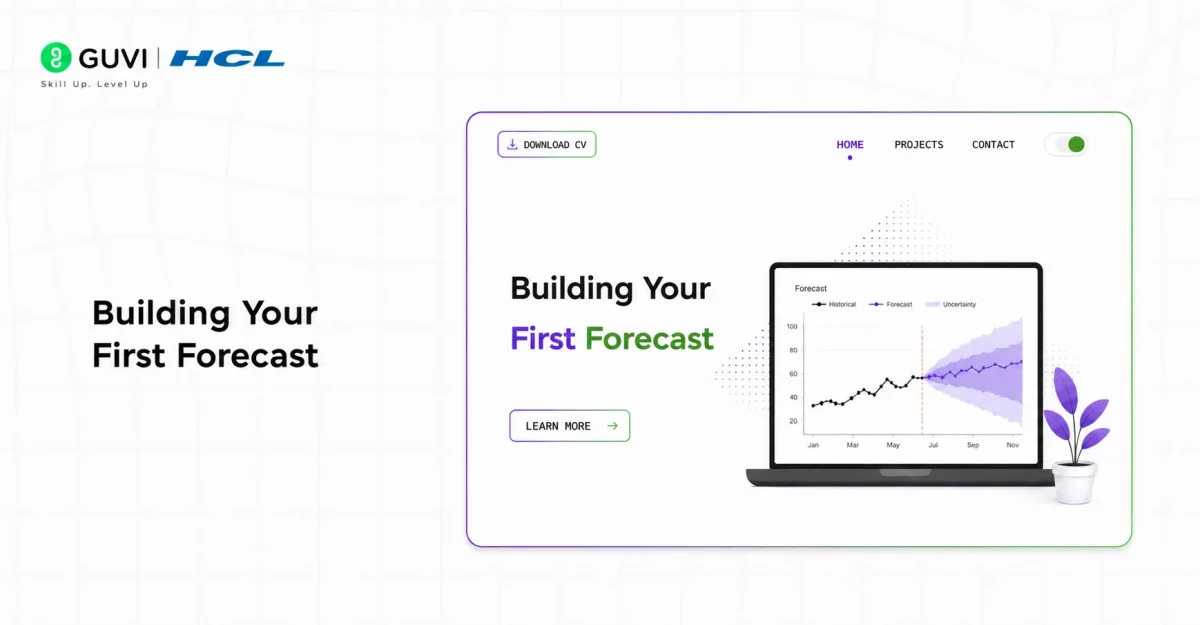
Once your data is prepared, creating a basic forecast requires only a few steps.
from prophet import Prophet

model = Prophet()

model.fit(df)

future = model.make_future_dataframe(periods=30)

forecast = model.predict(future)
The forecast dataframe contains predicted values along with uncertainty information and several model components.
You can inspect the predictions with:
forecast[["ds", "yhat", "yhat_lower", "yhat_upper"]].tail()Here:
- yhat is the predicted value.
- yhat_lower represents the lower uncertainty boundary.
- yhat_upper represents the upper uncertainty boundary.
Understanding Trend and Seasonality
One of Prophet’s strengths is its ability to model multiple patterns within a time series.
For example, an online store might experience:
- Long-term growth in sales.
- Higher demand every weekend.
- Increased purchases during certain months.
- Temporary spikes around holidays.
Prophet attempts to model these patterns separately so you can understand how each contributes to the overall forecast.
Adding Seasonality
Prophet automatically handles common seasonal patterns, but you can also define custom seasonal effects.
For example:
model = Prophet(

    yearly_seasonality=True,

    weekly_seasonality=True,

    daily_seasonality=False

)

You can also add custom seasonality:

model.add_seasonality(

    name="monthly",

    period=30.5,

    fourier_order=5

)
This can be useful when your business data follows a recurring pattern that is not adequately represented by standard seasonal components.

Adding Holidays
Events and holidays can cause unusual changes in demand.
Prophet allows you to provide a holiday dataframe and incorporate these effects into the forecast.
holidays = pd.DataFrame({

    "holiday": ["festival"],

    "ds": pd.to_datetime(["2025-10-20"]),

})

model = Prophet(holidays=holidays)

model.fit(df)
This allows the model to account for recurring or one-time events that influence the target variable.
Forecasting with Additional Regressors
Sometimes historical values alone are not enough to explain future behavior.
For example, sales may depend on advertising expenditure, temperature, or another external variable.
Prophet allows additional regressors to be incorporated into the model.
model = Prophet()

model.add_regressor("ad_spend")
The corresponding regressor must also be available for the future dates you want to forecast.
Warning: Future regressor values must be known or reliably forecasted. Adding an external variable that you cannot estimate for the forecast period can make the forecasting pipeline impractical.
Visualizing Forecasts
Prophet provides built-in visualization functionality.
from prophet.plot import plot_plotly

fig = plot_plotly(model, forecast)

fig.show()
The visualization can help you examine:
- Historical observations
- Forecasted values
- Uncertainty intervals
- Overall trends
You can also inspect individual components to understand how trend and seasonality influence the forecast.
How Do You Evaluate Prophet Forecasts?
A forecast should not be considered accurate simply because the predicted line looks reasonable.
Instead, separate historical data into training and validation periods.
For example:
Training data → Model → Future predictions → Compare with actual valuesCommon evaluation metrics include:
- Mean Absolute Error (MAE)
- Mean Squared Error (MSE)
- Root Mean Squared Error (RMSE)
- Mean Absolute Percentage Error (MAPE)
The appropriate metric depends on the characteristics of your data and business requirements.
Best Practice: Use time-based validation rather than randomly shuffling time series observations. Random splitting can leak future information into the training set.
Key Takeaways
- Facebook Prophet simplifies time series forecasting.
- Prophet models trend, seasonality, holidays, and optional regressors.
- Data must use ds and y columns.
- Custom seasonal patterns can be added when needed.
- Future regressors must be available for the forecast period.
- Time-based validation is essential for measuring forecast quality.
- Prophet works particularly well for many business forecasting scenarios.
Conclusion
Facebook Prophet provides a practical way to build time series forecasts without requiring extensive manual statistical modeling. Its ability to handle trends, seasonality, holidays, and additional regressors makes it useful for many business and operational forecasting tasks.
However, Prophet should be treated as a forecasting tool rather than a universal solution. Preparing clean data, selecting appropriate seasonal components, validating predictions against historical observations, and comparing alternative models are all essential for producing reliable forecasts.
FAQs
What is Facebook Prophet used for?
Facebook Prophet is used for time series forecasting, including applications such as sales, demand, traffic, revenue, and other business metrics.
What format does Prophet require?
Prophet expects a dataframe containing a ds column for dates or timestamps and a y column containing the values to forecast.
Can Facebook Prophet handle seasonality?
Yes. Prophet can model yearly, weekly, and custom seasonal patterns.
Can Prophet include holidays?
Yes. You can provide holiday information so the model can account for changes associated with specific events or dates.
How should a Prophet model be evaluated?
Use time-based validation and forecasting metrics such as MAE, RMSE, or MAPE to compare predictions with actual future observations.
Success Stories

About the Author
HCL GUVI
This article was selected and published as part of the HCL GUVI AI Blogathon 2026, an initiative designed to encourage students, AI enthusiasts, and aspiring tech writers to simplify complex AI concepts through impactful technical content. The contest recognized high-quality, original, and insightful AI-focused blogs, with selected authors receiving publication opportunities on the HCL GUVI blog platform along with official author credits and recognition.
View all posts by HCL GUVI
Connect with me @











Did you enjoy this article?