


UI/UX Designing Articles
Behind The Scenes: Real UI UX Design Interview Experience at Top Tech
Rapid Prototyping with AI: Building Web UI Concepts


Get In Touch For Details! Request More Information
Design Systems in the Age of AI and Automation
Feb 22, 2026 5 Min Read 1324 Views
(Last Updated)
Whenever you come across a website, application, or software tool that deeply grabs your attention or converts you from a visitor to a subscriber, there is a strong possibility that the particular software product has a very smooth and elegant user interface (UI) design. UI/UX design is one of the major contributors to establishing a strong online presence in this current digital world. Without a seamless design system, even if your core development is robust, achieving high online visibility will be difficult.
That’s why an efficient design system is required to deliver a product with all the intricacies and effects, ensuring a strong identity and accessibility.
But in the era of AI (artificial intelligence), where redundant and complex tasks are automated to save time and effort, design systems are also gradually being transformed into AI-powered systems. These are basically smart AI assistants that help designers to assist, automate, and optimize design decisions.
In this blog, we are going to focus on this particular technology and how it enhances design quality while eliminating manual effort.
Quick Answer:
AI-powered design systems are smart systems that use Artificial Intelligence (AI) to help designers and developers create and manage UI elements more efficiently. They can generate components, suggest design choices, and automatically maintain consistency across products. This reduces manual effort and makes design systems easier to scale and update.
Table of contents
- What Are AI-Powered Design Systems
- Design Systems
- AI-Powered Design Systems
- AI-Powered Capabilities in Design Systems
- AI in Product Design
- AI-Assisted UI Design
- AI-Generated UI Components
- Design Tokens with AI
- Automated Design Systems
- Building Scalable Design Systems Using AI
- Modern Design Systems: Key Trends for 2026
- AI-driven automation
- Token-based design systems
- Scalable component libraries
- Cross-platform consistency
- AI-assisted accessibility
- Data-informed design decisions
- Conclusion
- FAQs
- Are AI-powered design systems replacing designers?
- Do AI-powered design systems work only for large companies?
- Is coding required to use AI-powered design systems?
What Are AI-Powered Design Systems
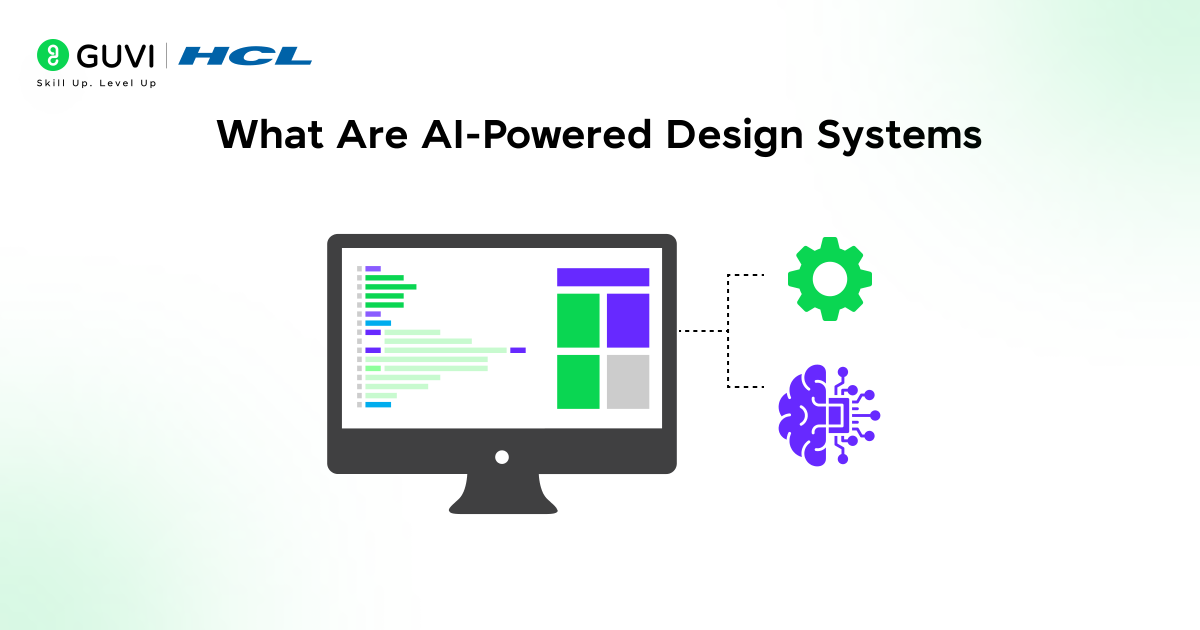
Before understanding AI-powered design systems, first, briefly understand what design systems really mean:
Design Systems
A design system is a cohesive environment where standard rules, component styles, colors, guidelines, and other necessary resources are shared to craft visually appealing digital platforms and products. Design systems are primarily responsible for ensuring a consistent user experience (UX), maintaining brand identity, and enabling scalable product development.
AI-Powered Design Systems
AI-powered design systems are an advanced approach to automatically creating, managing, and improving the performance of UI components. With the capabilities of artificial intelligence (AI), these design systems can rapidly generate components, suggest layouts, manage design tokens, and maintain design consistency without compromising build quality.
These systems don’t rely on a fixed set of rules or extensive human input; instead, they make design systems more innovative, more flexible, and easier to maintain, especially for large, fast-moving products.
Example:
If UI/UX designers are using AI-powered design systems, then they can easily build and design flawless and smooth UI elements such as buttons, forms, and layouts that align with their requirements and objectives. By providing the desired inputs, the system can automatically adjust styles across all the sections and pages.
Names of some of the best AI-powered design systems:
Material Design, IBM Design Language, Carbon Design System, Polaris, Fluent Design System, Atlassian Design System, Lightning Design System, Shopify Polaris
Also Read: The Future and Scope of UI/UX Design: A Comprehensive Overview
AI-Powered Capabilities in Design Systems
AI-powered design systems are powerful software that deliver optimal results by learning from massive datasets, observing current design trends, and automating time-consuming design processes.
Here, we have listed some of the best capabilities of an AI-powered design system:

1. AI in Product Design
AI in product design essentially enables the teams to be more efficient in their decision-making right from the start of the product lifecycle. The AI-powered system analyzes the user behavior, feedback, and data, and thus can very quickly point out which features are to be developed, changed, or deleted.
AI assists designers in grasping user requirements quickly and creating experiences that address actual problems. The technology also contributes to lowering the redesign work by pinpointing issues at the early stages of the product lifecycle.
Real-world Example:
Netflix uses AI to analyze the viewing habits of its users and create features such as personalized recommendations and homepages that are based on the preferences of the users.
2. AI-Assisted UI Design
AI-assisted UI design is a type of technology that empowers designers as they work on their interfaces. Designers do not have to manually do everything. AI can provide real-time suggestions for layouts, spacing, colors, and accessibility. This is a win-win situation for designers as they can keep up their pace without their creativity being restricted.
The redesign also serves as a consistency tool by automatically adhering to design standards. Designers might concentrate on the user experience and the usability, while the AI could take care of the repetitive UI adjustments.
Real-world Example:
Figma’s AI-powered features assist in suggesting layouts, aligning elements, and enhancing visual consistency while the user is engaged in the design process.
3. AI-Generated UI Components
AI-generated UI components enable systems to automatically generate buttons, forms, cards, and other user interface (UI) elements that comply with design rules. Therefore, it becomes unnecessary to design each component individually, and the overall design turnaround time gets accelerated.
These components are designed to align with brand guidelines, accessibility standards, and responsiveness requirements. Consequently, teams can construct interfaces at a much higher speed while still keeping the quality intact.
Real-world Example:
Several low-code platforms employ AI to create ready-made dashboards and forms that are based on user input and product requirements.
4. Design Tokens with AI
Design tokens are the discrete units of a user interface (UI) that store visual design attributes like colors, fonts, spacing, and shadows consistently and hierarchically. By utilizing AI for handling design tokens, it is possible to have the changes reflected automatically in all the designs and products wherever the instance occurs.
AI also supports token optimization through the identification of the unused styles and the suggestion of the right color contrast and typography combinations. In this way, big design systems become less complicated to handle.
Real-world Example:
If a business decides to change its brand color, AI-driven token systems are able to reflect the change immediately to all its apps and websites.
5. Automated Design Systems
Automated design systems employ AI to update the system by itself without any manual intervention. Across various screens and products, they locate inconsistencies, components that are outdated, and design rules that are broken.
Such automation is a great time-saver and error-reducer, particularly for a large team working across multiple platforms. The design system remains smooth, uniform, and reliable.
Real-world Example:
Design tools utilized by big companies can automatically detect non-brand UI elements in an instant and suggest the changes throughout the design files.
6. Building Scalable Design Systems Using AI
AI-driven system designs facilitate the seamless scaling of systems as products and teams expand. Without the need for a complete rebuild, the AI modifies components, layouts, and styles to suit different platforms, screen sizes, and use cases.
Innovative, AI-powered, scalable solutions enable features, products, or regions to implement the same design standards while offering flexibility.
Real-world Example:
Tech giants such as Google have invested in smart design systems that enable them to efficiently extend their UI to the web, mobile, tablets, and various other devices globally.
Modern Design Systems: Key Trends for 2026
As digital products are constantly changing to meet users’ and stakeholders’ needs, design systems are also evolving to keep pace with this rapid development.
These are some of the key trends in design systems that are helping design teams and individual UI/UX designers work more efficiently, ensuring a strong user experience and adaptability.
1. AI-driven automation
Modern design systems are progressively integrating AI to handle repetitive tasks such as updating components, fixing inconsistencies, and enforcing design rules. As a result, the manual work is minimized, and teams get more time to concentrate on user experience (UX) and innovation.
2. Token-based design systems
Design tokens are gradually turning into the core of contemporary design systems. They enable the consistent colors, fonts, spacing, and styles to be used across platforms, ensuring faster updates and more reliability.
3. Scalable component libraries
Design systems in 2026 are primarily geared towards scalability. The component libraries have been architected so they can evolve alongside the products, allowing teams to reuse the components without changing the design.
Also Read: The Ultimate Guide to React Component Libraries
4. Cross-platform consistency
Modern design systems are intended to provide an identical experience through web, mobile, and other platforms. Thus, users receive a consistent and smooth experience regardless of the device they use.
5. AI-assisted accessibility
Artificial intelligence (AI) is playing a major role in the evolution of accessibility. Design systems aid in identifying issues related to contrast, font size, and accessibility of the user interface (UI) at a very early stage. Hence, the products are getting more inclusive by default.
6. Data-informed design decisions
Design systems don’t rely solely on visual rules anymore. They incorporate user data and insights to facilitate design decisions, thus enabling teams to develop interfaces that are not only functional but also user-friendly.
IBM introduced one of the earliest large-scale design systems in the 1980s, called the IBM Corporate Design Program, long before AI existed — and today, AI-powered design systems are evolving from these early foundations.
Build practical skills, learn from industry experts, and work on real-world projects in one complete program. Ready to begin your design journey? Enroll in HCL GUVI’s UI/UX Design Course, part of the Zen Class programs, and gain job-ready skills crafted by experienced professionals. This course helps you create a strong portfolio and prepares you for leading placement opportunities in the design field.
Conclusion
In conclusion, AI-powered design systems represent the next stage in how digital products are designed and maintained. By combining structured design rules with intelligent automation, these systems help teams work faster, stay consistent, and scale their products with less effort. As AI continues to evolve, design systems will become smarter and more adaptive, playing a key role in shaping the future of modern product design.
FAQs
Are AI-powered design systems replacing designers?
No, they support designers by automating repetitive tasks and improving consistency, allowing designers to focus on creativity and problem-solving.
Do AI-powered design systems work only for large companies?
No, they can be used by startups and small teams as well to scale designs faster and maintain consistency as products grow.
Is coding required to use AI-powered design systems?
Not always. Many AI-powered design systems are built to be designer-friendly, with minimal or no coding required for basic usage.
Success Stories











Did you enjoy this article?