


Artificial Intelligence and Machine Learning Articles
AI/ML Skills Gap 2026: Why Companies Can't Find Job-Ready Talent
20 AI/ML Interview Questions Recruiters Can Use Without a Tech Background - Best Guide
How Industry-Backed AI/ML Bootcamps Are Changing the AI/ML Hiring Pipeline - Best Guide 2026
From IT Support to AI Engineer: A Realistic Career Switch Guide 2026


Get In Touch For Details! Request More Information
AI vs Human Taste: Striking the Right Balance When Generating Web Visuals
Feb 17, 2026 5 Min Read 1219 Views
(Last Updated)
The rise of AI tools is transforming how designers create web visuals, making it faster to generate layouts, graphics, and style variations. While AI brings speed and efficiency, human taste is still vital for adding emotion, cultural understanding, and brand authenticity.
In this blog, you will learn how to balance ai vs human design effectively, explore where AI excels, and understand why human judgment remains essential. This guide is useful for designers, developers, and digital teams who want to create web visuals that are both innovative and user-focused.
Quick Answer
The most effective approach to AI vs human design is using AI for speed, variation, and data-driven suggestions while relying on human taste for emotion, culture, storytelling, and brand alignment. When both work together, web visuals become more engaging, user-focused, and impactful.
Table of contents
- AI’s Growing Role In Web Visual Creation
- Speed and Automation
- Data-Driven Design Insights
- Consistency Across Design Assets
- Where Human Taste Matters in AI vs Human Design
- Emotional and Narrative Depth in AI vs Human Design
- Cultural Understanding and Sensitivity in AI vs Human Design
- Creative Judgment and Refinement in AI vs Human Design
- Achieving The Perfect Blend Of AI And Human Design
- Use AI for Idea Exploration
- Let Human Designers Finalize and Refine
- Keep User Experience at the Center
- 💡 Did You Know?
- Conclusion
- FAQs
- Can AI replace human designers completely?
- What are the biggest benefits of using AI in web design?
- Why is human taste still essential?
- How can teams combine AI and human design effectively?
- Is AI reliable for brand-sensitive visuals?
AI’s Growing Role In Web Visual Creation
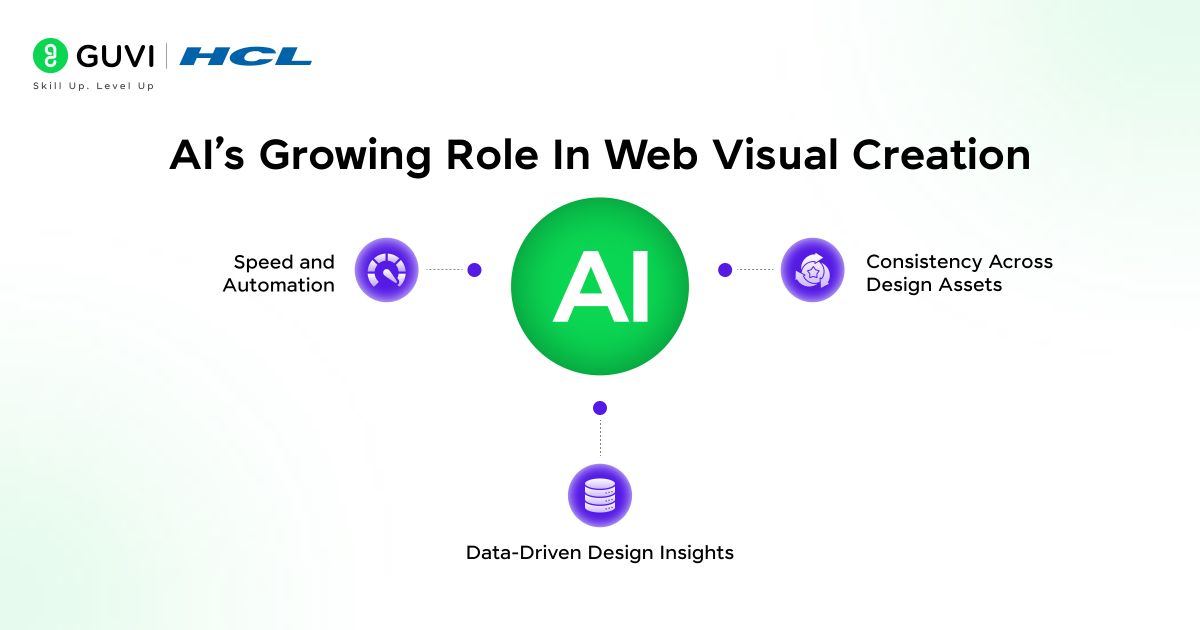
AI is rapidly transforming the way web visuals are created, giving designers tools to work faster, smarter, and more consistently. In this section, we explore how AI helps accelerate workflows, provides actionable insights from user data, and maintains consistency across multiple assets. By understanding these capabilities, designers can leverage AI effectively while ensuring creativity and brand identity remain intact. The main areas covered in this section are:
- Speed and Automation
- Data-Driven Design Insights
- Consistency Across Design Assets
1. Speed and Automation
AI drastically reduces the time spent on repetitive tasks, giving designers more space to focus on creativity. With automation, teams can iterate rapidly, experiment with multiple ideas, and bring concepts to life faster than ever.
Key Points:
- Generates Visual Concepts Quickly – AI produces multiple design options in seconds to overcome creative blocks.
Example: An AI tool generates ten homepage layout variations within minutes, giving designers several starting points. - Reduces Manual Effort – Tasks like resizing, recoloring, and layout adjustments are automated.
Example: Automatically producing multiple ad banner sizes from a single design for different platforms. - Supports Rapid Testing – Designers can quickly explore and compare styles, layouts, and colors.
Example: Testing various call-to-action button designs on a landing page to see which performs best.
2. Data-Driven Design Insights
AI analyzes patterns in user behavior and digital trends, enabling designers to make informed decisions. This ensures visuals resonate with users and align with engagement goals.
Key Points:
- Analyzes User Interactions – Suggests design adjustments to improve engagement and conversions.
Example: AI recommends a brighter color for a “Buy Now” button based on click-through analytics. - Identifies Design Trends – Highlights trending layouts, typography, and styles to keep designs modern.
Example: Suggesting bold, contemporary typography for a product page aimed at younger audiences. - Predictive Guidance for Layouts – Recommends content arrangements that increase readability and usability.
Example: AI suggests rearranging homepage content blocks to reduce bounce rates and improve scroll depth.
3. Consistency Across Design Assets
Maintaining visual consistency across platforms is essential for a strong brand identity. AI ensures that colors, typography, spacing, and overall style remain uniform across websites, apps, and marketing materials.
Key Points:
- Uniform Color, Typography, and Spacing – Automatically applies brand guidelines to every visual asset.
Example: Ensuring all social media graphics follow the exact brand colors and fonts. - Brand Consistency Across Platforms – Keeps websites, dashboards, and apps visually aligned.
Example: Using the same icon style across mobile and web interfaces. - Reduces Human Error – Minimizes mistakes in repetitive visual tasks, ensuring professional-quality designs.
Example: Automatically adjusting margins and alignments for images in a website carousel to maintain uniformity.
Where Human Taste Matters in AI vs Human Design
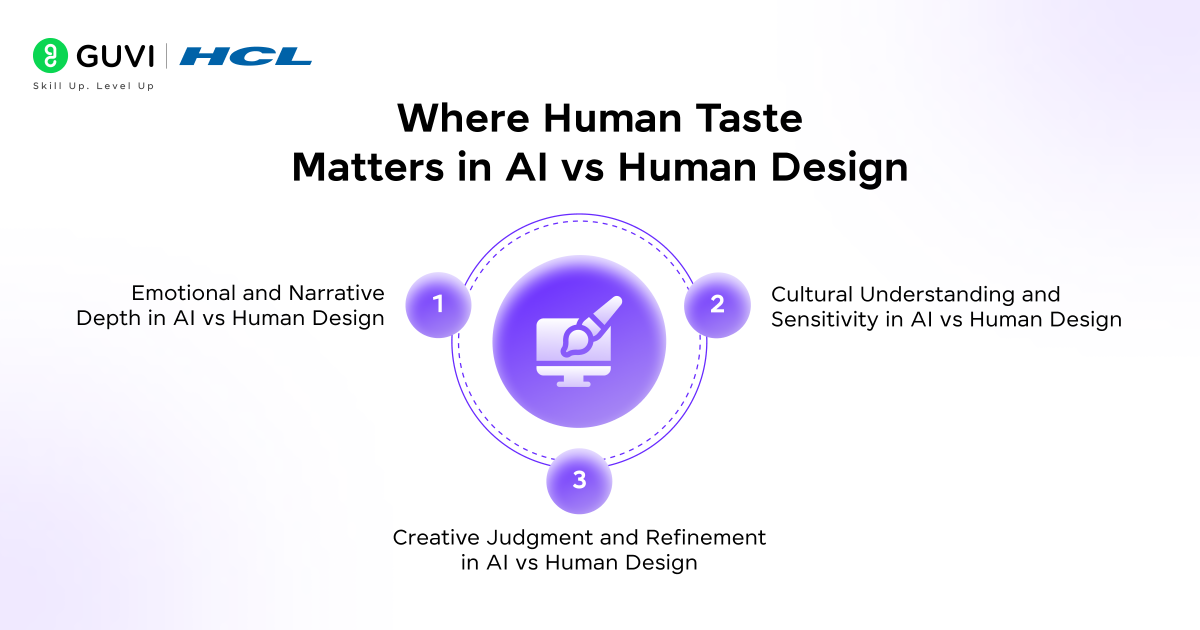
While AI brings speed and data-driven insights, human taste adds the emotional intelligence, cultural awareness, and creative judgment that AI cannot replicate. In this section, we explore three critical ways human designers enhance web visuals in AI vs human design workflows, ensuring designs feel meaningful, user-focused, and brand-aligned:
- Emotional and Narrative Depth in AI vs Human Design
- Cultural Understanding and Sensitivity in AI vs Human Design
- Creative Judgment and Refinement in AI vs Human Design
1. Emotional and Narrative Depth in AI vs Human Design
Human designers ensure visuals convey mood, intention, and brand personality. They add storytelling elements that create a meaningful connection with users, which AI alone cannot achieve.
Key Points:
- Shapes Mood and Personality – Designs communicate tone, emotion, and brand voice.
Example: Using vibrant, playful colors and illustrations for a children’s learning platform to make the experience joyful and engaging in AI-assisted design workflows. - Adds Storytelling Elements – Visuals support brand narratives and user journeys.
Example: Incorporating step-by-step illustrations showing how a product solves a problem on an e-commerce homepage while balancing AI-generated suggestions. - Connects with Users Emotionally – Creates empathy and engagement that AI cannot replicate alone.
Example: Hand-drawn illustrations or subtle animations that evoke nostalgia or warmth, enhancing the AI vs human design balance.
2. Cultural Understanding and Sensitivity in AI vs Human Design
Human designers ensure visuals respect cultural norms and avoid unintentional bias, which AI may overlook. This is essential for global audiences and brand reputation.
Key Points:
- Identifies Inappropriate Imagery – Detects visuals that may be offensive or misunderstood.
Example: Avoiding symbols or gestures that could be culturally sensitive in certain regions. - Aligns Visual Symbolism with Context – Ensures imagery resonates appropriately with local culture.
Example: Choosing color schemes that signify positivity in one region while avoiding colors with negative connotations elsewhere in AI-human design projects. - Prevents Biased or Insensitive Content – Reviews AI-generated visuals for fairness and inclusivity.
Example: Ensuring stock photos reflect diverse representation in marketing campaigns within AI-assisted design workflows.
3. Creative Judgment and Refinement in AI vs Human Design
Human designers curate and refine AI-generated outputs to achieve professional-quality visuals. They balance composition, hierarchy, and brand alignment to ensure polished results.
Key Points:
- Curates the Best AI Options – Selects the most effective visuals instead of using everything AI generates.
Example: Choosing the homepage layout that guides user attention most effectively, maintaining the AI-human design balance. - Adjusts Visual Hierarchy and Flow – Refines spacing, alignment, and layout for clarity and readability.
Example: Adjusting the size and placement of headings and call-to-action buttons to improve navigation. - Fine-Tunes for Brand Alignment – Ensures visuals reflect the brand’s personality and values.
Example: Customizing AI-generated illustrations to match a startup’s unique identity and tone while maintaining harmony between AI and human design contributions.

Achieving The Perfect Blend Of AI And Human Design
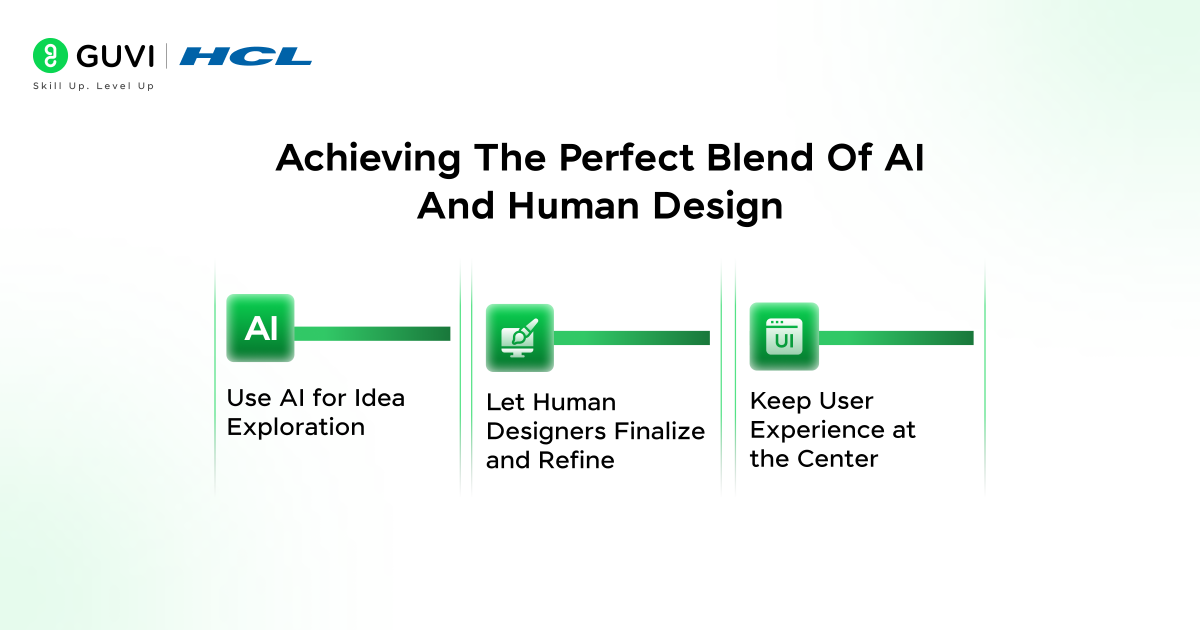
Balancing AI efficiency with human creativity is the key to producing web visuals that are both innovative and meaningful. In this section, we explore how teams can combine AI-generated outputs with human judgment to create the most effective designs. The main areas covered are:
- Use AI for Idea Exploration
- Let Human Designers Finalize and Refine
- Keep User Experience at the Center
1. Use AI for Idea Exploration
AI can rapidly generate design variations, helping teams explore multiple directions quickly. Using AI for idea exploration allows designers to focus on strategy while AI handles volume and experimentation in AI vs human design workflows.
Key Points:
- Generate Wide Design Variations – AI produces numerous options for layouts, typography, and color palettes.
Example: An AI tool creates ten different homepage designs to help designers choose the best starting point. - Speed Up Brainstorming – Multiple AI-generated concepts save time during the initial ideation phase.
Example: Quickly testing different navigation styles to determine which aligns best with user expectations. - Test Concepts Rapidly – Use AI outputs to experiment and refine design directions efficiently.
Example: Trying different hero section layouts on a landing page to see which drives higher engagement.
2. Let Human Designers Finalize and Refine
Humans add the essential touch that AI cannot provide. Human designers review AI outputs to ensure brand consistency, correct design issues, and elevate visual appeal in AI vs human design processes.
Key Points:
- Review AI Output Against Brand Identity – Ensure designs match the brand’s tone, style, and personality.
Example: Adjusting AI-generated color schemes to align with established brand colors. - Correct Composition or Layout Issues – Fix awkward placements, spacing, or proportions that AI might create.
Example: Repositioning buttons or headings for better visual hierarchy. - Add Subtle Creative Enhancements – Introduce nuanced design elements that elevate overall aesthetics.
Example: Adding small animations or custom illustrations to make AI-generated visuals more engaging.
3. Keep User Experience at the Center
Even the most visually impressive design fails if it confuses or overwhelms users. Human designers ensure that AI vs human design results prioritize usability, readability, and accessibility.
Key Points:
- Support Clarity and Readability – Make sure every element guides the user effectively.
Example: Adjusting text size, spacing, and contrast for easier reading. - Avoid Overly Complex Visuals – Simplify AI-generated outputs that may distract from core messages.
Example: Removing excessive graphic elements that overwhelm a landing page’s call-to-action. - Design for Accessibility and Inclusivity – Ensure designs are usable by all audiences.
Example: Using accessible color contrast ratios and readable fonts for visually impaired users.
If you want to explore how AI can enhance your web visuals while leveraging human creativity, consider enrolling in HCL GUVI’s Advanced Artificial Intelligence & Machine Learning Course. This course covers generative AI tools and techniques that help you create dynamic, professional designs efficiently. Start learning today and discover how to balance AI speed with human design intuition.
💡 Did You Know?
- Some AI tools can generate over 1,000 unique design variations in the time it takes a human to sketch one.
- Humans are still better at detecting subtle emotional cues in visuals, like warmth, humor, or nostalgia.
- Combining AI speed with human taste can cut design iteration time in half while producing more engaging and meaningful visuals.
Conclusion
The future of AI vs human design is about collaboration, not competition. AI accelerates idea generation, ensures consistency, and helps designers explore multiple variations quickly. Human creativity adds emotional depth, cultural awareness, and storytelling that AI alone cannot achieve. Combining these strengths allows teams to produce visuals that are both efficient and meaningful.
To take this learning to the next level, teams should integrate AI tools into their design workflows while continuously refining outputs with human judgment. Experiment with AI-generated concepts, analyze user feedback, and iterate collaboratively. This synergy helps designers push creative boundaries, deliver highly engaging visuals, and create a process that is smarter, faster, and truly user-focused.
FAQs
1. Can AI replace human designers completely?
No. AI can speed up workflows and generate multiple design options, but human judgment is essential for emotion, cultural context, and brand storytelling.
2. What are the biggest benefits of using AI in web design?
AI helps with rapid idea generation, maintaining visual consistency, analyzing design trends, and automating repetitive tasks.
3. Why is human taste still essential?
Humans understand emotion, user intention, cultural meaning, and brand identity; the areas where AI cannot fully replicate insight or nuance.
4. How can teams combine AI and human design effectively?
Use AI for idea exploration and automation, then let designers refine the visuals to ensure quality, clarity, and relevance.
5. Is AI reliable for brand-sensitive visuals?
Yes, but only when human designers review the outputs to prevent bias and ensure alignment with the brand’s tone and message.
Success Stories

About the Author
Jebasta
I translate the language of data into stories that anyone can understand. As a writer with a data science background, I simplify analytics, AI, and decision-making so beginners and enthusiasts can confidently explore the world of data.
View all posts by Jebasta
Connect with me @










Did you enjoy this article?