


Artificial Intelligence and Machine Learning Articles
Finance Manager to Data Analytics: Career Growth, Salary and Seniority
How to Evaluate LLM Outputs in Production Deployments
AI/ML Skills Gap 2026: Why Companies Can't Find Job-Ready Talent
20 AI/ML Interview Questions Recruiters Can Use Without a Tech Background - Best Guide


Get In Touch For Details! Request More Information

What Are AI Artifacts? A Complete Beginner’s Guide
Aug 31, 2026 9 Min Read 6064 Views
(Last Updated)
Have you ever wondered what really happens behind the scenes when an AI model creates something: a prediction, an image, or even a sentence? Every one of those actions leaves traces, like digital footprints.
These traces are called AI artifacts, and they tell the story of how an AI system learns, decides, and sometimes even makes mistakes. Whether you’re building AI tools for education, content creation, or analytics, understanding these artifacts isn’t just technical trivia, it’s the key to building systems that are transparent, fair, and easy to trust.
In this article, let’s unpack what they are, why they matter, and how you can manage them wisely. So, without further ado, let us get started!
Table of contents
- What are AI Artifacts?
- AI Artifacts in Modern Generative AI
- Why This Matters
- AI Tools and Their Artifact Features
- Why We Need to Talk About AI Artifacts
- Transparency and Trust
- Quality Control
- Accountability and Ethics
- Smarter Reuse and Deployment
- Better Collaboration
- Claude Artifacts vs ChatGPT Canvas Feature Comparison
- Types of AI Artifacts
- Data Artifacts
- Model Artifacts
- Behavioral Artifacts
- Interface Artifacts
- Ethical and Social Artifacts
- What AI Artifacts Can Build: Apps, Games, Dashboards, and Tools
- Interactive Apps
- Educational Games
- Dashboards and Visualizations
- Productivity Tools
- Websites and Prototypes
- How AI Artifacts Fit Into the Workflow
- Phase 1: Data Collection & Preprocessing
- Phase 2: Model Training
- Phase 3: Evaluation & Testing
- Phase 4: Deployment
- Phase 5: Maintenance & Continuous Learning
- AI Artifacts for Non-Programmers — Practical Use Cases
- Students
- Teachers and Trainers
- Content Creators
- Small Businesses
- Product Managers and Designers
- Best Practices for Managing AI Artifacts
- Challenges & Pitfalls You Should Know
- Limitations of AI Artifacts: What They Still Cannot Do
- Generated Code Can Contain Errors
- Prototypes Are Not Automatically Production-Ready
- Limited Access to External Systems
- AI Can Misunderstand Requirements
- Complex Applications Still Need Developers
- Features and Limits Change
- Conclusion
- FAQs
- What exactly is an “AI artifact”?
- Why should I care about AI artifacts in my project?
- What types of AI artifacts are there?
- How do AI artifacts fit into the development workflow?
- What are the best practices for managing AI artifacts?
What are AI Artifacts?
In software engineering and machine learning, an artifact is commonly defined as any by-product or output of a process.
Think of it like this: whenever you build, train, or use an AI system, it produces certain things. Some are obvious, like a trained model file, a report, or an image generated by an AI. Others are hidden, like logs, data patterns, or even weird model behaviors. All of these are AI artifacts.
To put it another way, an AI artifact is any tangible or digital outcome that comes out of an AI process, whether you meant to create it or not.
Here are a few quick examples to make it concrete:
- When you train a model, the weights and checkpoints it saves are artifacts.
- The dataset you used and how it was cleaned or labeled is another artifact.
- The outputs generated by AI, like essays, code, or images, are all artifacts too.
- Even the bias or error patterns your AI develops count as artifacts, because they’re products of the system’s training and data.
You can think of these as the footprints of your AI. Wherever it goes, it leaves behind evidence, and those traces can tell you a lot about how it works, what it learned, and where it might go wrong.
AI Artifacts in Modern Generative AI
In generative AI, the term AI artifact is also used to describe a standalone piece of content or an interactive creation generated with an AI tool. Instead of returning only a text response in a chat, tools such as Claude Artifacts, ChatGPT Canvas, and Gemini Canvas can help users create and refine documents, code, visualizations, web pages, prototypes, and other digital creations.
For example, Claude Artifacts can turn a natural-language idea into interactive apps, tools, visualizations, games, and other shareable creations. ChatGPT Canvas provides a workspace for developing and editing writing and coding projects, while Gemini Canvas lets users create and refine documents, code, study guides, visual timelines, and interactive prototypes.
This newer meaning does not replace the traditional definition of AI artifacts. Instead, it highlights how generative AI is making artifacts directly usable and editable rather than treating them only as technical by-products of an AI workflow.
Why This Matters
Because AI artifacts are the “stuff” your system is made of and produces, they form the foundation for understanding, debugging, improving, and even trusting your AI. Without paying attention to them, you’re essentially flying blind.
AI Tools and Their Artifact Features
| AI Tool | Artifact Feature | What You Can Create | Free? |
|---|---|---|---|
| Claude | Artifacts | Interactive apps, games, tools, visualizations, documents, diagrams, and React components | Yes |
| ChatGPT | Canvas | Documents, essays, code, web/React content, and other editable projects | Yes |
| Google Gemini | Canvas | Documents, reports, study guides, code, visual timelines, and interactive prototypes | Yes |
Note: Feature availability, usage limits, and supported capabilities can vary by plan and may change over time. Claude’s Artifacts are available across its plans, while ChatGPT Canvas and Gemini Canvas provide dedicated spaces for creating and refining content and code.
Why We Need to Talk About AI Artifacts
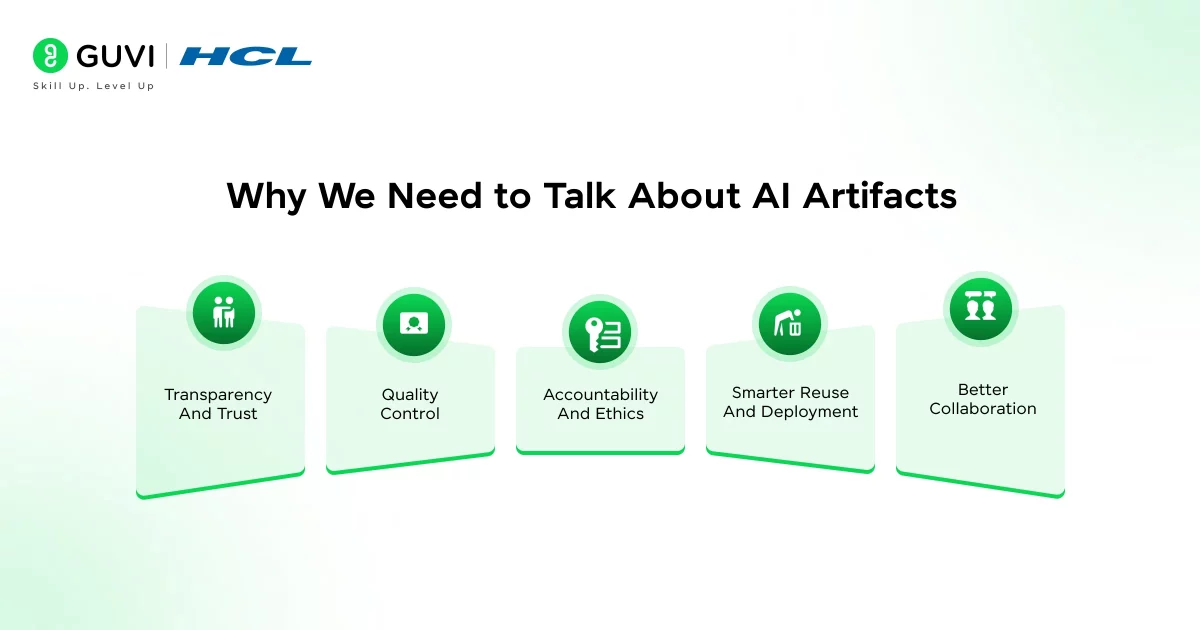
Here’s the thing: AI artifacts aren’t just technical leftovers, they’re the story of your system. Every time an AI model makes a decision, it does so based on artifacts that were shaped by the data, the training, and the people behind it.
So why talk about them? Because they reveal what’s really happening inside your AI. Let’s break it down:
1. Transparency and Trust
If you’ve ever wondered, “Why did the AI say that?”, the answer is hidden in its artifacts. Understanding them helps you trace back decisions, check how data was used, and build systems that people can actually trust.
2. Quality Control
Good artifacts mean good AI. Bad artifacts like biased data, messy logs, or poor documentation lead to weak, unreliable models. When you keep tabs on your artifacts, you’re basically giving your AI regular health checkups.
3. Accountability and Ethics
Here’s a tough truth: AI systems can unintentionally learn and reproduce harmful biases. These biases show up as artifacts in the data, in the model’s responses, or in how it behaves with certain users. Talking about artifacts helps us see and fix those issues before they cause real damage.
4. Smarter Reuse and Deployment
When you document and manage your artifacts properly, you can reuse models, datasets, and even learning pipelines across projects. It’s like keeping a tidy toolkit, you know where everything is, and you don’t waste time rebuilding from scratch.
5. Better Collaboration
In a team setting, especially in ed-tech, multiple people touch the AI lifecycle: data engineers, content creators, and product folks. Artifacts act as the shared language between them. They make it easier to understand what’s been built, what’s running, and what’s breaking.
If something goes wrong, artifacts are your breadcrumbs back to the cause. If something goes right, artifacts are your proof of what worked.
Claude Artifacts vs ChatGPT Canvas Feature Comparison
Claude Artifacts and ChatGPT Canvas both give users a workspace for creating content with AI, but they are designed with slightly different use cases in mind.
| Feature | Claude Artifacts | ChatGPT Canvas |
|---|---|---|
| Main purpose | Create standalone, shareable content and interactive experiences | Create, edit, and refine writing and coding projects |
| Apps and interactive tools | Strong focus | Primarily focused on writing and coding |
| Code creation | Yes | Yes |
| Documents | Yes | Yes |
| Interactive experiences | Yes | Limited compared with Claude Artifacts |
| Real-time editing | Yes | Yes |
| Versioning | Yes | Yes |
| Sharing | Artifacts can be published or shared | Canvas can be shared |
| AI-powered apps | Supported | Not the primary Canvas use case |
| Best suited for | Prototypes, apps, games, tools, visualizations, and reusable creations | Writing, editing, coding, debugging, and collaborative refinement |
Claude describes Artifacts as a way to create shareable apps, tools, and content, including interactive React components and AI-powered applications. ChatGPT Canvas is designed as a focused workspace where users can directly edit writing or code and ask ChatGPT to revise, debug, or transform specific sections.
In simple terms: choose Claude Artifacts when you want to turn an idea into an interactive creation, and choose ChatGPT Canvas when your main goal is to write, edit, refine, or code alongside AI.
Types of AI Artifacts
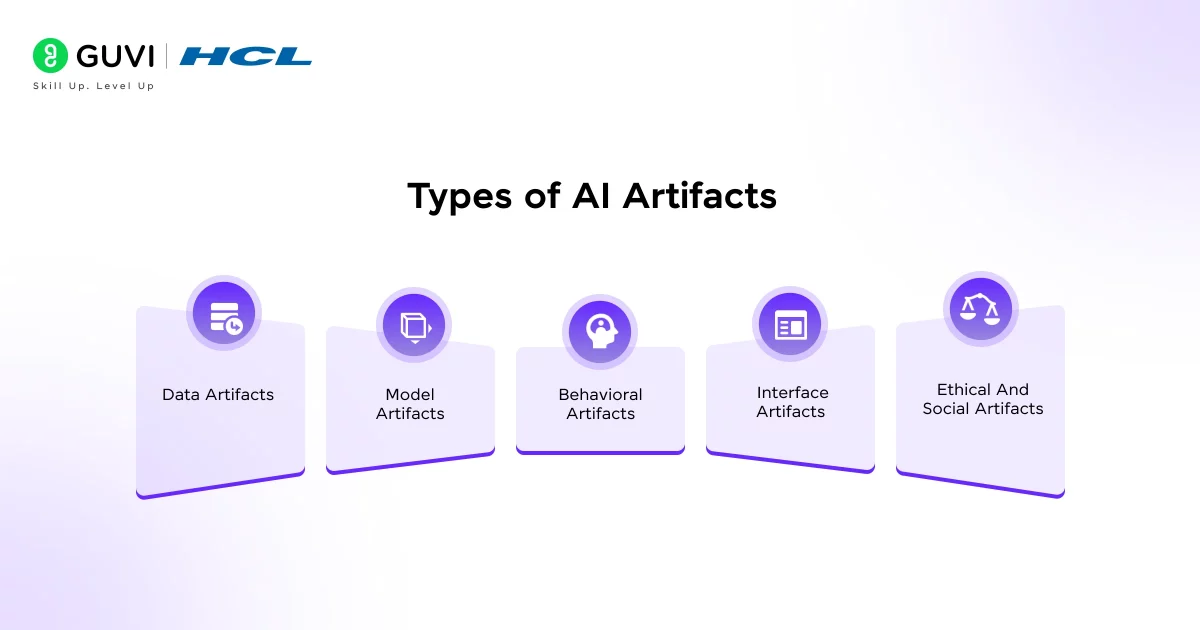
Now that you know what AI artifacts are, let’s talk about the different kinds you’ll run into. The truth is, AI doesn’t leave just one type of trace, it creates a whole ecosystem of outputs, files, and even behaviours. Some are easy to spot. Others quietly sit in the background until something breaks.
Let’s go through them one by one.
1. Data Artifacts
Data artifacts are all the things related to the information your AI consumes or produces, including the datasets you collect, the cleaned versions you store, and the patterns the model finds while learning.
Examples:
- Raw and processed datasets
- Feature extraction files
- Data cleaning logs
- Metadata about where the data came from
Why they matter: Data artifacts are the foundation of everything else. If your data is biased, incomplete, or mislabeled, your AI will carry those flaws forward, no matter how sophisticated your model is.
Here’s a simple rule: garbage in, garbage out becomes garbage everywhere.
2. Model Artifacts
Once you feed data into your AI system and train it, the results of that training, the brain of your AI, are your model artifacts.
These are the files that hold the learned parameters, weights, and configurations that define how your AI behaves.
Examples:
- Model weights (.h5, .pt, .ckpt files, etc.)
- Checkpoints during training
- Config files with hyperparameters
- Logs showing how performance changed over time
Why they matter: Model artifacts are your golden assets. They’re what you deploy, share, and reuse. But they’re also fragile, a single change in the data or code can make an old artifact unreliable. That’s why tracking versions (and documenting how each was created) is essential.
3. Behavioral Artifacts
Here’s where things get interesting. Not every artifact is something you can open in a folder. Some show up in how your AI acts.
Behavioral artifacts are the unexpected patterns, quirks, or habits your AI develops once it starts interacting with real-world data.
Examples:
- A chatbot that favors certain topics or tones
- A vision model that keeps misclassifying certain objects
- A recommender system that over-promotes specific content types
Why they matter: These artifacts can reveal deeper issues, bias, overfitting, or unintended correlations in your data. They’re like symptoms. If you track them early, you can fix the root cause before it turns into a trust problem.
4. Interface Artifacts
When an AI interacts with humans, like a tutor bot or recommendation dashboard, the interface becomes an artifact too. These are the visible elements that show how your AI communicates its reasoning or presents its output.
Examples:
- Confidence scores or “Why this answer?” panels
- Visual highlights showing what the AI paid attention to
- Personalized learning recommendations
Why they matter: Interface artifacts shape how users understand and trust your system. A confusing or opaque interface can make even a well-trained AI feel unreliable.
5. Ethical and Social Artifacts
This is the invisible category, but arguably the most important one. Whenever you deploy an AI system, it doesn’t just affect code; it affects people. Ethical or social artifacts are the ripple effects of AI in real-world settings.
Examples:
- Biased outcomes that disadvantage certain groups
- Privacy leaks from poorly handled data
- Cultural or educational biases in content generation
Why they matter: You can’t “see” these artifacts in your logs, but they show up in user experience and societal impact. Being aware of them and designing processes to detect them is part of building responsible AI.
What AI Artifacts Can Build: Apps, Games, Dashboards, and Tools
Modern AI artifacts can go beyond generating text. With the right prompt, AI tools can create interactive experiences that users can test, modify, and share.
Here are some examples of what you can build:
1. Interactive Apps
You can describe an application in plain language and ask an AI tool to generate a working prototype.
For example:
“Create a personal expense tracker where I can enter expenses, categorize them, and view a monthly summary.”
The AI can generate the interface and supporting code, giving you a starting point that you can refine through additional prompts.
2. Educational Games
AI artifacts can also be used to create simple games for learning and entertainment.
Examples include:
- Vocabulary quizzes
- Flashcard games
- Math challenges
- Memory games
- Coding quizzes
- Interactive learning activities
Claude specifically highlights interactive educational experiences and games as examples of what can be created with Artifacts.
3. Dashboards and Visualizations
You can ask AI to turn information into a visual dashboard or interactive visualization.
For example:
- Sales dashboards
- Student performance trackers
- Budget dashboards
- Survey-result visualizations
- Project progress trackers
- Data exploration tools
These artifacts can make complex information easier to explore and understand.

4. Productivity Tools
AI can help create small tools that solve everyday problems, such as:
- To-do list managers
- Calculators
- Resume builders
- Content planners
- Meeting-note organizers
- Project trackers
- Study planners
5. Websites and Prototypes
AI artifacts can also be used to create single-page websites, interface prototypes, and proof-of-concept applications.
This makes them particularly useful during the early stages of product development. Instead of explaining an idea only through text, you can create something interactive that demonstrates how the idea could work.
The important point is that these artifacts are often starting points rather than finished production applications. They can help you move from an idea to a working prototype much faster.
How AI Artifacts Fit Into the Workflow
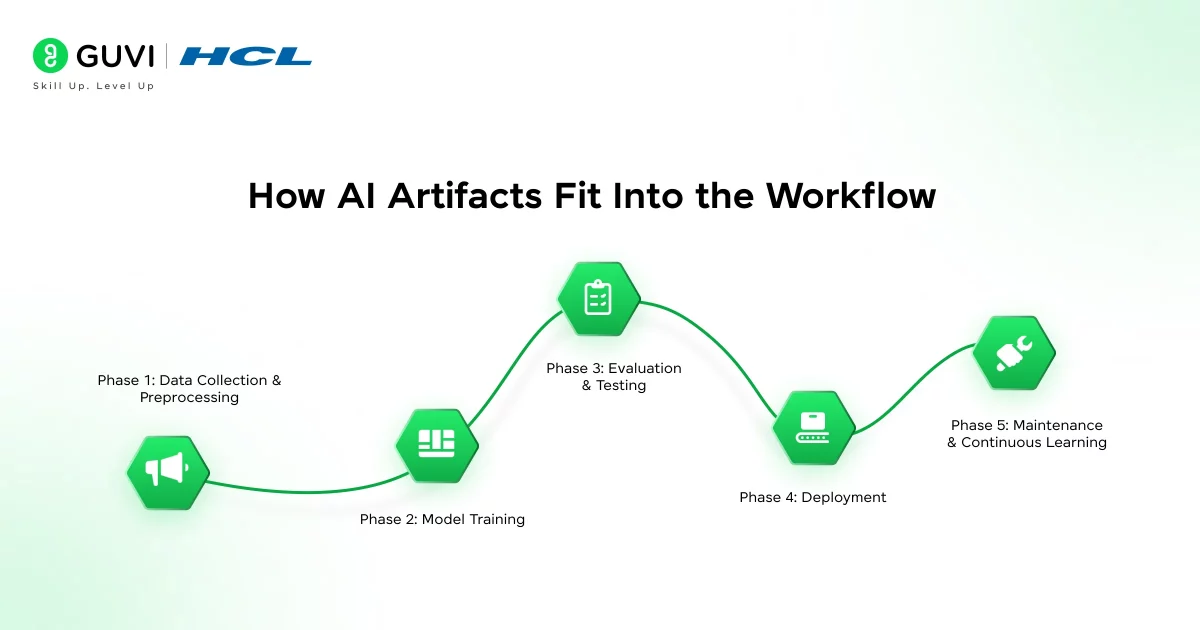
So how do these artifacts show up as you build or use an AI system? Think of your AI workflow as a story, and artifacts are the checkpoints that mark what happens at each stage.
Phase 1: Data Collection & Preprocessing
Data Collection & Preprocessing is where everything starts. You’re gathering data, cleaning it, labeling it, and preparing it for training.
Artifacts created:
- Raw and cleaned datasets
- Data transformation scripts
- Quality and bias reports
Tip: Keep detailed notes about where your data came from and how you cleaned it. Those records become valuable artifacts for audits and debugging.
Phase 2: Model Training
Here, your AI learns. It tests hypotheses, adjusts weights, and saves progress along the way.
Artifacts created:
- Model weights and checkpoint files
- Training logs and graphs
- Hyperparameter configurations
Tip: Store multiple checkpoints with clear naming conventions. That way, if a new model version performs worse, you can quickly roll back.
Phase 3: Evaluation & Testing
This is where you test how well the AI actually performs.
Artifacts created:
- Test reports and accuracy metrics
- Confusion matrices and error analyses
- Bias and fairness evaluation results
Tip: Don’t just save results, save why those results happened. A log showing which data slices caused most errors is an incredibly useful artifact.
Phase 4: Deployment
Once your model goes live, it continues producing artifacts.
Artifacts created:
- Inference logs
- User interaction data
- Monitoring dashboards
Tip: Treat production logs as living artifacts. They tell you how your AI behaves in the wild — and can warn you about drift or performance issues before they escalate.
Phase 5: Maintenance & Continuous Learning
Even after deployment, the story doesn’t end. You keep collecting new data, fine-tuning the model, and iterating.
Artifacts created:
- Version histories
- Retraining reports
- User feedback summaries
Tip: Use a central repository or artifact tracker. You’ll save yourself endless hours later when you need to explain or reproduce a result.
AI Artifacts for Non-Programmers — Practical Use Cases
You don’t need to be a professional developer to benefit from AI artifacts. Natural-language prompting allows non-programmers to describe what they want and let the AI handle much of the initial creation.
Here are some practical examples.
Students
Students can create:
- Interactive study guides
- Flashcard applications
- Quiz generators
- Revision planners
- Visual timelines
- Simple educational games
For example, a student could ask an AI to create a quiz from their class notes and then refine the questions interactively.
Teachers and Trainers
Educators can use AI artifacts to create:
- Interactive lesson materials
- Classroom quizzes
- Learning activities
- Visual explanations
- Student practice tools
- Simple assessment interfaces
Gemini Canvas, for example, supports creating study guides and interactive prototypes alongside documents and code.
Content Creators
Content creators can use artifacts for:
- Content calendars
- Blog planning tools
- Headline generators
- Interactive calculators
- Audience surveys
- Simple landing-page prototypes
Small Businesses
A small business owner could create simple internal tools such as:
- Expense trackers
- Customer feedback forms
- Inventory calculators
- Pricing calculators
- Sales dashboards
- Business-planning templates
Product Managers and Designers
AI artifacts can help turn an early product idea into something tangible.
Instead of presenting only a written product requirement, a product manager can create an interactive prototype that demonstrates the proposed workflow. This can make discussions with designers, developers, and stakeholders more concrete.
The key advantage is speed: AI artifacts let non-programmers experiment with ideas without waiting for a complete development cycle.
Best Practices for Managing AI Artifacts
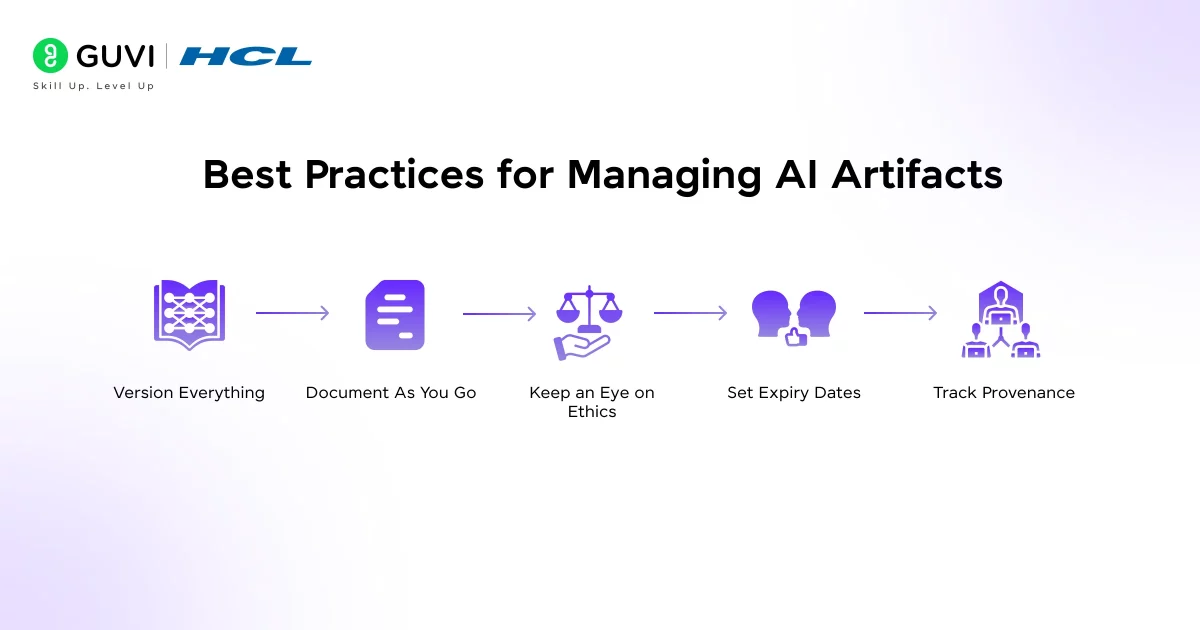
Managing the AI artifacts well is the difference between a messy, untraceable AI project and one that’s robust, transparent, and trustworthy. Here’s how to do it right:
- Version Everything: Every dataset, model file, and script should have a version number. You wouldn’t run software without version control; the same logic applies here.
- Document As You Go: Don’t wait until the end to write documentation. Capture details like data sources, preprocessing steps, and training configurations in real time. Even simple notes like “Removed outliers in dataset v1.2” can save hours later.
- Keep an Eye on Ethics: Remember, not all artifacts are technical. Biases and unfair patterns are artifacts too; they just live in your outcomes and user experiences. Build in checks for bias and fairness at every stage.
- Set Expiry Dates: Artifacts can go stale. A model trained on last year’s student data might not perform well on this year’s trends. Set review or expiration dates so you don’t accidentally deploy outdated systems.
- Track Provenance: Every artifact should have a clear origin: what data created it, who built it, and what code was used. That transparency makes your work explainable and compliant with AI ethics and data laws.
Challenges & Pitfalls You Should Know
No system is perfect. When dealing with AI artifacts, these are risks you should anticipate.
- Hallucinations and unexpected artifacts: Sometimes an AI model generates an output that looks plausible but is false. These are behavioural artifacts.
- Data leakage and contamination: If your datasets bleed information into each other, your artifacts (trained models) may be overfit or invalid.
- Drift and outdated artifacts: A model trained on data from 2023 might produce irrelevant results in 2025 if conditions change.
- Hidden bias: Artifacts (data or behaviour) may embed bias that you don’t spot until deployment.
Did you know that some artifacts of AI are not “what it produced” but how it behaved? For instance, a language model that consistently misinterprets a certain demographic is showing a behavioural artifact.
Limitations of AI Artifacts: What They Still Cannot Do
AI artifacts can make it much faster to create prototypes, tools, and interactive experiences, but they do not eliminate the need for human judgment or software development.
1. Generated Code Can Contain Errors
An AI-generated application may look correct while still containing bugs, security issues, or incorrect logic. Generated code should be reviewed and tested before being used in a real application.
2. Prototypes Are Not Automatically Production-Ready
An artifact can demonstrate how an application should work without being ready for thousands or millions of users.
Production software may require:
- Secure authentication
- Database architecture
- Error handling
- Performance optimization
- Automated testing
- Monitoring
- Backup and recovery
- Security reviews
3. Limited Access to External Systems
AI-generated artifacts may not be able to freely connect to every external API, database, payment system, or business application. The available integrations depend on the platform and its current capabilities.
4. AI Can Misunderstand Requirements
If your prompt is vague, the resulting artifact may not match what you actually need. Even detailed prompts can produce unexpected behavior, so iterative testing and refinement are important.
5. Complex Applications Still Need Developers
AI artifacts are excellent for prototypes, experiments, internal tools, and simple applications. However, complex systems involving large databases, advanced security, high traffic, or specialized infrastructure still require experienced developers and engineers.
6. Features and Limits Change
AI platforms are evolving quickly. Available models, usage limits, integrations, sharing options, and artifact capabilities can change over time.
For example, Claude has expanded Artifacts to support features such as persistent storage and MCP, showing how quickly the capabilities of these tools are developing.
Bottom line: AI artifacts reduce the effort required to turn an idea into something tangible, but they do not replace testing, security practices, engineering expertise, or human review.
If you’re serious about mastering machine learning and want to apply it in real-world scenarios, don’t miss the chance to enroll in GUVI’s Intel & IITM Pravartak Certified Artificial Intelligence & Machine Learning course. Endorsed with Intel certification, this course adds a globally recognized credential to your resume, a powerful edge that sets you apart in the competitive AI job market.
Conclusion
In conclusion, every AI system is a collection of artifacts from the data that feeds it to the models that power it, and even the subtle behaviors it develops over time.
These artifacts aren’t just byproducts; they’re the fingerprints of your AI’s entire journey. Learning to track, interpret, and manage them isn’t only good engineering, it’s what separates responsible AI practice from guesswork. So the next time your AI spits out a result, take a closer look at the artifacts behind it.
FAQs
1. What exactly is an “AI artifact”?
An AI artifact is any output or by-product of an AI system, this could include model files, datasets, logs, patterns of behavior, or generated content.
2. Why should I care about AI artifacts in my project?
3. What types of AI artifacts are there?
4. How do AI artifacts fit into the development workflow?
They appear at each stage: collection/pre-processing (data artifacts), training (model artifacts/logs), deployment (inference logs/interactions), and maintenance (drift reports, feedback). Keeping track of them supports a full lifecycle approach.
5. What are the best practices for managing AI artifacts?
Key practices include version-controlling artifacts (models, datasets), documenting provenance, tracking metadata, monitoring for bias or drift, organizing for reuse, and cleaning up outdated or deprecated artifacts.
Success Stories

About the Author
Lukesh S
A professional content writer who has experience in freelancing and now working as a Technical Content Writer at HCL GUVI having sound knowledge in Blog Writing and Creative Writing!
View all posts by Lukesh S
Connect with me @








Did you enjoy this article?