


Project Articles
Automated Resume Screener: NLP-Based Python Project with Source Code
Business Analysis in Digital Transformation Projects - Best Guide
Build No-Code AI Agents with Flowise AI: Step-by-Step Beginner Guide

Get In Touch For Details! Request More Information

11 Best Interior Design Project Ideas To Boost Your Portfolio
Jun 03, 2026 7 Min Read 22758 Views
(Last Updated)
Imagine walking into a cozy bedroom with sunlight beaming in, perfectly placed furniture, and colors that soothe you instantly. Or maybe it’s a lively café where the lighting sets the mood, and every corner feels welcoming. That’s the beauty of interior design, as it turns empty spaces into functional, stunning works of art.
But great design doesn’t happen overnight. Working on some interior design project ideas can be a great starting point when you’re preparing to enter the field. It gives you a clue as to how to play around with layouts, experiment with different styles, and tackle practical challenges that can often come your way. From simple room makeovers to planning complex spaces, these projects can help you experiment, learn from real challenges, and add work to your portfolio that’s worth showing off.
TL;DR: The best interior design project ideas for beginners and students include bedroom makeovers, small apartment space planning, modular kitchen design, café lighting layouts, and sustainable home interiors. Here are 5 project ideas with tools to use, skills you’ll build, and how each project strengthens your design portfolio.
Table of contents
- Who Should Work on Interior Design Projects?
- What Skills Do Interior Design Projects Build?
- Why Work on Interior Design Projects?
- Top Interior Design Project Ideas
- Bedroom Makeover Plan
- Small Apartment Space Utilization
- Furniture Placement Project
- Modular Kitchen Design
- Theme-Based Living Room Design
- Lighting Layout for a Cozy Café
- Workspace Design for Productivity
- Retail Store Interior Layout
- Restaurant Dining Area Concept
- Luxury Bathroom Design
- Showroom Layout for Product Displays
- Bonus Interior Design Projects
- Sustainable / Eco-Friendly Interior Design Project (NEW -High Value)
- Adaptive / Accessible Interior Design Project (NEW - High Value)
- AR/VR-Enhanced Interior Design Presentation (NEW - Highly Differentiating)
- Hotel Room or Suite Design Concept (NEW - High Demand)
- What Tools Do Interior Designers Use for Projects?
- Tips for Excelling in Interior Design Projects
- Conclusion
- Frequently Asked Questions
- How do I find inspiration for interior design project ideas?
- Do interior design projects require a big budget?
- Can I work on interior design projects without professional training?
- How do AR/VR technologies enhance interior design projects?
- How do I showcase my work to clients?
Who Should Work on Interior Design Projects?
Interior design projects are ideal for:
| Who | Why It Helps |
|---|---|
| Design students | Build academic and practical portfolio pieces |
| Career changers | Demonstrate skills without work experience |
| Freelancers | Showcase range to potential clients |
| Hobbyists | Develop a personal style and DIY capabilities |
| Architecture students | Cross-train in spatial and interior design |
What Skills Do Interior Design Projects Build?
Working on interior design projects helps you master:
- Space planning – Optimizing layouts for flow, function, and proportion
- Color theory – Using palettes to evoke mood and balance visual weight
- Material and finish selection – Pairing textures, surfaces, and materials cohesively
- Lighting design – Layering ambient, task, and accent lighting
- Software proficiency – AutoCAD, SketchUp, Revit, and 3D rendering tools
- Client communication – Translating briefs into design solutions
- Sustainable design thinking – Eco-friendly material choices and energy efficiency
Why Work on Interior Design Projects?
Interior design projects are far from being just a creative exercise; they are the stepping stones to mastering design as well as functionality. Here’s why working on projects is important for aspiring designers:
Build Creative Problem-Solving Skills: Real spaces come with real challenges—awkward layouts, limited budgets, or tricky dimensions. Projects help you think on your feet and create beautiful yet practical solutions.
Master Design Tools: From software like AutoCAD and SketchUp to mood boards and 3D models, hands-on projects let you practice the tools that bring your ideas to life.
Create a Stunning Portfolio: A well-executed project adds weight to your portfolio, showcasing your creativity, technical skills, and ability to tackle client needs head-on.
Top Interior Design Project Ideas
We’ve listed down the best interior design projects that’ll help you get a solid hold over the fundamental design concepts and can even help you figure out your area of interest further. Let’s explore:
1. Bedroom Makeover Plan
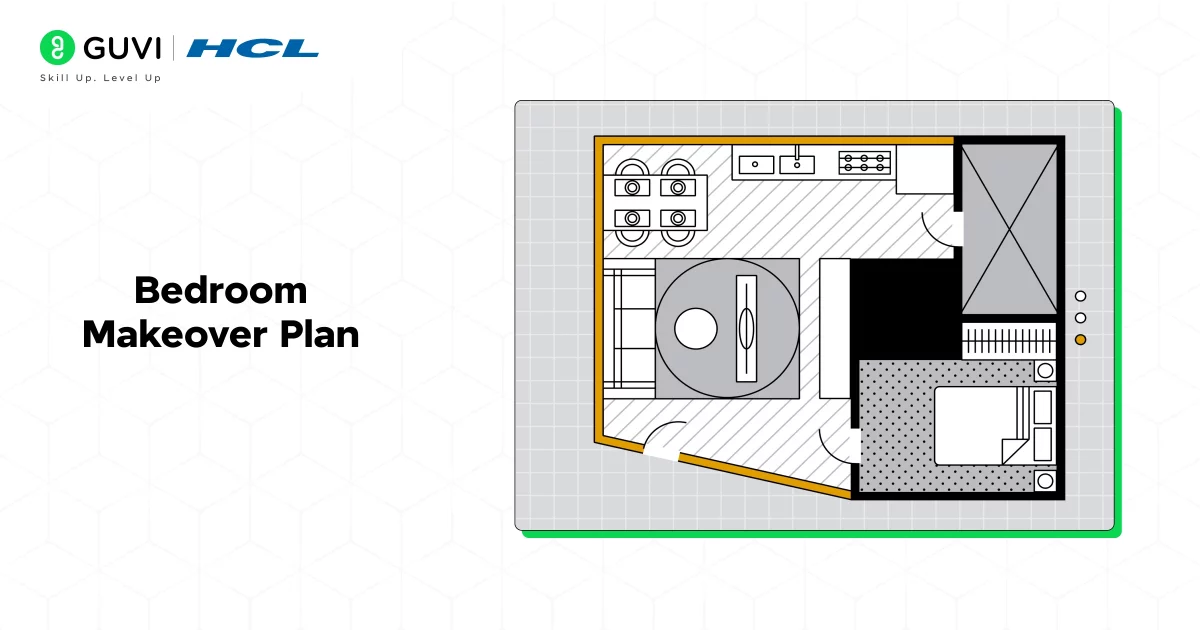
Best for: Beginners | Difficulty: Easy | Tools: SketchUp, Canva (mood boards)
A bedroom makeover is the ideal first project because it covers nearly every fundamental of interior design in a manageable space.
What you’ll do:
- Analyze the existing layout and identify space efficiency problems
- Create two or three alternative furniture placement plans
- Develop a color palette using color theory principles (e.g., analogous or triadic schemes)
- Select lighting, bedside lamps, overhead fixtures, blackout solutions
- Build a mood board presenting the complete concept
Skills you’ll build: Space planning, color palette creation, mood boarding, furniture selection
What to add to your portfolio: Before-and-after layouts, mood board, annotated floor plan, material/finish selections
2. Small Apartment Space Utilization
Best for: Intermediate | Difficulty: Medium | Tools: AutoCAD, SketchUp
Compact spaces are among the most challenging and commercially valuable design problems. This project teaches you to maximize every square foot without sacrificing comfort or style.
What you’ll do:
- Plan a multi-functional layout (sleeping, living, dining, working in one space)
- Research and select dual-purpose furniture (fold-out beds, extendable tables, ottomans with storage)
- Use vertical space with shelving, wall-mounted units, and tall storage
- Apply light color schemes and mirrors to create an illusion of spaciousness
- Incorporate zoning techniques (rugs, lighting, half-walls) to define areas
Skills you’ll build: Multi-functional space planning, furniture specification, visual scale and proportion
Portfolio tip: Create a before floor plan, two alternative redesigns, and a 3D render of your preferred solution
3. Furniture Placement Project
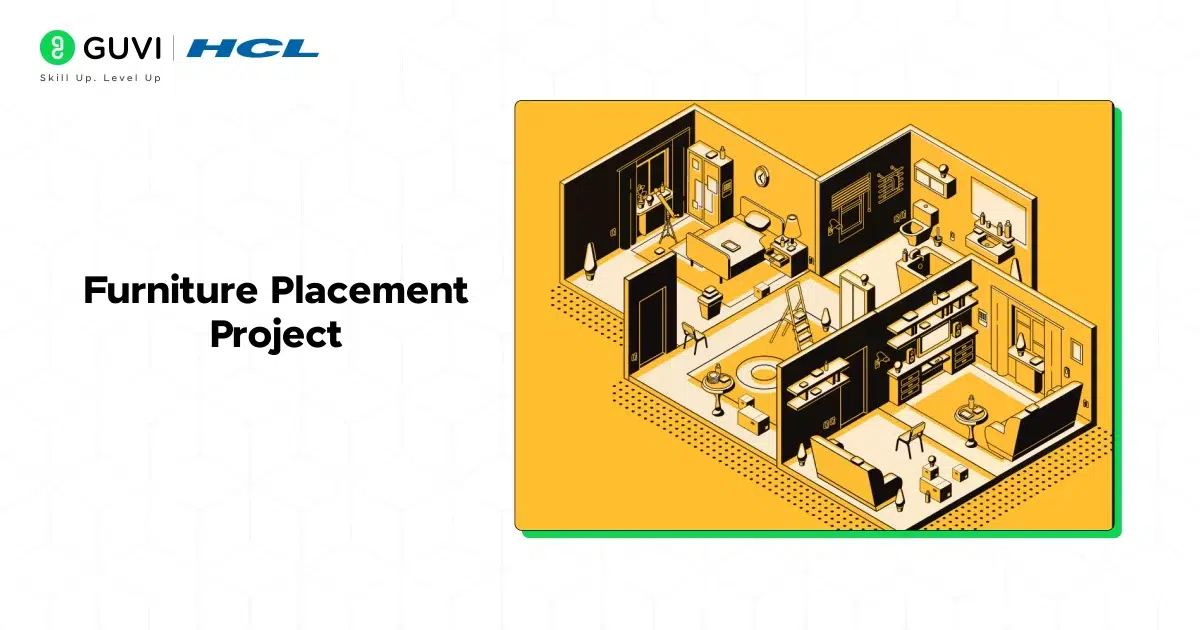
Best for: Beginners | Difficulty: Easy–Medium | Tools: RoomSketcher, SketchUp
Understanding how furniture placement affects traffic flow, focal points, and room functionality is a foundational skill every interior designer needs.
What you’ll do:
- Choose a living room, bedroom, or open-plan space
- Create multiple placement configurations (U-shape seating, L-shape seating, conversation circles)
- Identify focal points (fireplace, TV wall, window view) and orient furniture accordingly
- Test pathways to ensure 36 inches of clearance for main walkways and 24 inches for secondary
- Annotate each plan explaining your design rationale
Skills you’ll build: Space planning, traffic flow analysis, focal point design, proportion and scale
4. Modular Kitchen Design
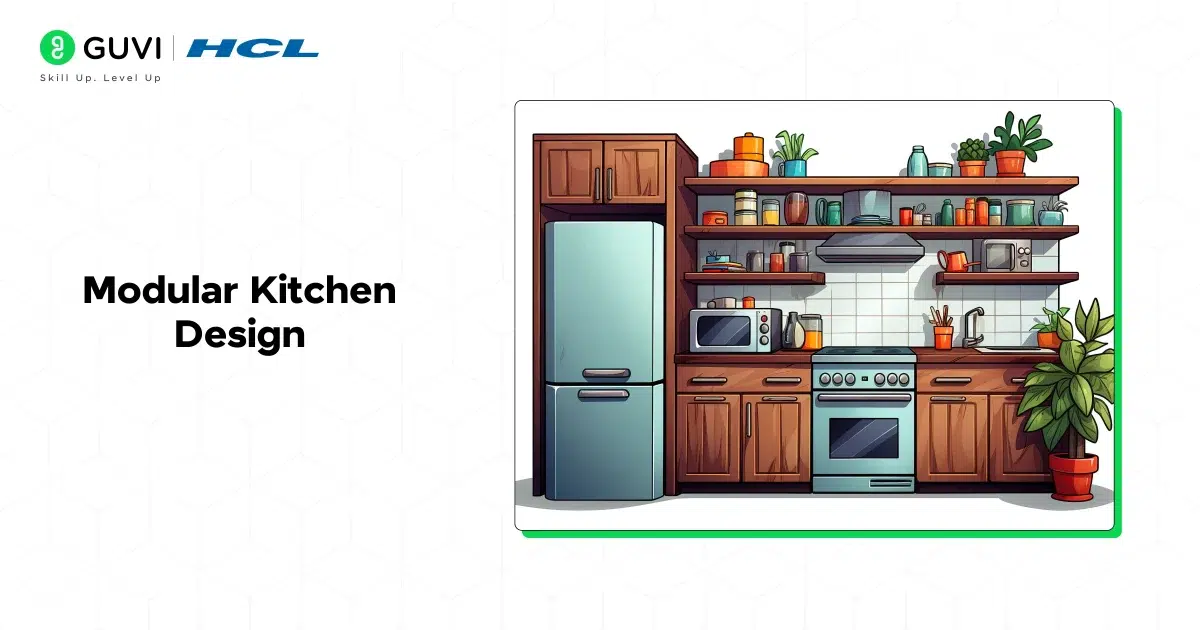
Best for: Intermediate | Difficulty: Medium–Hard | Tools: AutoCAD, IKEA Kitchen Planner, SketchUp
Kitchen design is a specialist skill with strong commercial demand. A modular kitchen project teaches ergonomics, storage optimization, and material coordination.
What you’ll do:
- Design a kitchen using one of the standard layouts: L-shape, U-shape, galley, or island
- Apply the kitchen work triangle principle (sink–stove–refrigerator)
- Plan upper and lower cabinet configurations to maximize storage
- Select countertop materials, backsplash tiles, cabinet finishes, and hardware
- Design task and ambient lighting for the space
- Create a 3D render of the finished kitchen
Skills you’ll build: Ergonomic design, material specification, cabinetry design, kitchen planning standards
Portfolio tip: Include an elevation drawing showing each wall of the kitchen, in addition to the floor plan and 3D render.
Also Read : Best Short-Term Interior Design Courses in India
5. Theme-Based Living Room Design
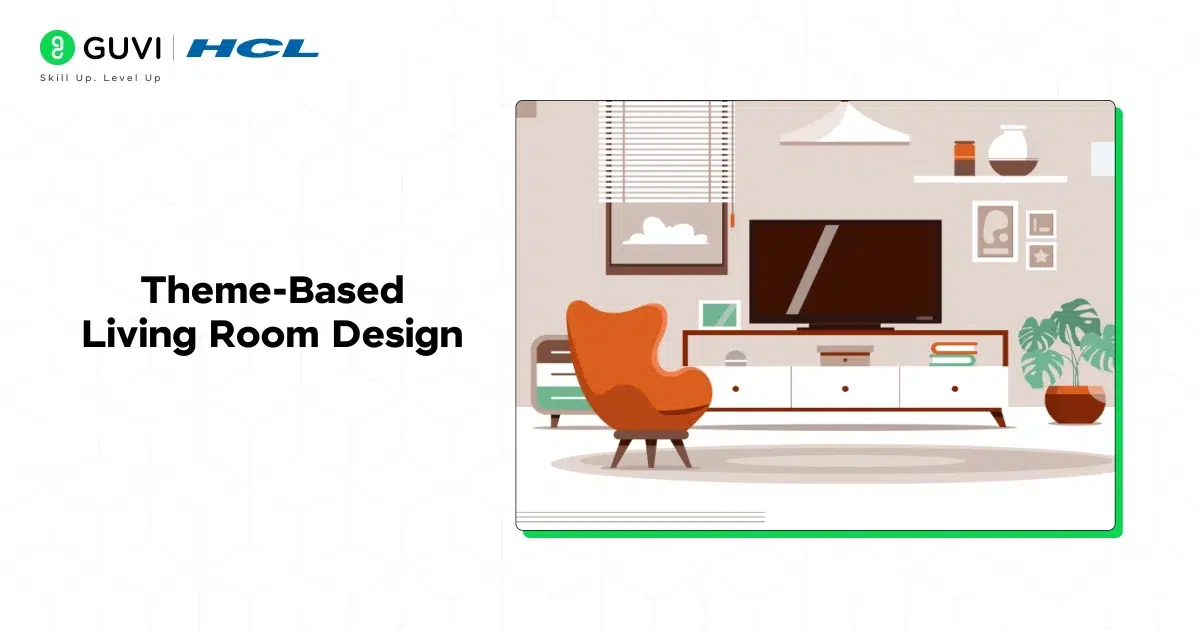
Best for: All levels | Difficulty: Easy–Medium | Tools: Pinterest, SketchUp, Canva
A theme-based design project pushes you to develop a coherent design language — the ability to make every element of a room work together toward a unified aesthetic.
Popular themes to explore:
| Theme | Key Elements | Color Palette |
|---|---|---|
| Minimalist | Clean lines, minimal decor, hidden storage | Whites, greys, natural wood |
| Bohemian | Layered textiles, plants, eclectic art | Earthy tones, jewel accents |
| Industrial | Exposed materials, metal fixtures, raw finishes | Charcoal, rust, concrete grey |
| Japandi | Wabi-sabi principles, natural materials, simplicity | Muted neutrals, sage, off-white |
| Coastal | Light fabrics, natural textures, airy feel | Blues, whites, sandy neutrals |
What you’ll do:
- Select a theme and build a comprehensive mood board
- Specify furniture, textiles, art, plants, and accessories
- Create a floor plan and at least one 3D render
- Write a design rationale explaining your choices
6. Lighting Layout for a Cozy Café
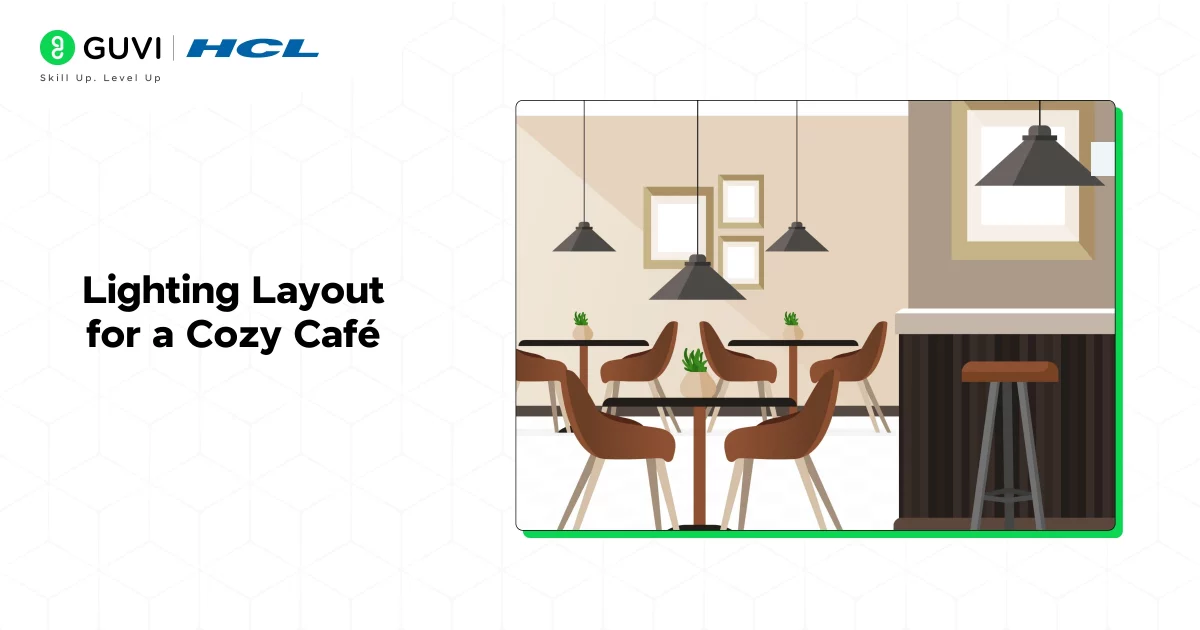
Best for: Intermediate | Difficulty: Medium | Tools: DIALux (free lighting software), SketchUp
Lighting design is one of the most underrated yet powerful tools in interior design. This commercial project teaches you how light transforms mood, guides behavior, and defines zones.
What you’ll do:
- Zone the café: entrance, counter/service area, seating, restrooms, outdoor (if applicable)
- Design a three-layer lighting scheme:
- Ambient lighting: General illumination (recessed downlights, pendant clusters)
- Task lighting: Counter work areas, point-of-sale zones
- Accent lighting: Artwork, feature walls, display shelving
- Select fixtures for each zone (pendant lights, wall sconces, track lighting, LED strip)
- Create a reflected ceiling plan (RCP) showing fixture placements
- Specify bulb temperatures: warm (2700–3000K) for seating areas, cooler (3500K) for work zones
Skills you’ll build: Commercial lighting design, reflected ceiling plans, fixture specification, zone planning
7. Workspace Design for Productivity
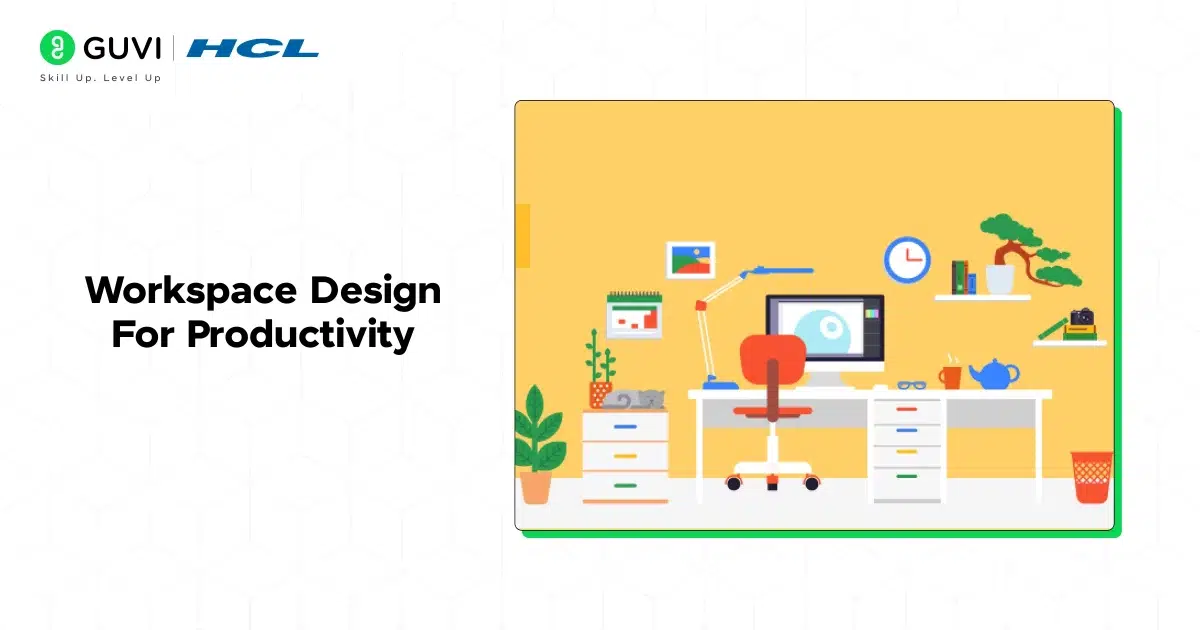
Best for: All levels | Difficulty: Easy–Medium | Tools: SketchUp, RoomSketcher
With remote and hybrid work now standard, productive home office design is one of the most in-demand skills in residential interior design.
What you’ll do:
- Plan a workspace layout that minimizes distractions and maximizes focus
- Select an ergonomic desk setup (desk height, monitor position, chair specification)
- Design a lighting plan prioritizing natural light and reducing screen glare
- Incorporate acoustic solutions (rugs, upholstered panels, bookshelves as sound buffers)
- Add biophilic elements: indoor plants, natural materials, views of greenery
- Design storage to keep the workspace clutter-free
Skills you’ll build: Ergonomic design, residential office planning, acoustic design basics, biophilic design
Portfolio tip: Show a before layout with its problems annotated, and your redesign with explanations for each change.
8. Retail Store Interior Layout
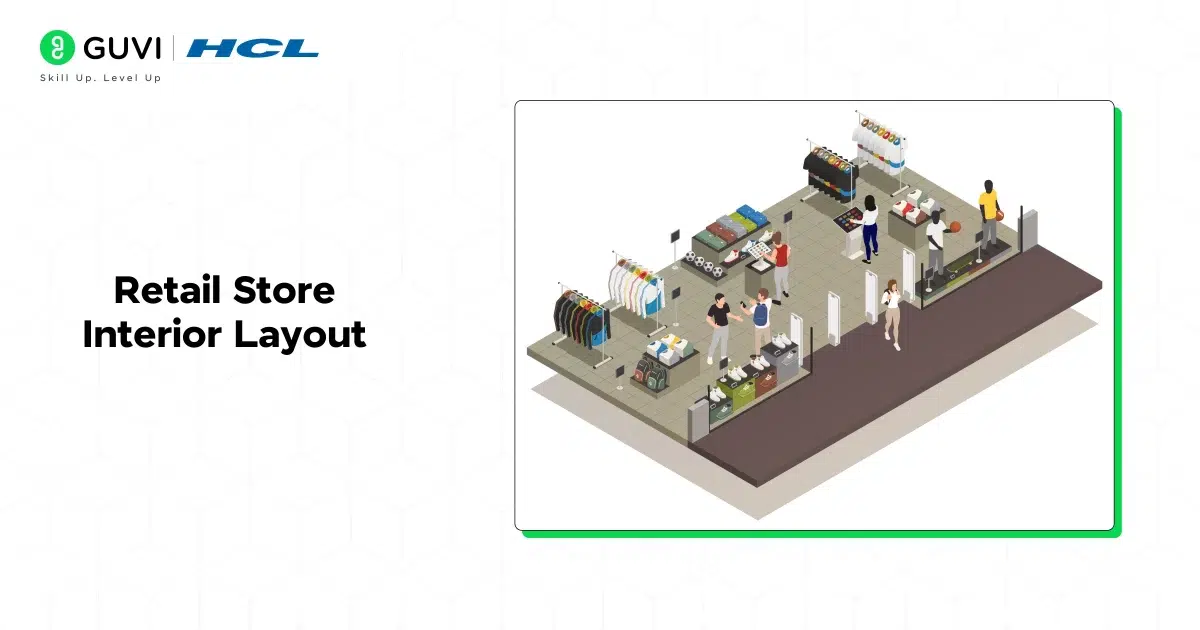
Best for: Advanced beginners | Difficulty: Medium | Tools: AutoCAD, SketchUp
Retail interior design is a commercial discipline that directly affects customer behavior and sales performance. This project introduces you to experience design thinking.
What you’ll do:
- Study retail layout patterns: grid layout, free-flow layout, racetrack layout
- Design a store layout for a specific retail type (fashion, electronics, specialty food, etc.)
- Apply visual merchandising principles: hero product placement, eye-level shelving, impulse buy zones near checkout
- Plan customer traffic flow from entry to exit, maximizing product exposure
- Design the storefront/window display concept
- Specify lighting to highlight key products (spotlighting, LED accent strips)
Skills you’ll build: Commercial space planning, retail psychology, visual merchandising, customer experience design
9. Restaurant Dining Area Concept
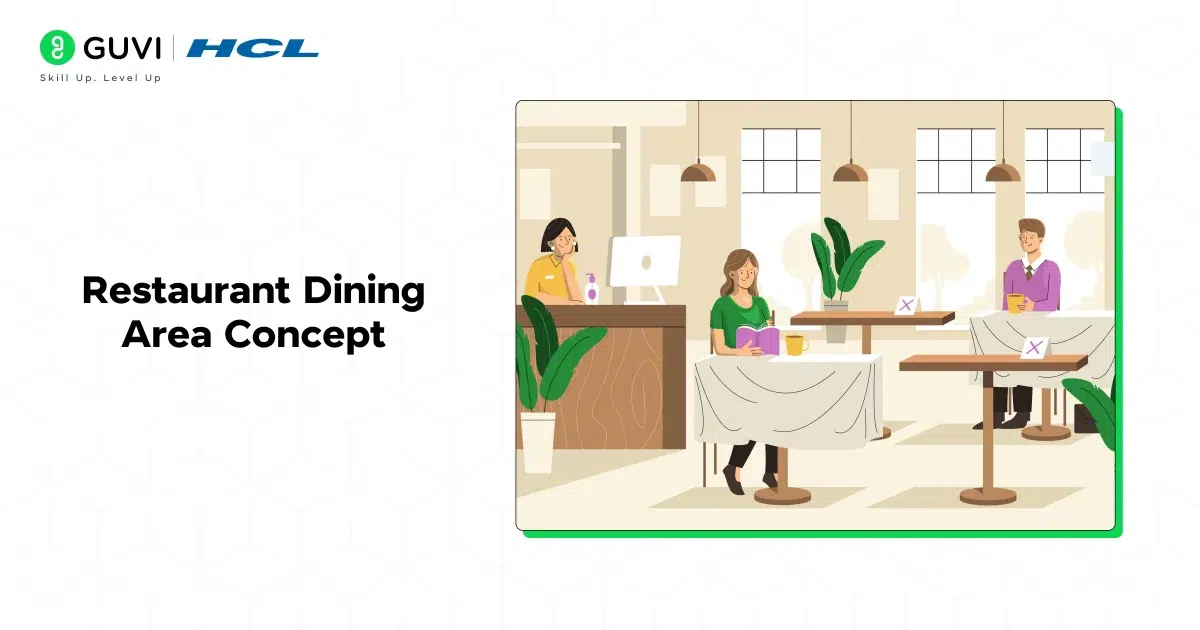
Best for: Intermediate | Difficulty: Medium–Hard | Tools: AutoCAD, SketchUp
Restaurant design sits at the intersection of brand identity, customer experience, operational efficiency, and aesthetics — making it a rich, complex design project.
What you’ll do:
- Define the restaurant concept and brand identity (fine dining, casual bistro, fast-casual, themed)
- Design seating zones: communal tables, booth seating, private dining, bar seating
- Calculate seating capacity following standard space-per-cover guidelines (18–24 sq ft per cover for casual dining)
- Select furniture, materials, and finishes aligned with the concept
- Design the lighting plan for ambience and operational needs
- Create a feature element (statement light fixture, textured wall, art installation)
Skills you’ll build: Hospitality design, brand-aligned spatial design, seating configuration, operational design thinking

10. Luxury Bathroom Design
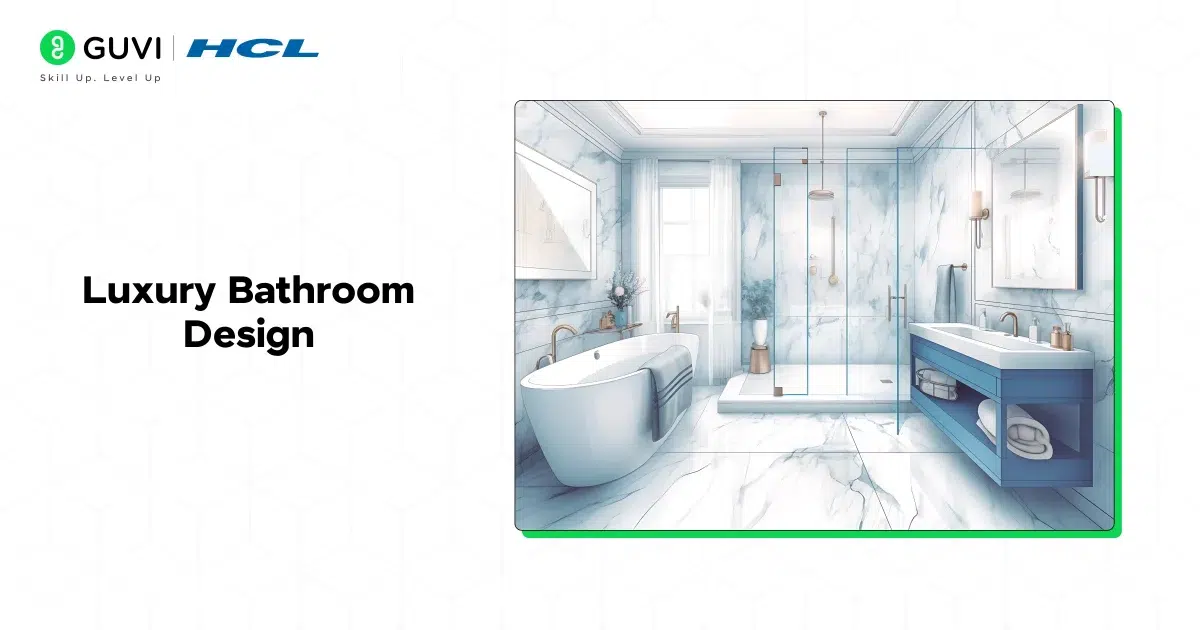
Best for: Intermediate–Advanced | Difficulty: Medium–Hard | Tools: AutoCAD, SketchUp, tile/material software
Bathrooms require precise technical knowledge alongside high aesthetic sensibility making this a differentiating project for any portfolio.
What you’ll do:
- Plan the layout following plumbing constraints (wet wall placement, drainage points)
- Select premium materials: natural stone tiles, matte or gloss finishes, large-format tiles
- Design the fixture lineup: freestanding bath, rain shower, double vanity, heated towel rail
- Create an elegant lighting plan: vanity lighting, shower downlights, ambient lighting
- Design a storage solution that maintains the luxury aesthetic
- Specify finishes for all surfaces (floor, walls, ceiling, fixtures)
Skills you’ll build: Technical bathroom planning, material and finish specification, luxury design sensibility, detail design
Portfolio tip: Include a detailed material board alongside your 3D renders. In luxury design, material choices are as important as the layout.
11. Showroom Layout for Product Displays
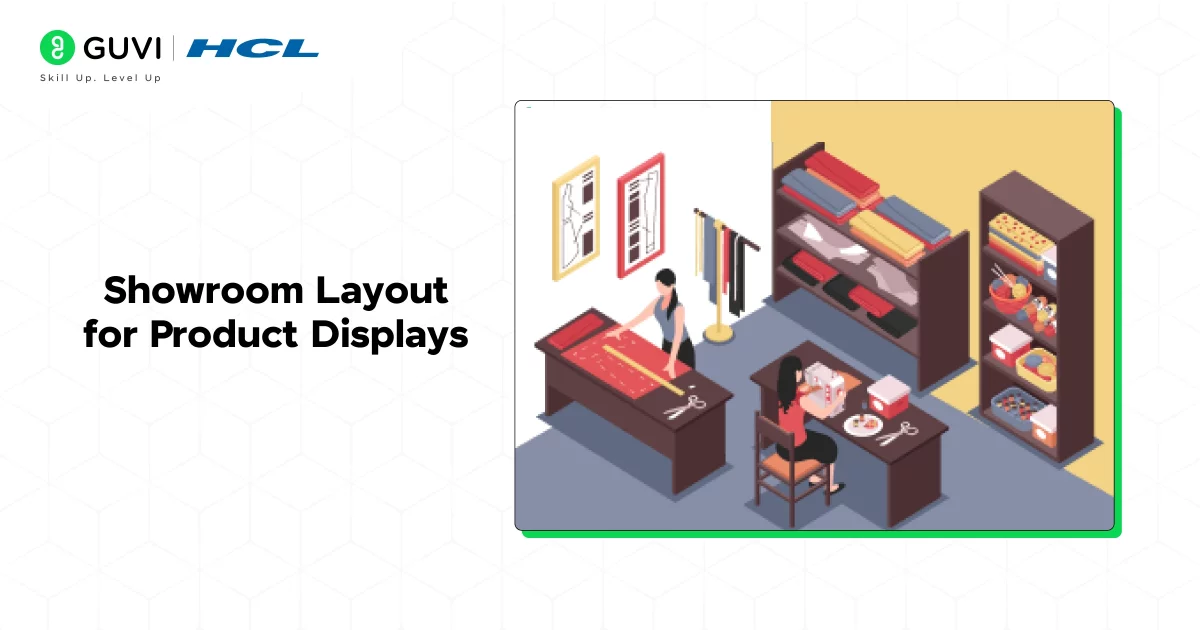
Best for: Intermediate | Difficulty: Medium | Tools: AutoCAD, SketchUp
Showroom design combines retail and exhibition design, making it a commercially relevant and creatively interesting project.
What you’ll do:
- Zone the showroom into product categories with clear navigation paths
- Design hero display areas for flagship products using spotlighting and elevated platforms
- Create immersive vignettes that show products in context (e.g., a furniture showroom with fully styled room settings)
- Plan the customer journey from entry to consultation area to exit
- Specify interactive or digital elements (touchscreens, AR product visualization stations)
Skills you’ll build: Exhibition design, product display, customer journey planning, commercial space planning
Bonus Interior Design Projects
12. Sustainable / Eco-Friendly Interior Design Project (NEW -High Value)
Best for: All levels | Difficulty: Easy–Hard (depending on scope) | Tools: SketchUp, material research
Why this matters now: Sustainable design is one of the fastest-growing areas in interior design. Clients, developers, and businesses are increasingly demanding eco-conscious interiors. This project positions you ahead of the curve.
What you’ll do:
- Redesign a room using only sustainable or low-impact materials (reclaimed wood, recycled glass, natural fiber textiles)
- Specify low-VOC paints and adhesives
- Optimize natural light to reduce artificial lighting energy use
- Design for circularity furniture and materials that can be repurposed or recycled
- Research and include products with environmental certifications (FSC, Cradle to Cradle, GreenGuard)
- Calculate and document the environmental impact reductions of your design choices
Skills you’ll build: Sustainable material specification, biophilic design, environmental design thinking, documentation
13. Adaptive / Accessible Interior Design Project (NEW – High Value)
Best for: Intermediate | Difficulty: Medium | Tools: AutoCAD, ADA guidelines reference
Why this matters: Universal and accessible design is both a growing professional requirement and a social imperative. Few student portfolios include this which makes it an instant differentiator.
What you’ll do:
- Design a residential or commercial space to meet accessibility standards (ADA in the US, similar guidelines in India)
- Plan accessible doorway widths (minimum 32–36 inches), turning radii, and pathway clearances
- Design an accessible bathroom with roll-in shower, grab bars, and adjustable vanity
- Apply contrast, texture, and color to support visual accessibility
- Document all design decisions and the standards they meet
Skills you’ll build: Universal design, accessibility compliance, empathy-driven design
14. AR/VR-Enhanced Interior Design Presentation (NEW – Highly Differentiating)
Best for: Intermediate–Advanced | Difficulty: Medium–Hard | Tools: Enscape, Lumion, Matterport, Unity
Why this matters: AR/VR presentation is increasingly expected in professional interior design practice. Clients want to walk through a space before it is built. Designers who can deliver immersive presentations command premium fees.
What you’ll do:
- Take any completed design project (bedroom, living room, restaurant)
- Create a fully rendered 3D model in SketchUp or Revit
- Export to a real-time render engine (Enscape, Lumion, or D5 Render)
- Create a walkthrough video or interactive VR presentation
- If possible, create an AR experience using smartphone-based tools
Skills you’ll build: 3D modeling, real-time rendering, VR presentation, client communication
Portfolio tip: A 60-second walkthrough video of your design is one of the most powerful portfolio pieces you can create. It demonstrates technical skill, design quality, and presentation ability simultaneously.
15. Hotel Room or Suite Design Concept (NEW – High Demand)
Best for: Advanced beginners–Intermediate | Difficulty: Medium | Tools: AutoCAD, SketchUp, Lumion
Why this matters: The hospitality industry is one of the highest-spending sectors in interior design globally. A hotel room project introduces you to FF&E (furniture, fixtures, and equipment) specification — an essential hospitality design skill.
What you’ll do:
- Choose a hotel category (budget, boutique, luxury) and develop the design concept
- Plan the room layout: bed placement, lounge area, work desk, bathroom access
- Select FF&E aligned with the hotel’s brand and target guest profile
- Design the lighting plan for multiple modes: work, relaxation, sleep
- Create custom headboard or feature wall concept for brand distinctiveness
- Develop the complete material and finish board
Skills you’ll build: FF&E specification, hospitality design principles, brand-aligned design, budget-conscious design thinking
What Tools Do Interior Designers Use for Projects?
| Tool | What It’s Used For | Cost |
|---|---|---|
| AutoCAD | Floor plans, technical drawings, elevations | Paid (student free) |
| SketchUp | 3D modeling, conceptual design | Free/Paid |
| Revit | BIM modeling for complex projects | Paid (student free) |
| Enscape / Lumion | Real-time rendering and walkthroughs | Paid |
| D5 Render | High-quality real-time rendering | Free/Paid |
| RoomSketcher | Quick room planning | Free/Paid |
| Canva | Mood boards, presentation design | Free/Paid |
| DIALux | Professional lighting calculations | Free |
| Adobe InDesign | Portfolio layout and presentation | Paid |
| Procreate | Freehand sketching and ideation | Paid (iPad) |
Tips for Excelling in Interior Design Projects
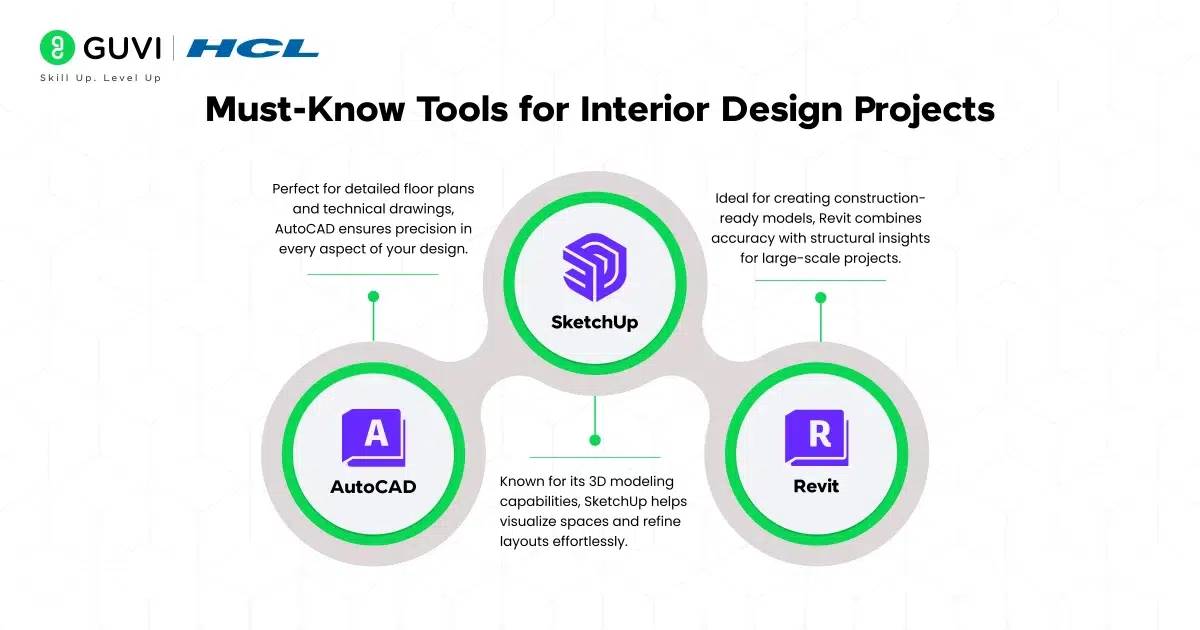
Great interior design is a mix of creativity, precision, and attention to detail. Keep these tips in mind to make your projects captivating:
- Stay Trend-Aware: Keep up with design trends like minimalism, biophilic elements, or smart home features to ensure your work feels fresh and relevant.
- Focus on Functionality: Design spaces should be visually appealing as well as practical and comfortable for daily use.
- Document and Present Your Work: Use tools like mood boards, 3D models, and renderings to present your ideas clearly and professionally.
- Prioritize Client Needs: Always consider your client’s preferences, lifestyle, and budget to create personalized and impactful designs.
Conclusion
The interior design project ideas we’ve shared in this blog are a great way to study the creative and practical side of design. From transforming small apartments to putting together cozy café layouts, these projects will help you sharpen your skills and bring your design visions to life.
If you’re ready to take your skills up a notch, check out HCL GUVI’s Certified Professional in Advanced Interior Design Course with AR/VR Technology. This course combines the latest tech trends with industry-relevant training, offering everything you need to make yourself get noticed in the field. To make it widely accessible to our native audience, the course is available in Hindi, Tamil, and the usual English option.
Now it’s time to get started! Try out these ideas, experiment with new concepts, and if you have projects to share or tips to add, drop them in the comments – we’d love to hear from you!
Frequently Asked Questions
1. How do I find inspiration for interior design project ideas?
You can find inspiration from various sources like design magazines, Pinterest boards, architecture blogs, or even real-world spaces like cafés, museums, or retail stores. Observing different styles and layouts can spark new ideas.
2. Do interior design projects require a big budget?
Not always. Many projects, especially for beginners, can be done on a small budget using DIY techniques or affordable materials. The focus should be on creativity and making the most of available resources.
3. Can I work on interior design projects without professional training?
Yes, you can start small projects without formal training by using online tutorials, design software, and free resources. However, structured courses can fast-track your learning.
4. How do AR/VR technologies enhance interior design projects?
AR/VR technology and tools allow clients to virtually walk through a design before it’s built, providing a realistic preview. These technologies help identify potential issues early and improve decision-making.
5. How do I showcase my work to clients?
Use platforms like Behance or create a personal portfolio website. Include high-quality images, 3D renderings, and client testimonials to make your work stand out.
Success Stories













Did you enjoy this article?