


Project Articles
Business Analysis in Digital Transformation Projects - Best Guide
Build No-Code AI Agents with Flowise AI: Step-by-Step Beginner Guide

Get In Touch For Details! Request More Information
10 Best Figma Project Ideas [With Source Code]
Jul 07, 2026 5 Min Read 43290 Views
(Last Updated)
If you are someone who is just starting your UI/UX design journey and looking for some exciting Figma project ideas, here is a list of them!
Working on projects can help you grow as a designer. But sometimes, finding the right project idea that matches your skills can be a challenge. That’s why we’ve compiled a list of Figma project ideas that you can customize, practice, and use to enhance your design capabilities.
But before starting with these projects, make sure that you have a basic understanding of the fundamentals of Figma and UI/UX design. We’ll be talking about the time taken, complexity level, and design focus and also will be providing the source code for each.
Table of contents
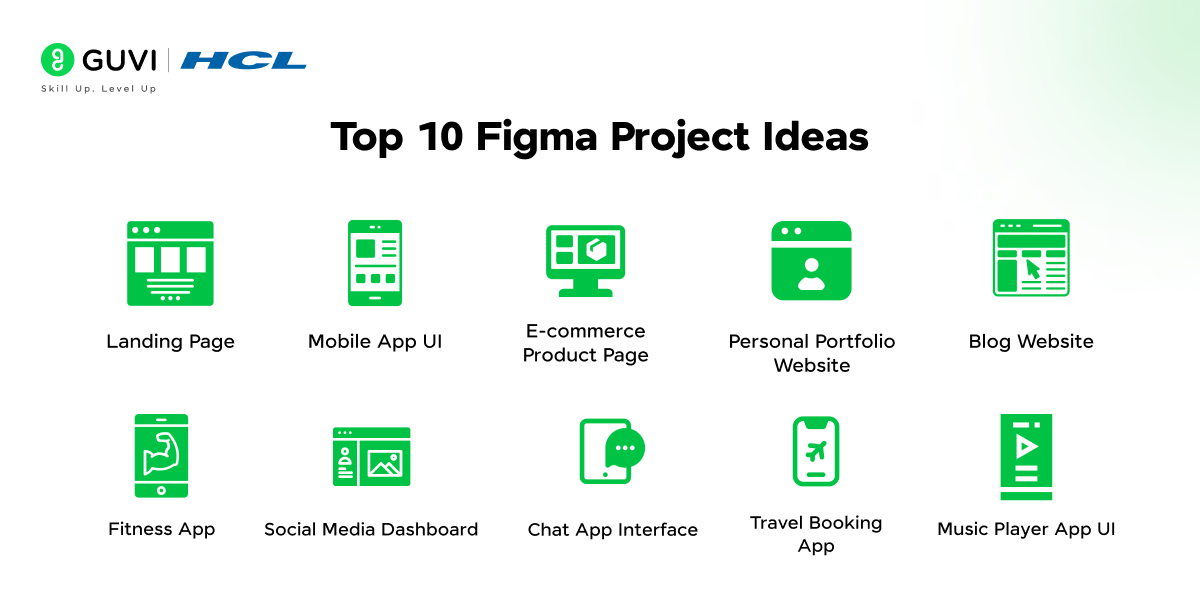
- Top 10 Figma Project Ideas
- Landing Page Design
- Mobile App UI Design
- E-commerce Product Page Design
- Personal Portfolio Website
- Blog Website Design
- Fitness App Design
- Social Media Dashboard
- Chat App Interface
- Travel Booking App
- Music Player App UI
- Conclusion
- FAQs
- What are the easy Figma project ideas for beginners?
- Why are Figma projects important for beginners?
- What skills can beginners learn from Figma projects?
- Which Figma project is recommended for someone with no prior programming experience?
- How long does it typically take to complete a beginner-level Figma project?
Top 10 Figma Project Ideas
UI/UX design has now become one of the most competitive fields out there and in order to stand out and succeed, you need to be strong with the basics!
One of the crucial skills for UI/UX designing is mastering Figma as that tool can help you gain the skills exponentially! Let us see about these Figma project ideas that can strengthen your fundamentals!
1. Landing Page Design
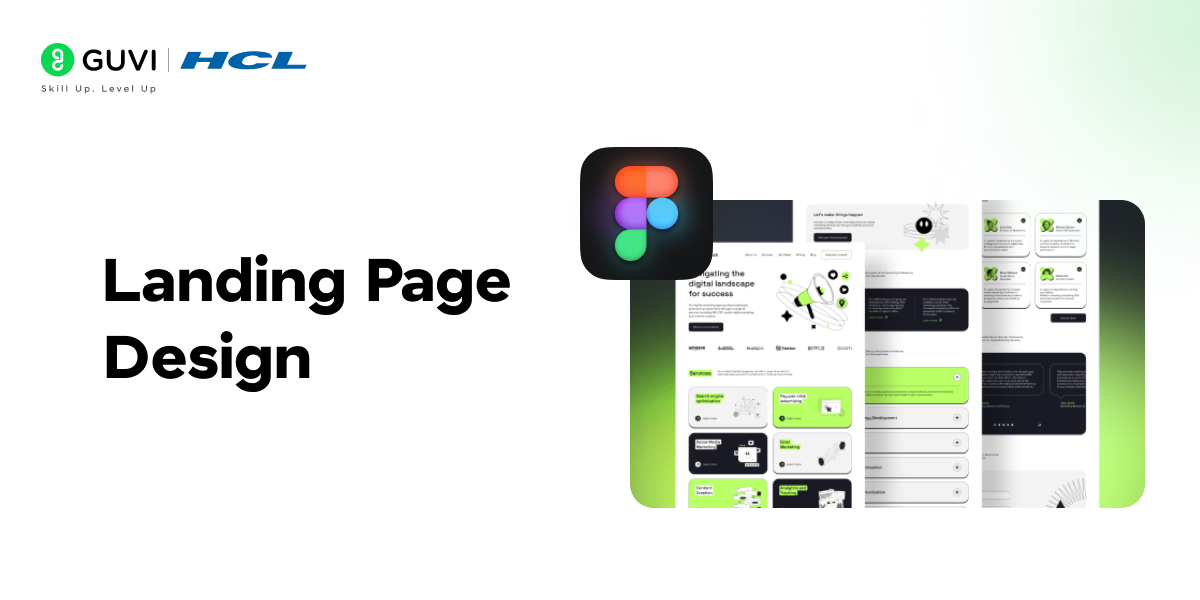
This project helps you to learn how to create responsive landing pages that effectively convey a brand message. Focus on UI elements, clean layouts, and accessibility to build high-conversion pages.
Time Taken: 1-2 days
Project Complexity: Low
Technology Stack/Required Tools and Plugins: Figma Installation, Unsplash plugin for images, Google Fonts plugin for typography
Design Focus: UI/UX design, responsive layout
Learning Outcome: This project helps you focus on the fundamentals of designing a clean and responsive landing page. You will learn to structure layouts using grids, work with typography, and arrange elements effectively for a user-friendly experience.
Customization Options: You can change the theme colors, incorporate animations, add additional sections such as testimonials, or experiment with different button designs to improve the overall interactivity of the landing page.
Source Code: Link (Note: A template for a landing page design you can adapt to your project).
2. Mobile App UI Design
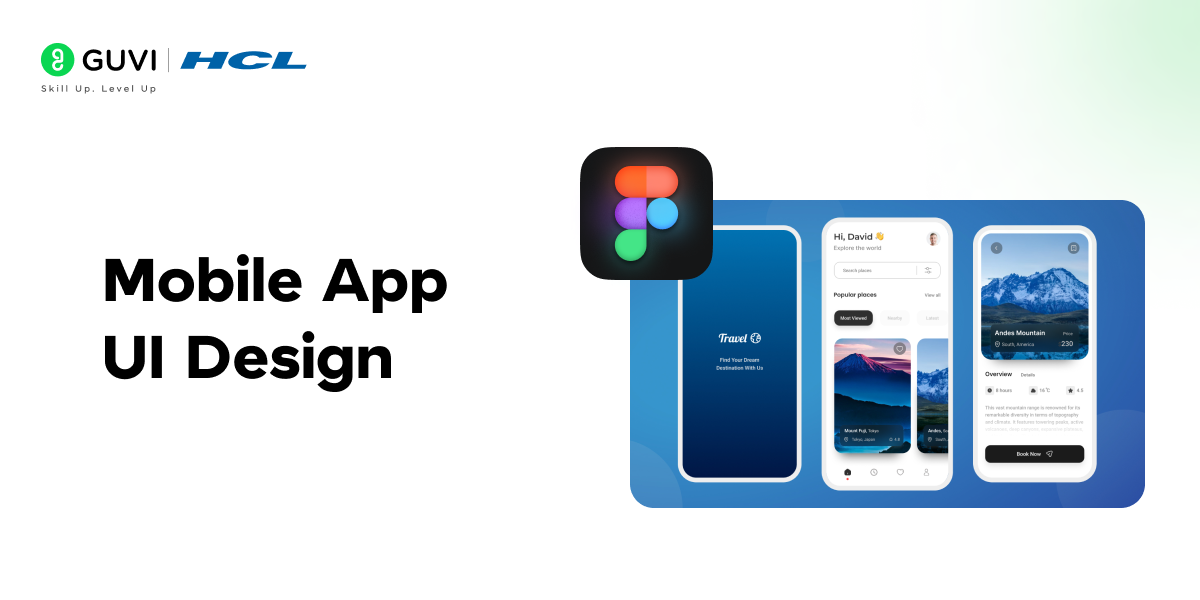
This project lets you explore the fundamentals of designing mobile app interfaces with attention to user-friendly navigation, smooth transitions, and responsive layouts.
Time Taken: 3-4 days
Project Complexity: Medium
Technology Stack/Required Tools and Plugins: Figma, Material Design Icons plugin, Figma Mirror for real-time device testing
Design Focus: UX and UI for mobile platforms
Learning Outcome: In this project, you’ll learn how to create user-friendly mobile app screens by focusing on smooth interactions, intuitive navigation, and mastering responsive design layouts. The project will also expose you to prototyping features in Figma, helping you visualize how screens flow together, and allow you to conduct real-time testing on devices.
Customization Options: You can create custom themes, add more screens like onboarding or sign-up pages, and experiment with animations and gestures for more dynamic user interactions.
Source Code: Link

3. E-commerce Product Page Design
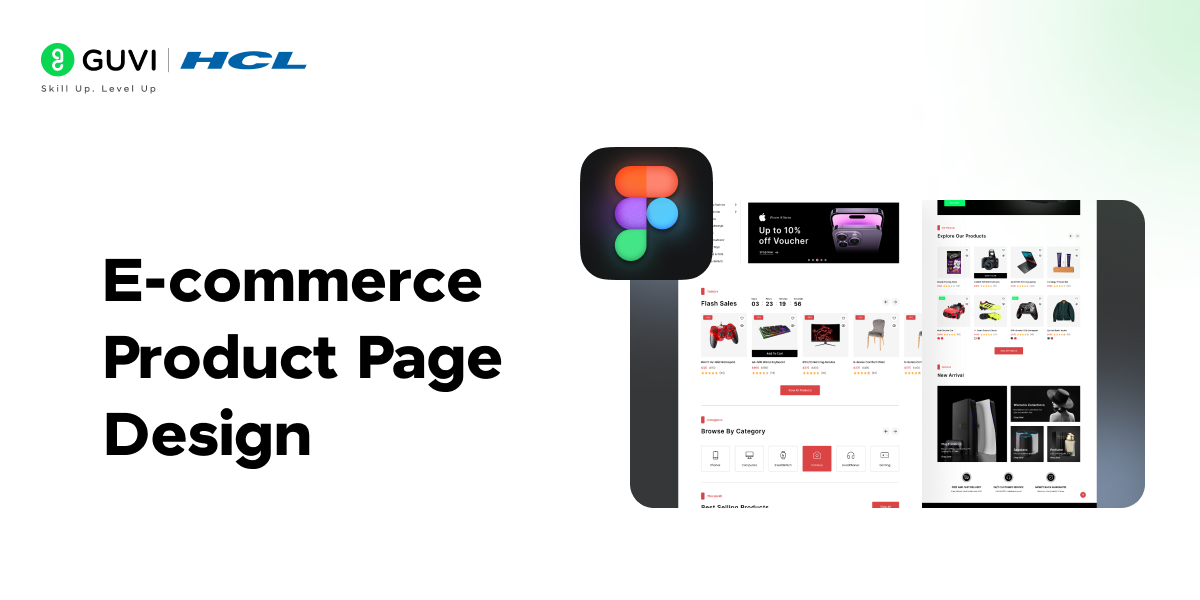
With this project, you’ll be able to build a product page that enhances user engagement by focusing on clear visuals, organized information, and optimized user actions.
Time Taken: 2-3 days
Project Complexity: Medium
Technology Stack/Required Tools and Plugins: Figma, Iconify plugin for icons, Blush for illustrations
Design Focus: UI, product presentation, user interaction
Learning Outcome: This project will guide you through designing a visually appealing and well-structured e-commerce product page. You’ll learn how to balance product images, descriptions, and call-to-action buttons to create a user-friendly shopping experience.
Customization Options: You can add more interactive elements such as product carousels, and filters, or create a more personalized product recommendation section based on user behavior.
Source Code: Link
4. Personal Portfolio Website
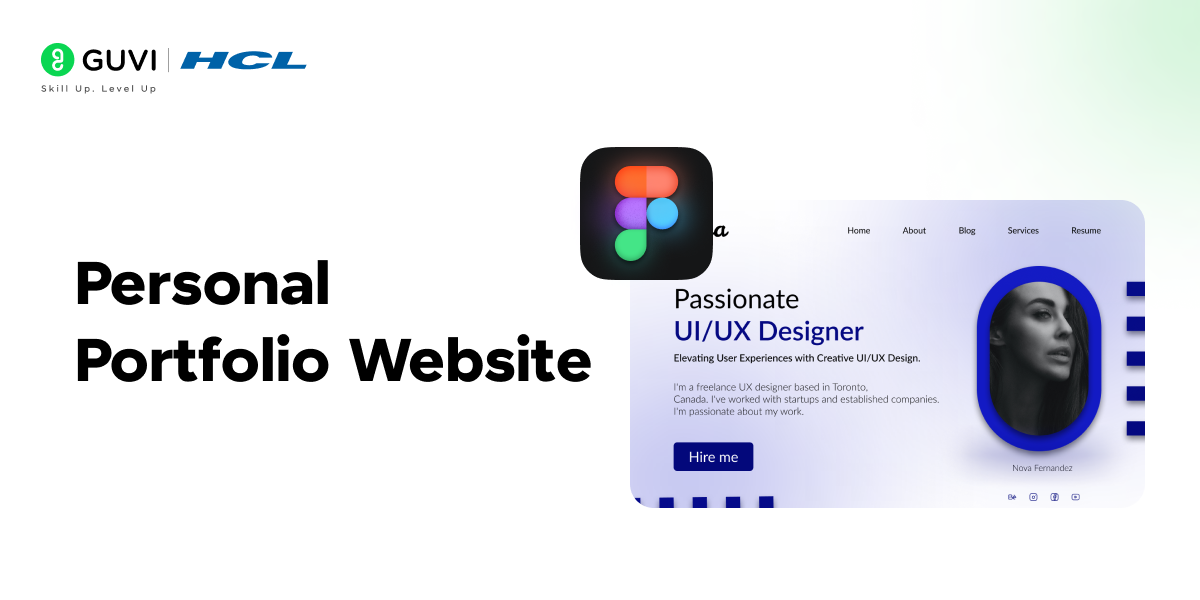
This project enables you to create a personal portfolio that reflects your skills and experience through custom branding, typography, and responsive design.
Time Taken: 4-5 days
Project Complexity: Medium
Technology Stack/Required Tools and Plugins: Figma, Google Fonts, Figma to Webflow plugin for web integration
Design Focus: Personal branding, responsive design
Learning Outcome: The project will help you create a personal portfolio to showcase your work. You’ll learn to design your own brand identity through the use of typography, color, and layout. By the end, you’ll be familiar with structuring a portfolio that effectively highlights your skills, experience, and achievements.
Customization Options: You can add sections for blog posts, integrate social media buttons, or add animations and custom components like a skills chart or an interactive timeline.
Source Code: Link
If ChatGPT is part of your daily work, it is time to use it better.
HCL GUVI’s Bharat AI Initiative, powered by OpenAI, helps you build advanced ChatGPT skills with structured prompting and practical guidance. Available in English, Hindi, Marathi, Tamil, and Telugu, this program is absolutely free!
5. Blog Website Design
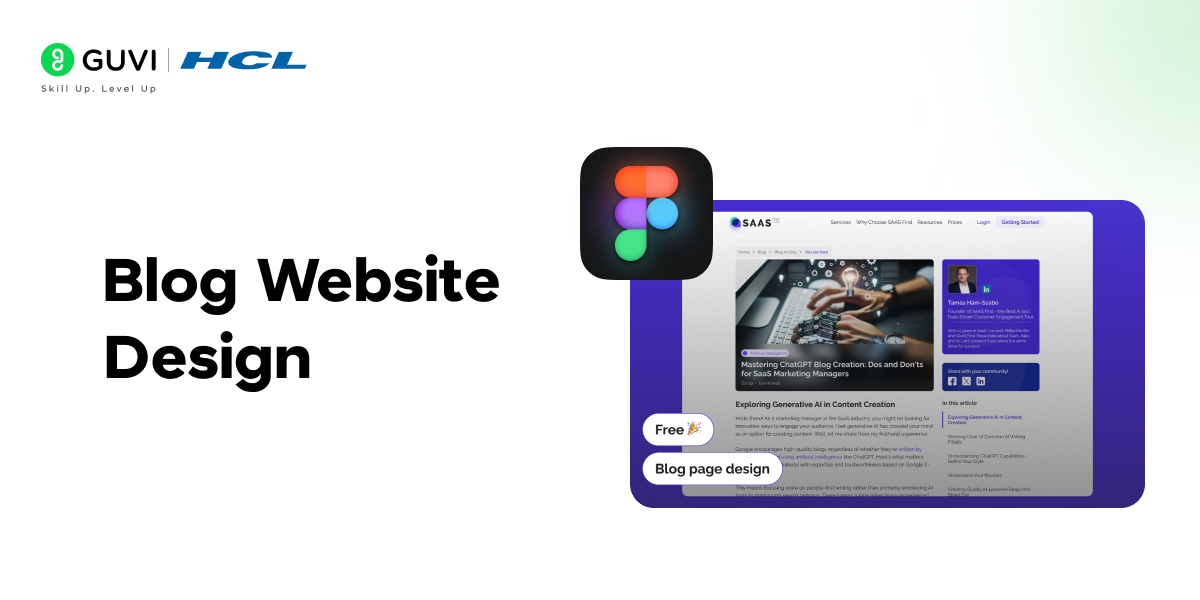
Learn to structure content-heavy pages while balancing readability, white space, and a user-friendly layout in a blog website design.
Time Taken: 3-4 days
Project Complexity: Medium
Technology Stack/Required Tools and Plugins: Figma, Unsplash for images, Lorem Ipsum plugin for dummy text
Design Focus: UI design, content layout
Learning Outcome: This project is designed to help you create a blog layout that is user-friendly and content-rich. You will focus on proper content structure, using white space effectively, and optimizing the layout for readability.
Customization Options: You can customize the theme, add additional pages like “About” and “Contact,” or experiment with different sidebar designs and featured post layouts.
Source Code: Link
Mobile app UI design is one of the most in-demand skills for UI/UX designers in 2026. HCL GUVI’s UI/UX Design course covers mobile-first design, prototyping, and user research — with placement assistance: UI/UX Design Course
6. Fitness App Design
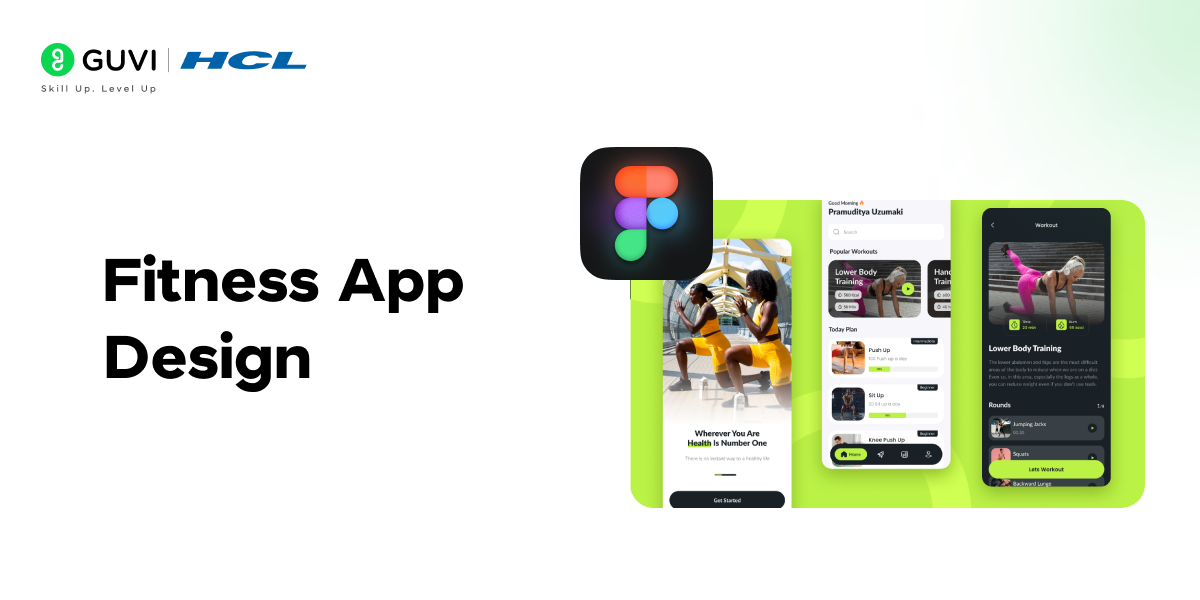
In this project, you’ll be designing a data-driven fitness app interface with real-time tracking features, focusing on intuitive layouts and visually engaging progress displays.
Time Taken: 5-6 days
Project Complexity: High
Technology Stack/Required Tools and Plugins: Figma, Iconify for icons, Figmotion for animations
Design Focus: UX and UI for fitness tracking
Learning Outcome: This project focuses on designing a fitness-tracking app with a user-friendly interface. You’ll learn how to organize complex information, design intuitive progress-tracking screens, and incorporate interactive elements such as timers and notifications.
Customization Options: Add features such as workout history, calorie counting, or a social sharing option for users to connect with friends and share their progress.
Source Code: Link
7. Social Media Dashboard
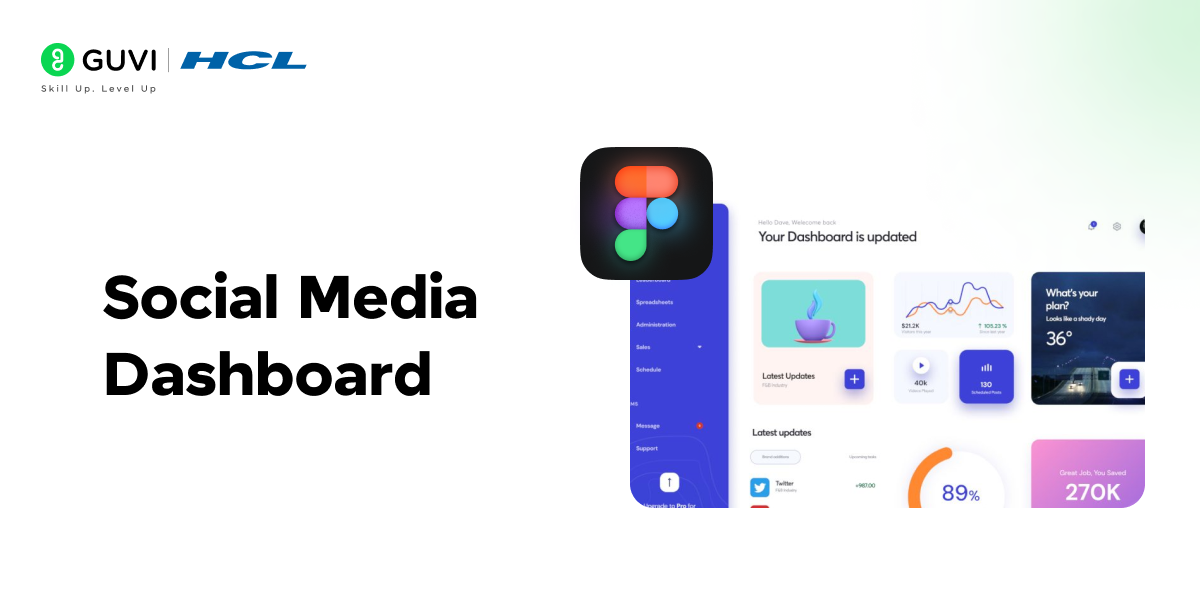
This project lets you build a data-driven dashboard where users can track social media performance, mastering data visualization and dashboard design.
Time Taken: 3-4 days
Project Complexity: High
Technology Stack/Required Tools and Plugins: Figma, Data Viz plugin for charts, Unsplash for stock images
Design Focus: Data visualization, dashboard layout
Learning Outcome: This project helps you design a social media dashboard where users can track their social media metrics. You’ll focus on creating clean, easy-to-read data visualizations such as charts and graphs while ensuring the layout remains user-friendly. This will also give you experience in organizing large amounts of information in a visually appealing way.
Customization Options: Add additional filters, user roles, or an advanced analytics section to give users more control over the data they see.
Source Code: Link
Want to understand the design principles behind a great landing page — grids, spacing, typography, and visual hierarchy? HCL GUVI’s free HTML and CSS handbooks cover the web fundamentals that complement Figma design work: HTML5 Handbook | CSS Handbook
8. Chat App Interface
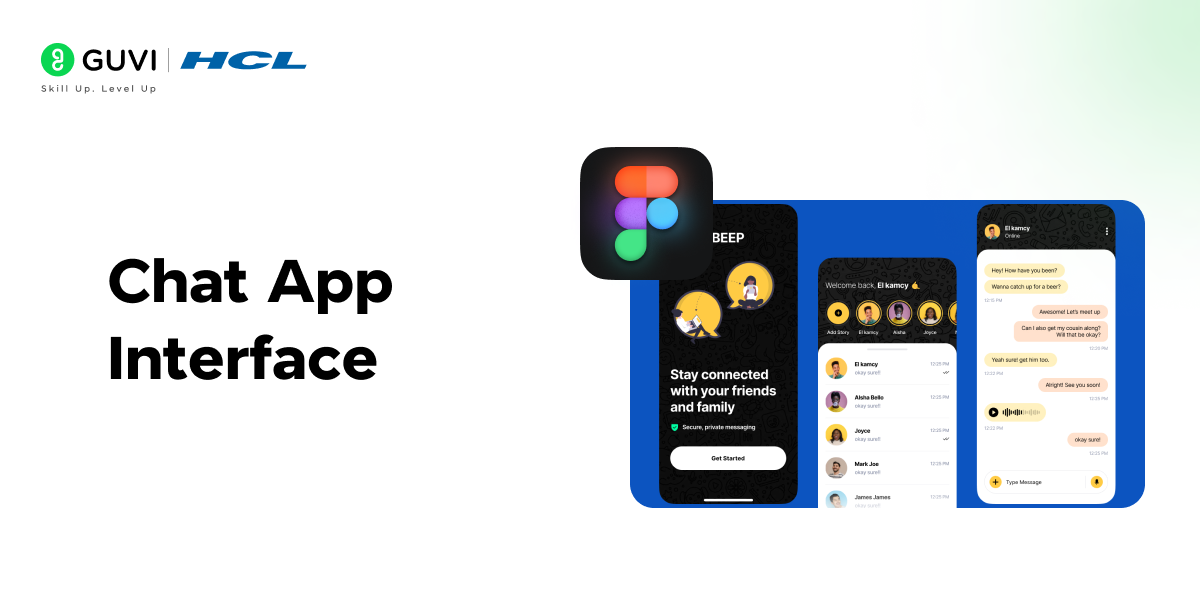
This project helps you to develop an interactive chat app interface, focusing on user experience, clean messaging layouts, and real-time interaction features.
Time Taken: 4-5 days
Project Complexity: Medium
Technology Stack/Required Tools and Plugins: Figma, Iconify for icons, Figma Mirror for real-time device testing
Design Focus: UI, interaction design
Learning Outcome: This project focuses on designing a chat app interface where you’ll learn how to manage text-heavy designs, create seamless interactions, and develop a chat layout that feels intuitive for the user. You’ll also explore Figma’s interactive prototyping features to create a dynamic messaging experience.
Customization Options: You can add group chat features, implement different themes (e.g., dark mode), or experiment with different emoji sets to enhance user engagement.
9. Travel Booking App
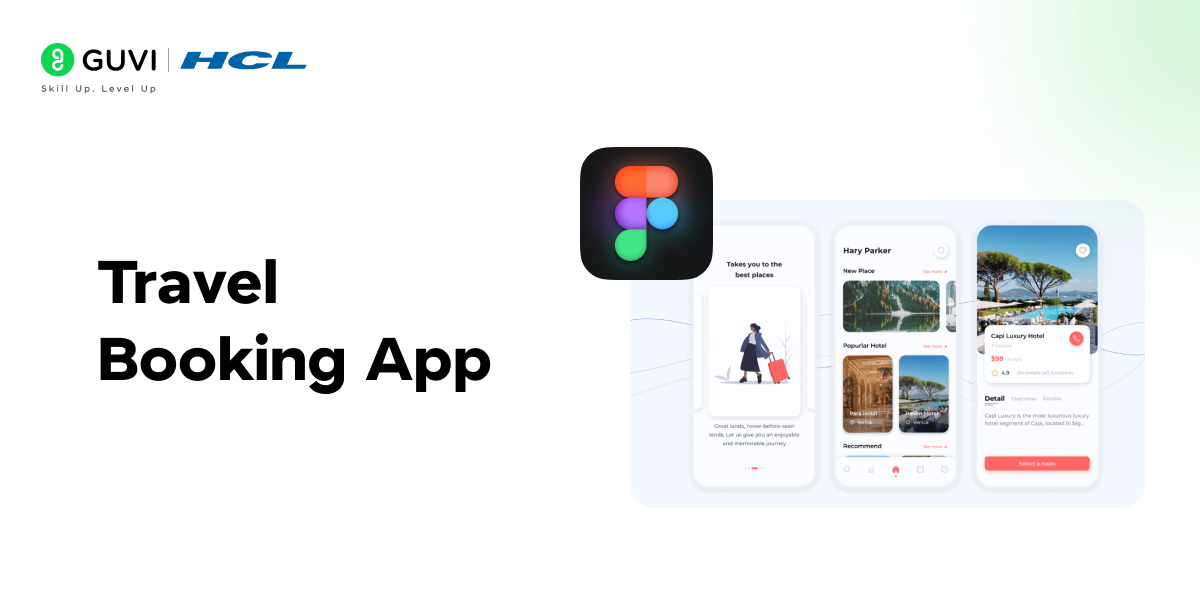
Design a travel booking app with search filters, calendar views, and real-time booking systems, focusing on user-centric navigation.
Time Taken: 4-6 days
Project Complexity: High
Technology Stack/Required Tools and Plugins: Figma, Mapbox plugin for interactive maps, Unsplash for images
Design Focus: UX and UI for booking systems
Learning Outcome: In this project, you will design a travel booking app, that allows users to search for flights, hotels, and transportation. The focus will be on providing a smooth user experience by implementing features such as search filters, calendar views, and real-time booking confirmations. You’ll also learn to design for various interactions like selecting dates and making reservations.
Customization Options: Add more complex features such as a recommendation engine, multi-language support, or a currency converter.
Source Code: Link
Want to build stronger skills and stay ahead?
Explore curated learning resources on HCL GUVI’s Learn Hub.
10. Music Player App UI
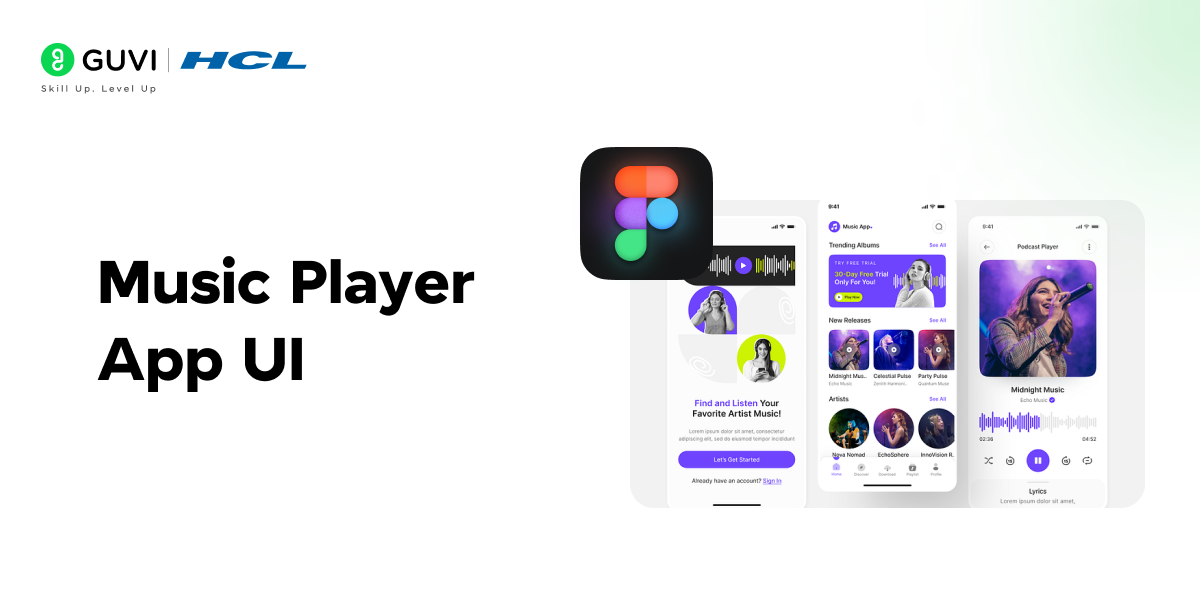
Create a visually appealing music player interface with intuitive controls, album art displays, and smooth animations for an immersive experience.
Time Taken: 3-4 days
Project Complexity: Medium
Technology Stack/Required Tools and Plugins: Figma, Unsplash for album art, Figmotion for animations
Design Focus: UI, animations
Learning Outcome: This project is focused on designing a visually appealing and user-friendly music player interface. You’ll learn how to create album art displays, control interfaces (play, pause, skip), and smooth animations for track transitions.
Customization Options: You can create custom themes for the music player, add a playlist feature, or integrate real-time audio visualizations to enhance the user experience.
Source Code: Link
These Figma project ideas can be a starting point for your design journey, helping you learn and enhance your design skills through real-world examples.
In case you want to learn more about Figma and UI/UX designing, consider enrolling in HCL GUVI’s UI UX Design Course that teaches you everything from scratch and equips you with all the necessary knowledge!
If ChatGPT is part of your daily work, it is time to use it better.
HCL GUVI’s Bharat AI Initiative, powered by OpenAI, helps you build advanced ChatGPT skills with structured prompting and practical guidance. Available in English, Hindi, Marathi, Tamil, and Telugu, this program is absolutely free!
Conclusion
In conclusion, working on Figma project ideas is a fantastic way to improve your design skills and gain practical experience. Each project gives you the opportunity to learn something new, whether it’s prototyping, responsive design, or collaboration.
Plus, with access to source code, you can see how these designs come to life beyond the visual stage. Pick a project from the list, dive in, and start building your design portfolio today!
FAQs
1. What are the easy Figma project ideas for beginners?
Some of the easiest Figma project ideas include designing a landing page, creating a blog website layout, or building a mobile app UI. These projects require basic design skills and help you get familiar with Figma’s interface.
2. Why are Figma projects important for beginners?
Figma projects help beginners practice essential design skills such as layout, typography, and user interface design. These projects also allow you to create a portfolio, which is crucial for job opportunities.
3. What skills can beginners learn from Figma projects?
Beginners can learn various skills from Figma projects, including prototyping, collaborative design, responsive design principles, and how to structure design files for handoff to developers.
4. Which Figma project is recommended for someone with no prior programming experience?
For someone with no programming experience, a landing page design or personal portfolio website is a great start. These projects focus more on design elements rather than complex interactions or code.
5. How long does it typically take to complete a beginner-level Figma project?
Beginner-level Figma projects can take anywhere from 1 to 5 days, depending on the complexity. Simpler projects like landing pages can be completed in a day or two, while more detailed projects may take longer.
Success Stories

About the Author
Lukesh S
A professional content writer who has experience in freelancing and now working as a Technical Content Writer at HCL GUVI having sound knowledge in Blog Writing and Creative Writing!
View all posts by Lukesh S
Connect with me @











Did you enjoy this article?