


Artificial Intelligence and Machine Learning Articles
Q-Learning Explained: A Beginner's Guide
Deep Q-Networks (DQN) Explained


Get In Touch For Details! Request More Information
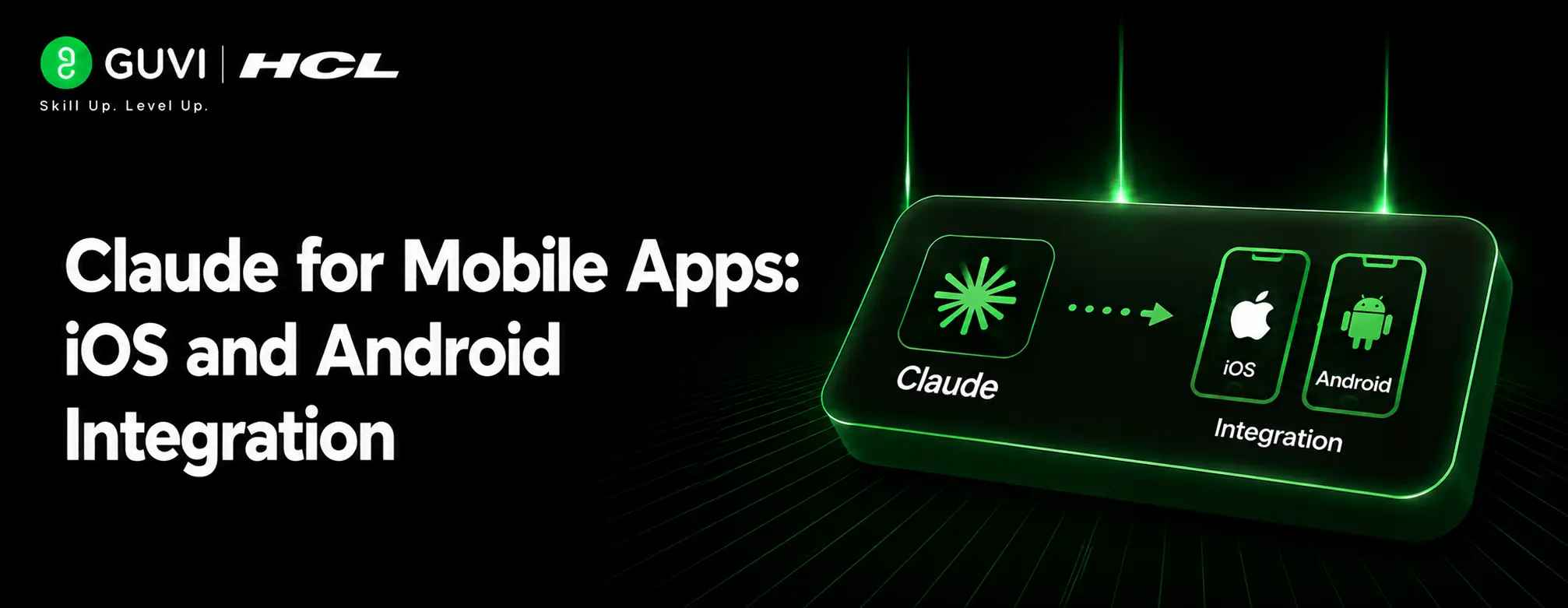
Claude for Mobile Apps: iOS and Android Integration
Aug 12, 2026 3 Min Read 167 Views
(Last Updated)
Claude for Mobile Apps is becoming more useful in mobile development because it can support both the coding workflow and the product workflow. You can use it to think through app structure, write implementation notes, generate starter code, and even steer tasks from your phone.
Table of contents
- TL;DR Summary
- Direct Answer Box
- What Claude Can Help With
- App Planning
- Code Generation
- Debugging And Refinement
- Mobile Integration Options
- Claude On Mobile
- Claude Code Remote Control
- Device And App Connections
- Cross-Platform Workflow
- iOS To Android
- Android To iOS
- Comparison Table
- Best Practices
- Give Platform Context
- Keep human review in the loop.
- Use Claude For Repetition
- Common Mistakes
- Real-World Example
- What To Do Next
- Conclusion
- FAQs
- Can Claude help build iOS and Android apps?
- Does Claude work from mobile?
- Can Claude Code be controlled from a phone?
- Is Claude useful for cross-platform development?
- Can Claude replace Xcode or Android Studio?
- What stack works well with Claude?
TL;DR Summary
- Use Claude to plan features, generate code, and debug mobile app logic.
- Claude Code can be controlled from mobile to start or monitor tasks.
- Claude’s mobile integrations can connect with device apps and workflows.
- It is useful for cross-platform work across iOS and Android.
- The best approach is Claude for planning and coding support, then native testing on real devices.
Direct Answer Box
| Claude can help with mobile app development for both iOS and Android by drafting app logic, generating code scaffolds, explaining platform differences, and helping you manage build tasks from your phone or desktop. It is especially useful when paired with Claude Code, mobile app workflows, and platform-specific tools that let you move between planning, coding, testing, and refinement more smoothly. |
What Claude Can Help With
Claude is useful anywhere you need a mix of reasoning, writing, and coding support. That makes it a strong assistant for mobile apps where product decisions, platform differences, and implementation details all matter.
1. App Planning
Claude can help you define features, organize user flows, and write a project spec before coding starts. That is especially helpful when you want a clear roadmap for an iOS, Android, or cross-platform build.
2. Code Generation
Claude can draft app components, screens, data models, and helper logic. It is often used with Claude Code in workflows where the model scaffolds the app and then iterates on features and fixes.
3. Debugging And Refinement
Claude can help explain build errors, compare platform behavior, and suggest fixes. This is valuable when you are porting an app from iOS to Android or keeping one codebase aligned across both platforms.
4. Mobile Integration Options
Claude is not just useful inside a desktop coding session. It also supports mobile-based workflows that let you start, steer, and monitor tasks from your phone.
Claude for Mobile Apps: iOS and Android Integration. Build your mobile dev skills with HCL GUVI’s Full Stack Development Course.
Claude On Mobile
Claude’s mobile app can be used to hand off tasks, continue work, and connect to certain device-specific actions. That means your phone can become a control surface for app development tasks instead of just a chat interface.
1. Claude Code Remote Control
Claude Code can be started or monitored from mobile, which is useful when you want to kick off a build, review progress, or assign work while away from your desk.
2. Device And App Connections
Claude can also integrate with some mobile apps and device actions, such as messaging, reminders, maps, and other phone workflows. That can help developers test app-related flows or quickly move between planning and execution.
Cross-Platform Workflow
If you are building for both iOS and Android, Claude is most helpful as a cross-platform assistant rather than a replacement for platform testing. It can help you translate app ideas into code, but you still need to verify behavior on real devices and simulators.
1. iOS To Android
Claude can help reinterpret an existing iOS app for Android by identifying platform differences and suggesting the code and UI changes needed. That is especially valuable when you are porting an app quickly or trying to preserve the same product behavior across platforms.
2. Android To iOS
The same logic works in reverse. Claude can help an Android developer understand iOS patterns, write Swift-friendly implementation notes, and reduce the learning curve for platform-specific conventions.
Claude can be integrated into both iOS and Android apps, bringing AI-powered features directly to mobile users. Developers can build experiences like AI assistants, chatbots, and smart productivity tools within their apps.

Comparison Table
| Task | Claude’s Role | Human Role |
| Feature planning | Break ideas into app requirements | Decide product priorities |
| Code scaffolding | Generate starter code and components | Review architecture and fit |
| Cross-platform porting | Explain platform differences | Test on real devices |
| Debugging | Suggest fixes and explain errors | Confirm behavior works |
| Mobile task steering | Start and monitor work from phone | Decide what to build next |
Best Practices
Claude works best in mobile app development when you give it a clear spec and a narrow task. The more specific you are about platform, framework, and desired behavior, the better the output.
1. Give Platform Context
Always say whether the target is iOS, Android, or both. If you use React Native, Expo, Swift, Kotlin, or another stack, include that too so Claude can match the right patterns.
2. Keep human review in the loop.
Claude can produce impressive first drafts, but you should still review the code in Xcode, Android Studio, or your chosen build environment. Native testing remains essential for performance, UX, and platform-specific behavior.
3. Use Claude For Repetition
Claude is especially useful for repetitive work like file scaffolding, refactoring, and writing similar screens or utilities. That saves time while leaving the most important design decisions to the developer.
Common Mistakes
The biggest mistake is assuming Claude can fully replace platform knowledge. It can accelerate your work, but it does not remove the need to understand iOS and Android behavior.
Avoid:
- Skipping platform-specific testing.
- Asking for code without describing your stack.
- Treating generated code as production-ready without review.
- Ignoring app store and device constraints.
- Using Claude for design decisions without product judgment.
Real-World Example
A developer might use Claude to plan a mobile app, generate a React Native scaffold, and then ask it to adapt the same code for Android-specific behavior. They could continue working from their phone, monitor build tasks remotely, and then test the app on both an iPhone simulator and an Android emulator.
Claude for Mobile Apps: iOS and Android Integration. Build your mobile dev skills with HCL GUVI’s Full Stack Development Course.
What To Do Next
Start with one small feature, not the whole app. Give Claude your stack, your target platform, and a clear task, then use its output as a starting point for real device testing and refinement.
Conclusion
Claude for mobile apps is useful for development because it supports both iOS and Android workflows through planning, code generation, debugging, and mobile task control. It is most effective when used alongside native tools and real-device testing, not as a substitute for them.
FAQs
1. Can Claude help build iOS and Android apps?
Yes, Claude can help plan, scaffold, and debug apps for both iOS and Android.
2. Does Claude work from mobile?
Yes, Claude’s mobile app can help you steer tasks and continue work from your phone.
3. Can Claude Code be controlled from a phone?
Yes, Claude Code supports mobile-based task control and monitoring.
4. Is Claude useful for cross-platform development?
Yes, it is especially useful when you need help translating the same app idea across iOS and Android.
5. Can Claude replace Xcode or Android Studio?
No. It can assist with code and planning, but you still need native tools for testing and final validation.
6. What stack works well with Claude?
Claude is often used with React Native, Expo, and other mobile workflows, but it can support different stacks if you specify them clearly.
Success Stories

About the Author
HCL GUVI
This article was selected and published as part of the HCL GUVI AI Blogathon 2026, an initiative designed to encourage students, AI enthusiasts, and aspiring tech writers to simplify complex AI concepts through impactful technical content. The contest recognized high-quality, original, and insightful AI-focused blogs, with selected authors receiving publication opportunities on the HCL GUVI blog platform along with official author credits and recognition.
View all posts by HCL GUVI
Connect with me @










Did you enjoy this article?