


Artificial Intelligence and Machine Learning Articles
Claude for Enterprises: ROI Calculator and Business Case
Deploying Claude on AWS: Architecture and Cost Guide
Claude vs. AI21 Jurassic: Which Is Better for Long-Form Content?


Get In Touch For Details! Request More Information
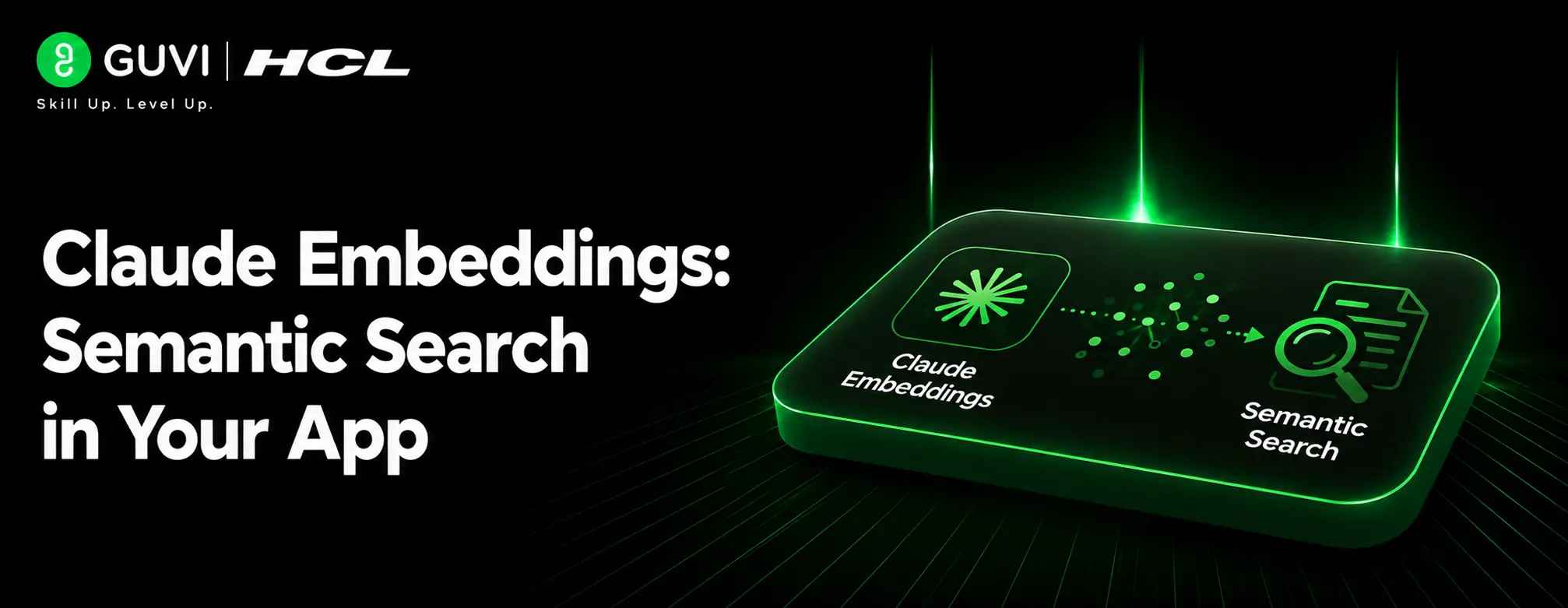
Claude Embeddings: Semantic Search in Your App
Aug 10, 2026 4 Min Read 42 Views
(Last Updated)
Claude embeddings itself does not generate embeddings, but you can add semantic search to your app by pairing Claude with an embedding model (such as Voyage AI) and a vector database to store and query those embeddings. The typical pattern is chunk your content, generate embeddings, store them in a vector index, retrieve relevant chunks via semantic search, and pass them to Claude for answers or reasoning.
Table of contents
- TL;DR Summary Box
- Direct Answer Box
- What Are Embeddings?
- How Embeddings Work
- Why This Matters
- Architecture Overview
- Core Components
- Data Flow
- How To Implement
- Step 1: Choose An Embedding Model
- Step 2: Chunk Your Content
- Step 3: Generate And Store Embeddings
- Step 4: Query With Semantic Search
- Step 5: Pass Context To Claude
- Embeddings With Claude: Key Points
- Comparison Table
- Common Use Cases
- Good Fit Scenarios
- Less Ideal Scenarios
- Common Mistakes
- Other Mistakes
- Real-World Example
- What To Do Next
- Conclusion
- FAQs
- Does Claude generate embeddings?
- What are embeddings used for with Claude?
- Do I need a vector database?
- How big should my chunks be?
- Can I use Claude for code search?
- What provider should I use for embeddings?
TL;DR Summary Box
- Use an embedding model (e.g., Voyage AI) to turn text into vectors.
- Store vectors in a vector database for fast similarity search.
- At query time, embed the user’s question and retrieve relevant chunks.
- Send retrieved chunks plus the question to Claude for final answers.
- This pattern powers RAG (retrieval-augmented generation) with Claude.
Direct Answer Box
| Semantic search lets your app find information by meaning rather than exact keywords. With Claude, this is usually implemented as a retrieval-augmented generation (RAG) system: you retrieve relevant text using embeddings, then ask Claude to synthesize an answer from that context. |
What Are Embeddings?
Embeddings are numerical representations of text that capture semantic meaning. Instead of comparing words directly, you compare vectors that represent the ideas in the text.
How Embeddings Work
When you pass a piece of text into an embedding model, it returns a long list of numbers (a vector). Texts with similar meanings end up with vectors that are close together in this high-dimensional space.
Why This Matters
Because similar meanings have similar vectors, you can:
- Find documents that are semantically related to a query.
- Rank results by relevance using vector distance.
- Build a search that understands synonyms and intent, not just keywords.
Architecture Overview
A typical semantic search system with Claude has four main pieces: an embedding model, a chunking strategy, a vector store, and Claude as the reasoning layer.
Core Components
- Embedding model – Converts text (and queries) into vectors.
- Chunking logic – Breaks large documents into smaller, searchable pieces.
- Vector database – Stores embeddings and supports fast similarity search.
- Claude – Receives retrieved chunks and the user’s question, then generates a coherent answer.
Data Flow
At a high level:
- Ingest documents and split them into chunks.
- Generate embeddings for each chunk.
- Store embeddings with metadata in a vector database.
- On a user query, embed the query, retrieve top-k similar chunks, and pass them to Claude for final response generation.
Claude Embeddings can understand the meaning behind text, not just exact keywords—making semantic search much more powerful. This means your app can find relevant content even when users search using completely different words.
How To Implement
Step 1: Choose An Embedding Model
Anthropic does not provide its own embedding models. Common choices are providers like Voyage AI or other third-party embedding APIs. You will need a separate API key and SDK for your chosen provider.
Step 2: Chunk Your Content
Break your documents into smaller pieces that make sense for search:
- Paragraphs or sections for articles.
- Functions or files for code.
- Logical units for documentation or knowledge bases.
Keep chunks small enough to be specific but large enough to be meaningful.
Step 3: Generate And Store Embeddings
For each chunk:
- Call the embedding API to get a vector.
- Store the vector along with the original text and metadata (source, title, section, etc.) in a vector database.
Popular vector databases include managed services and self-hosted options that support approximate nearest neighbor search.

Step 4: Query With Semantic Search
When a user asks a question:
- Embed the query using the same embedding model.
- Search the vector database for the top-k most similar chunks.
- Retrieve those chunks and their metadata.
Step 5: Pass Context To Claude
Send the user’s question plus the retrieved chunks to Claude in a structured prompt. Claude can then:
- Summarize the relevant information.
- Answer the question using only the retrieved context.
- Cite sources or refer to specific sections if you include that metadata.
Embeddings With Claude: Key Points
- Anthropic does not generate embeddings directly. You use a separate embedding provider and call it from your application.
- Claude consumes the retrieved context. You do the retrieval using embeddings, then rely on Claude for understanding and generating answers.
- This pattern scales to large knowledge bases. Embeddings let you search across thousands or millions of chunks efficiently before handing a small, relevant subset to Claude.
Comparison Table
| Component | Role | Typical Choices |
| Embedding model | Convert text to vectors | Voyage AI, other embedding APIs |
| Chunking strategy | Define searchable units | Paragraphs, sections, code units |
| Vector database | Store and search vectors | Managed or self-hosted vector DBs |
| Claude | Reason over retrieved context | Claude API for final answers |
Common Use Cases
Semantic search with Claude is especially useful when you have a lot of text and want intelligent answers rather than just links.
Good Fit Scenarios
Examples include:
- Internal knowledge bases and wikis.
- Product documentation search.
- Codebase search and explanation.
- Customer support Q&A over help articles.
- Research over large document collections.
Less Ideal Scenarios
This approach is less ideal when:
- Your data is tiny and keyword search is sufficient.
- You need hard real-time guarantees with strict latency constraints.
- You cannot afford the extra infrastructure for embeddings and vector storage.
Common Mistakes
The biggest mistake is assuming Claude generates embeddings or replaces the need for a vector store. You must still implement the retrieval layer yourself.
Other Mistakes
Avoid:
- Using chunks that are too large or too small.
- Not aligning the embedding model and retrieval logic.
- Forgetting to limit context size sent to Claude.
- Ignoring metadata for citations and filtering.
Use Claude embeddings to power semantic search that finds the right content by meaning, not just keywords. Learn AI & ML with HCL GUVI’s Artificial Intelligence and Machine Learning course.
Real-World Example
Imagine a company wiki with thousands of pages. You chunk each page, generate embeddings, and store them in a vector database. When an employee asks a question, your system:
- Embeds the question.
- Retrieves the top relevant wiki sections.
- Sends those sections plus the question to Claude.
- Returns a clear answer that reflects the company’s documentation.
That gives a search experience that feels like “asking the wiki” instead of “searching the wiki.”
What To Do Next
Pick an embedding provider, set up a simple vector store, and build a minimal RAG flow: ingest a few documents, embed them, query them, and pass results to Claude. Once that works, you can scale to larger datasets and refine chunking, retrieval, and prompting.
Conclusion
Claude does not provide embeddings itself, but it works very well as the reasoning layer in a semantic search system. By combining an embedding model, a vector database, and Claude, you can build powerful search and Q&A features that understand meaning, not just keywords.
The key is to treat embeddings and retrieval as your infrastructure layer and Claude as the final step that turns retrieved context into clear, useful answers.
FAQs
1. Does Claude generate embeddings?
No. Anthropic does not currently provide embedding models; you use a separate embedding provider and call it from your app.
2. What are embeddings used for with Claude?
Embeddings are used to build semantic search and RAG systems that retrieve relevant text, which is then passed to Claude for answers.
3. Do I need a vector database?
For anything beyond a tiny demo, yes. A vector database lets you store and efficiently search large numbers of embeddings.
4. How big should my chunks be?
Chunks should be small enough to be specific but large enough to be meaningful—often paragraphs, sections, or logical code units
5. Can I use Claude for code search?
Yes. You can embed code files or functions, retrieve relevant pieces, and ask Claude to explain or modify the code based on that context
6. What provider should I use for embeddings?
Common choices include Voyage AI and other embedding APIs; you will need a separate account and API key from your embedding provider.
Success Stories

About the Author
HCL GUVI
This article was selected and published as part of the HCL GUVI AI Blogathon 2026, an initiative designed to encourage students, AI enthusiasts, and aspiring tech writers to simplify complex AI concepts through impactful technical content. The contest recognized high-quality, original, and insightful AI-focused blogs, with selected authors receiving publication opportunities on the HCL GUVI blog platform along with official author credits and recognition.
View all posts by HCL GUVI
Connect with me @








Did you enjoy this article?