


Artificial Intelligence and Machine Learning Articles
AI/ML Skills Gap 2026: Why Companies Can't Find Job-Ready Talent
20 AI/ML Interview Questions Recruiters Can Use Without a Tech Background - Best Guide
How Industry-Backed AI/ML Bootcamps Are Changing the AI/ML Hiring Pipeline - Best Guide 2026
From IT Support to AI Engineer: A Realistic Career Switch Guide 2026


Get In Touch For Details! Request More Information
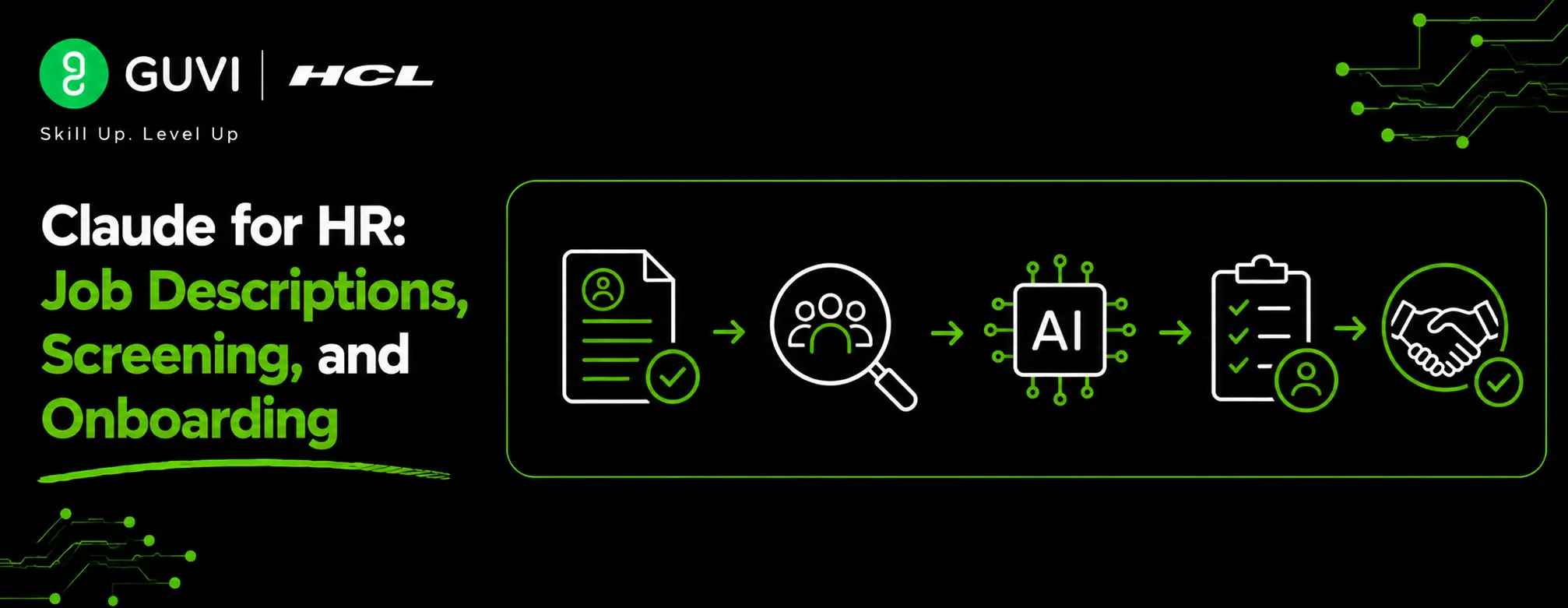
Claude for HR: Job Descriptions, Screening, and Onboarding
Aug 12, 2026 3 Min Read 234 Views
(Last Updated)
Recruitment, candidate screening, employee onboarding, and documentation are time-consuming HR responsibilities. Claude for HR tasks helps HR professionals to focus on hiring, employee engagement, talent development, and strategic workforce planning.
Table of contents
- TL;DR
- Direct Answer Box
- Benefits of Using Claude for HR
- How to Use Claude for HR Workflows
- Step 1: Create Clear Job Descriptions
- Step 2: Screen Candidate Resumes
- Step 3: Prepare Interview Materials
- Step 4: Generate Onboarding Documents
- Step 5: Review HR Documents
- Step 6: Measure Recruitment Performance
- Step 7: Continuously Improve HR Workflows
- HR Tasks You Can Automate with Claude
- HR Tasks Claude Should Not Replace
- Best Practices for Using Claude in HR
- Conclusion
- FAQs
- How can Claude help HR teams?
- Can Claude screen resumes?
- Can Claude create onboarding documents?
- Can Claude replace HR professionals?
- How does Claude improve recruitment?
- What are the benefits of using Claude for HR?
- What are the best practices for using Claude in HR?
TL;DR
- Claude automates job descriptions, resume screening, and onboarding documentation.
- It helps HR teams summarize candidate information and prepare employee communications.
- AI reduces administrative work and improves recruitment efficiency.
- HR professionals should review AI-generated hiring documents before use.
- Claude enables HR teams to focus more on hiring, employee engagement, and talent development.
📚 Data Point: HR teams are increasingly using generative AI to support recruitment, employee communication, documentation, and administrative workflows, allowing HR professionals to focus on strategic people management.
Source: Gartner HR Research
Direct Answer Box
| Claude for HR streamlines job descriptions, resume screening, and onboarding by automating document creation, candidate information summarization, employee communication, and onboarding material preparation. This reduces administrative work, improves recruitment efficiency, and enhances the overall employee experience. |
Benefits of Using Claude for HR
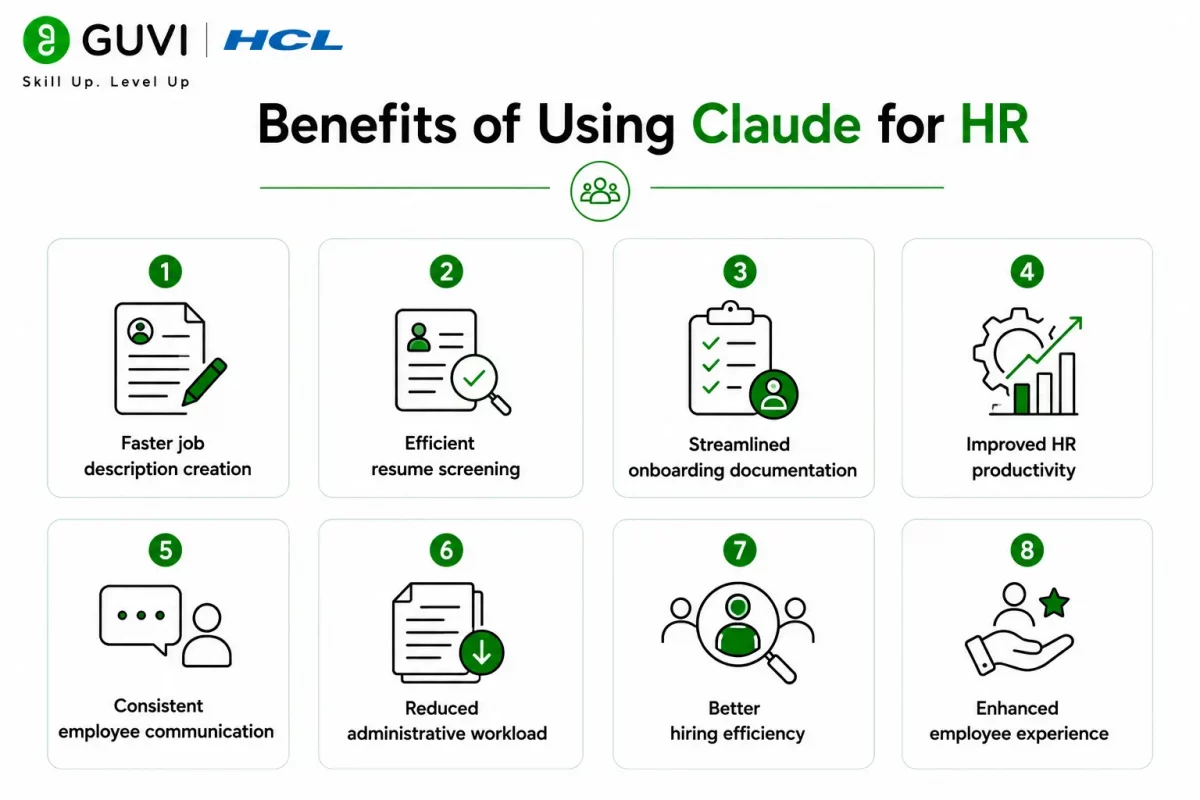
HR professionals spend significant time writing job descriptions, reviewing resumes, preparing onboarding documents, and answering employee questions. Claude automates repetitive administrative tasks, freeing HR teams to focus on hiring, employee engagement, talent development, and strategic workforce planning.
- Faster job description creation
- Efficient resume screening
- Streamlined onboarding documentation
- Improved HR productivity
- Consistent employee communication
- Reduced administrative workload
- Better hiring efficiency
- Enhanced employee experience
How to Use Claude for HR Workflows
Step 1: Create Clear Job Descriptions
Generate well-structured job descriptions that clearly communicate responsibilities, qualifications, required skills, and expectations for each role using Claude.
Include:
- Job title
- Responsibilities
- Required qualifications
- Technical and soft skills
- Experience requirements
- Benefits
- Work location
Step 2: Screen Candidate Resumes
Use Claude to quickly summarize resumes and identify relevant qualifications based on predefined hiring criteria. This helps HR teams review applications more efficiently while maintaining consistency.
Evaluate candidates based on:
- Relevant experience
- Skills and certifications
- Educational background
- Industry expertise
- Key achievements
Step 3: Prepare Interview Materials
Generate interview questions, candidate summaries, and evaluation scorecards to support structured and consistent hiring processes.
Claude can also help create:
- Interview schedules
- Skills assessment guides
- Hiring documentation
Step 4: Generate Onboarding Documents
Automate onboarding checklists, welcome messages, orientation schedules, and employee documentation using Claude to simplify the onboarding process for new hires.
Common onboarding documents include:
- Welcome emails
- Onboarding checklists
- Orientation schedules
- Company policy summaries
- Training plans
- Employee handbooks
Step 5: Review HR Documents
Always review AI-generated HR documents before sharing them with candidates or employees. Ensure the information is accurate, compliant with employment laws and regulations, and aligned with company policies and employment agreements.
Verify:
- Job requirements
- Company policies
- Employment terms
- Legal compliance
- Employee information
- Overall document accuracy
Step 6: Measure Recruitment Performance
Track recruitment performance metrics to evaluate the effectiveness of AI-assisted HR workflows and identify opportunities for process improvement.
Monitor:
- Time-to-hire
- Cost-per-hire
- Interview-to-offer ratio
- Offer acceptance rate
- Candidate satisfaction
- New hire retention
Step 7: Continuously Improve HR Workflows
Recruitment strategies, workforce requirements, and employee expectations change over time. Regularly review hiring performance, candidate feedback, and onboarding outcomes to improve HR processes. HCL GUVI’s Business Analytics Course helps HR professionals strengthen their data-driven decision-making skills.
HR teams spend a significant portion of their time on repetitive administrative tasks, including writing job descriptions, reviewing resumes, preparing onboarding documents, and answering employee queries. AI tools like Claude can automate these activities, allowing HR professionals to focus on hiring, employee engagement, and talent development.
HR Tasks You Can Automate with Claude
Claude can assist HR teams throughout the employee lifecycle.

It can help with:
- Job description drafting
- Resume screening
- Candidate profile summaries
- Interview question generation
- Interview evaluation forms
- Offer letter drafting
- Welcome email creation
- Onboarding documentation
- Employee handbook summarization
- HR policy documentation
- Training material creation
- Internal HR communications
The HCL GUVI’s Artificial Intelligence eBook is an excellent resource for learning practical Artificial Intelligence concepts, prompt engineering, business automation, and real-world AI applications. It explains how AI improves productivity across HR, recruitment, customer service, marketing, and other business functions.
HR Tasks Claude Should Not Replace
Claude is a helpful HR assistant, but important hiring and people management decisions should remain with HR professionals.
Claude should not replace:
- Final hiring decisions
- Candidate interviews
- Salary negotiations
- Performance reviews
- Employee conflict resolution
- Legal and compliance decisions
- Sensitive HR conversations
- Workforce planning
- Leadership decisions
While Claude can automate repetitive documentation and administrative tasks, human judgment is essential for fair hiring, employee management, and organizational decision-making.
⚠️ Warning: Claude can generate HR documents and summarize candidate information, but all AI-generated content should be carefully reviewed before use. Verify job requirements, candidate information, employment terms, and compliance with company policies and employment laws.
Best Practices for Using Claude in HR
HR teams should follow these best practices when using Claude:
- Define clear hiring requirements.
- Review AI-generated HR documents.
- Verify candidate information.
- Maintain consistent hiring criteria.
- Protect employee and candidate data.
- Track recruitment performance.
- Refine HR workflows regularly.
- Ensure compliance with employment policies.
- Use Claude to assist HR teams, not replace them.
Conclusion
Claude helps HR teams improve productivity by automating job descriptions, resume screening, onboarding documentation, and employee communications. When combined with human expertise, Claude enables HR professionals to spend less time on administrative work and more time attracting, hiring, and supporting employees. Continuous evaluation and process improvement help maximize the value of AI-powered HR workflows.
FAQs
1. How can Claude help HR teams?
Claude automates job description creation, summarizes resumes, generates interview questions, prepares onboarding documents, and assists with HR communications, helping teams improve efficiency.
2. Can Claude screen resumes?
Yes. Claude can summarize resumes and highlight relevant qualifications based on predefined hiring criteria. Final candidate evaluations should always be completed by HR professionals.
3. Can Claude create onboarding documents?
Yes. Claude can generate onboarding checklists, welcome emails, orientation schedules, employee handbooks, and other onboarding materials.
4. Can Claude replace HR professionals?
No. Claude supports administrative tasks, but hiring decisions, interviews, employee management, and compliance responsibilities require human expertise.
5. How does Claude improve recruitment?
Claude reduces administrative work by helping create job descriptions, screen candidates, generate interview materials, and prepare onboarding documentation. This allows HR teams to focus on strategic hiring.
6. What are the benefits of using Claude for HR?
Key benefits include faster recruitment, improved productivity, consistent HR documentation, streamlined onboarding, reduced administrative workload, and better candidate experiences.
7. What are the best practices for using Claude in HR?
Define clear hiring requirements, review AI-generated documents, verify candidate information, protect employee data, monitor recruitment performance, refine HR workflows regularly, ensure compliance, and use Claude to support, not replace, human HR expertise.
Success Stories

About the Author
Vishalini Devarajan
An Aerospace Engineer turned content writer, I focus on making complex concepts easy to understand through well-structured, reader-friendly blogs. Whether it’s a technical topic or a non-technical one, I love creating content that is clear, engaging, and impactful.
View all posts by Vishalini Devarajan
Connect with me @











Did you enjoy this article?