


Artificial Intelligence and Machine Learning Articles
AI/ML Skills Gap 2026: Why Companies Can't Find Job-Ready Talent
20 AI/ML Interview Questions Recruiters Can Use Without a Tech Background - Best Guide
How Industry-Backed AI/ML Bootcamps Are Changing the AI/ML Hiring Pipeline - Best Guide 2026
From IT Support to AI Engineer: A Realistic Career Switch Guide 2026


Get In Touch For Details! Request More Information
Using Claude to Write a Novel: Chapter by Chapter
Aug 05, 2026 3 Min Read 426 Views
(Last Updated)
Writing a novel takes creativity, planning, and consistency from the first chapter to the last. Claude can help writers generate ideas, develop characters, organize plots, and draft engaging chapters while maintaining a consistent writing style. Whether you write a novel related to fiction for the first time or refine an existing manuscript, Claude can make the creative process more efficient.
Table of contents
- TL;DR
- 📚 Data Point
- Why Use Claude to Write a Novel?
- Using Claude to Write a Novel: Chapter by Chapter
- Step 1: Develop Your Story Idea
- Step 2: Create an Outline
- Step 3: Build Your Characters
- Step 4: Draft One Chapter at a Time
- Step 5: Write Natural Dialogue
- Step 6: Maintain Story Consistency
- Step 7: Revise and Improve Each Chapter
- Step 8: Edit the Complete Manuscript
- Novel Writing Tasks Claude Can Assist With
- Novel Writing Tasks Claude Cannot Replace
- ⚠️ Warning
- Best Practice
- Conclusion
- FAQs
- Can Claude write an entire novel?
- Is Claude good for fiction writing?
- Can Claude maintain consistency across chapters?
- Can Claude help overcome writer's block?
- Will using Claude affect my originality?
- Is Claude useful for editing novels?
- What are the best practices for writing a novel with Claude?
TL;DR
- Claude helps writers brainstorm ideas, outline stories, and draft chapters more efficiently.
- It supports character development, dialogue, scene writing, and plot organization.
- Authors can use Claude throughout the planning, drafting, and editing stages of a novel.
- AI speeds up the writing process, but creativity and final storytelling remain the author’s responsibility.
- Clear prompts and consistent guidance produce higher-quality novel drafts.
HCL GUVI’s Artificial Intelligence & Machine Learning Course also helps learners understand how generative AI supports modern creative writing workflows.
📚 Data Point
According to Anthropic, Claude is designed to assist with long-form writing by maintaining context across lengthy conversations, making it well-suited for drafting, revising, and expanding creative content such as novels.
Why Use Claude to Write a Novel?
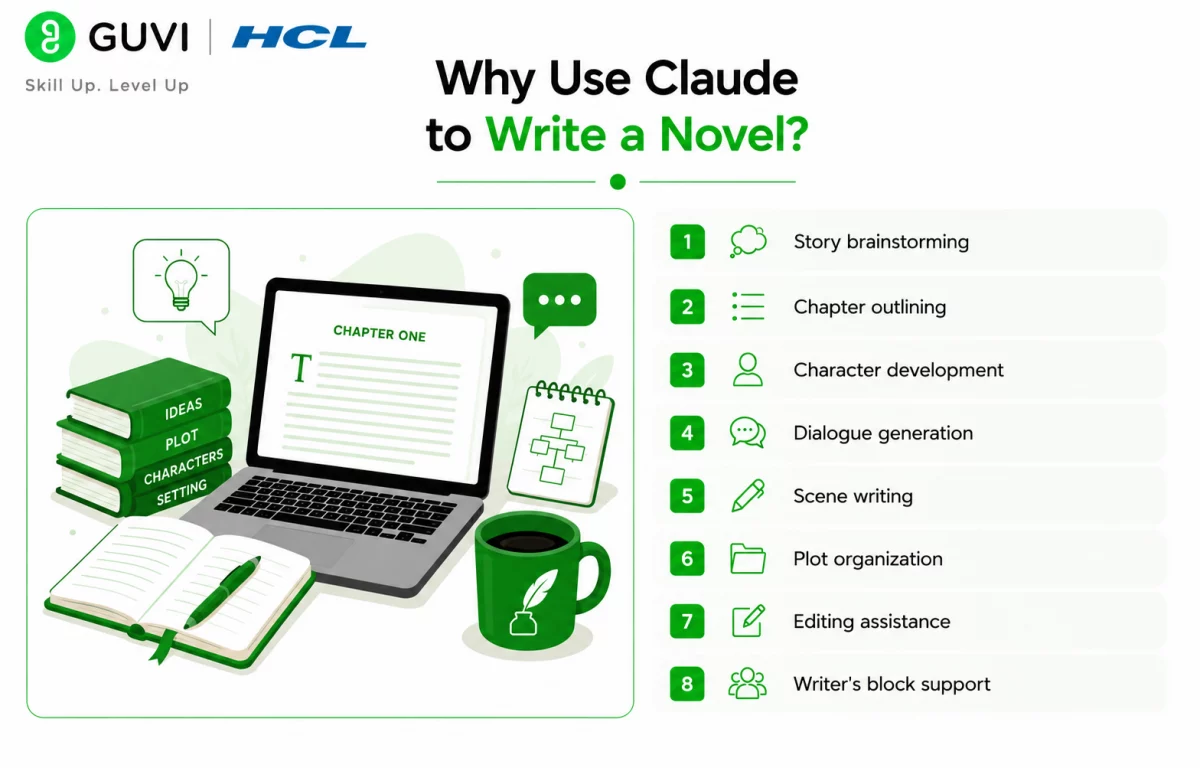
Writing a novel involves much more than drafting chapters. Authors must maintain consistent characters, engaging dialogue, logical plot progression, and balanced pacing throughout the story. Claude simplifies these tasks by helping generate ideas, organize story elements, improve scenes, and overcome writer’s block, allowing writers to focus on creativity instead of repetitive drafting.
Some major advantages include:
- Story brainstorming
- Chapter outlining
- Character development
- Dialogue generation
- Scene writing
- Plot organization
- Editing assistance
- Writer’s block support
Using Claude to Write a Novel: Chapter by Chapter
Step 1: Develop Your Story Idea
Start by describing your novel’s genre, setting, target audience, and central idea. Claude can help refine your concept, identify potential conflicts, and suggest story directions before you begin writing.
Step 2: Create an Outline
Ask Claude to organize your story into chapters with major plot points, character arcs, and key events. A structured outline provides a clear roadmap and helps maintain story consistency.
Step 3: Build Your Characters
Develop detailed character profiles that include personalities, motivations, relationships, strengths, weaknesses, and goals. Claude can also suggest character growth throughout the novel to keep the development believable.
Step 4: Draft One Chapter at a Time
Write each chapter individually while providing Claude with the previous chapter’s context. This helps maintain continuity in characters, dialogue, pacing, and story progression across the entire novel.
Step 5: Write Natural Dialogue
Use Claude to draft conversations that match each character’s personality and move the story forward. You can also ask it to improve dialogue, remove repetitive exchanges, and make interactions feel more realistic and engaging.
Step 6: Maintain Story Consistency
As your novel grows, ask Claude to track character details, timelines, locations, and important events. This helps reduce continuity errors and keeps the story consistent from one chapter to the next.
Step 7: Revise and Improve Each Chapter
After completing a draft, use Claude to review pacing, strengthen descriptions, improve transitions, and identify plot holes. AI-assisted editing can help polish each chapter before moving to the next stage of writing.
Step 8: Edit the Complete Manuscript
Once the novel is finished, review the entire manuscript with Claude to improve consistency, grammar, readability, and chapter flow. Writers looking to understand AI-powered creative tools can also explore HCL GUVI’s Artificial Intelligence & Machine Learning Course to learn the technologies behind modern generative AI.
Many authors use AI during the planning and revision stages rather than letting it write an entire novel. AI is especially useful for brainstorming ideas, organizing plots, checking consistency, and overcoming writer’s block while leaving creative decisions to the author.

Novel Writing Tasks Claude Can Assist With
Claude supports writers throughout the novel-writing process.
It can help with:
- Story brainstorming
- Chapter outlining
- Character development
- Dialogue writing
- Scene creation
- Plot development
- World-building
- Chapter summaries
- Editing and proofreading
- Grammar improvement
- Writing prompts
- Manuscript revision
The HCL GUVI AI eBook introduces practical AI concepts, prompt engineering techniques, and real-world applications that help writers use generative AI more effectively for brainstorming, drafting, editing, and improving long-form creative writing.
Novel Writing Tasks Claude Cannot Replace
While Claude is a powerful writing assistant, certain aspects of novel writing still depend on human creativity, emotional depth, and personal storytelling. AI can suggest ideas and improve drafts, but the author’s vision should guide the final manuscript.
Claude should not replace:
- Original storytelling
- Creative decision-making
- Emotional authenticity
- Personal writing style
- Literary voice
- Final editing and revisions
- Publishing decisions
- Copyright and originality checks
Using Claude alongside your own creativity helps produce engaging, authentic, and original novels.
⚠️ Warning
Claude can generate convincing text, but it may introduce inconsistencies, factual errors, or repetitive ideas in long-form writing. Always review every chapter, verify continuity, and ensure the final manuscript reflects your unique voice before publishing.
Best Practice
To get the best results from Claude for novel writing:
- Start with a detailed story outline.
- Create consistent character profiles.
- Write one chapter at a time.
- Provide previous chapter context in each prompt.
- Review AI-generated content carefully.
- Rewrite sections in your own voice.
- Keep backups of every manuscript version.
- Treat AI as a creative partner, not the author.
Conclusion
Claude makes novel writing more efficient by helping authors brainstorm ideas, organize plots, develop characters, and refine chapters. While AI can reduce the time spent on planning and drafting, compelling storytelling still depends on the writer’s creativity, judgment, and personal style. When used responsibly, Claude becomes a valuable assistant throughout the novel-writing journey.
FAQs
1. Can Claude write an entire novel?
Yes. Claude can help draft an entire novel chapter by chapter, but authors should guide the story, review every draft, and make the final creative decisions.
2. Is Claude good for fiction writing?
Yes. Claude can assist with brainstorming, character development, dialogue, plot planning, scene writing, and editing across many fiction genres.
3. Can Claude maintain consistency across chapters?
Yes. When provided with previous chapters or character notes, Claude can help maintain continuity in characters, settings, timelines, and plot progression.
4. Can Claude help overcome writer’s block?
Yes. Claude can generate story ideas, writing prompts, scene suggestions, dialogue, and alternative plot directions to help writers continue their manuscripts.
5. Will using Claude affect my originality?
Claude can assist with drafting and editing, but the originality of your novel depends on your ideas, revisions, and creative decisions. Always review and personalize AI-generated content.
6. Is Claude useful for editing novels?
Yes. Claude can improve grammar, readability, pacing, dialogue, descriptions, and chapter flow while helping identify inconsistencies and plot holes.
7. What are the best practices for writing a novel with Claude?
Use detailed prompts, maintain character profiles, write chapter by chapter, review every AI-generated draft, preserve your unique writing style, and treat Claude as a collaborative writing assistant rather than the author.
Success Stories

About the Author
Vishalini Devarajan
An Aerospace Engineer turned content writer, I focus on making complex concepts easy to understand through well-structured, reader-friendly blogs. Whether it’s a technical topic or a non-technical one, I love creating content that is clear, engaging, and impactful.
View all posts by Vishalini Devarajan
Connect with me @













Did you enjoy this article?