


Full Stack Development Articles
Claude for Architecture and Engineering Documentation
Freelancing as a Python Developer: Getting Your First Client


Get In Touch For Details! Request More Information
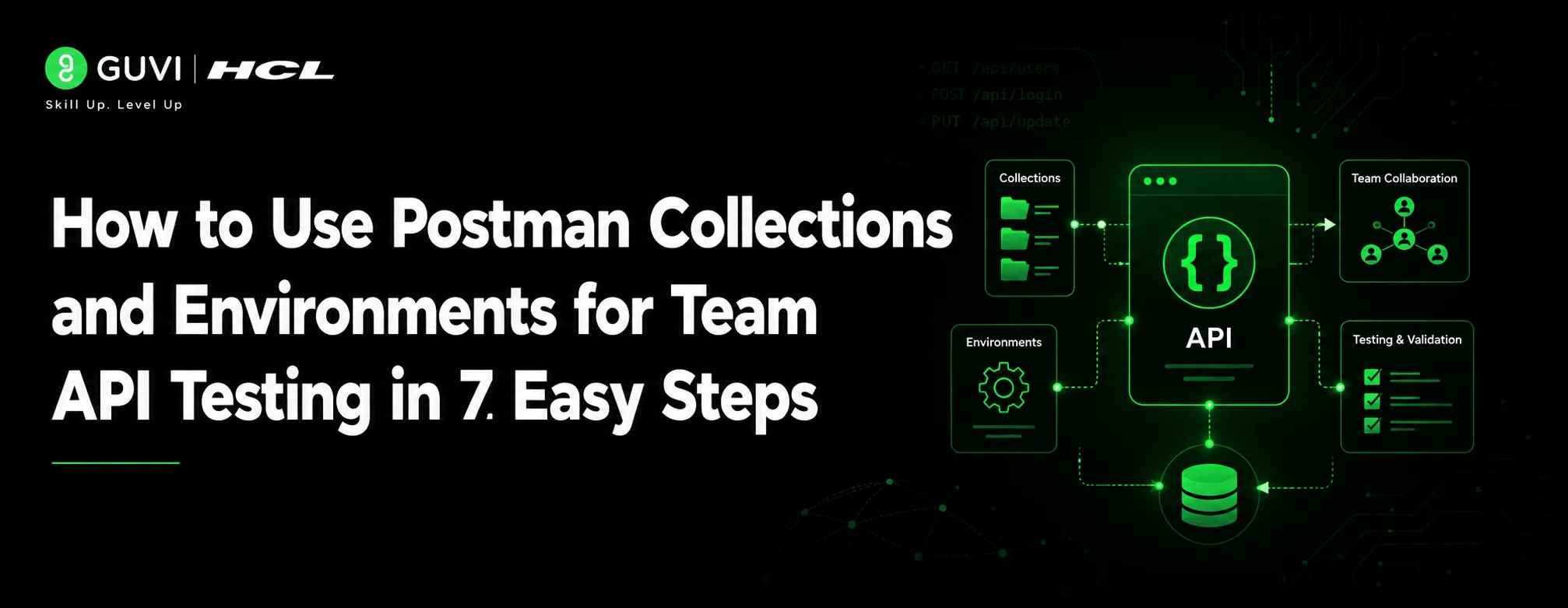
How to Use Postman Collections and Environments for Team API Testing in 7 Easy Steps
Jul 09, 2026 3 Min Read 304 Views
(Last Updated)
Table of contents
- TL;DR
- What Are Postman Collections and Environments?
- Understanding Postman Collections
- Understanding Postman Environments
- Why Teams Use Postman for API Testing
- Faster Collaboration
- Consistent Testing Across Environments
- Easier API Automation
- How to Use Postman Collections for Team API Testing
- Step 1: Create a Collection
- Step 2: Add API Requests
- Step 3: Add Tests
- How to Use Postman Environments for Team API Testing
- Separate Development, Testing, and Production
- Manage Authentication Securely
- Share Environments Carefully
- Best Practices for Collaborative API Testing
- Use Clear Naming Standards
- Keep Collections Organized
- Document Requests
- Comparison Table
- Real-World Examples
- Banking Application
- E-Commerce Platform
- Common Mistakes to Avoid
- Keeping Everything in One Collection
- Hardcoding URLs and Tokens
- Ignoring API Documentation
- Sharing Sensitive Data
- Not Adding Automated Tests
- Career Benefits of Learning Postman API Testing
- Conclusion
- What is a Postman Collection?
- Why use Postman Environments?
- Can multiple people work on the same Postman Collection?
- Are Postman Collections useful for automation?
- What is the difference between a collection and an environment?
- Is Postman only for testers?
- How do environment variables improve testing?
- Should production credentials be stored in Postman?
TL;DR
Postman Collections and Environments help development and QA teams organize API requests, manage configurations, and test APIs faster. Collections group related API endpoints, while environments store variables like URLs, tokens, and credentials for different stages such as development, testing, and production. By combining both features, teams can create repeatable API testing workflows, reduce errors, improve collaboration, and support automation.
Learning how to use Postman Collections and Environments for Team API Testing helps developers, testers, and automation engineers organize requests, share test setups, and maintain consistent workflows. Whether you’re working on a small application or a large enterprise project, understanding how to use Postman Collections and Environments for Team API Testing can significantly improve collaboration and testing efficiency.
According to the Postman State of the API report, API adoption continues to grow as organizations depend more on APIs for digital products. A well-managed API testing process reduces debugging time and improves software quality.
In this guide, you will learn how to use Postman Collections and Environments for team API testing, along with best practices for collaboration, automation, and maintaining scalable API workflows.
What Are Postman Collections and Environments?
Before exploring how to use Postman Collections and Environments for Team API Testing, it’s important to understand what collections and environments are and why they play a key role in modern API development.
Understanding Postman Collections
A Postman Collection is a structured group of API requests stored together.
Instead of saving individual requests separately, teams organize related APIs into folders and collections.
For example, an e-commerce application may have collections like:
- User Authentication APIs
- Product APIs
- Payment APIs
- Order Management APIs
Each request can include:
- API endpoint
- HTTP method
- Headers
- Request body
- Tests
- Documentation
Collections make API testing repeatable because every team member follows the same request structure.
Understanding Postman Environments
A Postman Environment stores reusable variables that change depending on where an API runs.
For example, a team may have different API URLs:
- Development: api-dev.example.com
- Testing: api-test.example.com
- Production: api.example.com
Instead of manually changing URLs, testers can use environment variables.
Common environment variables include:
| Variable | Purpose |
| base_url | Stores API URL |
| auth_token | Stores the authentication token |
| user_id | Stores dynamic user data |
| api_key | Stores API credentials |
Why Teams Use Postman for API Testing
Faster Collaboration
When teams share collections, everyone works from the same API documentation and request format.
This reduces confusion between developers and testers.
A QA engineer can import the collection, select the correct environment, and start testing immediately.
Consistent Testing Across Environments
A common challenge in API testing is configuration mismatch.
One tester may use a staging URL while another tests production accidentally.
Postman Environments solve this problem by separating configurations from requests.
Easier API Automation
Postman supports automated execution through collection runners and integrations.
Teams can run:
- Regression tests
- Smoke tests
- API validation checks
- Continuous testing workflows
How to Use Postman Collections for Team API Testing
Step 1: Create a Collection
Open Postman and select:
New → Collection
Give the collection a meaningful name.
Example:
“Customer Management API Tests”
Add folders based on functionality.
Example:
Customer Management API Tests
- Create Customer
- Update Customer
- Delete Customer
- Customer Login
Step 2: Add API Requests
Each request should contain:
- Clear request name
- Correct HTTP method
- Required parameters
- Authentication details
For example:
POST /customers
This request creates a new customer record.
Step 3: Add Tests
Postman allows you to add JavaScript-based tests.
Example checks:
- Response status is 200
- Response contains expected fields
- Response time is acceptable
Simple tests help teams detect API failures early.
How to Use Postman Environments for Team API Testing
Once you’ve created collections, the next step in how to use Postman Collections and Environments for Team API Testing is configuring environments that allow seamless switching between development, QA, and production.
Separate Development, Testing, and Production
A professional API workflow usually includes multiple environments.
Example:
| Environment | Usage |
| Development | Developer testing |
| QA | Testing team validation |
| Production | Live application |
Each environment can have separate variables.
Manage Authentication Securely
Modern APIs often require authentication.
Instead of adding tokens manually, teams store them as variables.
Example:
{{auth_token}}
Postman replaces the variable automatically during execution.

Share Environments Carefully
Teams should avoid exposing sensitive credentials.
Good practices include:
- Use temporary tokens
- Avoid storing passwords
- Share only required variables
- Keep production secrets restricted
Best Practices for Collaborative API Testing
Use Clear Naming Standards
Avoid names like:
“Request 1”
Use meaningful names:
“Create New User – Valid Data”
Clear naming improves team productivity.
Keep Collections Organized
Large projects may contain hundreds of endpoints.
Use folders based on business features.
For example:
- Authentication
- Payments
- Reports
- User Management
Document Requests
Add descriptions explaining:
- Purpose of API
- Required parameters
- Expected responses
Documentation helps new team members understand APIs faster.
Comparison Table
| Feature | Postman Collections | Postman Environments |
| Purpose | Organizes API requests | Stores configuration values |
| Contains | Requests, tests, documentation | Variables and settings |
| Helps With | Collaboration and testing flow | Environment switching |
| Example | User API collection | Development URL variable |
15. Real-World Examples
Banking Application
A banking team may create collections for:
- Account creation
- Money transfer
- Transaction history
Separate environments help testers validate APIs across testing and production systems.
E-Commerce Platform
An online shopping company can manage:
- Product APIs
- Cart APIs
- Payment APIs
QA teams can quickly switch environments while testing new releases.
Common Mistakes to Avoid
1. Keeping Everything in One Collection
A huge collection becomes difficult to maintain.
Break APIs into smaller feature-based collections.
2. Hardcoding URLs and Tokens
Hardcoded values create testing problems.
Use environment variables instead.
3. Ignoring API Documentation
Without documentation, new team members take longer to understand workflows.
4. Sharing Sensitive Data
Never store confidential credentials inside shared collections.
5. Not Adding Automated Tests
Manual testing alone becomes slow for large projects.
Add basic validation tests wherever possible.
Career Benefits of Learning Postman API Testing
API testing skills are valuable for:
- QA Engineers
- Automation Testers
- Backend Developers
- DevOps Engineers
As software teams adopt API-first development, understanding tools like Postman can strengthen your testing and development profile.
Industry reports show that API-related roles continue to expand as companies build connected digital platforms.
Want to build job-ready skills in software testing, automation, and API workflows? Explore HCL GUVI career-focused technology programs to learn practical tools, industry workflows, and hands-on projects that help you prepare for real-world roles.
Conclusion
Postman Collections and Environments for Team API Testing help teams create organized, reliable, and scalable API testing workflows. Collections keep API requests structured, while environments make it easier to switch between development, testing, and production setups.
By following best practices like clear naming, documentation, secure variables, and automated tests, you can improve collaboration and reduce testing errors.
Start practicing with real API projects and build a stronger foundation in API testing, automation, and modern software development workflows.
Frequently Asked Questions
1. What is a Postman Collection?
A Postman Collection is a group of saved API requests organized together. It helps teams manage, test, and share API workflows.
2. Why use Postman Environments?
Postman Environments store variables like URLs and tokens so teams can switch between different testing setups easily.
3. Can multiple people work on the same Postman Collection?
Yes. Teams can share collections and collaborate by maintaining common API testing workflows.
4. Are Postman Collections useful for automation?
Yes. Collections can be executed using runners and integrated into automated testing pipelines.
5. What is the difference between a collection and an environment?
A collection stores API requests, while an environment stores configuration variables used by those requests.
6. Is Postman only for testers?
No. Developers, QA engineers, DevOps professionals, and API designers use Postman.
7. How do environment variables improve testing?
They reduce manual changes and prevent errors when moving between different API environments.
8. Should production credentials be stored in Postman?
No. Sensitive production credentials should be protected and managed securely.
Success Stories

About the Author
Salini Balasubramaniam
A curious, information-savvy writer loves to turn deep insights into authentic and engaging content that connects. With experience in writing for brands and driving audience engagement, I believe that words can make a powerful difference.
View all posts by Salini Balasubramaniam
Connect with me @





































Did you enjoy this article?