


Full Stack Development Articles
Claude for Architecture and Engineering Documentation
Freelancing as a Python Developer: Getting Your First Client


Get In Touch For Details! Request More Information
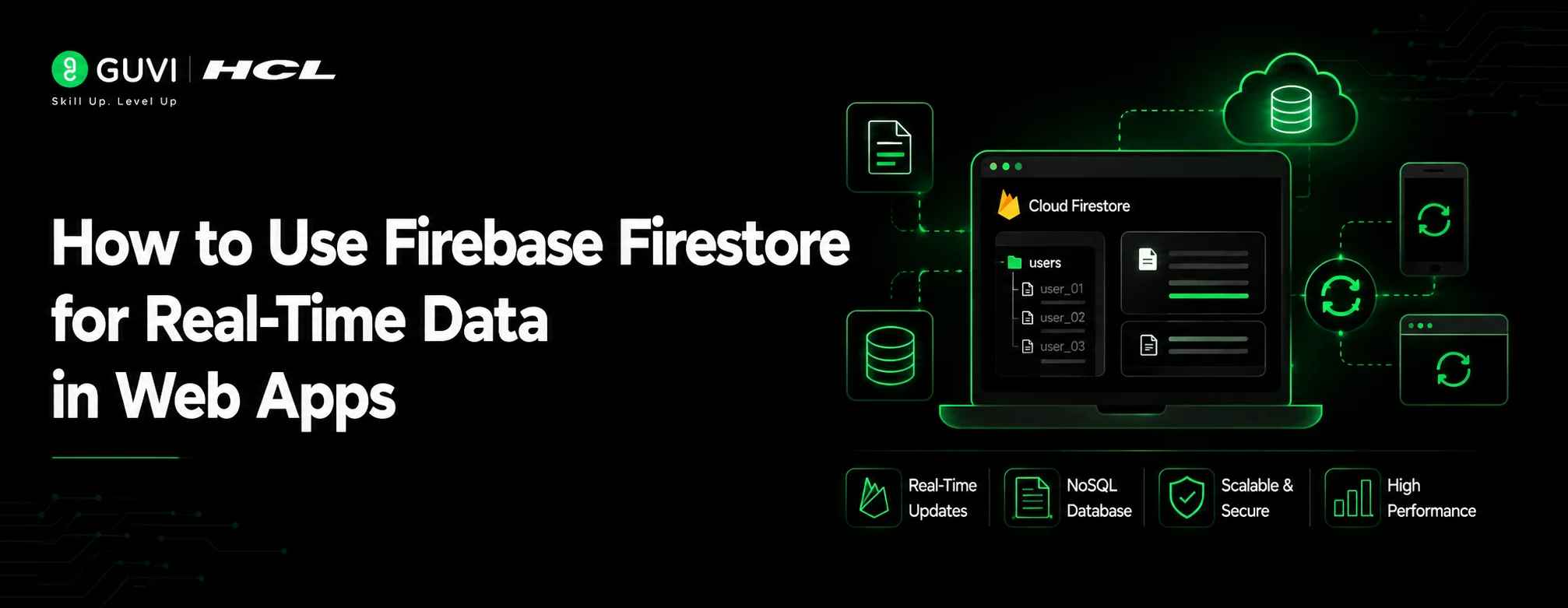
How to Use Firebase Firestore for Real-Time Data in Web Apps
Jul 09, 2026 3 Min Read 644 Views
(Last Updated)
Table of contents
- TL;DR Summary Box
- What Is Firebase Firestore?
- How Firestore Stores Data
- How Does Firebase Firestore Real-Time Data Work?
- Real-Time Listeners
- Real-World Examples
- Why Use Firebase Firestore for Web Applications??
- Key Benefits
- Warning
- How to Use Firebase Firestore: Set Up Your Project
- Step 1: Create Firebase Project
- Step 2: Enable Firestore Database
- Step 3: Install Firebase SDK
- How to Use Firebase Firestore in a Web App
- How to Use Firebase Firestore for CRUD Operations
- Create Data
- Read Data
- Update Data
- Delete Data
- How to Enable Real-Time Updates in Firestore
- Best Use Cases
- Firestore Security Rules Explained
- Best Practices
- Firebase Firestore vs Firebase Realtime Database
- Common Firestore Mistakes to Avoid
- Key Takeaways
- What to Do Next
- Conclusion
- FAQ
- What is Firebase Firestore used for?
- Is Firestore a real-time database?
- Is Firebase Firestore free?
- Can Firestore work with React?
TL;DR Summary Box
- Firebase Firestore is a cloud-based NoSQL database that helps developers build real-time web applications with live data synchronization.
- Firestore automatically updates connected users when data changes, making it useful for chat apps, dashboards, collaboration tools, and live feeds.
- Developers can integrate Firestore with JavaScript frameworks like React, Angular, and Vue using the Firebase SDK.
- Features like authentication, security rules, offline support, and scalable queries make Firestore a popular backend choice.
Imagine building a chat application where messages appear instantly without refreshing the page. Or a dashboard where every user sees updated information at the same time.
This is where Firebase Firestore comes in.
Firebase Firestore is a cloud-hosted NoSQL database designed for modern web applications that require real-time data synchronization. It allows developers to store, retrieve, and update data instantly across connected devices.
How to Use Firebase Firestore is one of the first skills developers should learn when building real-time web applications. Imagine creating a chat application where messages appear instantly without refreshing the page or a dashboard where every user sees live updates simultaneously. This is exactly what Firebase Firestore makes possible.
In this guide, you will learn how Firestore works, how to set it up, connect it with a web app, perform CRUD operations, enable real-time listeners, and follow best practices for building scalable applications.
What Is Firebase Firestore?
Firebase Firestore is a cloud-based NoSQL database from Firebase that stores data in collections and documents. It supports real-time synchronization, meaning changes made in the database can instantly appear across connected users. Firestore is commonly used for applications like messaging platforms, collaborative tools, dashboards, and mobile or web apps that require live updates.
How Firestore Stores Data
Firestore follows a document-based database structure.
Instead of storing data in rows and tables like SQL databases, Firestore uses:
- Collections
- Documents
- Fields
Example:
users
└── userId
├── name
└── createdAt
Each document contains key-value pairs similar to JSON objects.
How Does Firebase Firestore Real-Time Data Work?
Firestore real-time updates work through listeners that continuously monitor database changes. When a document is created, updated, or deleted, Firestore pushes the latest data automatically to connected applications. This allows developers to build interactive experiences without repeatedly requesting data from the server.
Real-Time Listeners
Firestore provides the onSnapshot() method.
Example:
onSnapshot(collectionRef, (snapshot) => {
snapshot.docs.forEach(doc => {
console.log(doc.data());
});
});
This keeps your application connected to Firestore and receives updates instantly.
Real-World Examples
Firestore real-time functionality powers:
- Chat applications
- Live sports scores
- Stock dashboards
- Multiplayer apps
- Collaborative editors
Why Use Firebase Firestore for Web Applications??
Firestore helps developers avoid building complex backend infrastructure.
Key Benefits
1. Real-Time Synchronization
Firestore automatically pushes database changes to users.
This eliminates manual polling and improves user experience.
2. Offline Support
Firestore allows applications to cache data locally.
Users can continue interacting with apps even with unstable internet connections.
3. Easy Integration
Firebase SDKs support:
- JavaScript
- React
- Angular
- Vue
- Flutter
- Android
- iOS
Warning
Poor database structure can increase Firestore costs. Since Firestore charges based on reads and writes, optimizing queries and data models is important.
How to Use Firebase Firestore: Set Up Your Project
Answer Block:
Setting up Firestore requires creating a Firebase project, enabling Firestore Database, adding your web application, and connecting it using the Firebase SDK. Once configured, you can create collections, store documents, and access data directly from your application.
Step 1: Create Firebase Project
Steps:
- Open Firebase Console
- Create a new project
- Add a web application
- Copy Firebase configuration details
Step 2: Enable Firestore Database
Go to:
Firebase Console → Firestore Database → Create Database
Choose:
- Production mode
- Development mode
Step 3: Install Firebase SDK
npm install firebase
How to Use Firebase Firestore in a Web App
Create a Firebase configuration file:
import { initializeApp } from “firebase/app”;
const firebaseConfig = {
apiKey: “your-key”,

authDomain: “your-domain”,
projectId: “your-project”
};
const app = initializeApp(firebaseConfig);
Initialize Firestore:
import { getFirestore } from “firebase/firestore”;
const db = getFirestore(app);
How to Use Firebase Firestore for CRUD Operations
Answer Block:
Firestore supports CRUD operations: create, read, update, and delete, using simple JavaScript functions. Developers can add documents, retrieve data, update records, and remove information using the Firebase SDK.
Create Data
addDoc(collection(db,”users”),{
name:”John”,
age:25
});
Read Data
getDocs(collection(db,”users”));
Update Data
updateDoc(userRef,{
age:26
});
Delete Data
deleteDoc(userRef);
How to Enable Real-Time Updates in Firestore
Answer Block:
Real-time updates in Firestore are enabled using snapshot listeners. These listeners watch a collection or document and automatically update your application whenever the data changes.
Example:
onSnapshot(
collection(db,”messages”),
(snapshot)=>{
console.log(snapshot.docs);
}
);
Best Use Cases
Real-time listeners work best for:
- Messaging apps
- Notifications
- Live analytics
- Collaboration tools
Firestore Security Rules Explained
Answer Block:
Firestore Security Rules control who can access your database. They act as a protection layer by allowing or blocking read and write operations based on user authentication and conditions.
Example:
match /users/{userId} {
allow read, write:
if request.auth.uid == userId;
}
Best Practices
- Enable authentication
- Restrict public access
- Validate user input
- Avoid open database rules
Firebase Firestore vs Firebase Realtime Database
| Feature | Firestore | Realtime Database |
| Database Type | Document-based | JSON tree |
| Queries | Advanced | Limited |
| Scaling | Better for large apps | Smaller apps |
| Real-time Updates | Yes | Yes |
| Offline Support | Yes | Yes |
Common Firestore Mistakes to Avoid
1. Poor Data Modeling
Avoid deeply nested documents.
Keep collections simple and scalable.
2. Too Many Reads
Fetching unnecessary data increases costs.
Use filters and pagination.
3. Weak Security Rules
Never leave production databases open.
Always define access rules.
4. Ignoring Indexes
Firestore requires indexes for efficient queries.
Key Takeaways
- Firebase Firestore is a NoSQL cloud database designed for modern web apps.
- Real-time listeners allow instant data updates without refreshing.
- Firestore supports CRUD operations through the Firebase SDK.
- Security rules protect your database from unauthorized access.
- Proper data modeling improves performance and reduces costs.
- Firestore works well for chat apps, dashboards, and collaborative tools.
What to Do Next
- Create a Firebase project and enable Firestore Database.
- Build a simple CRUD web application.
- Add authentication and security rules before deployment.
Conclusion
Firebase Firestore makes building real-time web applications faster by combining a scalable cloud database with automatic synchronization. Its simple SDK, real-time listeners, offline support, and security features make it a strong choice for developers building interactive applications.
Whether you are creating a chat app, dashboard, or collaborative platform, Firestore provides the backend foundation needed to deliver live user experiences.
Master essential front-end technologies, back-end development, databases, and the MERN stack (MongoDB, Express.js, React, and Node.js) with HCL GUVI’s Full Stack Development Career Program with Placement Assistance. Through industry-relevant projects, expert mentorship, and hands-on learning, you’ll gain the practical skills needed to build production-ready web applications and kick-start your career as a full-stack developer.
FAQ
1. What is Firebase Firestore used for?
Firebase Firestore is used to store and sync application data in real time. Developers use it for chat apps, dashboards, mobile apps, and collaborative web applications.
2. Is Firestore a real-time database?
Yes. Firestore supports real-time data updates using snapshot listeners that automatically send database changes to connected clients.
3. Is Firebase Firestore free?
Firestore offers a free tier with limited database storage, reads, writes, and network usage. Larger applications require paid plans based on usage.
4. Can Firestore work with React?
Yes. Firestore integrates with React applications using the Firebase JavaScript SDK and can manage real-time state updates.
Success Stories

About the Author
Salini Balasubramaniam
A curious, information-savvy writer loves to turn deep insights into authentic and engaging content that connects. With experience in writing for brands and driving audience engagement, I believe that words can make a powerful difference.
View all posts by Salini Balasubramaniam
Connect with me @






































Did you enjoy this article?