


Software Development Articles
How to Read and Understand System Design Diagrams?
System Engineer Roles and Responsibilities: 12 Proven Duties for Growth
SAP Consultant Roles and Responsibilities: 12 Proven Duties for Growth and Success
Network Engineer Roles and Responsibilities: 12 Essential Duties for Success


Get In Touch For Details! Request More Information
Observer Method Design Pattern: A Complete Beginner’s Guide
Sep 02, 2026 6 Min Read 730 Views
(Last Updated)
Quick Answer: The Observer Design Pattern is a behavioral design pattern where one object automatically notifies multiple dependent objects when its state changes. It is commonly used in notification systems, event handling, stock price updates, social media alerts, and real-time dashboards.
Modern applications need instant communication between different components. Whether it is a YouTube notification, a stock market alert, or a weather update, one change often needs to reach many users or systems at once. This is where the Observer Design Pattern becomes useful. It enables applications to deliver real-time updates efficiently while keeping different system components loosely connected and easier to maintain.
Table of contents
- What is the Observer Design Pattern?
- Key Benefits of Observer Design Pattern
- How Does the Observer Design Pattern Work?
- Implementation Example of Observer Design Pattern
- Problem Statement
- Subject Interface
- Observer Interface
- ConcreteSubject (OrderService)
- ConcreteObserver (InventoryService)
- ConcreteObserver (NotificationService)
- ConcreteObserver (BillingService)
- Usage Example
- Complete Code for Observer Design Pattern Example
- Output
- Real-Life Applications of Observer Design Pattern
- Conclusion
- FAQs
- What is the Observer Design Pattern in Java?
- Where is the Observer Design Pattern used?
- What are the benefits of the Observer Design Pattern?
- How does the Observer Design Pattern support real-time updates?
- Why is the Observer Design Pattern important in modern applications?
What is the Observer Design Pattern?
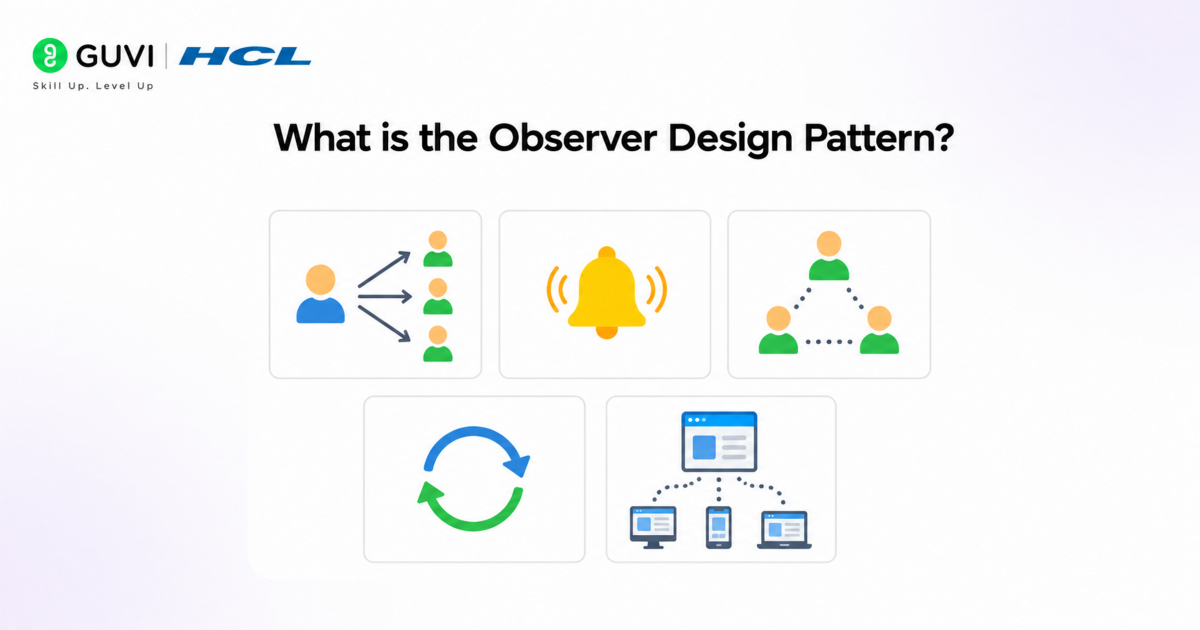
The Observer Design Pattern is a behavioral design pattern that creates a one-to-many relationship between objects, where multiple observers automatically receive updates whenever the subject’s state changes. It uses a subscription-based mechanism to enable real-time communication while keeping components loosely coupled, scalable, and easier to maintain. This pattern is widely used in notification systems, event-driven architectures, live dashboards, stock market applications, and GUI event handling.
Key Benefits of Observer Design Pattern
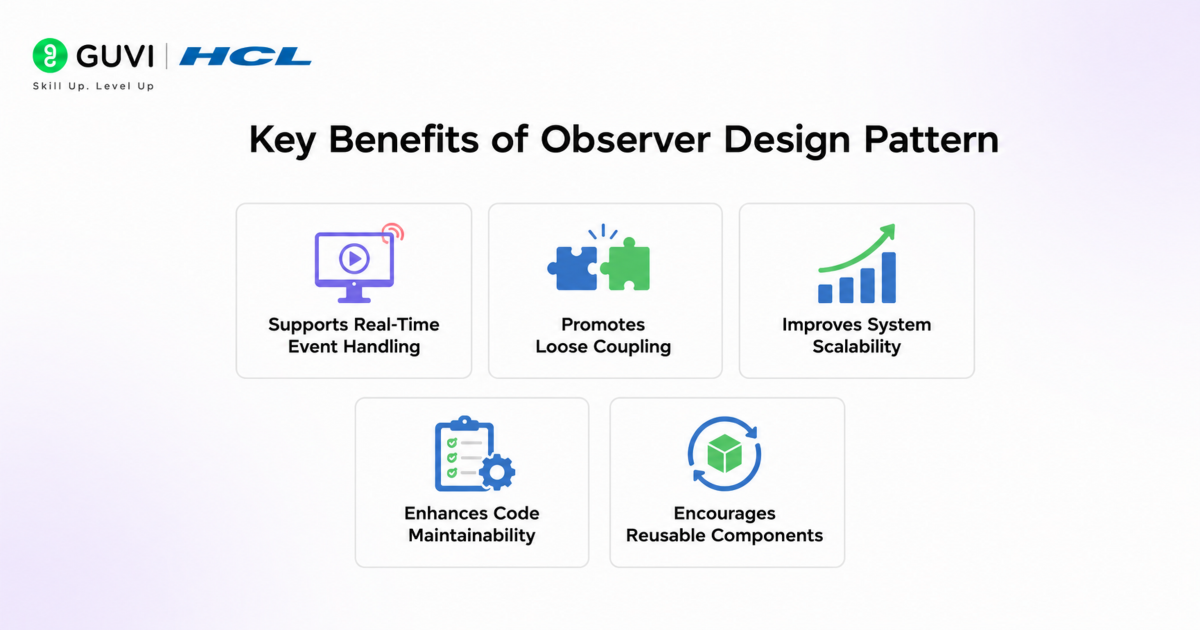
- Supports Real-Time Event Handling: Enables automatic and immediate communication between objects whenever the subject’s state changes, making it ideal for real-time systems and event-driven architectures.
- Promotes Loose Coupling: The subject and observers interact through interfaces instead of direct dependencies, improving flexibility and simplifying future code modifications.
- Improves System Scalability: New observers can be added dynamically without changing the core subject logic, allowing applications to scale efficiently as requirements grow.
- Enhances Code Maintainability: Separating notification logic from business logic creates cleaner architecture, making debugging, testing, and maintenance easier in large applications.
- Encourages Reusable Components: Observer implementations can be reused across multiple modules and systems, reducing redundant code and improving development efficiency.
How Does the Observer Design Pattern Work?
- Subject
The Subject is the central object responsible for maintaining application state and managing a collection of dependent observers. Whenever its internal state changes, such as a stock price update, a new message, or a system event, the subject triggers a notification process. It acts as the primary source of truth in the observer relationship and typically exposes methods for registering, removing, and notifying observers dynamically.
- Observer
An Observer is a dependent object that listens for state changes in the subject. Each observer implements a common update interface so the subject can communicate changes consistently without knowing the observer’s internal implementation. This abstraction enables loose coupling and allows multiple observers to react independently to the same event.
- Subscribe/Register
During the subscription process, observers register themselves with the subject to start receiving updates. The subject maintains these observers in a managed collection, such as a list or queue. This registration mechanism enables dynamic runtime relationships where new observers can be added without modifying existing business logic or application architecture.
- Notify
When the subject detects a state change, it executes a notification mechanism that iterates through all registered observers and invokes their update methods. Notifications may contain complete state information or only the changed data depending on the implementation strategy. This event-driven communication model supports real-time synchronization across distributed components and user interfaces.
- Unsubscribe
Observers can unregister themselves from the subject whenever updates are no longer required. This prevents unnecessary processing and reduces the risk of stale references or memory leaks in long-running applications. Proper unsubscription handling is especially important in scalable systems with dynamic object lifecycles.
Go beyond just learning software design patterns and start building scalable, maintainable applications with structured expertise. Join HCL GUVI’s AI-Powered Software Development Course to learn through live online classes led by industry experts. Master in-demand skills like Java, system design, backend development, APIs, databases, and software architecture while working on real-world projects. Get 1:1 doubt support and access placement assistance with 1000+ hiring partners.
Implementation Example of Observer Design Pattern
Problem Statement
Consider an e-commerce platform where multiple services need to react whenever a new order is placed. For example, the inventory system must reduce stock, the billing system must generate an invoice, and the notification system must send order confirmation messages to the customer.
Instead of tightly connecting all these services directly to the order processing module, the Observer Design Pattern allows each service to subscribe independently to order events. Whenever a new order is created, all registered observers automatically receive updates and execute their respective actions.
1. Subject Interface
The Subject interface defines methods for registering, removing, and notifying observers. It acts as the central event publisher in the system.
public interface Subject {

    void addObserver(Observer observer);

    void removeObserver(Observer observer);

    void notifyObservers();

}
2. Observer Interface
The Observer interface defines a common update mechanism that all dependent services must implement.
public interface Observer {

    void update(String orderDetails);

}
3. ConcreteSubject (OrderService)
OrderService is the main subject responsible for managing observers and notifying them whenever a new order is placed.
import java.util.ArrayList;

import java.util.List;

public class OrderService implements Subject {

    private List<Observer> observers = new ArrayList<>();

    private String orderDetails;

    @Override

    public void addObserver(Observer observer) {

        observers.add(observer);

    }

    @Override

    public void removeObserver(Observer observer) {

        observers.remove(observer);

    }

    @Override

    public void notifyObservers() {

        for (Observer observer : observers) {

            observer.update(orderDetails);

        }

    }

    public void placeOrder(String orderDetails) {

        this.orderDetails = orderDetails;

        System.out.println("New Order Placed: " + orderDetails);

        notifyObservers();

    }

}
4. ConcreteObserver (InventoryService)
The inventory service updates product stock whenever a new order event is received.
public class InventoryService implements Observer {

    @Override

    public void update(String orderDetails) {

        System.out.println("Inventory Updated for Order: " + orderDetails);

    }

}
5. ConcreteObserver (NotificationService)
The notification service sends order confirmation updates to customers.
public class NotificationService implements Observer {

    @Override

    public void update(String orderDetails) {

        System.out.println("Notification Sent for Order: " + orderDetails);

    }

}
6. ConcreteObserver (BillingService)
The billing service generates invoices after receiving order updates.
public class BillingService implements Observer {

    @Override

    public void update(String orderDetails) {

        System.out.println("Invoice Generated for Order: " + orderDetails);

    }

}
7. Usage Example
In the main application, multiple observers subscribe to the OrderService. Once a new order is placed, all registered services automatically receive updates.
public class EcommerceApp {

    public static void main(String[] args) {

        OrderService orderService = new OrderService();

        Observer inventory = new InventoryService();

        Observer notification = new NotificationService();

        Observer billing = new BillingService();

        orderService.addObserver(inventory);

        orderService.addObserver(notification);

        orderService.addObserver(billing);

        orderService.placeOrder("Order #101 - Laptop");

    }

}
Complete Code for Observer Design Pattern Example
import java.util.ArrayList;

import java.util.List;

// Observer Interface

interface Observer {

    void update(String orderDetails);

}

// Subject Interface

interface Subject {

    void addObserver(Observer observer);

    void removeObserver(Observer observer);

    void notifyObservers();

}

// Concrete Subject

class OrderService implements Subject {

    private List<Observer> observers = new ArrayList<>();

    private String orderDetails;

    @Override

    public void addObserver(Observer observer) {

        observers.add(observer);

    }

    @Override

    public void removeObserver(Observer observer) {

        observers.remove(observer);

    }

    @Override

    public void notifyObservers() {

        for (Observer observer : observers) {

            observer.update(orderDetails);

        }

    }

    public void placeOrder(String orderDetails) {

        this.orderDetails = orderDetails;

        System.out.println("New Order Placed: " + orderDetails);

        notifyObservers();

    }

}

// Concrete Observer - Inventory Service

class InventoryService implements Observer {

    @Override

    public void update(String orderDetails) {

        System.out.println("Inventory Updated for: " + orderDetails);

    }

}

// Concrete Observer - Notification Service

class NotificationService implements Observer {

    @Override

    public void update(String orderDetails) {

        System.out.println("Customer Notification Sent for: " + orderDetails);

    }

}

// Concrete Observer - Billing Service

class BillingService implements Observer {

    @Override

    public void update(String orderDetails) {

        System.out.println("Invoice Generated for: " + orderDetails);

    }

}

// Main Class

public class EcommerceApp {

    public static void main(String[] args) {

        OrderService orderService = new OrderService();

        Observer inventoryService = new InventoryService();

        Observer notificationService = new NotificationService();

        Observer billingService = new BillingService();

        // Register observers

        orderService.addObserver(inventoryService);

        orderService.addObserver(notificationService);

        orderService.addObserver(billingService);

        // Simulate new order

        orderService.placeOrder("Order #101 - Gaming Laptop");

    }

}
Output
New Order Placed: Order #101 – Gaming Laptop
Inventory Updated for: Order #101 – Gaming Laptop
Customer Notification Sent for: Order #101 – Gaming Laptop
Invoice Generated for: Order #101 – Gaming Laptop
Real-Life Applications of Observer Design Pattern
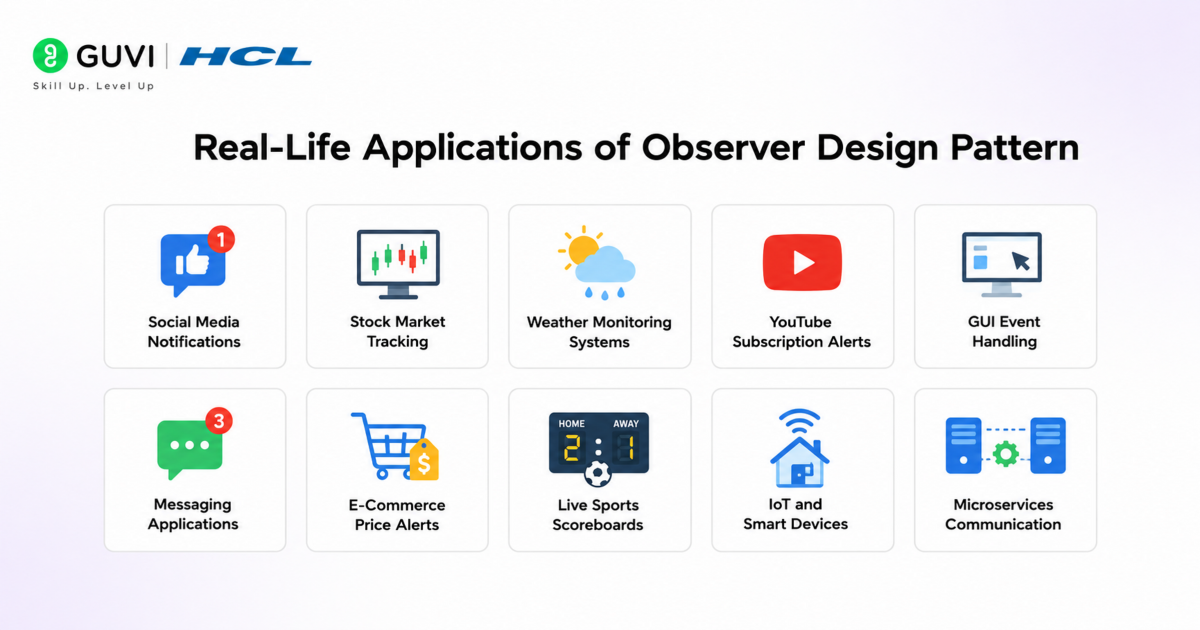
- Social Media Notifications: Users receive instant alerts when someone posts new content, likes a post, or sends a message.
- Stock Market Tracking: Trading platforms notify investors immediately when stock prices change or market conditions fluctuate.
- Weather Monitoring Systems: Weather applications update users automatically about temperature, rainfall, storms, or climate alerts.
- YouTube Subscription Alerts: Subscribers get notified whenever a creator uploads a new video or starts a live stream.
- GUI Event Handling: Buttons, menus, and user interface components trigger automatic responses based on user interactions.
- Messaging Applications: Chat systems notify participants instantly when new messages arrive in a conversation.
- E-Commerce Price Alerts: Shopping platforms inform users when product prices drop or items come back in stock.
- Live Sports Scoreboards: Sports apps continuously push real-time score updates and match events to viewers.
- IoT and Smart Devices: Smart home systems notify connected devices when sensors detect motion, temperature, or security events.
- Microservices Communication: Distributed systems use event-driven notifications to synchronize services efficiently.
Conclusion
The Observer Design Pattern is a powerful solution for building scalable and event-driven applications where multiple components need real-time updates. By promoting loose coupling and flexible communication, it improves maintainability and system responsiveness. From notification systems to microservices and live dashboards, this pattern plays an important role in modern software architecture. Understanding its implementation helps developers design cleaner, more efficient, and highly adaptable applications.
FAQs
What is the Observer Design Pattern in Java?
The Observer Design Pattern in Java is a behavioral design pattern where multiple objects automatically receive updates when the subject object’s state changes.
Where is the Observer Design Pattern used?
The Observer Design Pattern is used in notification systems, stock market apps, social media alerts, GUI event handling, and real-time dashboards.
What are the benefits of the Observer Design Pattern?
The Observer Design Pattern improves scalability, loose coupling, code maintainability, component reusability, and real-time event communication.
How does the Observer Design Pattern support real-time updates?
The pattern uses a subscription mechanism where registered observers automatically receive notifications whenever the subject changes state.
Why is the Observer Design Pattern important in modern applications?
The Observer Design Pattern helps build event-driven systems that are flexible, scalable, and capable of handling real-time communication efficiently.
Success Stories

About the Author
Vaishali
I'm a seasoned writer with four years of experience across technical, non-technical, and just about every genre or niche you can imagine. Adaptable and curious, I enjoy exploring new topics and making information engaging and easy to understand. Fueled by a steady stream of tea, I approach each project with creativity, reliability, and genuine enthusiasm for storytelling.
View all posts by Vaishali
Connect with me @















Did you enjoy this article?