


Artificial Intelligence and Machine Learning Articles
AI/ML Skills Gap 2026: Why Companies Can't Find Job-Ready Talent
20 AI/ML Interview Questions Recruiters Can Use Without a Tech Background - Best Guide
How Industry-Backed AI/ML Bootcamps Are Changing the AI/ML Hiring Pipeline - Best Guide 2026
From IT Support to AI Engineer: A Realistic Career Switch Guide 2026


Get In Touch For Details! Request More Information
Top 9 AI Templates and Playgrounds for Business Growth
Jun 24, 2026 4 Min Read 551 Views
(Last Updated)
What began as curiosity is now turning into execution, as AI seamlessly integrates into real business workflows across the global landscape.
As adoption grows, many businesses are moving past the ‘if we should use AI’ to the ‘how soon can we implement AI in a real workflow’.
This article explains how to leverage AI templates and playgrounds to quickly build, test, and deploy a business solution.
Table of contents
- TL;DR
- AI Templates and AI Playgrounds
- Section 1: AI Templates for Business Workflows
- AI Support Agent
- Chat with PDFs
- RAG-Based Knowledge Bot
- Meeting Transcriber and Summarizer
- Semantic Search System
- Practical Example: Building a Simple AI Workflow
- Section 2: AI Playgrounds to Test and Experiment
- OpenAI Playground
- Hugging Face Spaces
- TensorFlow Playground
- IBM Watson Studio
- Glide AI Playground
- How Templates & Playgrounds Work Together
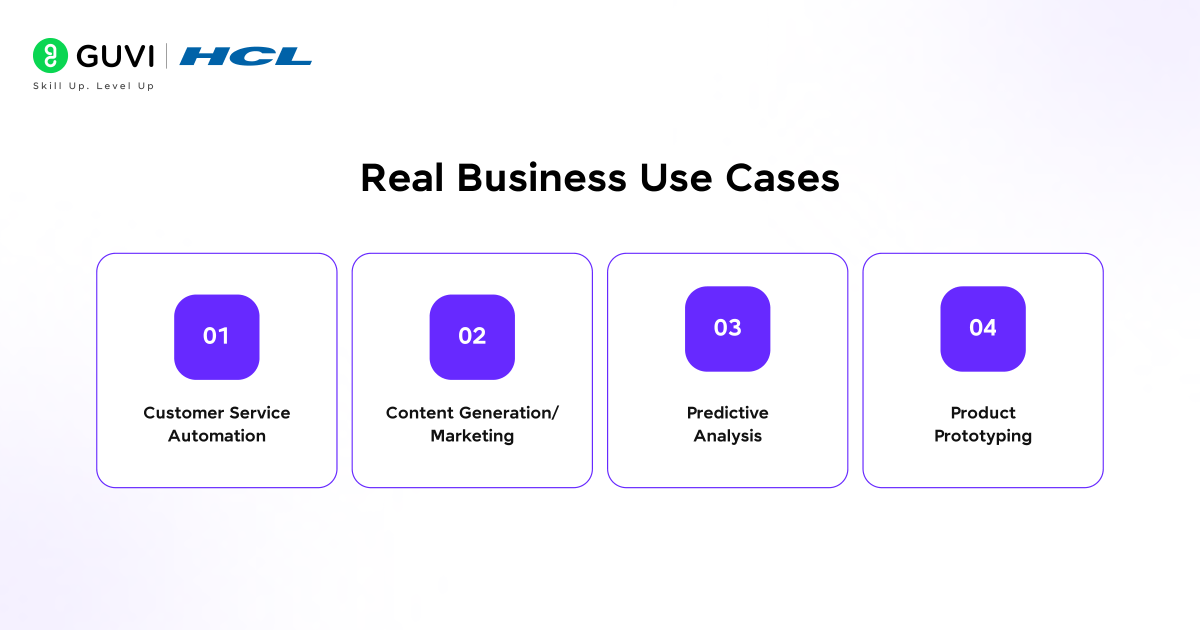
- Real Business Use Cases
- Customer Service Automation
- Content Generation/Marketing
- Predictive Analysis
- Product Prototyping
- Key Trends Shaping This Space
- Multimodal AI
- Agent-based Systems
- No-code AI Adoption
- Common Mistakes to Avoid
- Best Practices
- Conclusion
- FAQs
- What are AI templates in business?
- What is an AI playground?
- How are AI templates different from AI playgrounds?
- Can non-developers use AI templates and playgrounds?
- What are the main benefits of using AI in business workflows?
- How should businesses start using AI templates and playgrounds?
TL;DR
- AI templates are pre-built AI-driven workflows enabling quick automation of tasks like customer support, document analysis, and content creation.
- AI playgrounds serve as safe, yet intuitive testing environments where businesses can validate ideas and refine AI behavior before deployment.
- Leveraging the combination of templates and playgrounds can allow for much quicker execution, as it streamlines the development process and minimizes overall risk.
- This combination is primarily used for automating processes, marketing activities, predictive analysis, and prototyping new products.
- The future for AI solutions lies in no-code capabilities, agent-based AI, and multimodal AI capabilities that combine text, image, and voice.
What is AI Templates for Business?
An AI template for business is a pre-built workflow within AI platforms that helps automate specific tasks. These can include generating product descriptions or blog content, building chatbots for customer support, and extracting data from documents and processes.
AI Templates and AI Playgrounds
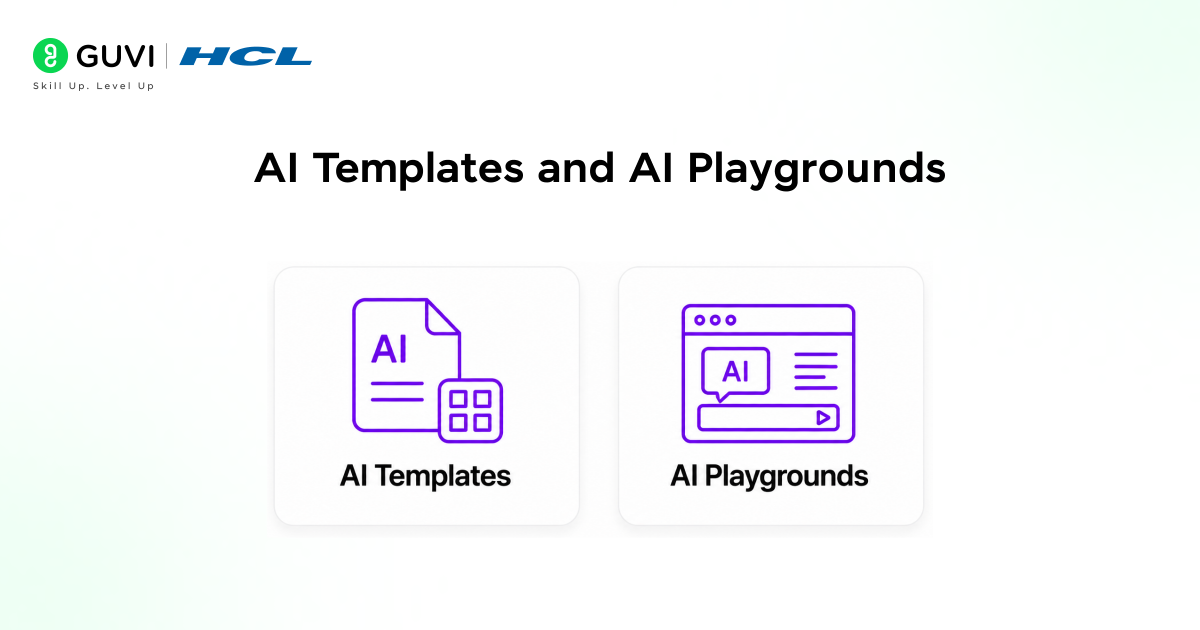
Understanding both AI templates and AI playgrounds is what makes your approach effective.
An AI template is a done-for-you solution. You integrate it into your workflow and can use it immediately. It’s made to speed things up.
An AI playground, in contrast, is a sandbox where you try out different ideas and learn from what worked and didn’t before you try to use it in the real world.
To be really simple about this:
Templates help you build faster.
Playgrounds help you test smarter.
Section 1: AI Templates for Business Workflows
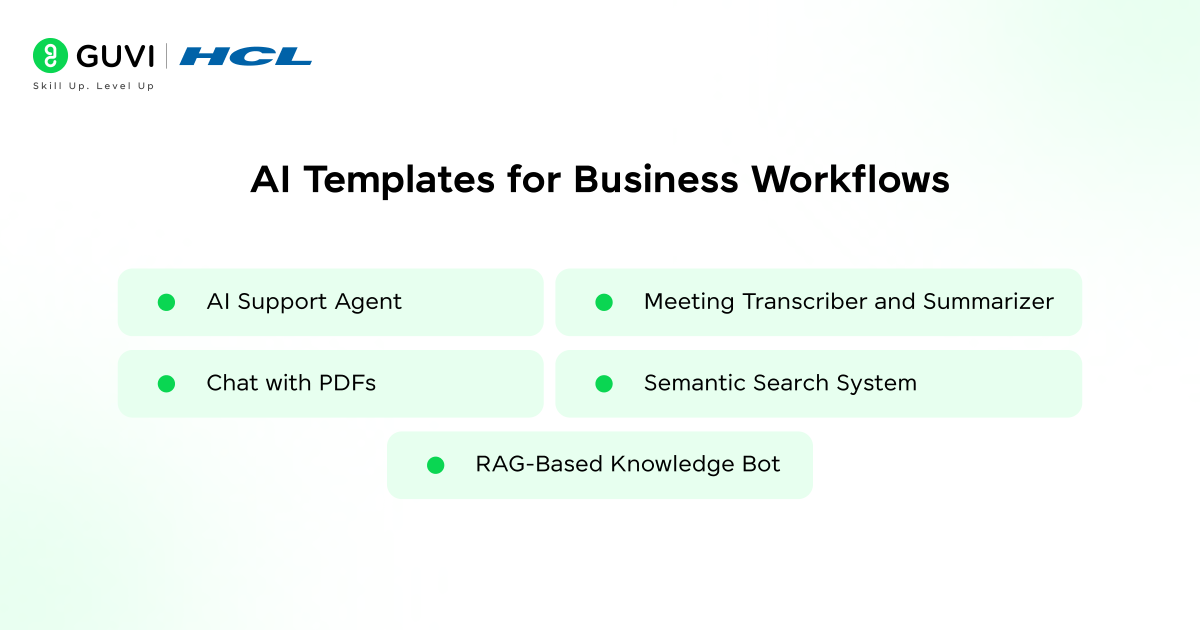
This is where real value begins. These aren’t just templates; these are complete workflows built to solve actual business problems, often supported by AI automation in design systems that streamline execution across teams.
1. AI Support Agent
Automating customer support with AI is straightforward and powerful. These agents combine knowledge bases with AI to provide instant answers to user queries, dramatically decreasing wait times and allowing human support agents to handle complex issues.
2. Chat with PDFs
Documents are central to most businesses. This template lets you hold a conversation with a PDF file, ask questions, and retrieve specific answers from lengthy reports, manuals, or policy documents without tedious manual searching.
3. RAG-Based Knowledge Bot
RAG (Retrieval-Augmented Generation) systems marry your stored data with the AI’s responses to provide a precise, context-aware answer. These are prevalent both as internal company tools and as public-facing apps for customers.
4. Meeting Transcriber and Summarizer
Meetings too often result in forgotten actions or misunderstood decisions. This template can automatically convert audio meetings to summarized text with a clear breakdown of key points and action items.
5. Semantic Search System
Where keyword search looks at exactly what you type, semantic search looks at the meaning of what you type. It allows a business to retrieve the correct data from its existing datasets more easily.
Practical Example: Building a Simple AI Workflow
Here is a simple example of how a business might use an AI template for document analysis.
from openai import OpenAI
client = OpenAI()
response = client.chat.completions.create(
model=”gpt-4o-mini”,
messages=[
{“role”: “system”, “content”: “Summarize business documents clearly.”},
{“role”: “user”, “content”: “Analyze this report and give key insights.”}
]
)
print(response.choices[0].message.content)
This kind of workflow can be extended into full-scale business tools using templates. For a deeper understanding of building AI workflows and automation systems, explore this AI prototyping guide.
For a deeper dive into building real-world AI workflows and systems, you can also explore this comprehensive ebook on AI and machine learning concepts and applications.
Section 2: AI Playgrounds to Test and Experiment
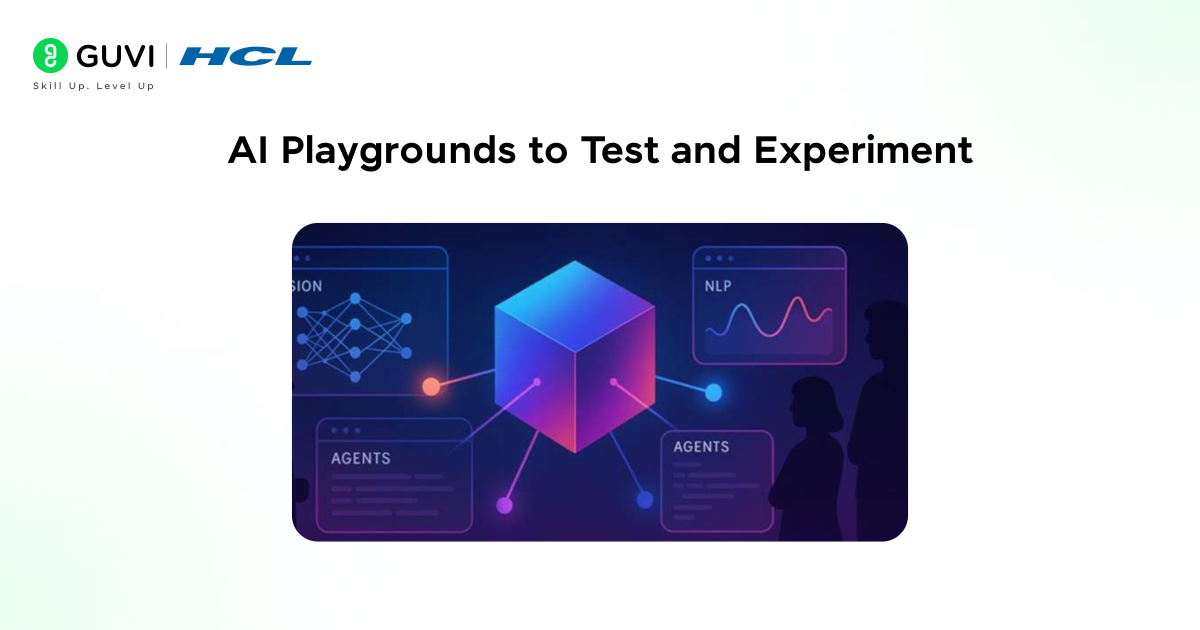
Playgrounds are where an idea is transformed into a product.
This is where experimentation happens, removing the setup time and giving instant interaction with AI.
1. OpenAI Playground
One of the best-known environments in this sphere is to test out prompts and refine AI responses. They enable businesses to experiment with tone, structure, logic, and the like before they integrate into production, especially when working with models explained in this guide on getting started with OpenAI models.
2. Hugging Face Spaces
This platform allows users to run and test AI models directly in the browser. Highly beneficial to anyone building out an AI-powered application, especially when working with the tools covered in this guide on how to use Hugging Face.
3. TensorFlow Playground
This environment is wonderful for exploring how machine learning models function. It gives a visualization of the networks involved and teaches via trial and error.
4. IBM Watson Studio
This platform is the enterprise alternative. Teams can test, train, and build AI models against data, often with analytics for production.
5. Glide AI Playground
Glide provides a no-code solution that allows businesses to drag and drop to build AI applications, often used by non-technical individuals.

How Templates & Playgrounds Work Together
Where both these elements shine is in combination. Begin with a playground to validate the idea.
Run experiments, refine prompts, and test for output before any integration. If successful, move the template into your real work stream to bring the solution to life. This minimizes the risk while accelerating delivery, especially when aligned with AI agent workflow patterns.
Real Business Use Cases
AI is no longer science fiction; it is addressing problems in the real world today. Startups and enterprises alike are applying these systems at scale, as seen in enterprise AI agents.
1. Customer Service Automation
Templates can be utilized to handle a host of customer queries; in the playground, you test responses before they are integrated.
2. Content Generation/Marketing
AI is a valuable tool in drafting campaigns, ad copy, and emails; test messaging on the playground before using a template to automate execution.
3. Predictive Analysis
Predictive models are tested in a playground before being incorporated into a dashboard.
4. Product Prototyping
Startups use AI to build MVPs quickly. Playgrounds validate ideas and templates accelerate development.
AI-powered automation can reduce operational workload by up to 40% in certain business functions.
This allows teams to shift focus from repetitive tasks to more strategic decision-making, improving overall efficiency and impact.
Key Trends Shaping This Space
The next step of AI’s evolution is from passive tools to active agents who can make decisions and take action. This helps in managing complex workflows with minimal human interaction, as explored in multi-agent systems.
1. Multimodal AI
Previously, it was only about using AI as a text generator. Now, AI systems can use text, images, and audio within one pipeline, creating new ways for content creation, customer service, etc.
2. Agent-based Systems
The next step of AI’s evolution is from passive tools to active agents who can make decisions and take action. This helps in managing complex workflows with minimal human interaction.
3. No-code AI Adoption
No-code AI tools such as Flowise bring AI into the hands of non-developers, making it possible for anyone to adopt this powerful technology.
Common Mistakes to Avoid
The main problem for many of these blogs that fail is the lack of proper context around them. These blogs make 4 mistakes, mainly:
- Listing tools without understanding when to use them.
- Not distinguishing between templates and playgrounds.
- Lack of any context for how this is applied to actual business problems.
- Viewing AI as a hype instead of a system.
These are some simple errors that will help to make the blog more helpful.
Best Practices
To actually help businesses gain value out of this, follow a structured approach:
- Start with a business problem, not a tool.
- Test out and explore with the playground.
- Implement a tested system with the template.
- Optimize on an ongoing basis.
If you want to move beyond theory and actually build AI-powered systems, consider enrolling in HCL GUVI’s AI and Machine Learning course, which focuses on practical implementation, real-world projects, and workflow-driven learning.
Conclusion
AI templates and playgrounds are more than just tools: they are enablers for smarter, faster business execution. Templates deliver speed. Playgrounds deliver clarity.
Combined, the result is an idea brought to life without being over-complicated. The gap between businesses that effectively leverage AI and those that struggle to do so comes down to how they approach these systems.
With a structured, clear, and targeted application, AI is an advantage, not an overhead.
FAQs
1. What are AI templates in business?
AI templates are pre-built workflows that automate tasks like customer support, document analysis, and content generation, allowing businesses to implement AI quickly.
2. What is an AI playground?
An AI playground is an environment where users can test, experiment, and refine AI models or prompts before deploying them in real applications.
3. How are AI templates different from AI playgrounds?
Templates are ready-to-use solutions for execution, while playgrounds are used for testing and experimentation before implementation.
4. Can non-developers use AI templates and playgrounds?
Yes. Many modern tools offer no-code or low-code interfaces, making them accessible to non-technical users.
5. What are the main benefits of using AI in business workflows?
AI improves efficiency, reduces manual work, enhances decision-making, and enables faster execution of business processes.
6. How should businesses start using AI templates and playgrounds?
Start by identifying a specific problem, test solutions in a playground, and then implement the best approach using templates for real-world use.
Success Stories

About the Author
Vishalini Devarajan
An Aerospace Engineer turned content writer, I focus on making complex concepts easy to understand through well-structured, reader-friendly blogs. Whether it’s a technical topic or a non-technical one, I love creating content that is clear, engaging, and impactful.
View all posts by Vishalini Devarajan
Connect with me @








Did you enjoy this article?