


Artificial Intelligence and Machine Learning Articles
Finance Manager to Data Analytics: Career Growth, Salary and Seniority
How to Evaluate LLM Outputs in Production Deployments
AI/ML Skills Gap 2026: Why Companies Can't Find Job-Ready Talent
20 AI/ML Interview Questions Recruiters Can Use Without a Tech Background - Best Guide


Get In Touch For Details! Request More Information
eCommerce Automation: A Complete Beginner’s Guide (2026)
Jun 24, 2026 4 Min Read 1331 Views
(Last Updated)
Running an online store today is exciting, but it can also feel overwhelming. From managing orders to replying to customers and tracking inventory, the number of daily tasks keeps growing as your business scales. Many store owners start manually, only to realize later that repetitive work slows growth and increases the chances of costly mistakes.
That is where eCommerce Automation becomes a game-changer. In this complete guide, you will learn what eCommerce Automation is, how it works, why businesses rely on it in 2026, and how beginners can start using it step by step to save time, increase sales, and improve customer satisfaction.
Quick Answer
eCommerce Automation is the use of software and tools to automatically handle repetitive tasks in online stores, such as order processing, customer emails, inventory updates, and marketing campaigns. It helps businesses save time, reduce errors, and scale operations faster. By implementing eCommerce Automation, even small online stores can operate like large professional businesses.
Table of contents
- What is e-commerce automation?
- Why eCommerce Automation Matters Today
- How eCommerce Automation Works
- Types of eCommerce Automation
- Marketing Automation
- Order Processing Automation
- Inventory Management Automation
- Customer Support Automation
- Shipping and Logistics Automation
- Key Benefits of eCommerce Automation
- Popular eCommerce Automation Tools in 2026
- How To Implement eCommerce Automation Step By Step
- Identify Repetitive Tasks
- Choose the Right Tools
- Create Simple Workflows
- Test Before Full Deployment
- Monitor and Optimize
- Future Trends in eCommerce Automation
- 💡 Did You Know?
- Conclusion
- FAQs
- What is eCommerce Automation used for?
- Is eCommerce Automation suitable for small businesses?
- How much does eCommerce Automation cost?
- Can beginners implement eCommerce Automation?
- What tasks should be automated first?
What is e-commerce automation?
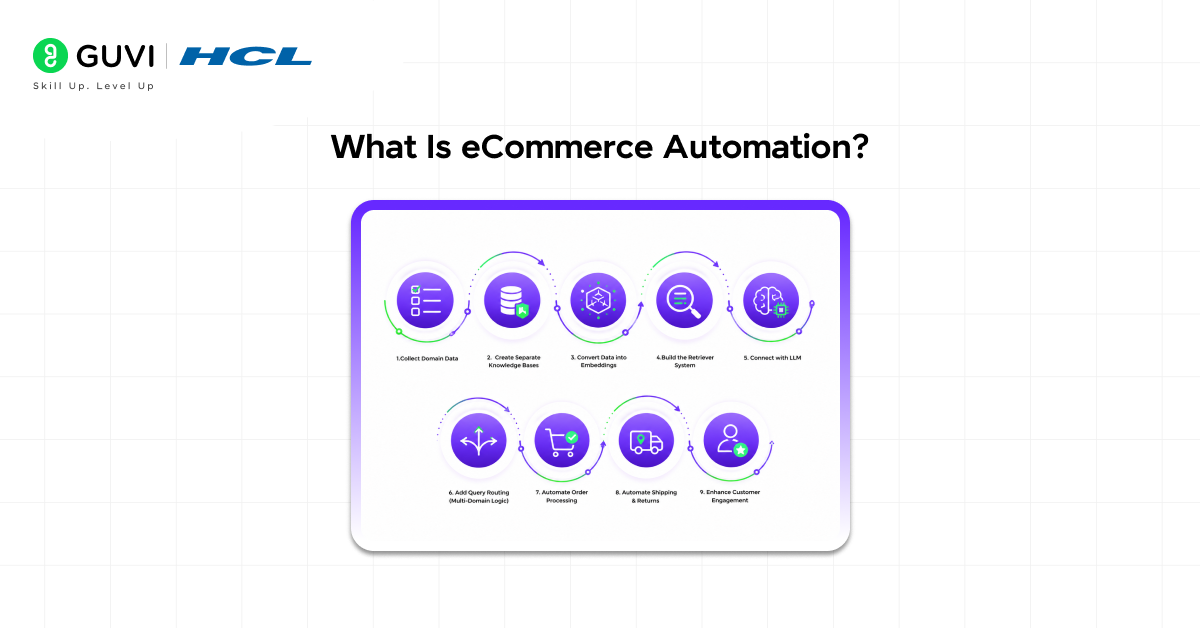
At its core, eCommerce Automation refers to using technology to perform repetitive online store tasks without manual effort. Instead of logging in every day to send emails, update stock levels, or confirm shipments, automated systems handle these tasks instantly.
Modern eCommerce Automation tools connect different parts of your business into one smooth workflow. For example, when a customer places an order, the system can automatically:
- Confirm the order
- Send payment details
- Update inventory
- Notify the shipping provider
- Send tracking information to the customer
This level of automation reduces manual work and ensures customers receive fast, accurate updates.
Why eCommerce Automation Matters Today
Online shopping has grown massively in recent years, and customer expectations are higher than ever. People expect fast deliveries, instant confirmations, and personalized experiences.
That is why eCommerce Automation has become essential rather than optional.
Here are the main reasons businesses rely on eCommerce Automation today:
- It reduces manual errors during order handling
- It speeds up daily operations
- It improves customer experience
- It saves time and operational costs
- It allows businesses to scale without hiring large teams
In 2026, even small businesses use eCommerce Automation to compete with large marketplaces.
Do check out HCL GUVI’s Artificial Intelligence and Machine Learning Course to learn the skills behind modern automation and intelligent systems used in today’s digital businesses.
How eCommerce Automation Works
Understanding how eCommerce Automation works helps beginners feel confident when implementing it.
Most eCommerce Automation systems follow a simple logic:
Trigger → Action → Result
Let’s understand this with an example:
- Trigger: Customer places an order
- Action: System sends confirmation email
- Result: Customer receives instant notification
Another example could be:
- Trigger: Product stock falls below 10 units
- Action: System alerts the store owner
- Result: Stock is replenished before running out
By connecting triggers and actions, eCommerce Automation eliminates repetitive manual steps.
Types of eCommerce Automation
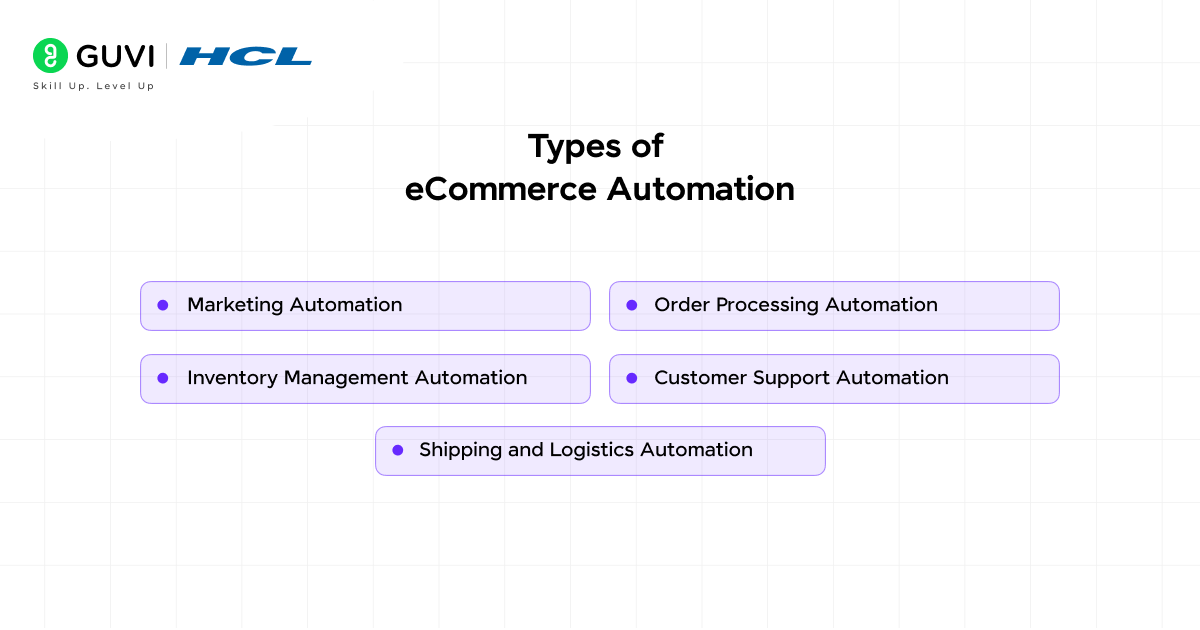
Different parts of an online store can be automated. Businesses often start small and gradually expand their automation processes.
1. Marketing Automation
Marketing automation is one of the most popular forms of eCommerce Automation. It helps businesses communicate with customers without manually sending messages every time.
Common marketing automation tasks include:
- Sending welcome emails to new customers
- Creating abandoned cart reminders
- Sending discount offers automatically
- Running scheduled email campaigns
- Personalizing product recommendations
Marketing-focused eCommerce Automation significantly improves customer engagement and repeat purchases.
2. Order Processing Automation
Handling orders manually can quickly become overwhelming. With order processing eCommerce Automation, the system manages orders from start to finish.
This type of eCommerce Automation can:
- Confirm orders automatically
- Generate invoices
- Send order notifications
- Update order status
- Share tracking details
This ensures faster processing and fewer mistakes.
3. Inventory Management Automation
Inventory management is one of the most critical parts of any online store. Running out of stock can lead to lost sales and unhappy customers.
Inventory-based eCommerce Automation helps businesses:
- Track product availability
- Update stock levels automatically
- Send low-stock alerts
- Sync inventory across multiple platforms
- Prevent overselling
This type of eCommerce Automation is especially useful for businesses selling on multiple marketplaces.
4. Customer Support Automation
Customer support automation improves response speed and customer satisfaction.
Customer-focused eCommerce Automation includes:
- Chatbots answering common questions
- Automatic support ticket creation
- Sending delivery updates
- Providing FAQs instantly
- Handling return requests
By implementing this form of eCommerce Automation, businesses can support customers 24/7.
5. Shipping and Logistics Automation
Shipping is another area where automation saves time and reduces errors.
Shipping-based eCommerce Automation handles:
- Shipping label generation
- Delivery tracking updates
- Courier integration
- Delivery notifications
- Return shipment handling
This ensures smooth order delivery and better customer experience.
Key Benefits of eCommerce Automation
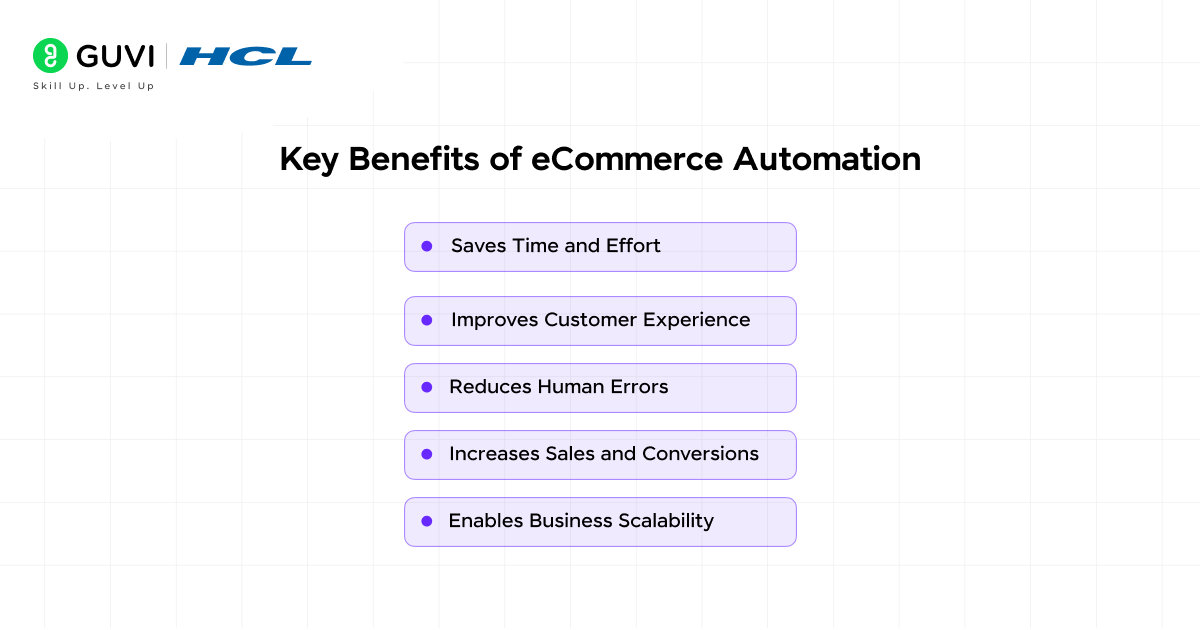
Businesses adopt eCommerce Automation because of its measurable advantages. Whether you run a small store or a large marketplace, automation improves overall efficiency.
1. Saves Time and Effort
Manual tasks consume hours every day. With eCommerce Automation, repetitive processes run automatically in the background.
This allows business owners to focus on growth strategies rather than routine tasks.
2. Reduces Human Errors
Manual data entry often leads to mistakes. Automation minimizes these errors by handling processes consistently.
Using eCommerce Automation ensures accurate order details, correct inventory tracking, and reliable communication.
3. Improves Customer Experience
Customers appreciate fast responses and accurate updates. Automated emails, order confirmations, and tracking messages improve trust and satisfaction.
With eCommerce Automation, customers receive real-time updates without delays.
4. Increases Sales and Conversions
Automation tools help recover abandoned carts and send personalized offers. This encourages customers to complete purchases.

Businesses using eCommerce Automation often see higher conversion rates and improved revenue.
5. Enables Business Scalability
As order volume increases, manual systems struggle to keep up. Automation allows businesses to handle more orders without increasing workload.
This makes eCommerce Automation essential for long-term growth.
Popular eCommerce Automation Tools in 2026
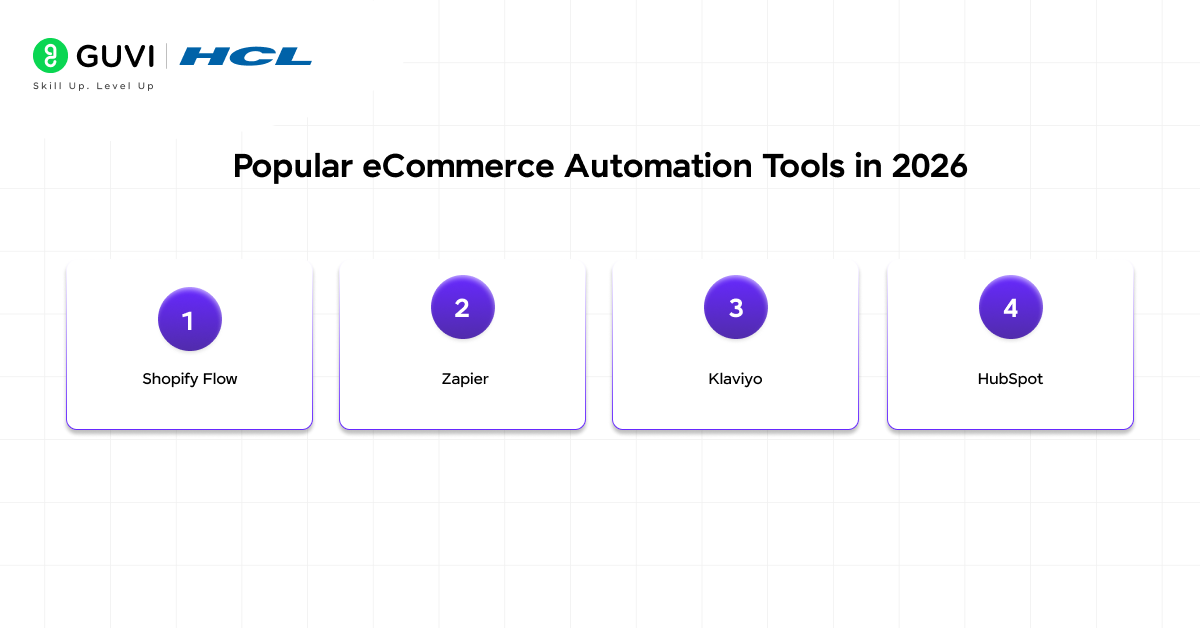
Technology has advanced rapidly, and several tools now make eCommerce Automation easier than ever.
1. Shopify Flow
Shopify Flow is widely used for workflow-based eCommerce Automation. It allows store owners to create automation rules without coding knowledge.
Common uses include:
- Tagging customers automatically
- Managing inventory alerts
- Sending notifications
- Creating marketing workflows
This tool is ideal for beginners starting with eCommerce Automation.
2. Zapier
Zapier connects multiple applications and creates automated workflows between them.
With Zapier-based eCommerce Automation, businesses can:
- Sync customer data
- Automate emails
- Connect marketing platforms
- Transfer order details
It supports thousands of integrations.
3. Klaviyo
Klaviyo is a powerful marketing-focused automation tool.
Marketing-based eCommerce Automation using Klaviyo helps businesses:
- Send personalized campaigns
- Track customer behavior
- Automate email flows
- Create customer segments
It is commonly used for email and SMS automation.
4. HubSpot
HubSpot provides marketing and CRM automation features.
With HubSpot-driven eCommerce Automation, businesses can:
- Manage leads
- Automate follow-ups
- Track customer journeys
- Analyze performance
This tool is widely used by growing businesses.
How To Implement eCommerce Automation Step By Step
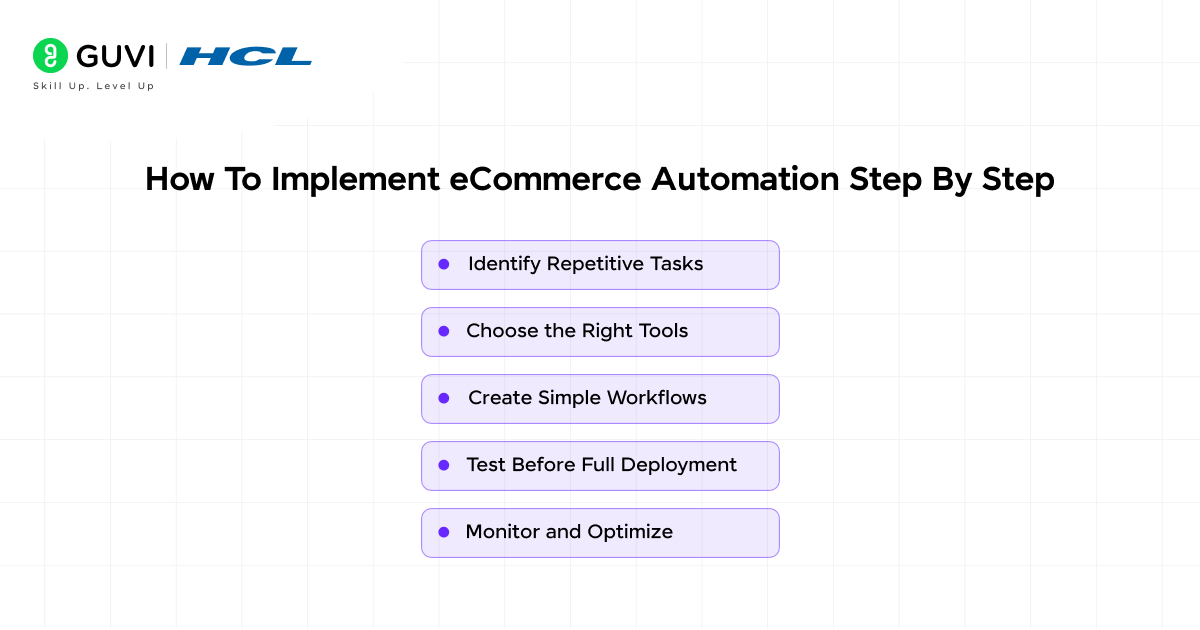
Beginners often assume automation is complicated, but it becomes manageable when broken into simple steps.
1. Identify Repetitive Tasks
Start by listing tasks performed daily.
Common repetitive tasks include:
- Sending emails
- Updating inventory
- Processing orders
- Generating invoices
- Tracking shipments
Identifying these tasks is the first step toward successful eCommerce Automation.
2. Choose the Right Tools
Select tools that match your business needs.
When choosing eCommerce Automation tools, consider:
- Ease of use
- Integration options
- Cost
- Customer support
- Scalability
Choosing the right tool ensures smooth automation.
3. Create Simple Workflows
Start with basic automation workflows.
For example:
- Send order confirmation emails
- Notify customers of shipping updates
- Send welcome messages
Simple workflows help businesses understand eCommerce Automation before scaling.
4. Test Before Full Deployment
Testing ensures automation works correctly.
Before launching full eCommerce Automation, verify:
- Emails are delivered correctly
- Inventory updates accurately
- Notifications reach customers
Testing prevents unexpected errors.
5. Monitor and Optimize
Automation is not a one-time setup. It requires continuous monitoring and improvement.
Businesses should regularly review eCommerce Automation performance and optimize workflows based on results.
Future Trends in eCommerce Automation
Technology continues evolving, and the future of eCommerce Automation looks promising.
1. AI-Powered Automation
Artificial intelligence enhances automation capabilities.
AI-driven eCommerce Automation can:
- Predict customer behavior
- Recommend products
- Automate dynamic pricing
- Improve customer targeting
AI will play a major role in the future of online businesses.
Do check out HCL GUVI’s AI & ML 5-Day Email Course to learn the basics of artificial intelligence and machine learning through simple lessons, real-world use cases, and career insights delivered directly to your inbox.
2. Voice Commerce Integration
Voice assistants are becoming more popular.
Voice-enabled eCommerce Automation allows customers to place orders using voice commands.
This improves accessibility and convenience.
3. Hyper-Personalization
Customers expect tailored experiences.
Advanced eCommerce Automation will deliver highly personalized recommendations based on browsing behavior.
4. Predictive Inventory Management
Predictive tools analyze sales patterns and forecast demand.
Predictive eCommerce Automation prevents stock shortages and reduces waste.
💡 Did You Know?
- Over 70% of online businesses now use some form of automation to manage daily operations
- Automated abandoned cart emails can recover up to 20% of lost sales
- Businesses using eCommerce Automation often report higher productivity and improved customer satisfaction
Conclusion
Managing an online store manually may work in the beginning, but as your business grows, repetitive tasks quickly become overwhelming. That is why Automation has become a powerful solution for modern businesses looking to save time and improve efficiency.
By adopting eCommerce Automation, businesses can streamline operations, reduce errors, and deliver better customer experiences. Whether you start with simple email workflows or advanced AI-driven systems, automation helps transform online stores into scalable and successful businesses.
FAQs
1. What is eCommerce Automation used for?
eCommerce Automation is used to automate repetitive online store tasks such as sending emails, updating inventory, processing orders, and managing customer interactions.
2. Is eCommerce Automation suitable for small businesses?
Yes. Small businesses benefit greatly from Automation because it reduces manual workload and improves efficiency without requiring large teams.
3. How much does eCommerce Automation cost?
The cost of eCommerce Automation varies depending on tools and features. Some platforms offer free plans, while advanced solutions require monthly subscriptions.
4. Can beginners implement eCommerce Automation?
Yes. Most modern tools are beginner-friendly and provide templates that make Automation easy to implement without coding knowledge.
5. What tasks should be automated first?
Beginners should start eCommerce Automation with simple tasks such as order confirmations, welcome emails, and shipping notifications.
Success Stories

About the Author
Jebasta
I translate the language of data into stories that anyone can understand. As a writer with a data science background, I simplify analytics, AI, and decision-making so beginners and enthusiasts can confidently explore the world of data.
View all posts by Jebasta
Connect with me @













Did you enjoy this article?