


Artificial Intelligence and Machine Learning Articles
How to Evaluate LLM Outputs in Production Deployments
AI/ML Skills Gap 2026: Why Companies Can't Find Job-Ready Talent
20 AI/ML Interview Questions Recruiters Can Use Without a Tech Background - Best Guide
How Industry-Backed AI/ML Bootcamps Are Changing the AI/ML Hiring Pipeline - Best Guide 2026


Get In Touch For Details! Request More Information
How to Use Lovable AI With Demo Project
May 25, 2026 5 Min Read 3562 Views
(Last Updated)
Imagine building a complete web app with login, a real database and a clean design without writing any code. It may sound like something only expert engineers can do.
Not anymore. Lovable AI makes it very easy. You can be a beginner, a designer with an idea or just someone who wants to create an app. You can build it in minutes instead of months.
In this guide you will learn what Lovable AI is, how it works and how to use it step by step. You will also see a simple demo project that you can try right away.
Quick Answer:
Lovable AI allows you to create full-fledged web applications without the need to write a single line of code, just by giving it a few English commands. This tool is great for newbies, creators, and programmers alike, as it allows you to create, enhance, and publish applications in a matter of minutes.
Table of contents
- What is Lovable AI?
- Who Is Lovable AI For?
- Top Features of Lovable AI
- Lovable AI Pricing Guide
- How to Build Your First App with Lovable AI
- What We Are Creating
- The Prompt to Use
- Tips to Get the Best Results From Lovable
- Limitations to Keep in Mind
- Final Thoughts
- FAQs
- Is Lovable AI free to use?
- Do I need to know how to code to use Lovable?
- What kind of apps can I build with Lovable?
- Can I export or own the code Lovable generates?
- Can I connect a database to my app?
What is Lovable AI?
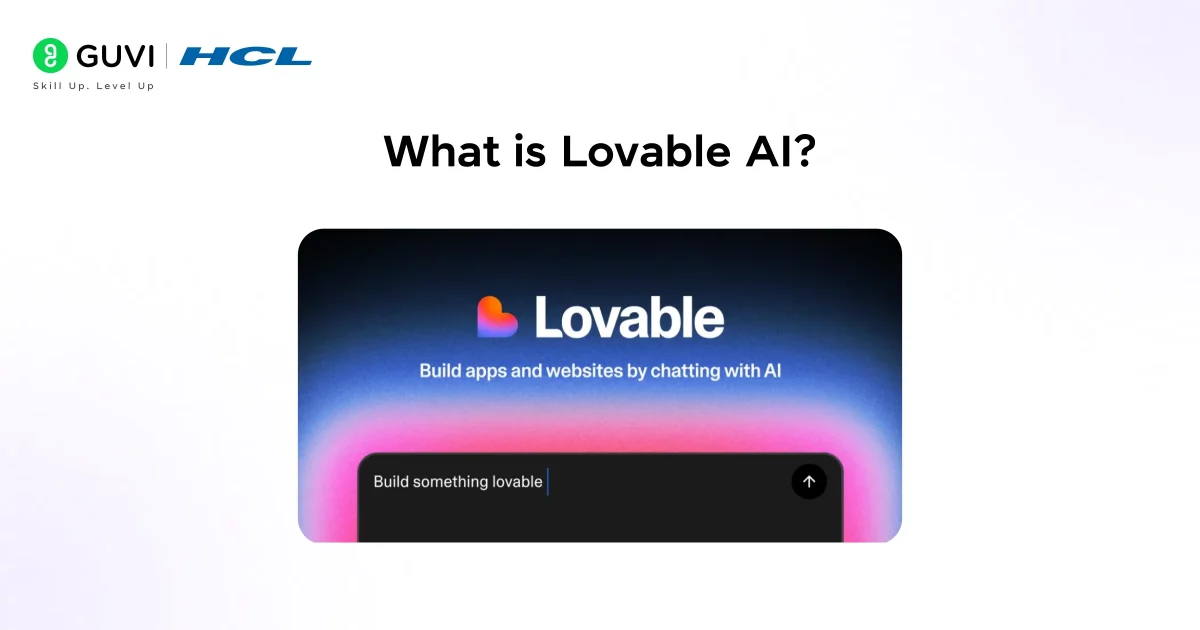
Lovable is an AI assistant that can turn your ideas written in simple English into fully functional web applications. It’s like having a full-stack developer with you all the time. You simply have to describe your ideas, and Lovable starts building them immediately.
Lovable AI can generate real React and TypeScript code, use Tailwind CSS for styling, and connect to Supabase for login and database needs. The code generated by Lovable is clean, and you can use it as you want.
Lovable was founded in 2023 and has been growing rapidly with millions of projects created with its help. It’s changing the way we build software.
Who Is Lovable AI For?
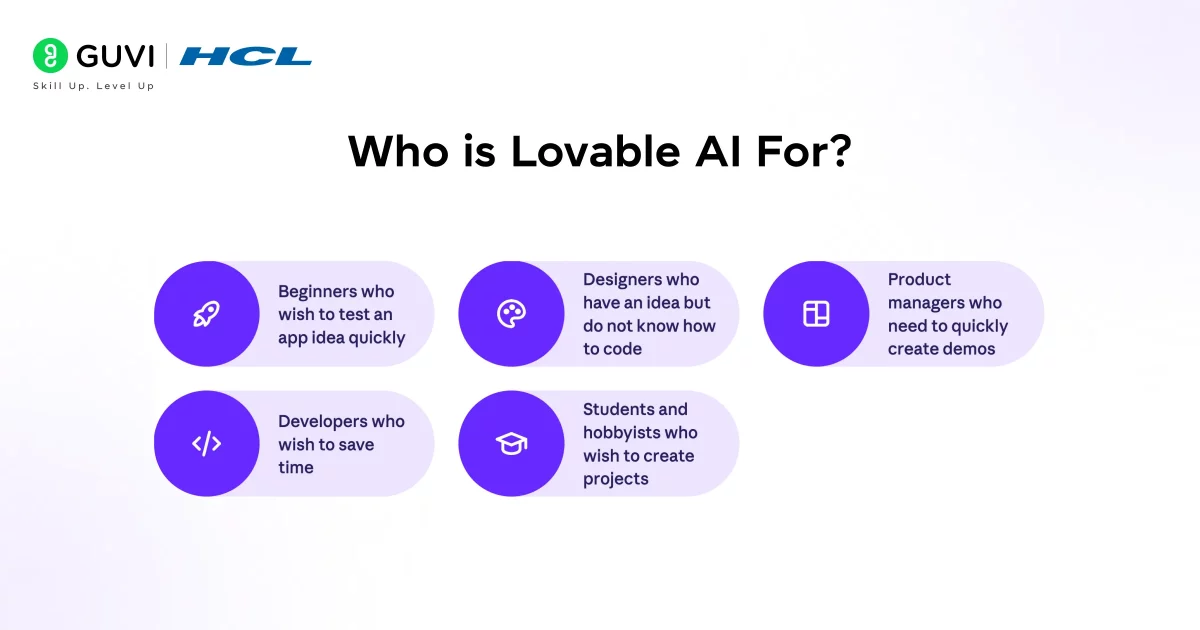
Lovable is for many types of users. They include:
- Beginners who wish to test an app idea quickly
- Designers who have an idea but do not know how to code
- Product managers who need to quickly create demos
- Developers who wish to save time
- Students and hobbyists who wish to create projects
If you have an app idea but do not know how to code, then Lovable is for you.
Top Features of Lovable AI
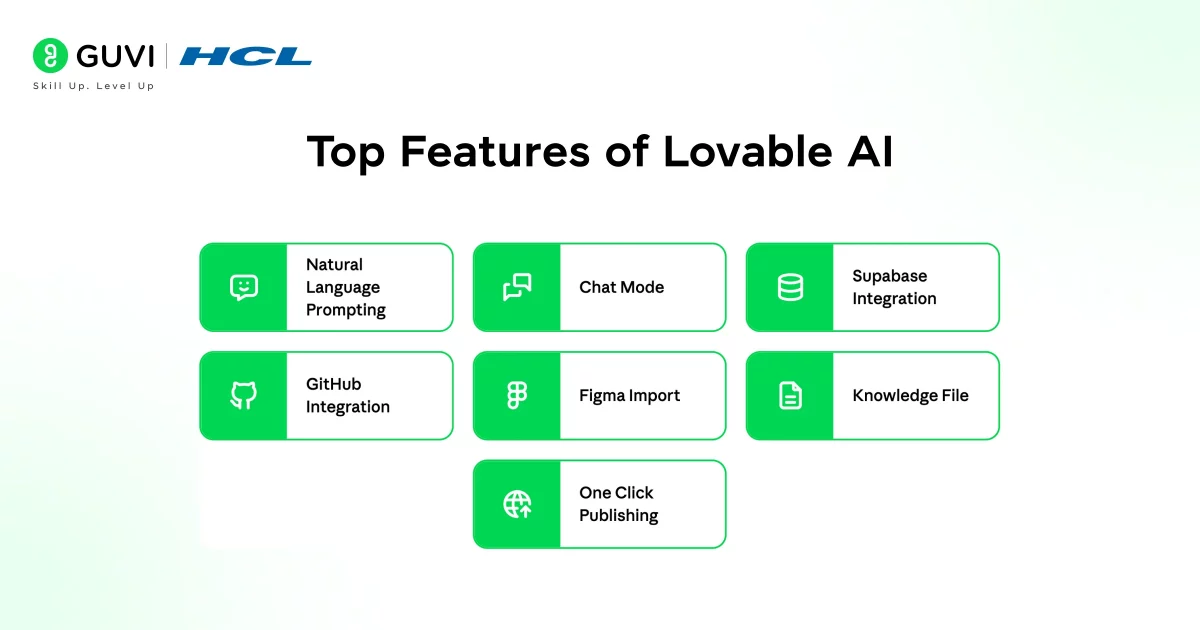
- Natural Language Prompting
You can simply describe your application in English, and Lovable will automatically develop the application for you.
- Chat Mode
You can ask questions whenever you need them and get instant support. It can also assist in correcting errors or making changes.
- Supabase Integration
Lovable automatically creates the login system and the database without any effort on your part.
- GitHub Integration
Your code is securely stored in GitHub and can be accessed and utilized whenever needed.
- Figma Import
You can develop your application directly from your design, so there is no need to code the UI of the application.
- Knowledge File
You can save your colors, fonts, and other rules, and Lovable can maintain the consistency of the design of your application.
- One Click Publishing
You can instantly publish your application with no effort or technical requirements.
Lovable AI Pricing Guide
Lovable AI pricing uses a simple credit system where each prompt you give uses some credits. Simple changes use fewer credits, while bigger features use more credits.
- Free Plan
You get 5 credits per day with public projects and up to 5 subdomains. It is good for learning and trying the tool. - Starter Plan
It costs $25 per month and gives 100 credits. You can create private projects, use GitHub, and remove the Lovable badge. - Launch Plan
It costs $50 per month and gives more usage, faster support, and access to special events. - Enterprise Plan
This plan has custom pricing for large teams and advanced needs.
The free plan is enough to start and build small projects. When you want to build something serious, the Starter plan is a better choice.
How to Build Your First App with Lovable AI
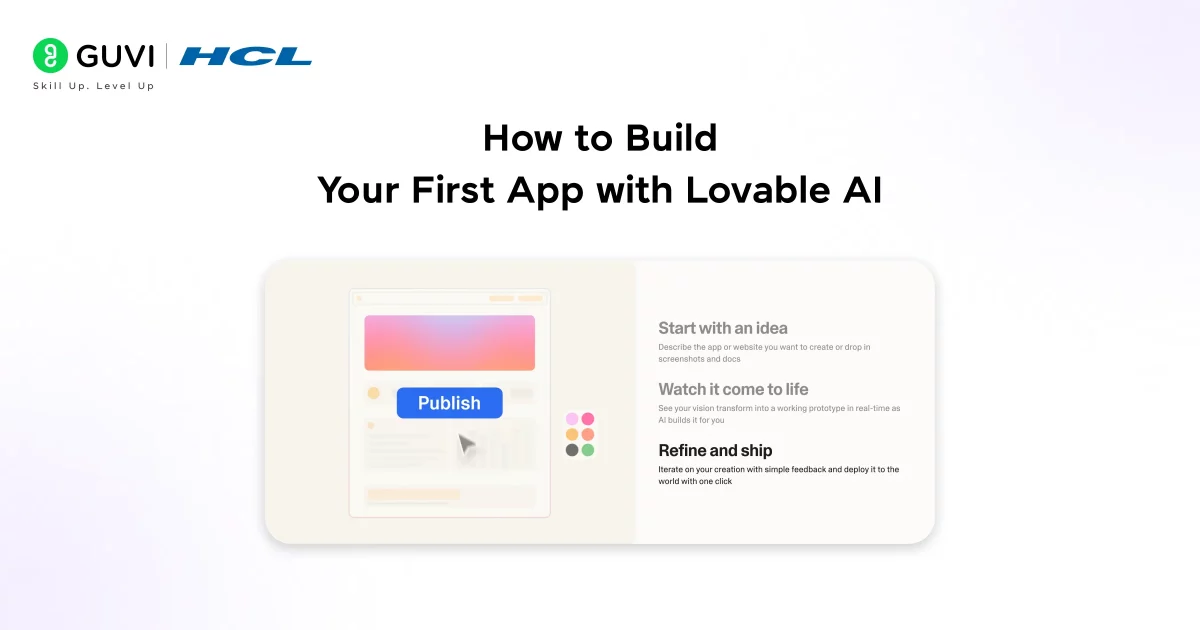
Ready to build your first app with Lovable?
Follow these simple steps and turn your idea into a real app in minutes.
Step 1: Create Your Account
To start using Lovable, go to lovable.dev and click Get Started. Then create your account using your email or Google account.
Step 2: Write Your First Prompt
Write what kind of app you want to create in the box provided. The more information provided, the better your app will be. Then press Enter and start.
“Create a simple expense web tracker app where users can sign up, add daily expenses with categories, view a monthly summary, and see a basic chart of their spending. Use a clean design with light colors and make it mobile-friendly.”
Step 3: Watch It Build
Your app will be created in just a few seconds. You can see your app being created right in front of your eyes. It is that fast. In most cases, your app will be created in a matter of seconds.
Step 4: Improve Your App
You can keep chatting and improve your app. Type and ask to improve your app’s design or add more features. Each message will improve your app step by step.
Step 5: Connect Your Backend
Add Supabase to include login and storage functionality. Lovable will take care of everything for you in one step. You don’t need to know anything about the backend.
Step 6: Publish Your App
Click Publish to make your app live in an instant. You can share it with others or add your own domain. Your app is ready for the world!
Read More: Create a Portfolio Website Using Lovable AI
Lovable AI is built on top of GPT-4 class models, which means the code it generates benefits from some of the most advanced language understanding in AI today. It was originally launched as “GPT Engineer” and started as an open source project that quickly went viral on GitHub, gaining tens of thousands of stars before rebranding to Lovable.
Demo Project: Creating a Simple Task Manager Application
Let’s try creating a real application. Creating this application will take you approximately 10-15 minutes. By the end of this tutorial, we will have a working task manager application.
What We Are Creating
This is a simple task manager application for personal use. The application will have the following features:
• User registration and login
• Task addition and deletion
• Task completion
• Simple and clean interface
The Prompt to Use
Copy and paste this prompt into Lovable:
“Build a personal task manager web app. Users should be able to sign up and log in with their email. Once logged in, they should see a dashboard where they can add new tasks, view all their tasks in a list, mark tasks as complete (with a strikethrough effect), and delete tasks they no longer need. Use a clean white background with blue accents. Make the interface simple and easy to use on both desktop and mobile.”

What Happens Next
Lovable will generate your full application in just 60 to 90 seconds. You’ll see a complete setup with a landing page, sign up form, login screen, and a task dashboard all styled and ready to use.
At this stage, simply connect Supabase from your project settings.
Then tell the AI: “Connect the app to Supabase and make sure tasks are saved to the database and linked to the logged in user.” Lovable will take care of everything automatically.
Refining the Demo
Once you have your basic app created, you can make it even better with just a few more prompts:
- Add a due date field to each task and sort the tasks by due date
- Add a priority dropdown with Low, Medium, and High options, and color code each task
- Add a search bar to easily search for each task with keywords
It only takes about 30 seconds to make each change, making it super easy to make your app better. When you’re satisfied with how perfect your app looks, just click Publish, and your task manager app will be live on the internet, ready to be shared with others.
Tips to Get the Best Results From Lovable
- Be Specific in Your Prompts
Vagueness breeds vagueness. The more information you provide in your prompt, the more likely the AI will be to create something that looks like what you wanted.
- Chat Mode Before Big Changes
Before you tell Lovable to add a new, complicated feature, talk it out in Chat Mode first. This minimizes the risk of something going wrong and also saves you credits.
- Knowledge File Early On
Establish your brand colors, fonts, and rules in a Knowledge File as soon as possible. This ensures that the AI sticks to your vision instead of going haywire as you add more features.
- GitHub Connection Right Away
While it may not be necessary to edit the code yourself, connecting to GitHub allows you to automatically back up your project and gives you the option to work with a developer if needed in the future.
- When things go wrong, use the rollback feature.
Lovable saves versions of your project in progress. So, if the AI breaks something or the update fails to work as expected, you can roll back to a working version in a snap. Use the rollback feature before burning credits trying to fix a broken state.
Limitations to Keep in Mind
While lovable is really impressive, there are limitations to know before you go all-in.
- The Credit System can be frustrating at times.
Not only do you have to spend credits on each prompt, but you also have to spend them on each prompt where the AI made a mistake, and you have to correct it. Complicated debug cycles can consume credits rather quickly. Be mindful of your credits, especially if you are working on complicated features.
- Complex projects require more guidance.
While lovable is great for Minimum Viable Products or prototypes, the more complicated your project gets, the more guidance you might have to provide to the AI. Complex projects, especially large-scale enterprise-level projects, might still benefit from a developer reviewing and expanding the code.
- The Backend only works with Supabase.
If you want to use a different database or a different backend stack, lovable is not the right choice. While Supabase is great for most projects, not all projects use Supabase.
If you’re serious about understanding how to use Lovable AI and create projects , HCL GUVI’s Intel & IITM Pravartak Certified Artificial Intelligence and Machine Learning Course is exactly where you need to be. This live online programme is taught directly by Intel engineers and industry experts. You also get the opportunity to attend 1:1 doubt sessions with top SMEs, work on 20+ industry-grade projects including a capstone project, learn in your preferred language, and receive placement assistance through 1000+ hiring partners.
Final Thoughts
Lovable AI has genuinely lowered the barrier to building software. What once took months of development time and thousands of dollars can now be done in an afternoon by almost anyone with a clear idea and a good prompt.
It is not perfect. The credit system can feel limiting, and very complex apps may still need a developer’s expertise eventually. But when it comes to turning an idea into a working prototype faster than you imagined, Lovable stands out.
So go try it. Head to lovable.dev, sign up for free, paste in a prompt, and see what gets built in the next two minutes. Your next project might just surprise you.
FAQs
Is Lovable AI free to use?
Yes. Lovable offers a free plan with 5 credits per day and no credit card required. It is a real way to explore the tool and build small projects without spending anything.
Do I need to know how to code to use Lovable?
No. Lovable is specifically designed for people with zero coding knowledge. If you can describe what you want in plain English, you can build with Lovable.
What kind of apps can I build with Lovable?
You can build landing pages, SaaS tools, dashboards, internal business tools, e-commerce sites, social apps, portfolio sites, and much more.
Can I export or own the code Lovable generates?
Yes, absolutely. You own all the code Lovable generates. Through the GitHub integration (available on paid plans), you can sync your entire project to your own repository and take it wherever you want.
Can I connect a database to my app?
Yes, Lovable supports Supabase, which helps you add login and store data easily.
Success Stories

About the Author
Lukesh S
A professional content writer who has experience in freelancing and now working as a Technical Content Writer at HCL GUVI having sound knowledge in Blog Writing and Creative Writing!
View all posts by Lukesh S
Connect with me @










Did you enjoy this article?