


Software Development Articles
My Google SDE Interview Experience: From Rejection to Selection [2026 Success Story]
Apple Interview Experience for Software Developers: What to Expect
Decoding Differences between Network OS and Distributed OS
Operating System Examples: Top OS Types, Features, and Uses Explained


Get In Touch For Details! Request More Information

Comprehensive Operating System Syllabus for Computer Science and Engineering Students
Feb 12, 2026 7 Min Read 1806 Views
(Last Updated)
Have you ever wondered what makes a computer run smoothly from the moment you press the power button? The answer is in the operating system, the solid foundation that controls hardware and powers every digital experience. Understanding its structure and functions is essential for computer science students who aim to master system-level programming and real-world computing concepts.
Read this comprehensive Operating System syllabus designed for Computer Science and Engineering students. It outlines every core topic, from process control to real-time systems to help you build a strong foundation for exams and professional growth.
Table of contents
- What are Operating Systems?
- Importance of Learning Operating Systems
- Operating System Syllabus for Computer Science and Engineering
- Structure of Operating Systems
- Process Management
- Memory Management
- File System Management
- Input/Output and Device Management
- Storage and Disk Management
- Security and Protection
- Distributed and Network Operating Systems
- Real-Time and Embedded Operating Systems
- Advanced Topics in Operating Systems
- Case Studies of Popular Operating Systems
- Practical and Laboratory Work
- Recommended Study Resources
- Conclusion
- FAQs
- What is the purpose of studying Operating Systems?
- How does an Operating System improve performance?
- What is the difference between system and application software?
- Why is Linux important in computer science education?
- How is virtualization connected to Operating Systems?
What are Operating Systems?
An operating system controls hardware and manages communication between software and devices. It organizes memory and handles file operations. Each action taken by a user passes through the operating system before reaching the hardware. It provides a stable base for programs to run efficiently and keeps computing environments secure and reliable.
Importance of Learning Operating Systems
- System Understanding: Builds knowledge of how computers control processes and manage memory.
- Problem-Solving Skills: Improves the ability to analyze and fix system-level issues efficiently.
- Software Development: Helps programmers design applications that use system resources effectively.
- Career Relevance: Strengthens technical preparation for roles in networking, DevOps, and cybersecurity.
Operating System Syllabus for Computer Science and Engineering
1. Structure of Operating Systems
1.1 Core Components of an Operating System
An operating system connects users, applications, and hardware through key components:
- Kernel: Controls CPU and device operations. It runs in a protected mode to manage critical tasks.
- Shell: Interprets user commands and converts them into executable instructions. It may appear as a command line or graphical interface.
- System Libraries: Provide reusable functions that allow safe access to system services and simplify application design.
1.2 Types of Kernels

Kernels define how the OS manages communication and processing:
- Monolithic Kernel: Executes system services in one layer for higher performance.
- Microkernel: Keeps only essential tasks in the kernel for improved stability.
- Hybrid Kernel: Combines the performance of a monolithic design with microkernel reliability.
- Modular Kernel: Loads modules during runtime to add or remove features easily.
1.3 System Calls and User-Hardware Interface
System calls act as gateways between applications and the kernel. They handle resource access securely and maintain communication with hardware.
Examples include read(), write(), and exec(), which control file and process operations.
1.4 Boot Process and System Initialization
The boot process activates system hardware and loads the OS:
- POST: Tests hardware readiness.
- Bootloader: Loads the kernel into memory.
- Kernel Setup: Initializes core modules and memory control.
- User Space Activation: Starts system services and prepares the interface for user access.

2. Process Management
2.1 Process Lifecycle and Process Control Blocks
A process transitions through defined states: new, ready, running, waiting, and terminated. The Process Control Block (PCB) records each process’s ID, current state, and scheduling data so the OS can pause and resume tasks accurately, reflecting the core functions of the operating system in managing process control and execution flow.
2.2 Threads, Multithreading Models, and Multiprocessing
Threads share a process’s resources to improve speed and responsiveness. Threading models include:

- Many-to-One: Multiple user threads connect to one kernel thread.
- One-to-One: Each user thread links directly to a kernel thread.
- Many-to-Many: Balances resource use and parallel efficiency.
Multiprocessing uses several processors to execute tasks simultaneously, which increases reliability and throughput.
2.3 CPU Scheduling Algorithms
Scheduling decides the order of CPU execution:
- FCFS: Runs processes in arrival order.
- SJF: Prioritizes shorter tasks to reduce waiting time.
- Round Robin: Assigns equal time slices to maintain fairness.
2.4 Process Synchronization and Inter-Process Communication (IPC)
The OS synchronizes shared resource access and prevents conflicts.
- Synchronization: Uses semaphores or monitors to maintain data consistency.
- IPC: Facilitates information exchange through shared memory or message passing.
2.5 Deadlock Detection, Prevention, and Recovery
A deadlock blocks processes waiting for each other’s resources.
The OS manages it through:
- Detection: Scans for circular dependencies.
- Prevention: Controls resource request order.
- Recovery: Reassigns or terminates processes to restore flow.
3. Memory Management
3.1 Physical and Virtual Memory Organization
The OS manages physical memory (RAM) and extends it through virtual memory on disk. The operating system structure improves efficiency and protects each process from unauthorized access.
3.2 Paging, Segmentation, and Memory Mapping
Memory is structured for quick access and safe isolation:
- Paging: Divides memory into fixed pages for flexible use.
- Segmentation: Allocates based on logical program parts.
- Mapping: Links virtual addresses with physical storage for controlled access.
3.3 Allocation and Deallocation Methods
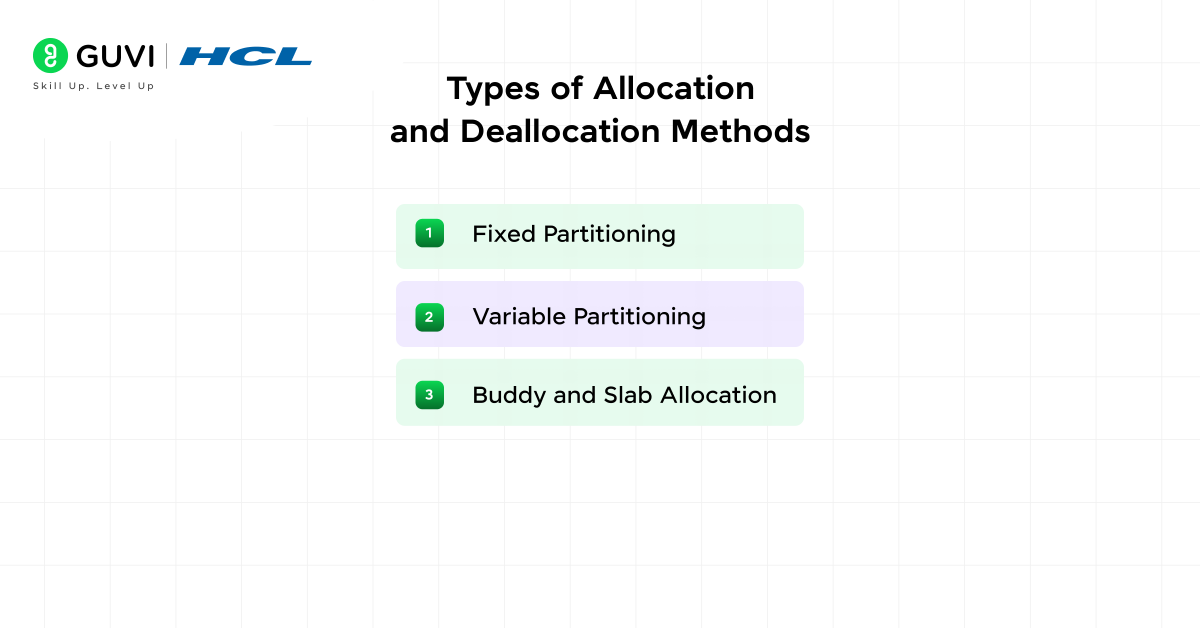
The OS assigns and frees memory using methods such as:
- Fixed Partitioning: Divides memory into static blocks.
- Variable Partitioning: Adjusts block size for better use.
- Buddy and Slab Allocation: Reduce fragmentation and accelerate reuse.
3.4 Page Replacement Algorithms
When memory is full, the OS replaces pages efficiently:
- LRU: Removes the least recently used page.
- FIFO: Removes the oldest loaded page to free space.
4. File System Management
4.1 File Structure, Naming, and Access Methods
The OS follows rules for file naming and organization to keep data traceable:
- File Structure: Data is stored in blocks arranged in a logical order for fast retrieval.
- Naming Conventions: File names identify type and purpose through extensions.
- Access Methods: Common methods include sequential and direct access. Sequential reading suits logs and documents. Direct access works better for databases and indexed files.
4.2 Directory Organization and Metadata
Directories maintain relationships between files. Metadata stores file attributes and access permissions. Together, they help the OS locate and manage stored information efficiently.
4.3 File Allocation Techniques and Access Control
File allocation defines how storage blocks are linked and managed.
- Contiguous Allocation: Stores files in continuous blocks for high performance but can create fragmentation.
- Linked Allocation: Connects file blocks through pointers, which supports flexible growth.
- Indexed Allocation: Uses an index table for faster access and easier block management.
4.4 File Protection, Recovery, and Distributed File Systems
Protection mechanisms defend files from accidental or unauthorized changes. The OS applies encryption and controlled access levels. Recovery processes restore files after hardware failure or corruption. Distributed file systems extend storage across multiple machines and allow users to access shared data transparently.
5. Input/Output and Device Management
5.1 Device Controllers and I/O Architecture
Every device connects through a controller that translates CPU instructions into hardware operations. The I/O structure within the operating system architecture defines how controllers communicate through system buses. It also maintains coordination between devices and ensures that data flows smoothly between hardware and active processes.
5.2 Interrupt Handling and Device Queues
Interrupts notify the CPU of device requests. The OS uses an interrupt handler to pause current execution and process the event. Device queues hold pending requests so that input and output operations complete in sequence without data loss.
5.3 Buffering, Caching, and Spooling Techniques
To maintain efficient data transfer, the OS uses several temporary storage methods:
- Buffering: Holds data briefly during transfer between devices.
- Caching: Stores frequently accessed data for faster retrieval.
- Spooling: Queues output tasks such as print jobs to manage device load effectively.
Each technique improves throughput and reduces idle CPU time.
5.4 Disk Scheduling Algorithms
Scheduling controls the order of disk access to minimize movement time.
- Shortest Seek Time First (SSTF): Selects the request closest to the current head position.
- SCAN: Moves the head in one direction, serving all requests before reversing.
- LOOK: Similar to SCAN but stops at the last active request instead of the disk end.
6. Storage and Disk Management
6.1 Storage Hierarchy and Disk Architecture
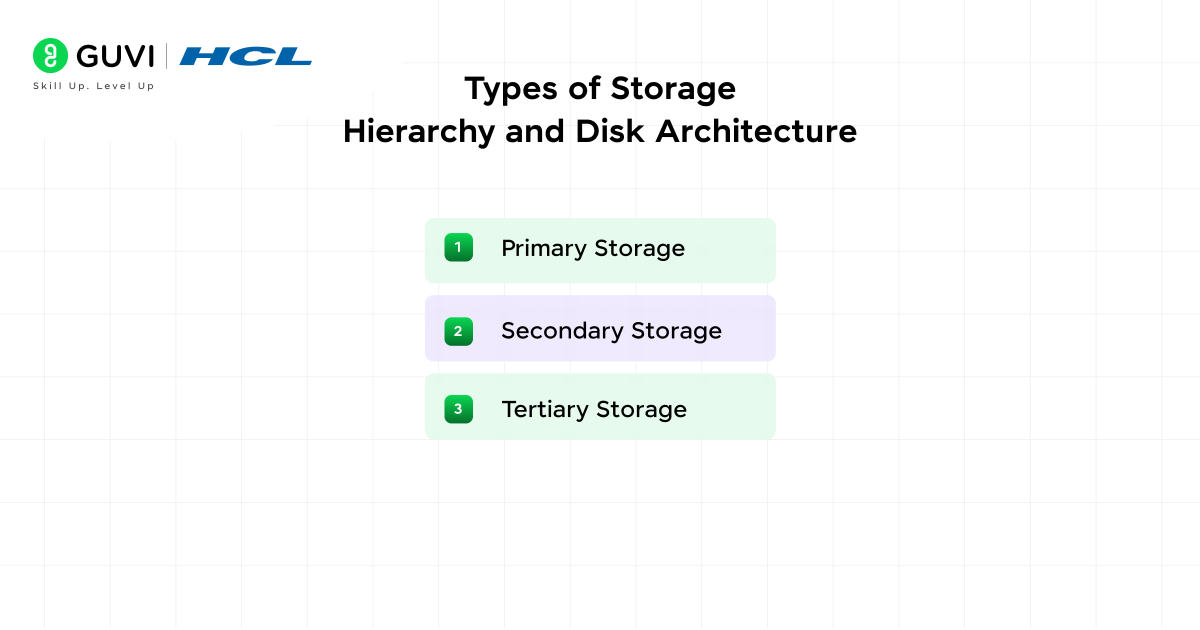
The storage hierarchy arranges memory based on capacity and cost. Each layer balances performance with efficiency:
- Primary Storage: Comprises cache and main memory that provide immediate access for the CPU.
- Secondary Storage: Includes hard drives and solid-state drives used for long-term data retention.
- Tertiary Storage: Consists of removable media such as optical disks or external drives that store backups.
6.2 Disk Formatting and Partition Management
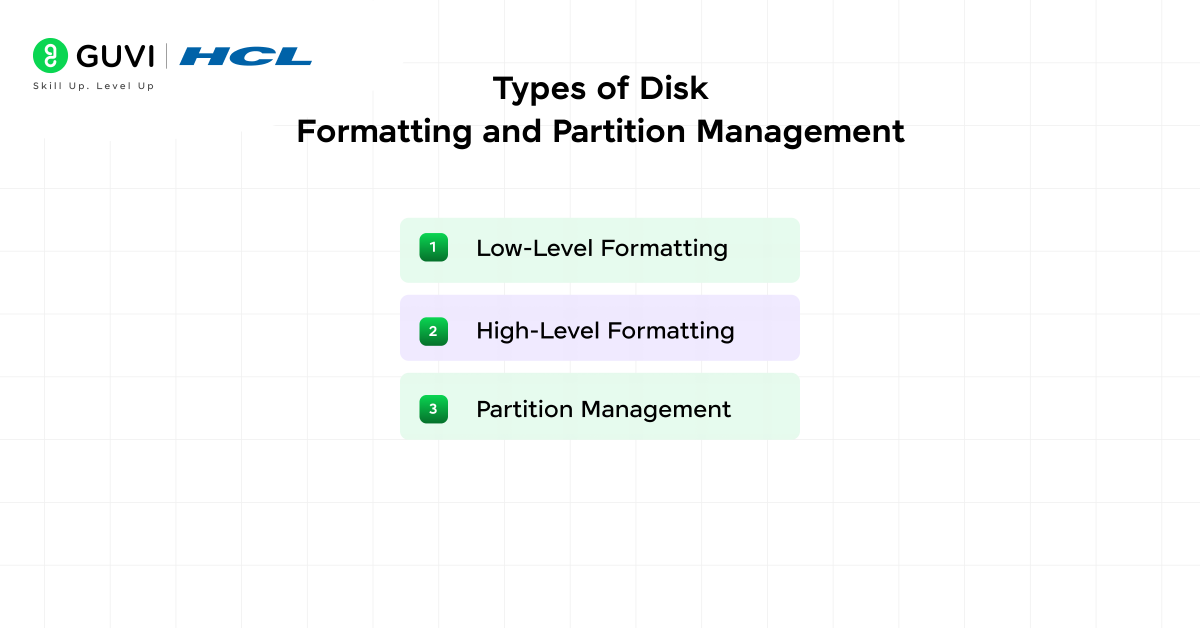
Formatting prepares a disk for use by creating file systems and setting up sectors. Partitioning divides a disk into smaller logical units that simplify organization.
- Low-Level Formatting: Defines tracks and sectors at the hardware level.
- High-Level Formatting: Creates file systems such as NTFS or ext4 and sets access structures.
- Partition Management: Controls how disk space is divided for operating systems, backups, or virtual environments.
6.3 RAID Levels and Data Redundancy
RAID (Redundant Array of Independent Disks) combines multiple drives to improve performance or reliability. Common levels include:
- RAID 0: Splits data across drives for speed but provides no redundancy.
- RAID 1: Mirrors data on two drives to protect against single-drive failure.
- RAID 5: Stripes data with parity, which balances storage efficiency and fault tolerance.
6.4 Storage Virtualization and Cloud-Based Storage Systems
Virtualization abstracts storage resources into a unified logical pool. It allows flexible allocation and faster recovery after hardware replacement. Cloud-based storage extends this model across remote data centers. It supports scalability and continuous access through distributed file systems and encrypted channels.
Also, Read: Top 40 Operating System Interview Questions and Answers for 2025 (Basic to Advanced)
7. Security and Protection
7.1 User Authentication and Access Control Models
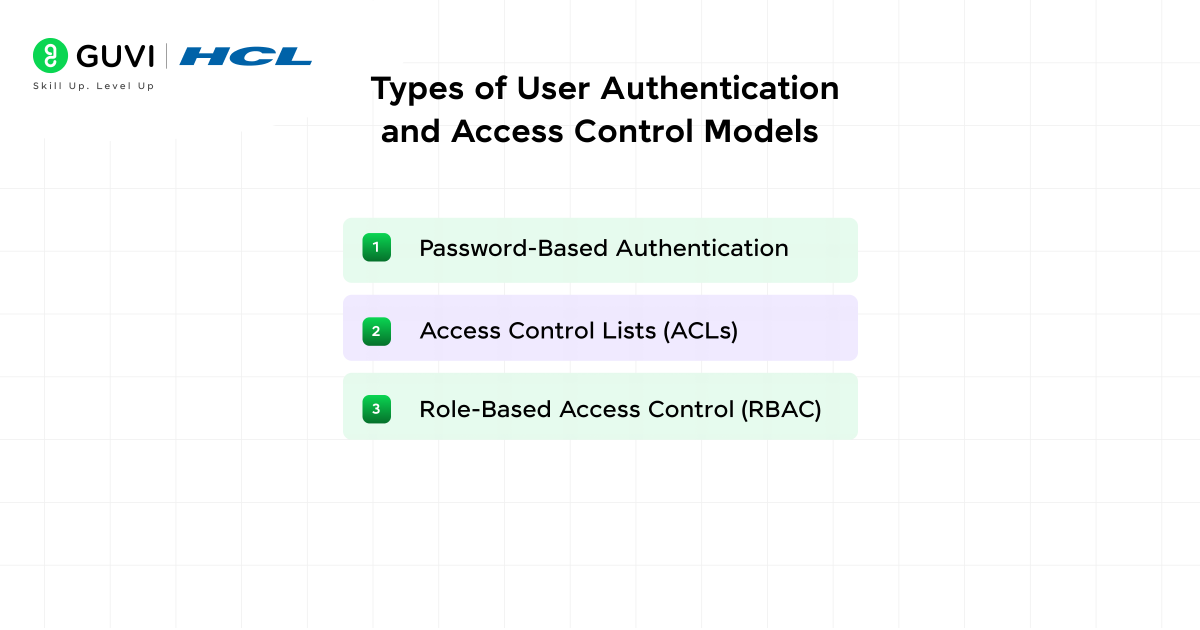
Authentication confirms user identity before access. Access control determines what actions each user can perform:
- Password-Based Authentication: Uses credentials verified by the OS.
- Access Control Lists (ACLs): Define permissions for individual files or users.
- Role-Based Access Control (RBAC): Groups users by roles to simplify privilege management.
7.2 Privilege Management and Process Isolation
Privilege management controls the scope of operations each process can perform. The OS grants administrative rights cautiously and enforces isolation to prevent one process from interfering with another. Kernel-level separation helps contain faults and reduce the impact of security breaches.
7.3 System Security Mechanisms and Cryptographic Techniques
The OS uses internal defense layers to maintain confidentiality and authenticity.
- Encryption: Converts sensitive data into an unreadable form for unauthorized users.
- Hashing: Validates data integrity during storage or transmission.
- Access Tokens: Authenticate system calls and maintain secure sessions.
7.4 Malware Prevention and Data Integrity Checks
Malware detection tools monitor active processes for irregular activity. The OS isolates suspicious programs before they damage files. Integrity checks use checksums and verification utilities to confirm that files remain unaltered after transfer or system updates.
7.5 Secure System Design and Auditing
Security begins at the design stage. The OS enforces least-privilege principles, periodic patching, and secure boot validation. Auditing tools record access history and configuration changes. These logs support forensic review and continuous compliance monitoring.
8. Distributed and Network Operating Systems
8.1 Principles of Distributed OS and Resource Sharing
A distributed operating system connects independent machines into a unified framework. It handles shared computation and balanced workload distribution. The OS manages memory and data transfers across nodes to make the system function as one integrated unit.
8.2 Synchronization and Communication Across Nodes
Nodes in a distributed network must stay synchronized to maintain order. The OS applies time coordination and message-passing mechanisms. These mechanisms prevent resource conflicts and guarantee correct sequencing across devices in a cluster.
8.3 Distributed File Systems and Load Balancing
Distributed file systems store data across multiple servers and allow users to access it transparently. Load balancing spreads computational demand evenly across nodes. It prevents overload on a single system and maintains consistent response times across the network.
8.4 Network Management and Fault Tolerance
Network management controls routing, traffic, and connection reliability. Fault tolerance ensures service continuity even when hardware fails. The OS uses replication, checkpointing, and redundancy to maintain stability.
8.5 Case Studies: UNIX, Windows Server, and Linux Servers

These operating systems illustrate different distributed and network architectures:
- UNIX: Provides robust multi-user capabilities and secure remote access.
- Windows Server: Offers centralized directory services and active domain control.
- Linux Server: Delivers scalability and open-source flexibility for cloud deployments.
9. Real-Time and Embedded Operating Systems
9.1 Characteristics of Real-Time Systems
Real-time systems guarantee that responses occur within measurable time limits. The OS monitors every operation to maintain accuracy:
- Deterministic Execution: Each task completes within a predictable time frame.
- Minimal Latency: Interrupts are processed quickly to maintain responsiveness.
- Resource Predictability: Memory and CPU cycles remain allocated for critical tasks only.
9.2 Hard and Soft Real-Time Scheduling Models
Scheduling defines how real-time tasks receive processor time:
- Hard Real-Time: Tasks must meet deadlines with no exceptions. Failure causes system malfunction.
- Soft Real-Time: Tasks may exceed deadlines occasionally but still deliver usable results.
9.3 Embedded OS Design for Specialized Hardware
Embedded operating systems support hardware with limited memory and processing power. They integrate tightly with sensors and controllers. Common design principles include compact kernels, fixed memory allocation, and efficient interrupt management. Each module is optimized for a single purpose rather than general computing.
9.4 Real-Time Synchronization and Fault Handling
Synchronization ensures that dependent tasks run in the correct order. The OS uses semaphores and priority inheritance to avoid timing conflicts. Fault handling identifies abnormal conditions and restores normal operation through controlled recovery routines.
9.5 Applications in Robotics, Automotive, and IoT

Real-time and embedded systems appear in industries that depend on precision:
- Robotics: Manage sensor feedback and actuator timing.
- Automotive Systems: Control engine management and braking operations.
- IoT Devices: Maintain reliable connectivity with limited energy and hardware.
10. Advanced Topics in Operating Systems
- 10.1 Virtualization and Hypervisor Management: Virtualization allows multiple systems to operate on shared hardware. Hypervisors create and control virtual machines that isolate workloads. The OS coordinates CPU and I/O resources among virtual environments to maintain balanced performance.
- 10.2 Containerization and Orchestration Tools: Containers package applications with required dependencies for consistent deployment. Orchestration platforms such as Kubernetes manage scaling and recovery. The OS manages process namespaces and control groups that support these tools efficiently.
- 10.3 Cloud-Based OS and Scalable Architectures: Cloud-based operating systems distribute workloads across remote servers. They adjust storage and memory based on user demand. This scalability supports continuous service without manual intervention.
- 10.4 AI-Integrated Resource Scheduling: Artificial intelligence enhances process scheduling and system optimization. The OS learns workload patterns and predicts resource needs. This predictive control improves throughput and reduces idle hardware cycles.
Take your computer science foundation to the next level by mastering how operating systems and artificial intelligence work together! Enroll in our AI Software Development Course, an advanced, project-driven program with globally recognized certification, 100% placement support, and expert mentorship. Learn to build intelligent systems, automate workflows, and design smart applications that define the future of computing
11. Case Studies of Popular Operating Systems
- 11.1 Windows OS Architecture and NT Kernel: Windows uses a hybrid kernel that supports both user and kernel modes. The NT kernel provides process scheduling and hardware abstraction. System services run as modular components, which simplify updates and error recovery.
- 11.2 macOS Structure and System Integration: macOS combines the Mach kernel with BSD Unix elements. It supports graphical performance through the Metal API and integrates seamlessly with Apple hardware. System Integrity Protection limits kernel-level modification to maintain security.
- 11.3 Linux Kernel Design and Module Management: The Linux kernel follows a monolithic design with dynamically loadable modules. Administrators can insert or remove modules without rebooting. This flexibility supports servers and embedded devices using a single adaptable base.
- 11.4 Android and iOS Architecture and Security Model: Both mobile platforms build on Unix-like foundations. Android extends the Linux kernel with middleware for mobile hardware. iOS applies strict sandboxing and hardware-based encryption that protect system integrity and user privacy.
12. Practical and Laboratory Work
- 12.1 Process and Thread Simulation Exercises: Students design programs that model process creation and synchronization. These simulations help explain context switching and scheduling policies.
- 12.2 Shell Scripting and Linux Command-Line Tasks: Command-line scripting builds automation proficiency. Learners practice file management, permission handling, and system monitoring through structured scripts.
- 12.3 File System and Memory Management Experiments: These experiments demonstrate how files are stored and retrieved. Students analyze paging and caching behavior to understand memory optimization.
- 12.4 Virtualization Using VirtualBox or VMware: Virtualization labs explore how guest systems share resources. Learners configure and test virtual machines under different workloads.
- 12.5 Kernel Module Configuration and Debugging: Students practice inserting and troubleshooting kernel modules. This exercise highlights how the kernel interacts with drivers and process schedulers.
13. Recommended Study Resources
Selected resources guide deeper study of core operating-system concepts:
- Operating System Concepts: Silberschatz, Galvin, and Gagne
- Modern Operating Systems: Andrew S. Tanenbaum
- Design of the UNIX Operating System: Maurice J. Bach
- Linux Documentation and Open-Source Learning Portals
Conclusion
The operating system stands as the central framework that connects users, software, and hardware with precision. Studying its principles develops the proficiency to manage resources and solve system-level problems effectively. Understanding the syllabus along with types of operating systems strengthens conceptual clarity and prepares students for advanced areas such as networking and cloud infrastructure. Continuous learning in these domains builds the technical depth required for modern computing careers.
FAQs
1. What is the purpose of studying Operating Systems?
It helps students understand how software controls hardware and manages system resources. This knowledge builds a strong base for learning computer architecture and system design.
2. How does an Operating System improve performance?
It manages CPU time and memory to keep programs responsive. It also controls input and output so processes complete faster under heavy load.
3. What is the difference between system and application software?
System software runs hardware and maintains the computing environment. Application software performs user tasks and depends on the system layer to operate correctly.
4. Why is Linux important in computer science education?
Linux teaches system-level control and open-source development. It also supports research, networking, and automation in academic projects.
5. How is virtualization connected to Operating Systems?
Virtualization lets multiple systems share one hardware platform. It improves resource use and supports testing, cloud deployment, and software training.
Success Stories

About the Author
Vaishali
I'm a seasoned writer with four years of experience across technical, non-technical, and just about every genre or niche you can imagine. Adaptable and curious, I enjoy exploring new topics and making information engaging and easy to understand. Fueled by a steady stream of tea, I approach each project with creativity, reliability, and genuine enthusiasm for storytelling.
View all posts by Vaishali
Connect with me @













Did you enjoy this article?