


Blockchain Articles
Blockchain Developer Roadmap (2026): Your Complete Step-by-Step Guide From Beginner to Job-Ready
Blockchain Developer Salary: A Complete Guide
30 Blockchain Developer Interview Questions and Answers
Non-Coding Jobs in Blockchain: Exploring Opportunities Beyond Tech


Get In Touch For Details! Request More Information
MetaMask Chrome: The Complete Guide to Secure Crypto Browsing
Sep 10, 2026 5 Min Read 636 Views
(Last Updated)
It was a few years ago when adding a browser extension meant mostly blocking ads, editing grammar or dark mode settings. Today, browser extensions are going big. They’re turning into gateways to the decentralized internet. Of them, MetaMask Chrome is one of the most noteworthy apps for anyone new to the crypto, blockchain, NFT, and Web3 universe.
MetaMask Chrome can be the gateway to blockchain technology, whether you’re a student researching the field, a developer creating decentralized applications or a professional trading in the digital asset market. It’s a crypto wallet, a layer for identity, a crypto transaction manager, and an authentication solution, all within a single browser.
However, despite its widespread use, many people aren’t completely aware of the functionality of the MetaMask Chrome other than “storing crypto.” Some install it with no knowledge of security. Others use it every day without realizing what’s happening in the background with the decentralized app.
In this blog you will learn how it works, why professionals rely on it, what risks to avoid, and how students can use it to build valuable Web3 skills.
Quick Answer:
MetaMask Chrome is safe to use when proper security practices are followed. Users should protect their Secret Recovery Phrase, avoid suspicious websites, and carefully review every transaction before approving it.
Table of contents
- What Is MetaMask Chrome?
- Why is MetaMask Chrome so popular?
- Easy Browser Integration
- Direct dApp Connectivity
- Multi-Network Support
- Developer-Friendly Ecosystem
- How MetaMask Chrome Actually Works
- Installing MetaMask Chrome Properly
- Safe Installation Process
- Why Students Should Learn MetaMask Chrome
- Understanding Web3 Architecture
- Portfolio Building
- NFT and Digital Ownership Concepts
- Exposure to Emerging Career Paths
- Common MetaMask Chrome Features Most Users Ignore
- Network Customization
- Hardware Wallet Integration
- Token Importing
- Multiple Wallet Accounts
- Security Risks of MetaMask Chrome
- Phishing Websites
- Fake Extensions
- Malicious Smart Contracts
- Fake Support Teams
- Best Security Practices for MetaMask Chrome
- Use Hardware Wallets
- Create Separate Wallets
- Revoke Unused Permissions
- Avoid Public Wi-Fi
- Double-Check Transactions
- Wrapping it up:
- FAQs
- What is MetaMask Chrome used for?
- Is MetaMask Chrome secure?
- Is there a possibility of hacking MetaMask Chrome?
- What browsers is MetaMask compatible with?
- Can MetaMask just be used for Ethereum?
What Is MetaMask Chrome?
MetaMask Chrome is a browser extension wallet that enables users to access a blockchain network directly from Google Chrome.
MetaMask has three primary functions:
- Storing cryptocurrency assets
- Linking users with decentralized applications (dApps)
- Securing transactions to the blockchain
MetaMask doesn’t have centralized servers where you store your money, unlike traditional banking apps. Rather, it offers users direct control through cryptographic keys, which serve as the keys to their digital assets.
The primary use of MetaMask Chrome extension is for Ethereum and other Ethereum compatible chains like:
- Ethereum
- Polygon
- Binance Smart Chain
- Arbitrum
- Optimism
- Avalanche
- Base
This is why MetaMask is one of the most versatile Web3 tools of today.
Why is MetaMask Chrome so popular?
The one problem that MetaMask solved was:
The traditional users had troubles with blockchain technology.
Previously, communicating with the decentralized applications was done via command-line tools, complex wallet software, and advanced technical expertise.. MetaMask made it easy to keep everything in a browser extension user interface.
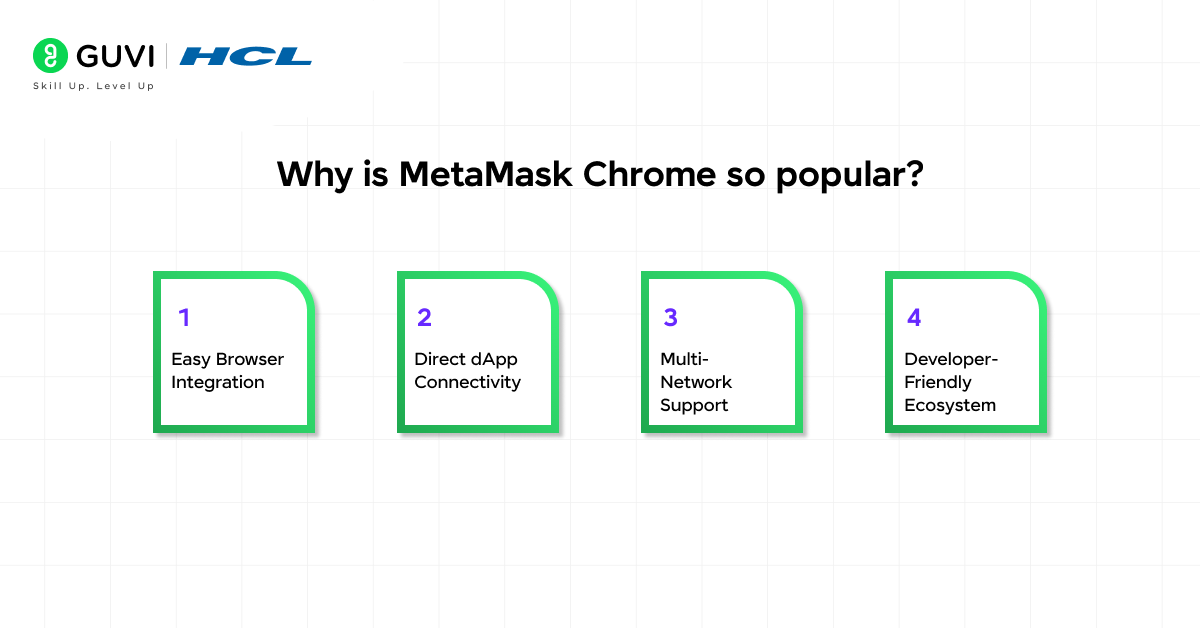
It became popular for a number of reasons:
1. Easy Browser Integration
Users don’t need to download hefty applications to their desktops, they just need to install the extension on the Chrome browser and can start using Web3 apps immediately.
That made it much easier for beginners to get into the game.
2. Direct dApp Connectivity
MetaMask Chrome directly links to decentralized applications.
For example:
- NFT marketplaces
- DeFi platforms
- Blockchain games
- DAO governance systems
- Web3 social media sites
No usernames or passwords are required for the users to sign in.
They have a wallet which is their identity.
3. Multi-Network Support
MetaMask can be used for more than just Ethereum.
End-users can seamlessly move from one blockchain to another without needing to change wallets.
This was the flexibility that became the industry standard, and made MetaMask popular.
4. Developer-Friendly Ecosystem
The high number of users and its API compatibility makes MetaMask a popular choice for incorporating into applications by Web3 developers.
Even some blockchain tutorials presume users already have MetaMask Chrome installed.
How MetaMask Chrome Actually Works
It’s important to understand the technicalities that occur behind the interface.
MetaMask works using public-key cryptography.
When you create a wallet:
- A private key is created
- It is being used to create a public wallet address
The private key is similar to a password.
The wallet address is similar to your public account number.
The blockchain validates ownership via a mathematical process.
These credentials are locally encrypted on your browser and kept in MetaMask.
Importantly:
MetaMask itself does not own your crypto.
You do.
This is why losing your recovery phrase can mean that you lose your assets for good.
Installing MetaMask Chrome Properly
Fake MetaMask extensions are one of the biggest dangers that beginners run into.
Scammers frequently create clone extensions designed to steal recovery phrases.
Safe Installation Process
Step 1: Visit the Official Website
The initial step is to head to the official website.The first step is to go to the Official Website.
Only use the official MetaMask.
Don’t believe any random ads or unofficial download pages.
Step 2: Add Extension to Chrome
Click:
“Add to Chrome”
The extension icon will appear near the browser toolbar.
Step 3: Create Wallet
You will be prompted to:
- Create a password
- Save the Secret Recovery Phrase
Do not digitize and store this term in insecure places such as:
- Screenshots
- Email drafts
- Cloud notes
- Messaging apps
- Verify Recovery Phrase:
Step 4: Verify Recovery Phrase
MetaMask asks users to confirm the phrase sequence.
This will assure correct backup creation.
Step 5: Start Using Web3 Applications
Users are then able to securely access decentralized applications once they are installed.
MetaMask has become one of the most widely used gateways to the Web3 ecosystem, with tens of millions of users using it to interact with decentralized applications, NFT platforms, DeFi protocols, and blockchain networks. Beyond Ethereum, MetaMask also supports multiple Ethereum-compatible chains such as Polygon, Arbitrum, Optimism, Avalanche, and Base, allowing users to switch between networks while using the same wallet interface.
Why Students Should Learn MetaMask Chrome
Today’s students pursuing technology careers are increasingly encountering blockchain ecosystems.
Even outside crypto investing, MetaMask knowledge is becoming professionally useful.
Skills Students Can Build
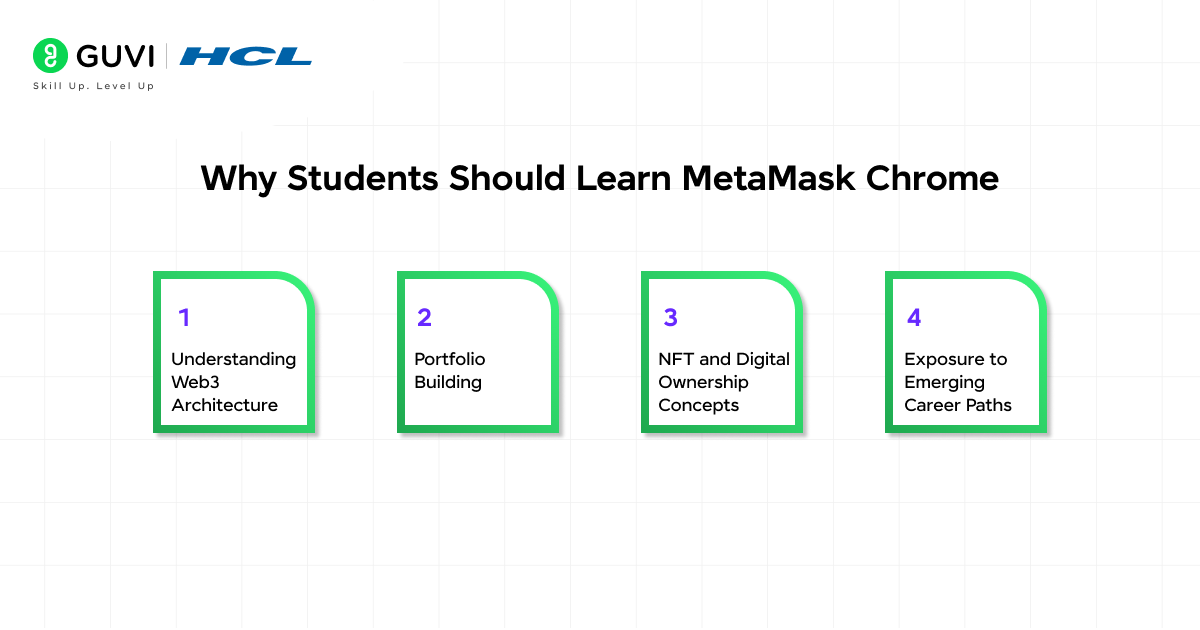
1. Understanding Web3 Architecture
MetaMask will help you learn about blockchain concepts like:
- Wallets
- Smart contracts
- Gas fees
- Network switching
- Decentralized authentication
These are basic Web3 techniques.
2. Portfolio Building
MetaMask is where students who learn to develop blockchain apps can:

- Test smart contracts
- Deploy dApps
- Interact with APIs
- Use test networks
This enables to build up good project portfolios.
3. NFT and Digital Ownership Concepts
Students will learn how to:
- Digital ownership
- Token economies
- Blockchain identity
- Creator monetization systems
These concepts are shaping future internet economies.
4. Exposure to Emerging Career Paths
Many companies now hire for:
- Web3 development
- Blockchain security
- Smart contract auditing
- DAO operations
- Crypto analytics
MetaMask is often the first tool that a professional learns.
Common MetaMask Chrome Features Most Users Ignore
Even if you’re a frequent user of MetaMask, there are some features that you are likely not aware of. Many users only use MetaMask for basic transfers.
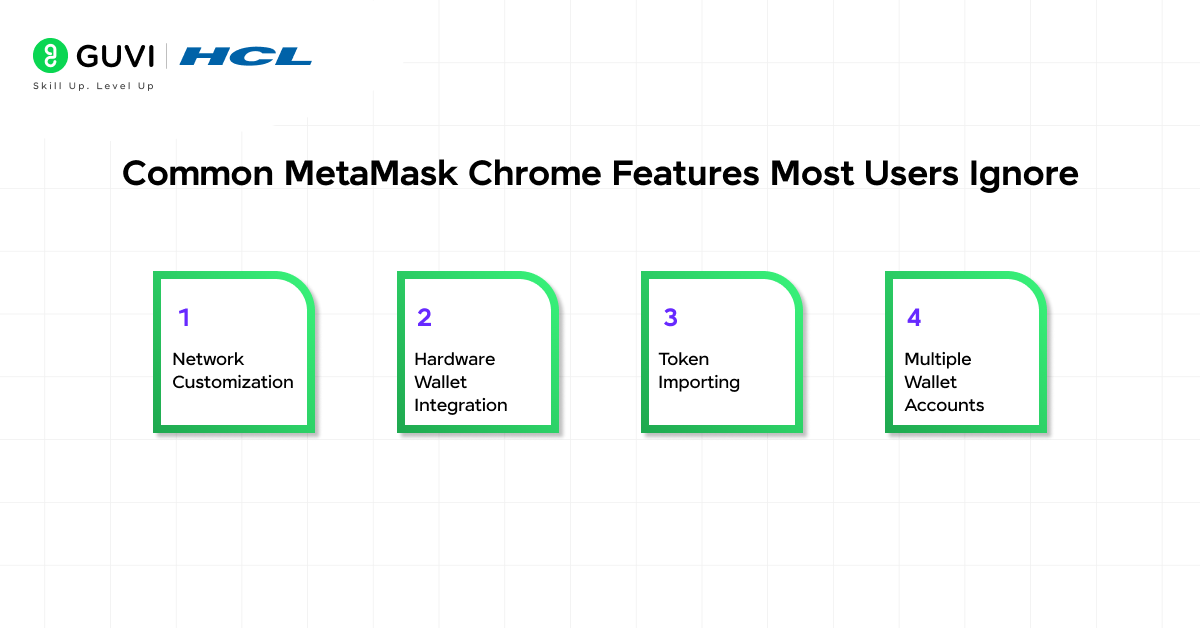
However, there are some pretty cool things built into the extension that professionals use on a daily basis.
1. Network Customization
Users are able to add blockchain networks manually.
This allows for interactions with environments outside of Ethereum.
Example networks:
- Polygon
- Arbitrum
- Avalanche
- Base
- Linea
There are different transaction fees and transaction speed for each network.
2. Hardware Wallet Integration
MetaMask supports many hardware wallets, including:
- Ledger
- Trezor
This greatly enhances security by keeping private keys off-line.
It is common for professionals to use this setup when they are dealing with large crypto investments.
3. Token Importing
Not all tokens appear automatically.
Custom token contracts can be manually imported to be shown as assets.
This is crucial in the DeFi ecosystem.
4. Multiple Wallet Accounts
MetaMask allows users to create multiple wallet addresses within one extension.
Generally, wallets are separated by professionals for:
- Trading
- NFT storage
- Development testing
- DAO governance
- Long-term holding
Security Risks of MetaMask Chrome
MetaMask is powerful, but it also introduces serious security responsibilities.
Theft of cryptocurrencies is primarily due to user errors, not to the hacking of MetaMask. Here are some of the common threats
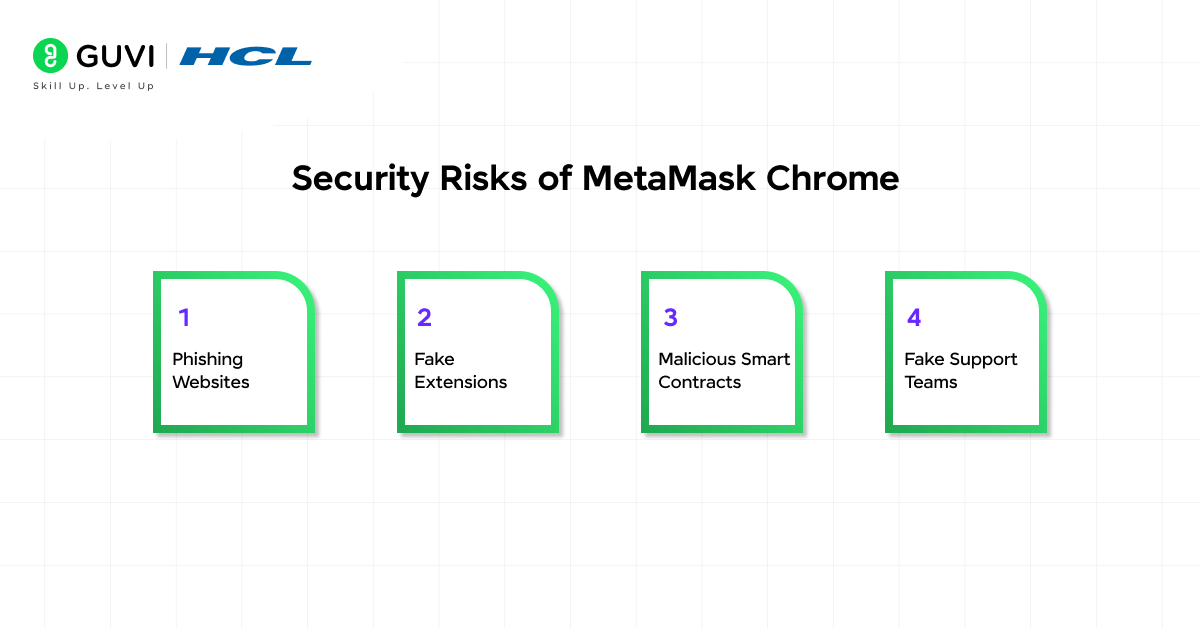
1. Phishing Websites
Fake websites look like real dApps and entice users to sign malicious transactions.
Check urls thoroughly.
2. Fake Extensions
Fake versions of MetaMask are uploaded to trick users to reveal recovery phrases.
Only install from official sources.
3. Malicious Smart Contracts
Users may consent to untrusted permissions without knowing it.
An approval via a smart contract may enable further asset slashing after.
4. Fake Support Teams
MetaMask scammers claim to be from MetaMask support.
Never enter any information on a website that requires a wallet password when asked for by Real MetaMask support:
- Recovery phrases
- Private keys
- Passwords
Best Security Practices for MetaMask Chrome
Blockchain transactions are typically irreversible, which means that professionals should follow strong wallet security. Even a minor error could cause permanent loss of the asset. Here are some of the recommended practices
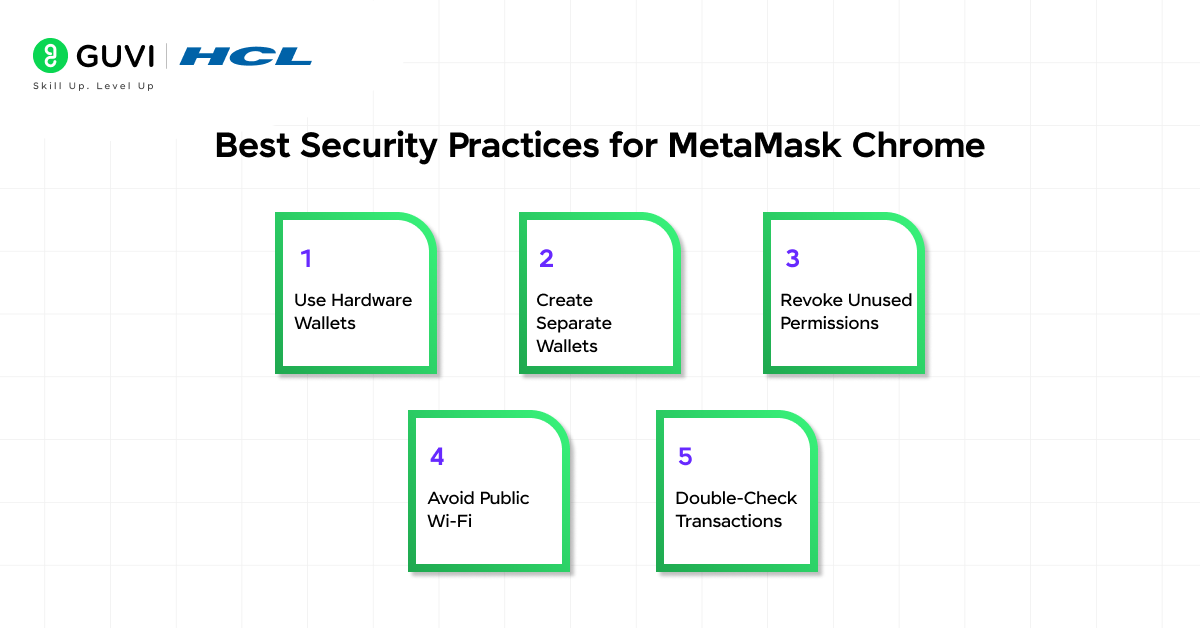
Use Hardware Wallets
Hardware wallets like Ledger and Trezor store private keys offline, making them much safer than relying only on browser storage. They also require physical confirmation before transactions are approved.
Create Separate Wallets
Avoid using one wallet for everything. Many users create separate wallets for:
- Long-term holdings
- NFT trading
- Daily transactions
- Testing new dApps
This minimises risk in case of an attack on one wallet.
Revoke Unused Permissions
Some websites keep token spending permissions even after you stop using them. Regularly remove unnecessary approvals to reduce security risks.
Avoid Public Wi-Fi
The use of public WiFi networks can put users at risk of being hacked or attacked by fake hotspots. Access MetaMask Chrome using trusted networks, mobile hotspots or VPNs.
Double-Check Transactions
Don’t approve any transactions without knowing the sender. Always double check:
- Contract address
- Permission access
- Transaction amount
- Gas fees
By carefully reviewing details, one can avoid scams and inadvertent losses.
Take your first step into the world of Web3 and decentralized technology with the HCL GUVI Blockchain Course. Learn blockchain fundamentals, smart contracts, cryptocurrencies, and real-world blockchain applications through beginner-friendly, hands-on training.
Wrapping it up:
MetaMask Chrome is a crypto wallet extension and is emerging as a key component of the decentralized web.
It provides exposure to new technology and career possibilities to students. It is a useful tool for developers building Web3 applications. It unlocks opportunities for professionals in terms of digital ownership and decentralized finance (DeFi) and blockchain-based identity models.
However, there is a great responsibility that comes with this power.
To safely navigate the use of MetaMask, it is essential to grasp the concepts of wallet security, transaction approval, phishing attacks, and understanding the blockchain.
FAQs
1. What is MetaMask Chrome used for?
MetaMask Chrome is used for storing crypto assets, connecting to decentralized applications, managing blockchain transactions, and accessing Web3 platforms.
2. Is MetaMask Chrome secure?
While MetaMask is secure, users must exercise wallet security and be wary of scams to ensure their safety.
3. Is there a possibility of hacking MetaMask Chrome?
Direct hacking is rare. Most compromises happen through phishing attacks, fake extensions, or stolen recovery phrases.
4. What browsers is MetaMask compatible with?
MetaMask is compatible with a variety of browsers, such as Chrome, Brave, Edge, Firefox, and multiple Chromium-based browsers.
5. Can MetaMask just be used for Ethereum?
Yes, MetaMask is compatible with several other Ethereum-compatible networks, including Polygon, Arbitrum, Optimism, and Binance Smart Chain.
Success Stories

About the Author
Vishalini Devarajan
An Aerospace Engineer turned content writer, I focus on making complex concepts easy to understand through well-structured, reader-friendly blogs. Whether it’s a technical topic or a non-technical one, I love creating content that is clear, engaging, and impactful.
View all posts by Vishalini Devarajan
Connect with me @










Did you enjoy this article?