


Artificial Intelligence and Machine Learning Articles
Finance Manager to Data Analytics: Career Growth, Salary and Seniority
How to Evaluate LLM Outputs in Production Deployments
AI/ML Skills Gap 2026: Why Companies Can't Find Job-Ready Talent
20 AI/ML Interview Questions Recruiters Can Use Without a Tech Background - Best Guide


Get In Touch For Details! Request More Information

Implementing Memory in LLM Applications Using LangChain
Jun 16, 2026 4 Min Read 1337 Views
(Last Updated)
Why do some AI applications maintain context across interactions while others reset after every query? The difference lies in how memory is implemented.
In LLM-based systems, memory determines whether the model can retain past interactions, track context, and produce coherent multi-turn responses. This guide explains how to implement memory using LangChain with a focus on scalable and production-ready architectures.
Quick Answer: Memory in LLM applications using LangChain is implemented by storing and retrieving past interactions through memory modules such as buffer memory, summary memory, or vector-based memory. These modules integrate with chains and agents to maintain context across user sessions.
Table of contents
- What Is Memory in LLM Applications?
- Types of Memory in LLM Applications
- Implementing Memory in LLM Applications Using LangChain: Step-by-Step
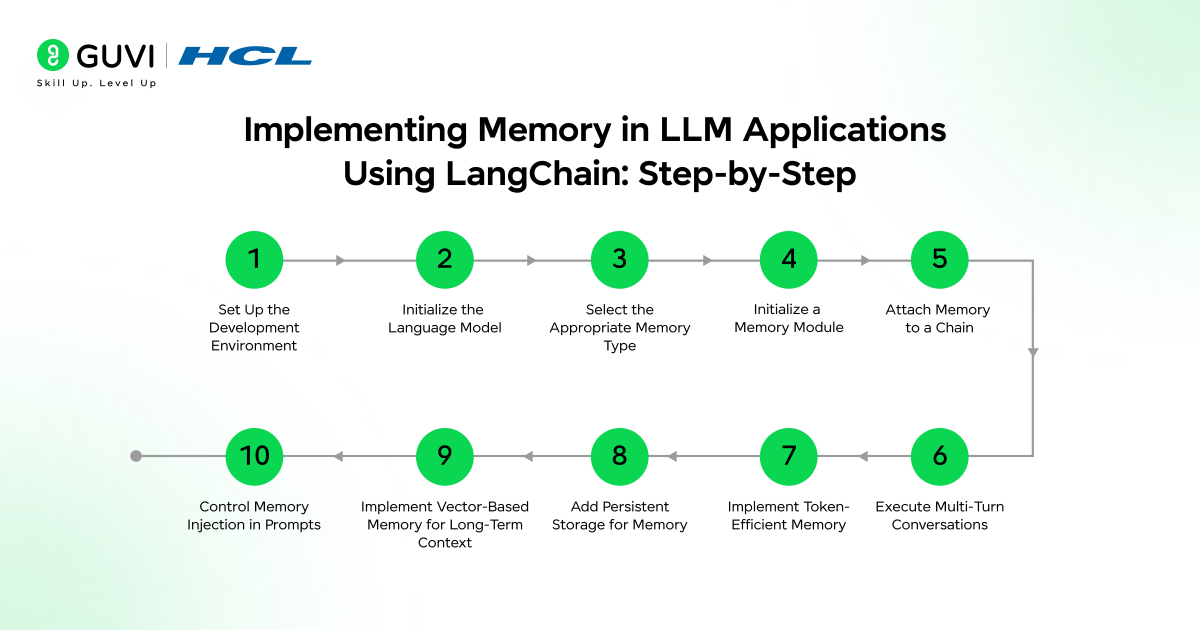
- Step 1: Set Up the Development Environment
- Step 2: Initialize the Language Model
- Step 3: Select the Appropriate Memory Type
- Step 4: Initialize a Memory Module
- Step 5: Attach Memory to a Chain
- Step 6: Execute Multi-Turn Conversations
- Step 7: Implement Token-Efficient Memory (Summary Memory)
- Step 8: Add Persistent Storage for Memory
- Step 9: Implement Vector-Based Memory for Long-Term Context
- Step 10: Control Memory Injection in Prompts
- Code Example: Memory Implementation
- Basic Conversation Buffer Example
- Summary Memory Example for Token Optimization
- Choosing the Right Memory Strategy
- Short-Term vs Long-Term Memory
- Token Cost vs Context Depth
- Latency and Performance Considerations
- Tools and Integrations for Memory Storage
- Databases for Persistent Memory
- Embedding Models
- Orchestration Layer
- LangChain Memory vs Stateless LLM Systems
- Conclusion
- FAQs
- Which memory type is best for long conversations in LangChain?
- How does memory affect LLM response quality?
- Can memory be stored across user sessions in LLM applications?
What Is Memory in LLM Applications?

Memory in LLM applications refers to the mechanism that stores and retrieves contextual information across interactions, allowing the model to generate responses based on prior inputs rather than isolated prompts. It enables continuity in multi-turn conversations, supports user-specific context such as preferences or past queries, and improves response relevance.
Types of Memory in LLM Applications
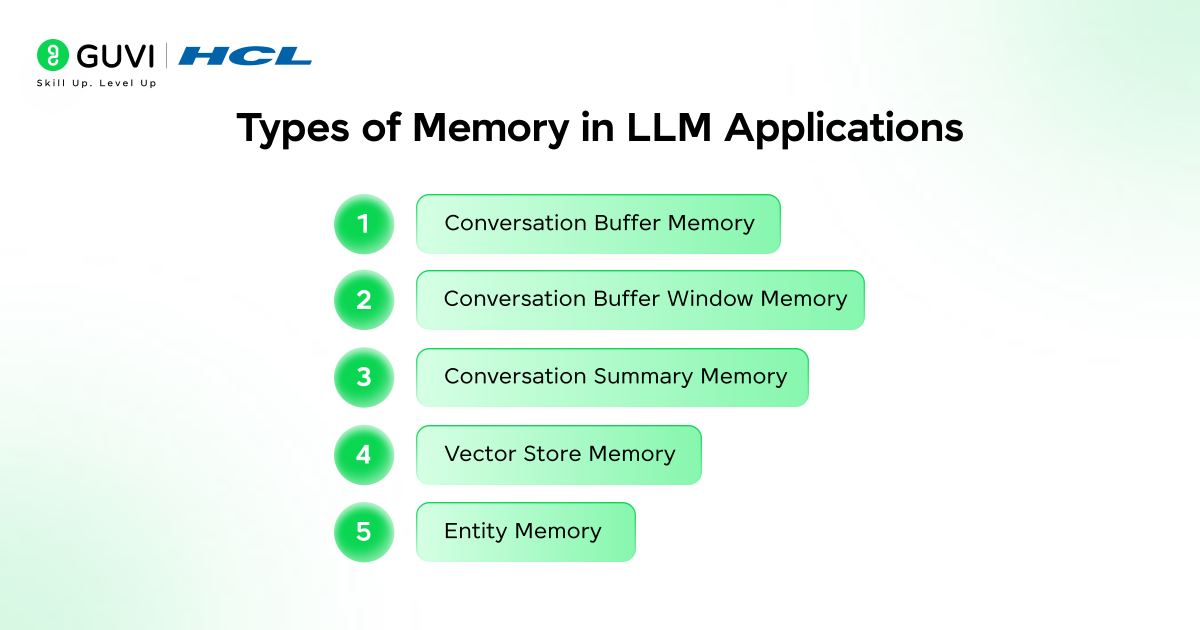
- Conversation Buffer Memory: Stores the complete interaction history in sequence. Suitable for short sessions where full context improves response accuracy.
- Conversation Buffer Window Memory: Retains only the most recent interactions within a fixed limit. Helps control token usage while preserving relevant context.
- Conversation Summary Memory: Compresses past interactions into concise summaries. Useful for long conversations where full history would exceed token limits.
- Vector Store Memory: Stores interactions as embeddings and retrieves relevant context based on semantic similarity. Effective for long-term memory and knowledge retrieval.
- Entity Memory: Tracks specific entities such as user names, preferences, or key attributes. Supports personalization and consistent responses across sessions.
Implementing Memory in LLM Applications Using LangChain: Step-by-Step
Step 1: Set Up the Development Environment
Install the required libraries and configure your environment for LLM integration.
Install core dependencies:
pip install langchain openai tiktoken
- Configure API keys securely using environment variables.
Technical context: LangChain acts as an orchestration layer that connects LLMs, memory modules, and external data sources. Proper setup ensures compatibility across these components.
Step 2: Initialize the Language Model
Define the LLM that will process prompts and generate responses.
from langchain.chat_models import ChatOpenAI

llm = ChatOpenAI(

    model="gpt-4",

    temperature=0

)
Key consideration: Set temperature and model parameters based on use case. Lower temperature improves determinism, which is important for consistent memory-driven responses.
Step 3: Select the Appropriate Memory Type
Choose a memory strategy aligned with application requirements.
- Buffer memory for full conversation tracking
- Window memory for recent context
- Summary memory for long sessions
- Vector memory for semantic retrieval
Decision logic: If token limits are a constraint, avoid full buffer memory and prefer summary or vector-based approaches.
Step 4: Initialize a Memory Module
Create and configure the memory object.
from langchain.memory import ConversationBufferMemory

memory = ConversationBufferMemory(

    memory_key="chat_history",

    return_messages=True

)
Technical insight:
- memory_key defines how memory is injected into prompts
- return_messages=True structures memory as message objects rather than raw text
Build scalable LLM applications with memory, context, and real-world architecture. Join HCL GUVI’s Artificial Intelligence and Machine Learning Course to learn through live online classes by industry experts and Intel engineers, master in-demand skills like Python, ML, MLOps, Generative AI, and Agentic AI, and gain hands-on experience with 20+ industry-grade projects, 1:1 doubt sessions, and placement support with 1000+ hiring partners.
Step 5: Attach Memory to a Chain
Integrate memory with a chain to enable context-aware responses.
from langchain.chains import ConversationChain

conversation = ConversationChain(

    llm=llm,

    memory=memory

)
How it works: Each user input is combined with stored memory before being passed to the LLM. After response generation, the interaction is appended to memory.
Step 6: Execute Multi-Turn Conversations
Test how memory maintains context across interactions.
conversation.predict(input="My name is Ronny")

conversation.predict(input="What is my name?")
Expected behavior:
The system retrieves prior context and responds accurately using stored interaction history.
Step 7: Implement Token-Efficient Memory (Summary Memory)
For longer sessions, replace buffer memory with summarization.
from langchain.memory import ConversationSummaryMemory

memory = ConversationSummaryMemory(

    llm=llm

)
Why this is important: Summarization reduces token consumption while preserving essential context, which improves scalability in production systems.
Step 8: Add Persistent Storage for Memory
For real-world applications, store memory outside runtime.
- Use Redis or PostgreSQL for structured storage
- Use vector databases like FAISS or Pinecone for semantic retrieval
Architecture pattern: LLM ↔ LangChain ↔ Memory Layer ↔ External Storage

This separation supports durability, scaling, and cross-session continuity.
Step 9: Implement Vector-Based Memory for Long-Term Context
Use embeddings to retrieve relevant past interactions.
from langchain.memory import VectorStoreRetrieverMemory
Technical advantage: Instead of passing entire history, only contextually relevant data is retrieved, improving both latency and response quality.
Step 10: Control Memory Injection in Prompts
Customize how memory is inserted into prompts.
- Use prompt templates
- Filter irrelevant context
- Limit memory size
Best practice: Avoid passing excessive or unrelated memory, as it reduces model performance and increases cost.
Code Example: Memory Implementation
Basic Conversation Buffer Example
from langchain.chat_models import ChatOpenAI
from langchain.memory import ConversationBufferMemory
from langchain.chains import ConversationChain

llm = ChatOpenAI(model="gpt-4", temperature=0)

memory = ConversationBufferMemory(
   memory_key="chat_history",
   return_messages=True
)

conversation = ConversationChain(
   llm=llm,
   memory=memory
)

response = conversation.predict(input="Explain vector databases")
print(response)
Summary Memory Example for Token Optimization
from langchain.memory import ConversationSummaryMemory

memory = ConversationSummaryMemory(llm=llm)

conversation = ConversationChain(

   llm=llm,

   memory=memory

)
Technical difference:
Summary memory compresses historical context into structured summaries, reducing token usage during long sessions.
Choosing the Right Memory Strategy
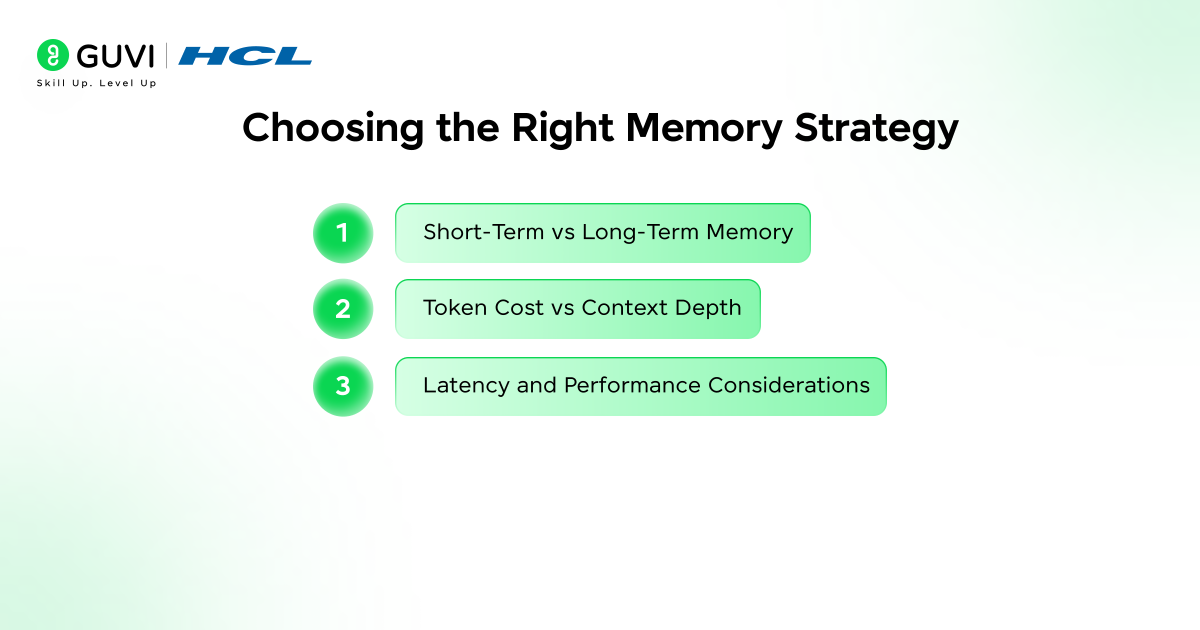
1. Short-Term vs Long-Term Memory
- Short-term memory: Buffer or window memory for immediate context
- Long-term memory: Vector-based storage for persistent retrieval
Applications such as chat interfaces rely on short-term continuity, while knowledge systems require long-term retrieval.
2. Token Cost vs Context Depth
Passing full conversation history increases token usage and cost.
Summarization or retrieval-based memory reduces token load while retaining relevance.
3. Latency and Performance Considerations
- Buffer memory has low latency but high token cost
- Vector retrieval introduces slight latency but improves scalability
- External storage adds network overhead but enables persistence
Tools and Integrations for Memory Storage
- Vector Databases
Used for semantic retrieval of relevant context.
- Pinecone: Managed, low-latency, scalable for production
- FAISS: Open-source, local, high-speed similarity search
2. Databases for Persistent Memory
Used for storing structured conversation data.
- Redis: Fast, in-memory, ideal for session memory and caching
- PostgreSQL: Durable, structured storage for long-term data
3. Embedding Models
Convert text into vectors for retrieval.
- OpenAI Embeddings: High accuracy, production-ready
- Hugging Face Models: Open-source, local deployment
4. Orchestration Layer
- LangChain: Manages memory, chains, and prompt integration
LangChain Memory vs Stateless LLM Systems
| Factor | With Memory | Stateless |
| Context Retention | Yes | No |
| Personalization | High | Low |
| Token Usage | Higher | Lower |
| System Complexity | Higher due to memory management layers | Lower with simpler architecture |
| Response Consistency | Maintains continuity across interactions | Responses are isolated per request |
| Latency Impact | Slightly higher due to memory retrieval | Lower with direct prompt execution |
| Use Case Fit | Conversational AI, assistants, multi-step workflows | One-off queries, simple tasks |
Learn how large language models work and how to build real-world AI applications with them. Enroll in HCL GUVI’s LLMs and Their Applications course to understand model architectures, prompt engineering, and practical NLP workflows through structured, hands-on learning.
Conclusion
Memory implementation decides whether an LLM application can move beyond single responses and handle real conversations with context. Using LangChain, developers can add structured memory that maintains continuity and user-specific context across sessions. The outcome depends on choosing the right memory type and controlling how context is added to prompts. Applications that treat memory as a core system layer achieve better scalability and more reliable performance in production.
FAQs
1. Which memory type is best for long conversations in LangChain?
Summary memory or vector-based memory is suitable for long conversations as it reduces token usage while retaining relevant context for accurate responses.
2. How does memory affect LLM response quality?
Memory improves response quality by providing contextual history, which helps the model generate more relevant, consistent, and coherent outputs across interactions.
3. Can memory be stored across user sessions in LLM applications?
Yes, memory can be persisted using external storage systems such as databases or vector stores, allowing applications to retain context across multiple sessions.
Success Stories

About the Author
Vaishali
I'm a seasoned writer with four years of experience across technical, non-technical, and just about every genre or niche you can imagine. Adaptable and curious, I enjoy exploring new topics and making information engaging and easy to understand. Fueled by a steady stream of tea, I approach each project with creativity, reliability, and genuine enthusiasm for storytelling.
View all posts by Vaishali
Connect with me @













Did you enjoy this article?