


Artificial Intelligence and Machine Learning Articles
Claude for Code Documentation with JSDoc
How to Integrate Claude into a Next.js App with App Router


Get In Touch For Details! Request More Information
Using Claude to Create Onboarding Docs for New Hires
Aug 07, 2026 3 Min Read 137 Views
(Last Updated)
Creating onboarding docs for new hires using Claude helps them get up to speed quickly. It can turn scattered company information into clear, role-specific guides that stay current and reduce the burden on HR and managers.
Table of contents
- TL;DR
- Why Use Claude for Onboarding Documentation
- The Problem With Traditional Onboarding
- How Claude Solves This
- Getting Started With Claude Onboarding Documentation
- Step 1: Gather Your Source Materials for Claude onboarding Documentation
- Step 2: Define The New Hire Details
- Step 3: Generate The First Week Guide
- Best Practices for Claude Onboarding Documentation
- Use templates for consistency.
- Personalize For Each Role
- Keep It Visually Appealing
- Pro Tips for Better Onboarding Docs
- Enable Tool Integrations
- Add Visual Elements
- Create Multiple Versions
- Set Up Quarterly Reviews
- Common Mistakes to Avoid
- Don't Skip The Audit
- Avoid Generic Content
- Don't Forget Iteration
- Real-World Workflow
- The 15-Minute Setup
- The Three Deliverables
- The Living Document
- Conclusion
- FAQs
- How long does it take to set up Claude onboarding documentation?
- Can Claude create role-specific guides?
- How do I keep the documentation current?
- What materials should I provide to Claude?
- Can Claude integrate with my existing tools?
TL;DR
- Use Claude onboarding documentation to create personalized, role-specific onboarding guides that save HR time and improve the new hire experience.
- Build consistent onboarding documents using reusable templates, integrations, and automated updates.
- Keep onboarding content accurate with regular reviews while Claude handles drafting, organization, and formatting.
Why Use Claude for Onboarding Documentation
Claude onboarding documentation helps teams create structured, personalized guides without manually assembling the same content for every new hire. It combines standard company information with role-specific details to produce welcoming, practical documents.
The Problem With Traditional Onboarding
Most onboarding docs are either missing entirely or thrown together at the last minute. New hires spend their first week confused while HR answers the same questions repeatedly.
How Claude Solves This
Claude organizes logistics, schedules, and key contacts into one clear document. It helps new employees feel prepared from day one by combining standard information with personalized details.
Getting Started With Claude Onboarding Documentation
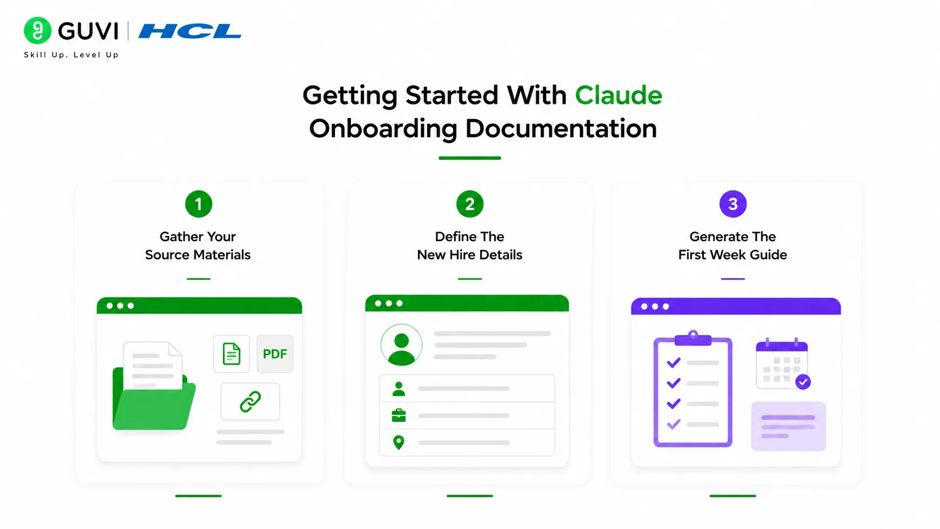
Step 1: Gather Your Source Materials for Claude onboarding Documentation
Collect your company handbook, office logistics documents, and role-specific onboarding information. Upload these to Claude so it understands what you already have.
Step 2: Define The New Hire Details
Tell Claude about the new hire, including name, role, start date, team, and manager. This allows Claude to personalize the guide for each person.
Step 3: Generate The First Week Guide
Ask Claude to create a first-week guide that combines everything the new hire needs to know in one place. Make it information-dense but beautifully organized.
Best Practices for Claude Onboarding Documentation
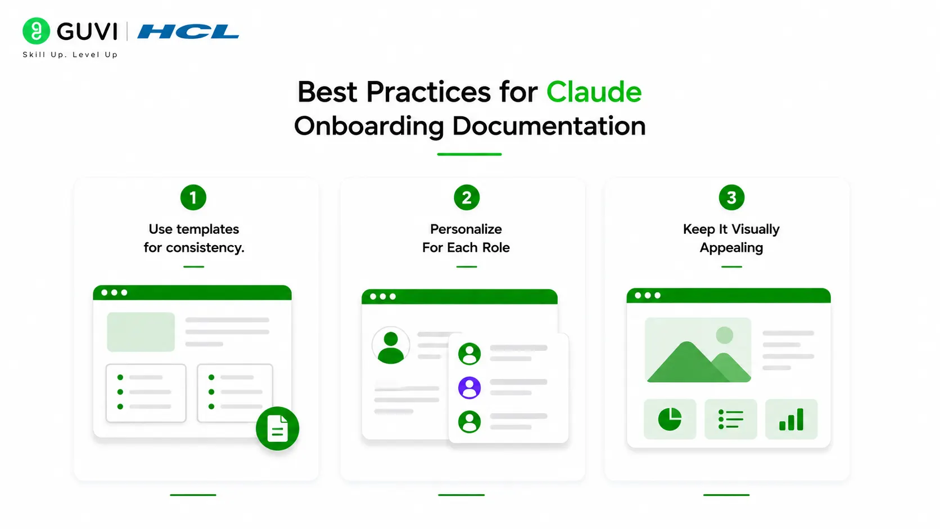
1. Use templates for consistency.
Save your initial guide structure as a template within a new hire guide project. Include instructions on which tools to use and emphasize a warm yet practical tone.
2. Personalize For Each Role
Generate personalized versions for different recipients from a single template. Claude customizes content for each person’s role, team, or context while maintaining consistency.
3. Keep It Visually Appealing
Use sophisticated typography and layout, not generic HR formatting. Upload your brand guidelines so Claude can match your specific color schemes and design aesthetic.
Pro Tips for Better Onboarding Docs
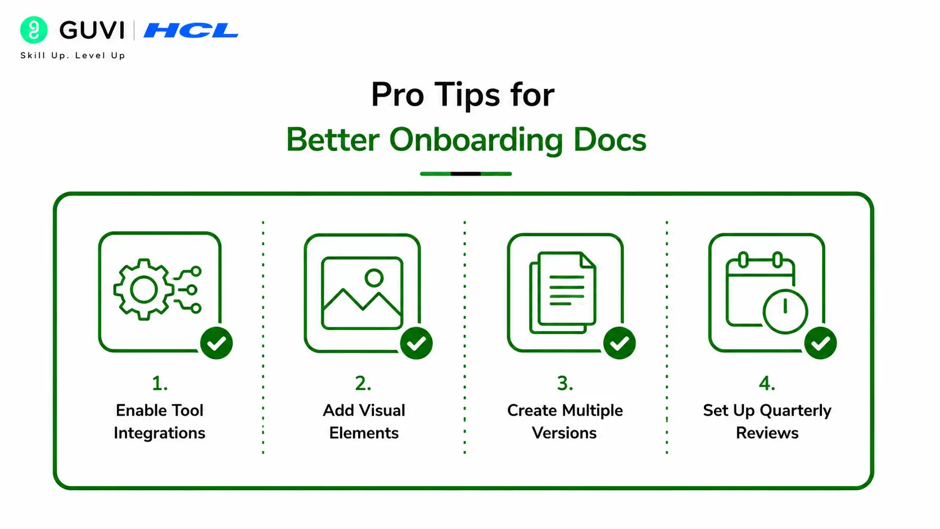
1. Enable Tool Integrations
Turn on Google Calendar integration so Claude can reformat your onboarding calendar events into a schedule for the new hire. This makes the guide more actionable.
2. Add Visual Elements
Embed images, diagrams, or hyperlinks into your documents. Claude handles both the upload and formatting, making guides more engaging and easier to navigate.
3. Create Multiple Versions
Take one source document and create versions optimized for different uses such as reading, presenting, emailing, or printing. Claude adapts structure and formatting for each purpose.
4. Set Up Quarterly Reviews
Establish a review cycle where Claude compares current docs against recent process changes and flags sections that need updates. This keeps your Claude onboarding documentation current.
Common Mistakes to Avoid
1. Don’t Skip The Audit
Always audit your current onboarding materials and identify gaps before starting. Feed existing docs to Claude so it understands what you already have.

2. Avoid Generic Content
Don’t send every new hire the same stale onboarding doc. Use Claude to create role-specific guides that address what each person actually needs.
3. Don’t Forget Iteration
If the first version doesn’t look right, give Claude specific direction. Design iteration is fast, so clarify your preferences and let Claude adjust.
Create onboarding docs for new hires faster with Claude and keep every guide role-specific and clear. Build smarter business workflows with HCL GUVI’s Complete Business Analytics Professional Program.
Claude can interview subject matter experts via written Q&A and synthesize all inputs into structured onboarding guides organized by role, week, and topic. It can also flag when processes change and auto-update relevant sections to keep your Claude onboarding documentation always current.
Real-World Workflow
1. The 15-Minute Setup
Any hiring manager can walk into a conversation with Claude and walk out with three finished deliverables from a single guided session. This takes about 15 minutes and requires no engineering support.
2. The Three Deliverables
First, a formatted Word document with a structured 90-day plan. Second, a Buddy Guide for the designated onboarding buddy. Third, a structured Markdown file that powers an interactive onboarding advisor for the new hire.
3. The Living Document
The plan doesn’t just sit in a folder. It becomes a living tool the new hire actually uses with daily check-ins, answers to role-specific questions, and coaching on stakeholder relationships.
Conclusion
Claude onboarding documentation transforms how teams bring new hires onboard by creating personalized, structured guides that stay current. The key is breaking the process into discrete steps where Claude handles research, drafting, and analysis while humans provide strategic oversight and final approval.
FAQs
1. How long does it take to set up Claude onboarding documentation?
Most teams can start using Claude for onboarding docs within a few hours. The setup involves auditing current materials and identifying gaps.
2. Can Claude create role-specific guides?
Yes, Claude can generate personalized versions for different roles, teams, or contexts while maintaining consistency across all guides.
3. How do I keep the documentation current?
Set a quarterly review cycle where Claude compares current docs against recent process changes and flags sections that need updates.
4. What materials should I provide to Claude?
Upload your company handbook, office logistics documents, and any role-specific onboarding information so Claude has complete context.
5. Can Claude integrate with my existing tools?
Yes, enable Google Calendar and other integrations so Claude can pull schedules and events directly into the onboarding guides.
Success Stories

About the Author
HCL GUVI
This article was selected and published as part of the HCL GUVI AI Blogathon 2026, an initiative designed to encourage students, AI enthusiasts, and aspiring tech writers to simplify complex AI concepts through impactful technical content. The contest recognized high-quality, original, and insightful AI-focused blogs, with selected authors receiving publication opportunities on the HCL GUVI blog platform along with official author credits and recognition.
View all posts by HCL GUVI
Connect with me @










Did you enjoy this article?