


Artificial Intelligence and Machine Learning Articles
Finance Manager to Data Analytics: Career Growth, Salary and Seniority
How to Evaluate LLM Outputs in Production Deployments
AI/ML Skills Gap 2026: Why Companies Can't Find Job-Ready Talent
20 AI/ML Interview Questions Recruiters Can Use Without a Tech Background - Best Guide


Get In Touch For Details! Request More Information
Best Practices for Using AI Tools Safely in Development
Mar 03, 2026 5 Min Read 2281 Views
(Last Updated)
Do you trust that AI tools generate code that is suitable for your software projects? The development of artificial intelligence (AI) has led many software developers to mistakenly assume that the result of using an AI tool is an acceptable solution for their software project. However, there are times when an AI system produces something that appears to be correct but may be misleading. That’s why the principle of “Trust But Verify” is more important than ever.
Developers should reference the Best Practices for Using AI Tools in Their Development Process to ensure that they are taking full advantage of the benefits of AI while still having a good understanding of how to properly use it to develop software in a secure, high-quality manner. This blog will help you understand the best practices, benefits of using AI tools and common mistakes to avoid while using the AI tools.
Quick answer:
AI tools can speed up the development process, but the output is not always right and must be reviewed, tested, debugged and verified for security and accuracy of the code. Safe usage involves giving clear prompts, reviewing every line of AI-generated code, testing thoroughly, protecting sensitive data, and using AI for assistance rather than final decision-making.
Table of contents
- Why is “Trust But Verify” needed in AI-Assisted Development?
- AI Can Be Confident but Wrong
- Security Is Always a Concern
- AI Lacks Full Project Background
- Coding of AI is responsible
- Best Practices for Using AI Tools Safely in Development
- Start With Clear Prompts
- Never Copy-Paste AI Code Without Understanding It
- Use AI for Suggestions, Not Final Decisions
- Perform Strong AI Code Verification
- Follow AI Debugging Practices
- Review AI-Generated Code Like a Junior Developer’s Code
- Protect Sensitive Data Always
- Verify Licensing and Code Originality
- Combine Manual Review + Automated Testing
- Keep AI Tools in a Controlled Environment
- Benefits of Using AI Tools - When Done Safely
- Common Mistakes Developers Make With AI Tools
- Wrapping it up:
- FAQs
- Why is it important to review code created by AI?
- Can AI tools replace software developers?
- How should developers use AI tools?
- What types of tasks would be best suited for use with AI?
Why is “Trust But Verify” needed in AI-Assisted Development?
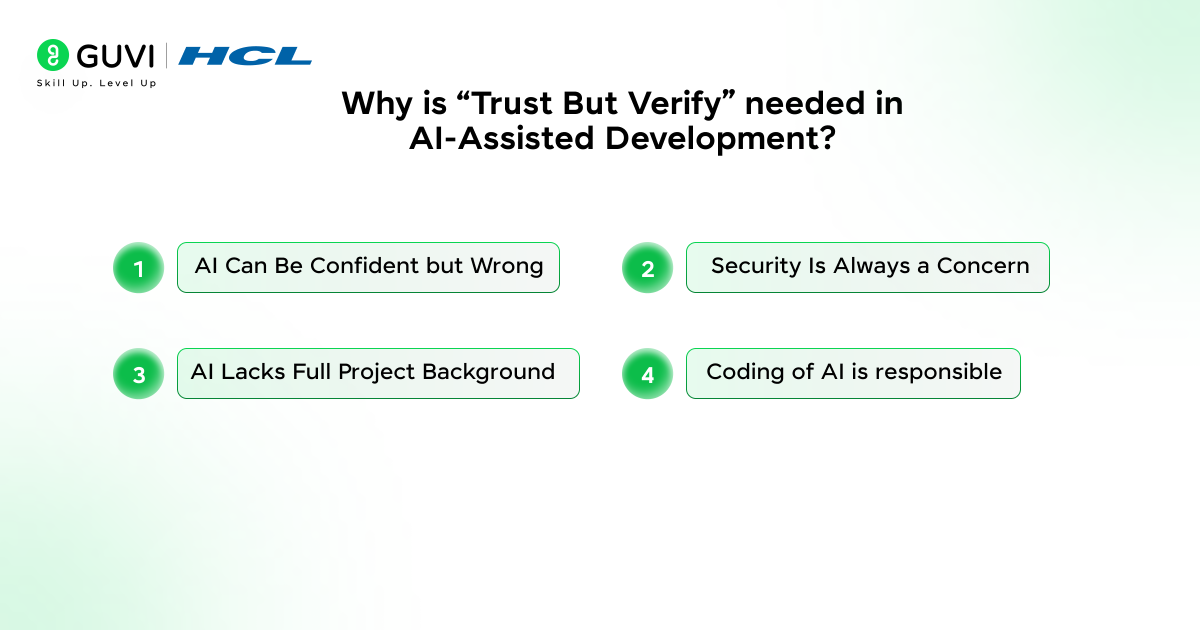
1. AI Can Be Confident but Wrong
AI-written code may appear great, but includes:
- Logical errors
- Hidden bugs
- Incorrect assumptions
- Security vulnerabilities
That is why there is a golden rule: Trust but verify AI code.
2. Security Is Always a Concern
Incorrect handling of:
- Inputs
- User authentication
- Encryption
- API keys
This may cause very unsafe exposures.
3. AI Lacks Full Project Background
Even the most intelligent AI tools will not be able to grasp:
- Your architecture
- Your performance goals
- Your constraints
- Your team’s style guidelines
It means that all developers have to check the results by hand.
4. Coding of AI is responsible
AI is not meant to replace judgment, but to improve your skills. Such an attitude sustains the development process:
- Ethical
- Secure
- Human-supervised
- High-quality
Best Practices for Using AI Tools Safely in Development
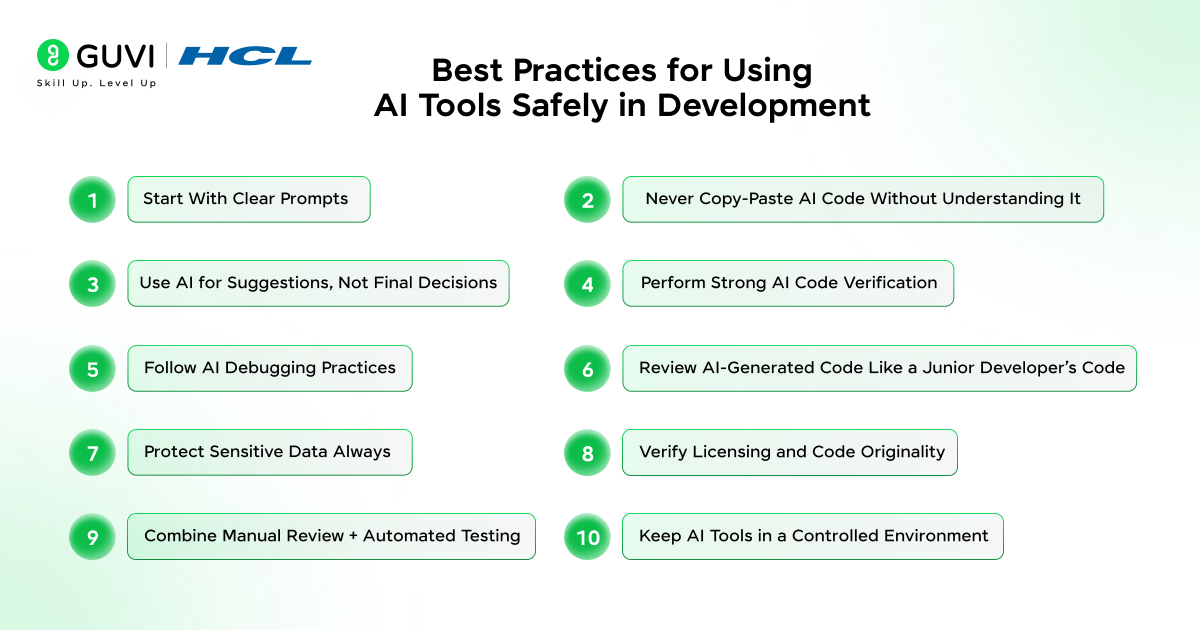
1. Start With Clear Prompts
The more your instructions are good and clear, the greater will be the results of AI.
Properly written prompts can minimize errors and ensure safety in the development of the AI assisted.
How to improve your prompts:
- Specify language and libraries – This is necessary to make sure that the AI uses the correct syntax, versions, and tools that are appropriate to your project.
- Mention constraints – Assist the AI with constraints such as time complexity, memory or format constraints.
- Set security expectations – Clearly defining the security requirements eliminates unsafe patterns and promotes tested code.
- Request explanations – Ask the AI to explain why it has given results the way it has, and make it simpler to review.
- Provide sample input/output – Examples give the AI a definite understanding of your expected behavior and help minimize misinterpretation.
Example Prompt:
Create a secure Python login system that uses hash passwords, does not store passwords in plain-text and includes input validation.
2. Never Copy-Paste AI Code Without Understanding It
You should check each piece of code that AI makes. This stops:
- Logic mistakes – AI can solve the problem which is not correct or will overlook important conditions.
- Insecure dependencies – It could load libraries that are either insecure or old-fashioned.
- Performance bottlenecks – AI does not necessarily make the most efficient solution, but it makes the simplest one.
- Unknown weaknesses – Safety checks or validation steps may be missing entirely.
What to check:
- Is the code resolving the problem?
- Are there unnecessary steps?
- Does it follow your coding standards?
- Is the logic safe for production?
Also read: Top AI Tools for Software Development: Revolutionize Coding
3. Use AI for Suggestions, Not Final Decisions
AI tools are excellent for:
- Boilerplate code – Conserves time by creating recurring structures.
- Repetitive tasks – Helps reduce manual effort for tasks that require no deep thinking.
- Drafting logic – Gives you a starting point, and you can polish and work upon it.
- Generating test cases – AI can also generate test cases relatively fast, ones that you would have otherwise not considered.
- Debugging hints – This can be used to indicate potential problems or other solutions.
But they should not:
- Replace professional judgment – Your expertise is still essential for safe and correct development.
Deploy code automatically – AI code must always be checked before going live. - Bypass senior review – Critical decisions still require experienced developer oversight.
- AI-generated code can sometimes contain hidden vulnerabilities that even experienced developers miss without proper testing and verification.
- Over 60% of developers now use AI tools regularly, but only a small percentage follow structured safety and review practices when validating AI-generated output.
- Studies show that developers who use AI responsibly—through careful reviewing, testing, and validating—reduce their debugging time by nearly 40%.
4. Perform Strong AI Code Verification
AI code verification ensures the code is technically and logically correct.
Steps for verifying AI-generated code:
- Run tests – Helps test whether the code works as expected.
- Check edge cases – Ensures stability when unexpected inputs appear.
- Test algorithm stability – ensures that the logic is reliable in every circumstance.
- Confirm compliance with security – Ensures the code follows best security practices.
- Compare with documentation – checks the correctness of API code or implementation.
Useful tools:
- Static analyzers (SonarQube, ESLint, Pylint) – Detect common errors and security issues automatically.
- Unit testing frameworks – Validate logic with automated tests.
- Security scanners – Identify vulnerabilities that AI may have introduced.
5. Follow AI Debugging Practices
It is important to pay special attention to the debugging of the AI-generated code due to the fact that the source logic may not be intuitive.
AI debugging practices include:
- Running the code step-by-step – Helps identify the precise lines of errors.
- Adding logs – Makes it easier to trace unexpected behaviour or failed conditions.
- Asking AI to explain the logic – Helps you know why some choices were taken.
- Testing failure scenarios – Makes the code resistant to failures.
- Comparing alternative solutions – You have a greater chance of picking the best and safest solution.
6. Review AI-Generated Code Like a Junior Developer’s Code
Review checklist:
- Is the logic correct? – Always check if the reasoning holds up in real conditions.
- Are variable names meaningful? – Clear naming ensures readability.
- Is the code secure? – Look for missing validations, unsafe patterns, or exposed data.
- Are libraries appropriate? – Ensure dependencies are modern, secure, and compatible.
- Is the code optimized or overly complicated? – Simple, clear code is always easier to maintain.

7. Protect Sensitive Data Always
Secure AI tool usage is necessary when the AI tools are used.
Never share:
- API keys – API keys can provide unauthorized people with access to all your services.
- Database credentials – Hackers can steal or alter information.
- Private user information – Sharing has the potential to violate privacy laws.
- Proprietary code – Discloses business secrets or business logic.
8. Verify Licensing and Code Originality
AI-generated codes can be similar to existing copyrighted content.
Responsible AI coding must be ensured at all times by making sure:
- You know licensing – knowledge of how the produced code may be legally implemented.
- You check originality – Prevent accidental copy-pasting of copyrighted content.
- You avoid publishing risky content – Keeps your project legally safe.
You can make use of the plagiarism checker or license scanner.
9. Combine Manual Review + Automated Testing
The strongest workflow combines both human and automated testing.
AI coding workflow = AI suggestions + Manual review + Automated tests
This hybrid approach ensures:
- Quality – Ensures the code meets expected functionality.
- MAIntAInability – Reduces long-term technical debt.
- Predictable performance – Ensures consistent behaviour across environments.
- Long-term reliability – Keeps your codebase stable as the project grows.
10. Keep AI Tools in a Controlled Environment
Safer development happens when AI tools operate within secure spaces like:
- Company-approved platforms – Ensures compliance with security policies.
- On-premise AI models – Keep sensitive data inside the organization.
- Private cloud systems – Prevent unauthorized access to your code.
This avoids data leaks and reduces security risks.
Also read: Best AI Tools for Students 2026
Benefits of Using AI Tools – When Done Safely
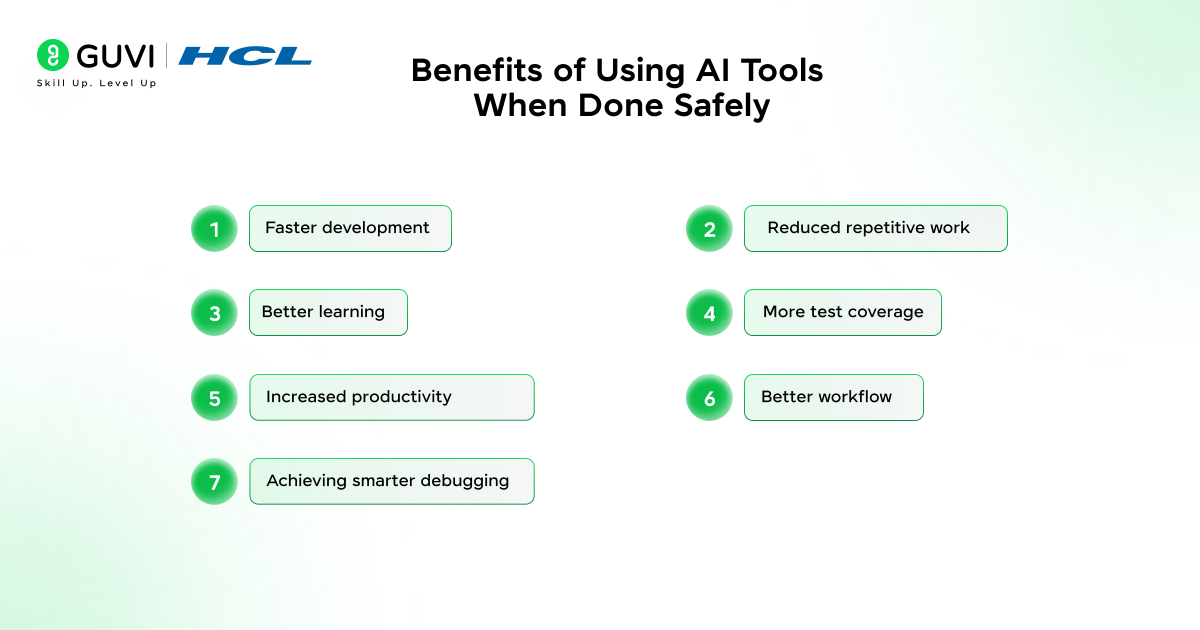
- Faster development – AI creates quick boilerplate code, drafts, and structure and can reduce the time to develop code and structure, accelerating the process.
- Reduced repetitive work– Work activities include commenting, formatting, documentation, and writing of standard functions will be less tedious and time-consuming.
- Better learning – AI is capable of explaining concepts, proposing alternatives and assisting developers in learning new technologies in a faster manner.
- More test coverage – AI can create numerous test cases, including edge cases, which will contribute more stability and reliability to your source.
- Increased productivity – Developers can be able to work on complex problems and the AI is able to do routine or initial coding.
- Better workflow – Cleaner AI promotes patterns of code, more structure, and organization throughout your project.
- Achieving smarter debugging – AI will be capable of detecting potential problems, solving errors, and recommending solutions, which will speed up and simplify the debugging process.
Common Mistakes Developers Make With AI Tools
Here are some of the common mistakes that developers tend to make when using the AI tools for development:
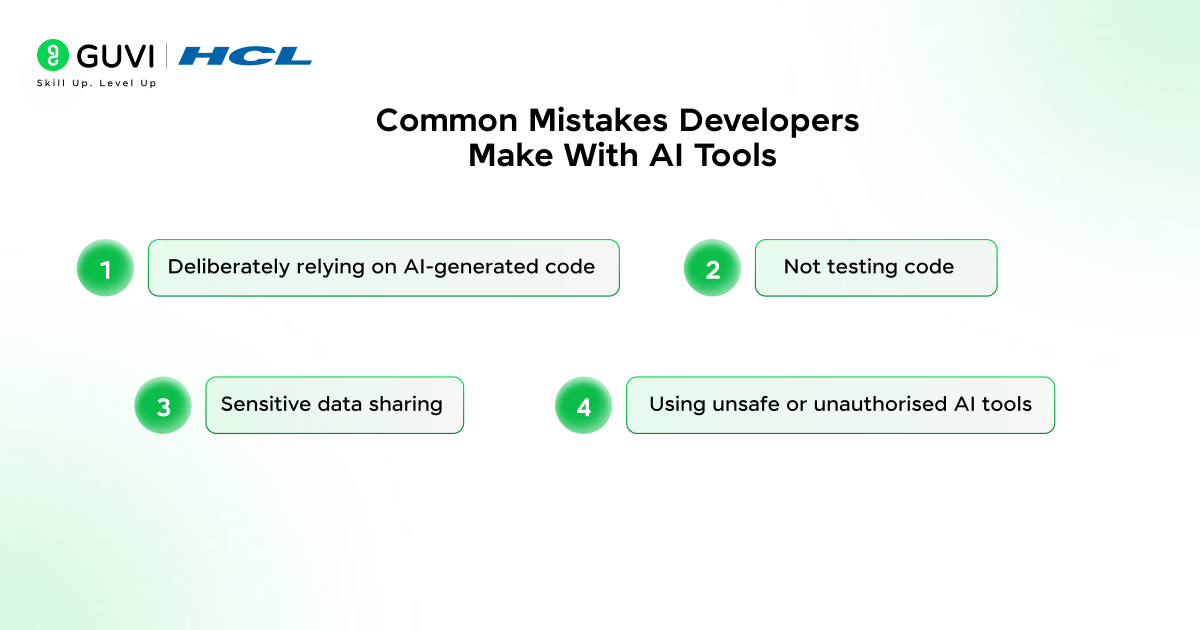
- Deliberately relying on AI-generated code: AI can create flawed or insecure code and therefore, it should be checked by a human.
- Not testing code – Lack of code testing may result in hidden bugs or performance issues may go unnoticed and cause long-term problems.
- Sensitive data sharing – When true credentials, user information, or proprietary code are shared with AI tools, they can lead to major security breaches.
- Using unsafe or unauthorised AI tools – Unapproved tools can hold or misuse your data, and this will present a potential threat to your project.
Ready to become a smarter, future-ready developer? Strengthen your AI-assisted coding skills with GUVI’s AI Software Development Program and learn how to build safe, efficient, and industry-level applications with confidence.
Wrapping it up:
While AI can greatly increase the speed, productivity, and efficiency of software development efforts, it is important for developers to always pay attention and take control of their work. Developers must review every output generated by an AI tool, thoroughly test it, ensure that no sensitive data is exposed and follow a structured process for creating and using best-practice guidelines. Following these principles, you will have confidence that the code you deliver will be safe, secure, and high-quality.
FAQs
1. Why is it important to review code created by AI?
Even though code created by AI appears to be syntactically correct, this does not mean it is free of logical errors, security vulnerabilities, and bad assumptions made by the AI. Manually reviewing the code ensures that the code created by AI is correct and safe.
2. Can AI tools replace software developers?
No. Developers will always have to have the final decision-making authority, conduct reviews of the code, and perform security checks based upon the AI’s suggestions and recommendations.
3. How should developers use AI tools?
Developers should provide clear instructions to the AI, avoid providing sensitive data, validate the logic behind the suggestions provided by the AI, conduct tests of the code using automated testing, and follow generally accepted security practices, as well as verify the AI-generated code and perform any additional tests before using it in a production environment.
4. What types of tasks would be best suited for use with AI?
The tasks for which AI is best suited include, repetition, generating tables of standard code (or boilerplate), generating test cases based, creating a basic outline of the overall program, and providing hints for debugging.
Success Stories

About the Author
Vishalini Devarajan
An Aerospace Engineer turned content writer, I focus on making complex concepts easy to understand through well-structured, reader-friendly blogs. Whether it’s a technical topic or a non-technical one, I love creating content that is clear, engaging, and impactful.
View all posts by Vishalini Devarajan
Connect with me @













Did you enjoy this article?