


Python Articles
Freelancing as a Python Developer: Getting Your First Client
Common Python Mistakes Beginners Make And How to Fix Them
Python Best Practices: Writing Clean, Maintainable Code Like a Pro
How to Build a Python Developer Portfolio That Gets You Hired


Get In Touch For Details! Request More Information
When learning Python, beginners often notice that programs become longer as more logic is added. Repeating the same code again and again makes programs hard to read and maintain. Using a function in Python helps organize code into reusable blocks, making programs cleaner and easier to manage.
This blog is written for beginners who want a clear understanding of a Python function and how it works. It explains what a function in Python is, why Python functions are important, and how they help you write structured, readable, and efficient Python programs.
Quick Answer
A function in Python is a reusable block of code designed to perform a specific task. Instead of writing the same logic multiple times, you can define it once as a Python function and call it whenever needed. Functions make Python programs cleaner, easier to understand, and simpler to maintain as they grow.
Table of contents
- What Is A Function In Python
- How A Python Function Works
- Types Of Functions In Python
- Built-In Functions
- User-Defined Functions
- Functions With Parameters
- Functions With Return Values
- When To Use Functions In Python Programs
- Why Functions Are Important In Python
- Common Mistakes Beginners Make With Python Functions
- 💡 Did You Know?
- Conclusion
- FAQs
- Can a function call itself in Python?
- What happens if I don’t use a return statement in a function?
- Can I use a function from one Python file in another file?
- Are Python functions objects?
- Can a Python function have default values for parameters?
What Is A Function In Python
A function in Python is a named block of code that is written to perform a specific task. Instead of writing the same logic again and again, you can place it inside a function and reuse it whenever needed in your program. This makes code easier to read, understand, and maintain, especially as programs grow larger.
In simple terms, a Python function takes input, performs an action, and may return an output. Functions help break complex programs into smaller, manageable parts, allowing developers to focus on one task at a time. This structured approach is one of the main reasons Python programs stay clean and organized.
Key Points
- Reusable Code: A function in Python allows you to reuse the same logic multiple times without rewriting it.
- Better Readability: Python functions make programs easier to understand by grouping related logic.
- Simpler Maintenance: Updating logic inside a function updates it everywhere it is used.
Do check out this HCL GUVI Python Course if you want hands-on practice with Python functions and other concepts. This course is designed for beginners to gain practical experience, write clean Python code, and build confidence by solving real-world problems step by step.
How A Python Function Works
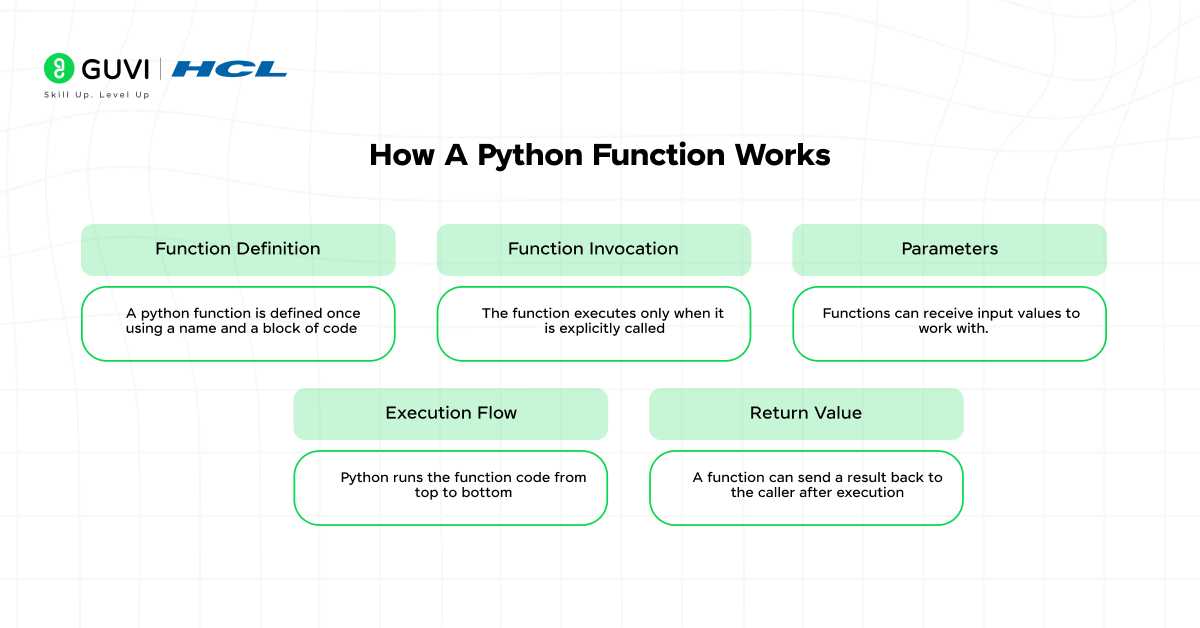
A Python function works by following a clear flow: it is first defined, then called, and finally executed when needed. When Python reads a function definition, it stores the instructions but does not execute them immediately. This allows the function to be reused multiple times across the program without rewriting the same logic.
When a function is called, Python passes any given input values to it, runs the code inside the function step by step, and optionally returns a result. This process helps keep programs organized and allows developers to control how data is processed within the application.
Key Points
- Function Definition: A Python function is defined once using a name and a block of code.
- Function Invocation: The function executes only when it is explicitly called.
- Parameters: Functions can receive input values to work with.
- Execution Flow: Python runs the function code from top to bottom.
- Return Value: A function can send a result back to the caller after execution.
Example
def add_numbers(a, b):
    return a + b
result = add_numbers(3, 5)
print(result)
In this example, the function add_numbers is defined to add two numbers. The function runs only when it is called with values, and it returns the result after execution.
You can try out your Python functions directly in the HCL GUVI IDE, an online coding environment that lets you write, run, and test Python code instantly. It’s perfect for practicing concepts from this blog and experimenting with your own function implementations.
Types Of Functions In Python
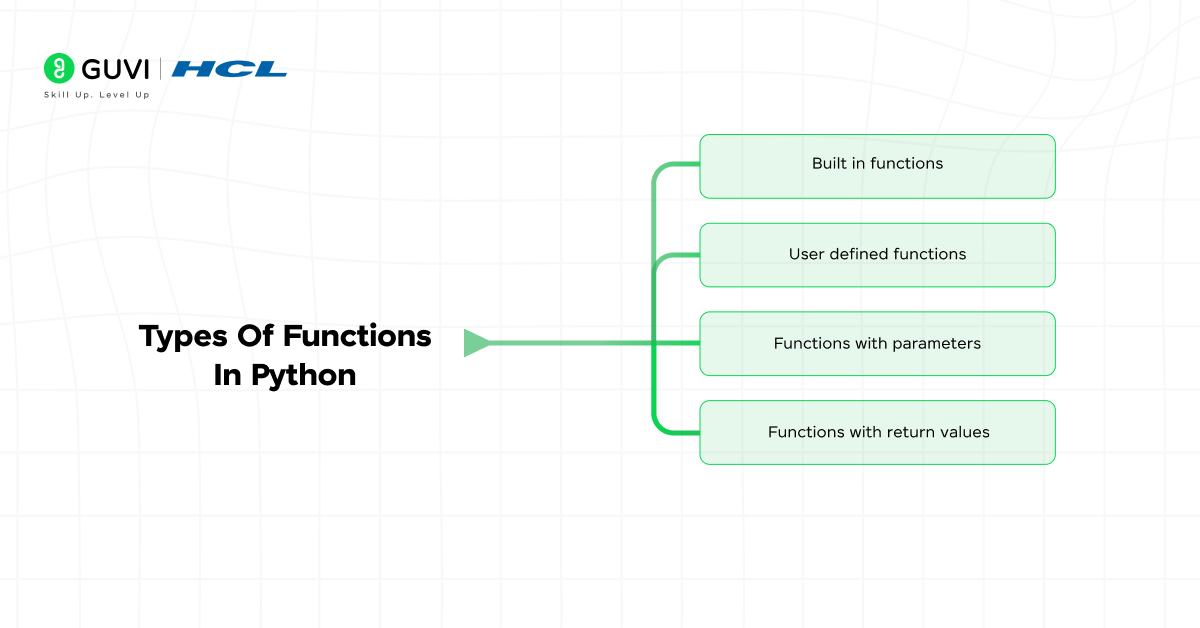
Python provides different types of functions to handle different programming needs. Knowing these types helps beginners understand when to use built-in solutions and when to write their own logic. Each type of function in python plays an important role in writing clean, reusable, and structured programs.
In this section, you will learn about the most commonly used types of functions in python, including
- Built-in functions
- User-defined functions
- Functions with parameters
- Functions with return values
Each type helps beginners understand how Python programs are structured and how logic is reused efficiently.
1. Built-In Functions
Built-in functions are functions that are already included in Python and can be used directly without defining them. They help perform common operations like printing output, converting data types, and doing mathematical calculations. Using built-in functions reduces effort and keeps programs short and readable.
Key Points
- Predefined Functions: Already available in Python.
- No Extra Setup: Can be used immediately.
- Optimized Performance: Reliable and efficient.
Example
number = -20
print(abs(number))
Explanation
In this example, abs is a built-in function that converts a negative number into a positive value. Since it is built in, there is no need to write the function yourself.
2. User-Defined Functions
User-defined functions are created by programmers to perform specific tasks that are not handled by built-in functions. They allow you to group logic into reusable blocks, making programs easier to understand and maintain. These functions are useful when the same operation is repeated multiple times.
Key Points
- Custom Logic: Written for specific needs.
- Reusable Code: Can be called many times.
- Better Structure: Improves readability.
Example
def greet_user():
    print("Hello, welcome to Python")
greet_user()
Explanation
Here, the function greet_user is defined to print a welcome message. The code inside the function runs only when the function is called.
3. Functions With Parameters
Functions with parameters allow values to be passed into a function so it can work with different inputs. This makes functions flexible and avoids writing multiple functions for similar tasks. Parameters help control how data flows into the function.
Key Points
- Accept Input Values: Data is passed during function calls.
- Flexible Usage: The same function works with different inputs.
- Clear Data Handling: Easy to track inputs.
Example
def greet(name):
    print("Hello", name)
greet("Ravi")
Explanation
In this example, the value “Ravi” is passed to the parameter name. The function uses this value to print a personalized message.
4. Functions With Return Values
Functions with return values send a result back to the part of the program that called them. This is useful when the output needs to be reused later for calculations or decisions. Return values make functions more powerful and practical.

Key Points
- Returns Output: Sends results back to the caller.
- Reusable Results: Can be stored in variables.
- Efficient Logic: Avoids repeating calculations.
Example
def add(a, b):
    return a + b
total = add(5, 7)
print(total)
Explanation
Here, the function add returns the sum of two numbers. The returned value is stored in the variable total and used later in the program.
You can also explore the HCL GUVI Python Hub to strengthen your understanding of core concepts like Python functions with tutorials, examples, and practice exercises. It’s a great resource to reinforce what you’ve learned in this blog and build your coding confidence.
When To Use Functions In Python Programs
Using functions in Python is not just about writing reusable code; it’s about organizing your program for clarity and efficiency. Functions should be used whenever a specific task needs to be repeated, when a program becomes too long, or when you want to break complex logic into manageable pieces. By doing this, Python programs become easier to read, debug, and maintain.
Some common scenarios for using functions in Python include processing data, performing calculations, interacting with users, or handling repetitive tasks. Functions allow developers to isolate logic, making future updates safer and reducing the chance of introducing errors.
Key Points
- Repetitive Tasks: Use functions to handle logic that occurs multiple times.
- Complex Logic: Break down large or complicated code into smaller, manageable functions.
- Code Reusability: One function can serve multiple parts of a program.
- Testing & Debugging: Functions make it easier to test small pieces of code individually.
- Cleaner Programs: Keeps the main code readable and organized.
Why Functions Are Important In Python
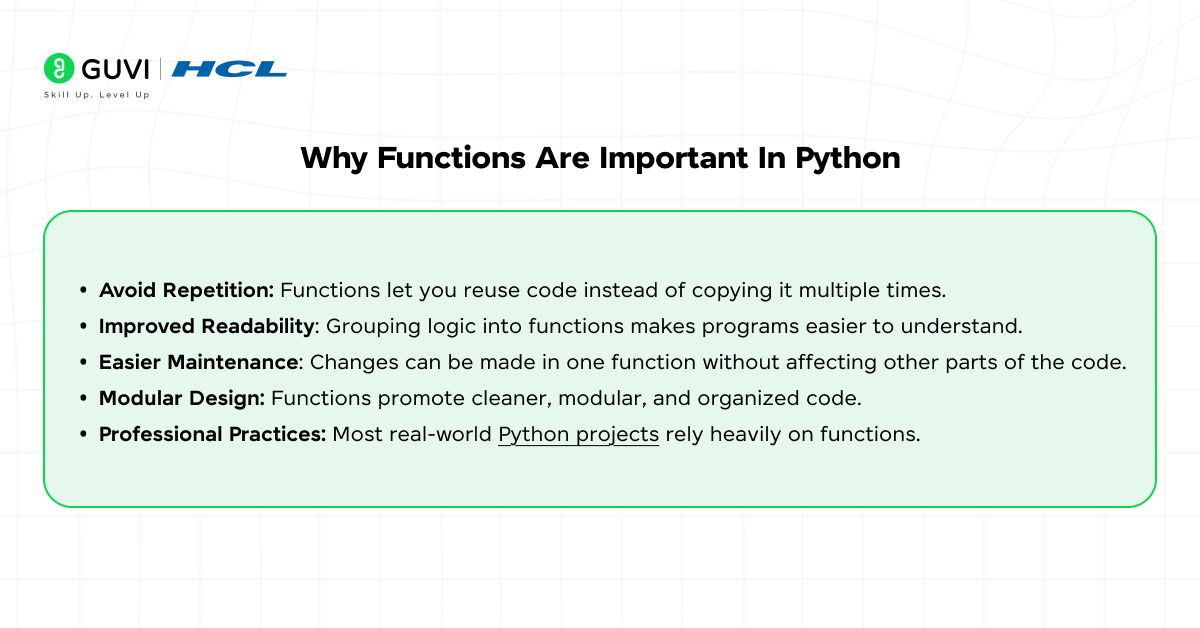
Functions are a fundamental part of writing clean and efficient Python programs. They allow developers to group related logic, avoid repetition, and make code easier to read and maintain. Without functions, programs quickly become long, confusing, and difficult to debug, especially as they grow in size and complexity.
Using functions also encourages better programming habits, such as modularity and reusability. They make collaboration easier because different developers can work on separate functions without interfering with each other. For beginners, understanding functions in Python is a critical step toward writing professional-quality code.
Key Points
- Avoid Repetition: Functions let you reuse code instead of copying it multiple times.
- Improved Readability: Grouping logic into functions makes programs easier to understand.
- Easier Maintenance: Changes can be made in one function without affecting other parts of the code.
- Modular Design: Functions promote cleaner, modular, and organized code.
- Professional Practices: Most real-world Python projects rely heavily on functions.
Common Mistakes Beginners Make With Python Functions
When starting out, beginners often make mistakes with functions that can lead to errors or confusing code. Some common issues include not using parameters correctly, forgetting to return a value, or writing overly long functions that try to do too much. Understanding these pitfalls helps you write cleaner and more effective Python functions.
Other mistakes include using inconsistent naming, redefining built-in functions by accident, or calling functions before they are defined. Learning to avoid these errors early on builds good coding habits and makes your programs more reliable.
Key Points
- Forgetting Return: Not returning a value when needed can cause unexpected results.
- Incorrect Parameters: Mismatched or missing parameters can lead to errors.
- Overly Long Functions: Functions should focus on one task, not multiple unrelated tasks.
- Poor Naming: Descriptive names help others understand the purpose of the function.
- Calling Too Early: Functions must be defined before they are called in the code.
💡 Did You Know?
- Functions in Python can be defined inside other functions, which are called nested functions.
- Python supports anonymous functions known as lambda functions, written in a single line.
- Popular Python libraries like NumPy and Pandas use functions extensively for reusable operations.
Conclusion
Understanding functions in Python is essential for writing clean, organized, and efficient programs. By grouping logic into reusable blocks, functions help beginners manage complex tasks and reduce repetitive code. Mastering Python functions lays a strong foundation for building larger, real-world applications.
Using functions also encourages good programming habits like modularity and clarity. Whether you are calculating values, processing data, or interacting with users, incorporating functions into your Python code makes your programs more reliable and easier to maintain.
FAQs
1. Can a function call itself in Python?
Yes, Python supports recursive functions, where a function can call itself to solve problems like calculating factorials or Fibonacci numbers.
2. What happens if I don’t use a return statement in a function?
If a function doesn’t have a return statement, it automatically returns None after execution.
3. Can I use a function from one Python file in another file?
Yes, you can import functions from other files using Python’s import statement to reuse code across programs.
4. Are Python functions objects?
Yes, in Python, functions are first-class objects. This means you can assign them to variables, pass them as arguments, or store them in data structures.
5. Can a Python function have default values for parameters?
Yes, you can assign default values to parameters so the function can be called without explicitly passing those arguments.
Success Stories

About the Author
Jebasta
I translate the language of data into stories that anyone can understand. As a writer with a data science background, I simplify analytics, AI, and decision-making so beginners and enthusiasts can confidently explore the world of data.
View all posts by Jebasta
Connect with me @









Did you enjoy this article?