


Software Development Articles
How to Read and Understand System Design Diagrams?
System Engineer Roles and Responsibilities: 12 Proven Duties for Growth
SAP Consultant Roles and Responsibilities: 12 Proven Duties for Growth and Success
Network Engineer Roles and Responsibilities: 12 Essential Duties for Success


Get In Touch For Details! Request More Information
Operating System Syllabus 2026: A Beginner’s Guide
Aug 26, 2026 5 Min Read 3289 Views
(Last Updated)
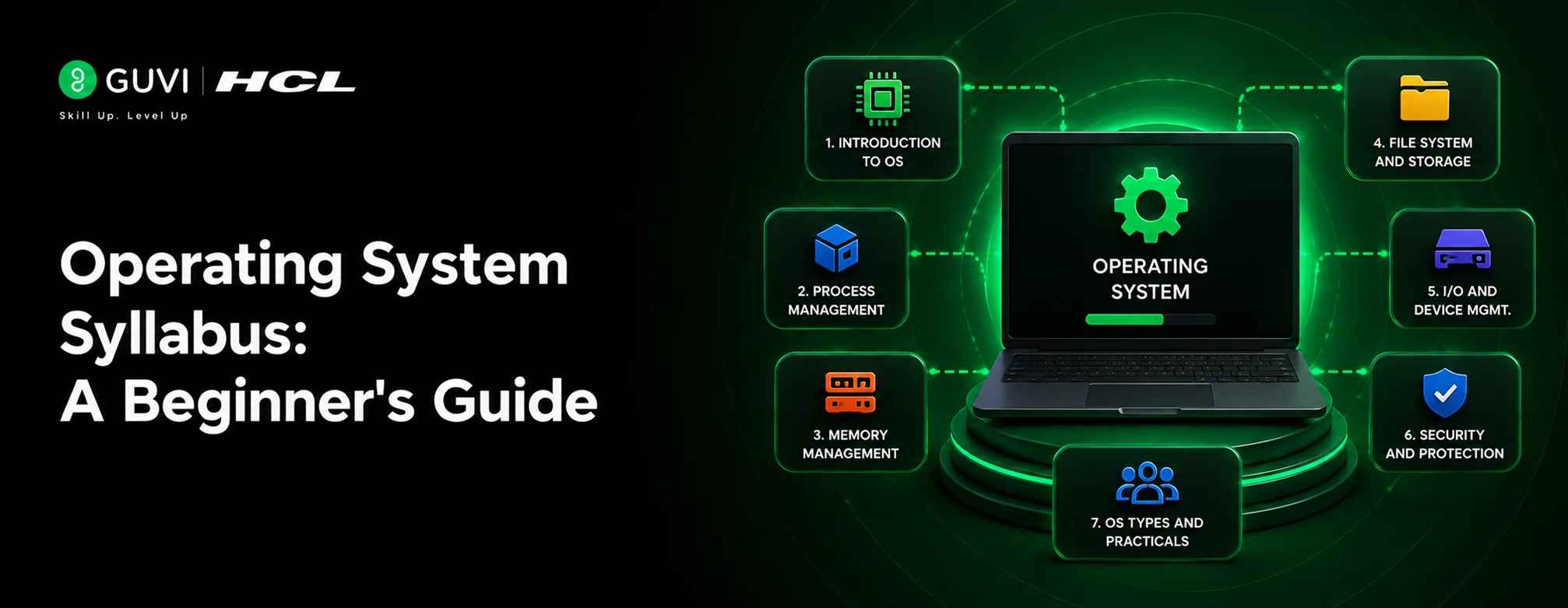
An Operating System (OS) is the software layer that manages a computer’s hardware and lets applications run on it. Its syllabus for CSE students typically covers five core areas: process management, memory management, file systems, I/O handling, and system security.
Read this comprehensive Operating System syllabus designed for Computer Science and Engineering students. It outlines every core topic, from process control to real-time systems to help you build a strong foundation for exams and professional growth.
Table of contents
- TL;DR Summary
- What are Operating Systems?
- 💡 Did You Know?
- Why This Subject Matters for Beginners
- Operating System Syllabus for Computer Science and Engineering
- Structure of Operating Systems
- Process Management
- Memory Management
- File System Management
- Input/Output and Device Management
- Storage and Disk Management
- Security and Protection
- Advanced Topics in Operating Systems
- Academic Syllabus vs Placement-Focused OS Topics
- Best OS Syllabus Resources to Follow in India 2026
- Conclusion
- FAQs
- What is the purpose of studying Operating Systems?
- How does an Operating System improve performance?
- What is the difference between system and application software?
- Why is Linux important in computer science education?
- How is virtualization connected to Operating Systems?
- Can I learn Operating Systems without a strong programming background?
TL;DR Summary
- The Operating System syllabus for 2026 is usually taught in the 3rd or 4th semester of a B.Tech or B.Sc CSE program.
- It has five core units: OS structure, process management, memory management, file and I/O systems, and security.
- Process scheduling, deadlocks, paging, and file allocation are the topics most exams and interviews focus on.
- Practical labs include shell scripting, process simulation, and using tools like VirtualBox.
- Learning this syllabus well helps you in placements, especially for SDE, DevOps, and system-level roles.
What are Operating Systems?
An operating system controls hardware and manages communication between software and devices. It organizes memory and handles file operations. Each action taken by a user passes through the operating system before reaching the hardware. It provides a stable base for programs to run efficiently and keeps computing environments secure and reliable.
💡 Did You Know?
Over 96% of the world’s top one million web servers run on Linux, an open-source operating system. That’s one big reason Linux fundamentals show up so often in placement interviews.Why This Subject Matters for Beginners
You don’t need to memorize this syllabus just to clear an exam. It shapes how you think as a programmer.
- Better debugging: You’ll understand why a program slows down or crashes.
- Stronger interviews: OS concepts like deadlocks and scheduling are asked in almost every SDE interview.
- Real infrastructure knowledge: Cloud computing, DevOps, and cybersecurity all sit on top of OS fundamentals.
Operating System Syllabus for Computer Science and Engineering
1. Structure of Operating Systems
1.1 Core Components of an Operating System
An operating system connects users, applications, and hardware through key components:
- Kernel: Controls CPU and device operations. It runs in a protected mode to manage critical tasks.
- Shell: Interprets user commands and converts them into executable instructions. It may appear as a command line or graphical interface.
- System Libraries: Provide reusable functions that allow safe access to system services and simplify application design.
1.2 Types of Kernels

Kernels define how the OS manages communication and processing:
- Monolithic Kernel: Executes system services in one layer for higher performance.
- Microkernel: Keeps only essential tasks in the kernel for improved stability.
- Hybrid Kernel: Combines the performance of a monolithic design with microkernel reliability.
- Modular Kernel: Loads modules during runtime to add or remove features easily.
2. Process Management
2.1 Process Lifecycle and Process Control Blocks
A process transitions through defined states: new, ready, running, waiting, and terminated. The Process Control Block (PCB) records each process’s ID, current state, and scheduling data so the OS can pause and resume tasks accurately, reflecting the core functions of the operating system in managing process control and execution flow.
2.2 Threads, Multithreading Models, and Multiprocessing
Threads share a process’s resources to improve speed and responsiveness. Threading models include:
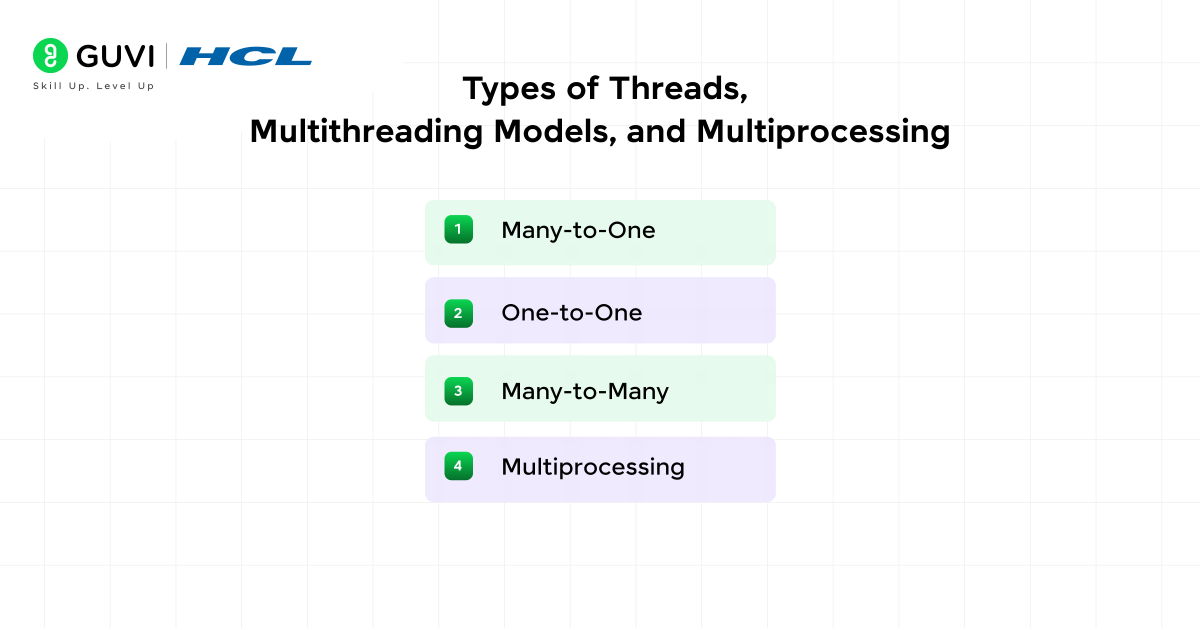
- Many-to-One: Multiple user threads connect to one kernel thread.
- One-to-One: Each user thread links directly to a kernel thread.
- Many-to-Many: Balances resource use and parallel efficiency.
Multiprocessing uses several processors to execute tasks simultaneously, which increases reliability and throughput.
2.3 CPU Scheduling Algorithms
Scheduling decides the order of CPU execution:
- FCFS: Runs processes in arrival order.
- SJF: Prioritizes shorter tasks to reduce waiting time.
- Round Robin: Assigns equal time slices to maintain fairness.
3. Memory Management
3.1 Physical and Virtual Memory Organization
The OS manages physical memory (RAM) and extends it through virtual memory on disk. The operating system structure improves efficiency and protects each process from unauthorized access.
3.2 Paging, Segmentation, and Memory Mapping
Memory is structured for quick access and safe isolation:
- Paging: Divides memory into fixed pages for flexible use.
- Segmentation: Allocates based on logical program parts.
- Mapping: Links virtual addresses with physical storage for controlled access.
3.3 Allocation and Deallocation Methods
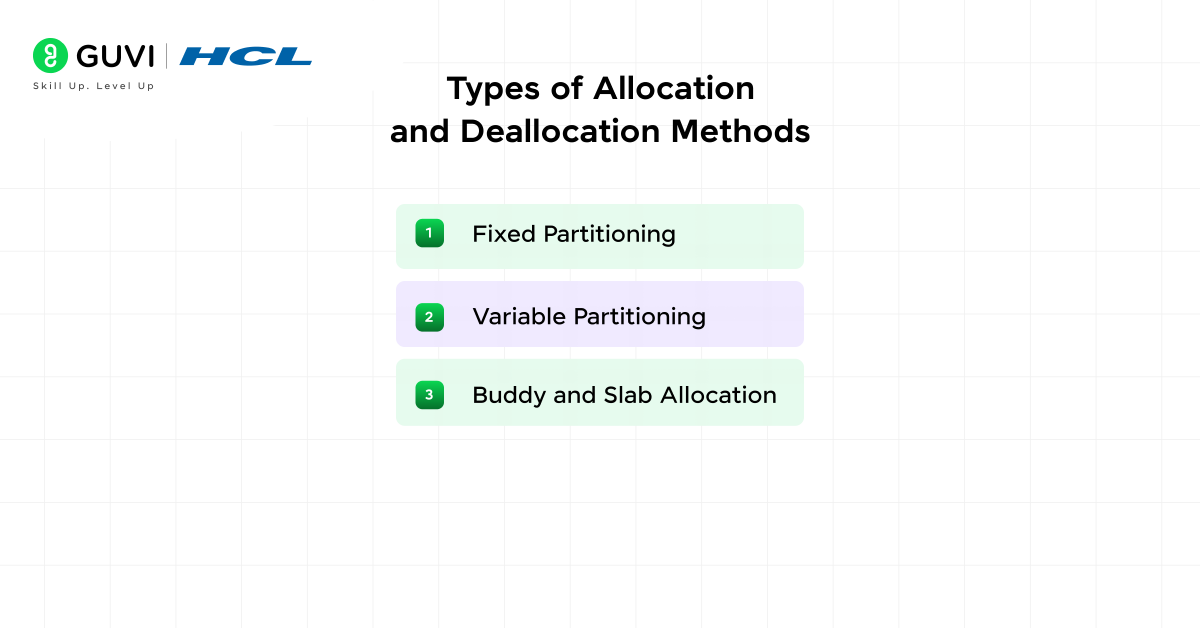
The OS assigns and frees memory using methods such as:
- Fixed Partitioning: Divides memory into static blocks.
- Variable Partitioning: Adjusts block size for better use.
- Buddy and Slab Allocation: Reduce fragmentation and accelerate reuse.
4. File System Management
Here the focus shifts to storage and devices.
- File allocation methods: contiguous, linked, indexed
- Disk scheduling: SSTF, SCAN, LOOK
- Buffering, caching, and spooling
5. Input/Output and Device Management
The final unit connects theory to real systems.
- User authentication and access control (ACLs, RBAC)
- Encryption and data integrity checks
- Case studies of Windows, Linux, and Unix kernel architecture
6. Storage and Disk Management
6.1 Storage Hierarchy and Disk Architecture
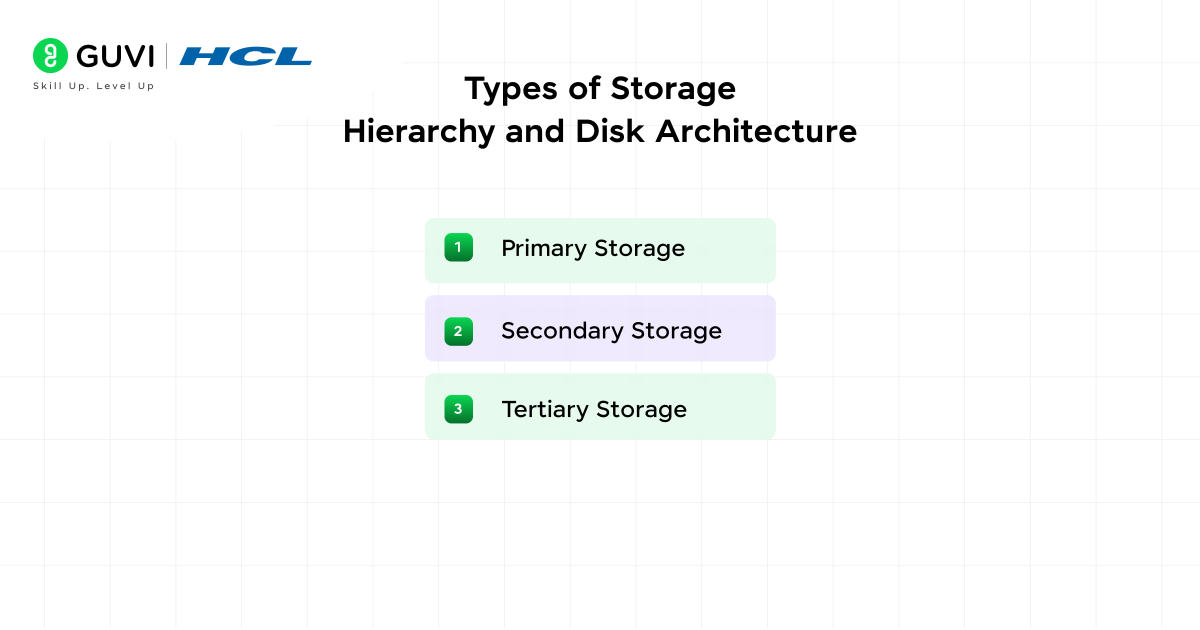
The storage hierarchy arranges memory based on capacity and cost. Each layer balances performance with efficiency:
- Primary Storage: Comprises cache and main memory that provide immediate access for the CPU.
- Secondary Storage: Includes hard drives and solid-state drives used for long-term data retention.
- Tertiary Storage: Consists of removable media such as optical disks or external drives that store backups.
6.2 Disk Formatting and Partition Management
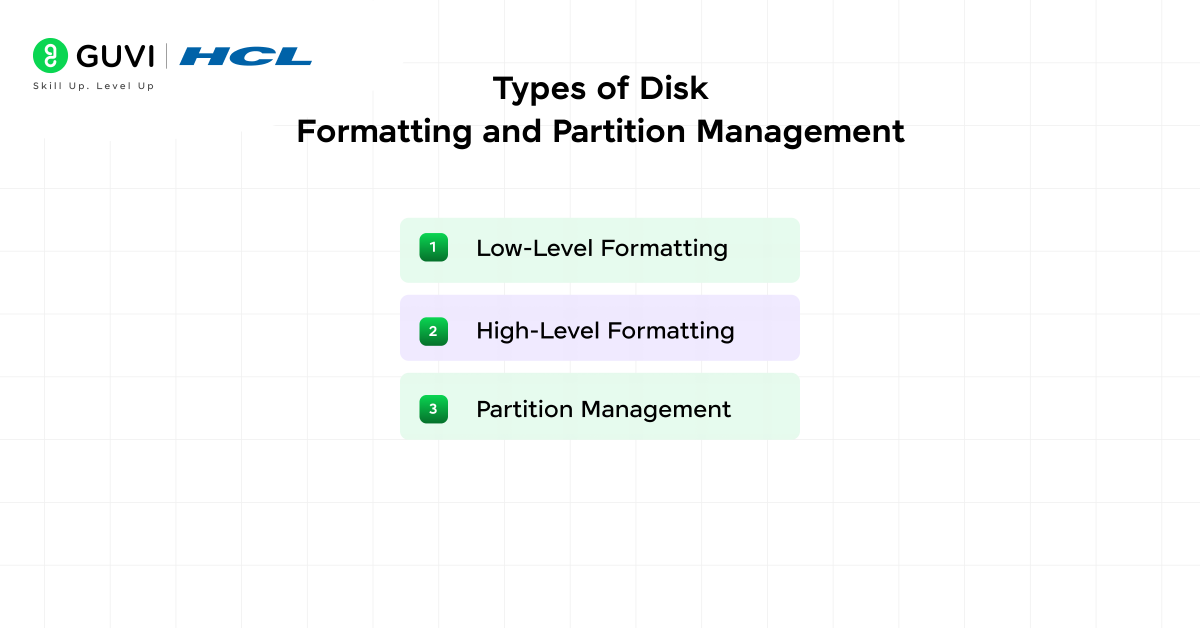
Formatting prepares a disk for use by creating file systems and setting up sectors. Partitioning divides a disk into smaller logical units that simplify organization.
- Low-Level Formatting: Defines tracks and sectors at the hardware level.
- High-Level Formatting: Creates file systems such as NTFS or ext4 and sets access structures.
- Partition Management: Controls how disk space is divided for operating systems, backups, or virtual environments.
6.3 RAID Levels and Data Redundancy
RAID (Redundant Array of Independent Disks) combines multiple drives to improve performance or reliability. Common levels include:
- RAID 0: Splits data across drives for speed but provides no redundancy.
- RAID 1: Mirrors data on two drives to protect against single-drive failure.
- RAID 5: Stripes data with parity, which balances storage efficiency and fault tolerance.
Also, Read: Top 40 Operating System Interview Questions and Answers for 2025 (Basic to Advanced)

7. Security and Protection
7.1 User Authentication and Access Control Models
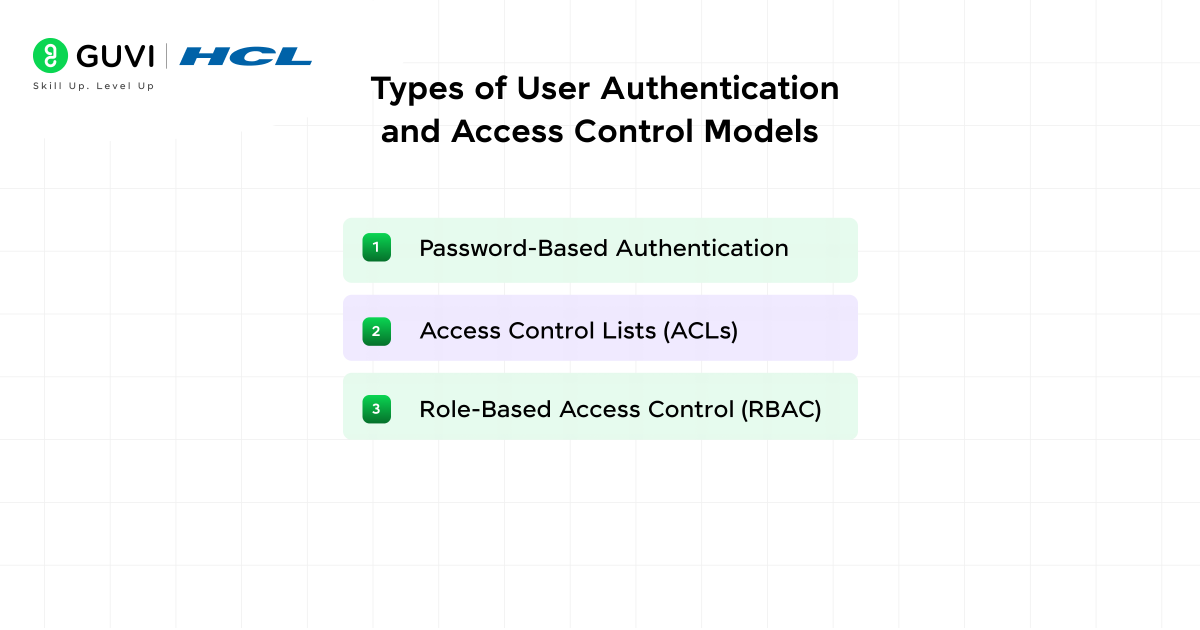
Authentication confirms user identity before access. Access control determines what actions each user can perform:
- Password-Based Authentication: Uses credentials verified by the OS.
- Access Control Lists (ACLs): Define permissions for individual files or users.
- Role-Based Access Control (RBAC): Groups users by roles to simplify privilege management.
7.2 Privilege Management and Process Isolation
Privilege management controls the scope of operations each process can perform. The OS grants administrative rights cautiously and enforces isolation to prevent one process from interfering with another. Kernel-level separation helps contain faults and reduce the impact of security breaches.
7.3 System Security Mechanisms and Cryptographic Techniques
The OS uses internal defense layers to maintain confidentiality and authenticity.
- Encryption: Converts sensitive data into an unreadable form for unauthorized users.
- Hashing: Validates data integrity during storage or transmission.
- Access Tokens: Authenticate system calls and maintain secure sessions.
8. Advanced Topics in Operating Systems
- 8.1 Virtualization and Hypervisor Management: Virtualization allows multiple systems to operate on shared hardware. Hypervisors create and control virtual machines that isolate workloads. The OS coordinates CPU and I/O resources among virtual environments to maintain balanced performance.
- 8.2 Containerization and Orchestration Tools: Containers package applications with required dependencies for consistent deployment. Orchestration platforms such as Kubernetes manage scaling and recovery. The OS manages process namespaces and control groups that support these tools efficiently.
- 8.3 Cloud-Based OS and Scalable Architectures: Cloud-based operating systems distribute workloads across remote servers. They adjust storage and memory based on user demand. This scalability supports continuous service without manual intervention.
- 8.4 AI-Integrated Resource Scheduling: Artificial intelligence enhances process scheduling and system optimization. The OS learns workload patterns and predicts resource needs. This predictive control improves throughput and reduces idle hardware cycles.\
Academic Syllabus vs Placement-Focused OS Topics
Not every topic in your college syllabus carries equal weight in interviews. Here’s how the two compare.
| Aspect | Academic Syllabus | Placement-Focused OS Topics |
|---|---|---|
| Purpose | Clear semester exams and build theory | Crack technical interviews at product companies |
| Core focus | All five units in depth | Process scheduling, memory management, deadlocks |
| Depth needed | Formula-level and diagram-based understanding | Concept-level clarity with real examples |
| Time to prepare | One full semester (4 to 5 months) | 3 to 4 weeks of focused revision |
| Practical component | Lab experiments, viva questions | Linux commands, system design basics |
| Best for | University exams, GATE preparation | SDE, DevOps, and system engineer interviews |
If you’re a student, you need both. Clear your semester with the full syllabus, but revise Units 2 and 3 hardest before placement season, since scheduling and memory questions come up the most.
Best OS Syllabus Resources to Follow in India 2026
You don’t need a dozen books. Stick to a few reliable resources and repeat them.
- Core textbooks: “Operating System Concepts” by Silberschatz, Galvin, and Gagne remains the most recommended reference across Indian universities.
- Practical practice: Set up a Linux distribution (Ubuntu 24.04 LTS or Fedora) and practice shell commands directly instead of only reading about them.
- Virtualization labs: Use VirtualBox or VMware to create virtual machines and observe how processes and memory behave in real time.
- Structured courses: A guided, project-based program can help you connect syllabus theory to job-ready skills faster than self-study alone.
Want a structured path instead of piecing this together on your own? GUVI’s AI Software Development Programme walks you through OS fundamentals alongside real coding projects, with placement support built in.
Take your computer science foundation to the next level by mastering how operating systems and artificial intelligence work together! Enroll in our AI Software Development Course, an advanced, project-driven program with globally recognized certification, 100% placement support, and expert mentorship. Learn to build intelligent systems, automate workflows, and design smart applications that define the future of computing
Conclusion
The Operating System syllabus might look long at first glance, but it really comes down to five connected ideas: how a system starts up, how it runs multiple tasks, how it manages memory, how it stores files, and how it stays secure.
Once these pieces click together, subjects like networking, cloud computing, and system design become much easier to follow. Start with Units 2 and 3, since they carry the most weight for both exams and interviews, then build outward from there.
FAQs
1. What is the purpose of studying Operating Systems?
It helps students understand how software controls hardware and manages system resources. This knowledge builds a strong base for learning computer architecture and system design.
2. How does an Operating System improve performance?
It manages CPU time and memory to keep programs responsive. It also controls input and output so processes complete faster under heavy load.
3. What is the difference between system and application software?
System software runs hardware and maintains the computing environment. Application software performs user tasks and depends on the system layer to operate correctly.
4. Why is Linux important in computer science education?
Linux teaches system-level control and open-source development. It also supports research, networking, and automation in academic projects.
5. How is virtualization connected to Operating Systems?
Virtualization lets multiple systems share one hardware platform. It improves resource use and supports testing, cloud deployment, and software training.
6. Can I learn Operating Systems without a strong programming background?
Yes. OS concepts are more about logic and system behavior than coding. Basic C or Python knowledge helps with lab exercises, but it isn’t mandatory to start.
Success Stories

About the Author
Vaishali
I'm a seasoned writer with four years of experience across technical, non-technical, and just about every genre or niche you can imagine. Adaptable and curious, I enjoy exploring new topics and making information engaging and easy to understand. Fueled by a steady stream of tea, I approach each project with creativity, reliability, and genuine enthusiasm for storytelling.
View all posts by Vaishali
Connect with me @









Did you enjoy this article?