


Software Development Articles
How to Read and Understand System Design Diagrams?
System Engineer Roles and Responsibilities: 12 Proven Duties for Growth
SAP Consultant Roles and Responsibilities: 12 Proven Duties for Growth and Success
Network Engineer Roles and Responsibilities: 12 Essential Duties for Success


Get In Touch For Details! Request More Information
Difference Between System Software and Application Software
Sep 11, 2026 4 Min Read 3737 Views
(Last Updated)
The difference between system software and application software is that system software runs your computer in the background, while application software lets you do real tasks like writing, browsing, editing photos, or playing games.
| Difference | System Software | Application Software |
|---|---|---|
| Purpose | Runs the hardware | Runs user tasks |
| Installation | Usually pre-installed | Installed by the user |
| Visibility | Works in the background | Directly visible to users |
| Dependency | Works independently | Needs system software to run |
| Examples | Windows, Linux, drivers | MS Word, WhatsApp, Photoshop |
Every computer you use, whether it’s a laptop, phone, or desktop, runs on two different types of software working together. One runs behind the scenes, and the other is what you see and use every day. Understanding the difference between system software and application software helps you understand how your device actually functions.
Most people use both types daily without even realizing it. When you turn on your computer, open a browser, or edit a photo, different software is doing different jobs at the same time.
Over 2.5 billion active devices worldwide run on just four operating systems: Windows, macOS, Android, and iOS. That single layer of system software quietly powers nearly every screen you interact with daily.
Table of contents
- TL;DR Summary
- What is System Software?
- How System Software Works
- What is Application Software?
- How Application Software Works
- System Software vs Application Software: Full Comparison Table
- What Really Separates System Software from Application Software
- Can Software Be Both System and Application Software
- Firmware vs System Software vs Application Software: 3-Way Comparison
- System Software Examples List and Application Software Examples List
- Common Mistakes Learners Make
- Interview Questions on System vs Application Software
- Conclusion
- FAQs
- What is the main difference between system software and application software?
- Can application software run without system software?
- Is Windows system software or application software?
- Is MS Word system software or application software?
- What are some examples of system software?
- Is firmware the same as system software?
- Which is more complex to build, system or application software?
TL;DR Summary
- System software manages your device’s hardware. Application software helps you complete specific tasks.
- System software (Windows, macOS, Linux, drivers) usually comes pre-installed and runs in the background.
- Application software (WhatsApp, Excel, Photoshop) is installed by you and interacts with you directly.
- Application software cannot run without system software, but system software can run without any application installed.
- Both work together. One builds the foundation, the other builds on top of it.
What is System Software?
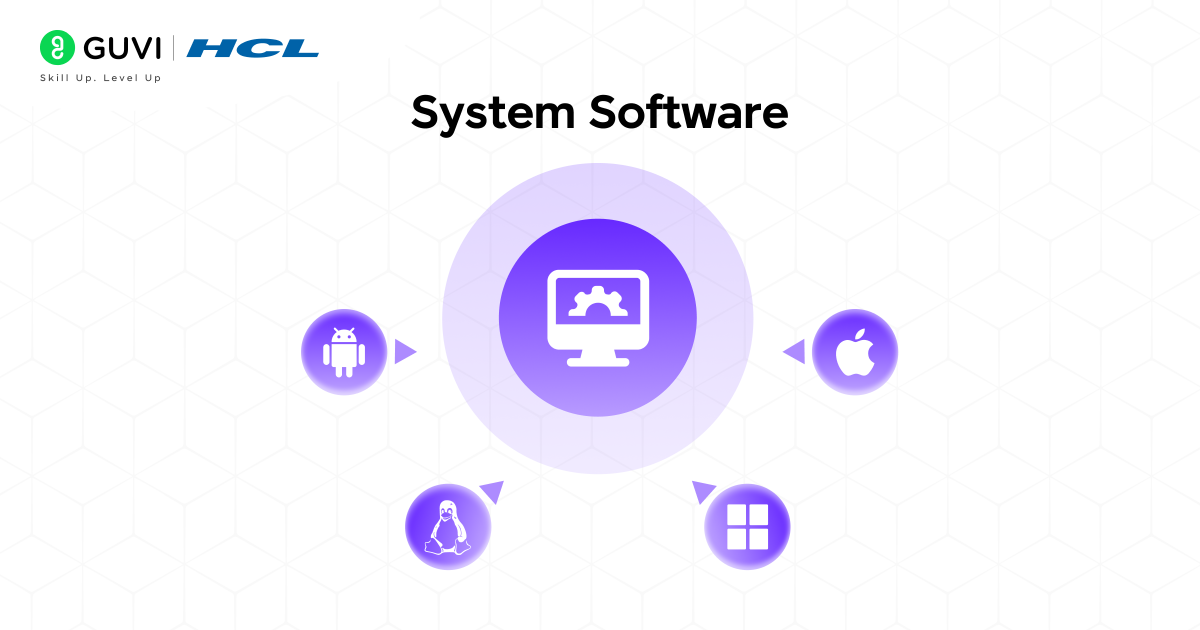
System software connects your hardware to everything else running on your device. You never open it directly, but without it, your CPU, memory, and storage would not know how to talk to each other.
It handles tasks like memory management, file handling, security updates, and process scheduling. Think of it as the layer that makes your hardware usable.
Examples: Windows, macOS, Linux, Android, iOS
How System Software Works
When you switch on your laptop, system software boots first. It checks your hardware, loads drivers, and creates the environment where every other program, including your browser and apps, can run.
Coding has changed fast, and today’s winning developers build real projects, not just theory. HCL GUVI’s Software and AI Engineer Programme gives you hands-on full stack or backend training, mentorship from pros at Microsoft and Amazon, and an IITM-Pravartak certification that holds weight. Add mock interviews and placement support, and you’re ready to get hired. Grab your seat now!
What is Application Software?
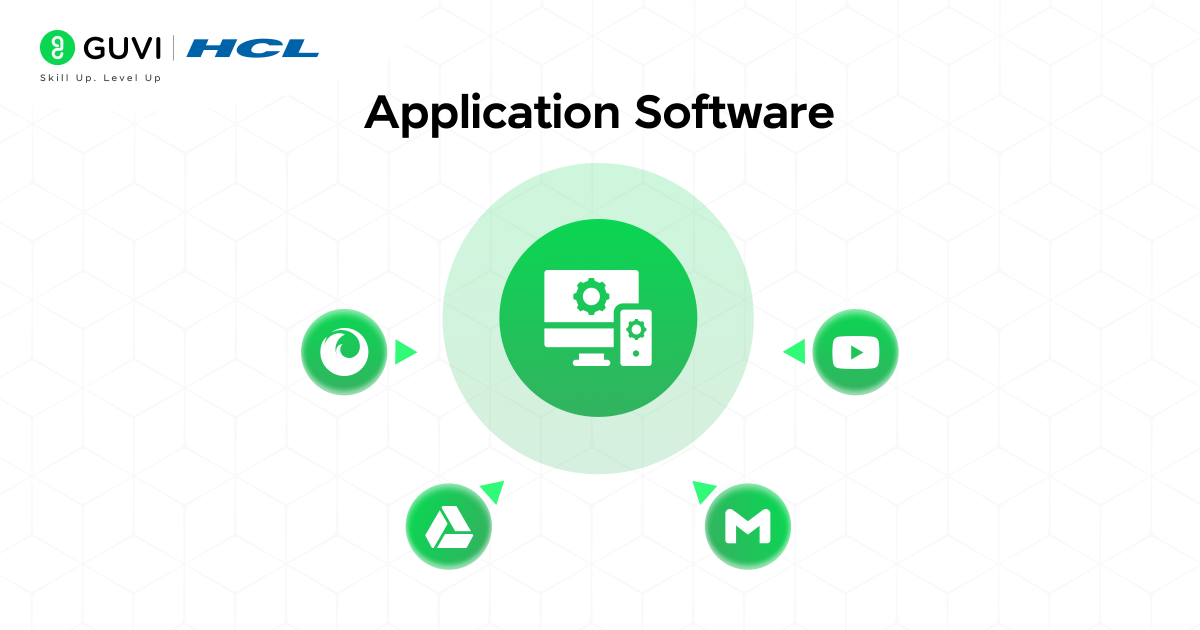
Application software is what you actually interact with. It is built to solve a specific problem or task, such as sending a message, editing a photo, or booking a train ticket.
You choose what to install based on your own needs. A designer installs Photoshop. A student installs a PDF reader. That is the core difference from system software, which comes with the device regardless of what you need.
Examples: WhatsApp, MS Word, Photoshop, Zoom, Spotify
How Application Software Works
Every application software depends on system software to access your device’s resources. When you open WhatsApp, the operating system underneath allocates memory, manages the network connection, and renders the screen.
System software has existed since 1956, and today, over 2.5 billion devices run operating systems like Windows, macOS, iOS, or Android.
Application software is used by billions worldwide. Microsoft Word has been downloaded over 1.2 billion times, SAP ERP serves more than 437,000 companies in 180 countries, and Salesforce manages data for over 150,000 businesses.
System Software vs Application Software: Full Comparison Table
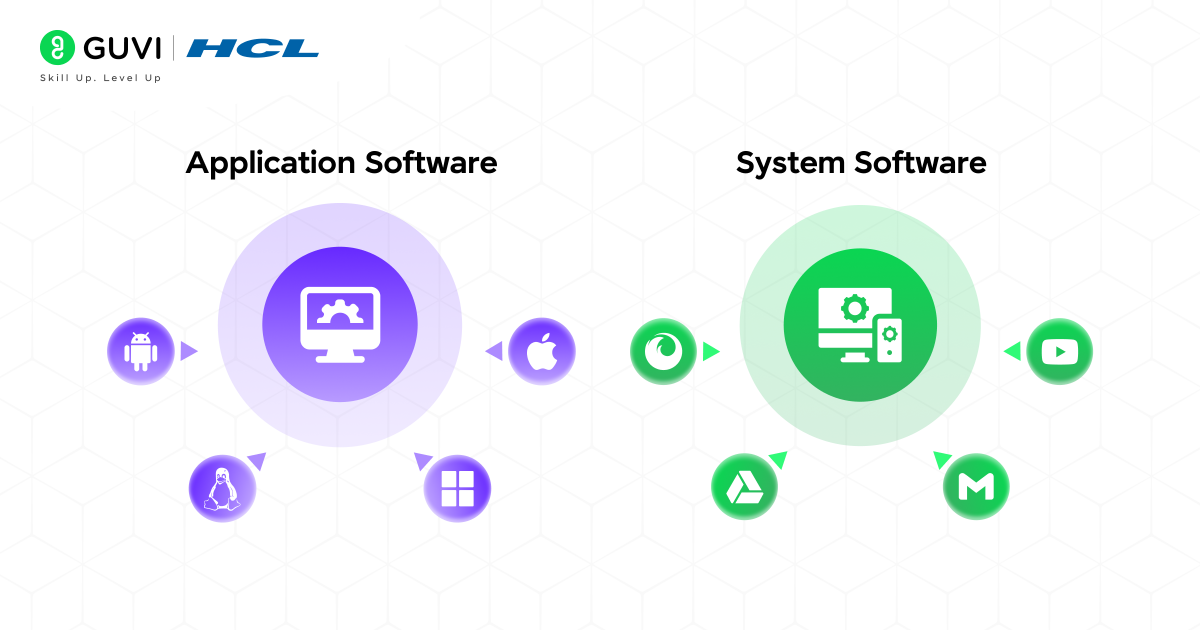
| Feature | System Software | Application Software | Examples |
|---|---|---|---|
| Function | Manages hardware and resources | Performs user-specific tasks | Windows (system), MS Word (application) |
| Runs on | Hardware directly | On top of system software | Linux, Google Docs |
| User interaction | Minimal, works in background | High, built for direct use | Android OS, Instagram |
| Installation | Pre-installed by manufacturer | Installed by the user | macOS, Zoom |
| Language used | Low-level (C, Assembly) | High-level (Java, Python, Swift) | BIOS, Netflix app |
| Dependency | Independent | Depends on system software | Windows, Adobe Photoshop |
What Really Separates System Software from Application Software
Here’s what really sets the two apart:
Purpose: System software exists to keep the device running. Application software exists to help you finish something, whether that’s writing an email or editing a photo.
Dependency: An application cannot work on its own. It needs an operating system underneath it to even open, let alone run properly.
Who it talks to: System software talks to the hardware. Application software talks to you. That’s really the simplest way to remember the split.
Complexity: System software handles the messy background work, like memory and processes. Applications hide all of that behind a screen you can actually understand.
Cost and licensing: System software usually comes bundled with your device. Application software is often something you buy or subscribe to on top of that.
Can Software Be Both System and Application Software
This is something a lot of learners get stuck on, and honestly, a few programs do sit right on the line.

- File explorers and terminals ship with the OS but let you perform tasks directly, so they act like both.
- Antivirus software is technically system-level since it protects the machine, but people install and manage it the same way they would any app.
- Browsers feel like applications, yet on a Chromebook the browser is basically the whole operating environment.
- Embedded software in things like a smart TV’s interface sits somewhere between firmware and application software.
The general rule still works even here. If it manages hardware or resources for other programs, it leans toward system software. If it exists purely to complete a task for you, it leans toward application software.
Firmware vs System Software vs Application Software: 3-Way Comparison
Firmware often gets confused with system software, but they are not the same thing.
| Aspect | Firmware | System Software | Application Software |
|---|---|---|---|
| Storage | Written on a chip (ROM) | Installed on a storage drive | Installed on storage drive |
| Editability | Rarely updated | Updated periodically | Updated frequently |
| Role | Starts and controls hardware at the lowest level | Manages hardware and provides a platform | Performs user tasks |
| Examples | BIOS/UEFI, router firmware | Windows, Linux | MS Excel, Instagram |
In short, firmware wakes up the hardware, system software runs the show, and application software gives you something to do with it.
System Software Examples List and Application Software Examples List
System software examples:
- Operating systems: Windows, macOS, Linux, Android
- Device drivers: printer drivers, graphics card drivers
- Utility software: antivirus tools, disk cleanup tools
- Language translators: compilers, interpreters
Application software examples:
- Productivity tools: MS Word, Google Sheets, PowerPoint
- Communication apps: WhatsApp, Zoom, Gmail
- Creative tools: Photoshop, Canva, Premiere Pro
- Everyday apps: Swiggy, Google Pay, Netflix
Common Mistakes Learners Make
- Confusing firmware with system software: Firmware is embedded in hardware and rarely changes. System software is installed and updated regularly.
- Assuming applications can run standalone: No application, however advanced, works without an operating system underneath it.
- Ignoring utility software: Many learners forget that antivirus tools and disk cleaners fall under system software, not applications.
- Overlooking custom software: Enterprise tools like SAP or Salesforce are application software too, not a separate category.
Interview Questions on System vs Application Software
1. What is the main difference between system software and application software?
System software manages hardware and resources. Application software helps users complete specific tasks.
2. Can application software run without an operating system?
No. It needs system software to access memory, storage, and processing power.
3. Is a device driver system software or application software?
It is system software, since it helps hardware communicate with the operating system.
4. Why is firmware not considered application software?
Firmware runs at the hardware level and is rarely installed by users, unlike application software.
5. Give an example of software that behaves like both system and application software.
A file explorer or terminal, since it ships with the OS but users use it directly.
6. Which programming languages are typically used to build system software?
Low-level languages like C and Assembly, since they allow direct hardware control.
Conclusion
In conclusion, system software and application software work hand in hand to make computers and mobile devices functional and user-friendly. System software provides the essential foundation by managing hardware, resources, and core operations.
In contrast, application software runs on top of it to help users perform specific tasks, from productivity and learning to entertainment and business. Together, they transform complex hardware into accessible technology, streamlining daily activities and enhancing efficiency in both personal and professional life.
FAQs
1. What is the main difference between system software and application software?
System software manages hardware and core operations, while application software helps users perform specific tasks.
2. Can application software run without system software?
No, application software depends on system software to access hardware resources.
3. Is Windows system software or application software?
Windows is system software. It is an operating system that manages hardware and provides a platform for applications.
4. Is MS Word system software or application software?
MS Word is application software, built to help users create and edit documents.
5. What are some examples of system software?
Examples include Windows, macOS, Linux, Android, device drivers, and utility tools like antivirus software.
6. Is firmware the same as system software?
No. Firmware is embedded in hardware and rarely updated, while system software is installed and updated regularly.
7. Which is more complex to build, system or application software?
System software is generally more complex because it handles low-level hardware management and resource allocation.
Success Stories








Did you enjoy this article?