


Artificial Intelligence and Machine Learning Articles
AI/ML Skills Gap 2026: Why Companies Can't Find Job-Ready Talent
20 AI/ML Interview Questions Recruiters Can Use Without a Tech Background - Best Guide
How Industry-Backed AI/ML Bootcamps Are Changing the AI/ML Hiring Pipeline - Best Guide 2026
From IT Support to AI Engineer: A Realistic Career Switch Guide 2026


Get In Touch For Details! Request More Information
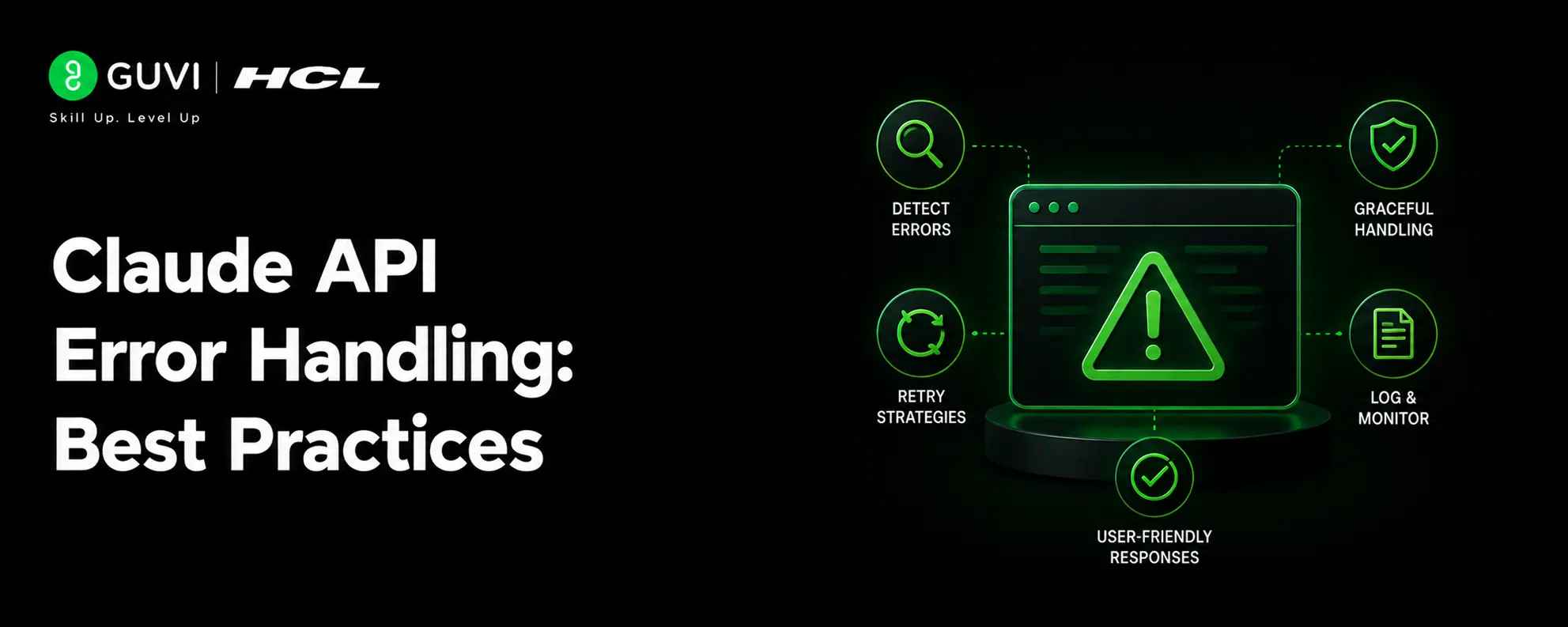
Claude API Error Handling: Best Practices
Aug 05, 2026 4 Min Read 345 Views
(Last Updated)
Table of contents
- Why Claude API Error Handling Occurs and Best Practices
- TL;DR Summary
- The Main Error Types
- Validate Input Early
- Handle Rate Limits Gracefully
- Separate Retryable and Non-Retryable Failures
- Use Safe Fallbacks
- Log What Matters
- Design For Safe Output
- Treat Compliance Responses Carefully
- Test Failure Modes Deliberately
- Common Mistakes
- A Simple Error-Handling Pattern
- Real-World Example
- What To Do Next
- Conclusion
- FAQs
- What is the most important part of Claude API error handling?
- Should I retry every Claude API error?
- How should I handle rate limits?
- What should I log when a request fails?
- How do I handle unsafe or restricted responses?
Why Claude API Error Handling Occurs and Best Practices
Claude API error handling is not just about avoiding crashes. It is about building systems that stay reliable when inputs are messy, traffic spikes, or the model returns an unexpected response.
If your app depends on Claude for important work, then even small failures can affect users. A missing field, a timeout, or a compliance-related refusal can break the flow unless you plan for it.
Good error handling makes the difference between a fragile demo and a production-ready system.
TL;DR Summary
- Strong Claude API error handling starts with clear input validation, retry logic, and graceful fallbacks.
- Most failures are easier to manage when you separate transient errors from permanent ones.
- Your app should always expect rate limits, malformed inputs, timeout issues, and safety-related responses.
- Logging and structured error messages make debugging much faster.
- The safest systems fail cleanly, explain what happened, and let the user recover without losing work.
The Main Error Types
Claude API failures usually fall into a few broad buckets. Some are caused by invalid input, some by temporary service or network issues, and some by output restrictions or policy-related responses.
The most common categories are:
- Invalid request errors.
- Authentication or permission problems.
- Rate limit failures.
- Timeout or network issues.
- Compliance or safety-related refusals.
- Unexpected response formatting.
The important part is to treat each class differently. A bad prompt should be fixed in code or validation, while a temporary limit should be retried more carefully.
Handle Claude API errors with retries, fallbacks, and clear logging to keep apps reliable.
Validate Input Early
The best time to catch an error is before the request ever reaches the API. If your app sends malformed, empty, or oversized input, you are just creating avoidable failures.
A good validation layer should check:
- Required fields.
- Maximum length.
- Message structure.
- Allowed file or text formats.
- Missing metadata.
- User permissions.
This is especially important in user-facing apps. If you validate early, users get a fast, clear message instead of waiting for a failed API call.
Handle Rate Limits Gracefully
Rate limits are normal in any API-based system. They do not mean your app is broken, but they do mean you need a plan.
The safest pattern is to retry with backoff instead of hammering the API repeatedly. That reduces the chance of making the problem worse and gives the service time to recover.
A solid rate-limit strategy includes:
- Exponential backoff.
- A maximum retry count.
- Jitter to spread retry timing.
- Queueing for burst traffic.
- User-visible status updates when delays happen.
Pro Tip: If your app sends many requests at once, batch them or queue them instead of firing everything in parallel.
Separate Retryable and Non-Retryable Failures
Not every error should be retried. Some problems are temporary, while others will fail every time until the request changes.
Retryable errors usually include the following:
- Temporary network failures.
- Short service interruptions.
- Rate limiting.
- Transient timeout issues.
Non-retryable errors usually include the following:
- Invalid credentials.
- Missing required fields.
- Unsupported request formats.
- Requests that violate app rules or safety constraints.
If you retry permanent failures, you waste time and make debugging harder. The better approach is to stop early and return a clear message.
Use Safe Fallbacks
A good system should still be usable when Claude is unavailable or the request cannot be completed. That is where fallback behavior matters.
Useful fallback options include:
- Returning a friendly error message.
- Asking the user to edit the input and retry.
- Falling back to a cached or simpler response.
- Sending the task to a human review queue.
- Preserving the user’s work so nothing is lost.
The best fallback is the one that keeps the experience moving. Users should never feel like their effort disappeared because one API request failed.
Log What Matters
Logging is one of the most valuable parts of error handling, but it should be done carefully. You want enough detail to debug the issue without storing sensitive data unnecessarily.
Good logs should capture:
- Request ID.
- Timestamp.
- Error type.
- Input size.
- Retry count.
- Final status.
- Relevant model or endpoint metadata.
Avoid logging private user content unless your security policy clearly allows it. Instead, log summaries, identifiers, and technical details that help you trace the failure.
Design For Safe Output
Sometimes the request succeeds, but the response is not in the format your app expected. That is still an error from the application’s point of view.
To reduce this risk:
- Ask for structured output.
- Validate the response schema.
- Check for missing fields.
- Handle partial responses.
- Detect empty or truncated output.
If your app depends on a specific structure, do not assume the model will always return it perfectly. Parse defensively and fail cleanly when the shape is wrong.
Treat Compliance Responses Carefully
Sometimes Claude may return a refusal or a constrained answer because the request touches a restricted or sensitive area. Your app should be ready for that possibility.

In those cases:
- Show a clear explanation.
- Avoid exposing raw internal details to end users.
- Offer a safer rephrase or alternative path.
- Let the user modify the request instead of failing silently.
This is especially important in customer-facing products. A compliance-related response should feel like a handled outcome, not a broken app.
Test Failure Modes Deliberately
The easiest way to improve error handling is to test the unhappy paths on purpose. If you only test successful requests, you will miss the most important failure modes.
Make sure you test:
- Empty inputs.
- Very long inputs.
- Invalid formats.
- Rate-limit conditions.
- Timeout scenarios.
- Unexpected output shapes.
- Safety-related refusals.
You should know exactly what your app does in each case before users encounter it in production. That kind of testing saves time later and prevents messy incidents.
Common Mistakes
The biggest mistake is assuming the API will always return a clean answer. Real systems need validation, retries, and fallback logic.
Other common mistakes include:
- Retrying everything the same way.
- Showing raw technical errors to users.
- Logging too much sensitive content.
- Skipping timeout handling.
- Ignoring response shape validation.
- Building without a recovery path.
⚠️ Warning: A failed request should never cause a silent data loss event. Always preserve user input until the workflow is safely completed.
A Simple Error-Handling Pattern
A reliable pattern is easy to build and easy to maintain. It usually looks like this:
- Validate input before sending the request.
- Send the request with a timeout.
- Retry only temporary failures.
- Check the response format.
- Handle refusals or incomplete output.
- Log the technical details.
- Show a helpful user message.
This pattern works because it keeps each step simple. You are not trying to solve every possible issue in one place.
Handle Claude API errors with retries, fallbacks, and clear logging to keep apps reliable. Learn full-stack development with HCL GUVI’s Full Stack Development Course.
Real-World Example
Imagine a support app where a user asks Claude to draft a customer reply. The input is too long, the request times out, and the app also receives an incomplete response.
If your system has validation, it can shorten the input before sending. If the request still fails, it can retry once. If the output is incomplete, it can ask the user to review the draft rather than crashing.
That is the kind of user experience that feels reliable. The user sees a problem, but the app still guides them to the next step.
What To Do Next
Start by mapping every place where Claude can fail in your application. Then decide which of those failures should be retried, which should be blocked, and which should trigger a fallback.
After that, add validation, structured logging, and user-friendly error messages. Once the basics are in place, test the failure paths regularly so they do not rot over time.
Conclusion
Claude API error handling works best when you plan for real-world failures from the start. The strongest systems validate early, retry carefully, log cleanly, and fall back gracefully when needed.
If your app can handle bad inputs, temporary outages, and safety-related responses without losing user trust, you have already built something far more dependable than a simple demo.
FAQs
1. What is the most important part of Claude API error handling?
Input validation and graceful fallback handling are usually the most important because they prevent
2. Should I retry every Claude API error?
No. Only retry errors that are likely temporary, such as rate limits, short network issues, or timeouts. Permanent failures should be fixed instead of retried.
3. How should I handle rate limits?
Use exponential backoff, add retries with a cap, and queue traffic if necessary. That gives the system time to recover without creating more load.
4. What should I log when a request fails?
Log the request ID, timestamp, error type, retry count, and technical context. Avoid storing sensitive content unless your policy allows it.
5. How do I handle unsafe or restricted responses?
Show a clear user message, avoid exposing internal details, and offer a safer way to rephrase or continue the request.
Success Stories

About the Author
Vishalini Devarajan
An Aerospace Engineer turned content writer, I focus on making complex concepts easy to understand through well-structured, reader-friendly blogs. Whether it’s a technical topic or a non-technical one, I love creating content that is clear, engaging, and impactful.
View all posts by Vishalini Devarajan
Connect with me @













Did you enjoy this article?