


Uncategorised Articles
Q-Learning Explained: A Beginner's Guide
Claude for Code Documentation with JSDoc


Get In Touch For Details! Request More Information

Using Claude as a Personal Finance Assistant
Aug 17, 2026 4 Min Read 379 Views
(Last Updated)
Using Claude as a personal finance assistant means asking it to help you build a budget, understand a financial concept, compare options, or organize your spending into something clearer. You give it the numbers and the context, and it walks through the math and explains the reasoning in plain terms. It works best for planning and understanding, not for giving you a guaranteed answer on what to do with your money, since it is not a licensed financial advisor and cannot see your actual accounts.
Table of contents
- TL;DR
- What Does It Mean to Use Claude for Personal Finance
- Why People Are Turning to Claude for Money Management
- How to Use Claude for Budgeting
- How to Use Claude for Saving and Debt Payoff Plans
- How to Use Claude to Understand Financial Concepts
- Where Claude Cannot Replace a Financial Advisor
- Tips to Get Better Results from Claude for Money Questions
- Common Mistakes to Avoid
- Key Takeaways
- Conclusion
- FAQs
- Can Claude actually manage my bank account?
- Is Claude a good replacement for a financial advisor?
- What kind of financial questions is Claude best at?
- Do I need to give Claude exact numbers to get useful help?
- Is it safe to share financial details with Claude?
TL;DR
- Claude can help you understand your spending, plan a budget, and think through financial decisions in plain language.
- It works well as a thinking partner for money questions, explaining concepts, running through scenarios, and organizing your numbers into something you can actually follow.
- It cannot replace a licensed financial advisor.
- It does not have access to your bank accounts unless you paste in the numbers yourself.
- Used the right way, it saves time on the parts of managing money that usually feel confusing or tedious.
If you want to get better at using AI tools like this for everyday problems, HCL GUVI’s Business Analytics Course walks through practical ways to work with data and tools like Claude beyond just asking basic questions.
What Does It Mean to Use Claude for Personal Finance
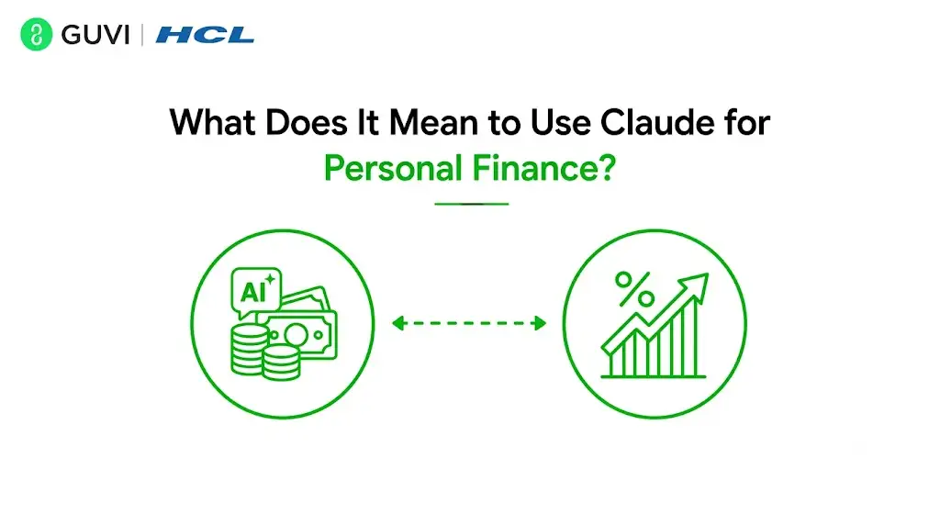
When people say they use Claude for personal finance, they usually mean one of a few things. Some paste in their monthly income and expenses and ask for help building a budget. Others ask it to explain something like compound interest or how a loan’s interest actually works. Some use it to think out loud about a decision, like whether to pay off a credit card faster or put that money into savings instead.
Claude does not connect to your bank or see your transactions on its own. Everything it works with is whatever you type or paste into the conversation. That is actually a strength in one sense, since nothing gets shared automatically, but it also means the quality of the help depends a lot on how much detail you give it.
Read More: FactSet Financial Research with Claude: Complete Guide
Why People Are Turning to Claude for Money Management
A lot of people find managing money mentally tiring, not because the math is hard, but because it involves a lot of small decisions that pile up. Claude can take some of that mental load off by doing the organizing and explaining part, so you can focus on the decision itself.
It also helps in situations where you just want a second opinion without booking an appointment or paying a consulting fee, especially for smaller day-to-day questions like how to split a paycheck across savings and bills.
Claude as a personal finance assistant can help organize spending, compare savings scenarios, explain financial concepts, and simplify budgeting, allowing users to make more informed financial decisions while maintaining control over their personal data.
How to Use Claude for Budgeting
- Setting Up a Simple Monthly Budget
The easiest way to start is by giving Claude your take-home income and your major expenses, things like rent, utilities, groceries, transport, and any debt payments. Ask it to organize this into a simple budget and point out anything that looks unusually high compared to typical spending in that category.
You do not need to give exact figures for everything. Even rough numbers are enough to get a useful starting structure that you can refine over time.
- Tracking Spending Patterns
If you already track your expenses in a spreadsheet or note app, you can paste a summary into Claude and ask it to spot patterns, like whether your spending on food delivery has crept up over a few months. This kind of pattern spotting is something Claude does well, since it is really just reading through numbers and summarizing what stands out.
Studies on budgeting behavior have found that people who write down or organize their expenses, even loosely, tend to stick to a budget longer than those who only track numbers mentally, which is part of why turning scattered spending into a simple written structure makes such a difference.
How to Use Claude for Saving and Debt Payoff Plans
For saving goals, you can describe what you are saving for, how much you can set aside each month, and ask Claude to work out roughly how long it will take to hit that goal at different saving rates. This is useful for comparing scenarios, like what changes if you save 200 more a month instead of the current amount.
For debt payoff, you can list out your debts with their balances and interest rates and ask Claude to walk through the difference between paying off the highest interest debt first versus the smallest balance first. It can explain the tradeoffs of each approach so you understand why one method might save more money while the other might keep you more motivated.

If you want to get better at using AI tools like this for everyday problems, HCL GUVI’s Business Analytics Course walks through practical ways to work with data and tools like Claude beyond just asking basic questions.
How to Use Claude to Understand Financial Concepts
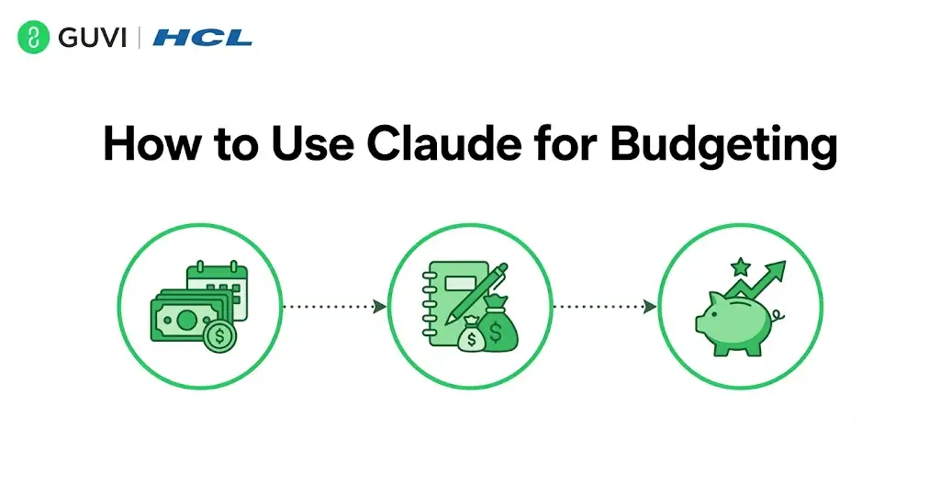
A lot of financial confusion comes down to not fully understanding a term or how something works behind the scenes. Claude is genuinely good at breaking down concepts like how credit scores are calculated, what an expense ratio means for an investment fund, or how a fixed rate loan differs from a variable rate one.
Instead of reading a long article that may be written for a different audience, you can ask Claude to explain it specifically at the level you are comfortable with, and to use an example close to your own situation.
Where Claude Cannot Replace a Financial Advisor
Claude is not a licensed financial advisor, and it should not be treated as the final word on decisions like investment allocation, tax strategy, or anything with legal or regulatory weight. It does not know your full financial picture unless you share it, and even then, it is working from what you typed, not from verified account data.
For anything involving significant money decisions, especially investments, insurance, retirement planning, or taxes, it is worth using Claude to understand your options and prepare questions, then bringing those questions to a qualified professional who can look at your complete situation.
Tips to Get Better Results from Claude for Money Questions
- Give real numbers where you can, even if they are approximate, instead of very vague descriptions.
- Ask it to show its calculations, not just the final number, so you can check the logic yourself.
- Break bigger financial questions into smaller ones, like budgeting first, then saving, then debt, instead of asking everything at once.
- Ask it to list assumptions it made, since that often reveals gaps in the information you gave it.
Common Mistakes to Avoid
- Treating Claude’s output as a guaranteed financial plan rather than a starting point you still need to review.
- Leaving out important context, like existing debt or upcoming expenses, which changes the advice significantly.
- Skipping a double check on calculations, especially with larger numbers, even though Claude can make mistakes just like any tool working from the information it is given.
- Relying on it for major decisions like investments or taxes without involving a qualified professional.
Key Takeaways
- Claude works well for budgeting, understanding concepts, and comparing financial scenarios in plain language.
- It does not access your accounts directly, so results depend on what information you provide.
- It is a strong starting point for financial questions, not a replacement for a licensed advisor on major decisions.
- Giving real numbers and asking for shown calculations improves the quality of its help significantly.
Conclusion
Using Claude as a personal finance assistant works best when you think of it as a knowledgeable friend who is good with numbers and explanations, not as a financial authority making decisions for you. It can genuinely help with budgeting, understanding confusing terms, and thinking through saving or debt decisions in a way that feels less overwhelming. For anything with serious financial consequences, it is still worth pairing that help with advice from a qualified professional who can look at your complete picture.
FAQs
1. Can Claude actually manage my bank account?
No, Claude cannot access your bank account or see transactions on its own, it only works with the information you type or paste into a conversation.
2. Is Claude a good replacement for a financial advisor?
No, it is useful for understanding concepts and planning, but major decisions like investments or taxes should still involve a licensed professional.
3. What kind of financial questions is Claude best at?
It is strongest at budgeting help, explaining financial terms, and comparing scenarios like saving plans or debt payoff strategies.
4. Do I need to give Claude exact numbers to get useful help?
No, rough numbers are enough to start, though more accurate figures generally lead to more useful results.
5. Is it safe to share financial details with Claude?
You should only share details you are comfortable sharing in a chat, since Claude does not verify or store account level financial data on its own.
Success Stories

About the Author
Vishalini Devarajan
An Aerospace Engineer turned content writer, I focus on making complex concepts easy to understand through well-structured, reader-friendly blogs. Whether it’s a technical topic or a non-technical one, I love creating content that is clear, engaging, and impactful.
View all posts by Vishalini Devarajan
Connect with me @















Did you enjoy this article?