


Database Articles
Prisma ORM Tutorial: Type-Safe Database Access from Setup to Query
Redis Stack Tutorial: JSON, Search, and Time-Series in One Database


Get In Touch For Details! Request More Information
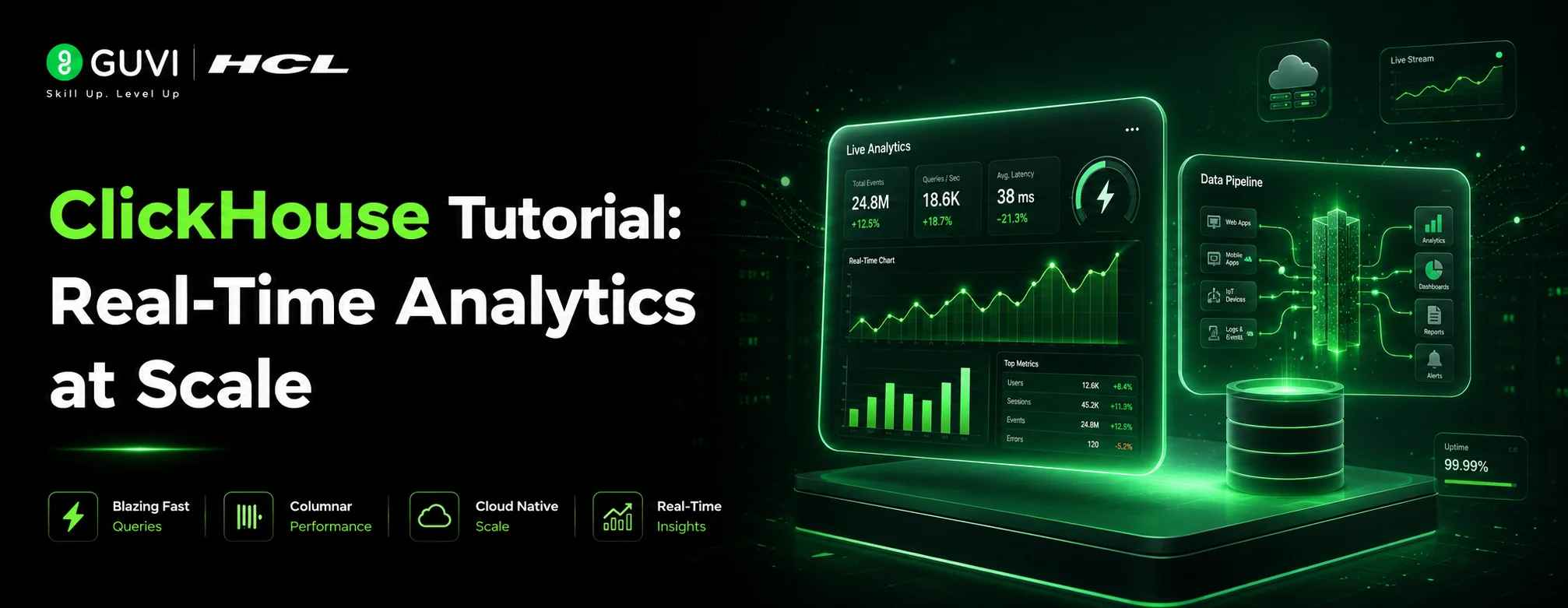
ClickHouse Tutorial: Real-Time Analytics at Scale
Jul 06, 2026 3 Min Read 38 Views
(Last Updated)
Traditional databases slow to a crawl when you ask them to aggregate billions of rows. ClickHouse was built specifically so that question takes milliseconds instead of minutes. This ClickHouse tutorial shows you how to get it running with Docker, create your first table with the MergeTree engine, insert data, run analytical queries, and connect from Python. No prior experience with columnar databases required.
Table of contents
- TL;DR Summary
- What is ClickHouse?
- ClickHouse Tutorial: Installation with Docker
- Connecting with clickhouse-client
- Creating a Database and Table
- Inserting and Querying Data
- Connecting with Python
- When to Use ClickHouse
- 💡 Did You Know?
- Common Mistakes to Avoid
- Conclusion
- FAQs
- What is ClickHouse?
- Is ClickHouse free?
- What is the MergeTree engine in ClickHouse?
- Can I use SQL with ClickHouse?
- Is ClickHouse suitable for transactional workloads?
TL;DR Summary
- ClickHouse is a free, open-source columnar database built for analytical queries on billions of rows in milliseconds.
- Setup takes under 5 minutes with a single Docker command.
- ClickHouse uses SQL you already know, with the MergeTree engine as the core table type for analytics.
- It is 100 to 1000x faster than traditional row-based databases for aggregation queries.
- Used in production at Cloudflare, Spotify, Uber, and eBay for real-time analytics at petabyte scale.
What is ClickHouse?
ClickHouse is an open-source columnar database management system designed for Online Analytical Processing (OLAP). Instead of storing data row by row like PostgreSQL or MySQL, ClickHouse stores data column by column. When you run a query that only touches three columns out of thirty, ClickHouse reads only those three columns from disk. This is why it is so fast for analytical workloads.
ClickHouse was originally developed at Yandex to power web analytics handling over 600 petabytes of data. It has since become one of the most popular choices for real-time dashboards, log analytics, time-series data, and event pipelines at companies like Cloudflare, Uber, and eBay.
ClickHouse is one of the core components of modern data engineering stacks alongside stream processing tools and orchestration frameworks. HCL GUVI’s AI Software Development Course is IITM Pravartak certified and builds the backend engineering depth that makes working with high-performance databases like ClickHouse practical and production-ready.
ClickHouse Tutorial: Installation with Docker
Run ClickHouse locally with one command:
docker run -d –name clickhouse-server –ulimit nofile=262144:262144 -p 8123:8123 -p 9000:9000 clickhouse/clickhouse-server
ClickHouse listens on port 9000 for the native protocol and port 8123 for HTTP queries. The –ulimit flag sets the maximum number of open files, which ClickHouse needs to perform well under load.
Verify it is running:
docker ps
You should see the clickhouse-server container listed with status Up.
Connecting with clickhouse-client
The interactive SQL shell for ClickHouse is clickhouse-client. Open it directly inside the running container:
docker exec -it clickhouse-server clickhouse-client
You will see a clickhouse-server 🙂 prompt. You are now connected and ready to run SQL queries directly against ClickHouse.
Creating a Database and Table
Create a database first:
Sql
CREATE DATABASE IF NOT EXISTS demo;
USE demo;
Now create a table using the MergeTree engine, the workhorse of ClickHouse:
sql
CREATE TABLE IF NOT EXISTS events
(
    event_date Date,
    event_time DateTime,
    user_id UInt32,
    event_type LowCardinality(String),
    page_url String,
    duration_ms UInt32
)
ENGINE = MergeTree()
PARTITION BY toYYYYMM(event_date)
ORDER BY (event_type, event_time)
TTL event_date + INTERVAL 90 DAY;
A few things worth understanding here. PARTITION BY toYYYYMM splits data by month so you can drop old months instantly without scanning the whole table. ORDER BY defines the sparse index and is the most important clause for query performance. LowCardinality(String) is a special type for columns with few unique values like event types or country codes.
It dramatically reduces storage and speeds up filtering. TTL automatically deletes rows older than 90 days, useful for log data where old events are irrelevant.
Inserting and Querying Data
Insert some sample rows:
Sql
INSERT INTO demo.events VALUES
    (today(), now(), 1001, 'page_view', '/home', 320),
    (today(), now(), 1002, 'click', '/pricing', 150),
    (today(), now(), 1001, 'page_view', '/docs', 540);
Run an analytical query to see ClickHouse in action:
sql
SELECT
    event_type,
    count() AS total_events,
    avg(duration_ms) AS avg_duration
FROM demo.events
WHERE event_date >= today() - 7
GROUP BY event_type
ORDER BY total_events DESC;
ClickHouse returns this aggregation in milliseconds even when the table contains billions of rows, because it only reads the event_type, event_date, and duration_ms columns from disk.

Connecting with Python
Install the official ClickHouse Python client:
pip install clickhouse-connect
Connect and query:
Python
import clickhouse_connect

client = clickhouse_connect.get_client(
    host='localhost',
    port=8123,
    username='default',
    password=''
)

result = client.query("""
    SELECT event_type, count() as cnt, avg(duration_ms) as avg_ms
    FROM demo.events
    GROUP BY event_type
    ORDER BY cnt DESC
""")

for row in result.result_rows:
    print(row)

client.close()
The clickhouse-connect package is the officially supported Python driver for ClickHouse in 2026, replacing older alternatives.
When to Use ClickHouse
| Use Case | Why ClickHouse |
| Real-time dashboards | Sub-second aggregations on billions of events |
| Log and event analytics | Handles high ingestion rates with columnar compression |
| Time-series workloads | Partitioning by time makes range queries extremely fast |
| User behaviour funnels | GROUP BY and window functions perform at scale |
| Application performance monitoring | Replaces Elasticsearch for metrics at a fraction of the cost |
💡 Did You Know?
- ClickHouse processes hundreds of millions to over a billion rows and tens of gigabytes of data per server per second. At Cloudflare, ClickHouse handles over 6 million queries per second across its global network monitoring infrastructure. The same query that takes minutes on PostgreSQL returns in milliseconds on ClickHouse at that scale.
Common Mistakes to Avoid
- Using ClickHouse as a transactional database. ClickHouse lacks full ACID compliance and updates are expensive. It is purpose-built for fast reads on large datasets, not frequent single-row writes and updates. Use PostgreSQL for transactional data and ClickHouse for analytics on top of it.
- Choosing a poor ORDER BY clause. The ORDER BY columns in MergeTree are your sparse index. If you filter most queries by event_type and event_date, those should be first in the ORDER BY. A mismatched ORDER BY means full table scans on every query and eliminates ClickHouse’s primary performance advantage.
- Not using LowCardinality for string columns with few unique values. Columns like country, event_type, status, or device_type have hundreds of distinct values at most. Wrapping them in LowCardinality cuts storage by up to 10x and significantly speeds up GROUP BY and WHERE filters on those columns.
Conclusion
This ClickHouse tutorial covered the full beginner workflow: running ClickHouse with Docker, connecting with clickhouse-client, creating a database and MergeTree table with partitioning and TTL, inserting and querying data, and connecting from Python. ClickHouse’s columnar architecture, SQL compatibility, and free open-source license make it one of the most powerful choices for real-time analytics in 2026.
FAQs
1. What is ClickHouse?
ClickHouse is a free, open-source columnar database designed for real-time OLAP queries. It stores data by column rather than by row, enabling aggregation queries on billions of rows to return in milliseconds.
2. Is ClickHouse free?
Yes. ClickHouse is open-source under the Apache 2.0 license. ClickHouse Cloud offers a managed service with a free trial for teams that prefer not to self-host.
3. What is the MergeTree engine in ClickHouse?
MergeTree is the primary table engine in ClickHouse for analytical workloads. It stores data sorted by the ORDER BY key, creates a sparse index for fast lookups, and supports partitioning, TTL, and data replication.
4. Can I use SQL with ClickHouse?
Yes. ClickHouse supports standard SQL for SELECT, INSERT, CREATE, and most common operations. Some advanced SQL features differ slightly from PostgreSQL, but most analytical queries work without modification.
5. Is ClickHouse suitable for transactional workloads?
No. ClickHouse is designed for analytical reads, not frequent single-row updates and deletes. Use a row-based database like PostgreSQL for transactional data and feed ClickHouse for analytics.
Success Stories

About the Author
Jebasta
I translate the language of data into stories that anyone can understand. As a writer with a data science background, I simplify analytics, AI, and decision-making so beginners and enthusiasts can confidently explore the world of data.
View all posts by Jebasta
Connect with me @









Did you enjoy this article?