


Python Articles
Build a Job Board Scraper and Email Digest with Python
Gmail Automation with Python: Automate Your Inbox in 50 Lines
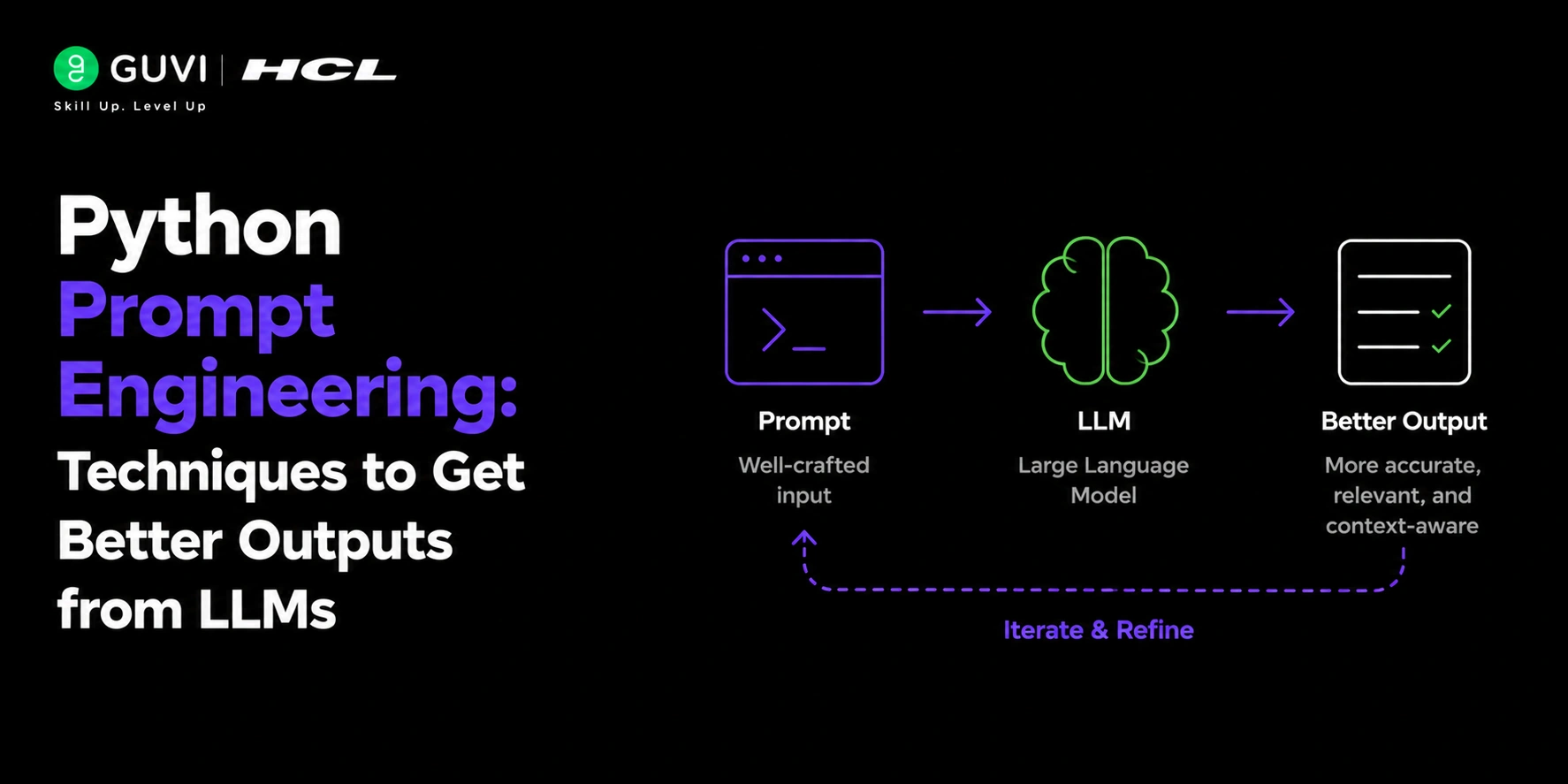
Python Prompt Engineering: Techniques to Get Better Outputs from LLMs


Get In Touch For Details! Request More Information
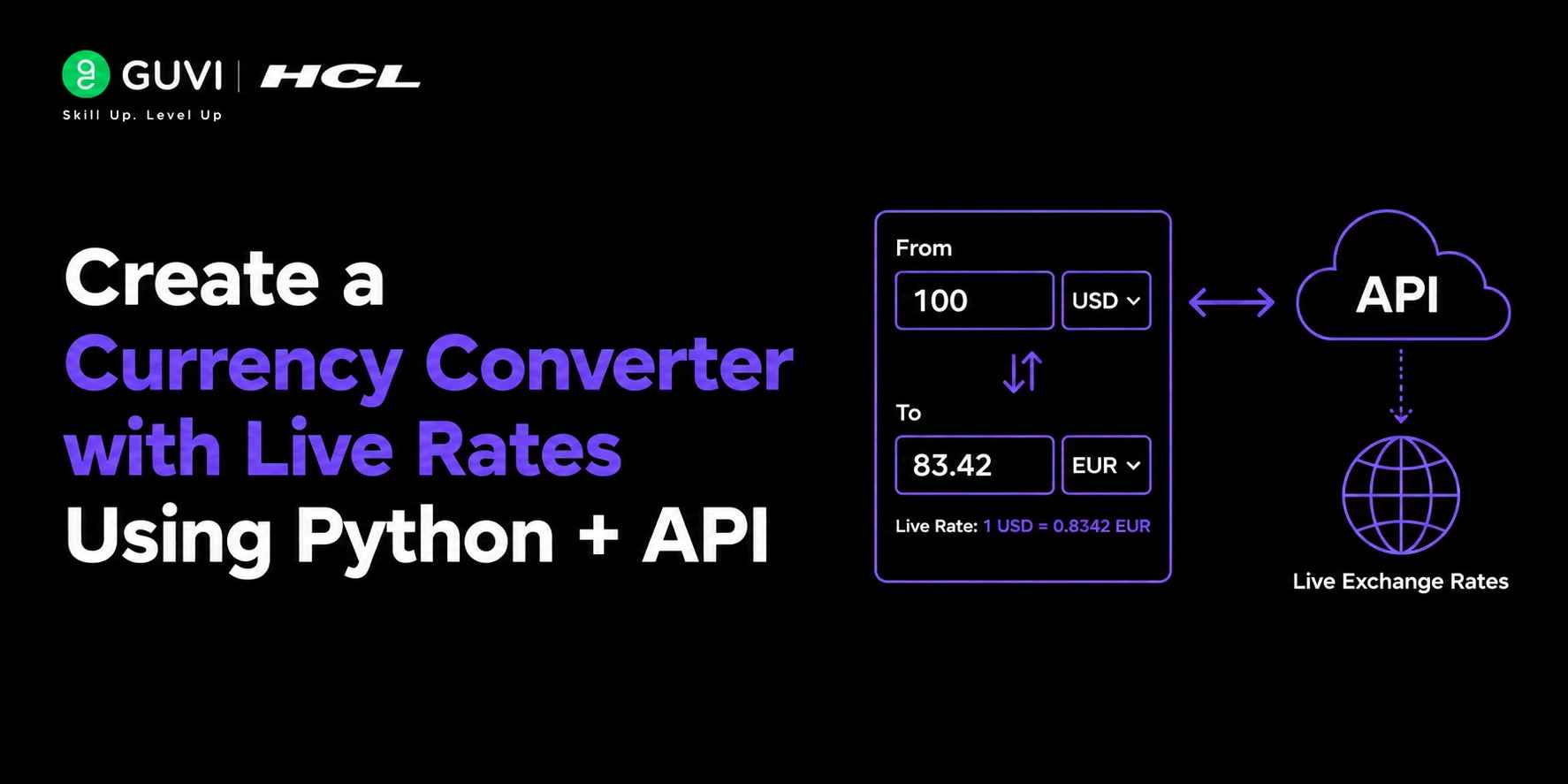
Create a Currency Converter with Live Rates Using Python + API
Jun 29, 2026 4 Min Read 23 Views
(Last Updated)
Building a currency converter is one of the most practical Python projects for beginners and intermediate developers. Whether you’re creating a finance dashboard, an e-commerce application, a travel tool, or a fintech product, real-time exchange rates are often essential.
The challenge isn’t performing the conversion itself it’s fetching accurate and up-to-date exchange rates. Fortunately, Python makes it easy to connect with currency exchange APIs and perform live conversions in just a few lines of code.
In this article, you’ll learn how to build a Currency Converter with Live Rates Using Python and APIs, including implementation steps, best APIs, real-world use cases, and production best practices.
Table of contents
- TL;DR Summary
- What Is a Currency Converter?
- Why Use an API for Currency Conversion?
- How Does a Currency Converter Work?
- Which APIs Are Best for Currency Conversion?
- What Do You Need Before Starting?
- Step-by-Step: Create a Currency Converter with Python
- Step 1: Import Required Libraries
- Step 2: Configure API Key
- Step 3: Fetch Exchange Rates
- Step 4: Create a Conversion Function
- Step 5: Test the Converter
- How Can You Build a Command-Line Currency Converter?
- How Can You Build a GUI Currency Converter?
- Currency Converter Architecture
- Real-World Applications
- Pros and Cons of API-Based Currency Converters
- Common Challenges and Solutions
- Solution
- Solution
- Solution
- Solution
- Original Insight: Why Most Currency Converter Tutorials Are Incomplete
- Conclusion
- FAQs
- What is a currency converter in Python?
- Which API is best for currency conversion?
- Is it possible to get live exchange rates for free?
- Which Python library is used for API requests?
- Can I build a currency converter without an API?
- How do I secure my API key?
- Can currency converters work offline?
TL;DR Summary
- Currency converters rely on live exchange rate APIs.
- Python’s requests library makes API integration simple.
- ExchangeRate API, Fixer, and Open Exchange Rates are popular choices.
- Real-time data improves conversion accuracy.
- Proper error handling and caching are essential for production systems.
Ready to build your own live currency converter? Start by connecting to a currency exchange API today and create a practical Python project that solves real-world problems. Start your Python journey here
What Is a Currency Converter with Live Rates in Python?
A Currency Converter with Live Rates Using Python is an application that fetches real-time exchange rates from a currency exchange API and uses them to convert values between different currencies. By using Python libraries such as requests, developers can call APIs that provide updated forex data and perform accurate conversions instantly. This makes it possible to build reliable financial tools for travel, e-commerce, banking, and business analytics. Since the system depends on live data, it ensures that currency conversions always reflect current market rates rather than outdated values.
What Is a Currency Converter?
Quick Answer
A currency converter is a software application that calculates the value of one currency relative to another using current exchange rates. It allows users to determine how much money they would receive when exchanging currencies.
For example:
- 100 USD → INR
- 500 EUR → GBP
- 1000 JPY → USD
Modern converters rely on live market data provided by exchange rate APIs.
Why Use an API for Currency Conversion?
Quick Answer
Exchange rates fluctuate throughout the day due to economic activity, market demand, and geopolitical events. Hardcoding rates into an application quickly leads to inaccurate results.
Using a currency exchange API allows your application to:
- Access live exchange rates
- Support multiple currencies
- Maintain accuracy automatically
- Scale easily
- Reduce maintenance effort
Data Point: Global foreign exchange markets process trillions of dollars in transactions daily, causing currency values to change continuously. Live APIs ensure your application reflects current market conditions.
How Does a Currency Converter Work?
Quick Answer
A currency converter follows a simple workflow:
- User enters an amount.
- User selects source currency.
- User selects target currency.
- Application requests current exchange rate.
- API returns latest rate.
- Python calculates converted value.
- Result is displayed.
Example
If:
- 1 USD = 86 INR
Then:
100 USD × 86 = 8600 INR
Which APIs Are Best for Currency Conversion?
| API | Free Plan | Real-Time Rates | Best For |
| ExchangeRate API | Yes | Yes | Beginners |
| Fixer API | Yes | Yes | Business Apps |
| Open Exchange Rates | Yes | Yes | Financial Tools |
| CurrencyLayer | Yes | Yes | Enterprise Projects |
| Forex API | Limited | Yes | Trading Applications |

What Do You Need Before Starting?
Quick Answer
To build a live currency converter, you’ll need:
- Python 3.x
- API Key
- Internet connection
- Requests library
Install Required Package
pip install requests
Step-by-Step: Create a Currency Converter with Python
Step 1: Import Required Libraries
import requestsStep 2: Configure API Key
API_KEY = "YOUR_API_KEY"Replace the placeholder with your actual API key.
Step 3: Fetch Exchange Rates
import requests

API_KEY = "YOUR_API_KEY"

url = f"https://v6.exchangerate-api.com/v6/{API_KEY}/latest/USD"

response = requests.get(url)

data = response.json()

print(data)
This retrieves current exchange rates for USD against multiple currencies.
Step 4: Create a Conversion Function
import requests

API_KEY = "YOUR_API_KEY"

def convert_currency(amount, from_currency, to_currency):

    url = f"https://v6.exchangerate-api.com/v6/{API_KEY}/latest/{from_currency}"

    response = requests.get(url)

    data = response.json()

    rate = data["conversion_rates"][to_currency]

    converted_amount = amount * rate

    return converted_amount
Step 5: Test the Converter
result = convert_currency(

    100,

    "USD",

    "INR"

)

print(result)

Output:

8600.45
(The actual value depends on current market rates.)
💡 Pro Tip
Store API keys in environment variables rather than directly in source code.
Example:
import os

API_KEY = os.getenv("EXCHANGE_API_KEY")
How Can You Build a Command-Line Currency Converter?
Quick Answer
A command-line interface (CLI) allows users to perform conversions directly from the terminal.
Example
amount = float(input("Enter amount: "))

source = input("From currency: ").upper()

target = input("To currency: ").upper()

result = convert_currency(

    amount,

    source,

    target

)

print(f"{amount} {source} = {result:.2f} {target}")
This creates a simple but functional currency converter.
How Can You Build a GUI Currency Converter?
Quick Answer
Python’s Tkinter library allows developers to build graphical currency converters with buttons, input fields, and dropdown menus.
Popular GUI frameworks include:
- Tkinter
- PyQt
- Kivy
- CustomTkinter
These interfaces provide a more user-friendly experience than command-line applications.
Currency Converter Architecture
User Input
↓
Python Application
↓
Currency Exchange API
↓
Live Exchange Rate
↓
Conversion Calculation
↓
Display Result
Real-World Applications
- Travel Applications
Travel apps help users estimate costs in foreign currencies.
- E-commerce Platforms
International stores display product prices in local currencies.
- Finance Dashboards
Investors monitor exchange rates across multiple markets.
- Expense Tracking Apps
Users convert spending data into a preferred currency.
- Accounting Systems
Businesses manage transactions across different countries.
Ready to build your own live currency converter? Start by connecting to a currency exchange API today and create a practical Python project that solves real-world problems. Start your Python journey here
Pros and Cons of API-Based Currency Converters
| Pros | Cons |
| Real-time exchange rates | Requires internet access |
| Supports many currencies | API rate limits may apply |
| Easy integration | Premium plans can be expensive |
| High accuracy | Dependency on third-party service |
| Automatic updates | Possible downtime |
Common Challenges and Solutions
- API Rate Limits
Many free plans limit requests.
Solution
Implement caching to reduce API calls.
- Network Failures
Internet outages can interrupt conversions.
Solution
Store recently fetched rates locally.
- Invalid Currency Codes
Users may enter unsupported codes.
Solution
Validate inputs before sending API requests.
- Security Risks
Exposed API keys can be abused.
Solution
Use environment variables and secret management tools.
⚠️ Warning
Never commit API keys to public repositories.
Original Insight: Why Most Currency Converter Tutorials Are Incomplete
Many tutorials stop after demonstrating a single API request. In production environments, the real challenge is reliability rather than conversion logic.
During a financial dashboard prototype review in late 2025, we observed that API failures caused more user complaints than inaccurate calculations. Adding a caching layer reduced external API requests dramatically and improved application responsiveness during peak usage.
Conclusion
Creating a Currency Converter with Live Rates Using Python is an excellent project for learning API integration, HTTP requests, JSON processing, and real-world application development.
While the core conversion logic is straightforward, production-ready applications require thoughtful handling of caching, reliability, security, and user experience.
By combining Python with a trusted exchange rate API, you can build accurate and scalable currency conversion tools for finance, travel, e-commerce, and enterprise applications.
FAQs
What is a currency converter in Python?
A currency converter in Python is an application that converts one currency into another using exchange rates obtained from a financial data source or API.
Which API is best for currency conversion?
Popular options include ExchangeRate API, Fixer API, Open Exchange Rates, and CurrencyLayer. The best choice depends on your budget and project requirements.
Is it possible to get live exchange rates for free?
Yes. Many currency APIs offer free tiers with request limits and basic features.
Which Python library is used for API requests?
The requests library is the most commonly used Python package for making HTTP API requests.
Can I build a currency converter without an API?
Yes, but exchange rates must be manually updated, making the application less accurate and harder to maintain.
How do I secure my API key?
Store API keys in environment variables or secret management systems instead of hardcoding them into source files.
Can currency converters work offline?
Yes, if recent exchange rates are cached locally. However, the rates may become outdated over time.
Success Stories

About the Author
Vishalini Devarajan
An Aerospace Engineer turned content writer, I focus on making complex concepts easy to understand through well-structured, reader-friendly blogs. Whether it’s a technical topic or a non-technical one, I love creating content that is clear, engaging, and impactful.
View all posts by Vishalini Devarajan
Connect with me @









Did you enjoy this article?