


Artificial Intelligence and Machine Learning Articles
Claude for Code Documentation with JSDoc
How to Integrate Claude into a Next.js App with App Router


Get In Touch For Details! Request More Information

Unlock Claude for Effortless Single-Cell RNA QC
Jun 24, 2026 6 Min Read 611 Views
(Last Updated)
Single-cell RNA sequencing (scRNA-seq) revolutionizes biology by capturing gene expression in individual cells, revealing disease, development, and immune insights lost in bulk averaging. Raw data, however, is noisy, filled with dead cells, empty droplets, and doublets that distort clustering, cell typing, and differential expression if not cleaned.
Quality control (QC) filters this noise, but it traditionally demands coding in the scverse ecosystem (scanpy, anndata), thresholds, and manual plots daunting for biologist-first researchers. Claude’s single-cell RNA QC agent skill automates this with scverse best practices, delivering consistent, code-free QC for reliable downstream analysis.
In this article, we will walk through exactly what the single-cell RNA QC skill is, what it does under the hood, who it is designed for, and how to install it in both Claude. ai and Claude Code, what outputs it produces, and how to get the most out of it in your research workflow.
TL;DR
- Overview: Claude’s single-cell RNA QC skill automates QC on scRNA-seq data (.h5ad/.h5 files) using scverse best practices and MAD-based filtering, no coding needed.
- Why it matters: Removes low-quality cells, doublets, and noise (e.g., dying cells via gene count, transcript depth, mitochondrial reads) for reliable downstream analysis like clustering.
- Key features: Generates 3 QC plots (before/after filtering, thresholds) + 2 output files (filtered h5ad for analysis, annotated for review).
- Installation: Upload the ZIP from Anthropic’s GitHub to Claude.ai Settings > Skills or via /plugin commands in Claude Code.
- Usage: Prompt Claude with your file (e.g., “Run QC on this dataset”); supports custom thresholds; fits into full scverse workflows.
Table of contents
- What Is the Single-Cell RNA QC Skill?
- Why Single-Cell QC Actually Matters
- Why QC Solves Real Biology
- Spotting Low-Quality Cells
- Core Metrics and Smart Thresholding
- How MAD-Based Filtering Works
- Step 1: Understand MAD Basics
- Step 2: Leverage Skill Functions
- Step 3: Apply Adaptive Filtering
- What the Skill Produces
- Ready-to-Use Outputs
- Dual h5ad Files and Visual Story
- Who Should Use This Skill
- Core Target Users
- Wet Lab Scientists
- Bioinformaticians and 10x Teams
- How to Install the Skill in Claude.ai
- How to Install It in Claude Code
- Running Your First QC Analysis
- Where This Fits in the Broader Life Sciences Workflow
- Final Thoughts
- FAQs
- What file formats does the skill support?
- How does MAD-based filtering work?
- Who is this skill for?
- What outputs do I get?
- Can I customize filtering?
What Is the Single-Cell RNA QC Skill?
It is a Claude skill that automatically performs quality control on scRNA-seq data using MAD-based filtering without requiring you to write any code
- The single-cell RNA QC skill gives Claude the ability to perform quality control on single-cell RNA-seq data using scverse best practices with MAD-based filtering and comprehensive visualizations for .h5a and .h5ad files.
- This skill belongs to the Agent Skills framework that Anthropic introduced alongside its Claude for Life Sciences launch in October 2025. Skills are structured folders containing instructions, scripts, and resources that Claude loads dynamically when they are relevant to a task.
- The skill performs quality control on single-cell RNA-seq data using scverse best practices with MAD-based filtering and comprehensive visualizations for .h5ad or .h5 files.
- Rather than requiring you to know how to write Python, import the right scanpy functions, and set filtering parameters correctly, you describe what you want in plain language, and Claude runs a validated, standardized pipeline on your behalf.
- The diverse ecosystem it builds on is worth understanding briefly. scverse is the community standard toolkit for single-cell and spatial transcriptomics analysis, encompassing tools like scanpy, anndata, and muon that the field has coalesced around.
- Building the skill on Scverse best practices means the results of Claude’s productions are consistent with what computational biology reviewers expect to see in published research.
Why Single-Cell QC Actually Matters
1. Why QC Solves Real Biology
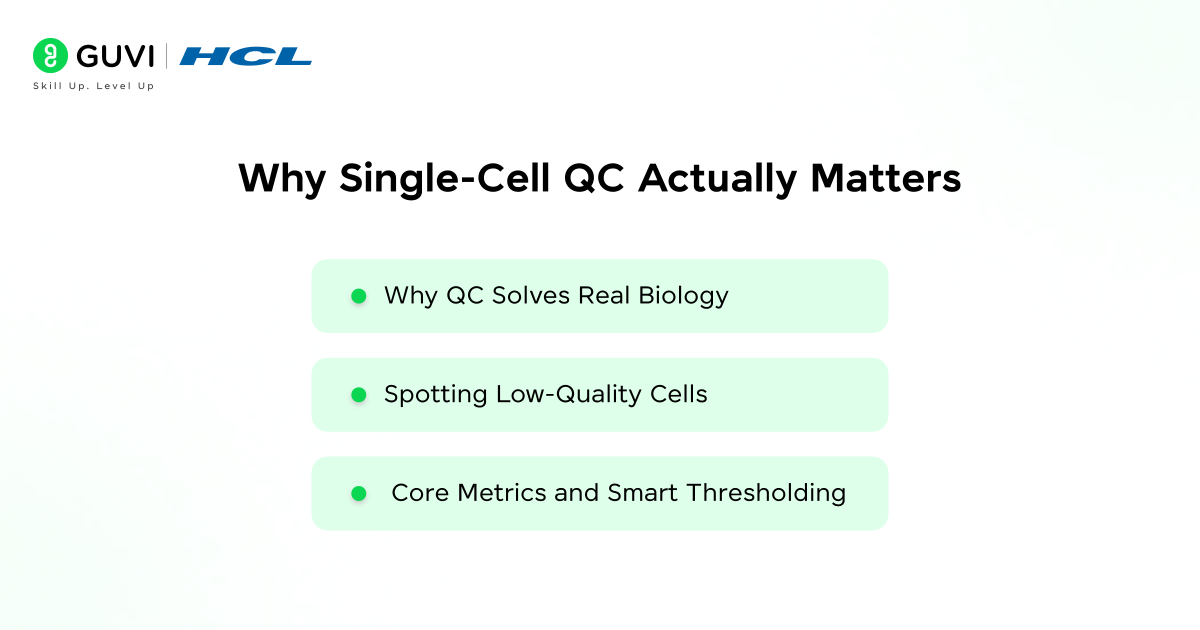
Before going further into how the skill works, it helps to understand what it is actually solving because the biology behind QC is as important as the computational mechanics. Single-cell RNA-seq datasets can contain low-quality cells, cell-free RNA, and doublets. Quality control aims to remove and correct for those errors to obtain a high-quality dataset where each observation is an intact single cell.
2. Spotting Low-Quality Cells
The first step is to remove low-quality cells from the dataset. When a cell has a low number of detected genes, a low count depth, and a high fraction of mitochondrial counts, it might have a broken membrane, which can indicate a dying cell.
These dying or damaged cells are not biologically interesting; they are noise. Including them in your analysis distorts your clustering and can make damaged cells appear as a separate population that does not actually exist.

3. Core Metrics and Smart Thresholding
The three metrics that scRNA-seq QC centers on are the number of genes detected per cell, the total transcript count per cell, and the proportion of reads mapping to mitochondrial genes. In cell QC, these covariates are filtered via thresholding as they might correspond to dying cells. Setting those thresholds correctly is the technical challenge that takes experience and judgment.
The single-cell RNA QC skill handles this automatically using a statistical approach called MAD-based filtering, which adapts thresholds to the actual distribution of your specific dataset rather than applying generic fixed cutoffs.
How MAD-Based Filtering Works
Step 1: Understand MAD Basics
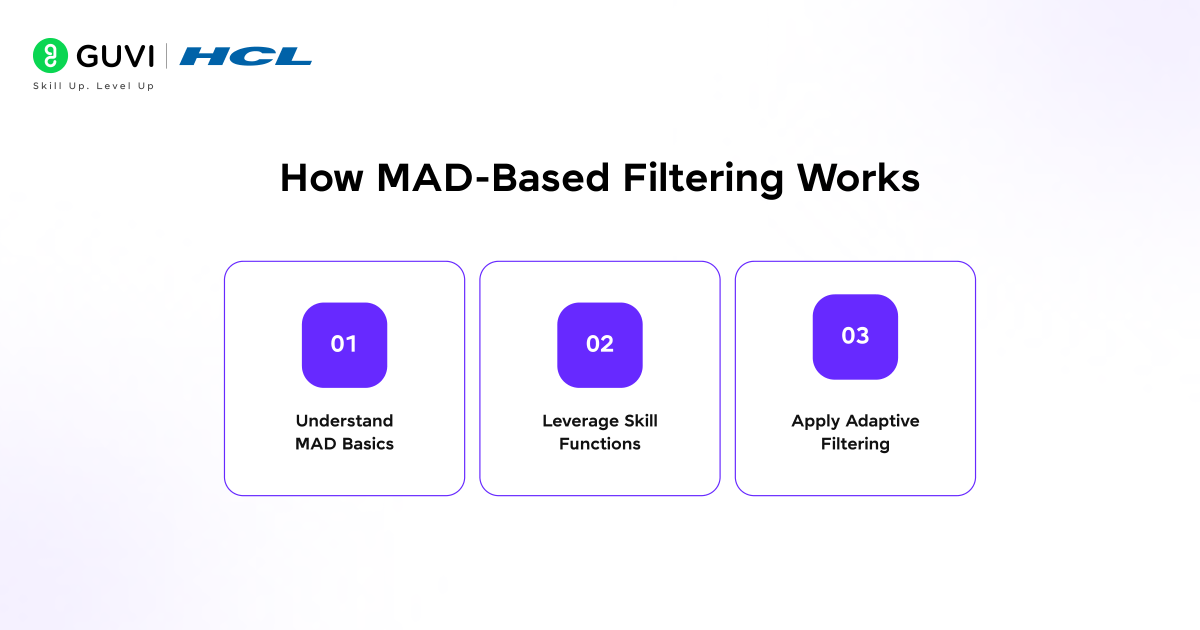
MAD stands for Median Absolute Deviation, a robust statistical measure of how spread out values are in a dataset, more resistant to outliers than standard deviation. The skill’s detect_outliers_mad function applies this to each QC metric (genes/cell, counts/cell, mitochondrial %) to flag cells outside a defined number of MADs from the median.
Step 2: Leverage Skill Functions
Use detect_outliers_mad for outlier detection (returns a boolean mask), apply_hard_threshold for fixed cutoffs (boolean mask), filter_cells to apply masks and remove bad cells, filter_genes (min 20 cells by default), and print_qc_summary for stats.
Step 3: Apply Adaptive Filtering
MAD adapts thresholds to your dataset, e.g., tumor vs. PBMC vs. spatial data, avoiding over/under-filtering. Layer hard thresholds (like >20% mitochondrial) for biology-specific needs, ensuring precise, universal QC.
What the Skill Produces
Ready-to-Use Outputs
- The outputs the skill generates are structured for immediate use in downstream analysis, not just as intermediate files you have to process further.
- The skill produces four outputs: qc_distributions_before.png showing initial QC metric distributions before filtering, qc_filtering_thresholds.png showing MAD-based threshold overlays, and qc_metrics_after_filtering.
- A PNG showing post-filtering quality metrics, input_basename_filtered. h5ad containing the clean filtered dataset ready for downstream analysis, and input_basename_with_qc.h5ad containing the original data with QC annotations preserved.
Dual h5ad Files and Visual Story
- The two H5AD output files serve different purposes. The filtered file is what you use for everything that comes next: dimensionality reduction, clustering, differential expression, and cell type annotation.
- The annotated file with QC metrics preserved is useful for reviewing what was filtered and why, for sharing with collaborators who want to inspect the filtering decisions. and for any situations where you want to go back and apply different thresholds without rerunning everything from scratch.
- The three visualization files together tell the story of the data quality: what it looked like before filtering, where the thresholds fell, and what remains after.
Who Should Use This Skill
1. Core Target Users
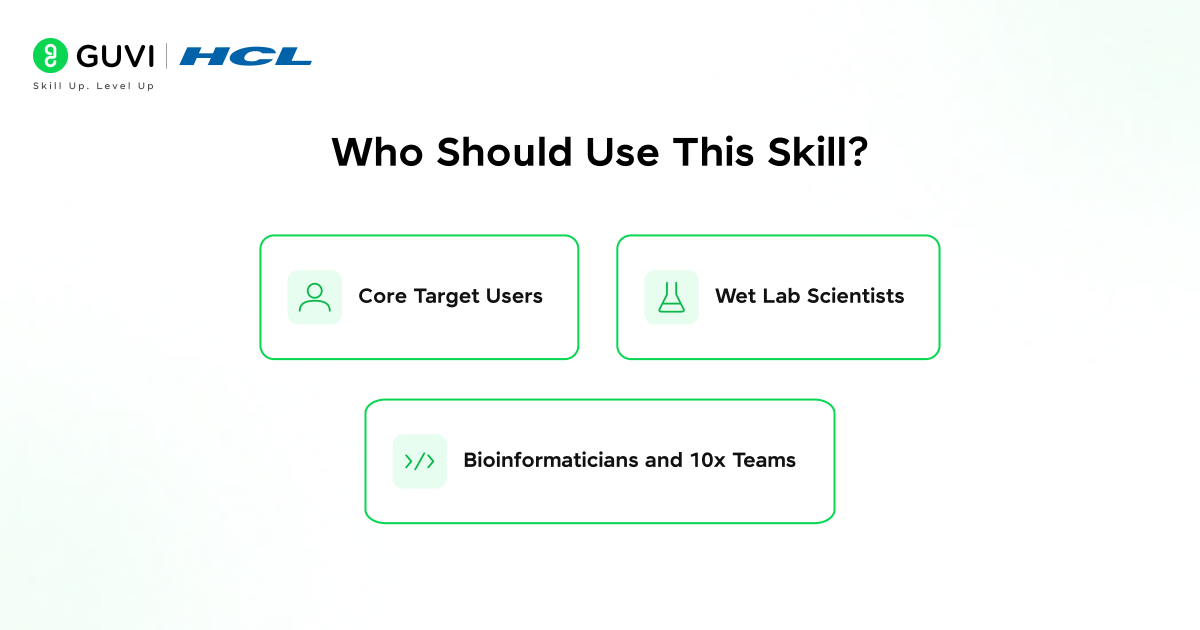
This skill is designed for bioinformaticians, computational biologists, single-cell genomics researchers, and data scientists working with single-cell RNA-seq data. They need to quickly assess data quality, identify and filter low-quality cells, and generate standard QC visualizations without writing code from scratch. It streamlines their daily workflows with reliable, automated results.
2. Wet Lab Scientists
In practice, this covers a broader range than that list might suggest.
A wet lab scientist who generates their own sequencing data can use this skill to perform QC before handing it off to a computational team. They get a clean, annotated dataset and visualizations without setting up a Python environment.
3. Bioinformaticians and 10x Teams
A bioinformatician who performs QC regularly can standardize workflows across projects and skip repetitive setup. Research teams using 10x Genomics data, Chromium single-cell, or Visium spatial benefit, as the skill handles h5ad and raw h5 from Cell Ranger. This ensures consistency for diverse experiments.
How to Install the Skill in Claude.ai
The installation process for individual users and organization administrators follows the same general structure as other Claude skills through the Capabilities section of settings.
For individual users, the path is straightforward. From Claude.ai, navigate to Settings, then Capabilities, then Skills. If Skills is not available, contact your team admin. Click “Upload skill” and upload the skill ZIP file.
The skill ZIP file for single-cell-rna-qc is available from the Anthropic Life Sciences GitHub repository. Download it, review the README.md before installing, which explains the pipeline assumptions and any dependencies, and then upload it through the Skills interface.
For organization administrators on Team or Enterprise plans, the skill can be made available to the entire organization through the admin settings panel. Navigate to Admin settings, then Capabilities, then Skills; ensure Skills is activated for the organization; click “Organization skills library”; and upload the skill ZIP file.
Once published to the organization library, members can see and use the skill without needing to manage individual installs. This is the right approach for research teams where multiple people are working with scRNA-seq data and consistency across their QC outputs matters.
The single-cell RNA QC skill, launched with Claude for Life Sciences in October 2025, was Anthropic’s first biology-focused agent built on the scverse ecosystem (Scanpy, AnnData). It addresses a major challenge where up to 50–70% of droplets in scRNA-seq runs can be empty, dead cells, or doublets, affecting data quality.
By automating MAD-based filtering in line with peer-reviewed standards, it enables researchers to focus on biological insights rather than code. Teams using platforms like 10x Chromium or Visium can now perform QC in minutes directly through Claude.
How to Install It in Claude Code
- For computational biologists and developers who work in the terminal through Claude Code, the installation uses the plugin system that the life sciences marketplace is built on.
- To add the marketplace and install the single-cell-rna-qc skill, run the command /plugin marketplace add anthropics/life-sciences, followed by /plugin install single-cell-rna-qc@life-sciences. After installation, Claude Code can invoke the skill as part of larger bioinformatics workflows.
- This is particularly powerful when combined with other tools in the life sciences ecosystem, for example, running the 10x Genomics connector to process raw sequencing data through Cell Ranger. Then, immediately passing the resulting H5 file into the single-cell-RNA-QC skill for quality control and continuing into downstream analysis without switching environments.
- The script automatically detects the file format and loads it appropriately. For standard QC following scverse best practices, use the convenience script: python3 scripts/qc_analysis.py input.h5ad or for 10X Genomics .h5 files: python3 scripts/qc_analysis.py raw_feature_bc_matrix.h5.
- The format auto-detection means you do not need to specify whether your input is a standard AnnData h5ad file or the raw Cell Ranger h5 output. The script reads the file and handles both correctly.
Running Your First QC Analysis
Once the skill is installed, getting results from it is straightforward. You provide your input file and describe what you want. Claude handles the rest.
- A basic prompt to trigger the skill might be, “Please run quality control on this scRNA-seq dataset using scverse best practices and show me the QC plots.” Claude will recognize the task as matching the single-cell RNA QC skill.
- Load the skill instructions, execute the pipeline against your H5AD or h5 file, and return the four output files along with a summary of what was filtered and why.
- The summary statistics printed before and after filtering give you a clear accounting: how many cells were in the raw data, how many passed each QC filter, and what the final cell count is going into downstream analysis.
- The default recommendation is to use the complete pipeline approach unless the user has specific custom requirements or explicitly requests non-standard filtering logic.
- If you do have custom requirements, for instance, if you are working with a dataset where you know the mitochondrial content is biologically elevated, or if your experiment design means you expect unusually high or low cell counts, you can specify those parameters in your prompt.
- And Claude will apply hard thresholds where appropriate rather than relying purely on the MAD-based approach.
Where This Fits in the Broader Life Sciences Workflow
- The single-cell RNA QC skill is one step in a larger analytical journey, and it is designed to hand off cleanly to what comes next.
- The filtered h5ad output is an AnnData object compatible with the full scverse toolchain, scanpy for clustering and visualization, scVI-tools for probabilistic modeling and batch integration, and the downstream analysis steps that ultimately produce the cell type maps and gene expression comparisons that most single-cell studies are working toward.
- Claude can be used for bioinformatics and data analysis tasks: processing and analyzing genomic data with Claude Code and presenting results in slides, documents, or code notebook format.
- This means once QC is complete, the same Claude session can continue into dimensionality reduction and UMAP visualization, produce a summary figure using BioRender’s scientific illustration library, and generate a report document summarizing the QC decisions and their justification, all without leaving the conversation.
- The skill is a starting point that connects to a much broader analytical ecosystem.
Mastering Single-Cell RNA QC: Unlock Claude’s Power for Seamless scRNA-Seq Analysis. If you’re ready to elevate your bioinformatics game and dive into enterprise AI agents, secure coding workflows, and Claude-powered ML pipelines, check out HCL GUVI’s IIT Pravartak AI and ML Course at HCL GUVI. Gain hands-on expertise in building compliant AI systems, automating complex analyses, and scaling single-cell workflows for real-world research.
Final Thoughts
The single-cell RNA QC skill removes the most repetitive and technically demanding part of getting scRNA-seq data into a state where the interesting biology becomes visible. Standardized MAD-based thresholds, automatic format detection, four ready-to-use output files, and visualizations that document every filtering decision, all without writing a single line of code.
The platform introduces skills as organized folders of instructions, scripts, and resources that Claude loads dynamically to perform specialized tasks, with the single-cell-rna-qc skill as the first example, performing quality control and filtering on single-cell RNA sequencing data using scverse best practices.
Download the skill ZIP from the Anthropic Life Sciences GitHub repository, review the README carefully for any dataset-specific considerations, and run your first QC analysis with a dataset you know well so you can validate that the filtering results match your biological expectations before using it on new data.
FAQs
1. What file formats does the skill support?
It handles standard AnnData .h5ad files and raw 10x Genomics .h5 outputs from Cell Ranger with automatic format detection.
2. How does MAD-based filtering work?
Uses median absolute deviation to set adaptive thresholds per dataset for genes/cell, counts/cell, and mitochondrial %, more robust than fixed cutoffs.
3. Who is this skill for?
Biologists, wet lab scientists, bioinformaticians, and teams needing quick, standardized QC without Python expertise.
4. What outputs do I get?
Three PNG plots (distributions before/after and thresholds) and a filter. H5ad for analysis and an annotation. h5ad with QC metrics.
5. Can I customize filtering?
Yes, prompt Claude for hard thresholds (e.g., max 20% mitochondrial) alongside MAD, which is ideal for dataset-specific biology.
Success Stories

About the Author
Vishalini Devarajan
An Aerospace Engineer turned content writer, I focus on making complex concepts easy to understand through well-structured, reader-friendly blogs. Whether it’s a technical topic or a non-technical one, I love creating content that is clear, engaging, and impactful.
View all posts by Vishalini Devarajan
Connect with me @













Did you enjoy this article?