


Python Articles
Go vs Python for Forward Deployed Engineering Workloads
Python for Forward Deployed Engineers: What You Actually Need to Know
Freelancing as a Python Developer: Getting Your First Client


Get In Touch For Details! Request More Information
What Is a Docstring in Python? Types, Examples, and Best Practices
Mar 24, 2026 7 Min Read 2558 Views
(Last Updated)
Have you ever opened a Python function and instantly understood what it does, without reading a single line of logic? Or wondered how tools like help() and IDE tooltips magically explain your code? That clarity often comes from a small but powerful feature built directly into Python: the docstring.
Understanding how docstrings work, and how to write them well can dramatically improve the readability and longevity of your Python programs. Let’s learn more:
Quick Answer:
A docstring in Python documents modules, classes, functions, and methods using structured string literals stored at runtime. It improves readability, supports introspection, powers documentation tools, and strengthens API design. With clear syntax, defined types, consistent standards, and best practices, docstrings help maintain reliable, scalable, and well-documented Python codebases.
Table of contents
- What Is a Docstring in Python?
- Why Are Docstrings Important in Python?
- Types of Docstrings in Python
- Module Docstrings
- Function Docstrings
- Class Docstrings
- Step-by-Step Guide to Writing Docstrings in Python
- Docstring Conventions and Standards
- When to Choose Each Style?
- Docstring Examples (Real-World Use Cases)
- Example 1: Function with Parameters and Return Value
- Example 2: Class with Attributes
- Example 3: Module-Level Documentation
- Best Practices for Writing Python Docstrings
- Common Mistakes with Docstrings
- Incorrect Placement of Docstrings
- Docstrings and Documentation Tools
- Conclusion
- FAQs
- Are Docstrings Mandatory in Python?
- How Is a Docstring Different from a Comment?
- How Do I View a Docstring in Python?
- Are Docstrings Stored at Runtime?
What Is a Docstring in Python?
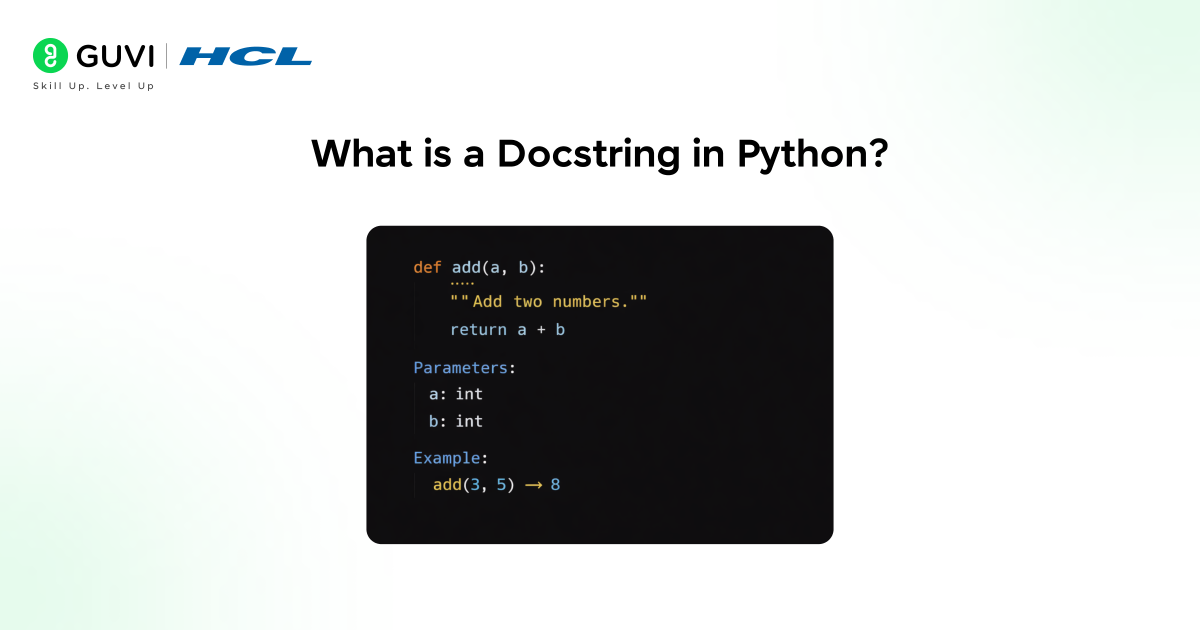
A docstring is a special string literal used in Python to document the purpose and behavior of modules, classes, functions, and methods. It is written as the first statement inside a definition and becomes part of the object’s metadata at runtime. Python stores this documentation in the __doc__ attribute, which allows tools, interpreters, and developers to inspect program behavior programmatically.
Why Are Docstrings Important in Python?
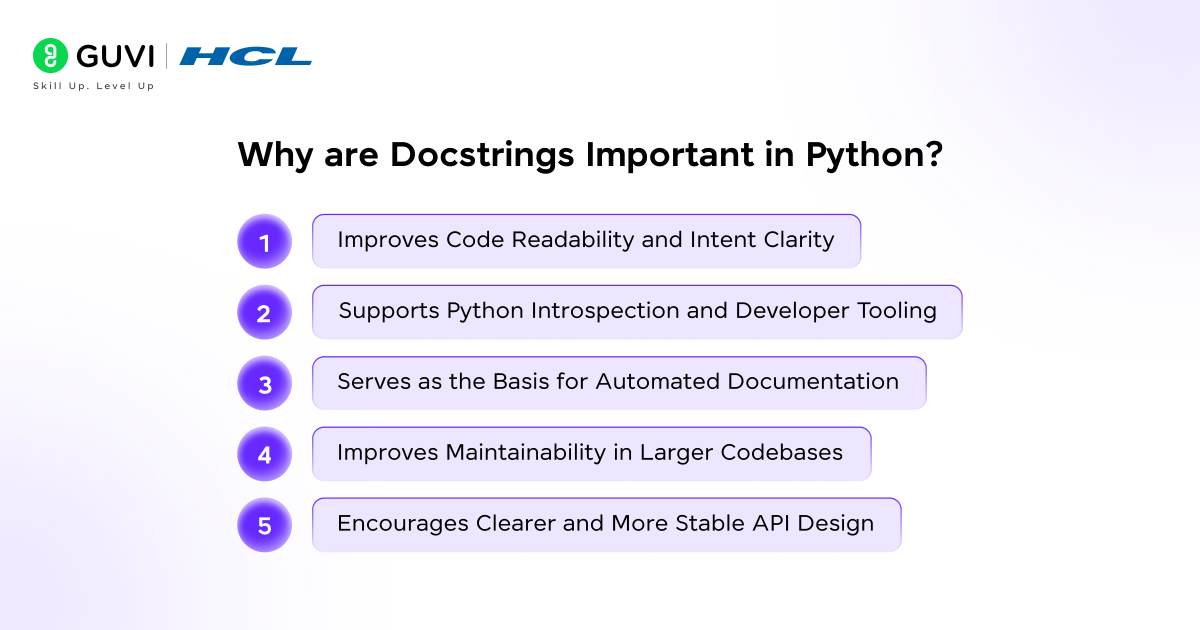
- Improves Code Readability and Intent Clarity
Docstrings in Python explain the purpose and expected behavior of code elements in plain language, which helps readers understand intent before examining logic. This clarity reduces misinterpretation, supports faster code reviews, and allows developers to reason about functionality without tracing execution paths line by line.
- Supports Python Introspection and Developer Tooling
Docstrings are stored in the __doc__ attribute and surfaced through tools such as help() and interactive shells. This direct integration allows developers to inspect behavior during runtime. It strengthens interactive development workflows and improves feedback from IDEs and debuggers.
- Serves as the Basis for Automated Documentation
Documentation systems such as Sphinx and pydoc extract docstrings directly from source code to generate structured references. This tight coupling between code and documentation keeps explanations aligned with implementation. It further reduces the risk of outdated or misleading external documentation.
- Improves Maintainability in Larger Codebases
Docstrings preserve design context, expected inputs, and output behavior over time. This preserved knowledge supports long-term maintenance and simplifies onboarding of new contributors. It also reduces dependency on tribal knowledge within teams.
- Encourages Clearer and More Stable API Design
Writing docstrings requires developers to articulate parameters, return values, and side effects explicitly. This practice leads to well-defined interfaces and predictable behavior. It also results in fewer ambiguities when functions and classes are reused across different parts of an application.
Types of Docstrings in Python
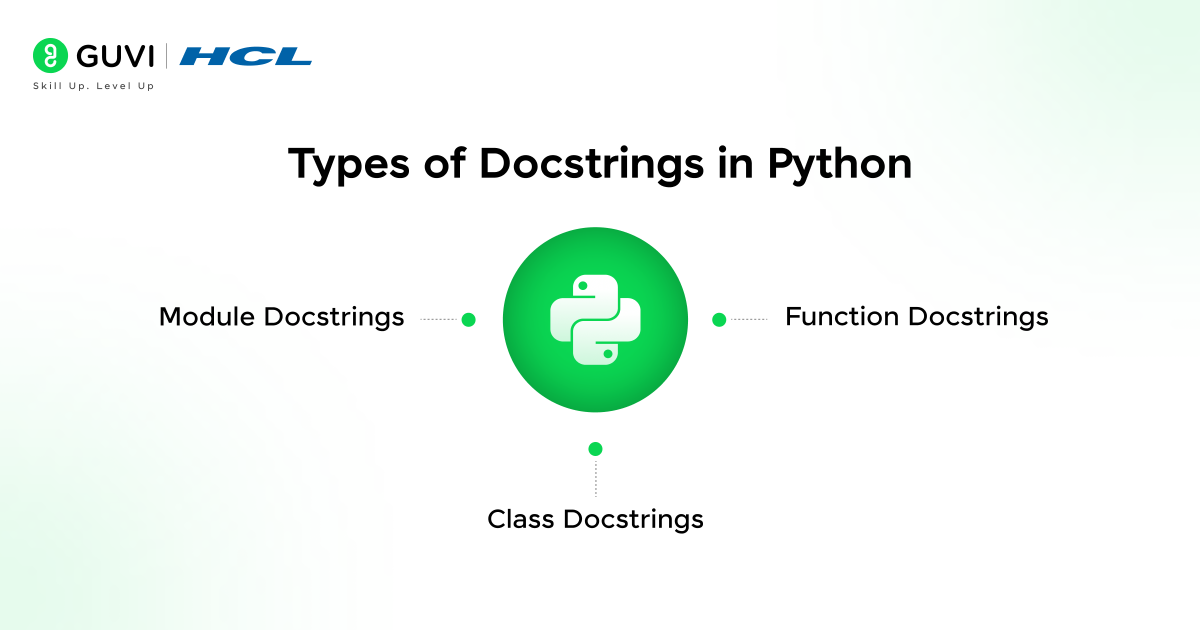
1. Module Docstrings
Purpose: A module docstring describes the overall responsibility of a Python file. It explains what the module provides, the problems it solves, and any high-level assumptions that affect usage. This documentation gives readers immediate context before they inspect individual classes or functions.
Where They Are Written: A module docstring is written as the very first statement in a Python file. Python assigns this string to the module’s __doc__ attribute during import, which makes it accessible through introspection tools and documentation generators.
Use Cases:
- Explaining public APIs exposed by the module and how they should be consumed
- Documenting configuration expectations and required setup details
- Describing external dependencies and integration requirements
- Outlining common usage patterns and intended workflows
- Clarifying boundaries between components in larger projects, which reduces confusion during maintenance and onboarding
2. Function Docstrings
- Describing Parameters: Function docstrings explain the role of each parameter, along with expected types and valid values. Clear parameter documentation reduces ambiguity and helps callers supply correct inputs. This information also improves editor assistance and static analysis accuracy.
- Return Values: Return value documentation explains what a function produces and under which conditions. Clear descriptions prevent incorrect assumptions about output structure, type, or meaning, which supports reliable reuse across different contexts.
- Exceptions: Exception documentation lists possible errors and the conditions that trigger them. This guidance helps callers implement proper error handling and improves overall system stability.
3. Class Docstrings
- Explaining Class Purpose: A class docstring describes what the class represents and how it should be used. This explanation provides architectural context and clarifies the role of the class within the system. Readers gain understanding of intent without inspecting internal methods.
- Attributes and Methods Overview: Class docstrings often summarize important attributes and the behavior exposed through methods. This overview helps developers understand object state and interaction patterns, which improves readability and long-term maintainability of object-oriented code.
Step-by-Step Guide to Writing Docstrings in Python
Step 1: Identify the Scope of Documentation
The process begins by deciding what the docstring will describe. A docstring in Python may document a module, class, function, or method, and each scope requires a different level of detail. Module docstrings provide high-level context for an entire file, class docstrings explain design responsibility and expected usage, and function or method docstrings focus on behavior, inputs, outputs, and side effects. Clear scope definition keeps documentation aligned with intent.
Step 2: Place the Docstring Correctly
The docstring must appear as the first statement inside the module, class, or function body. Python assigns this string to the __doc__ attribute only when this placement rule is followed. Correct placement allows introspection tools and documentation systems to retrieve documentation reliably.
Step 3: Use Triple-Quoted String Syntax
Triple double-quoted strings are used to write docstrings. This syntax supports both single-line and multi-line documentation and preserves formatting across tools. Consistent use of this format aligns with Python documentation standards and improves readability in editors and generated references.
Step 4: Write a Clear Summary Line
Each docstring should begin with a concise summary that explains what the documented object does. This summary line is commonly displayed by the help() system and IDE tooltips, which makes precision essential. A clear opening prepares the reader for further explanation.
Step 5: Document Parameters and Return Values
Parameters should be described with their purpose and expected types, which clarifies how the function should be called. Return value documentation explains what the function produces and under which conditions, which helps prevent misuse and incorrect assumptions.
Step 6: Document Raised Exceptions
Possible exceptions should be listed along with the conditions that cause them. This information helps callers handle errors consistently and improves reliability in larger systems.
Step 7: Apply the Same Structure to Classes
Class docstrings describe responsibility and key attributes, while method-level docstrings explain individual behaviors. This layered approach provides both architectural context and operational detail.
Step 8: Follow a Consistent Style Guide
A single docstring style such as PEP 257, Google style, or NumPy style should be used across the project. Consistency improves readability, tooling support, and long-term maintainability as the codebase grows.
Docstring Conventions and Standards
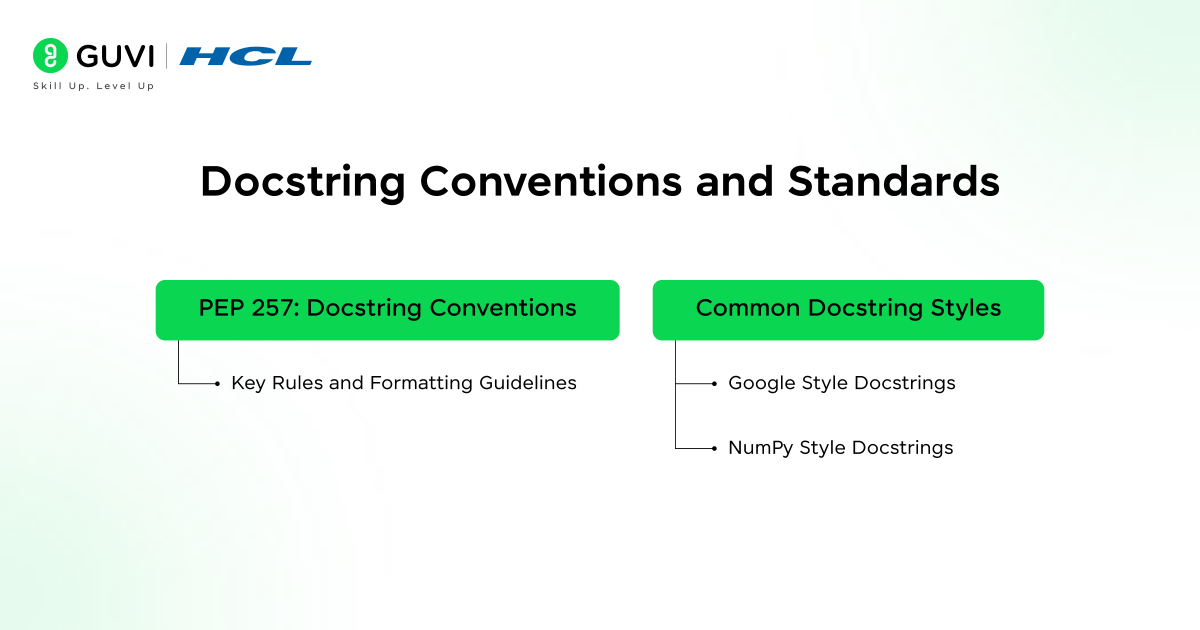
Python docstrings follow well-defined conventions that keep documentation consistent, readable, and compatible with tooling. These standards guide how docstrings are written, structured, and interpreted by developers, interpreters, and documentation generators.
- PEP 257: Docstring Conventions
PEP 257 defines the official conventions for writing docstrings in Python. It explains what docstrings are, where they belong, and how they should be formatted across modules, classes, functions, and methods. This proposal focuses on clarity and consistency rather than enforcing a strict schema, which allows flexibility while maintaining shared expectations across the Python ecosystem.
Key Rules and Formatting Guidelines:
- Use triple double-quoted strings for all docstrings
- Place the docstring as the first statement inside the documented module, class, or function
- Begin with a concise summary line that clearly describes the object’s purpose
- Add a blank line after the summary when using a multi-line docstring
- Follow the summary with a detailed explanation where required
- Focus descriptions on behavior and intent rather than internal implementation
- Maintain consistent indentation and clean sentence structure for better readability and tool compatibility
- Common Docstring Styles
Different documentation styles build on PEP 257 and define structured formats for parameters, return values, and exceptions. Each style serves different project needs and tooling preferences.
- Google Style Docstrings: Google style docstrings use clear section headers such as Args, Returns, and Raises. This format emphasizes readability and simplicity, which makes it easy to understand for developers at all experience levels. Many teams prefer this style because it balances structure with clean visual layout and integrates well with modern IDEs.
- NumPy Style Docstrings: NumPy style docstrings rely on section headers followed by underlines and aligned descriptions. This format supports detailed technical documentation and works well for scientific and data-focused codebases. Clear separation of parameter types, shapes, and return values makes this style suitable for libraries that expose complex APIs.
- reStructuredText (Sphinx) Style: reStructuredText style docstrings use explicit markup directives that integrate tightly with Sphinx documentation tools. This approach supports advanced features such as cross-references, type annotations, and rich formatting. Projects that publish extensive public documentation often prefer this style due to its strong publishing capabilities.

When to Choose Each Style?
- Use Google style for application code and internal libraries where readability and developer experience take priority
- Choose NumPy style for scientific, analytical, and data-heavy Python libraries that require precise technical descriptions
- Prefer reStructuredText style for frameworks and public APIs that rely on Sphinx for generating external documentation
- Apply one chosen style consistently across the project to improve clarity, tooling support, and long-term maintainability
Docstring Examples (Real-World Use Cases)
Example 1: Function with Parameters and Return Value
A function docstring should explain the purpose of the function, describe each parameter clearly, and define the return value. This structure helps callers understand expected inputs and outputs without inspecting implementation logic.
def calculate_discount(price, percentage):

    """

    Calculate the discounted price based on the original price and discount percentage.

    Parameters:

        price (float): Original price of the product.

        percentage (float): Discount percentage to apply.

    Returns:

        float: Final price after applying the discount.

    """

    return price - (price * percentage / 100)
This docstring clarifies business logic, expected data types, and output behavior, which improves reliability when the function is reused across different modules.
Example 2: Class with Attributes
A class docstring explains what the class represents and outlines important attributes that define its state. This documentation gives readers architectural context before they inspect individual methods.
class Employee:

    """

    Represent an employee with basic identity and compensation details.

    Attributes:

        name (str): Full name of the employee.

        employee_id (int): Unique identifier assigned to the employee.

        salary (float): Monthly salary of the employee.

    """

    def __init__(self, name, employee_id, salary):

        """Initialize an Employee object with name, ID, and salary."""

        self.name = name

        self.employee_id = employee_id

        self.salary = salary
This structure helps developers understand object state and usage patterns, which supports maintainability in object-oriented systems.
Example 3: Module-Level Documentation
A module docstring describes the responsibility of an entire Python file. It explains what the module provides, how it should be used, and any assumptions that affect integration.
"""

Utilities for processing employee payroll data.

This module provides helper functions for salary calculations,

tax deductions, and payroll reporting. It is intended to be used

by internal finance and HR systems.

"""
Module-level documentation provides immediate context during imports and supports automated documentation generation, which improves clarity in larger codebases.
Want to explore Python concepts like docstrings in more depth? Visit HCL GUVI’s Python Hub for clear explanations, practical examples, and beginner-friendly Python guides.
Best Practices for Writing Python Docstrings
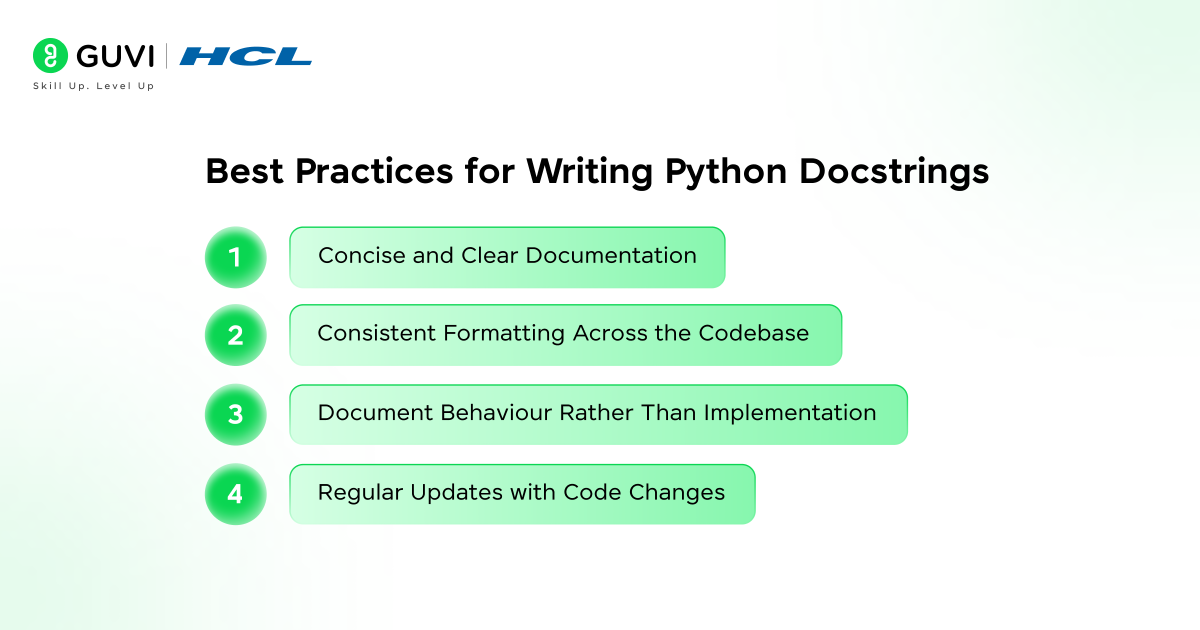
- Concise and Clear Documentation
- Focus on the purpose and expected behavior of the object
- Use direct language that communicates intent without unnecessary detail
- Keep summary lines short and informative for tooltips and introspection output
- Consistent Formatting Across the Codebase
- Follow a single docstring style throughout the project
- Maintain uniform section ordering for parameters, returns, and exceptions
- Use consistent indentation and spacing to support tooling and readability
- Document Behavior Rather Than Implementation
- Describe what the code does and how it should be used
- Avoid explaining internal logic that may change over time
- Focus on inputs, outputs, side effects, and constraints
- Regular Updates with Code Changes
- Revise docstrings whenever function signatures or behavior change
- Keep documentation aligned with actual runtime behavior
- Treat outdated docstrings as defects that reduce trust in the code
Want to go beyond understanding docstrings and write clean, production-ready Python code?
Enroll in HCL GUVI’s Python Course to build strong fundamentals, practise real-world coding, and earn an industry-recognised certification through 100% online, self-paced learning.
Common Mistakes with Docstrings
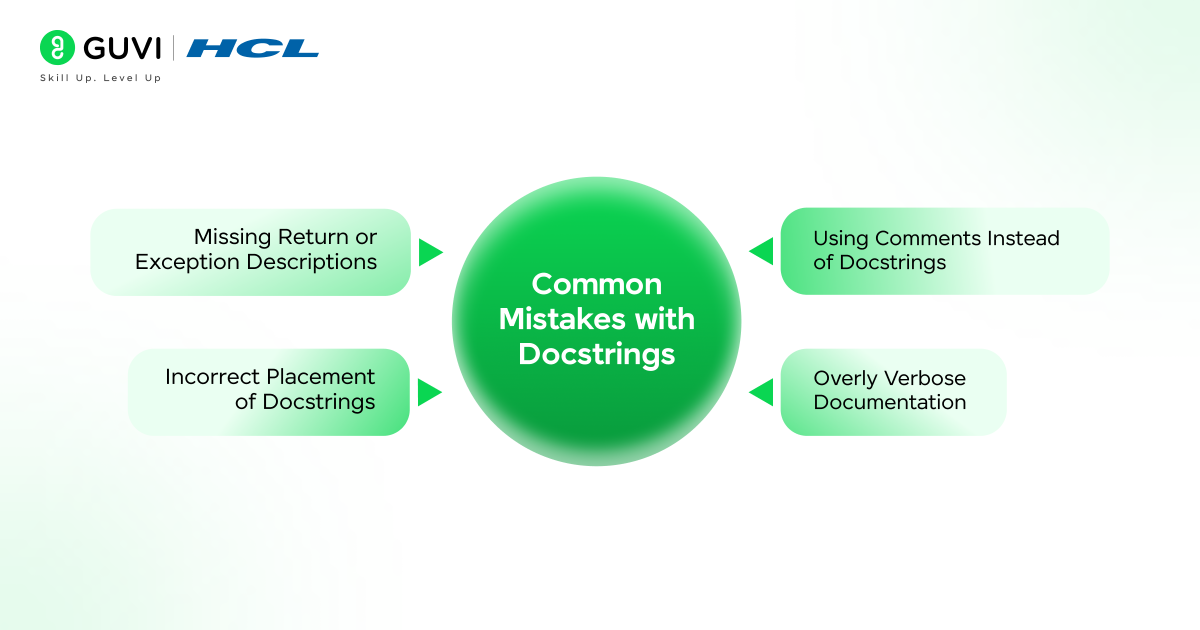
- Using Comments Instead of Docstrings
Using comments in place of docstrings limits how documentation is consumed in Python. When you practice Python the right way, documentation should be accessible at runtime, but comments remain invisible to introspection and documentation tools. This causes important behavioral explanations to be lost, preventing utilities such as help() and automated documentation generators from exposing critical context to developers.
- Overly Verbose Documentation
Excessively long docstrings reduce readability and obscure key information. Important details become harder to identify, and the documentation loses its effectiveness as a quick reference. Large blocks of text also increase maintenance cost during refactoring, since documentation must be updated alongside code changes.
- Missing Return or Exception Descriptions
Omitting return values or exception details creates uncertainty for callers. Developers lack clarity on expected outputs and failure conditions, which leads to incorrect assumptions. Error handling then becomes inconsistent and unreliable across different usage scenarios.
Incorrect Placement of Docstrings
Docstrings written outside the first statement of a module, class, or function lose their documentation status. Python does not associate these strings with the intended object, which causes introspection tools and documentation systems to ignore them entirely.
Want to write cleaner, well-documented Python code like a professional? Download HCL GUVI’s Python eBook to master docstrings, core concepts, and real-world Python best practices.
Docstrings and Documentation Tools
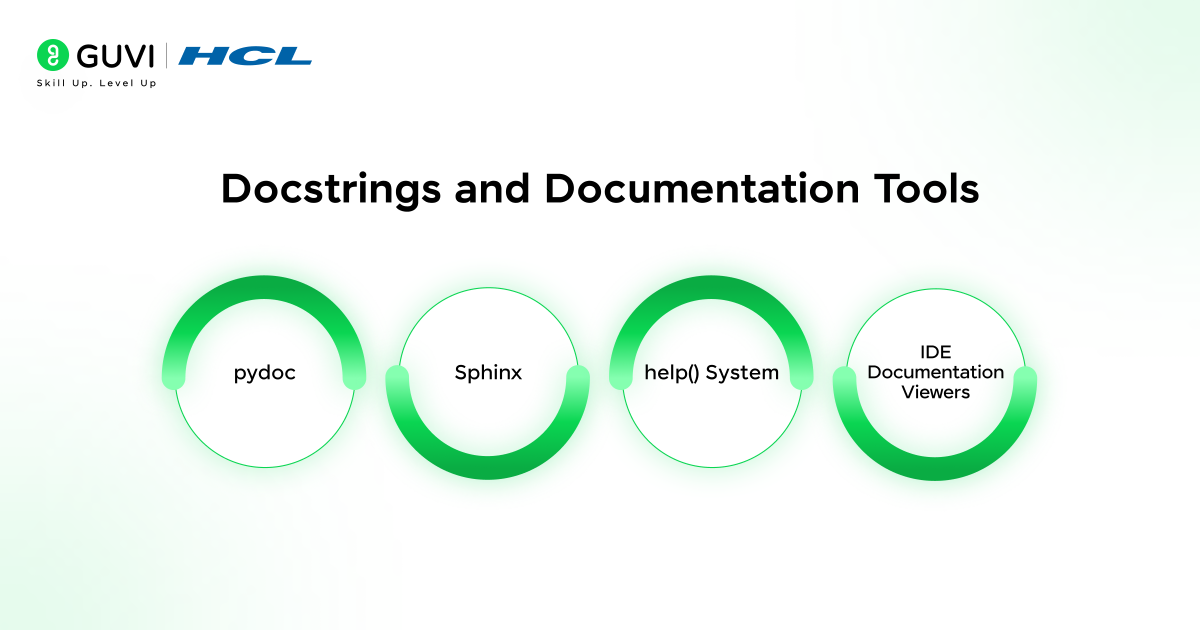
- pydoc
The pydoc tool extracts docstrings directly from source code and generates simple reference documentation. This approach supports quick inspection of modules and packages without requiring external tooling or complex configuration.
- Sphinx
Sphinx builds structured technical documentation from docstrings and source files. It supports cross-references, indexing, and versioned documentation, which makes it suitable for larger codebases and public-facing APIs that require formal documentation output.
- help() System
The built-in help() system displays docstrings interactively within the Python interpreter. This capability supports runtime inspection during development and debugging, which allows developers to understand behavior without leaving the execution environment.
- IDE Documentation Viewers
Modern IDEs surface docstrings through tooltips and inline help panels. This contextual guidance appears alongside code and improves development efficiency by reducing reliance on external references.
Conclusion
Docstrings are a core part of how Python code communicates intent, behavior, and structure. To master Python, understanding how documentation links directly to executable objects is essential, as it enables introspection, supports tooling, and ensures long-term maintainability. When written consistently and aligned with standards like PEP 257, docstrings improve readability, strengthen APIs, and preserve design context as projects scale.
FAQs
Are Docstrings Mandatory in Python?
Docstrings are optional from a language perspective. Python runs code correctly without them. Best practice strongly encourages their use because they improve readability, introspection, and long-term maintainability, especially in shared or production codebases.
How Is a Docstring Different from a Comment?
A docstring becomes part of an object’s metadata and is stored in the __doc__ attribute at runtime. Comments are ignored by the interpreter and exist only for readers of the source code. Docstrings support introspection, tooling, and automated documentation, whereas comments do not.
How Do I View a Docstring in Python?
Docstrings can be viewed using the __doc__ attribute or the built-in help() function. Interactive shells and IDEs also display docstrings through tooltips and inline documentation panels.
Are Docstrings Stored at Runtime?
Yes. Python stores docstrings at runtime as part of the object they document. This storage enables introspection, interactive help systems, and documentation tools to access documentation directly from executing code.
Success Stories

About the Author
Vaishali
I'm a seasoned writer with four years of experience across technical, non-technical, and just about every genre or niche you can imagine. Adaptable and curious, I enjoy exploring new topics and making information engaging and easy to understand. Fueled by a steady stream of tea, I approach each project with creativity, reliability, and genuine enthusiasm for storytelling.
View all posts by Vaishali
Connect with me @













Did you enjoy this article?