


Data Structure Articles
What is an Algorithm? A Simple Guide for Beginners
Difference between Algorithm and Program: What Sets Them Apart
What Are the Characteristics of an Algorithm? Definition, Features, and Examples


Get In Touch For Details! Request More Information
Top 10 DSA Projects in C++ For All Levels [Source Code]
Feb 23, 2026 7 Min Read 9693 Views
(Last Updated)
Ever wondered what comes after mastering the basics of DSA in C++? Once you’ve built a few small projects like contact books or stack visualizers, it’s time to push further, into problems that test how you think, not just what you know.
Advanced DSA projects in C++ are where algorithms meet systems design: you’ll build things that simulate real-world complexity, from collaborative editors that merge concurrent updates to in-memory graph databases and machine learning libraries that crunch data efficiently.
These DSA projects in C++ don’t just strengthen your coding; they train you to reason about architecture, performance, and correctness. That is why in this article, we compiled a list of DSA projects in C++, categorized by beginner, intermediate, and advanced level, with a bonus project as well. So, without further ado, let us get started!
Table of contents
- Top 3 Beginner-Level DSA Projects in C++
- Contact Book (file-backed CLI directory)
- Stack / Queue Visualizer (ASCII CLI + tests)
- Simple Spell Checker (dictionary-based with suggestions)
- Best 3 Intermediate-Level DSA Projects in C++
- Route Planner (shortest path on a grid/graph)
- LRU Cache (library + benchmark harness)
- Expression Evaluator & Mini-Compiler (infix → AST → evaluate)
- Top 3 Advanced DSA Projects in C++
- Real-time Collaborative Text Editor (toy)
- Graph Database Engine (mini)
- Machine Learning Library (from scratch)
- Bonus Project: Competitive Programming Toolkit + Auto-judge (integration-scale)
- Conclusion
- FAQs
- What skills do I need before starting a DSA project in C++?
- How do I decide which data structure or algorithm to use in a project?
- How important is file I/O or persistence in DSA projects?
- How should I test and measure performance of my DSA project?
- What’s a good way to showcase a DSA project for a portfolio or job interview?
Top 3 Beginner-Level DSA Projects in C++
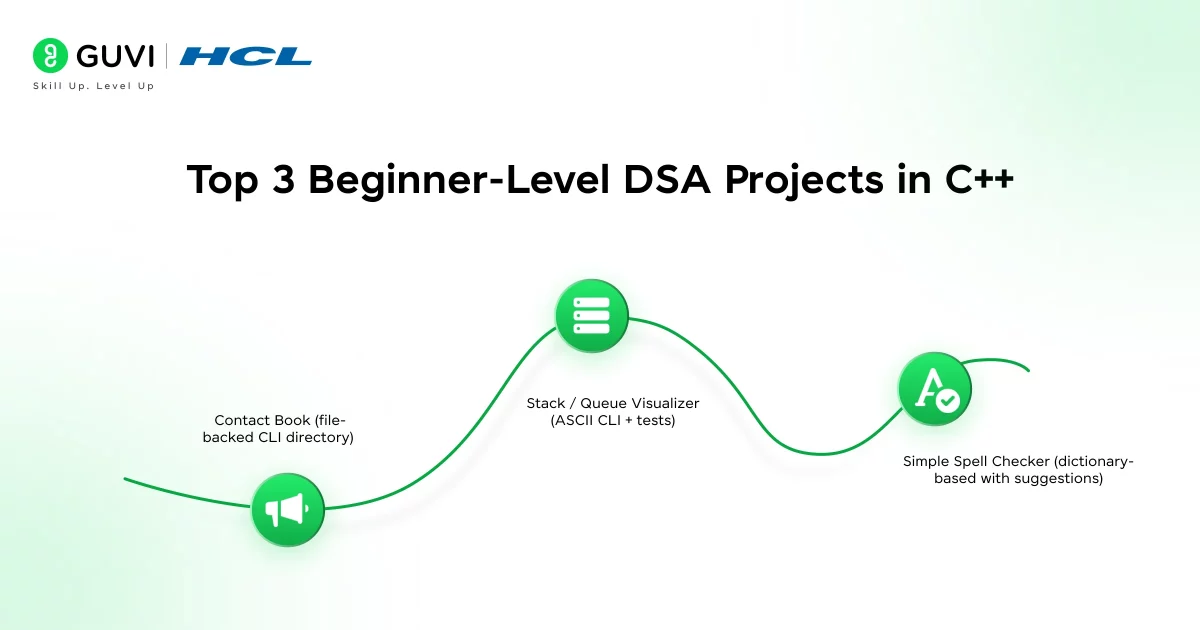
This list is for you if you already know the basics of data structures and algorithms: arrays, vectors, pointers, simple sorting/searching, and basic I/O. Let us go through them one by one:
1. Contact Book (file-backed CLI directory)
This is a simple project that helps you practice core data structures and file handling. You’ll build a small command-line app where users can add, search, delete, and list contacts. It’s practical and teaches you how to work with structured data.
Duration: 1–3 days (longer if you add extras)
Technology Stack: C++ or newer, STL (vector, algorithm, unordered_map, fstream). Optional: nlohmann/json for nicer serialization.
Project Breakdown
- Use vectors or arrays to store contact details (name, phone, email).
- Implement search and sort using STL algorithms.
- Save and load data using file I/O (CSV or JSON format).
- Add features like fuzzy search or sorting by name later.
Learning outcome: You’ll learn how to structure a small program cleanly: separate model, storage, and UI. You’ll see when a vector is preferable to a HashMap and why file formats matter. You’ll also get practical reading/writing code and basic serialization patterns.
Source Code: Contact Book (file-backed CLI directory)
2. Stack / Queue Visualizer (ASCII CLI + tests)
This project is perfect for reinforcing how stacks and queues behave internally. You’ll build a terminal-based visualizer that shows each push, pop, enqueue, and dequeue in real time.
Duration: 1–2 days core, +1–2 days for enhancements
Technology Stack: C++17, STL (vector, list, deque), ANSI escape sequences for terminal rendering. Optional: mutex and condition_variable if you add concurrency.
Project Breakdown
- Implement stacks and queues using both arrays and linked lists.
- Animate operations using ASCII graphics in the terminal.
- Display errors like overflow and underflow clearly.
- Compare both implementations to understand time and memory differences.
Learning outcome: You’ll develop a concrete sense of amortized O(1) behavior for vector and circular buffers versus pointer-chasing costs in linked lists. You’ll also get comfortable with simple terminal UIs and the trade-offs between implementations.
Source Code: Stack / Queue Visualizer (ASCII CLI + tests)
3. Simple Spell Checker (dictionary-based with suggestions)
This one takes you into the world of strings and tries. You’ll create a small spell checker that scans text, flags mistakes, and suggests corrections.
Duration: 2–4 days (core + trie + suggestions)
Technology Stack: C++17, STL (unordered_set, vector, string), dynamic programming for edit distance. Optional: nlohmann/json for config.
Project Breakdown:
- Load a dictionary into a hash set or trie for fast lookup.
- Parse a text file and identify misspelled words.
- Suggest corrections using an edit-distance algorithm.
- Rank suggestions by word frequency or closeness.
Learning outcome: You’ll gain practical experience in string processing: tokenization, normalization, and efficient lookups. You’ll compare hash-table vs trie trade-offs and implement dynamic programming for edit-distance. You’ll also learn how to combine distance and frequency to produce usable suggestions.
Source Code: Simple Spell Checker
“std::unordered_map” usually gives you O(1) lookups, but that’s average case. In worst-case (e.g., adversarial inputs) it can degrade toward O(n). That’s why production code sometimes uses safer hashing strategies or fallbacks.
“tries” are great for prefix queries, but a naïve node-per-character trie can use lots of memory. Implementing compact nodes or storing children in arrays teaches you about real-world memory/performance trade-offs.
If you want to read more about how DSA paves the way for effective coding and its use cases, consider reading HCL GUVI’s Free Ebook: The Complete Data Structures and Algorithms Handbook, which covers the key concepts of Data Structures and Algorithms, including essential concepts, problem-solving techniques, and real MNC questions.

Best 3 Intermediate-Level DSA Projects in C++
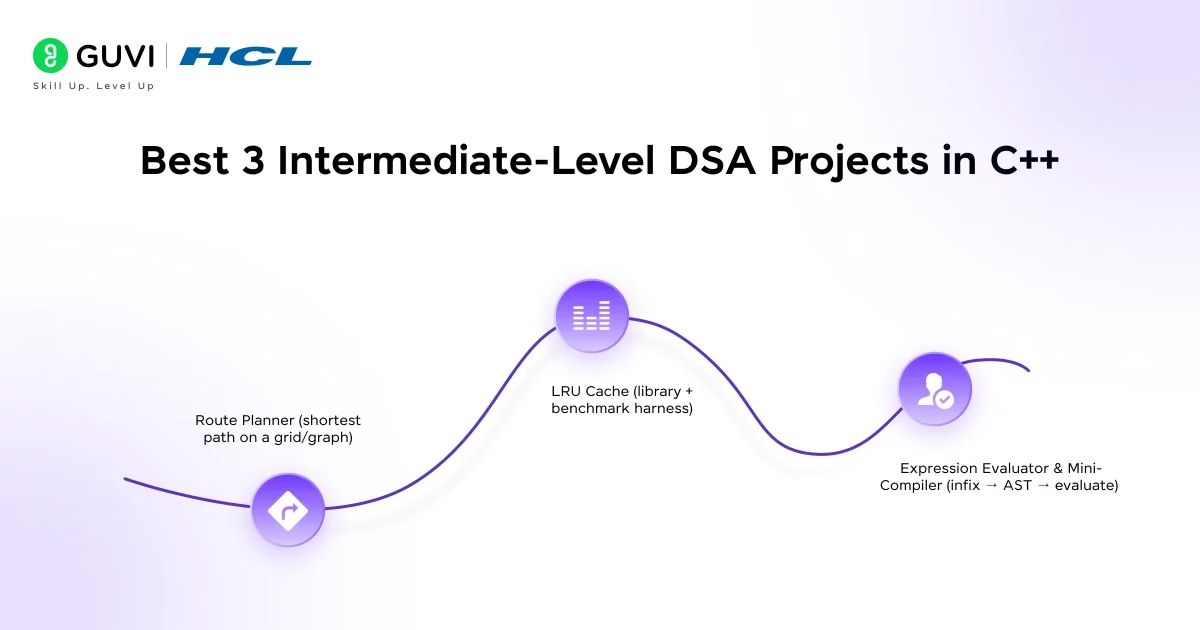
This list is for you if you’ve finished the basics and want projects that force you to think about algorithmic trade-offs, performance, and robust design. Here’s a list of the intermediate DSA projects in C++
4. Route Planner (shortest path on a grid/graph)
A practical tool: read a weighted graph or grid map, compute the shortest path between two points, and visualize the route. You’ll implement Dijkstra and A* and deal with heuristics, priority queues, and graph representations.
Duration: 3–6 days (core algorithm + visualization + A* heuristic tuning)
Technology Stack: C++17/20, STL (vector, priority_queue, unordered_map), optional GUI or simple SDL/ASCII visualization. For maps, you can use simple text maps or JSON input.
Project Breakdown:
- Represent the graph using adjacency lists or matrices.
- Implement Dijkstra’s algorithm and then optimize it with A*.
- Read graph data from a file and display the computed path.
- Optionally visualize routes using simple ASCII grids.
Learning outcome: You’ll understand how graph representation affects performance, why heuristics matter in A*, and how to implement efficient priority-queue-based algorithms without a native decrease-key. You’ll also get practice profiling runtime on dense vs sparse graphs and handling edge cases like disconnected components.
Source Code: Route Planner
5. LRU Cache (library + benchmark harness)
This project makes you think like a systems developer. You’ll implement an LRU cache, a structure that keeps recently used items fast and discards the least used ones.
Duration: 2–4 days (core) + 1–2 days for benchmarks and extensions
Technology Stack: C++17/20, STL (unordered_map, list), chrono for timers, optional Boost for serialization. Use Google Benchmark or a simple timing harness for experiments.
Project Breakdown
- Combine an unordered_map and a list to achieve O(1) operations.
- Support get and put functions with automatic eviction.
- Track hit/miss statistics to analyze efficiency.
- Extend it with TTL or multi-level caching if you want an extra challenge.
Learning outcome: You’ll solidify the classic interview pattern (hash + linked list) and learn how design choices affect real behavior under load. You’ll also get systems exposure: TTL, backpressure, and how eviction strategy impacts hit rate for different workloads.
Source Code: LRU Cache
6. Expression Evaluator & Mini-Compiler (infix → AST → evaluate)
This project brings together stacks, trees, and recursion. You’ll build a parser that converts infix expressions to an AST, evaluates them, and optionally emits tiny bytecode for a stack VM.
Duration: 4–8 days (parser + AST + evaluator; more if you add bytecode and VM)
Technology Stack: C++17/20, STL, optional libraries: boost::spirit for parsing (if you want a parser generator) or hand-write a recursive-descent parser. For tests, use Catch2 or GoogleTest.
Project Breakdown:
- Tokenize input expressions into numbers and operators.
- Use the shunting-yard algorithm to convert infix to postfix.
- Build an Abstract Syntax Tree (AST) and recursively evaluate it.
- Optionally compile expressions into bytecode for a mini virtual machine.
Learning outcome: You’ll get hands-on compiler fundamentals: lexing, parsing, AST design, evaluation strategies, and, optionally, code generation. You’ll also practice careful error handling and testing, invaluable skills beyond algorithms.
Source Code: Expression Evaluator & Mini-Compiler.
If you want a platform that actually teaches DSA in a structured, beginner-friendly way while also giving you practical coding experience, consider enrolling in HCL GUVI’s DSA for Programmers Course that is designed specifically for learners who want clarity instead of confusion. It explains concepts in simple terms and guides you from the basics to advanced topics step-by-step.
Explore: 150+ Data Structures and Algorithms Multiple Choice Questions
Top 3 Advanced DSA Projects in C++
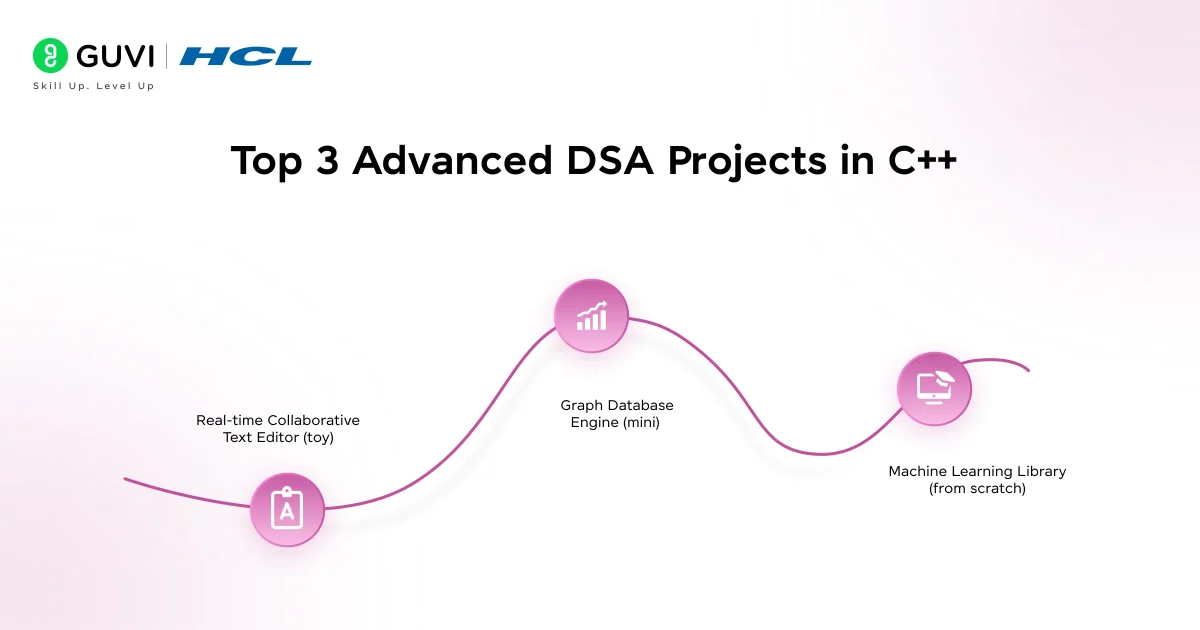
You’ve already done smaller projects and solidified core algorithms. Now you want projects that force system-level thinking, correctness under concurrency, and performance at scale. Below are three advanced projects (plus a bonus) that will stretch your understanding of data structures, algorithms, memory layout, and systems design.
7. Real-time Collaborative Text Editor (toy)
This is where data structures meet distributed systems. You’ll build a toy version of Google Docs, an editor that lets multiple users edit the same document and still converge to the same result. Implement either a CRDT (Conflict-free Replicated Data Type) or Operational Transformation (OT) approach, simulate multiple clients, and prove convergence with tests.
Duration: 2–4 weeks (core CRDT/OT + tests + simple network simulation). Add more time for UI or persistence.
Technology Stack: C++17/20, STL, networking (Boost.Asio or plain sockets for simulation), serialization (protobuf or nlohmann/json), optional GUI (Qt) or web front-end (WebSocket bridge).
Project Breakdown:
- Implement a CRDT or Operational Transformation algorithm.
- Handle concurrent insertions and deletions from multiple clients.
- Simulate network delays and dropped messages for testing.
- Add a small text UI or web view to visualize edits in real time.
Learning outcome: You’ll deepen your understanding of distributed algorithms, correctness under concurrency, and trade-offs between simplicity and performance. You’ll also practice deterministic testing of nondeterministic systems and learn real-world issues like tombstones, operation compaction, and metadata growth.
Source Code: Real-time Collaborative Text Editor
8. Graph Database Engine (mini)
In this project, you’ll design a small, in-memory graph database. You’ll store nodes, edges, and properties efficiently and run simple graph queries. Think of a tiny subset of Neo4j or JanusGraph, but focused on performance and memory layout.
Duration: 3–6 weeks (core data model + query executor + basic indexing). More for persistence/transactions.
Technology Stack: C++17/20, STL, memory allocators (optional), serialization (flatbuffers / protobuf), query parsing (simple DSL or subset of Cipher), optional mmap for persistence.
Project Breakdown:
- Design compact node and edge storage using adjacency lists.
- Implement queries like “find neighbors” or “shortest path.”
- Build simple indexes for faster property-based lookups.
- Add persistence or caching if you want to simulate real database behavior.
Learning outcome: You’ll learn how data layout affects query performance, how indexes change execution plans, and how to balance memory and speed. You’ll also practice designing a small query language and a planner that uses simple cost heuristics.
Source Code: Graph Database Engine
9. Machine Learning Library (from scratch)
This project blends DSA, math, and software design. Implement the core pieces of a small ML library: tensors, linear models, optimizers, and a minimal autodiff or backward-pass for a tiny neural network. You’ll build a minimal ML framework with tensors, models, and optimizers, all written from scratch in C++.
Duration: 3–6 weeks (tensor core + models + training loop). More time for autodiff and advanced optimizers.
Technology Stack: C++17/20, Eigen or hand-rolled contiguous arrays (you may implement your own Tensor with contiguous memory), BLAS (optional), testing frameworks, file I/O for datasets (CSV, MNIST binary).
Project Breakdown:
- Implement a tensor class with support for matrix operations.
- Write models like linear regression, logistic regression, and small neural networks.
- Code gradient descent and backpropagation manually.
- Test your models on small datasets and track training progress.
Learning outcome: You’ll internalize how tensors are represented, how backpropagation works, and why numerical stability matters. You’ll also practice designing APIs for models and training loops, and learn to validate gradients carefully.
Source Code: Machine Learning Library
Bonus Project: Competitive Programming Toolkit + Auto-judge (integration-scale)
This is the “glue” project that brings together algorithms, system programming, and small-scale distributed design. It compiles and runs C++ solutions in sandboxes, enforces resource limits, collects performance metrics, and produces a practice scheduler that recommends problems.
Duration: 3–8 weeks (depends on sandbox sophistication and UI)
Technology Stack: C++ for core tooling, shell/Make/CMake for builds, OS primitives (fork, exec, setrlimit), containerization (optional: Docker), simple web UI (optional).
Project Breakdown:
- Create a module to compile and run C++ programs safely (use system calls or a sandbox).
- Implement time and memory limit enforcement using OS utilities like setrlimit.
- Design a test harness that feeds multiple input files, compares outputs, and logs results.
- Add performance tracking, record execution time and memory usage per test.
- Build a simple CLI dashboard or web interface to show pass/fail status and stats.
- Optionally, implement a practice scheduler that recommends problems based on performance history.
Learning outcome: You’ll learn practical sandboxing, how to enforce resource limits at the OS level, and how to measure and interpret runtime/memory metrics. You’ll also practice building a user-facing system that exposes useful insights from raw performance data.
Source Code: Competitive Programming Toolkit + Auto-judge
If you’re serious about mastering DSA in software development and want to apply it in real-world scenarios, don’t miss the chance to enroll in HCL GUVI’s IITM Pravartak and MongoDB Certified Online AI Software Development Course. Endorsed with NSDC certification, this course adds a globally recognized credential to your resume, a powerful edge that sets you apart in the competitive job market.
Conclusion
In conclusion, by the time you’ve worked through these advanced DSA projects in C++, you’ll have gone beyond “solving problems”, you’ll be designing systems. Each project pushes a different muscle: distributed thinking, memory efficiency, algorithmic rigor, or numerical precision.
So, which one are you going to start with: a real-time collaborative editor, a graph database engine, or your own mini machine learning library? Whichever you choose, build it fully, document it well, and make it yours. That’s how you turn DSA knowledge into engineering expertise.
FAQs
1. What skills do I need before starting a DSA project in C++?
You should be comfortable with C++ basics (classes, pointers, STL containers), core data structures (arrays, lists, stacks, queues, trees, graphs) and algorithmic thinking (sorting, searching, recursion). With those foundations in place, you’ll be ready to jump into project work.
2. How do I decide which data structure or algorithm to use in a project?
Start with the problem statement: what operations are needed (insertion, lookup, deletion), what’s the data size, and what performance matters (time vs space). Then map to a structure: e.g., if you need fast lookup → hash map; shortest path → graph + Dijkstra; prefix search → trie.
3. How important is file I/O or persistence in DSA projects?
Persistence is very useful, it turns a toy project into a usable application. It forces you to think about serialization, loading and saving state, and performance in practical scenarios. Even if you skip GUI, adding file I/O makes the project significantly richer.
4. How should I test and measure performance of my DSA project?
Create input datasets of varying size, measure runtime and memory usage (use chrono or profiler). Check how your solution scales (e.g., doubling data size). Document worst-case behavior and whether complexity matches theory. This shows you designed for real-world constraints, not just correctness.
5. What’s a good way to showcase a DSA project for a portfolio or job interview?
Include a clear README with problem statement, design decisions, complexity analysis, screenshots or console logs, and sample datasets. Host the code on GitHub, demonstrate tests, show performance graphs, and optionally include a brief video/GIF of the project running. That combination shows both code skill and engineering insight.
Success Stories

About the Author
Lukesh S
A professional content writer who has experience in freelancing and now working as a Technical Content Writer at GUVI. Google Certified Digital Marketer. Have a sound knowledge of SQL, Data Structures and Cloud Computing.
View all posts by Lukesh S
Connect with me @













Did you enjoy this article?