


Python Articles
Building a Neural Network Using PyTorch: Step-by-Step Guide for Beginners and Developers
How to Install Requirements.txt in Python: A Beginner's Step-by-Step Guide (2026)


Get In Touch For Details! Request More Information
Packaging Your Python Code for Production: Virtualenvs, setup.py & Publishing
Mar 31, 2026 8 Min Read 323 Views
(Last Updated)
Have you ever shipped a Python application that worked perfectly on your machine, only to fail the moment it reached production? This is one of the most common and costly mistakes teams make when moving Python code beyond local development. Packaging is often treated as an afterthought, yet it directly determines whether your application installs cleanly, runs predictably, and scales safely across environments.
From virtual environments and dependency isolation to defining metadata and publishing artifacts, production-ready Python packaging is what separates experimental scripts from reliable software. Read this blog to understand how to package Python code for production using virtual environments, setup.py, and modern publishing workflows!
Quick Answer: Production-ready Python packaging relies on isolated virtualenvs, accurate setup.py metadata, reproducible builds, and disciplined publishing. Together, they ensure clean installs, predictable runtime behavior, safe upgrades, and reliable deployments across development, CI/CD, and production environments.
Table of contents
- What “Production-Ready” Means for Python Code?
- Packaging Your Python Code for Production: Virtualenvs
- 1 Why Virtualenvs Are Foundational to Production Packaging?
- 2 Virtualenv vs venv vs Conda in Production Packaging
- 3 Creating Virtualenvs for Packaging Pipelines
- 4 Virtualenvs in CI and Release Automation
- 5 Managing System Dependencies Alongside Virtualenvs
- 6 Virtualenv Placement and Repository Structure
- 7 Development vs Production Virtualenv Usage
- 8 Virtualenvs as a Packaging Validation Gate
- 9 Common Virtualenv Errors That Break Production Packaging
- setup.py in Production Packaging
- 1 What Is setup.py in Python Packaging?
- 2 Role of setup.py as the Packaging Authority
- 3 Dependency Management Responsibilities
- 4 Package Discovery and File Inclusion
- 5 Entry Points and Execution Surface
- 6 Versioning and Upgrade Control
- 7 setup.py Failure Modes in Production
- 8 Building Distribution Artifacts
- 9 Artifact Build Discipline
- 10 How setup.py Fits Into Modern Python Packaging?
- Publishing Python Packages
- 1 Publishing Targets and Distribution Scope
- 2 Python Pre-Publish Readiness Checks
- 3 Clean Build and Install Validation
- 4 Versioning and Release Semantics
- 5 Authentication and Access Control
- 6 Publishing Automation and CI Integration
- 7 Artifact Integrity and Traceability
- 8 Post-Publish Validation
- 9 Publishing as the Final Production Gate
- Conclusion: Treat Packaging as Part of Your Architecture
- FAQs
- Q1. Should production packages vendor dependencies inside the codebase?
- Q2. How should configuration and secrets be handled in packaged Python applications?
- Q3. Is it safe to publish application packages the same way as libraries?
What “Production-Ready” Means for Python Code?
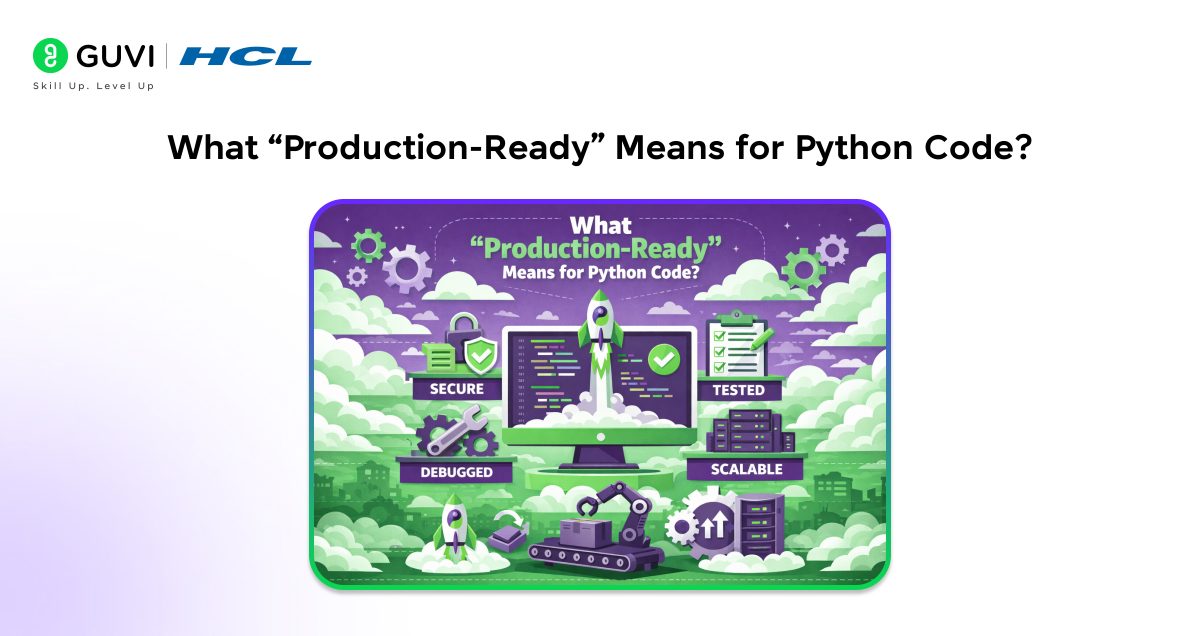
In production, Python code must behave consistently every time it is deployed, regardless of the machine or environment it runs on. This starts with deterministic environments and strict dependency isolation, ensuring that the same library versions are used in development, testing, and production. Reproducible builds across machines and CI/CD pipelines remove uncertainty by guaranteeing that a package built today will install and run the same way tomorrow. Equally important are clear versioning practices that support safe upgrades, fast rollbacks, and long-term maintainability.
1. Packaging Your Python Code for Production: Virtualenvs
1.1 Why Virtualenvs Are Foundational to Production Packaging?
- Dependency Isolation and Predictable Resolution
Virtualenvs restrict dependency resolution to a controlled environment. Package versions installed during development and testing remain consistent during the build and release stages. This consistency removes variability that commonly appears when builds rely on system-level Python installations.
- Alignment Between Build and Runtime Environments
Packages built inside a virtualenv inherit the exact dependency graph used during execution. CI pipelines and deployment targets recreate the same environment definition, which keeps behavior consistent across machines and stages.
- Elimination of Hidden Transitive Dependencies
Virtualenvs expose transitive dependencies that enter the environment indirectly through other libraries. Clean environments surface missing or loosely defined requirements during installation. It forces accurate dependency declarations and prevents runtime import failures.
- Reproducible Failure and Debugging Conditions
Deterministic environments allow build and runtime failures to be reproduced consistently. When a defect occurs, recreating the same virtualenv reproduces the same dependency state. It shortens diagnosis time and avoids environment-specific anomalies.
- Controlled Dependency Upgrade Boundaries
Virtualenvs provide a safe boundary for evaluating dependency upgrades. Changes introduced during dependency updates remain confined to the environment under test, which prevents unintended impact on parallel builds and active production releases.
1.2 Virtualenv vs venv vs Conda in Production Packaging
- virtualenv in Production Systems
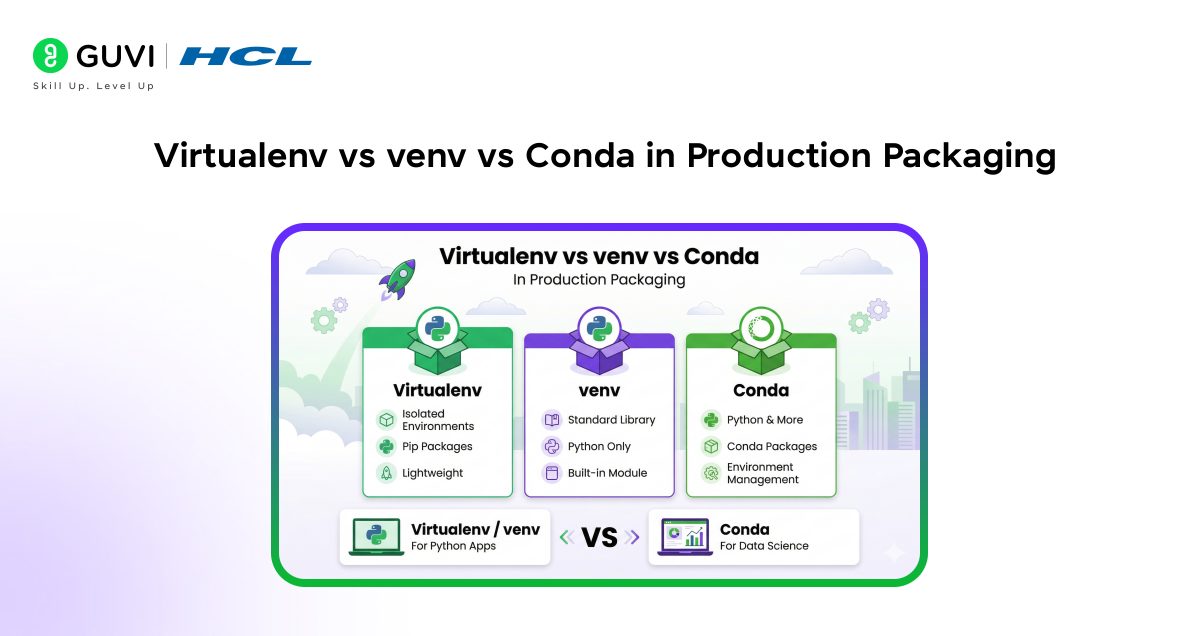
Virtualenv provides broad Python version support and fine-grained control over environment creation. Production pipelines favor it because it integrates well with packaging tools and supports legacy runtimes without relying on system Python constraints.
- venv for Lightweight Production Services
The venv module offers a simpler isolation model that works well when Python versions remain consistent across environments. It reduces configuration overhead but provides fewer customization options than virtualenv.
- Conda and Packaging Constraints
Conda manages Python and native dependencies together, which suits research workflows. Packaging Python libraries for distribution becomes more complex due to Conda-specific dependency resolution and environment reproduction challenges.
Here is a concise comparison of virtualenv, venv, and Conda across key production packaging and deployment considerations.
| Factor | virtualenv | venv | Conda |
| Primary purpose | Isolated Python environments for packaging and deployment | Tied to the system Python version | Unified environment management for Python and native libraries |
| Python version control | Supports explicit Python version targeting | Full isolation from the system site-packages | Manages Python versions internally |
| Dependency isolation | Isolated but dependent on the system Python | Isolated but dependent on system Python | Isolated Python and native dependencies |
| System dependency handling | Relies on external system libraries | Relies on external system libraries | Bundles native libraries inside environments |
| Packaging compatibility | Fully compatible with pip and PyPI workflows | Fully compatible with pip and PyPI workflows | Limited compatibility with pip-based publishing |
| Build reproducibility | High reproducibility across machines | Well-suited for heterogeneous pipelines | Reproducible inside Conda-managed systems |
| CI/CD suitability | Well suited for heterogeneous pipelines | Best for controlled CI environments | Requires Conda-aware CI setup |
| Upgrade impact | Independent of OS Python upgrades | Affected by system Python changes | Controlled within Conda environments |
| Production portability | High portability across platforms | Moderate portability | Limited portability outside Conda ecosystems |
| Common production use case | Application and library packaging pipelines | Internal services with stable runtimes |

1.3 Creating Virtualenvs for Packaging Pipelines
Step 1: Clean Environment Creation
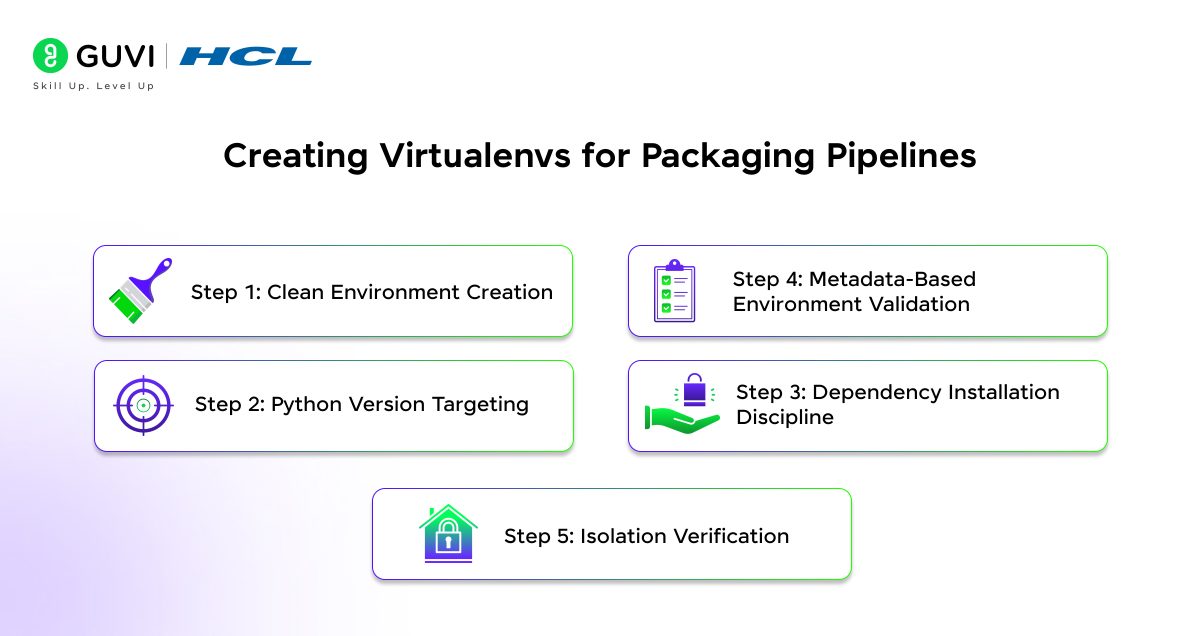
Packaging virtualenvs must start from a clean state to avoid inherited dependencies. A fresh environment exposes missing declarations early and prevents accidental reliance on globally installed libraries. Each environment targets a specific Python version that mirrors production runtimes, which keeps build behavior consistent across stages.
Step 2: Python Version Targeting
Virtualenv creation binds the environment to an explicit Python interpreter. Version alignment across development, CI, and production stabilizes dependency resolution and avoids runtime inconsistencies during deployment.
Step 3: Dependency Installation Discipline
All dependencies installed inside the virtualenv must be explicitly declared in the packaging metadata. Libraries present only in the environment create packaging gaps that surface during installation in clean systems, which makes dependency accuracy a prerequisite for successful builds.
Step 4: Metadata-Based Environment Validation
Recreating the virtualenv using packaging metadata alone validates dependency completeness. This validation confirms that the environment can be rebuilt without relying on hidden state or manual intervention.
Step 5: Isolation Verification
Virtualenv configuration must prevent access to system site-packages. Strict isolation confirms that application imports resolve only from declared dependencies, which protects packaging reliability.
1.4 Virtualenvs in CI and Release Automation
- Ephemeral Environments in CI Pipelines
CI systems create temporary virtualenvs for every pipeline run. Each run installs the package from built artifacts and executes tests in isolation. This workflow in Python web development validates that distributions remain installable without a cached state.
- Preventing Dependency Drift Across Builds
Fresh virtualenv creation for each pipeline stage avoids stale dependencies. Version pinning combined with isolated installs keeps builds consistent across branches and releases.
1.5 Managing System Dependencies Alongside Virtualenvs
- Separation Between Python and System-Level Dependencies
Virtualenvs isolate Python packages but still depend on operating system libraries for certain capabilities, such as database drivers, image processing, or cryptographic functions. Production packaging must account for this separation so that Python environments do not assume the presence of undocumented system libraries.
- Aligning System Dependencies With Python Environments
System-level dependencies must align with Python package expectations to maintain runtime stability. Documented prerequisites or automated provisioning scripts provide this alignment, which prevents runtime failures caused by missing native Python libraries during installation or execution.
- Automation for Consistency Across Environments
Automated system provisioning ensures that development, CI, and production environments expose identical native dependencies. This consistency keeps Python virtualenv behavior predictable across deployment stages.
1.6 Virtualenv Placement and Repository Structure
- Excluding Virtualenvs From Source Directories
Virtualenvs must remain outside application source directories to avoid accidental inclusion in packaging artifacts. This separation prevents inflated distributions and eliminates contamination during build processes.
- Repository Hygiene and Build Safety
Clear separation between source code and environment directories keeps repositories clean and portable. Packaging tools operate only on intended source files, which produce lean and predictable distributions.
- Version Control Exclusion
Virtualenv directories remain excluded from version control systems. This practice prevents platform-specific artifacts from entering shared repositories and avoids unnecessary repository growth.
1.7 Development vs Production Virtualenv Usage
- Editable Installs During Development
Editable installs allow developers to iterate on source code while maintaining dependency isolation. This setup validates import paths and packaging boundaries without duplicating source files inside the environment.
- Packaging Boundary Validation During Development
Editable installs surface structural issues early, including incorrect module paths or missing metadata, while still supporting rapid iteration.
- Artifact-Based Installs for Production
Production validation installs built distributions into newly created virtualenvs. This process verifies that packaging metadata, dependency declarations, and entry points remain complete and correct.
- Exposure of Hidden Packaging Issues
Artifact-based installs reveal missing dependencies and metadata errors that editable installs often mask. This exposure prevents flawed packages from progressing to the publishing stages.
1.8 Virtualenvs as a Packaging Validation Gate
- Installation Validation in Clean Environments
A package qualifies as production-ready only after installing successfully inside a freshly created virtualenv. This validation confirms that no hidden assumptions exist outside declared dependencies.
- Runtime Execution Validation
Successful installation alone remains insufficient. The application must also execute correctly inside a clean environment, which confirms that runtime dependencies and configuration are complete.
- Pre-Publish Verification Layer
Virtualenv-based validation acts as a final verification layer before publishing. Packaging flaws surface early, which reduces deployment failures and protects production stability.
1.9 Common Virtualenv Errors That Break Production Packaging
Error 1: Reusing Virtualenvs Across Builds
Reused environments retain outdated dependencies and cached state, which hides incompatibilities during testing and causes failures during deployment.
Solution: Create a new virtualenv for every build and CI pipeline run to guarantee a clean dependency state.
Error 2: Allowing Access to Global Site-Packages
Virtualenvs that reference system-wide packages weaken isolation and allow imports to succeed locally but fail in production.
Solution: Disable access to global site-packages and restrict imports strictly to environment-installed dependencies.
Error 3: Missing Dependency Declarations
Manually installing libraries that are absent from packaging metadata introduces hidden coupling and breaks clean installations.
Solution: Declare every runtime dependency explicitly in packaging metadata and validate installs using a fresh virtualenv.
Error 4: Unpinned Dependency Versions
Loose version constraints allow indirect upgrades that change behavior across builds and releases.
Solution: Pin dependency versions to maintain consistent resolution and predictable runtime behavior.
Error 5: Mismatched Python Versions
Virtualenvs created with different Python interpreters introduce inconsistencies between test and production environments.
Solution: Standardize Python versions across development, CI, and production, and enforce version selection during virtualenv creation.
2. setup.py in Production Packaging
2.1 What Is setup.py in Python Packaging?
setup.py is the configuration file that defines how a Python project is packaged, built, installed, and distributed. It serves as the authoritative source of truth for installers, build tools, and dependency resolvers. When a package is installed, setup.py tells the packaging system what the package is, what it depends on, where its code lives, and how it should be executed.
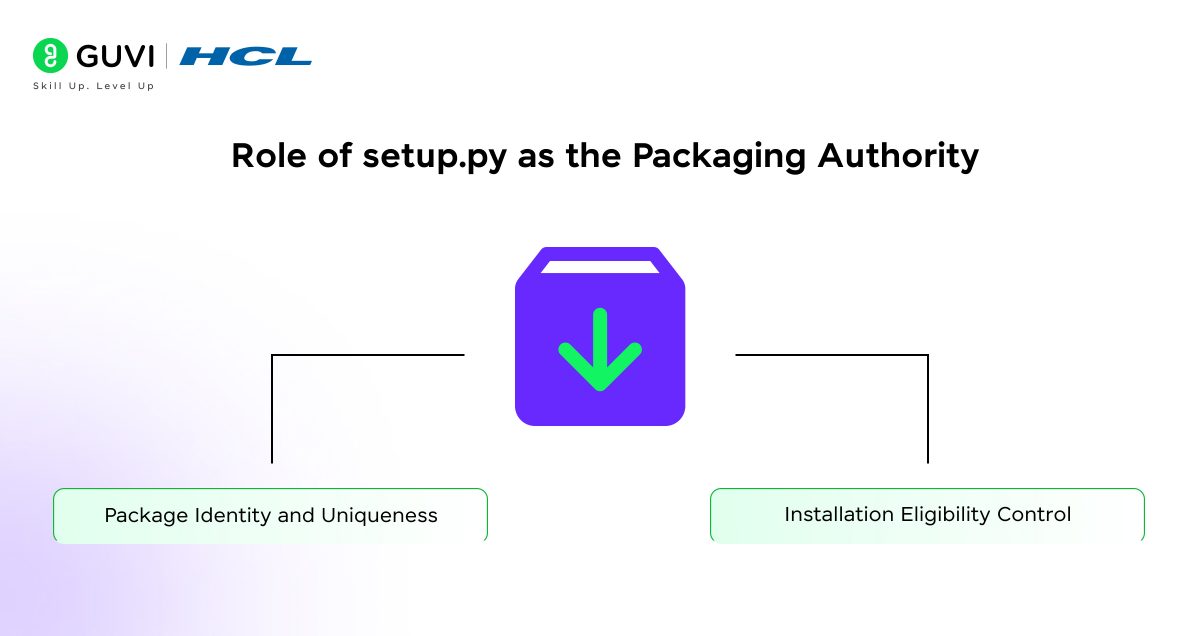
2.2 Role of setup.py as the Packaging Authority
- Package Identity and Uniqueness
setup.py defines the canonical identity of a package through its name and version. Package managers rely on this identity to resolve dependencies, detect conflicts, and determine upgrade behavior across environments and registries. A stable and unique identity is required for correct dependency resolution.
- Installation Eligibility Control
The python_requires field enforces interpreter compatibility at install time. Installers reject incompatible Python versions before installation begins, which prevents runtime failures caused by unsupported language features or standard library differences.
2.3 Dependency Management Responsibilities
- Runtime Dependency Declaration
The install_requires section must list every library required during execution, including indirect runtime dependencies. Clean virtualenv installs depend entirely on this list. Any missing dependency causes runtime import failures even when local environments appear functional.
- Optional Capability Segmentation
The extras_require field isolates optional or feature-specific dependencies from the core runtime. This structure keeps production installations minimal while allowing controlled feature expansion when needed.
- Dependency Resolution Boundaries
Version constraints define acceptable dependency ranges. Broad ranges increase the risk of incompatible upgrades. Overly strict pins reduce upgrade flexibility. Balanced constraints stabilize production behavior while preserving maintainability.
2.4 Package Discovery and File Inclusion
- Package Discovery Rules
setup.py controls which Python modules and packages are included during installation. Package discovery rules determine what becomes importable after installation. Incorrect configuration omits required modules and causes import errors in deployed environments.
- Non-Code Runtime Assets
Non-code assets such as configuration files, schemas, templates, and static resources must be explicitly included using package_data or MANIFEST rules. Missing runtime assets cause execution failures despite successful installation.
2.5 Entry Points and Execution Surface
- Console Script Exposure
Entry points define executable commands that map to Python functions inside the package. Correct configuration ensures that installed commands resolve to packaged code rather than local source paths.
- Import Path Registration
setup.py determines how installed modules are registered on PYTHONPATH. Incorrect configuration results in unresolved imports that surface only after deployment.
2.6 Versioning and Upgrade Control
- Semantic Version Enforcement
Version numbers communicate compatibility expectations to dependency solvers. Incorrect versioning causes package managers to select incompatible releases, which destabilizes dependent applications.
- Immutability Assumption
Published versions must remain immutable. Changing behavior without a version change breaks dependency guarantees and introduces silent downstream failures.
2.7 setup.py Failure Modes in Production
- Dynamic Metadata Evaluation
Runtime logic inside setup.py introduces nondeterministic builds. Static metadata definitions are required to guarantee consistent artifacts across environments.
- Environment-Sensitive Configuration
Metadata that varies based on environment variables or filesystem state causes divergence between local, CI, and production builds.
- Hidden Local State Dependency
Dependencies on undeclared files, libraries, or system state cause clean installs to fail. These issues surface only when packages are installed in fresh environments.
2.8 Building Distribution Artifacts
Artifact Types and Their Implications
- Source Distributions (sdist): Package raw source code along with metadata. Installation depends on build tools, compilers, and system libraries present on the target machine. This dependency increases variability across operating systems and environments.
- Wheel Distributions (bdist_wheel): Package prebuilt artifacts that install without compilation. Installation speed improves, and environmental differences reduce, which makes wheels the preferred format for production pipelines.
- Platform and Python Compatibility Scope: Wheels may be platform-specific or Python-version-specific. Selecting the correct build targets determines whether artifacts install broadly or only on constrained environments.
2.9 Artifact Build Discipline
- Isolated Build Environments: Artifacts must be built inside clean virtualenvs. Isolation prevents accidental inclusion of undeclared dependencies and guarantees that build outputs reflect declared metadata only.
- Build-Time Dependency Separation: Build requirements must remain distinct from runtime dependencies. Mixing these layers causes build success locally but failure during installation on clean systems.
- Deterministic Build Inputs: Source code, metadata, and dependency versions must remain fixed during builds. Stable inputs prevent variation in generated artifacts across runs.
- Rebuild Consistency: Identical source code and metadata must produce identical artifacts. Deterministic builds simplify debugging, rollback, and release verification.
- Artifact Verification After Build: Built artifacts must be installed into fresh virtualenvs for validation. Successful installation and execution confirm artifact completeness.
- Artifact Integrity and Traceability: Versioned artifacts must map clearly to source revisions. Traceability supports audits, rollback, and incident resolution in production systems.
2.10 How setup.py Fits Into Modern Python Packaging?
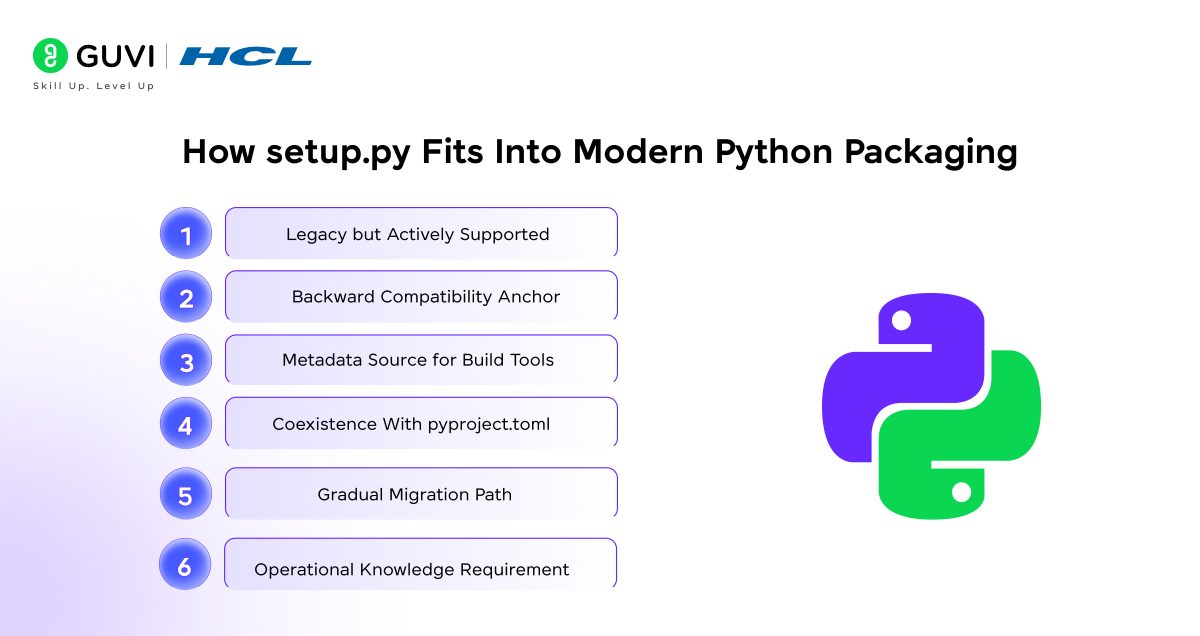
- Legacy but Actively Supported: setup.py remains supported by current packaging tools and is widely used across existing production codebases. Many libraries and internal applications still depend on it for defining packaging behavior.
- Backward Compatibility Anchor: Modern packaging standards maintain compatibility with setup.py to avoid breaking older projects. This compatibility allows teams to maintain and release existing packages without full migration.
- Metadata Source for Build Tools: Build systems continue to read metadata from setup.py when generating distribution artifacts. This metadata drives dependency resolution, versioning, and installation behavior.
- Coexistence With pyproject.toml: setup.py often works alongside pyproject.toml, where build-system configuration moves to the newer format while package metadata remains in setup.py.
- Gradual Migration Path: Many projects retain setup.py during phased adoption of modern packaging standards. This approach reduces risk while preserving production stability.
- Operational Knowledge Requirement: Understanding setup.py remains essential for maintaining, debugging, and releasing Python packages already deployed in production systems.
Build Production-Ready Python Code, from Virtualenvs to CI/CD Publishing. Join HCL GUVI’s IITM Pravartak-Certified Python Course with industry-recognized certification, 100% online self-paced learning, and lifetime access. Learn practical packaging, deployment, and automation skills with 4 gamified platforms, forum support, and affordable fees to become job-ready in Python.
3. Publishing Python Packages
3.1 Publishing Targets and Distribution Scope
- Public registries expose packages to a global dependency ecosystem, which means any publishing mistake propagates immediately to downstream consumers. This wide exposure requires strict control over metadata, versioning, and compatibility.
- Private registries limit distribution to controlled environments, which reduces blast radius while still requiring the same discipline around versioning, dependency resolution, and artifact integrity.
3.2 Python Pre-Publish Readiness Checks
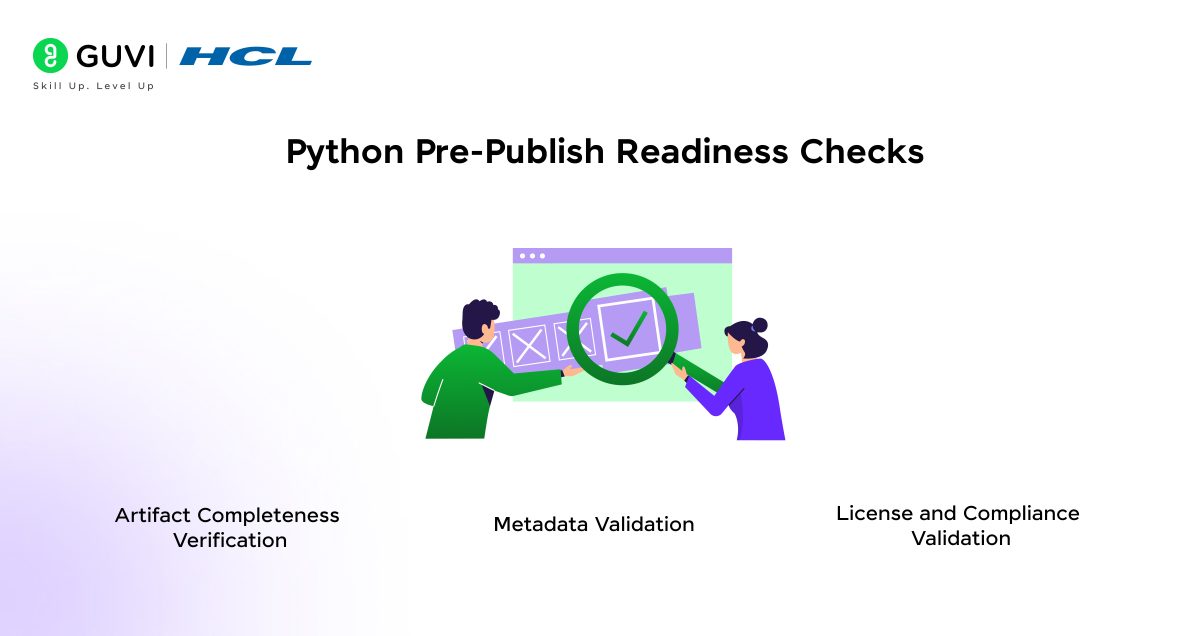
- Artifact completeness must be verified before publishing because missing files or metadata cannot be corrected after release. This verification confirms that code, runtime assets, and packaging configuration align with production expectations.
- Metadata validation follows naturally, since installers and dependency solvers rely entirely on declared metadata for correct resolution. Any mismatch here leads directly to installation or runtime failures.
- License and compliance validation closes this stage, because distribution scope determines legal and operational constraints that cannot be retrofitted post-publish.
3.3 Clean Build and Install Validation
- Isolated build verification ensures artifacts are produced without dependency leakage, which establishes trust in the build output itself.
- Clean install testing then confirms that the artifact can be installed using only published metadata, which proves that no hidden assumptions exist.
- Runtime execution validation completes this chain, because a successful install alone does not guarantee that the package can execute correctly in production environments.
3.4 Versioning and Release Semantics
- Version uniqueness ensures that each release represents a single, traceable state of the codebase, which prevents ambiguity during dependency resolution.
- Immutability guarantees are built on that uniqueness, since published versions must never change once consumed by downstream systems.
- Compatibility signaling connects version numbers to behavior expectations, allowing dependency solvers and consumers to make safe upgrade decisions.
3.5 Authentication and Access Control
- Token-based publishing replaces personal credentials to reduce exposure and centralize control.
- Least-privilege scoping limits the impact of credential compromise, which protects registries from unauthorized releases.
- Credential rotation maintains long-term security, especially for automated CI-based publishing workflows.
3.6 Publishing Automation and CI Integration
- CI-driven releases remove human variability from the publishing process, which improves consistency across releases.
- Controlled release triggers ensure that only validated code paths reach registries, which connect publishing directly to version control discipline.
- Failure handling prevents partial or corrupted releases, which preserves registry integrity.
3.7 Artifact Integrity and Traceability
- Source-to-artifact mapping links each published package to a specific code revision, which supports debugging and audits.
- Build provenance tracking adds context around how artifacts were created, which improves incident analysis.
- Integrity verification confirms that artifacts remain unchanged from build to distribution.
3.8 Post-Publish Validation
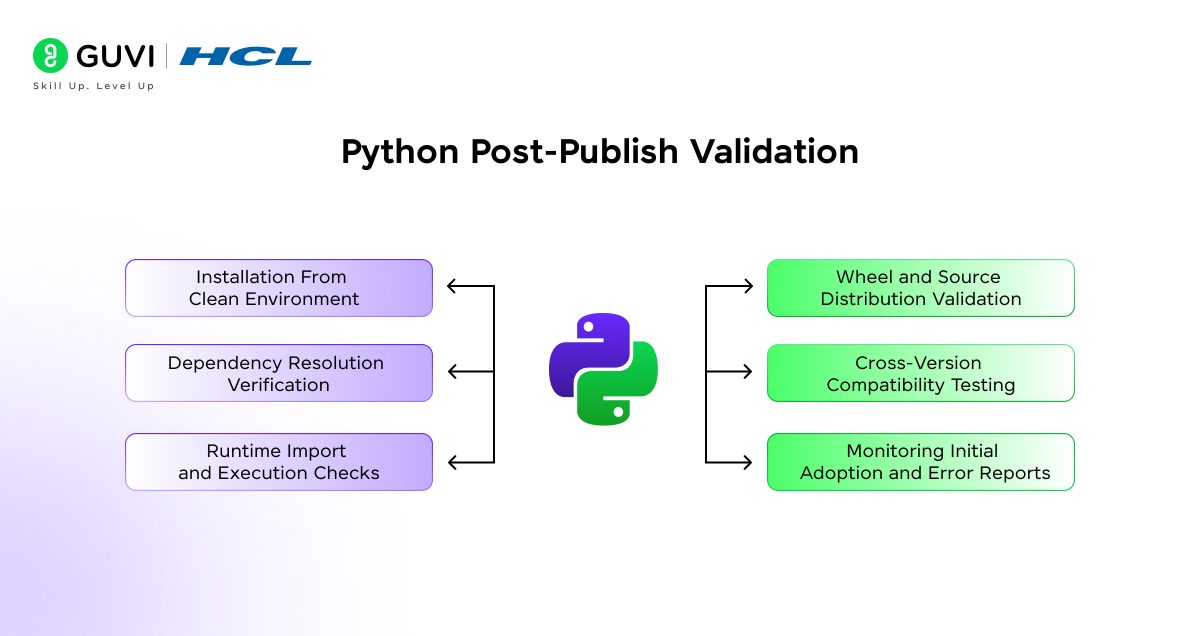
- Registry-based installation testing confirms that the published package is accessible and installable as consumers will experience it.
- Dependency resolution validation ensures that downstream environments can resolve requirements without conflict.
- Entry point and import checks close the loop by verifying that execution surfaces behave as expected after publication.
3.9 Publishing as the Final Production Gate
- Release qualification ties together build, install, and runtime validation into a single decision point.
- Ecosystem stability depends on this discipline, since publishing errors affect more than one environment.
- Long-term maintainability improves when releases remain predictable, traceable, and reversible.
Conclusion: Treat Packaging as Part of Your Architecture
Production stability depends on how Python basics like code is packaged and distributed because packaging decisions directly affect deployment reliability and upgrade safety. These decisions also shape recovery speed during failures, which makes packaging a core architectural responsibility rather than a deployment task. Teams that treat packaging this way ultimately achieve predictable builds and controlled releases over time. This approach supports long-term maintenance and operational confidence as systems grow.
FAQs
Q1. Should production packages vendor dependencies inside the codebase?
Vendoring dependencies inside the repository increases package size and complicates upgrades. Production packaging works best when dependencies are declared explicitly and resolved during installation using controlled environments.
Q2. How should configuration and secrets be handled in packaged Python applications?
Configuration and secrets must remain external to the package. Packaging should assume environment-based configuration or secure injection mechanisms, since embedding secrets in artifacts creates security and rotation risks.
Q3. Is it safe to publish application packages the same way as libraries?
Applications and libraries follow similar packaging mechanics, but applications often require stricter control over entry points, configuration loading, and deployment context. Treating applications like libraries without these considerations leads to runtime failures.
Success Stories

About the Author
Vaishali
I'm a seasoned writer with four years of experience across technical, non-technical, and just about every genre or niche you can imagine. Adaptable and curious, I enjoy exploring new topics and making information engaging and easy to understand. Fueled by a steady stream of tea, I approach each project with creativity, reliability, and genuine enthusiasm for storytelling.
View all posts by Vaishali
Connect with me @










Did you enjoy this article?