


Artificial Intelligence and Machine Learning Articles
How to Evaluate LLM Outputs in Production Deployments
AI/ML Skills Gap 2026: Why Companies Can't Find Job-Ready Talent
20 AI/ML Interview Questions Recruiters Can Use Without a Tech Background - Best Guide
How Industry-Backed AI/ML Bootcamps Are Changing the AI/ML Hiring Pipeline - Best Guide 2026


Get In Touch For Details! Request More Information

How to Set Up Supabase Authentication: Secure, Scalable Login Without the Complexity
Sep 03, 2026 4 Min Read 2344 Views
(Last Updated)
Ever wondered why authentication is often the most fragile yet critical part of an application? A single flaw can expose user data, break trust, and compromise the entire system. Yet, building a secure authentication flow from scratch is complex and time-consuming. This is where Supabase Authentication offers a practical advantage. It combines user management, session handling, and database-level security into a unified system that developers can implement quickly.
Want to implement secure, scalable authentication without the usual complexity? Keep reading this blog to learn how to set up Supabase Authentication step by step and build production-ready login systems with ease.
Quick Answer:
Supabase Authentication enables secure, scalable login using user management, JWT sessions, OAuth, and RLS. Set it up by creating a project, initializing the client, enabling providers, configuring redirects, implementing sign-up/login, managing sessions, enforcing RLS, structuring user tables, and applying advanced security controls.
Table of contents
- What is Supabase Authentication?
- Is Supabase Authentication Safe?
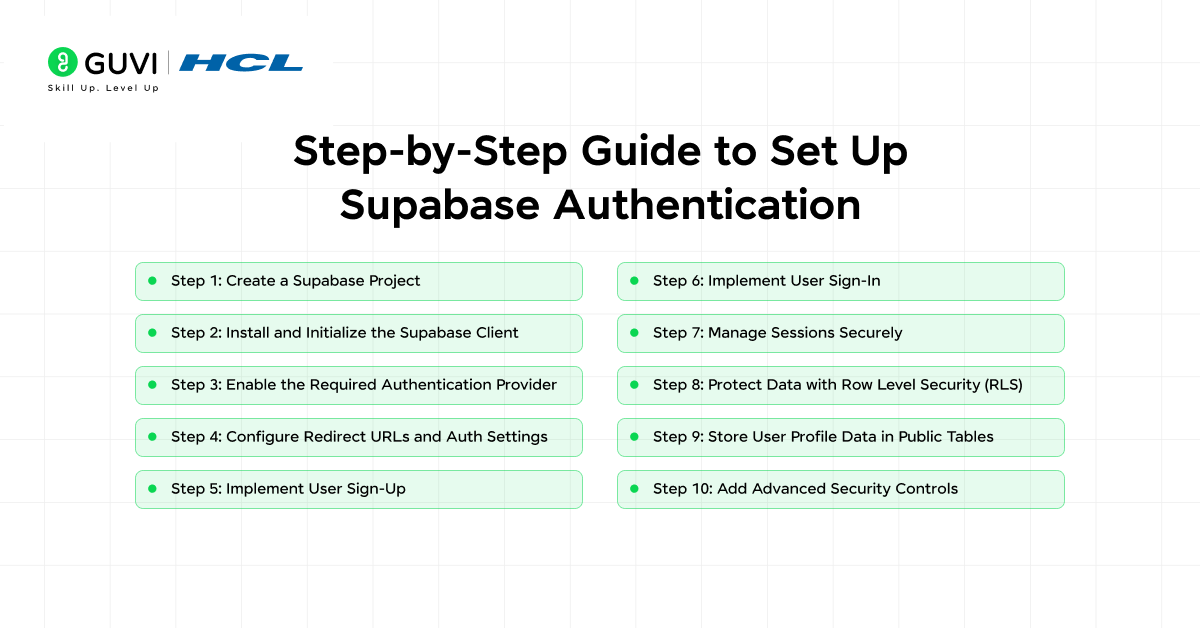
- Step-by-Step Guide to Set Up Supabase Authentication
- Step 1: Create a Supabase Project
- Step 2: Install and Initialize the Supabase Client
- Step 3: Enable the Required Authentication Provider
- Step 4: Configure Redirect URLs and Auth Settings
- Step 5: Implement User Sign-Up
- Step 6: Implement User Sign-In
- Step 7: Manage Sessions Securely
- Step 8: Protect Data with Row Level Security (RLS)
- Step 9: Store User Profile Data in Public Tables
- Step 10: Add Advanced Security Controls
- Best Practices for Supabase Authentication
- Conclusion
- FAQs
- Does Supabase Authentication support social login providers?
- Can Supabase Authentication be used with frontend frameworks like React or Next.js?
- Is Supabase Authentication suitable for production applications?
What is Supabase Authentication?
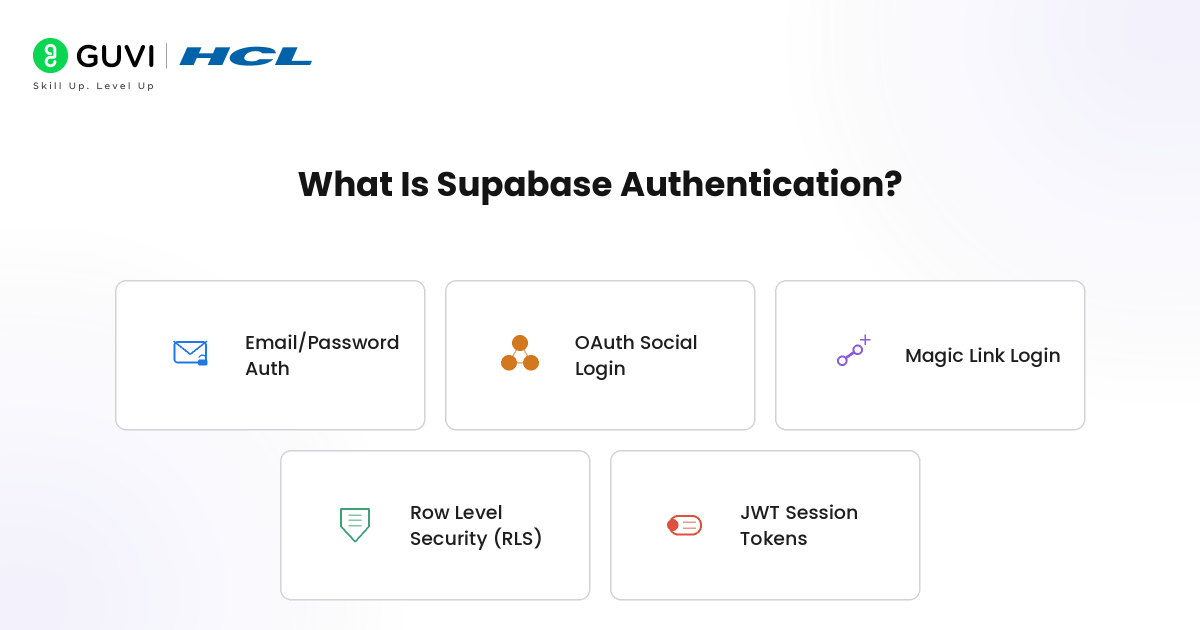
Supabase Authentication is a fully managed user authentication and authorization system built on top of PostgreSQL and powered by GoTrue. It enables developers to implement secure login flows using email and password, magic links, or third-party OAuth providers like Google and GitHub without building a custom backend. The system uses JSON Web Tokens (JWT) for session management and integrates directly with Supabase’s database layer, allowing seamless enforcement of Row Level Security (RLS) policies.
Is Supabase Authentication Safe?
Yes, Supabase Authentication is safe because it has the following features:
- Built on industry-standard JWT-based authentication for secure session handling
- Uses OAuth 2.0 and OpenID Connect for trusted third-party logins
- Supports Row Level Security (RLS) to control database access at a granular level
- Provides secure password hashing using modern cryptographic algorithms
- Enables email verification and magic link login to reduce password risks
- Allows multi-factor authentication (MFA) for added security layers
- Offers role-based access control (RBAC) for managing user permissions
- Ensures HTTPS-based data transmission to prevent interception
- Includes session management and token refresh mechanisms
- Regularly maintained and updated by Supabase for security compliance
Step-by-Step Guide to Set Up Supabase Authentication
Step 1: Create a Supabase Project
Start by creating a project in the Supabase dashboard. Each project includes a managed PostgreSQL database and a dedicated auth schema for user management. After setup, copy your Project URL and anon (public) key, as these are required to initialize the client. Supabase tightly integrates authentication with the database, enabling direct use of authenticated sessions with Postgres-backed access control.
Step 2: Install and Initialize the Supabase Client
Install the official SDK and initialize the client using your credentials. This SDK acts as the unified interface for authentication, database queries, storage, and realtime features.
npm install @supabase/supabase-js

import { createClient } from '@supabase/supabase-js'

const supabaseUrl = 'https://your-project-url.supabase.co'

const supabaseAnonKey = 'your-anon-key'

export const supabase = createClient(supabaseUrl, supabaseAnonKey)
In frontend apps, the anon key is safe only when Row Level Security (RLS) is properly configured.
Step 3: Enable the Required Authentication Provider
Navigate to Authentication → Providers in the dashboard and enable your preferred login method. Supabase supports:
- Email/password
- Magic links (passwordless)
- OTP authentication
- OAuth (Google, GitHub)
- Phone authentication
- SSO and MFA
For most applications, email/password authentication is the starting point, with optional expansion into OAuth or passwordless flows.
Step 4: Configure Redirect URLs and Auth Settings
Set your Site URL and Redirect URLs correctly. These determine where users are redirected after:
- Sign-up confirmation
- Login
- Password reset
- OAuth callbacks
Incorrect configuration here is a common failure point, especially in production environments.
Step 5: Implement User Sign-Up
Use the Supabase client to register users. This creates a user in the auth.users table and can trigger email verification.
const { data, error } = await supabase.auth.signUp({

  email: '[email protected]',

  password: 'securePassword123',

  options: {

    data: {

      full_name: 'John Doe'

    }

  }

})
Supabase supports secure flows like PKCE, making it safe for public client environments while allowing metadata attachment.
Step 6: Implement User Sign-In
Authenticate users using the appropriate method. For email/password:
const { data, error } = await supabase.auth.signInWithPassword({

  email: '[email protected]',

  password: 'securePassword123'

})
On success, Supabase returns a session with access and refresh tokens, enabling authenticated requests. OAuth flows are handled automatically by Supabase’s hosted auth system.

Step 7: Manage Sessions Securely
Supabase uses JWT-based sessions and provides built-in state management. You can retrieve and monitor session changes like this:
const { data: { session } } = await supabase.auth.getSession()

supabase.auth.onAuthStateChange((event, session) => {

  console.log(event, session)

})
For server-side apps, use @supabase/ssr with cookie-based session handling to securely manage authentication across server and client environments.
Build secure, scalable applications beyond authentication setup with industry-ready AI and development skills. Join HCL GUVI’s Artificial Intelligence and Machine Learning Course to learn through live online classes by industry experts and Intel engineers, master Python, ML, MLOps, Generative AI, and Agentic AI, and gain hands-on experience with 20+ industry-grade projects, 1:1 doubt sessions, and placement support with 1000+ hiring partners.
Step 8: Protect Data with Row Level Security (RLS)
Authentication verifies identity, but authorization is enforced via RLS. Enable RLS on your tables and define policies:
-- Enable RLS

ALTER TABLE profiles ENABLE ROW LEVEL SECURITY;

-- Policy: Users can access their own data

CREATE POLICY "Users can view their own profile"

ON profiles

FOR SELECT

USING (auth.uid() = user_id);
Without RLS, authenticated users may still have unrestricted access, making this step critical.
Step 9: Store User Profile Data in Public Tables
Supabase stores auth data in auth.users, which is not directly exposed. For application-specific data, create a separate table:
CREATE TABLE profiles (

  id uuid REFERENCES auth.users(id),

  full_name text,

  PRIMARY KEY (id)

);
Link this table to auth.users and apply RLS policies so users can manage only their own data. This ensures a clean separation between authentication and application logic.
Step 10: Add Advanced Security Controls
Once the core setup is complete, enhance security by enabling:
- Email verification
- Strong password policies
- Multi-Factor Authentication (MFA)
- OAuth provider restrictions
Supabase securely hashes passwords using bcrypt and supports modern authentication flows like passwordless login. For production, combine this with HTTPS, strict redirect handling, and least-privilege RLS policies.
Best Practices for Supabase Authentication
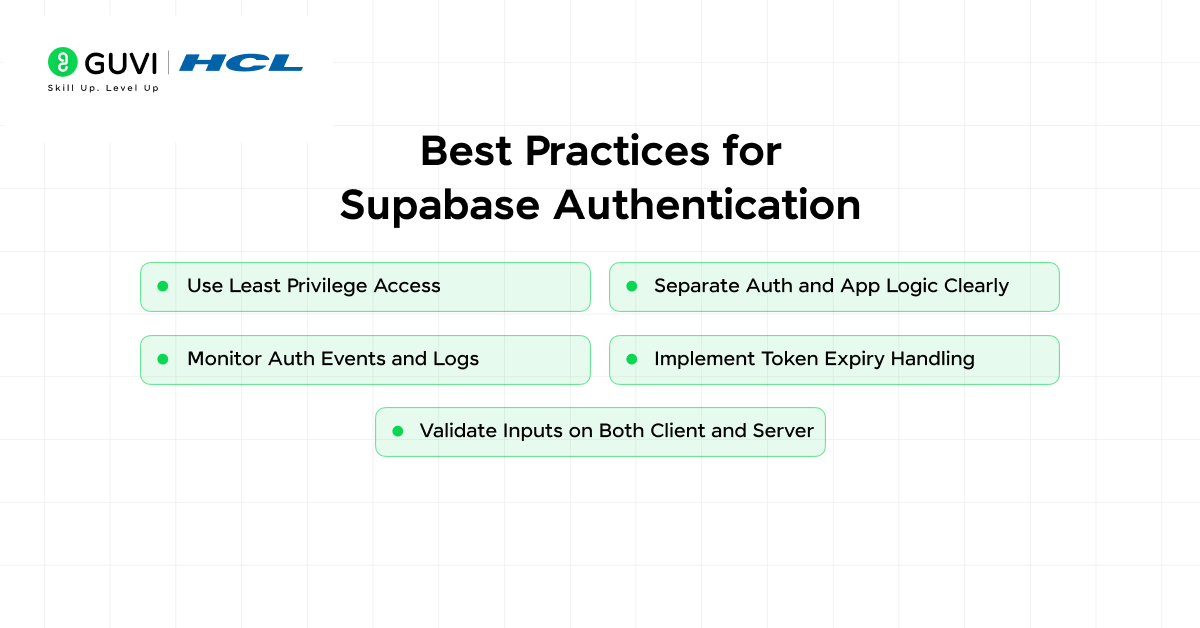
- Use Least Privilege Access: Design your access policies so users only get the minimum permissions required. This reduces the risk of unintended data exposure.
- Separate Auth and App Logic Clearly: Keep authentication data and application-specific data in different tables to maintain clean architecture and better scalability.
- Monitor Auth Events and Logs: Track login attempts, failures, and unusual activity to detect potential security threats early.
- Implement Token Expiry Handling: Always handle token expiration and refresh flows properly to avoid broken sessions and security gaps.
- Validate Inputs on Both Client and Server: Never rely only on frontend validation. Ensure all auth-related inputs are validated securely at multiple levels.
Conclusion
Supabase Authentication simplifies one of the most critical parts of application development by combining security, scalability, and ease of use into a single system. By leveraging JWT-based sessions, OAuth integrations, and Row Level Security, it ensures both authentication and fine-grained authorization are handled efficiently. Overall, Supabase allows developers to focus on building products while maintaining strong, production-ready security standards.
FAQs
Does Supabase Authentication support social login providers?
Yes, Supabase Authentication supports multiple social login providers such as Google, GitHub, and more through OAuth integrations. This allows developers to offer seamless third-party login options without handling complex authentication flows manually.
Can Supabase Authentication be used with frontend frameworks like React or Next.js?
Supabase Authentication integrates easily with modern frontend frameworks like React and Next.js using its JavaScript SDK. It supports client-side and server-side authentication flows, making it suitable for both single-page applications and server-rendered apps.
Is Supabase Authentication suitable for production applications?
Yes, Supabase Authentication is production-ready and designed to scale with modern applications. It includes features like session management, token refresh, secure APIs, and database-level access control, making it reliable for real-world deployment scenarios.
Success Stories

About the Author
Vaishali
I'm a seasoned writer with four years of experience across technical, non-technical, and just about every genre or niche you can imagine. Adaptable and curious, I enjoy exploring new topics and making information engaging and easy to understand. Fueled by a steady stream of tea, I approach each project with creativity, reliability, and genuine enthusiasm for storytelling.
View all posts by Vaishali
Connect with me @













Did you enjoy this article?