


Software Development Articles
My Google SDE Interview Experience: From Rejection to Selection [2026 Success Story]
Apple Interview Experience for Software Developers: What to Expect
Decoding Differences between Network OS and Distributed OS
Operating System Examples: Top OS Types, Features, and Uses Explained


Get In Touch For Details! Request More Information
Agile vs. Waterfall: What is the Difference?
Oct 07, 2025 5 Min Read 1141 Views
(Last Updated)
What happens when we compare two of the most widely used project management methods? Agile vs. Waterfall has become one of the most debated topics for teams deciding how to plan and deliver work. Agile focuses on flexibility and incremental progress, while Waterfall follows a clear sequence of structured stages. Knowing the difference between the two can help you select the right path for your team’s goals and challenges.
Keep reading to learn how Agile vs. Waterfall stack up and which approach could be the better fit for your next project.
- 91% of organizations say adopting Agile is a strategic priority for them.
- 93% of companies using Agile report higher levels of customer satisfaction.
- Hybrid project delivery—mixing Agile with traditional methods—is used by about 60% of project managers.
Table of contents
- Part 1) The First Attempt: Facing Rejection In My SDE Interview Experience
- 1) How I Applied And What Went Wrong
- 2) Mistakes I Made In My First Google SDE Interview
- 3) What I Learned From The Rejection
- Part 2) My Preparation Strategy After Rejection
- 1) Revisiting DSA Fundamentals
- 2) Mock Interviews And Peer Feedback
- 3) System Design And Behavioral Prep
- 4) Resources I Used For Consistent Practice
- Part 3) The Second Attempt: My Google SDE Interview Experience
- 1) Online Assessment: DSA And Work Simulation
- 2) Technical Round 1: Graphs And Edge Cases
- 3) Technical Round 2: Arrays And Optimization
- 4) System Design Round: Designing A Scalable Service
- 5) Behavioral Round: Leadership And Ownership Stories
- Part 4) Key Takeaways and Advice for Future Candidates
- 1) Focus On Problem-Solving Patterns, Not Just Problems
- 2) Use The STAR Method For Behavioral Questions
- 3) Stay Calm And Communicate Clearly During Interviews
- 4) Don't Fear Rejection — Use It As A Learning Tool
- Concluding Thoughts…
- FAQs
- Q1. How long should I prepare for a Google SDE interview?
- Q2. What are some common mistakes to avoid in a Google SDE interview?
- Q3. How important is the STAR method for behavioral questions?
- Q4. What should I focus on when preparing for technical rounds?
- Q5. How should I handle rejection from Google?
What is Agile Methodology?
Agile methodology in software development is a project management approach that focuses on adaptability and steady progress through short cycles known as sprints. Teams work in close collaboration and adjust plans based on feedback from stakeholders and end users. This creates space to respond to changes in requirements without disrupting the entire project. Agile values working solutions over excessive documentation, and it emphasizes communication between cross-functional teams.
Stages of Agile Methodology
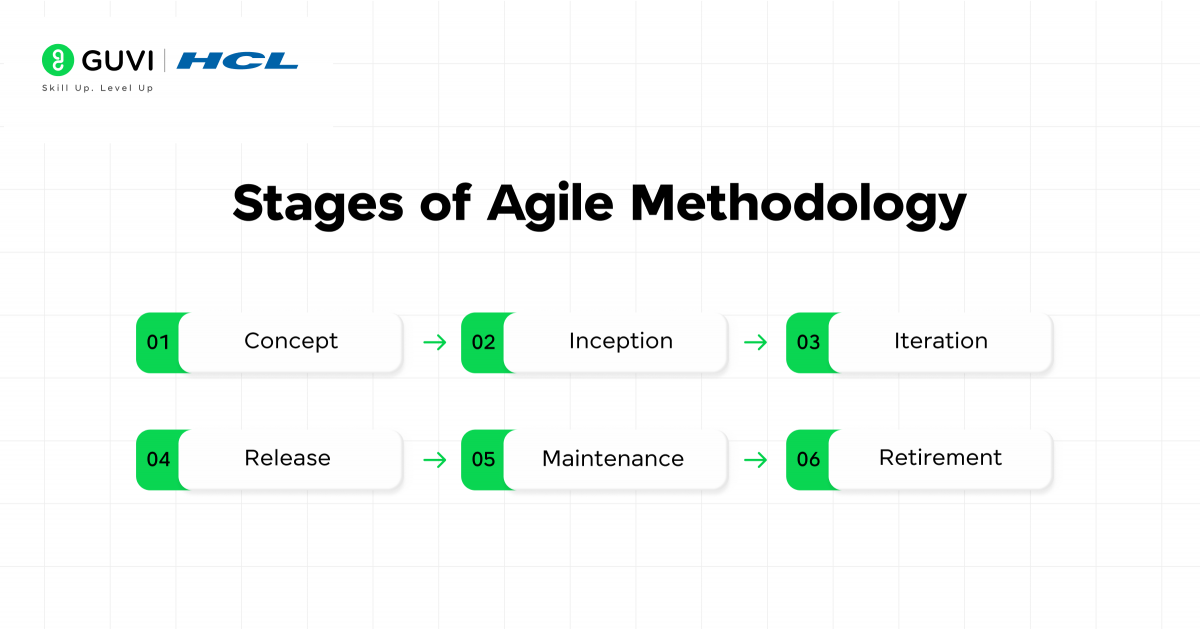
Stage 1: Concept
The project vision is defined, and high-level goals are outlined. Teams work with stakeholders to capture the initial idea, identify the target audience, and clarify the expected value.
Stage 2: Inception
Roles are assigned, the first backlog is created, and the initial release plan is drafted. Teams decide how they will collaborate and what tools they will use.
Stage 3: Iteration
Work is carried out in short cycles called sprints. Each sprint focuses on delivering usable features, with daily stand-ups to track progress and remove blockers.
Stage 4: Release
The product is tested, refined, and prepared for delivery. Feedback from stakeholders shapes the final touches before deployment.
Stage 5: Maintenance
After release, the product continues to evolve through updates, bug fixes, and feature improvements. Feedback loops remain active.
Stage 6: Retirement
When the product is no longer valuable or needs replacement, it is phased out with careful planning to transition users.
Agile Tools
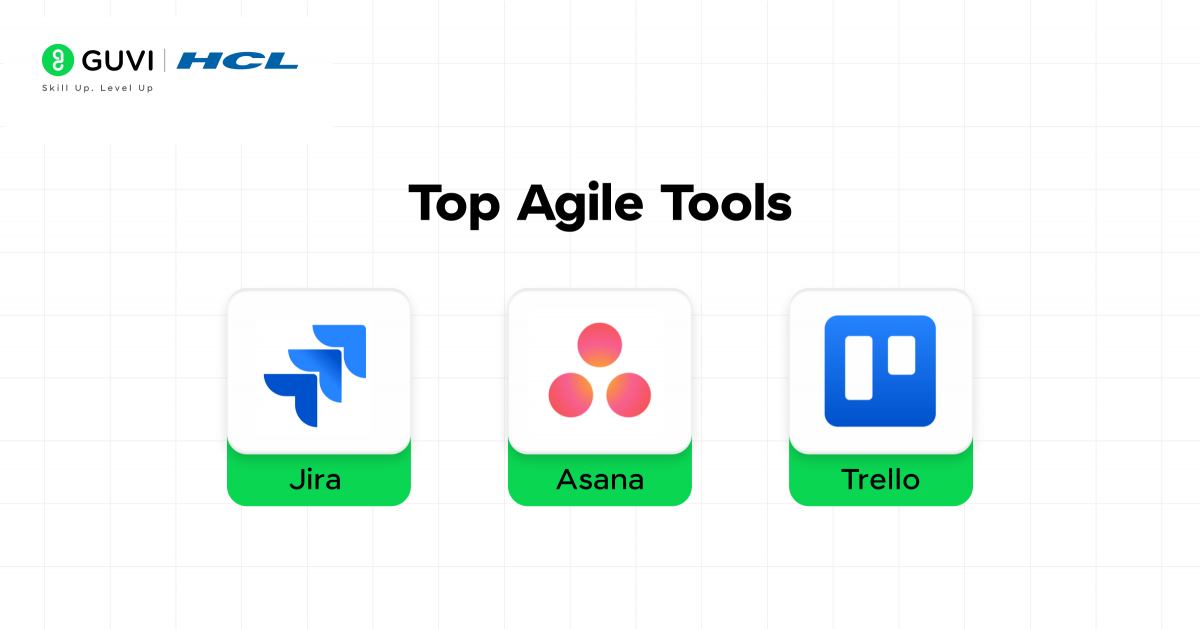
1. Jira
Top Features
- Sprint planning and backlog management for Agile workflows
- Customizable Scrum and Kanban boards
- Real-time reporting with burndown charts and velocity tracking
- Integration with developer tools like Bitbucket and GitHub
Pricing
- Free (up to 10 users)
- Standard: ₹663/user/month
- Premium: ₹1,192/user/month
- Enterprise: Custom

2. Trello
Top Features
- Visual Kanban boards for task management
- Drag-and-drop interface for organizing workflows
- Power-Ups to integrate with apps like Slack and Google Drive
- Checklists and automation through Butler
Pricing
- Free plan with basic boards and lists
- Standard: ₹440/user/month
- Premium: ₹881/user/month
- Enterprise: ₹1,542/user/month
3. Asana
Top Features
- Timeline view for tracking dependencies
- Task assignments and due dates for accountability
- Custom workflows to suit different Agile practices
- Advanced reporting dashboards for project insights
Pricing
- Free plan for individuals and small teams
- Premium: ₹968/user/month
- Business: ₹2,201/user/month
- Enterprise: Custom pricing available
Advantages of Agile Methodology
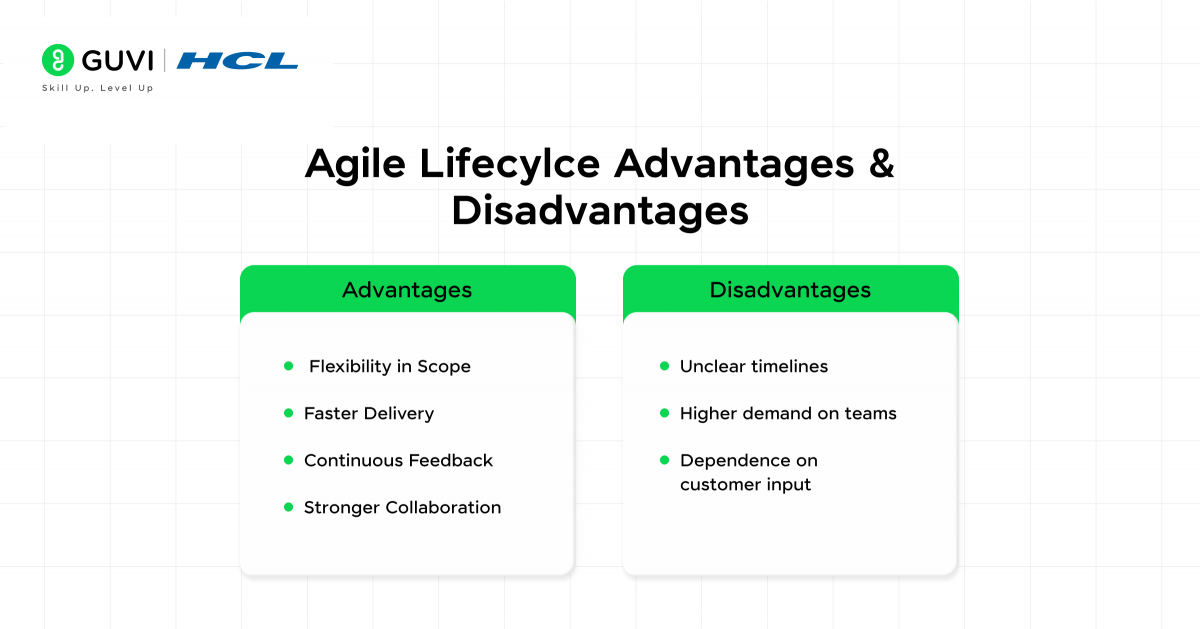
1. Flexibility in Scope
Agile in software development allows teams to adapt to new information or changes in business priorities without disrupting the entire project. Adjustments are made through short cycles, which helps maintain progress while aligning the work with evolving goals. This flexibility makes Agile a strong fit for industries where innovation and customer needs shift quickly
2. Faster Delivery
Projects are broken down into smaller increments that are delivered at regular intervals. Each release provides value to users earlier in the timeline, which means they benefit from features before the project is complete. This also gives teams a chance to validate their work sooner rather than waiting until the final stage.
3. Continuous Feedback
Stakeholders are involved throughout the project, providing input at each stage of development. Regular feedback helps refine priorities and ensure that the solution meets actual needs. This reduces the risk of building features that add little value or miss the intended purpose.
4. Stronger Collaboration
Agile promotes close interaction between cross-functional teams, which includes developers, testers, designers, and product owners. Daily communication builds shared understanding and faster problem-solving. This collaboration creates accountability across the team and helps keep everyone aligned on goals.
Disadvantages of Agile Methodology
- Unclear timelines: Projects may extend longer than expected because scope can change during development.
- Higher demand on teams: Continuous collaboration and rapid cycles require consistent involvement from all members.
- Dependence on customer input: Progress relies on frequent feedback, which can slow delivery if stakeholders are unavailable.
What is Waterfall Methodology?
Waterfall methodology is a traditional project management approach that organizes work into a sequence of clearly defined stages. Each stage must be completed before the next begins, which creates a structured flow from requirements to design, development, testing, and final delivery. The method relies heavily on upfront planning and thorough documentation.
Stages of Waterfall Methodology
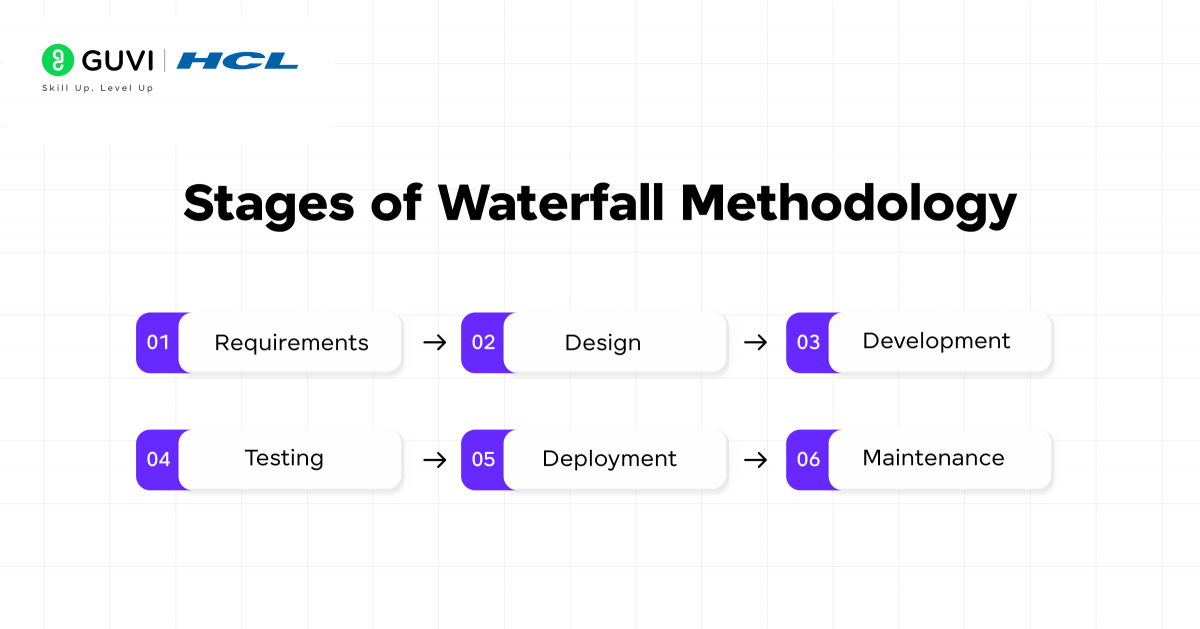
Stage 1: Requirements
Detailed requirements are gathered from stakeholders. Every feature, specification, and outcome is documented before moving forward.
Stage 2: Design
Architects and engineers create a full blueprint. This includes system design, interface details, and data models, leaving little room for mid-project changes.
Stage 3: Development
Developers build the system based strictly on the approved design. Code is written and integrated in line with the documented requirements.
Stage 4: Testing
The complete product undergoes quality checks. Testers identify bugs, performance issues, or gaps between requirements and delivery.
Stage 5: Deployment
The finished solution is delivered to the client or end users. Since Waterfall releases happen at the end, this stage marks the first time users interact with the full product.
Stage 6: Maintenance
The product enters long-term support. Updates, patches, and small enhancements are provided, but the all-around structure remains stable.
Waterfall Tools
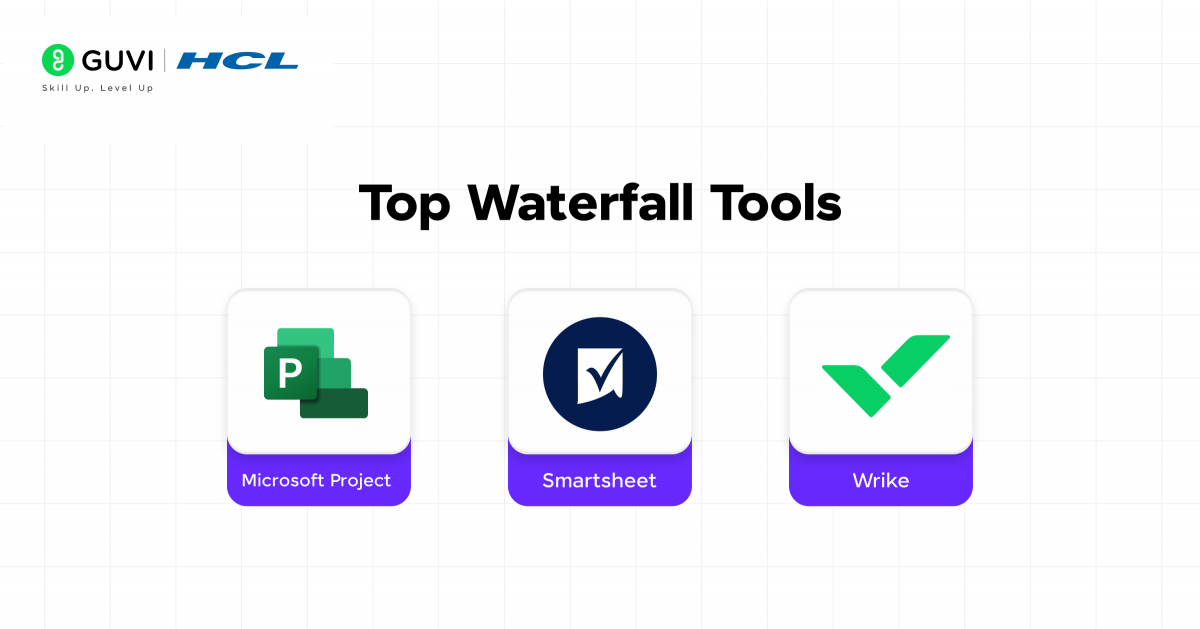
1. Microsoft Project
Top Features
- Gantt charts for detailed project planning
- Resource allocation and workload management
- Timeline visualization for tracking milestones
- Integration with Microsoft 365 applications
Pricing
- Project Plan 1: ₹881/user/month
- Project Plan 3: ₹2,643/user/month
- Project Plan 5: ₹4,845/user/month
2. Smartsheet
Top Features
- Spreadsheet-style project tracking with Gantt views
- Built-in templates for project documentation
- Automated workflows for approvals and updates
- Real-time collaboration with role-based permissions
Pricing
- Pro: ₹617/user/month
- Business: ₹2,203/user/month
- Enterprise: Custom pricing available
3. Wrike
Top Features
- Detailed task dependencies and critical path analysis
- Gantt charts for visualizing sequential progress
- Time tracking and workload management
- Secure file sharing and document versioning
Pricing
- Free plan for small teams
- Team: ₹863/user/month
- Business: ₹2,183/user/month
- Enterprise: Custom pricing available
Advantages of the Waterfall Methodology
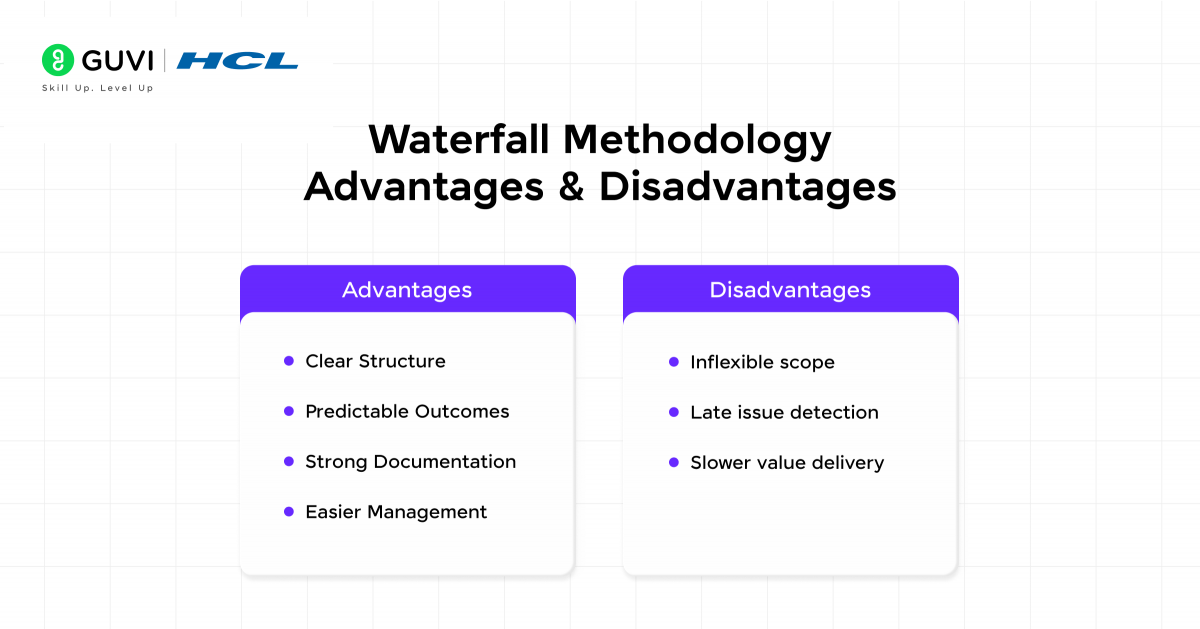
1. Clear Structure
Waterfall follows a strict sequence where each stage has a defined start and finish. This clarity makes the process easy to understand and manage, even for teams with limited project management experience. The step-by-step flow also reduces confusion about roles and responsibilities.
2. Predictable Outcomes
Requirements are fixed at the start of the project, and detailed planning guides execution. This reduces uncertainty in what will be delivered and gives stakeholders confidence that outcomes will match the initial vision. Predictability makes it well-suited for projects where compliance or regulations demand precise results.
3. Strong Documentation
Each phase produces thorough documentation, including requirements, design specifications, and test results. These records create a reliable reference for future maintenance and support. Strong documentation also ensures continuity if team members change during the project.
4. Easier Management
The milestone-driven approach allows managers to track progress with clarity. Each phase acts as a checkpoint, which simplifies oversight and reporting. This structure makes it easier to identify delays and hold teams accountable for meeting deadlines.
Disadvantages of the Waterfall Methodology
- Inflexible scope: Once requirements are set, changes are difficult to introduce.
- Late issue detection: Problems often surface during the testing phase, which increases rework.
- Slower value delivery: Users must wait until the end to see the complete product.
Also, Read: AI in Software Development: How it Transforms Coding?
Kickstart your tech career with our Software Development Course, certified by IITM Pravartak! Gain dual expertise in Artificial Intelligence and Full Stack Development, work on real-world projects, learn with 1:1 mentorship, and secure your dream job with 100% placement support. Enroll today and become the job-ready AI engineer every company is looking for.
Agile vs. Waterfall: Comparison Table
| Factor | Agile Methodology | Waterfall Methodology |
| Approach | Iterative and incremental | Linear and sequential |
| Flexibility | High: Requirements can change during the project | Low: Requirements are fixed from the start |
| Delivery | Limited feedback until the final stages | Final product delivered at the end |
| Feedback | Continuous stakeholder involvement | Limited feedback until final stages |
| Documentation | Focused on essentials to support collaboration | Comprehensive documentation at every phase |
| Risk Management | Issues identified early through short cycles | Risks often surface late, usually during testing |
| Best Fit For | Projects with evolving needs and active stakeholder engagement | Projects with stable requirements and clear expectations |
| Testing | Conducted throughout development | Conducted after the build phase |
| Team Collaboration | Strong emphasis on cross-functional teamwork | Defined roles with less day-to-day collaboration |
Also, read: How to Become a Software Developer? A Step-by-Step Guide
Agile vs. Waterfall: Which You Should Use?
Selecting between Agile and Waterfall within the Software Development Life Cycle (SDLC) depends on how stable the requirements are, how much flexibility the project demands, and what the stakeholders value most. Both approaches can deliver successful results, but the right choice comes down to context.
When Does Waterfall Fit Best?
Waterfall is most effective for projects where requirements are clear at the beginning and unlikely to change. Its linear flow: requirements, design, development, testing, and deployment, brings predictability and structured control. This makes it a strong fit for industries like aerospace, government, and construction, where compliance, documentation, and safety are top priorities. In these cases, the cost of errors late in the process is too high to risk frequent changes.
When Agile Is the Better Choice?
Agile thrives in environments where customer needs, technology, or market conditions evolve quickly. The SDLC under Agile runs in short cycles, called sprints, which deliver working features regularly. Feedback from users and stakeholders shapes the next iteration, which keeps the product relevant and valuable. Agile is well-suited to software development, digital platforms, and fast-moving industries where adaptability is more important than rigid planning.
Final Words
Waterfall provides stability and control, which makes it effective for projects where requirements are well defined and unlikely to shift. Agile delivers flexibility and continuous improvement, which makes it better suited for projects that demand adaptability and regular customer input.
The decision should always align with the project’s goals and the clarity of requirements. It should also meet the expectations of stakeholders. Teams can increase their chances of delivering successful outcomes on time and with greater value by matching the methodology to the context.
FAQs
1. Can Agile and Waterfall be combined in the same project?
Yes, many organizations adopt a hybrid approach, sometimes called “Wagile” or “Agifall.” This means using Waterfall for stages that need strong documentation and approvals, such as compliance and planning, while applying Agile for development and testing. This mix helps teams balance flexibility with structure.
2. Which methodology is easier for distributed or remote teams?
Agile can be more effective for distributed teams because it emphasizes regular communication through daily stand-ups, sprint reviews, and digital collaboration tools. However, it requires a higher level of commitment from all members. Waterfall may be simpler for teams spread across different time zones if they prefer fixed timelines and fewer check-ins.
3. How do costs compare between Agile and Waterfall projects?
Waterfall often provides clearer upfront cost estimates since requirements and designs are locked early. Agile projects may start with a rough estimate but can shift in cost as the scope evolves. While Agile may appear less predictable, it reduces the risk of building features that users do not need, which can save money in the long run.
Success Stories

About the Author
Vaishali
I'm a seasoned writer with four years of experience across technical, non-technical, and just about every genre or niche you can imagine. Adaptable and curious, I enjoy exploring new topics and making information engaging and easy to understand. Fueled by a steady stream of tea, I approach each project with creativity, reliability, and genuine enthusiasm for storytelling.
View all posts by Vaishali
Connect with me @














Did you enjoy this article?