


Python Articles
Freelancing as a Python Developer: Getting Your First Client
Common Python Mistakes Beginners Make And How to Fix Them
Python Best Practices: Writing Clean, Maintainable Code Like a Pro
How to Build a Python Developer Portfolio That Gets You Hired


Get In Touch For Details! Request More Information
What Is pip in Python? A Complete Beginner-Friendly Guide
Mar 31, 2026 7 Min Read 2493 Views
(Last Updated)
Ever wondered how Python projects pull in thousands of powerful libraries with just a single command? Every serious Python application relies on external packages for core functionality, and manual dependency management quickly becomes unmanageable. pip exists to solve this exact problem by acting as Python’s standard package manager. It connects projects to a structured ecosystem of reusable libraries, version controls, and dependency rules. Understanding pip is essential for writing reliable Python code, maintaining stable environments, and scaling applications from local development to production systems.
Read the full blog to understand what pip is, how it works, why it matters, and how to use it correctly in real-world Python projects.
- The Python Package Index (PyPI) is the official public repository for Python software and hosts more than 500,000 packages as of 2026.
- According to the 2025 Stack Overflow Developer Survey, Python is reported as the primary programming language by 66% of data science professionals.
- Around 90% of data science professionals report using Python on a regular basis.
Quick Answer: pip is Python’s default package manager that installs, upgrades, and removes libraries from PyPI. It speeds development, manages versions, resolves dependencies, supports virtual environments, ensures reproducibility with requirements files, and suits web, data, scripting, and library workflows, while conda helps when system-level binaries are needed.
Table of contents
- What is pip in Python?
- Why Is pip Important in Python Development?
- When Should You Use pip?
- What is PyPI and how does pip use it?
- Understanding PyPI
- pip’s interaction with PyPI
- How does pip work in Python?
- Connection to the Python Package Index (PyPI)
- Downloading, installing, and resolving dependencies
- Where pip installs packages locally
- How to Install pip in Python?
- Installing pip on Windows
- Installing pip on macOS
- How to Check If pip Is Installed?
- Common pip Commands You Should Know
- pip vs Conda vs Other Package Managers
- pip vs conda
- When to use pip
- When pip may be less suitable?
- pip vs Conda vs Other Package Managers: A Comparison
- Common pip Errors and How to Fix Them
- Limitations of pip
- Best Practices for Using pip
- Future of pip in the Python Ecosystem
- Conclusion
- FAQs
- Is pip Safe to Use?
- Is pip Included With Python?
- What Is the Difference Between pip and pip3?
- Can pip Install Multiple Packages at Once?
- Where Does pip Install Packages?
- What Are Requirements Files in pip?
What is pip in Python?
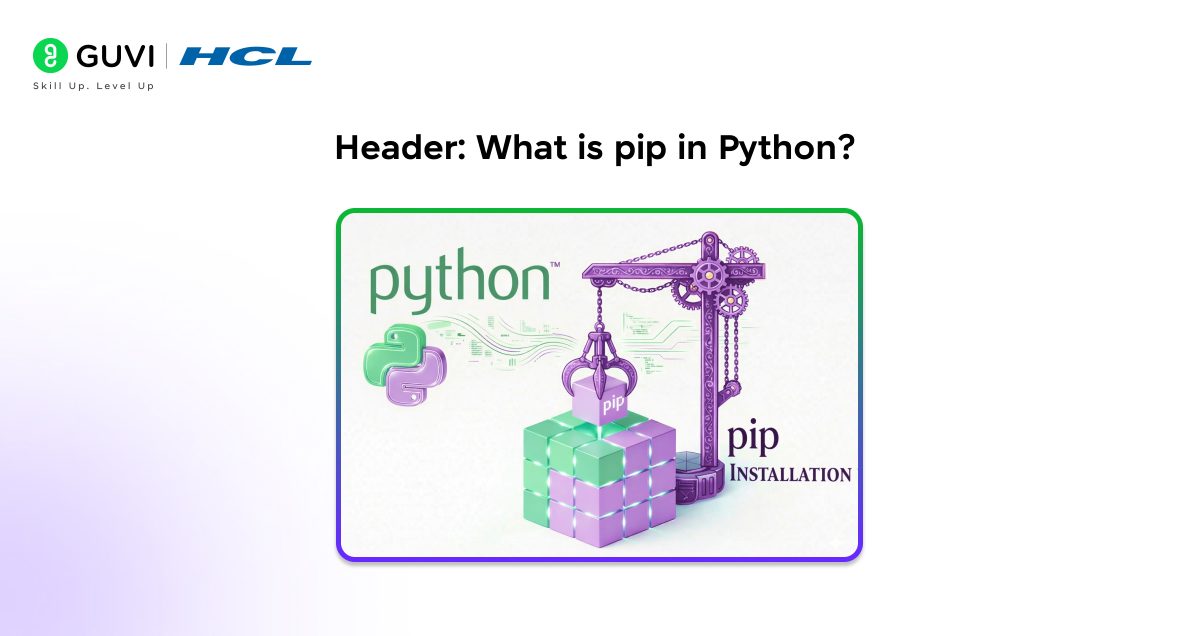
pip in Python is the Python Package Installer, which serves as the default package management system used to install, upgrade, configure, and remove external libraries required by Python applications. The term pip stands for Python Package Installer and reflects its core role of handling third-party packages distributed through the Python Package Index and other compliant repositories. pip operates as a command-line tool that resolves dependency relationships, downloads compatible package distributions, and installs them into the appropriate Python environment. As Python’s standard package manager, pip integrates directly with the Python runtime and virtual environments.
Why Is pip Important in Python Development?
- Reusing open-source Python libraries: pip provides direct access to a vast ecosystem of open-source Python libraries, which allows developers to integrate tested and community-maintained functionality instead of building features from scratch.
- Faster development and cleaner code: pip accelerates development by making external functionality readily available through installable packages. It reduces code duplication and keeps application logic focused and maintainable.
- Dependency management and version control: pip manages package versions and dependency relationships. It maintains compatibility between libraries and prevents unexpected behavior caused by uncontrolled upgrades.
- Environment consistency across systems: pip supports reproducible environments through version pinning and requirements files. It further ensures consistent behavior across development, testing, and production systems.
- Integration with Python tooling: pip integrates with virtual environments and standard Python workflows. This seamless integration supports structured dependency management within modern development pipelines.
When Should You Use pip?
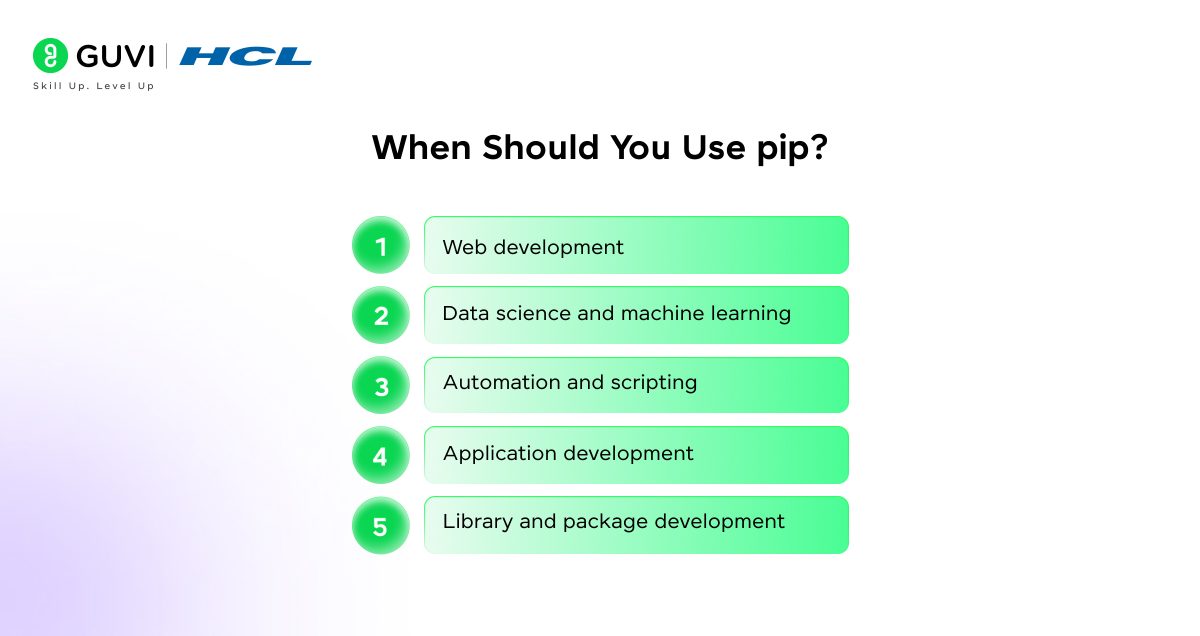
- Web development: pip suits web applications built with Python frameworks, where dependencies are primarily Python-based and align with standard packaging conventions.
- Data science and machine learning: pip supports data analysis and machine learning projects that rely on Python libraries distributed through the Python Package Index, especially when used inside isolated environments.
- Automation and scripting: pip fits automation and scripting tasks that require lightweight dependency installation without complex environment orchestration.
- Application development: pip works well for building Python applications and services that require controlled dependency management and straightforward deployment.
- Library and package development: pip supports developers who create and distribute Python libraries, which aligns packaging workflows with community standards.
What is PyPI and how does pip use it?
Understanding PyPI
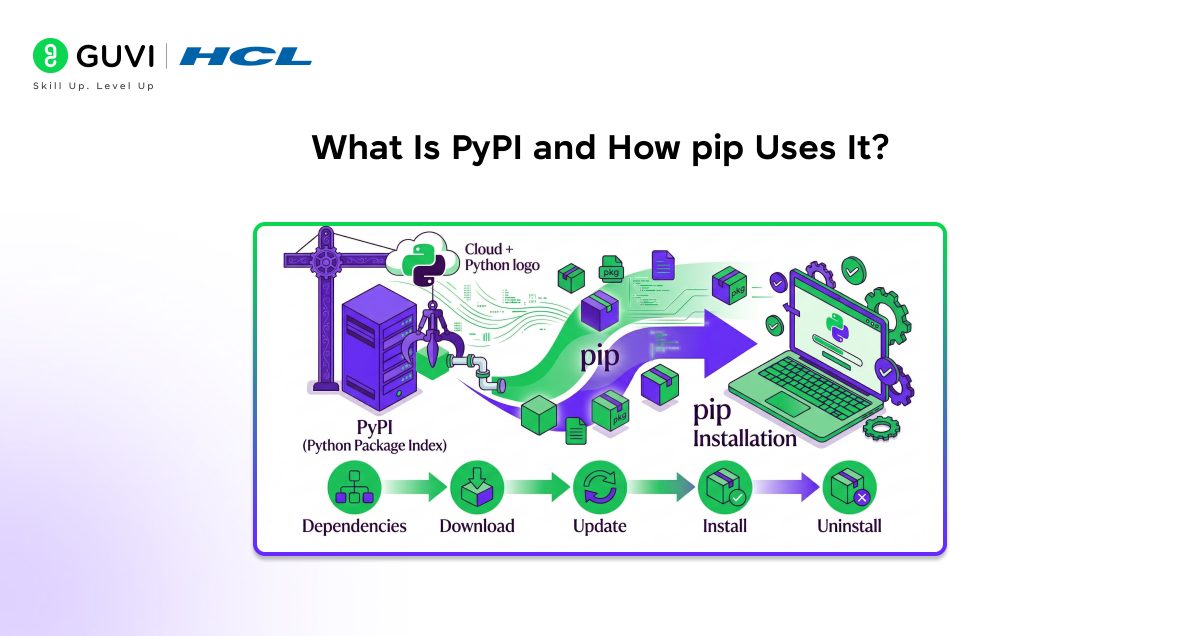
The Python Package Index is the central repository that hosts Python packages distributed by developers and organizations. It provides standardized metadata, versioning, and distribution formats for Python libraries.
pip’s interaction with PyPI
pip connects to PyPI to search for packages, retrieve compatible distributions, and download required dependencies. This interaction allows pip to install and manage third-party libraries efficiently within Python environments.
How does pip work in Python?
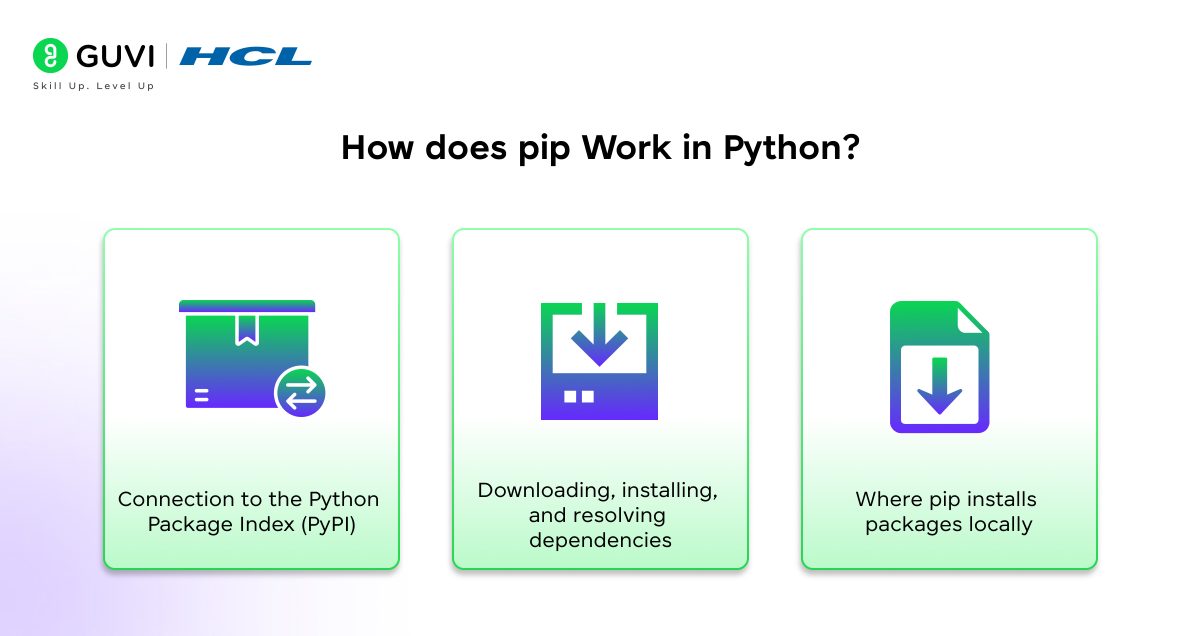
pip functions as the package management layer that connects Python environments with external libraries required by applications. It operates through a defined workflow that retrieves packages, resolves dependencies, and installs them into the appropriate runtime locations.
1. Connection to the Python Package Index (PyPI)
pip communicates with the Python Package Index, which acts as the primary repository for Python packages. When a package is requested, pip queries PyPI to locate available distributions and compatible versions based on the active Python interpreter. Package metadata retrieved from PyPI defines version constraints, dependencies, and supported platforms, which guide pip during installation.
2. Downloading, installing, and resolving dependencies
pip downloads source distributions or prebuilt wheel files based on compatibility with the target environment. Dependency resolution occurs by evaluating declared package requirements and selecting versions that satisfy all constraints. After resolution, pip installs the required packages in dependency order to maintain runtime integrity.
3. Where pip installs packages locally
pip installs packages into the site-packages directory associated with the active Python environment. System-level installations place packages within the global Python directory, whereas virtual environments install packages inside project-specific directories. This structure allows Python to locate dependencies during execution while strengthening separation between environments.
How to Install pip in Python?
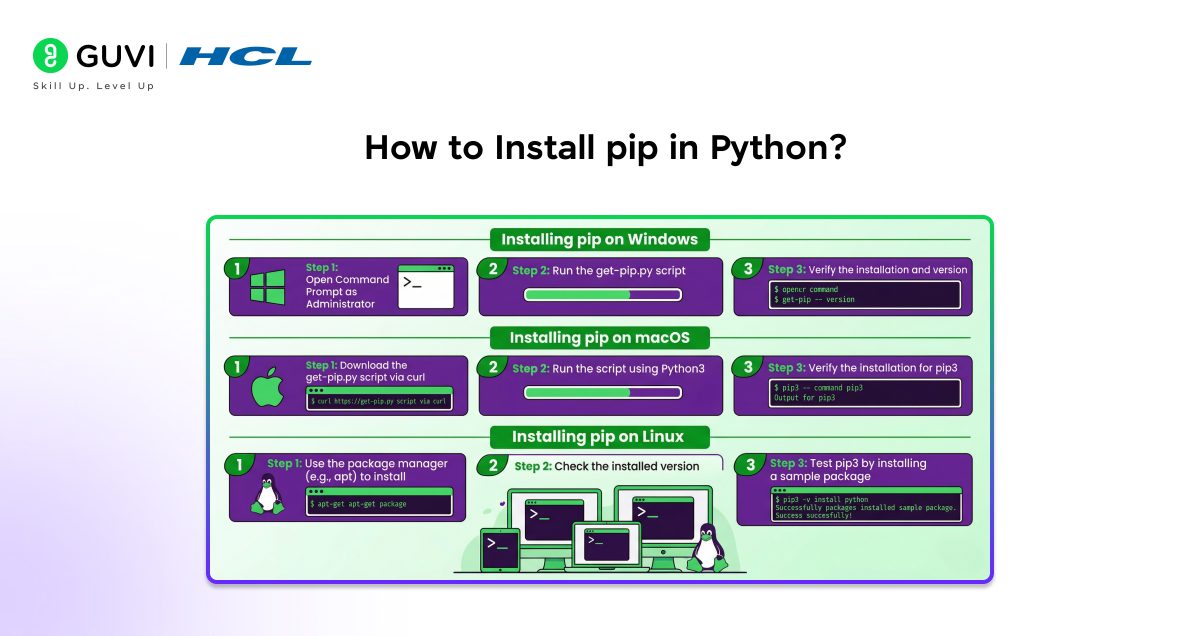
pip installation depends on the operating system and the Python distribution already present on the system. Modern Python releases usually bundle pip, although verification is recommended before manual installation.
Installing pip on Windows
Step 1: Download the official Python installer from python.org. Use the latest stable Python 3 release.
Step 2: Run the installer and enable PATH. Select the option Add Python to PATH before starting the installation, which allows pip to run from the command prompt.
Step 3: Complete the Python installation. pip installs automatically as part of the standard setup.
Step 4: Verify pip installation. Open Command Prompt and run pip –version to confirm availability.
Step 5: Install pip manually if missing. Download the official bootstrap script and execute it using the Python interpreter, which installs pip into the Python scripts directory.
Installing pip on macOS
Step 1: Install Python using the official installer or Homebrew. Python installations from python.org and Homebrew include pip by default.
Step 2: Verify pip availability. Open Terminal and run pip3 –version to confirm installation.
Step 3: Install pip for system Python if required.
Systems using the preinstalled macOS Python may require running the official bootstrap script with the Python interpreter to add pip.
Step 4: Confirm PATH alignment. Ensure the Python and pip binaries point to the same installation to avoid version mismatches.
Step 1: Check existing Python installation. Most modern Linux distributions bundle pip with Python 3.
Step 2: Install pip using the distribution package manager. Package managers install pip system-wide and integrate it with the system Python installation.
Step 3: Install pip using the bootstrap script if unavailable. Running the official bootstrap script installs pip directly into the selected Python environment.
Step 4: Verify installation. Execute pip3 –version to confirm pip installation and interpreter linkage.
Step 5: Use virtual environments for projects. Virtual environments prevent conflicts with system-managed Python packages and keep dependencies isolated.
How to Check If pip Is Installed?
- Verifying pip installation using the command line
pip installation is verified by running the pip version command in the terminal or command prompt. The command confirms both the presence of pip and its association with the active Python interpreter. Systems with multiple Python versions may require checking pip3 explicitly to confirm Python 3 alignment.
- Common outputs and what they mean
A version output displays the pip version number, the linked Python version, and the installation path. It confirms successful installation. Command not found errors indicate a missing PATH configuration or an absent pip installation. Version mismatches between pip and Python reveal multiple Python installations or incorrect environment activation.
Common pip Commands You Should Know
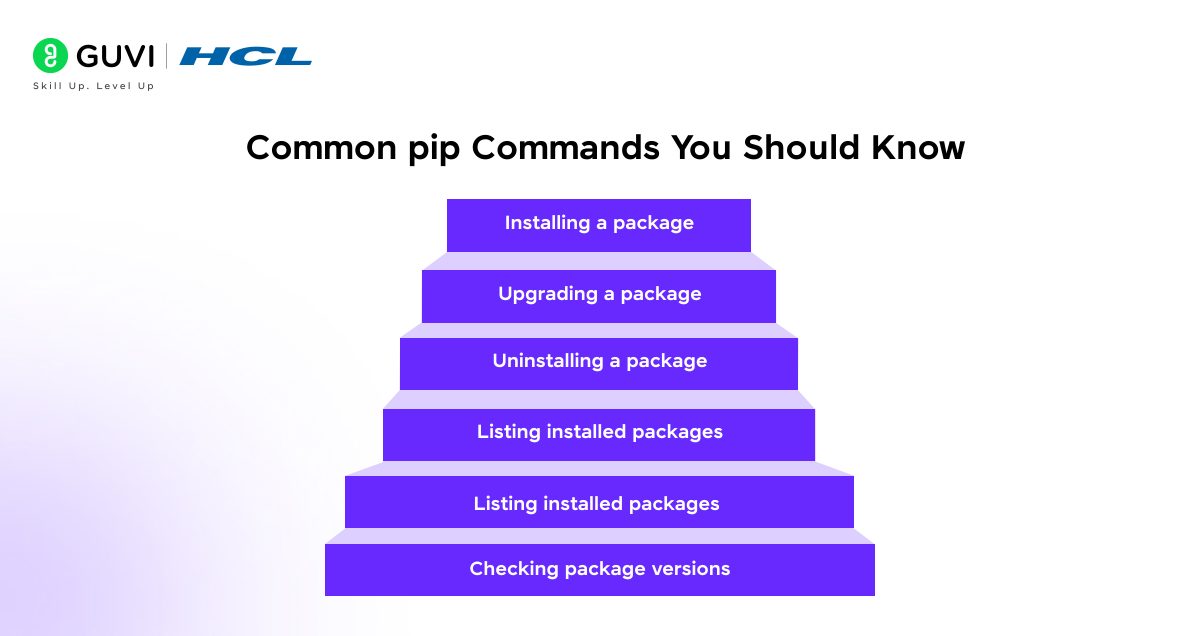
- Installing a package: The pip install <package_name> command downloads the specified package from the Python Package Index or a configured repository and installs it into the active Python environment. It makes the package immediately available for import and execution within the project.
- Upgrading a package: The pip install –upgrade <package_name> command replaces an existing package version with a newer compatible release. This command helps align the environment with updated features, bug fixes, and security patches while preserving dependency resolution rules.
- Uninstalling a package: The pip uninstall <package_name> command removes the selected package and its associated files from the environment. It helps eliminate unused dependencies and reduces the risk of version conflicts within the runtime.
- Listing installed packages: The pip list command displays all packages currently installed in the active environment along with their versions, which provides visibility into the dependency state of the project.
- Checking package versions: The pip show <package_name> command outputs detailed metadata such as the installed version, dependency requirements, installation location, and package summary. This pip command help verify compatibility and troubleshoot dependency issues.
Want to understand Python concepts beyond pip and package installation? Explore HCL GUVI’s Python Hub to strengthen your Python fundamentals, learn how tools like pip fit into real workflows, and build confidence in writing clean, reliable Python code.

pip vs Conda vs Other Package Managers
pip vs conda
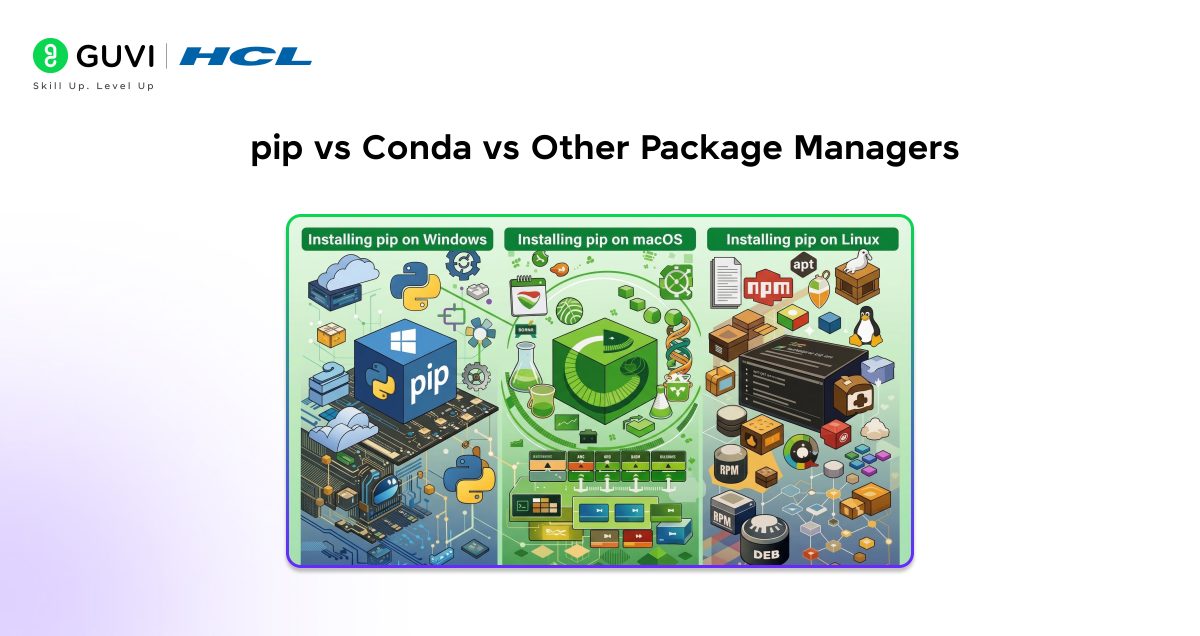
pip focuses on Python packages sourced mainly from the Python Package Index and installs them within Python environments, whereas conda manages both Python and non-Python dependencies such as system libraries and compiled binaries. conda environments bundle the interpreter and native dependencies together, which reduces binary compatibility issues that pip may encounter on data science or scientific workloads.
When to use pip
pip suits application development, automation scripts, web services, and libraries where dependencies are primarily Python-based and align with PyPI distributions. pip also fits projects that rely on virtual environments and require lightweight dependency management integrated with standard Python tooling.
When pip may be less suitable?
pip may be less suitable for workflows that depend heavily on compiled system libraries, GPU toolchains, or cross-language dependencies. Complex scientific stacks and platform-specific binaries often benefit from conda’s precompiled packages and environment isolation model.
pip vs Conda vs Other Package Managers: A Comparison
| Factor | pip | Conda | Other Package Managers (Poetry, Pipenv) |
| Primary role | Python package installer | Cross-language package and environment manager | Dependency and environment management for Python |
| Scope of packages | Python-only packages | Python and non-Python system libraries | Python-only packages |
| Default availability | Included with modern Python installations | Requires separate installation | Requires separate installation |
| Package source | Python Package Index and custom repositories | Conda channels with curated binaries | Python Package Index |
| Dependency resolution | Resolves declared Python dependencies | Resolves Python and system-level dependencies | Advanced resolution with lock files |
| Environment management | Relies on virtual environments | Built-in environment management | Built-in environment management |
| Binary dependency handling | Limited support for native libraries | Strong support through precompiled binaries | Limited to Python-level dependencies |
| Installation speed | Moderate, depends on network and builds | Faster for complex stacks due to binaries | Moderate, with added resolution overhead |
| Reproducibility | Achieved through requirements files | Achieved through environment files | Strong reproducibility via lock files |
| Best suited for | Web apps, scripts, automation, libraries | Data science, ML, scientific computing | Application development with strict dependency control |
| Learning curve | Low | Moderate | Moderate |
| Ecosystem maturity | Core Python tooling standard | Popular in scientific ecosystems | Growing adoption in modern workflows |
| Limitations | Limited system dependency control | A heavier footprint and a slower environment solve |
Common pip Errors and How to Fix Them
- Permission denied errors: Permission denied errors occur when pip attempts to write to system-level directories without sufficient privileges. The issue resolves by using virtual environments or user-level installs, which avoid system directory access.
- SSL and network issues: SSL and network issues arise from restrictive firewalls, outdated certificates, or proxy configurations. The problem is addressed by updating certificate bundles, configuring proxy settings, or switching to a trusted network source.
- Version conflicts: Version conflicts appear when installed packages require incompatible dependency versions. The issue is reduced through version pinning in requirements files and isolated virtual environments.
- Package build failures: Package build failures happen when native extensions require missing compilers or system headers. The fix involves installing required build tools or using precompiled wheels when available.
Limitations of pip
- Dependency resolution challenges: pip resolves dependencies based on declared package requirements. It can lead to conflicts when libraries specify overlapping but incompatible version ranges. Complex dependency graphs may require manual version pinning and environment isolation to achieve a stable installation state.
- Performance considerations: pip installs packages sequentially and relies on network availability and local build processes, which can slow down environment setup for large projects. Source-based installations and repeated downloads further increase installation time in constrained environments.
- Comparison with modern tooling: pip focuses on package installation rather than full environment management, which limits its ability to handle non-Python dependencies and binary compatibility. Modern tools such as conda and Poetry provide broader environment control, built-in dependency locking, and improved reproducibility for complex workflows.
Best Practices for Using pip
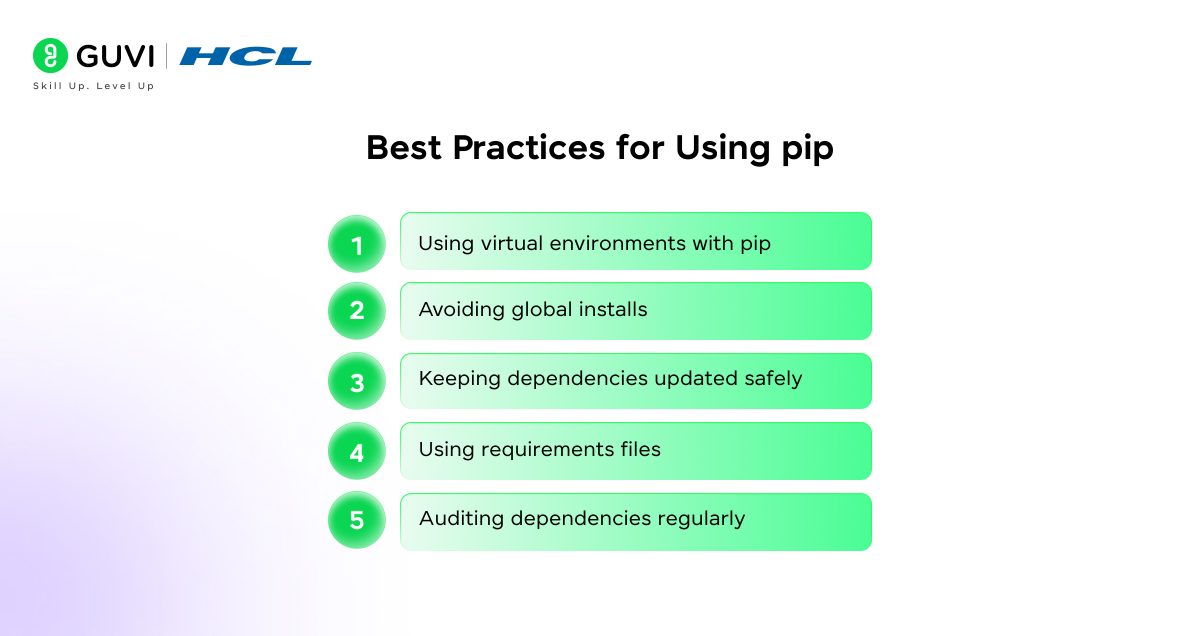
- Using virtual environments with pip: Virtual environments isolate dependencies per project, which prevents cross-project conflicts and keeps environments reproducible across systems.
- Avoiding global installs: Global installs increase the risk of dependency clashes and permission errors. Project-scoped environments provide better control and stability.
- Keeping dependencies updated safely: Safe updates rely on controlled upgrades with version constraints and staged testing rather than unrestricted package upgrades.
- Using requirements files: Requirements files document exact dependency versions, which supports consistent installations across development, testing, and production systems.
- Auditing dependencies regularly: Regular audits help identify outdated or vulnerable packages and maintain long-term dependency health.
Ready to move beyond installing packages and start building real Python projects confidently? Learn Python the right way with HCL GUVI’s Python course, master core concepts, dependency management, and practical workflows through structured, beginner-friendly learning.
Future of pip in the Python Ecosystem
pip continues to advance through improved dependency resolution, faster installation performance, and stronger standards compliance across packaging workflows. Ongoing enhancements focus on more reliable conflict detection, better support for modern Python packaging standards, and closer alignment with virtual environment tooling. Security improvements such as stronger hash verification and metadata validation further strengthen trust in package installations, while ecosystem coordination ensures pip remains the central package manager for Python-based projects across platforms and use cases.
Conclusion
pip plays a central role in Python development by providing a reliable way to install, manage, and control external libraries across projects. It simplifies dependency handling, supports reproducible environments, and integrates closely with virtual environments and standard Python tooling. Whether building web applications, data workflows, automation scripts, or reusable libraries, pip helps maintain consistency and stability from development to production. A solid understanding of pip allows developers to write cleaner code, manage dependencies confidently, and scale Python projects with fewer surprises.
FAQs
Is pip Safe to Use?
pip is safe when packages are installed from trusted sources such as the Python Package Index and reputable repositories. Security issues usually arise from unverified packages, outdated versions, or unmanaged dependencies, which makes version pinning and virtual environments important for safe usage.
Is pip Included With Python?
pip is included with most modern Python versions starting from Python 3.4 and is available immediately after installation on Windows, macOS, and many Linux distributions.
What Is the Difference Between pip and pip3?
pip points to the system’s default Python interpreter, whereas pip3 explicitly installs packages for Python 3, which avoids ambiguity on systems with multiple Python versions.
Can pip Install Multiple Packages at Once?
pip can install multiple packages in a single command or through a requirements file, which helps set up consistent environments across systems.
Where Does pip Install Packages?
pip installs packages into the site-packages directory of the active Python environment, which may be system-wide or isolated within a virtual environment depending on configuration.
What Are Requirements Files in pip?
A requirements file in pip is a plain text file, commonly named requirements.txt, that defines the Python packages and exact version constraints required for a project to function
Success Stories

About the Author
Vaishali
I'm a seasoned writer with four years of experience across technical, non-technical, and just about every genre or niche you can imagine. Adaptable and curious, I enjoy exploring new topics and making information engaging and easy to understand. Fueled by a steady stream of tea, I approach each project with creativity, reliability, and genuine enthusiasm for storytelling.
View all posts by Vaishali
Connect with me @












Did you enjoy this article?